How to Make a Video From Pictures and a Song for Free (2026)

There are two kinds of “video from pictures.” One is a slideshow: photos in sequence, timed to a song. The other is animation: a still photo that moves, dances, or sings. Free tools exist for both, and some do a little of each.
This guide covers six free options, using each tool's own pages and help centers as of October 19, 2026.
Freebeat animates a still photo into a moving clip, or makes it sing your song, with 500 free credits to start. Try Freebeat Image to Video →
What We Looked For
- Slideshow or animation: sequencing photos or making one move
- Your own song: can you add your music, not just stock tracks?
- Watermark and resolution on the free plan
- Platforms: phone, desktop, or browser
- Use rights for built-in music
At a Glance
| Tool | Best for | Your own song | Free plan |
|---|---|---|---|
| Freebeat | Animating a photo, or making it sing | Yes | 500 free credits |
| Google Photos | Highlight videos from many photos | Yes (My music) or theme music | Free; theme music is personal-use only |
| Clipchamp | Free slideshows in the browser or on Windows | Yes | 1080p, no watermark |
| Canva | Designed slideshows | Yes | No watermark if every element is free |
| CapCut | Cutting photos to the beat on a phone | Yes | Free tier; watermark rules vary by template |
| Adobe Express | Quick social slideshows | Yes | Free; watermark only with premium content |
Where Freebeat Fits: Step-by-Step
Freebeat is the pick when you want the pictures themselves to move. Its Image to Video tool animates any still image with full motion and camera control, outputs up to 4K, and draws on 40+ AI models. Photo Karaoke goes a step further and makes a person, pet, or artwork in the photo sing your song with phoneme-level lip sync.
Step-by-step: turn a photo and a song into a video with Freebeat
- Open Image to Video to animate a photo, or Photo Karaoke to make it sing.
- Upload your photo (for Photo Karaoke: JPG, PNG, or WebP under 30MB).
- Add your song with Add Music.
- Choose the motion, camera, or stage settings, then generate.
- Download the clip; paid plans export it watermark-free.
For a slideshow of many photos, generate a few animated clips in Freebeat and drop them between still photos in a free editor such as Clipchamp or CapCut.
Freebeat reference: https://freebeat.ai/image-to-video
Detailed Picks
1Freebeat

Photos that move, dance, or sing
Freebeat animates a still image with motion and camera control up to 4K, and Photo Karaoke makes the photo sing your song.
How it fits the workflowUpload the photo, add the song, pick a mode, and generate.
Watch forStart with 500 free credits to try styles on your own song, then export full-length, watermark-free videos on a paid plan.
2Google Photos
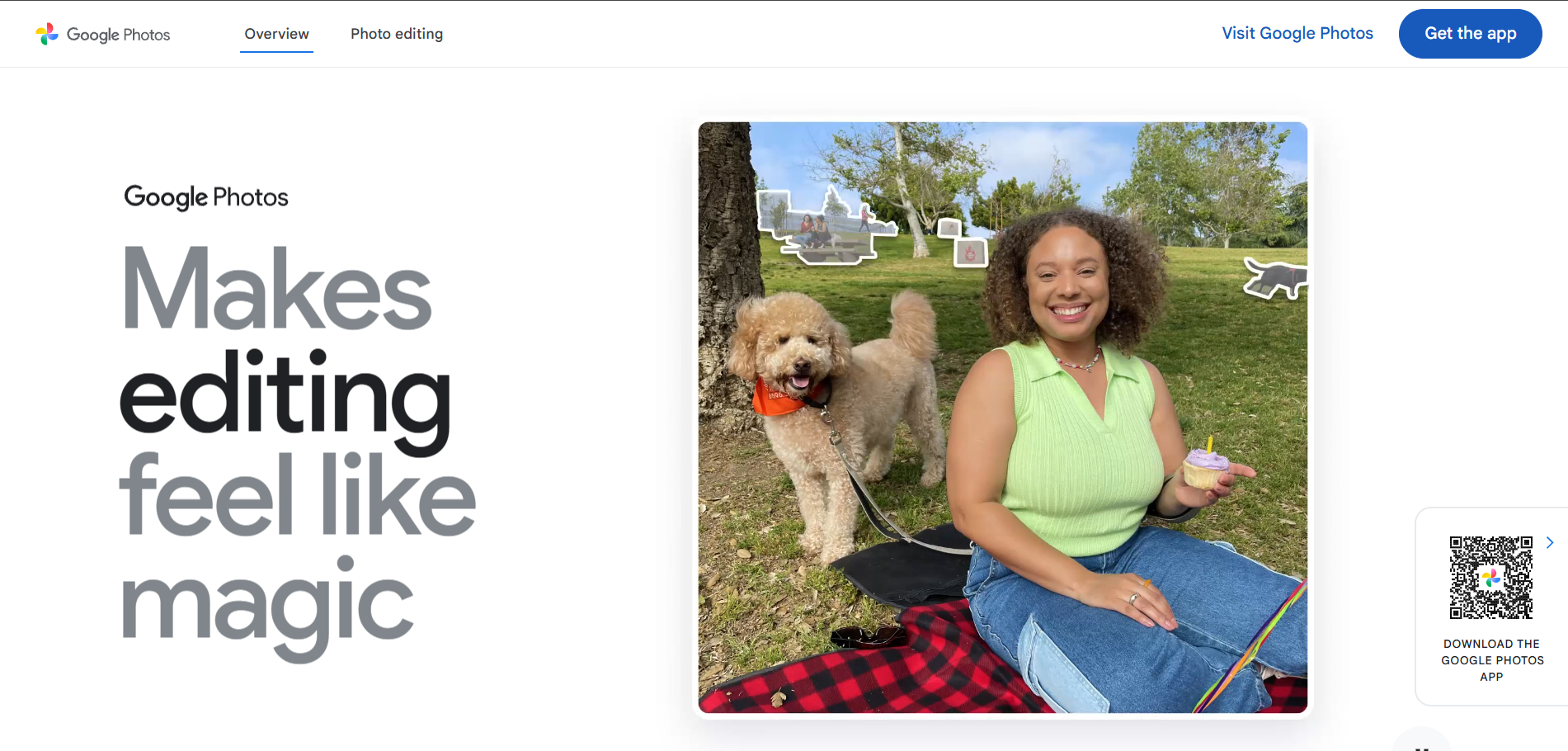
A free highlight video from your camera roll
Google Photos builds a Highlight video from several photos, and you can add music from your own library (My music) or its built-in theme music. Google's help says the built-in music is licensed for personal, non-commercial use.
How it fits the workflowOpen Create, choose Highlight video, pick your photos, then tap Edit and add music.
Watch forIt can't add music to a single still photo; you need several photos.
3Clipchamp
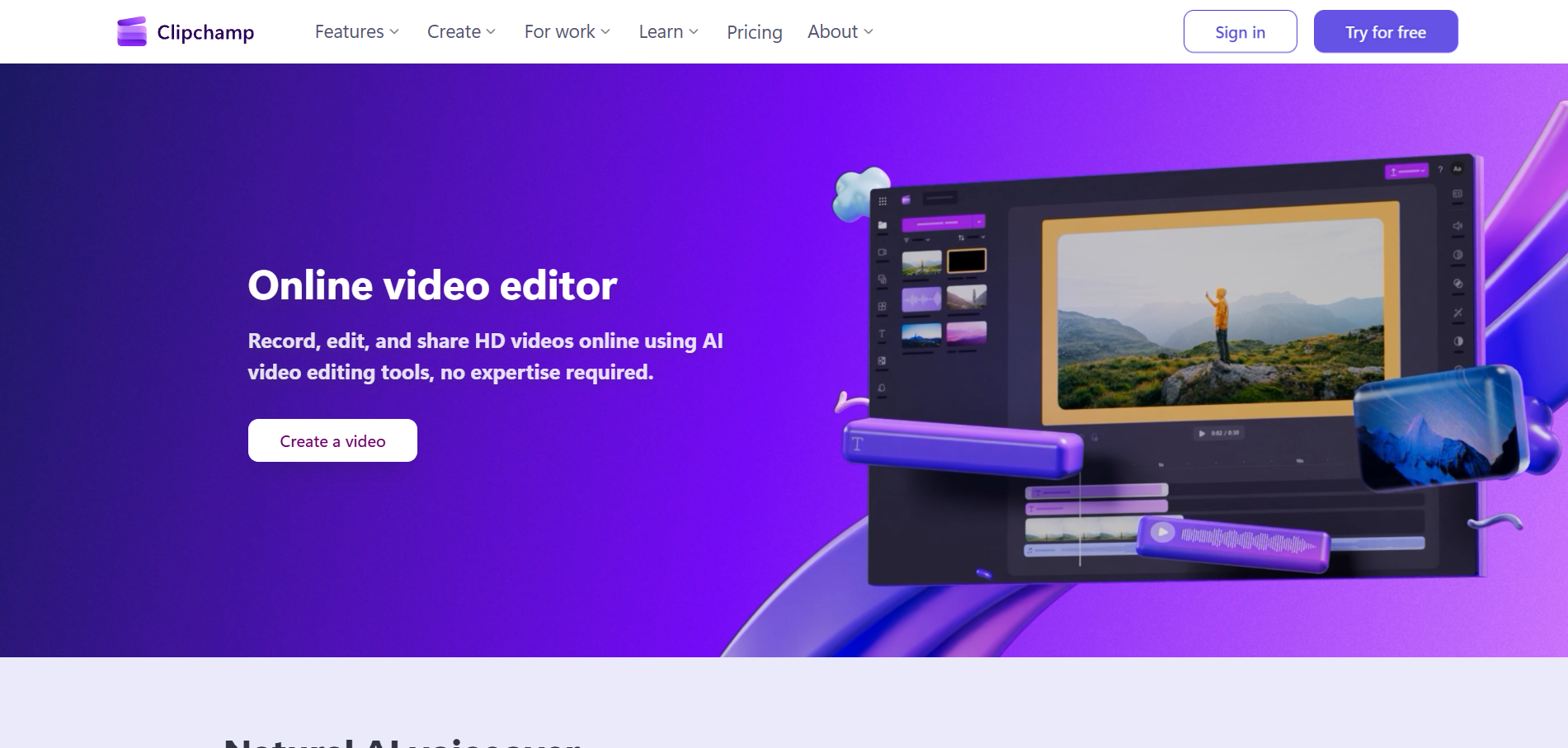
Free 1080p slideshows with no watermark
Clipchamp's free plan exports up to 1080p with no watermark, in the browser or the Windows app, and includes slideshow templates.
How it fits the workflowStart from a slideshow template, add your photos and song, and export.
Watch for4K export is a Premium feature.
4Canva
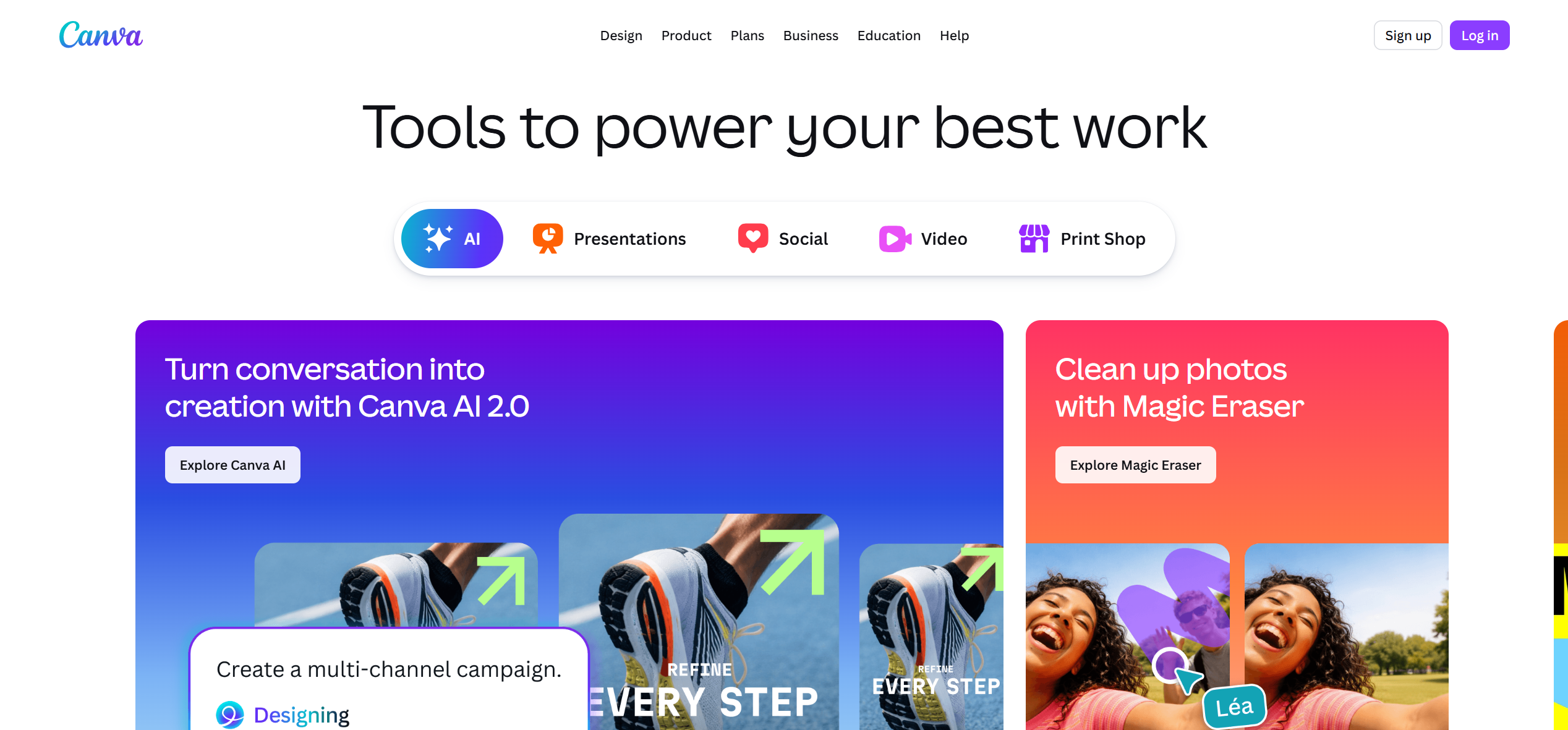
Designed slideshows that match your brand
Canva's help pages say free accounts export without a watermark when every element is free.
How it fits the workflowLay out your photos on a video design, add the song, time each slide, and export.
Watch forAny premium element adds a watermark.
5CapCut

Photos cut to the beat on a phone
CapCut's Auto Cut on mobile cuts your clips to the beat of a song you choose, and the app runs on iOS, Android, desktop, and the web.
How it fits the workflowImport your photos and clips, pick the song, run Auto Cut, and adjust the timing.
Watch forWatermark rules depend on the templates and effects you use.
6Adobe Express
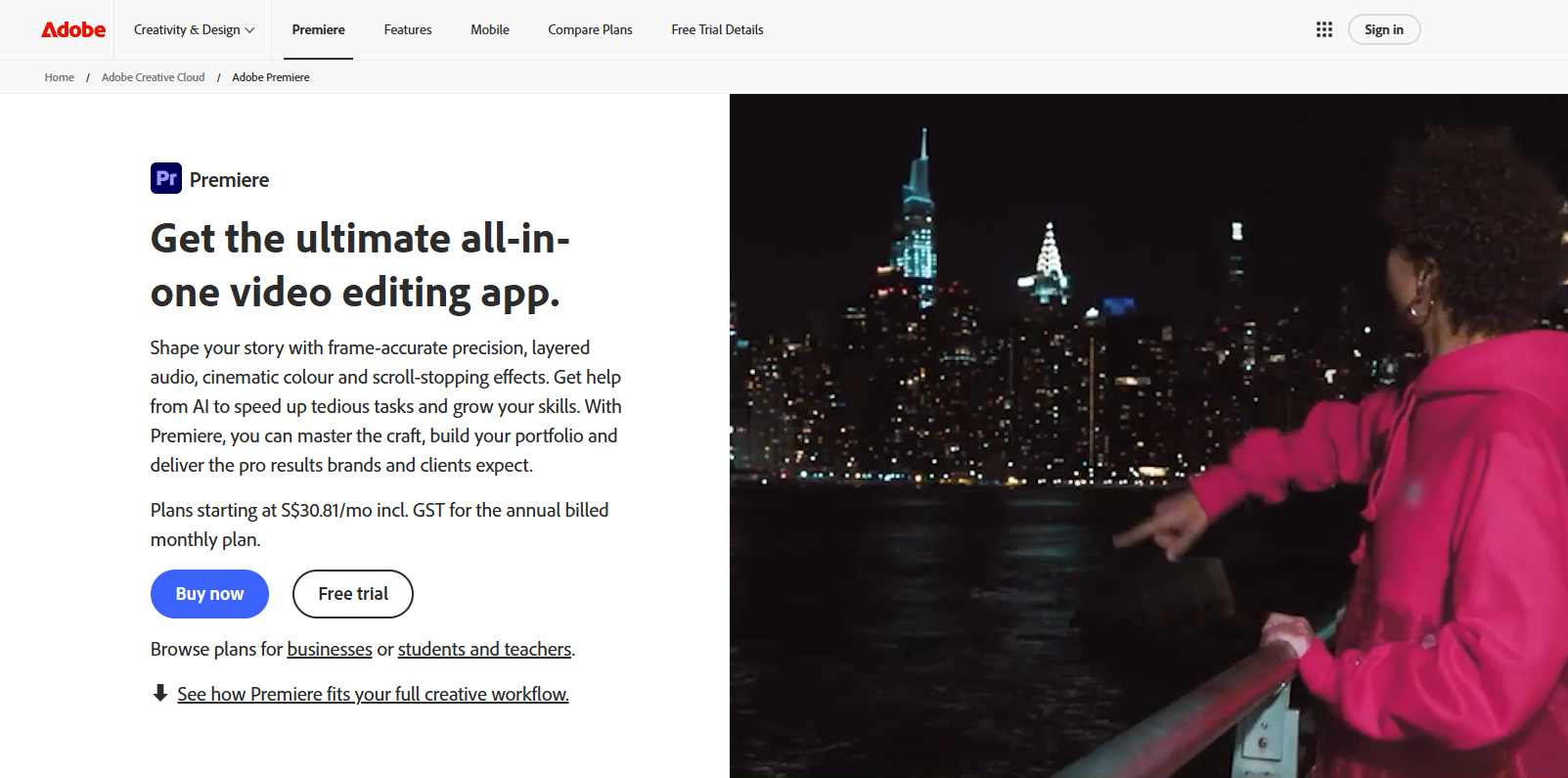
Quick slideshows for social posts
Adobe Express has a free plan; its pricing page lists free videos of up to 30 minutes and shows a watermark only when premium content is used.
How it fits the workflowPick a slideshow template, add photos and the song, and export.
Watch forPremium templates and stock trigger the watermark.
How to Choose the Right Option
If you want your pictures to move or sing, start with Freebeat. For a free slideshow, use Google Photos (from your camera roll), Clipchamp (1080p, no watermark), Canva (designed layouts), CapCut (cut to the beat), or Adobe Express (quick social posts). Mixing both, animated clips plus stills, often looks best.
Animate a photo, or make it sing your song, with 500 free credits. Start with Freebeat →
Frequently Asked Questions
How to make video from pictures with songs for free?
Use Freebeat's free credits to animate a photo or make it sing your song, or build a slideshow for free in Google Photos, Clipchamp, Canva, CapCut, or Adobe Express.
What is the best AI image to music video generator?
Freebeat, which animates a still image with motion and camera control and can turn a photo into a singing performance synced to your song.
Can Google Photos add my own song to a video?
Yes. In a Highlight video, tap Edit, then add music from My music or choose built-in theme music.
Which free option has no watermark?
Clipchamp exports 1080p with no watermark on its free plan, and Canva and Adobe Express are watermark-free when you use only free elements.
Can I use the built-in music commercially?
Usually not. Google says its built-in theme music is for personal, non-commercial use, so use your own song for anything public.


