Best AI Singing Voice Generators in 2026: Vocal Synths for Original Songs and Characters

A singing character needs two things: a voice that sings the melody you want, and visuals that sing it back. Vocal synths give you note-by-note control over the voice; song generators give you a finished track fast but less control over the line.
We compared five tools using their own pages and help centers as of October 19, 2026.
Freebeat's Music Edit turns your melody and lyrics into a vocal on Mac, and Freebeat's Photo Karaoke makes a character sing it. Explore Freebeat Music Edit →
What We Looked For
- Control: can you set the exact melody and lyrics, note by note?
- Voices: built-in voices, cloning, and character styles
- Output: downloads, stems, and DAW workflow
- Rights: commercial use of the vocals
- Price model: subscription, rent-to-own, or one-time
At a Glance
| Tool | How you make the vocal | Notable features | Price notes |
|---|---|---|---|
| Freebeat Music Edit | Draw the melody, write the lyric, generate | AI instruments, stem splitter, audio-to-MIDI, DAW Connect | Mac desktop app |
| ACE Studio | MIDI and lyrics into expressive vocals | 160+ royalty-free voices, voice cloning, stem splitter | Artist from $16.58/month (rent-to-own) |
| Synthesizer V Studio 2 Pro | Enter notes and lyrics, pick a voice | Customizable expressions; voice databases sold separately | About $99 one-time; voices from about $79 |
| Suno | Prompt a full song with vocals | WAV and up to 12 stems on Pro and Premier | Commercial rights for songs made while subscribed |
| Udio | Prompt a full song with vocals | Downloads of audio, video, and stems are disabled | Free accounts get 10 daily credits |
Where Freebeat Fits for Singing Voices
Freebeat's Music Edit is a Mac app for writing vocals, generating instruments, splitting stems, and scoring video without leaving the session. Its Vocal Synth works the way a songwriter thinks: draw the melody, write the lyric, and generate the vocal. AI Instruments turn MIDI into natural performances, Audio to MIDI converts recordings into editable notes, and DAW Connect keeps you locked to the project tempo.
The difference from a standalone vocal synth is what comes next. Once the vocal exists, Freebeat's Photo Karaoke can make a photo of your character sing it with phoneme-level lip sync in 50+ languages, and its music video generator can build the full video around the song.
- Vocal Synth: melody plus lyric in, vocal out.
- AI Instruments, stem splitter, and audio-to-MIDI in one app.
- DAW Connect to stay on your project tempo.
- From voice to video: Photo Karaoke and full music videos.
Freebeat reference: https://freebeat.ai/music-edit
Detailed Picks
1Freebeat Music Edit

Writing a character's vocal and turning it into a video
Freebeat's Vocal Synth generates a vocal from the melody and lyric you write, inside a Mac app with instruments, stems, and DAW Connect.
How it fits the workflowDraw the melody, type the lyric, generate the vocal, then animate the singer with Photo Karaoke.
Watch forMusic Edit is a Mac desktop app; the video tools also run in the browser and on iOS and Android.
2ACE Studio
Producers who want many voices and cloning
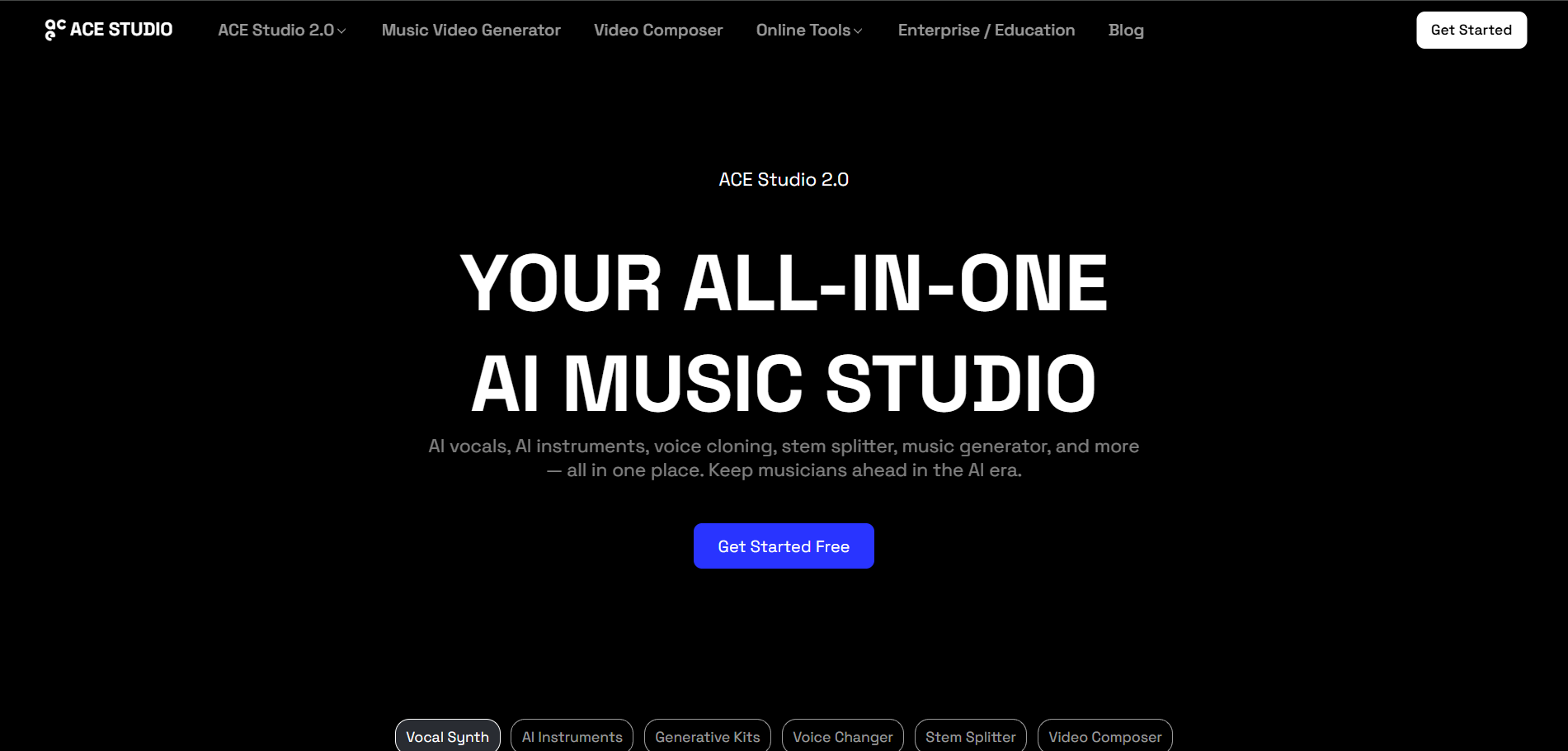
ACE Studio calls itself an AI music workspace for producers and turns MIDI and lyrics into expressive vocals. Its Artist plan (rent for two years, keep access forever) is listed from $16.58 a month and includes 160+ royalty-free voices, 40+ AI instruments, and a voice-cloning slot.
How it fits the workflowImport or draw MIDI, add lyrics, choose a voice, and render the vocal.
Watch forIts pricing page lists a refund window of seven days after payment rather than a general free trial.
3Synthesizer V Studio 2 Pro
Fine-grained control over every note
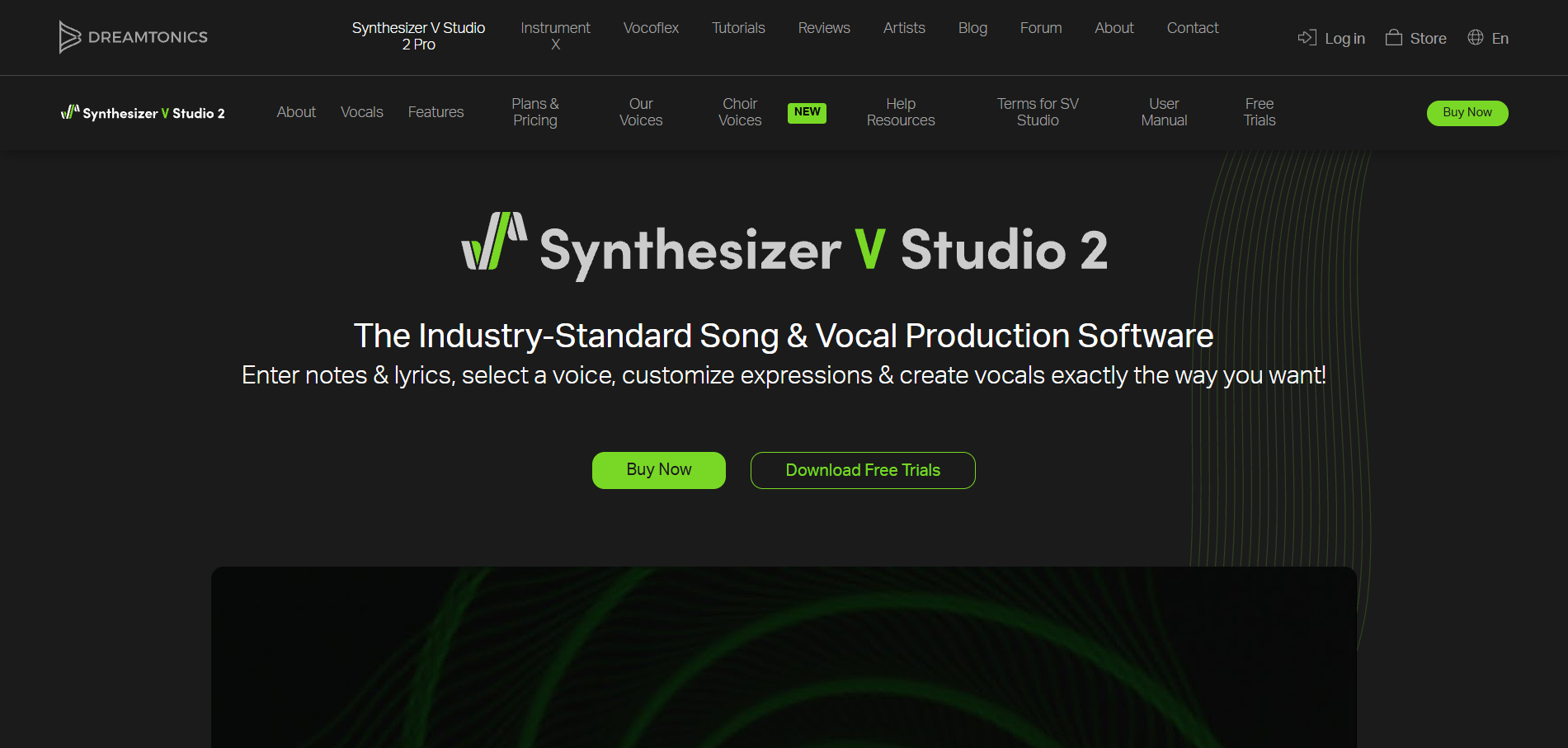
Dreamtonics describes Synthesizer V Studio 2 Pro as song and vocal production software: enter notes and lyrics, select a voice, and customize expressions. Its store lists the Pro license at about $99 one-time, with most voice databases around $79, and free trials are available.
How it fits the workflowEnter the melody and lyrics, pick a voice database, and shape the expression.
Watch forAdditional voices are separate purchases.
4Suno
A finished song with vocals from a prompt
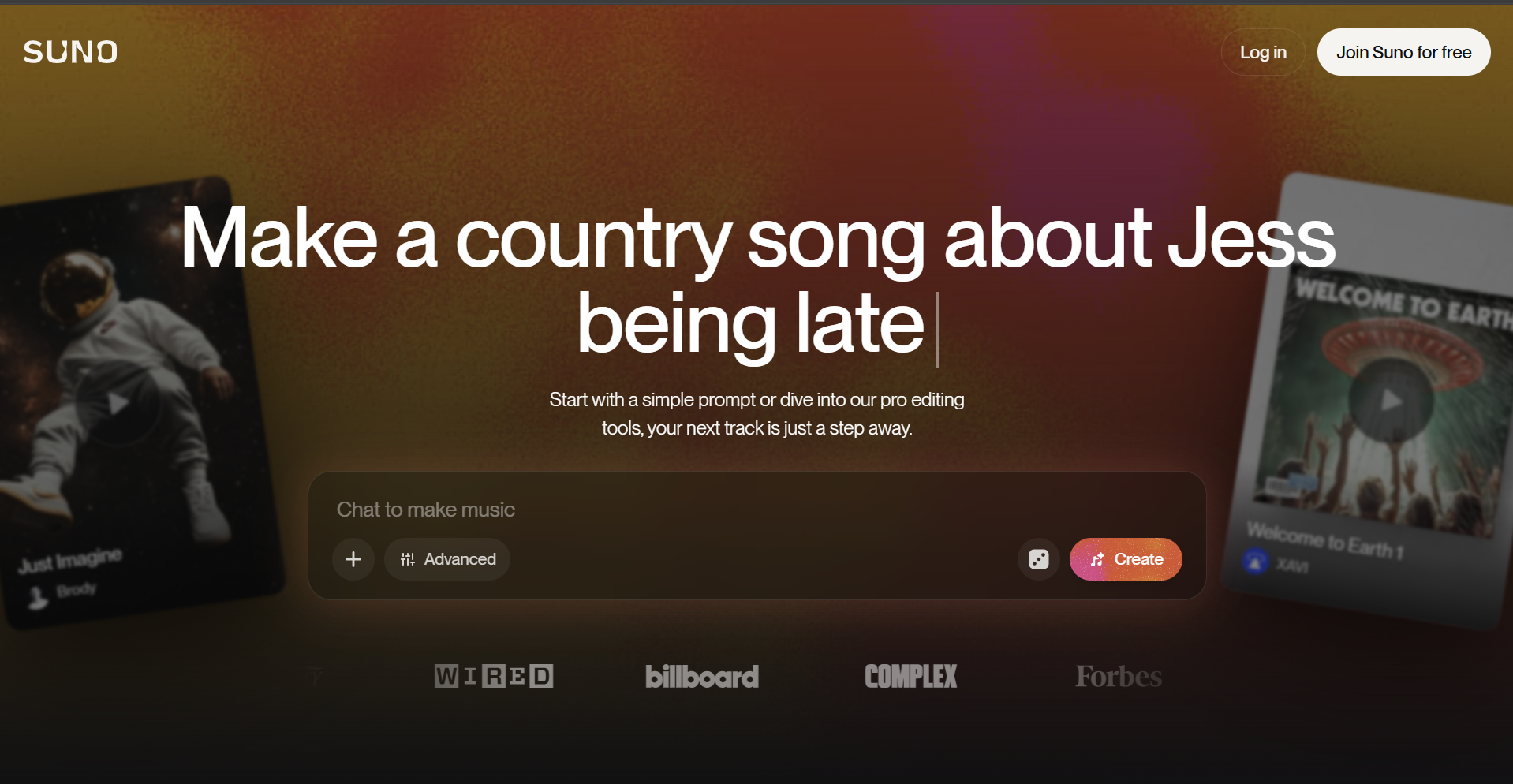
Suno generates full songs with vocals. WAV downloads and Get Stems (up to 12 stems) are available on Pro and Premier, and Suno's help center says only songs made while subscribed carry commercial use rights.
How it fits the workflowPrompt the song, download WAV or stems on a paid plan, and use the vocal stem in your video.
Watch forYou direct the song with prompts rather than note by note.
5Udio
Exploring song ideas inside Udio
Udio generates songs with vocals. Its help center says downloads of audio, video, and stems are disabled following its partnership with Universal Music Group; free accounts get 10 daily credits.
How it fits the workflowGenerate and listen within Udio.
Watch forWith downloads disabled, you can't take the vocal into another tool.
How to Choose the Right Option
If you want to write the exact vocal and turn it into a video, use Freebeat Music Edit. For a large voice library and cloning, use ACE Studio; for note-level expression with a one-time license, Synthesizer V; for a whole song from a prompt, Suno. Udio is for listening inside Udio while downloads stay disabled.
Write the vocal in Music Edit, then make your character sing it on video. Start with Freebeat →
Frequently Asked Questions
What is the most efficient AI for generating a character's singing?
Freebeat, because Music Edit's Vocal Synth generates the vocal from your melody and lyric and Freebeat's Photo Karaoke then makes the character sing it on video, all in one ecosystem.
What's the top AI software for generating a singing character?
Freebeat for vocal plus video, ACE Studio for a large voice library and cloning, and Synthesizer V Studio 2 Pro for note-level control.
Can I control the exact melody an AI sings?
Yes, with a vocal synth. Freebeat Music Edit, ACE Studio, and Synthesizer V all let you enter the melody and lyrics; song generators like Suno work from prompts instead.
Can I use AI vocals commercially?
It depends on the tool and plan. Suno grants commercial rights only for songs made on Pro or Premier, and ACE Studio describes its voices as royalty-free; check each voice's terms.
How do I make a character sing on video?
Generate or record the vocal, then use Freebeat's Photo Karaoke: upload the character image, add the song, pick a stage, and generate a lip-synced performance.


