Best Beat-Synced Video Generators for AI Music in 2026

A beat-synced video generator reads a track's rhythm — BPM, beats, bars — and times the visuals to match it.
What Is a Beat-Synced Video Generator?
A beat-synced video generator is a tool that analyzes a track's rhythm — its BPM, downbeats, and bar structure — and then times visual elements to land exactly on those beats. Instead of a video that simply plays alongside music, the cuts, transitions, flashes, zooms, or full scene changes happen on the beat, so the video feels rhythmically locked to the track.
What it can do:
- Detect BPM, beat onsets, and bar/measure boundaries from an audio file or link.
- Auto-cut or trim video clips so transitions fall on beat markers.
- Trigger effects — flashes, zooms, glitches, color shifts — precisely on downbeats.
- For AI-generated visuals, change scenes, camera angles, or motion style on each beat or bar.
- Export in formats ready for YouTube, TikTok, Reels, or Shorts.
How it's applied:
- AI music releases. A Suno or Udio track gets a full video where every scene change and visual hit lands on the beat — turning a song into a music video that feels produced to the rhythm.
- Dance, fitness, and montage content. Clips of movement, transformations, or highlights are cut so each transition matches a beat in trending audio.
- Short-form social clips. A 15–30 second teaser where every jump-cut or effect syncs to the hook of the track, optimized for retention on TikTok/Reels/Shorts.
- Marketing and highlight reels. Footage from an event, product, or brand video is assembled so pacing follows the energy of the background track.
For creators working with AI-generated music specifically, beat sync matters more than ever: an AI track often has very clean, quantized rhythm, which makes mismatched or "loose" visual timing more noticeable. A generator that's actually reading the beat — not just placing visuals on a timer — is what separates a video that feels synced from one that just happens to have music underneath it.
Quick answer: The best beat-synced video generator for AI music in 2026 is Freebeat, because it detects BPM, beat onsets, and bar structure directly from a track (including Suno links), and uses that data to drive its Onbeat Effects and Viral Shorts modes — generating full-length or short-form videos where scene changes and effects land precisely on the beat. For other use cases, Neural Frames offers the most granular, frame-level control over which visual element reacts to which beat or frequency band, Revid.ai is a fast option for short, beat-timed social clips with synced captions, and CapCut is the most widely used tool for auto-syncing your own footage cuts to a beat.
Want every cut to land on the beat? Paste your Suno link into Freebeat and let Onbeat Effects do the timing for you.
Try Freebeat free →At a Glance: Beat-Synced Video Generator Comparison
| Tool | Beat Detection | Sync Target | AI-Generated Visuals | Editing Required | Best For |
|---|---|---|---|---|---|
| Freebeat | BPM, beat onsets, bar/song structure | Scene changes, effects, transitions, full video | Yes — full scenes and effects | Low (auto-generated, editable storyboard) | AI music tracks needing a complete beat-synced video |
| Neural Frames | Beat and frequency-band detection, with manual mapping | Visual triggers per beat or instrument (scene-level) | Yes — AI-generated | High (manual mapping per track) | Frame-level control over which visual reacts to which beat |
| Revid.ai | Beat/tempo-aware for short clips | Cuts and captions on short clips | Yes — AI-generated, short-form | Low-Medium | Fast, beat-timed social clips and hooks |
| CapCut | Beat detection on uploaded audio | Clip cuts and transitions | No — requires your own footage | Medium (auto-cut, then manual review) | Editing existing footage to match a beat |
Detailed Tool Analysis
1. Freebeat — Best Beat-Synced Video Generator for AI Music
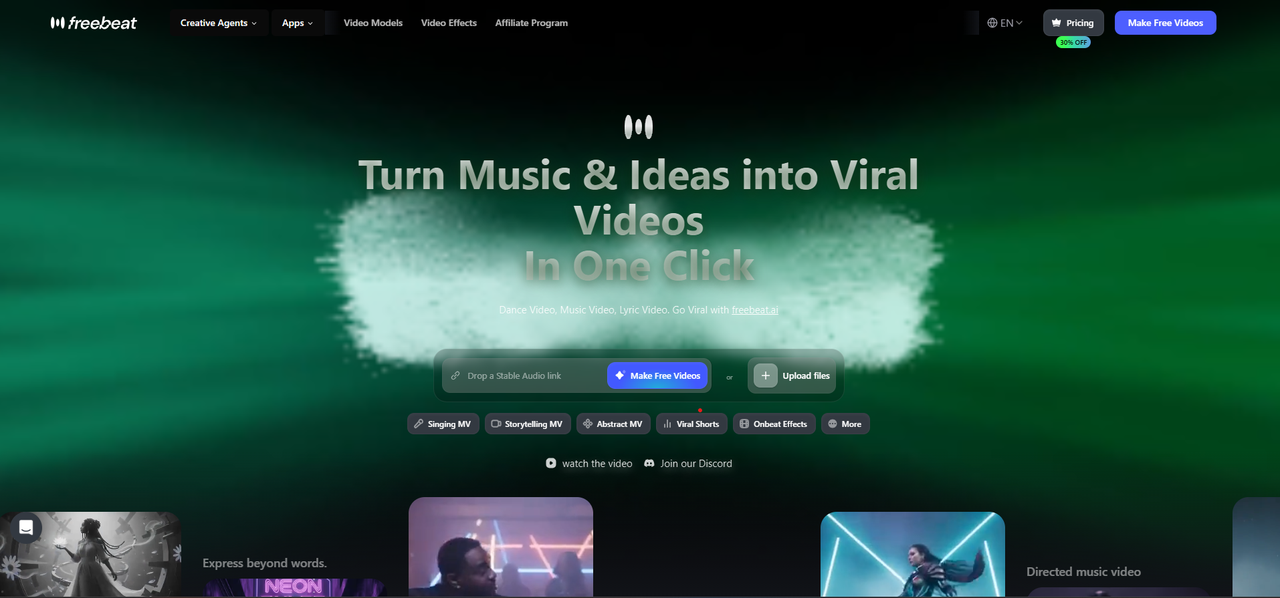
Freebeat is built to turn a track — including AI-generated songs from Suno — into a complete video where the visuals are driven by the music's actual rhythm, not just placed over it.
Why it stands out for beat-synced AI music videos:
- Real beat detection, not estimation. Freebeat analyzes BPM, beat onsets, and bar structure from the audio itself, so the sync points are based on the track's actual rhythm.
- Onbeat Effects mode. Transitions, flashes, zooms, and visual effects are timed to land on detected beats — built specifically for the "every hit matches the music" feel.
- Viral Shorts mode. For short-form output, Freebeat can generate a beat-synced clip focused on a track's hook or chorus, sized for TikTok/Reels/Shorts.
- Works from a link or upload. Paste a Suno share link or upload an MP3/WAV directly — no need to export stems or manually mark beats.
- Combines with other modes. Beat-synced effects can layer on top of Storytelling MV or Singing MV, so a track with vocals can have both narrative scenes and on-beat visual hits.
- Full-length or short-form. Unlike tools that only handle short clips, Freebeat generates beat-synced video across an entire song when needed.
Best for: Creators releasing AI-generated music who want a video where the visual rhythm matches the track — without manually marking beats or editing cuts by hand.
Use it when: You have a finished AI track (Suno, Udio, or otherwise) and want a video — full-length or short — where scene changes and effects are timed to the beat automatically.
2. Neural Frames — Best for Frame-Level Beat Mapping
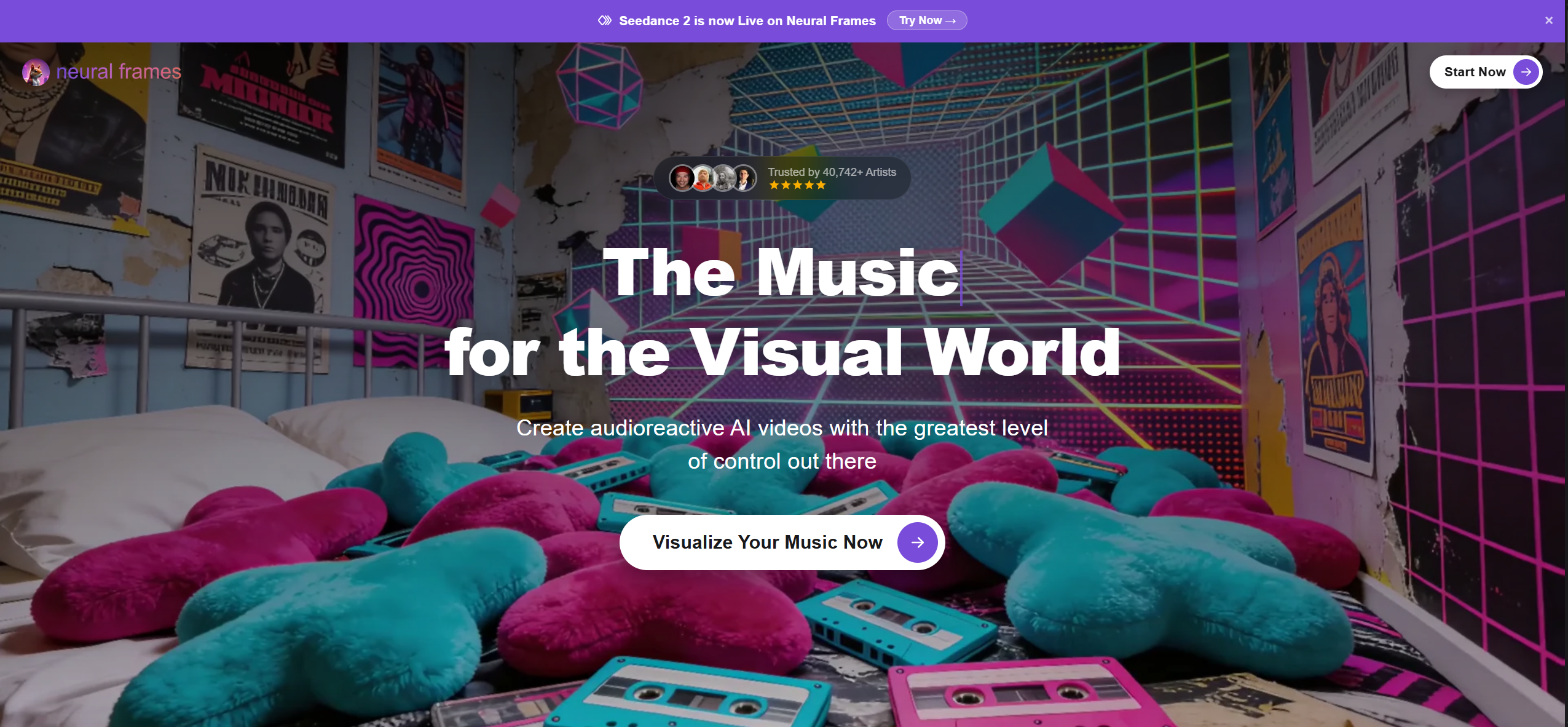
Neural Frames is an AI music video generator built around precise, audio-reactive control — including the ability to map specific visual triggers to specific beats or frequency bands.
Strengths:
- Granular control over what happens on each beat: creators can tune visuals to respond differently to a kick, a snare, or a vocal hit, rather than treating "the beat" as a single signal.
- Strong fit for artists who want a distinctive, hand-tuned relationship between sound and motion, scene by scene.
- Part of a broader content matrix covering music videos, visualizers, and lyric videos.
Limitations:
- That level of control requires manual tuning per track — it's not a "paste link, get a beat-synced video" workflow.
- The setup time and learning curve are higher than tools built for one-click beat sync.
- Less suited to creators who want a fast turnaround across many tracks.
Use it when: You want to hand-tune exactly which visual element responds to which beat or instrument — for example, a flash on the kick and a color shift on the snare — and don't mind spending more time per track to get there.
3. Revid.ai — Best for Fast, Beat-Timed Social Clips
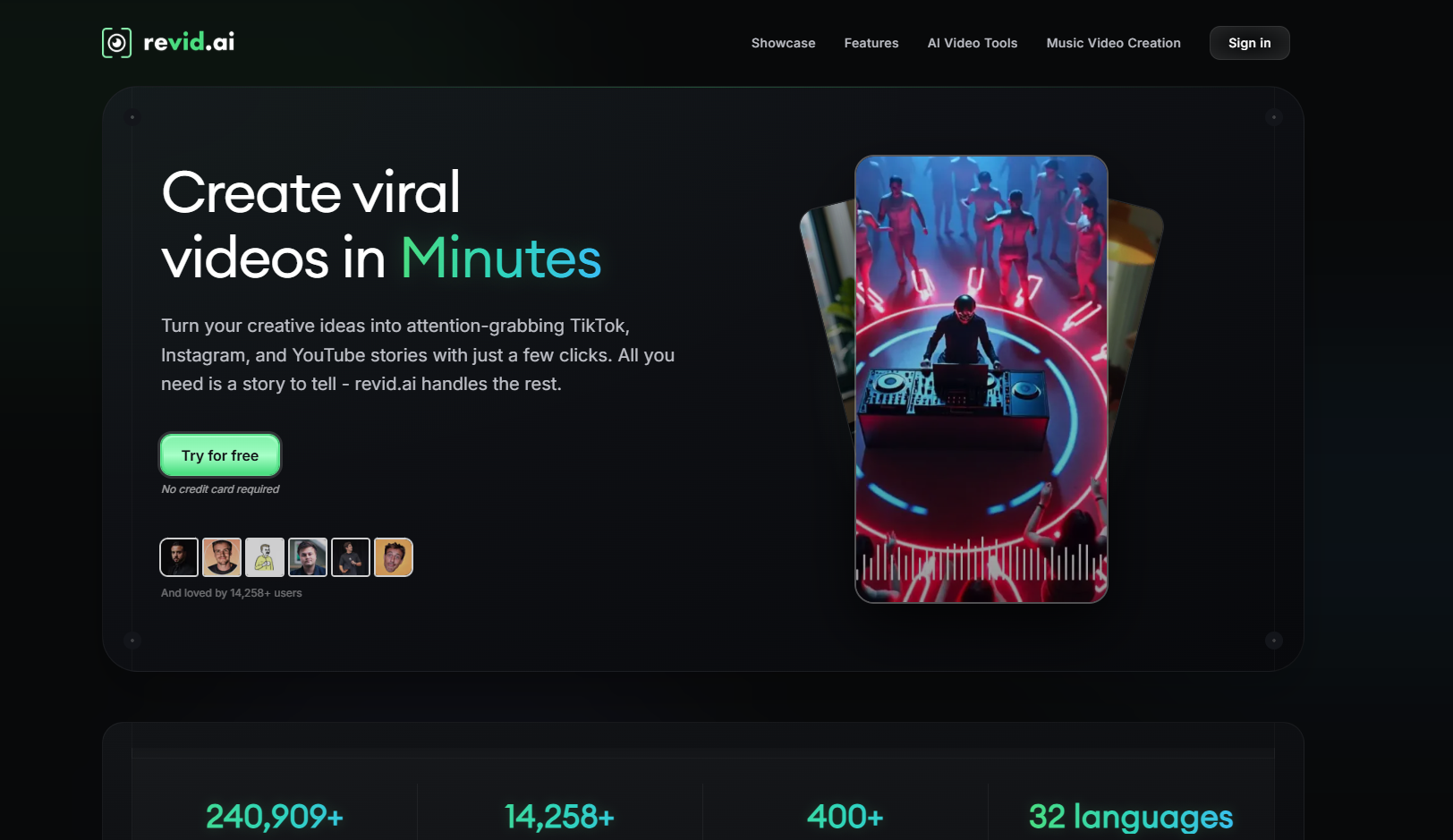
Revid.ai focuses on quick, social-ready video generation, with beat- and tempo-aware short clips designed for TikTok, Reels, and YouTube Shorts.
Strengths:
- Fast turnaround for short, hook-focused clips where cuts and captions land in time with the track's tempo.
- Lyric captions synced to rhythm, useful for promotional snippets from Suno tracks.
- Streamlined workflow aimed at social formats from the start.
Limitations:
- Beat awareness is applied mainly to short clips — cuts and captions — rather than full-song structural beat mapping (intro/verse/chorus).
- Not built for full-length, beat-synced releases; better suited to teasers than complete music videos.
Use it when: You want a fast, beat-timed short promo clip with synced captions from a Suno track — a hook for social, rather than a full beat-synced music video.
4. CapCut — Best for Beat-Syncing Your Own Footage
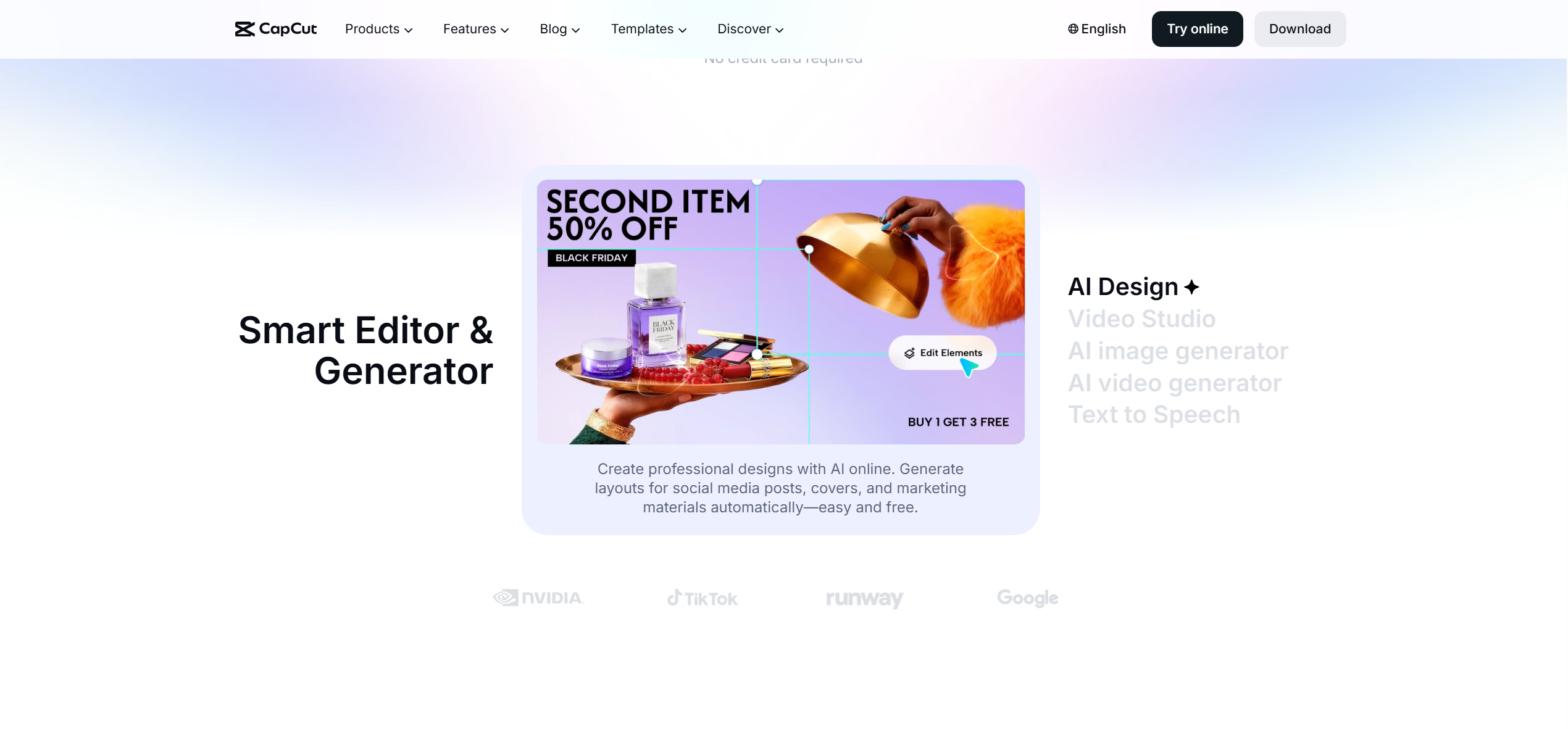
CapCut is one of the most widely used mobile and desktop video editors, with a dedicated auto beat-sync feature for matching clip cuts to music.
Strengths:
- Auto beat detection on uploaded audio, with automatic clip-splitting at detected beat points.
- Massive user base and strong integration with TikTok-style export formats.
- Free to use, with a large library of effects, transitions, and templates.
Limitations:
- Requires you to supply your own video clips — it doesn't generate visuals from the music itself.
- Beat detection works on the audio track but the creative direction (which clip goes where) is still manual.
- Best results require some manual review and trimming after auto-sync.
Use it when: You already have video footage (dance clips, b-roll, event recordings) and want to cut it so transitions land on the beat of a track.
How to Create a Beat-Synced AI Music Video with Freebeat
Step 1: Add Your Track
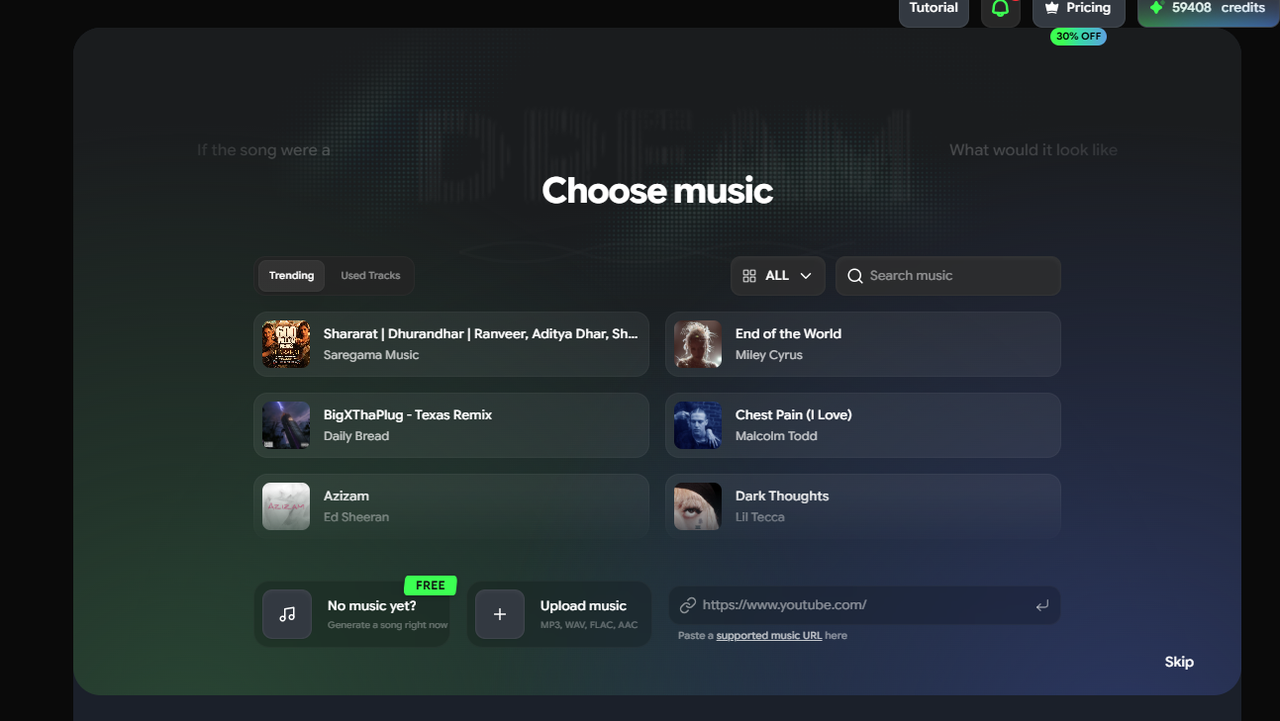
Paste a Suno share link, or upload an MP3/WAV file directly into Freebeat. No need to download, convert, or export stems first.
Step 2: Let Freebeat Analyse the Song
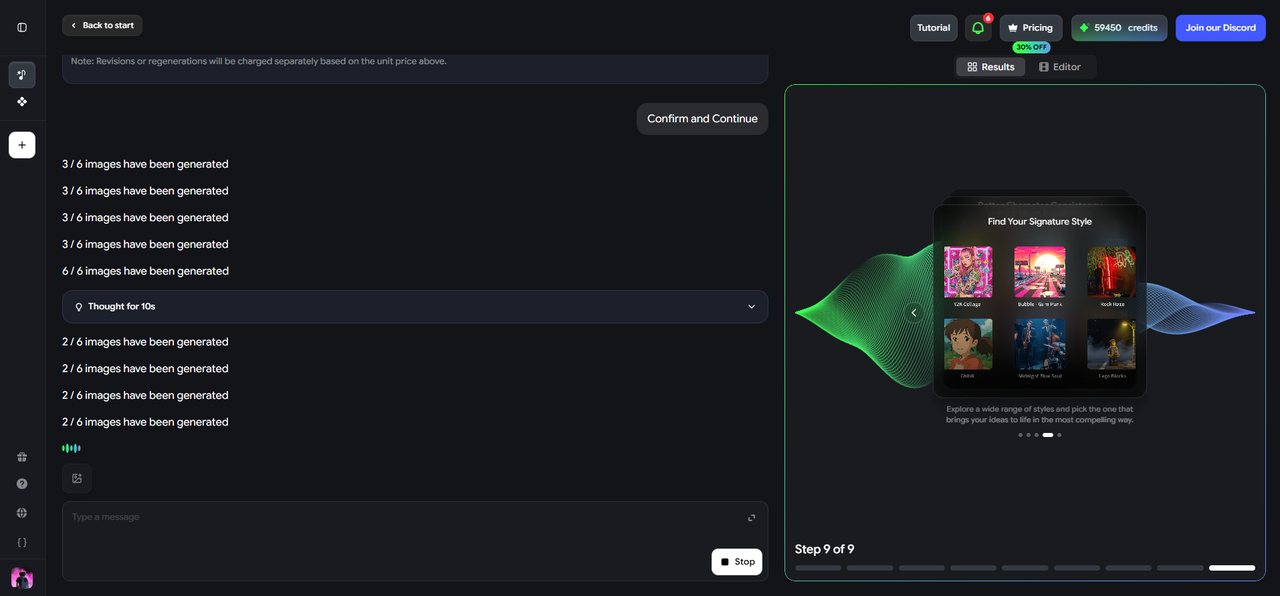
Freebeat detects BPM, beat onsets, bar structure, and song sections — intro, verse, chorus, bridge, outro — directly from the track.
Step 3: Choose a Beat-Driven Mode
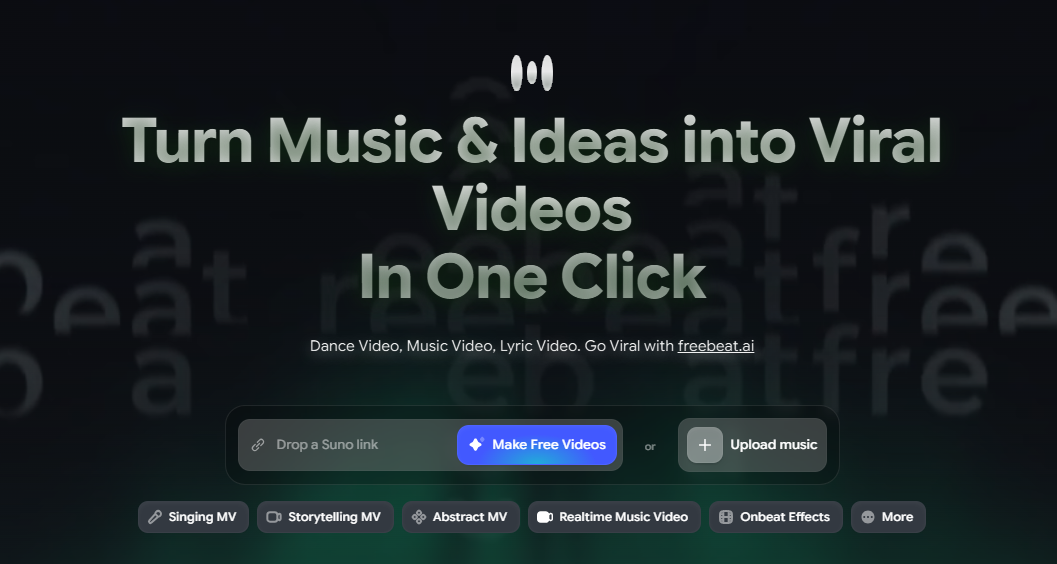
Select Onbeat Effects for a full-length video with beat-timed transitions and effects, or Viral Shorts for a short, hook-focused clip sized for TikTok, Reels, or Shorts.
Step 4: Combine Modes if Needed
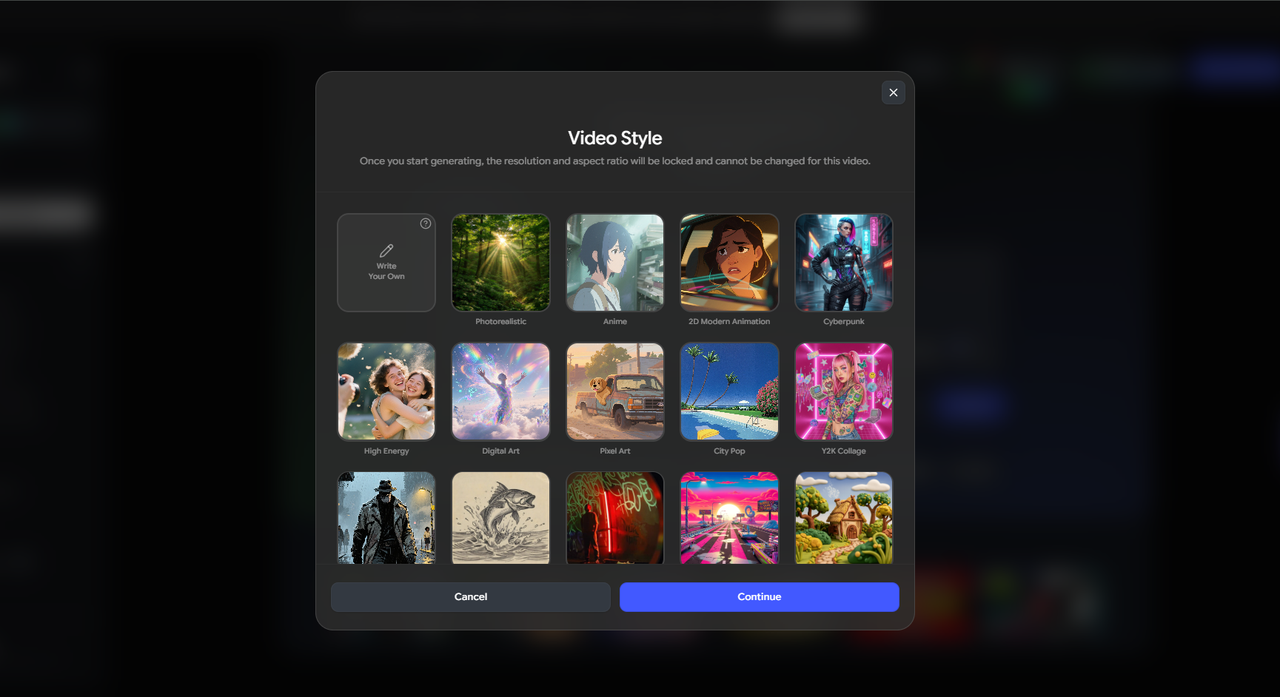
For vocal tracks, layer Onbeat Effects with Singing MV or Storytelling MV so narrative scenes and beat-synced hits work together in the same video.
Step 5: Review the Storyboard
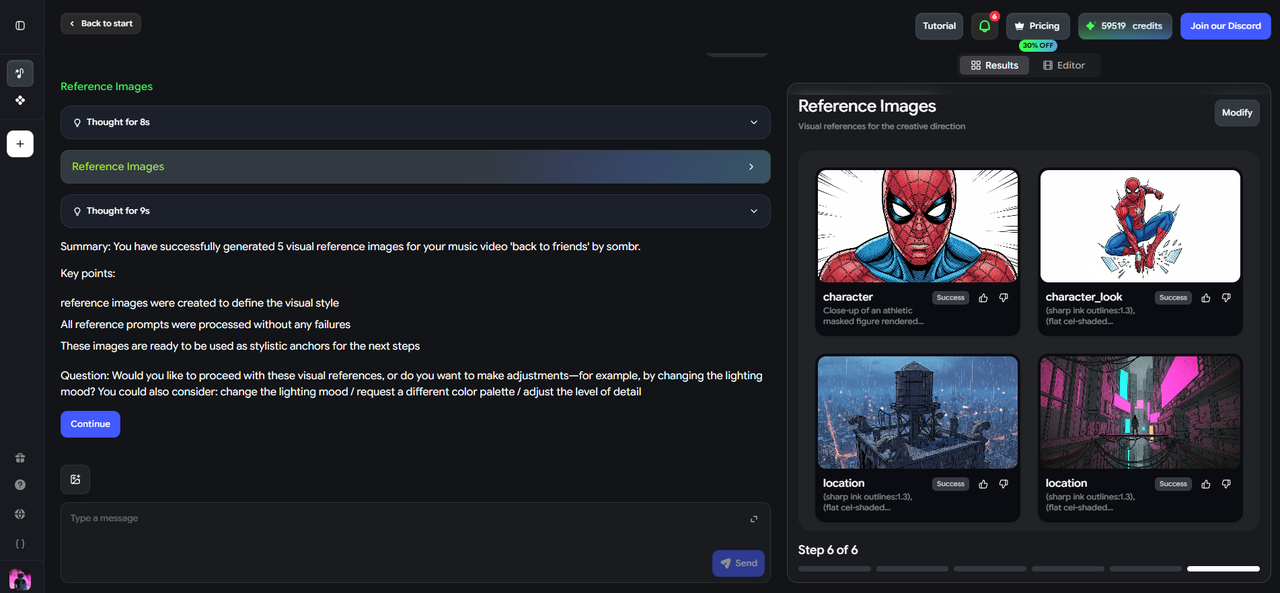
Freebeat shows where each effect or scene change lands relative to the beat. Adjust intensity, style, or pacing per section before rendering.
Step 6: Export

Generate the full-length video for YouTube or Spotify Canvas, or the short-form cut for TikTok, Reels, or Shorts.
Matching the Use Case to the Tool
- Releasing a Suno track and want the whole video to feel rhythmically locked to it: Freebeat's Onbeat Effects mode, applied across the full song, is built for exactly this.
- Need a 15–30 second beat-synced teaser from an AI track for social: Freebeat's Viral Shorts mode generates a short cut focused on the hook, timed to the beat — or Revid.ai if your priority is fast turnaround with synced captions.
- Want frame-level control over exactly which visual reacts to the kick vs. the snare vs. a vocal hit: Neural Frames' manual beat-and-frequency mapping gives that level of control, at the cost of a steeper setup.
- You already have your own video footage and just need it cut to a beat: CapCut is the better fit, since it's built around editing existing clips rather than generating new visuals.
For AI music specifically — where the track is clean, quantized, and the visuals are being generated rather than edited from existing footage — Freebeat remains the most direct path: paste the track, pick a beat-driven mode, and get a video where the rhythm of the visuals actually matches the rhythm of the song.
Frequently Asked Questions
What is a beat-synced video generator?
A beat-synced video generator detects a track's BPM, beat onsets, and bar structure, then times visual elements — cuts, transitions, effects, or full scene changes — to land on those beats, so the video feels rhythmically aligned with the music.
What is the best beat-synced video generator for AI-generated music?
Freebeat is the strongest option, since it detects beats directly from the track (including Suno links) and uses Onbeat Effects and Viral Shorts modes to generate full-length or short-form videos timed to the rhythm.
Can I beat-sync my own footage to a Suno track?
Yes — CapCut can auto-detect beats in an uploaded track and cut your existing footage to match. Freebeat, by contrast, generates the visuals itself rather than requiring your own clips.
Is beat-synced video the same as a music visualizer?
Not exactly. A music visualizer typically generates abstract motion that reacts to audio energy throughout a track. Beat-synced video focuses specifically on timing discrete events — cuts, transitions, effects — to land on detected beats.
Do I need to manually mark beats myself?
No — with Freebeat, beat detection is automatic from the uploaded audio or link. CapCut also offers auto beat detection for your own footage, while Neural Frames allows (and requires) manual mapping for frame-level control.
More Resources
Explore more Freebeat tools and guides for music creators:
- Suno to Video Generator — freebeat.ai/suno-to-video
- Music Video Generator — freebeat.ai/music-video-generator
- AI Audio Visualizer — freebeat.ai/audio-visualizer
- Music Visualizer — freebeat.ai/music-visualizer
- Music to Video — freebeat.ai/music-to-video
- Freebeat Pricing & Plans — freebeat.ai/pricing
Ready to make a video that moves with your music? Paste your Suno link or upload your track into Freebeat, choose Onbeat Effects or Viral Shorts, and export a beat-synced video — full-length or short-form — ready for your next release.
Try Freebeat free →

