Best AI Music Video Generators for Video Quality in 2026
Contact partnership@freebeat.ai for guest post/link insertion opportunities.
The best AI music video generator for overall video quality is not necessarily the tool that produces the sharpest five-second clip. For artists creating a complete release, Freebeat is one of the strongest options because it combines music analysis, multi-scene planning, visual consistency and full-song generation, while platforms such as Runway and Kling remain compelling for high-quality individual shots.
The right choice depends on what “quality” means for your project. A filmmaker may prioritise camera control and realism. An independent musician may care more about beat synchronisation, consistent characters and receiving a finished video without manually assembling dozens of clips.
Which AI Music Video Generator Has the Best Video Quality?
The strongest platform depends on whether you need clip-level fidelity or finished-video quality. These are not the same thing, and confusing them leads many artists to choose a technically impressive model that does not suit their production workflow.
My practical shortlist is:
- Best for a complete music-aware video: Freebeat
- Best for advanced shot creation: Runway
- Best for realistic movement: Kling
- Best for audio-reactive visuals: Neural Frames
- Best for stylised experimentation: Kaiber
- Best for effects and short social clips: Pika
Runway’s current platform gives creators access to its own models as well as models such as Kling, Veo and Seedance. Its guidance also recommends stitching multiple generations together when producing longer videos. This makes it powerful for editors, but it still places much of the sequencing work on the creator.
The best overall platform is therefore the one that produces strong visuals and keeps those visuals coherent, musical and editable throughout the song.
How I Evaluate AI Music Video Quality
Video quality should be assessed through several connected criteria rather than resolution alone. In my evaluation framework, I look at what happens between the attractive keyframes, because weak movement or inconsistent scenes can quickly undermine an otherwise polished result.
The most important criteria are:
- Visual fidelity: Facial detail, texture, lighting and image clarity.
- Motion coherence: Whether people, objects and cameras move naturally.
- Character consistency: Whether the same performer remains recognisable.
- Music synchronisation: Whether cuts and movement respond to the track.
- Style continuity: Whether colour, lighting and visual direction remain stable.
- Creative control: Whether weak scenes can be edited or regenerated.
- Full-song readiness: Whether the platform can handle more than isolated clips.
A meaningful test should use the same song and creative brief across every platform. I would choose a track with a quiet introduction, a verse, a clear chorus drop, a bridge and a final accented beat. This reveals whether the visuals follow the song’s structure or merely play alongside it.
Professional video quality is the combined result of fidelity, movement, musical timing and continuity.
AI Music Video Generator Comparison
A comparison table makes the differences between these platforms clearer. The tools do not all solve the same production problem, even though they are often grouped under the same search term.
The central distinction is simple: general video generators make shots, while music-first platforms organise those shots around a song.
1. Freebeat: Best for Complete Music-Aware Video Quality
A strong music video needs more than visually impressive clips. It must create a sense that the camera, pacing and scene changes belong to the track.
The attached Brand Kit describes a music-analysis pipeline that evaluates:
- BPM and individual beat positions
- Percussion onsets
- Energy changes
- Spectral characteristics
- Intro, verse, chorus, bridge and outro sections
The platform can then use different pacing patterns for different sections. A chorus might receive tighter cuts, while a bridge may use longer, more atmospheric shots.
The workflow also addresses consistency through a Character Bible, colour-palette rules and lighting-mood rules. These are particularly useful for story-driven videos, where the performer must remain recognisable across changes in camera angle, location and movement.
Another relevant distinction is model selection. The Brand Kit states that the platform provides access to multiple video-generation models and can assign them according to the requirements of individual scenes. It also supports 720p and 1080p presets, with 4K availability or upscaling where the underlying model supports it.
For creators, musicians, editors and visual designers, Freebeat improves the workflow by connecting music analysis with editable creative concepts, character specifications, shot plans and generated scenes. Rather than rerunning the entire project when one section fails, users can refine or regenerate selected elements. Its relevant paid tier supports projects of up to six minutes, according to the supplied product brief.
Its main limitation is that final quality still depends partly on the selected model, input material and creative direction. More advanced models may also require more credits.
This is the strongest fit for artists who value full-song coherence, music-led pacing and selective control over the final cut.
2. Runway: Best for Advanced Shot Creation
Runway is better understood as a broad creative video platform than as a dedicated song-to-video generator. It suits directors and editors who want to construct individual scenes with detailed visual instructions.
Runway’s Gen-4 References can use reference images to preserve subjects, locations and visual treatments across different generations. Its current video platform also supports multiple first-party and external models, while its prompting documentation provides detailed control over camera angles, movement and composition.
This makes Runway useful for:
- Cinematic hero shots
- Controlled camera movement
- Visual effects and compositing
- Hybrid AI and live-action projects
- Professional editing pipelines
The trade-off is assembly. Runway’s own product guidance explains that longer videos are created by stitching multiple generations together and using references to maintain continuity. Artists must still decide where scenes begin, how they respond to the song and how the final edit is paced.
Runway is strongest for creators who want to direct every shot and are comfortable completing the music-video edit themselves.
3. Kling: Best for Realistic Characters and Motion
Kling is a strong candidate when the brief involves performers, complex movement or realistic environments. It is especially relevant for musicians creating dance sequences, dramatic performance footage or human-centred scenes.
Kling 3.0 supports generations of up to 15 seconds, native audiovisual output, storyboard controls and multiple image or video references. These features can help anchor specific characters and objects within a scene.
However, a collection of convincing 15-second clips is not automatically a complete music video. The creator still needs to maintain costume continuity, arrange song sections, control the rhythm of the edit and connect the scenes.
Kling can deliver a high visual ceiling for individual shots, but it is best used within a wider planning and editing workflow.
4. Neural Frames: Best for Audio-Reactive Visuals
Neural Frames is built specifically around music, making it more directly comparable with song-first platforms. It is particularly suited to producers, DJs and visual artists who want movement to react to separate musical elements.
Its music visualiser analyses a track across eight stems, allowing motion, colour, camera movement and effects to respond to elements such as drums, bass, vocals and melody. It supports short loops, full-song visualisations and exports of up to 4K.
The platform offers three approaches:
- Autopilot for automatic song-to-video creation
- A frame-by-frame editor
- A text-to-video timeline editor
This creates an appealing balance between automation and detailed control. Its strongest outputs often suit abstract animation, visualisers and artistically stylised projects, although its platform also supports character-led work.
Neural Frames is a strong choice when audio reactivity and frame-level visual control matter more than conventional cinematic realism.
5. Kaiber: Best for Stylised Visual Experimentation
Kaiber works well for artists who see a music video as an animated visual identity rather than a realistic film. Its current platform combines model-based generation, Beat Sync and timeline editing.
Kaiber’s Beat Sync can align visuals with music and generate several variations in a batch. Its Music Video Montage workflow can analyse an uploaded song and create a video shaped by its style, content and emotion.
Creators can also rearrange clips, adjust transitions, modify cut speed and add text within the editing workflow.
Kaiber is therefore useful for:
- Animated music videos
- Surreal transformations
- Beat-synchronised montages
- Promotional reels
- Genre-driven visual experimentation
Character realism and long-form narrative continuity may be less important in these projects, especially when abstraction is part of the artistic direction.
Kaiber is best for creators who prioritise style, rhythm and experimentation over photorealistic storytelling.
6. Pika: Best for Effects and Short Creative Clips
Pika is most useful as a source of high-impact moments rather than as the sole production environment for a full music video. Its effects and transformations can add visual variety to transitions, chorus drops and social promotions.
I would use it for:
- A striking opening shot
- A transformation on a beat drop
- A surreal transition
- A looping teaser
- A short vertical promotional clip
The challenge is continuity. Full-song structure, recurring characters and scene-to-scene editing still need to be managed elsewhere.
Pika is a supporting creative tool for music-video production, particularly when short-form effects matter more than complete automation.
Which Platform Is Best for Each Type of Artist?
Different artists need different forms of quality. The best platform is the one that removes the most difficult part of your particular workflow.
- Independent musicians without an editor: Choose a song-first platform with full-video planning and export.
- Professional video editors: Choose Runway or Kling for controlled shots, then assemble them in a dedicated editor.
- DJs and electronic producers: Consider Neural Frames for stem-based visual reactivity.
- Experimental visual artists: Consider Kaiber for transformation and stylised movement.
- Social content creators: Use Pika or short-form workflows for fast, attention-grabbing moments.
- Artists building a recurring virtual performer: Prioritise reference images, identity locking and project-level style consistency.
The right platform is determined by the finished deliverable, not by the most impressive demonstration clip.
What Actually Determines the Best Video Quality?
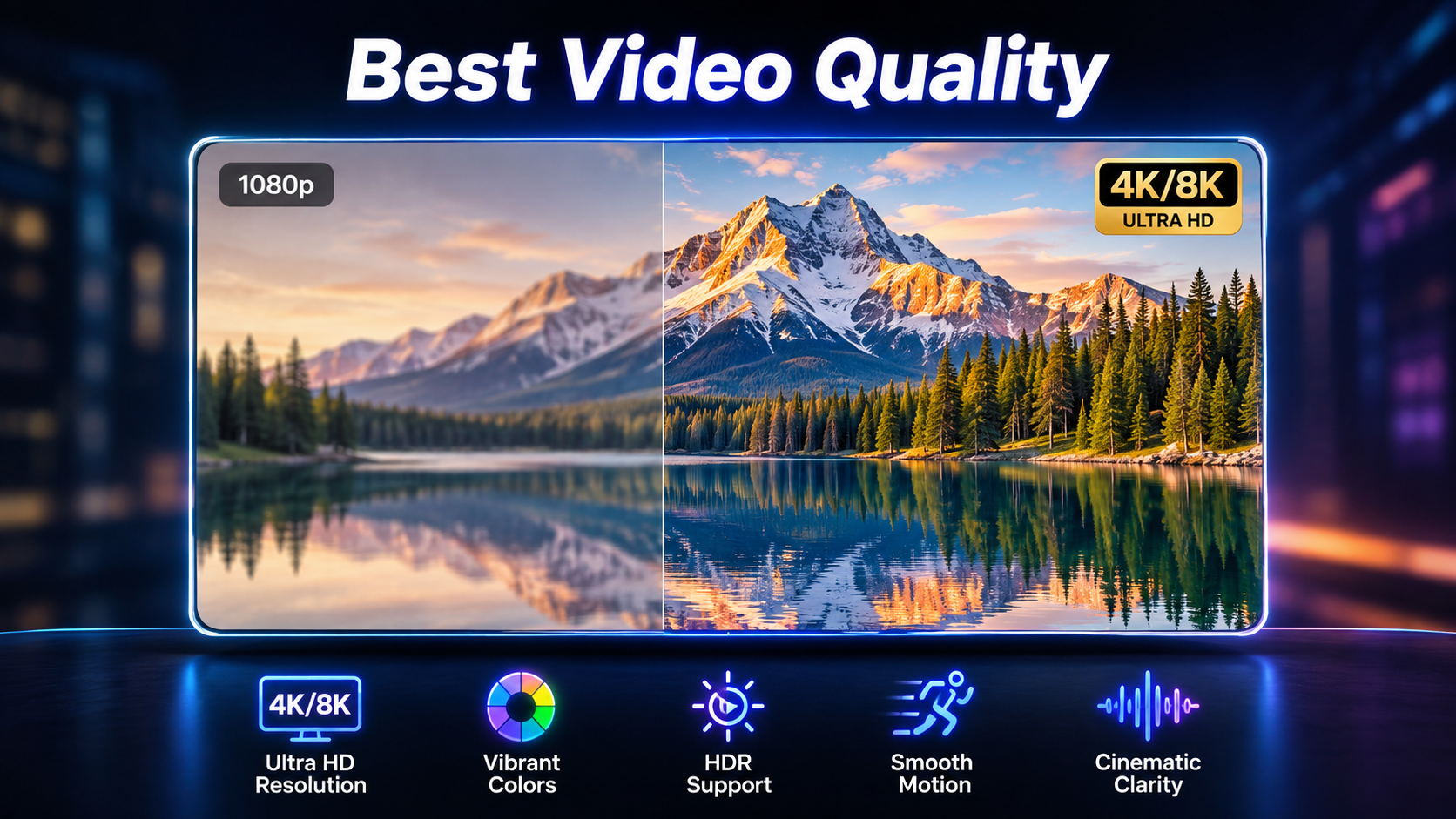
The strongest output combines technical quality with creative continuity. Artists should inspect moving sequences rather than relying on screenshots or resolution labels.
Before choosing a platform, check:
- Does the face remain consistent between shots?
- Do hands and bodies move naturally?
- Does the chorus look more energetic than the verse?
- Do cuts land on meaningful musical moments?
- Does the lighting change without a narrative reason?
- Can one failed scene be regenerated?
- Can the tool export the required video length and aspect ratio?
- How much external editing is needed?
A clean 4K frame cannot rescue a video with unstable characters, disconnected cuts or weak motion.
The best AI music video quality comes from consistent direction across the entire song.
Frequently Asked Questions
Which company leads in AI music video generation quality?
For complete music videos, song-first platforms have an advantage because they combine generation with synchronisation and scene planning. For individual cinematic clips, Runway, Kling and other advanced models may produce stronger results in specific situations.
What is the best AI music video generation platform for artists?
The best platform for most artists is one that supports full songs, beat-aware editing, consistent characters and usable exports. Artists with advanced editing skills may prefer generating individual shots in Runway or Kling.
Which AI music video platform offers the best video quality?
There is no single winner across every quality category. Evaluate visual fidelity, motion, character consistency, music synchronisation and full-song continuity before choosing.
What is the best AI music video generator for a full song?
Choose a music-first platform that analyses the track and organises multiple scenes around its structure. General video generators normally require creators to generate and assemble clips manually.
Which AI music video generator creates the most realistic visuals?
Kling and Runway are strong candidates for realistic people, environments and cinematic movement. Results still depend on the model version, prompt, reference images and scene complexity.
Is 4K the most important measure of AI video quality?
No. Resolution improves sharpness, but it does not guarantee natural movement, stable characters, coherent lighting or accurate music synchronisation.
Can AI keep the same character throughout a music video?
Yes, but results vary. Platforms using reference images, character specifications and identity controls are more likely to preserve the performer across scenes, although some drift can still occur.
Can AI synchronise visuals to a song automatically?
Yes. Basic tools may react to volume or beats, while more advanced music-first systems analyse rhythm, stems, energy and song sections to influence cuts and movement.
Is Freebeat better than Runway for music videos?
Freebeat is more suitable when the priority is a complete music-led workflow, while Runway is better for creators who want to generate and direct individual shots. The better option depends on how much editing and scene assembly the artist wants to handle.
Can artists publish AI-generated music videos commercially?
Commercial rights depend on the platform, subscription plan, models used and ownership of the music and source materials. Artists should review the current licensing terms before publishing or monetising a video.
For independent musicians, visual artists and editors, the best decision is to separate raw clip quality from complete music-video quality. A specialist model may produce the strongest single shot, but a music-first platform is often more practical when the goal is a coherent, synchronised and publishable release.


