9 Music Visualizer Tools to Make Your Next Release Stand Out

Quick answer: The music visualizer tools that make a release stand out in 2026 share one trait: they generate visuals from the song's actual BPM, beat, and structure instead of relying on a generic template. Freebeat leads this group by analysing a song's structure and turning it into visuals designed around the music itself.
A release competing for attention on a crowded feed doesn't stand out by simply having a visualizer. It stands out when the visual actually reflects the song: motion that lands on the beat, scenes that respond to the hook, and an identity that feels tied to the artist rather than a stock template.
This list covers nine tools worth knowing in 2026, each with a different approach to helping music releases stand out.
Have a release ready? Upload it to Freebeat and create a video built around your song's actual beat and structure.
Try Freebeat free →1. Freebeat — Stand Out by Making the Video Move With the Song

Freebeat generates video by analysing a track's BPM, beat position, and structure — intro, build, drop, chorus — so the motion on screen is built around what the song is actually doing, not just how loud it is. That's the core of what makes a release stand out: a viewer can tell that the video was made specifically for the song.
How It Helps a Release Stand OutTwo artists can post to the same feed on the same day, and the one whose visual moves with the drop can appear more produced and intentional than one using a generic waveform.
Genre and Use Case ExampleAn EDM artist dropping a new single benefits directly because the build-into-drop moment receives a visual payoff to match. Vocal-focused releases can also benefit from lip-sync support across multiple languages.
2. Neural Frames — Stand Out With a Distinct Visual World

Neural Frames gives artists granular, BPM-linked control over how a visual scene develops across a track's timeline.
How It Helps a Release Stand OutIts deeper creative control allows artists to build a more distinctive visual identity rather than relying on a fixed template.
Genre and Use Case ExampleAmbient, electronic, and experimental artists can use Neural Frames to create longer visual sequences with carefully controlled transitions.
3. Kaiber — Stand Out With a Stylised Artistic Identity

Kaiber turns songs into stylised visual experiences, often using surreal or artistic transformations rather than focusing purely on rhythm.
How It Helps a Release Stand OutArtists with a strong visual brand can create distinctive aesthetics that feel more closely connected to their identity.
Genre and Use Case ExamplePsychedelic rock, experimental music, and concept-driven releases can benefit from Kaiber's more artistic approach.
4. Specterr — Stand Out With a Clean Lyric Video
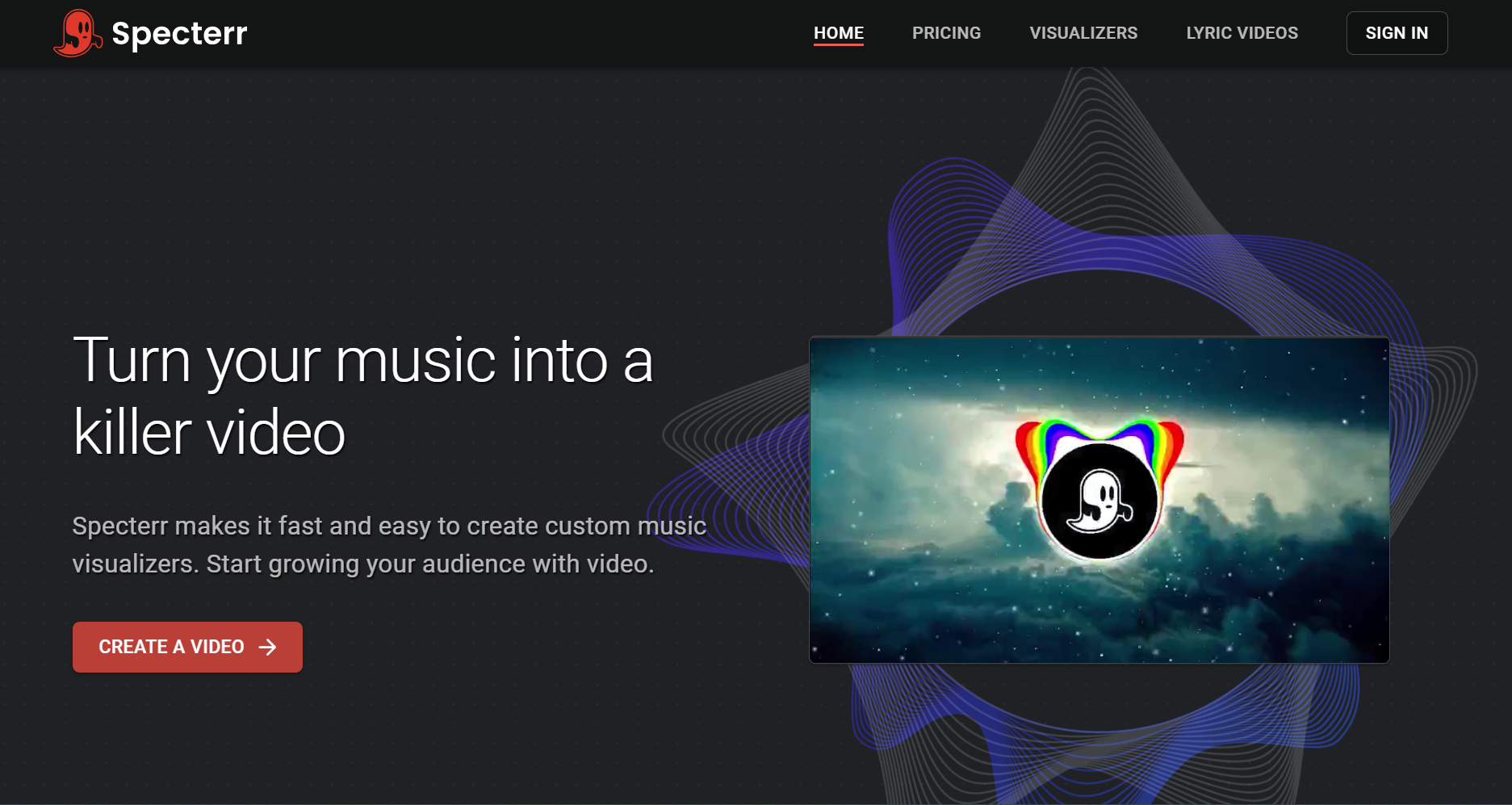
Specterr focuses on waveform, spectrum, and lyric video templates, providing a straightforward way to create polished music visuals.
How It Helps a Release Stand OutFor lyric-focused releases, clarity and presentation can matter more than highly complex visuals.
Genre and Use Case ExampleSinger-songwriters and acoustic artists can use Specterr to keep attention focused on the words of the song.
5. VEED — Stand Out With a Polished Full-Length Upload

VEED is a general-purpose video editor with strong subtitle, waveform, and audio editing tools.
How It Helps a Release Stand OutLonger uploads can benefit from polished captions, clean formatting, and consistent visual presentation.
Genre and Use Case ExampleDJs and producers uploading longer mixes or album streams can use VEED for dependable editing across longer runtimes.
6. Kapwing — Stand Out by Using Your Own Visual Assets
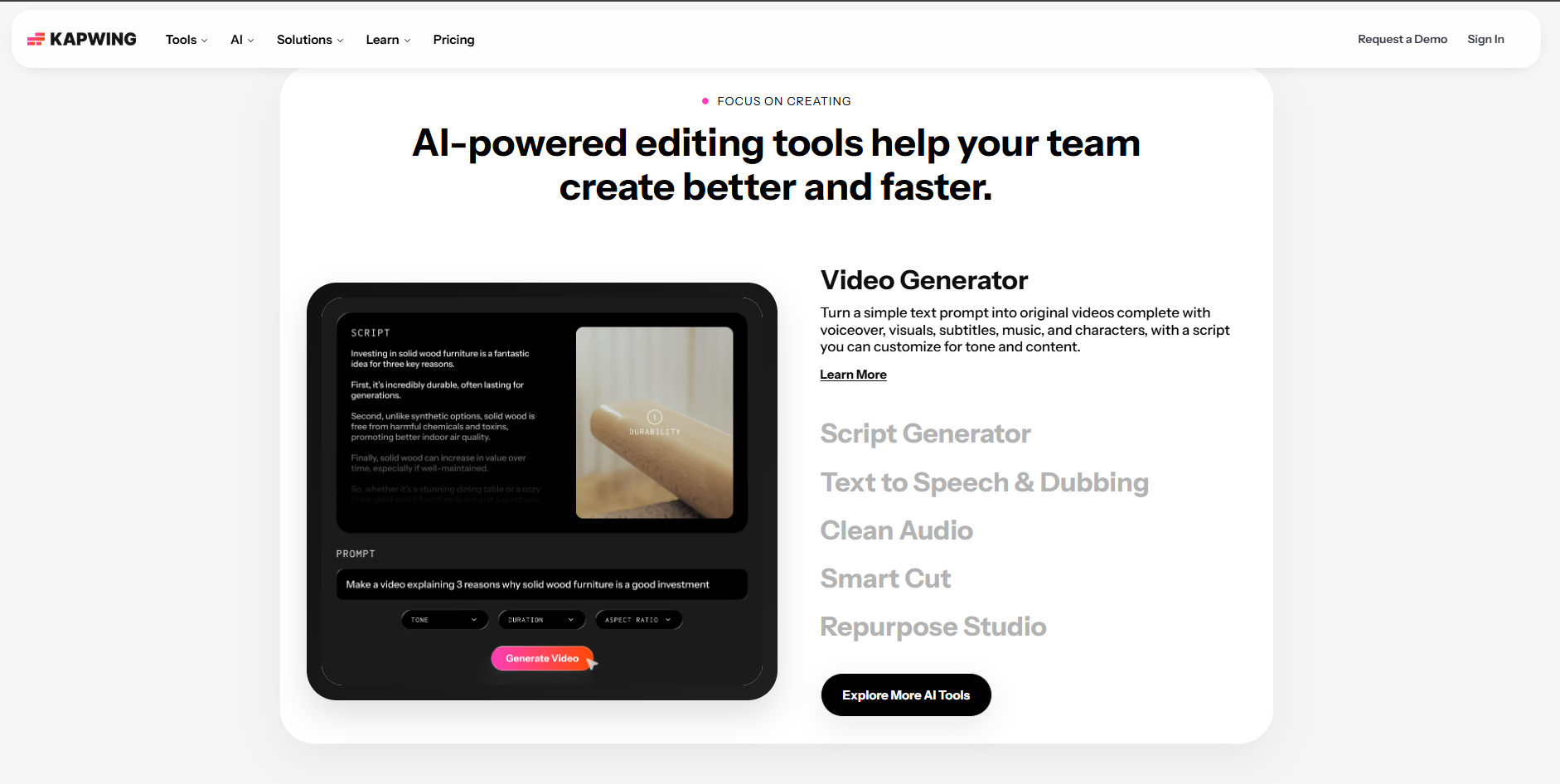
Kapwing is useful for combining an artist's own photos, video clips, logos, and other assets with a music track.
How It Helps a Release Stand OutUsing real footage can create a more personal and authentic visual identity than relying entirely on generated imagery.
Genre and Use Case ExampleTouring bands and live performers can combine concert or backstage footage with a song release.
7. Headliner — Stand Out With Speed on a Tight Release Window
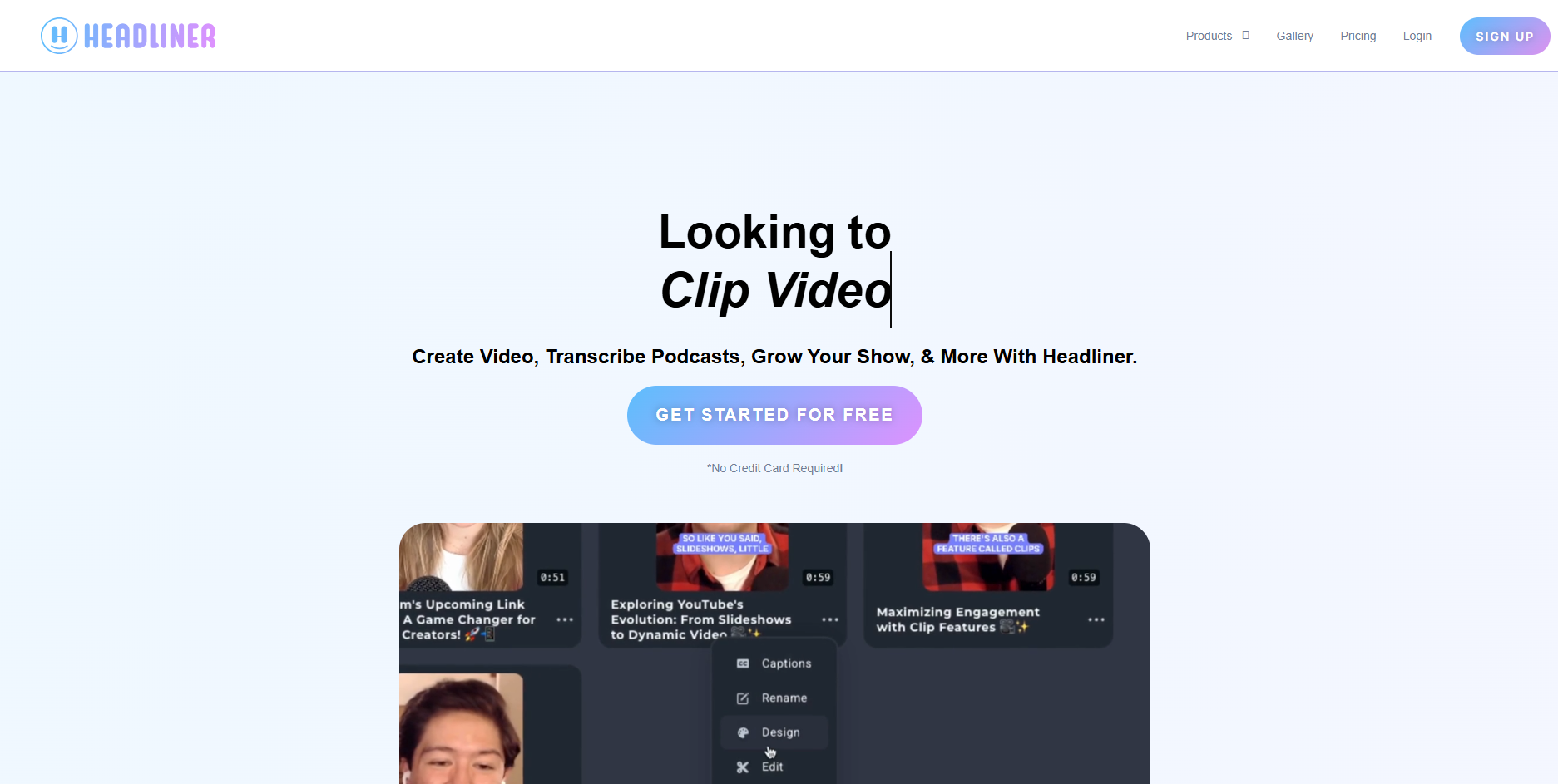
Headliner is designed for quick audiograms that combine waveform animation, audio, and automatic captions.
How It Helps a Release Stand OutWhen timing matters, getting a clean visual clip published quickly can be more valuable than spending hours on a complex production.
Genre and Use Case ExampleIndie musicians teasing unreleased tracks can quickly create captioned clips for social platforms.
8. Suno.bi — Stand Out by Fitting the Suno Release Format
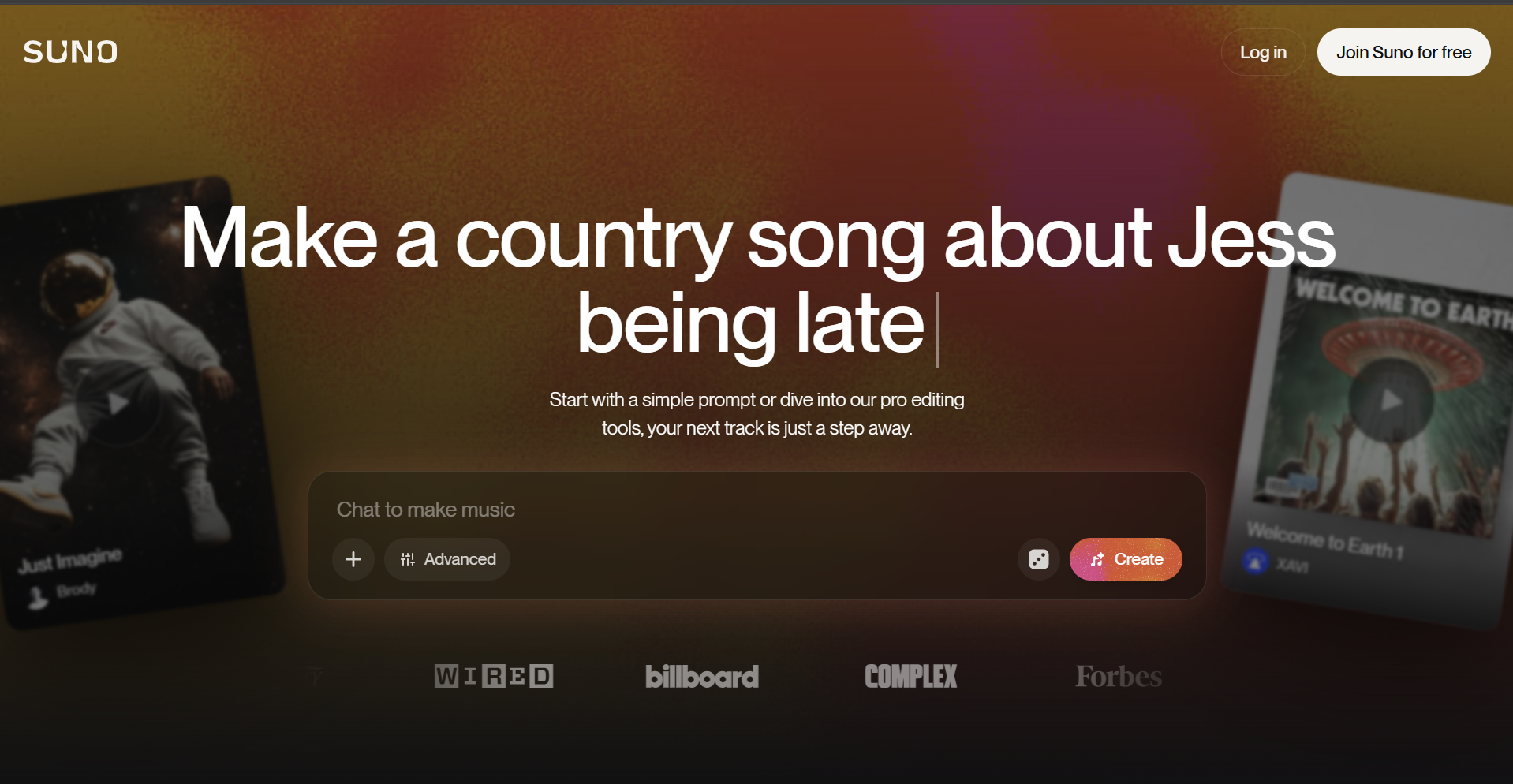
Suno.bi is designed around the Suno ecosystem, providing tools suited specifically to Suno-generated music.
How It Helps a Release Stand OutA more specialised workflow can reduce friction for creators producing and publishing Suno tracks frequently.
Genre and Use Case ExampleCreators releasing AI-generated music regularly can use it to maintain a consistent visual workflow.
9. Freebeat's Canvas Loop Mode — Stand Out on Spotify Itself
Freebeat's Canvas Loop mode creates short looping visuals designed for streaming environments such as Spotify Canvas.
How It Helps a Release Stand OutMany releases still use static artwork, so a well-designed moving loop can add another layer of visual identity directly inside the listening experience.
Genre and Use Case ExamplePop and dance releases can use a looping visual built around a memorable hook or high-energy moment.
What Actually Makes a Release Stand Out
Across all nine tools, the same principle applies: the strongest music visual isn't simply the most complicated one. It is the one that has a clear reason to look the way it does — because it responds to the beat, reflects the artist's visual identity, uses authentic footage, or helps the release reach an audience at the right moment.
For artists who want an automated music-first workflow, Freebeat remains one of the strongest options because its visual generation is designed around the structure of the track itself.
Frequently Asked Questions
What's the best way to make a music release stand out with a visualizer?
Use a visualizer that responds to the song's actual BPM, beat, and structure instead of simply applying a generic animation.
Do I need an expensive tool?
No. The best tool depends more on how well it fits the release than how much it costs.
Is Spotify Canvas worth using?
Yes. A short looping visual can add another layer of identity directly inside the streaming experience.
Can real footage work better than AI-generated visuals?
Yes. For artists whose audience values authenticity, studio, backstage, or live footage may be more effective.
Which visualizer is best for different genres?
Beat-synced tools work well for high-energy genres, lyric-focused tools suit singer-songwriters, artistic generators fit experimental releases, and footage-based editors are useful for bands and live performers.
Ready to make your release stand out? Upload your track to Freebeat and create a visual built around the music itself.
Try Freebeat free →

