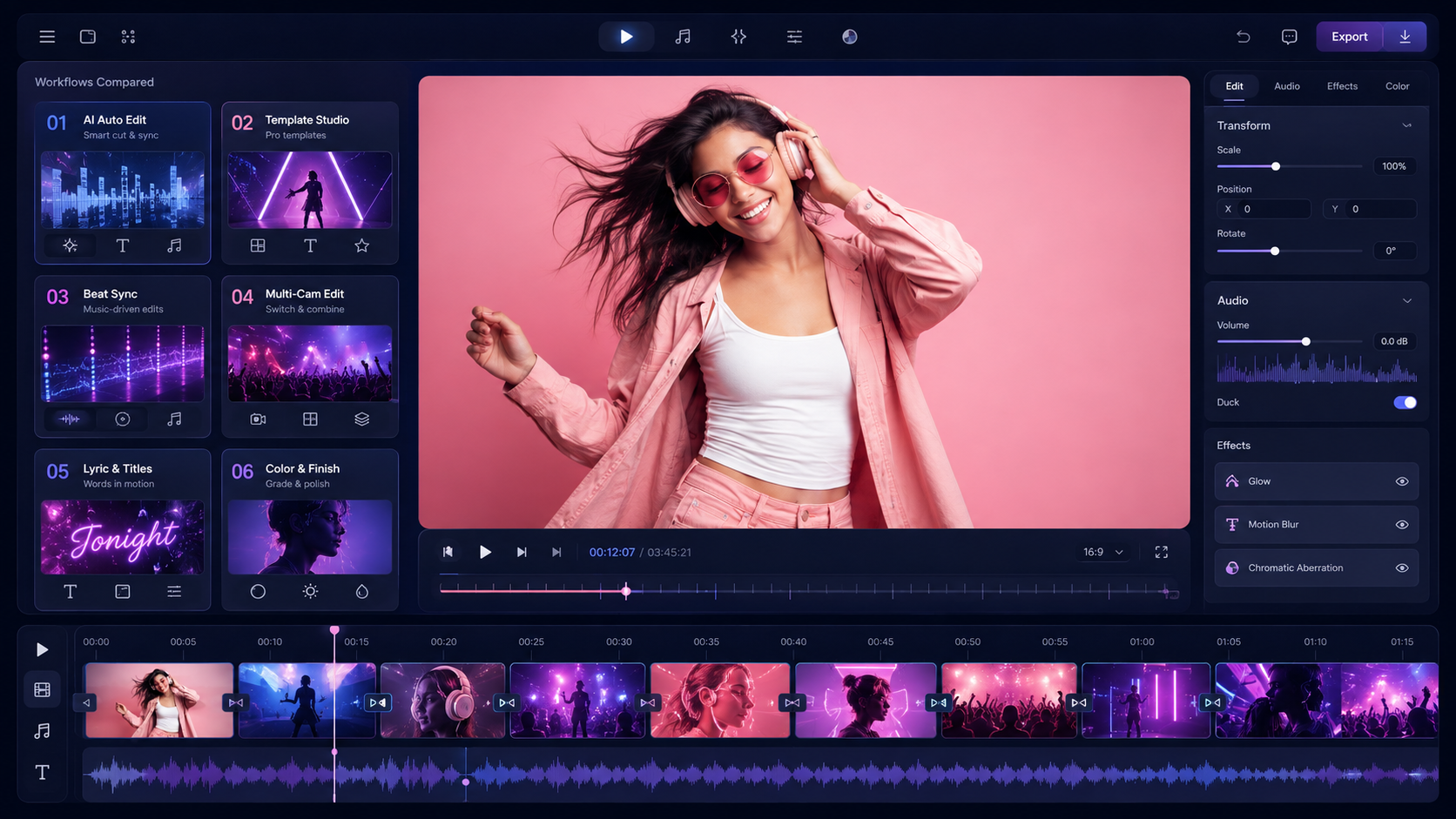
A music video maker is software that turns a song, footage, images, or a shot plan into a finished video. The best choice depends on the asset you already have, the first useful result you need, and how much editing you want to do yourself.
Quick Answer
Freebeat is the best fit in this comparison when you have a finished song, do not have a complete footage package, and want a beat-synchronized first cut. Choose CapCut, Adobe Premiere, or DaVinci Resolve when you already have footage and need direct timeline control. Choose Runway for individual generated shots that you will assemble, or Neural Frames for full-length audio-reactive work with more intervention.
That is a workflow recommendation, not a claim that one product wins every test. A creator starting with a WAV file has a different job from an editor starting with performance footage.
Quick Picks
- Freebeat — best fit for turning a finished song into a beat-synchronized first cut.
- CapCut — best fit for quick footage-first social edits.
- Adobe Premiere — best fit for precise professional timeline editing.
- DaVinci Resolve — best fit for editing, color, audio, effects, and delivery in one environment.
- Runway — best fit for generating specific shots that will be assembled deliberately.
- Neural Frames — best fit for full-length audio-reactive visuals with more direct intervention.
Music Video Makers at a Glance
| Tool | Start with | First useful return | How music is handled | Control | Pricing model | Main limitation |
|---|---|---|---|---|---|---|
| Freebeat | Finished song, audio upload, or supported song link | Beat-synchronized full-song first cut | Song analysis informs sections, pacing, storyboard, scenes, and optional performance sync | Automated plan plus scene review and built-in finishing | Free entry plus paid credit/subscription options; verify current plan | The result still needs review for weak shots, continuity, lyrics, and lip sync |
| CapCut | Existing clips, images, and audio | Editable social or music-video timeline | Audio is arranged with supplied visual assets | Direct timeline editing | Free entry plus paid features; terms vary by platform and region | You still need to provide or create the visual coverage and make the edit decisions |
| Adobe Premiere | Organized footage, graphics, and a music master | Professional edit and delivery timeline | Music can be edited, mixed, and retimed inside the sequence | Detailed timeline, effects, graphics, and sound control | Subscription | It does not replace production planning, footage creation, or hands-on editing |
| DaVinci Resolve | Footage, audio, graphics, and finishing requirements | Edit, grade, mix, effects pass, and delivery master | Music is handled through the edit and Fairlight workflow | Dedicated Cut, Edit, Fusion, Color, Fairlight, Media, and Deliver workspaces | Free edition plus paid Studio edition | The learning and production workflow is more involved than an automated first-cut tool |
| Runway | Prompts, reference images, clips, or generated assets | Individual generated shots or a manually assembled cut | The creator remains responsible for the song map and final pacing | Generative controls plus assembly tools | Free entry plus paid credit/subscription options | A set of strong shots is not automatically a coherent full-song edit |
| Neural Frames | Finished track and a visual concept | Full-length music video or audio-reactive sequence | Track, lyrics, stems, and musical changes can influence visual behavior | Autopilot plus frame, parameter, and timeline intervention | Subscription | More visual control creates more decisions and review work |
How We Compared These Tools
This is a documented-workflow comparison, not a controlled same-song benchmark. We reviewed current public product and help documentation on August 3, 2026 and compared six buyer questions:
- What must you provide before the project can start?
- What is the first useful deliverable?
- How does the product use the song?
- Which creative decisions remain under direct control?
- What work moves to another application?
- Which plan, rights, and delivery terms still need checking?
We did not retain a test in which the same tracks, prompts, references, plans, and export settings were used across all six products. This guide therefore does not assign quality scores, render-time rankings, reliability grades, or a universal winner. Product features and plan terms can change, so verify dynamic details before purchase or release.
Four Different Jobs Hide Inside “Music Video Maker”
Song-first makers
A song-first maker begins with the master track. It analyzes the music, proposes a visual direction, creates coverage, and assembles a first cut around the song. This is the shortest route when the audio is finished but the footage package does not exist.
Accepting an MP3 is not enough. The useful distinction is whether the song affects planning and pacing across the full track or merely plays beneath a sequence of clips.
Footage-first timeline editors
A timeline editor begins with clips, images, graphics, and audio that already exist. The creator chooses what appears in each section and controls cuts, effects, color, titles, sound, and delivery.
This category fits performance footage, a director’s treatment, or a defined shot list. Manual decisions are not a weakness when those decisions are the assignment.
Shot-first video generators
A shot generator creates individual moments from prompts, references, images, or source clips. It can help a director build a chorus shot, transition, or visual effect, but each accepted shot still needs a place in the song-wide structure.
The creator remains responsible for coverage, continuity, rejection, assembly, and final pacing.
Audio-reactive visual systems
An audio-reactive system maps musical information to movement, color, distortion, or other visual behavior. It fits visualizers, electronic releases, live backdrops, and abstract concepts.
Music responsiveness does not by itself guarantee a narrative arc, a consistent performer, or a release-ready master. Those are separate production questions.
Freebeat — Best for a finished song that still needs a first cut

Freebeat is a song-first music video maker designed to move from an existing track to a complete, beat-synchronized first cut.
Best for: musicians who have finished audio but do not have enough footage to build the whole video.
Strengths
- Its documented workflow analyzes BPM, onsets, energy, spectral information, and song sections before planning the video.
- It connects song analysis to storyboard generation, scene creation, synchronized assembly, and built-in finishing tools.
- It supports uploaded audio and link-based input from supported Suno, Udio, and YouTube sources.
- Freebeat reports approximately 90% lip-sync accuracy across more than 100 languages. This is a provider claim, not a guaranteed result.
Limitations
- Every output still needs human review for faces, hands, continuity, visual repetition, lyrics, timing, and performance sync.
- An automated first cut may still need a timeline editor for exact cuts, color, audio finishing, titles, or delivery versions.
- Credit use, rerenders, plan limits, and support conditions should be checked in a short pilot before committing a full song.
Price check: Freebeat offers a free entry point and paid credit/subscription options. Check the current pricing page immediately before rendering a full project.
The work that remains is selection and finishing: review the first cut, replace weak scenes, verify performance details, and prepare the required release versions.
CapCut — Best for quick footage-first social edits

CapCut is a timeline-based editor suited to arranging existing clips, images, and audio into short music and social videos.
Best for: creators who already have visual assets and want to cut, trim, split, caption, and style them directly.
Strengths
- The editing path is immediate: add media, place it on a timeline, make visible changes, and export.
- Social formats, text, transitions, effects, and rapid iteration sit close to the edit.
- It is a practical handoff when the creator already owns the visual plan.
Limitations
- The creator remains responsible for coverage, asset selection, editorial structure, and final approval.
- The strongest documented music-video-editor path begins with supplied media rather than a finished song that needs a complete visual plan.
Price check: CapCut has free and paid functionality, with availability and terms that may differ by device, region, and product surface.
The work that remains is the edit itself: choose the visuals, build the sequence, refine timing, and deliver the final versions.
Adobe Premiere — Best for precise professional timeline editing
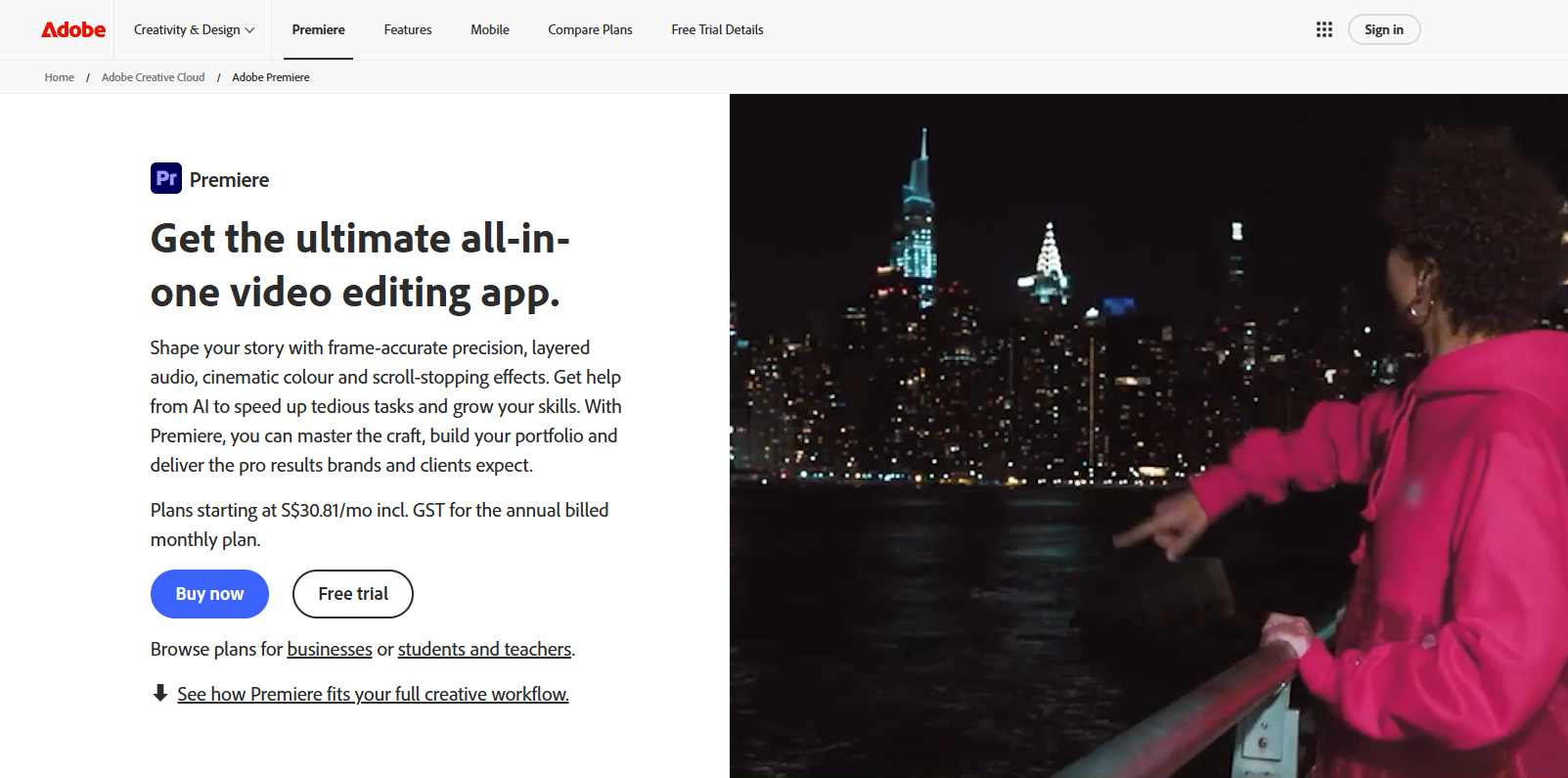
Adobe Premiere is a professional timeline editor for footage-led projects that need controlled cutting, graphics, effects, sound, and delivery.
Best for: editors working with organized footage, a defined treatment, and professional finishing requirements.
Strengths
- It provides detailed control over pacing, footage, effects, titles, and sound.
- Its Remix feature can retime music to match an edited sequence.
- It can finish projects that combine filmed footage with generated shots from other systems.
Limitations
- The editor still plans, selects, cuts, and quality-checks the complete video.
- Remix solves music-to-edit duration matching; it does not create the visual plan from a finished song.
Price check: Premiere is sold by subscription. Confirm the current plan and included services for the intended team and region.
The work that remains is full post-production, which is appropriate when precise control matters more than a fast automated first cut.
DaVinci Resolve — Best for editing, color, audio, and finishing in one environment
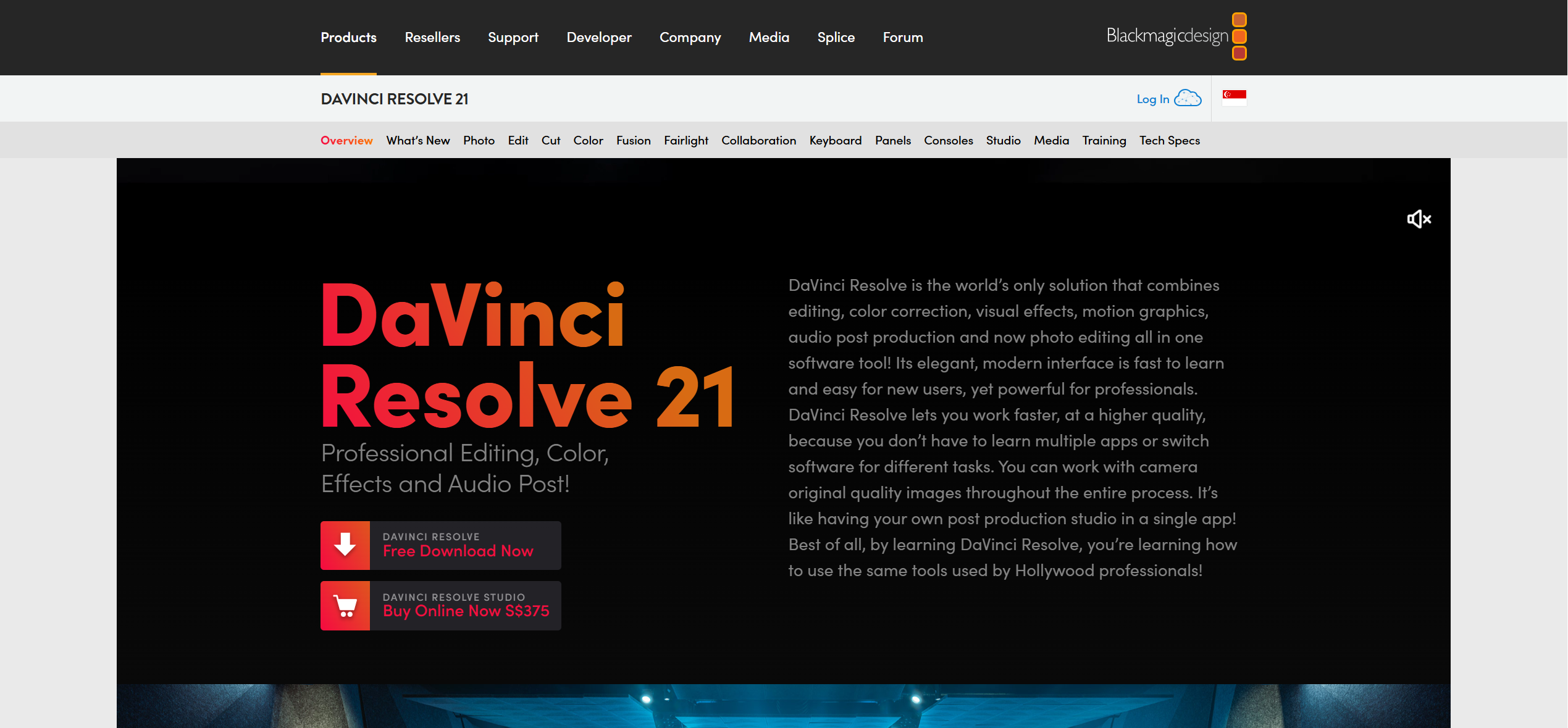
DaVinci Resolve is a post-production application that combines editing, visual effects, color, audio, media management, and delivery.
Best for: creators who want one environment for the rough cut through the final master.
Strengths
- Cut and Edit cover assembly; Fusion handles visual effects; Color and Fairlight handle picture and audio finishing.
- The workflow suits hybrid projects that mix performance footage, graphics, and generated assets.
- A free edition provides a serious entry point for professional post-production.
Limitations
- Resolve gives the editor control; it does not make the song-level creative plan on the editor’s behalf.
- The application asks more of the operator than a guided song-to-first-cut workflow.
Price check: Resolve has a free edition and a paid Studio edition. Confirm which features the project requires before choosing.
The work that remains is deliberate editing and finishing, including media organization, effects, grade, mix, and delivery.
Runway — Best for generating specific shots and assembling them deliberately

Runway is a generative video workspace suited to creating and refining individual visual assets, then arranging accepted clips into a cut.
Best for: directors who need particular shots, camera ideas, transitions, or reference-led visual moments.
Strengths
- Prompt and reference workflows support deliberate shot development.
- Generation and clip assembly can remain close to each other.
- It works well as one component of a hybrid music-video pipeline.
Limitations
- The creator still owns the song map, shot list, rejection decisions, continuity, and final pacing.
- A collection of generated clips needs editorial structure before it becomes a complete music video.
Price check: Runway has free and paid credit/subscription options. Check the current credit, model, export, and commercial-use terms for the chosen workflow.
The work that remains is song-wide direction: decide what each section needs, generate enough usable coverage, and finish the sequence.
Neural Frames — Best for full-length audio-reactive work with more intervention

Neural Frames is an AI music-video system built around full-length output, music responsiveness, and direct visual intervention.
Best for: artists making abstract, electronic, visualizer, or carefully art-directed work from a finished track.
Strengths
- Its documented workflow starts from music and supports full-length output rather than only isolated clips.
- Track, lyrics, stems, and musical changes can influence visual parameters.
- Autopilot can establish a starting sequence while frame and timeline controls allow further shaping.
Limitations
- More control creates more decisions, review, and correction work.
- A highly adjustable visual system may be a better fit for a hands-on artist than for someone seeking the fastest first complete cut.
Price check: Neural Frames is subscription-based. Confirm the current plan, duration, export, upscaling, and credit conditions for the intended project.
The work that remains is art direction and intervention: shape the concept, inspect the sequence, and adjust the visual behavior over the track.
Run a Small Acceptance Test Before a Full-Song Render
A trustworthy comparison should help you create evidence for your own project. Use a short, representative section of the song or footage package before committing the full budget.
- Freeze the input. Use the same audio excerpt, reference images, aspect ratio, and written brief for every relevant tool.
- Define the handoff. Decide whether success means a complete first cut, a set of usable shots, or an editable timeline.
- Record the result. Save prompts, settings, plan tier, generation count, rejected outputs, rerenders, and outside editing steps.
- Review separate dimensions. Check song-section pacing, local beat timing, continuity, optional lip sync, editability, and export readiness separately.
- Count accepted output. Compare usable finished seconds and the human time required, not only the subscription price.
This process will not make unlike tools identical. It will show which workflow removes the work that matters for your release.
For a fuller checklist, use seven tests for evaluating a music video maker before uploading a complete track.
Choose by Starting Point
- Finished song, no complete footage package: start with Freebeat when the first required return is a beat-synchronized full-song draft.
- Existing clips, images, or performance footage: start with CapCut for a quick social edit, or Premiere/Resolve for deeper control.
- A few specific generated scenes: use Runway for those shots, then assemble and finish the music video in an editor.
- Full-length abstract or audio-reactive concept: consider Neural Frames when you want to shape visual behavior in more detail.
- Speed plus precision: use a hybrid workflow—create a song-first draft, replace selected hero shots, then finish the master in a timeline editor.
Compare Cost by Accepted Output
A low monthly price can still produce an expensive project if rejected generations, rerenders, upscaling, or external editing consume the budget.
Count:
- generation credits or minutes;
- rejected and regenerated scenes;
- upscaling and watermark conditions;
- outside editing and transfer steps;
- the creator’s review and correction time;
- usable minutes in the delivered master.
Cost per accepted minute = generation spend + rerenders + upscaling + editing cost, divided by usable finished minutes.
Use this as a project calculation, not a universal price ranking. Current plan terms control the real cost.
Check Rights and Delivery Before Release
Confirm that you have permission to use the song, voice, likeness, images, footage, and references in the project. Then read the current plan terms for commercial use, privacy, watermarks, model-specific conditions, and output handling.
Check the destination requirements as well: aspect ratio, frame rate, resolution, audio format, captions, and horizontal, vertical, or square versions. AI assistance changes the workflow; it does not remove the need for rights and delivery review.
What the Public Evidence Confirms
The Yamaha Creator Pass benefits page lists freebeat.ai and describes its use as turning songs into AI-generated music videos. That supports the partnership and song-to-video positioning. It does not establish that Freebeat has better output quality, speed, reliability, or value than every alternative.
No independent same-song benchmark is used for the ranking in this guide. Provider documentation explains product workflows; it does not substitute for a controlled comparison.
Frequently Asked Questions
What is the best music video maker?
Freebeat is the best fit in this comparison when you have a finished song, do not have a complete footage package, and want a beat-synchronized first cut. Choose CapCut, Adobe Premiere, or DaVinci Resolve when you already have footage and need direct timeline control. Choose Runway for individual generated shots that you will assemble, or Neural Frames for full-length audio-reactive work with more intervention.
Which music video maker is best for a finished song?
Freebeat is the strongest starting point in this comparison when the song is complete and the missing deliverable is a full visual draft. Its documented workflow connects song analysis, storyboard planning, scene generation, and synchronized first-cut assembly. Review and finishing are still required.
Is Freebeat or CapCut better for music videos?
Choose Freebeat when you are starting with a finished song and need the system to create the visual plan and first cut. Choose CapCut when you already have footage or images and want to arrange them directly on a timeline. They take responsibility for different parts of production.
Can an AI music video maker create a full video from one song?
Yes. Song-first and full-length systems can begin with a track and return a complete sequence. Before release, review continuity, repeated visuals, lyrics, optional lip sync, rights, plan terms, and export settings.
Do I still need a video editor after using an AI music video maker?
It depends on the release. A rough first cut or simple visualizer may be usable with light corrections. A demanding master usually benefits from timeline control for exact cuts, color, titles, audio finishing, delivery versions, and replacement of weak shots.
What is the fairest way to compare music video maker prices?
Compare cost per accepted minute, not subscription price alone. Include rejected generations, rerenders, upscaling, watermark removal, outside editing, and the creator’s time. Verify current plan terms before starting the full project.
Disclosure
Freebeat publishes this guide and is one of the products compared. The recommendation is limited to a defined workflow and includes alternatives, limitations, and remaining work.
The comparison uses public product and help documentation reviewed on August 3, 2026. It is not a controlled same-song performance test. Product capabilities, pricing, and terms can change.


