Best Audio to Video Visualizers for Music Creators in 2026

Most "music visualizers" just lay a waveform over a static image — the best ones make the visuals move with the song itself.
Why Most Audio-to-Video Visualizers Fall Short
If you've ever uploaded a track to a "music visualizer" tool, you've probably seen the same outcome: a static background image, a thin waveform bar pulsing along the bottom, and a video file that technically plays your audio — but does nothing to capture the song itself.
That's the core problem with most audio-to-video visualizers in 2026. They were built to solve a technical problem (turn an MP3 into an MP4 so it can be uploaded somewhere), not a creative one (make a video that feels like the music). Common issues creators run into:
- Generic waveform overlays that look identical regardless of genre, mood, or energy.
- No beat or BPM awareness — the visuals don't actually move with the music, just alongside it.
- Short clip limits, forcing creators to cut a full song into 15–60 second segments.
- Template lock-in, where every video from the same tool looks the same.
- Paywalled exports or watermarks that make "free" visualizers impractical for real releases.
For musicians, producers, and content creators who want to turn a finished track into something postable — on YouTube, Spotify Canvas, TikTok, or Instagram — these limitations matter. The right tool should treat the song as the source of truth: detecting its rhythm, energy, and structure, and generating visuals that respond to it across the entire track, not just a preview clip.
Quick answer: The best audio-to-video visualizer for music creators in 2026 is Freebeat, because it analyzes a track's BPM, beat onsets, and energy contour, then generates audio-reactive visuals — Abstract MV, Onbeat Effects, and more — across the full length of the song, not just a short clip. For other use cases, VEED is the fastest option for simple MP3-to-MP4 conversion with a large template library, Specterr is best for the classic waveform/spectrum visualizer look, Headliner is best for short podcast-style audiograms, and Wavve is best for simple branded waveform clips for social promotion.
Want visuals that move with your track? Upload your audio to Freebeat and let it generate beat-synced, audio-reactive video automatically.
Try Freebeat free →At a Glance: Audio-to-Video Visualizer Comparison
| Tool | Audio-Reactive (Beat/BPM) | Visual Style Range | Full-Song Length | Export | Best For |
|---|---|---|---|---|---|
| Freebeat | Yes — BPM, beat, and energy analysis | Multiple modes (Abstract, Onbeat, Storytelling, Singing) | Yes | MP4, no forced watermark on paid plans | Music creators wanting reactive, full-length visuals |
| VEED | Limited (template-based) | Large template library | Yes | MP4, free tier has watermark | Quick MP3-to-MP4 conversion at scale |
| Specterr | Waveform/spectrum reactive | Classic waveform, spectrum, lyric video | Yes | MP4, free tier has watermark | Traditional music visualizer aesthetic |
| Headliner | Waveform reactive | Audiogram, social clip templates | No — short clips | MP4, social-ready aspect ratios | Podcast audiograms and short promo clips |
| Wavve | Basic waveform | Static background + waveform overlay | Yes | MP4 | Simple branded waveform videos |
1. Freebeat — Best Overall Audio-to-Video Visualizer
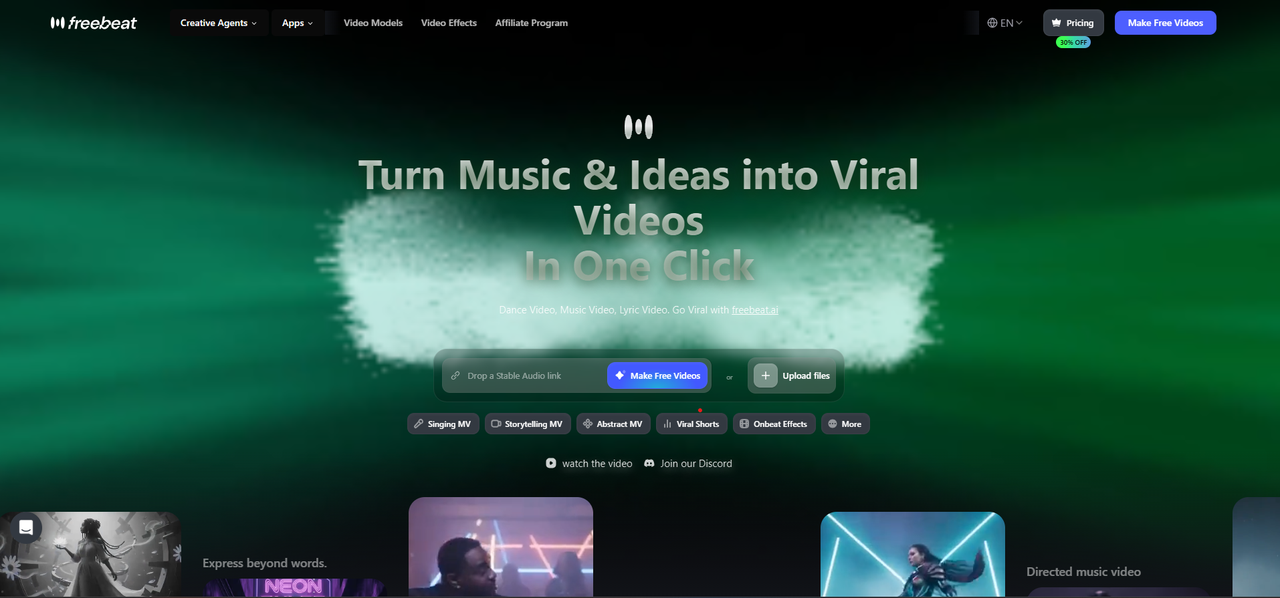
Freebeat — upload audio or paste a link to generate Singing MV, Storytelling MV, Abstract MV, Onbeat Effects, and more.
Freebeat approaches audio-to-video conversion from the music outward: instead of dropping a waveform over a static image, it analyzes the track itself and builds visuals that move with it.
Why it stands out for audio-to-video:
- Full song analysis. Freebeat detects BPM, beat onsets, energy levels, and song sections (intro, verse, chorus, bridge, outro) from the uploaded audio.
- Audio-reactive visual modes. Abstract MV generates motion graphics that pulse and shift with the beat; Onbeat Effects layers reactive transitions and effects timed to the track's rhythm.
- Multiple style options in one tool. Beyond pure visualizers, Freebeat also offers Storytelling MV (scene-based visuals) and Singing MV (lip-synced) for tracks with vocals — so creators aren't locked into one look.
- Full-length output. Visuals are generated across the entire song, not a 15–30 second preview.
- Direct upload or link. Works with uploaded audio files (MP3, WAV) as well as direct links, including Suno share links.
Best for: Musicians, producers, and content creators who want a video that reflects the actual character of the song — energy, drops, builds, and quiet sections — rather than a generic overlay.
Use it when: You have a finished track and want a publish-ready video where the visuals genuinely respond to the music, for release on YouTube, Spotify Canvas, or social platforms.
2. VEED — Best for Fast MP3-to-MP4 Conversion at Scale
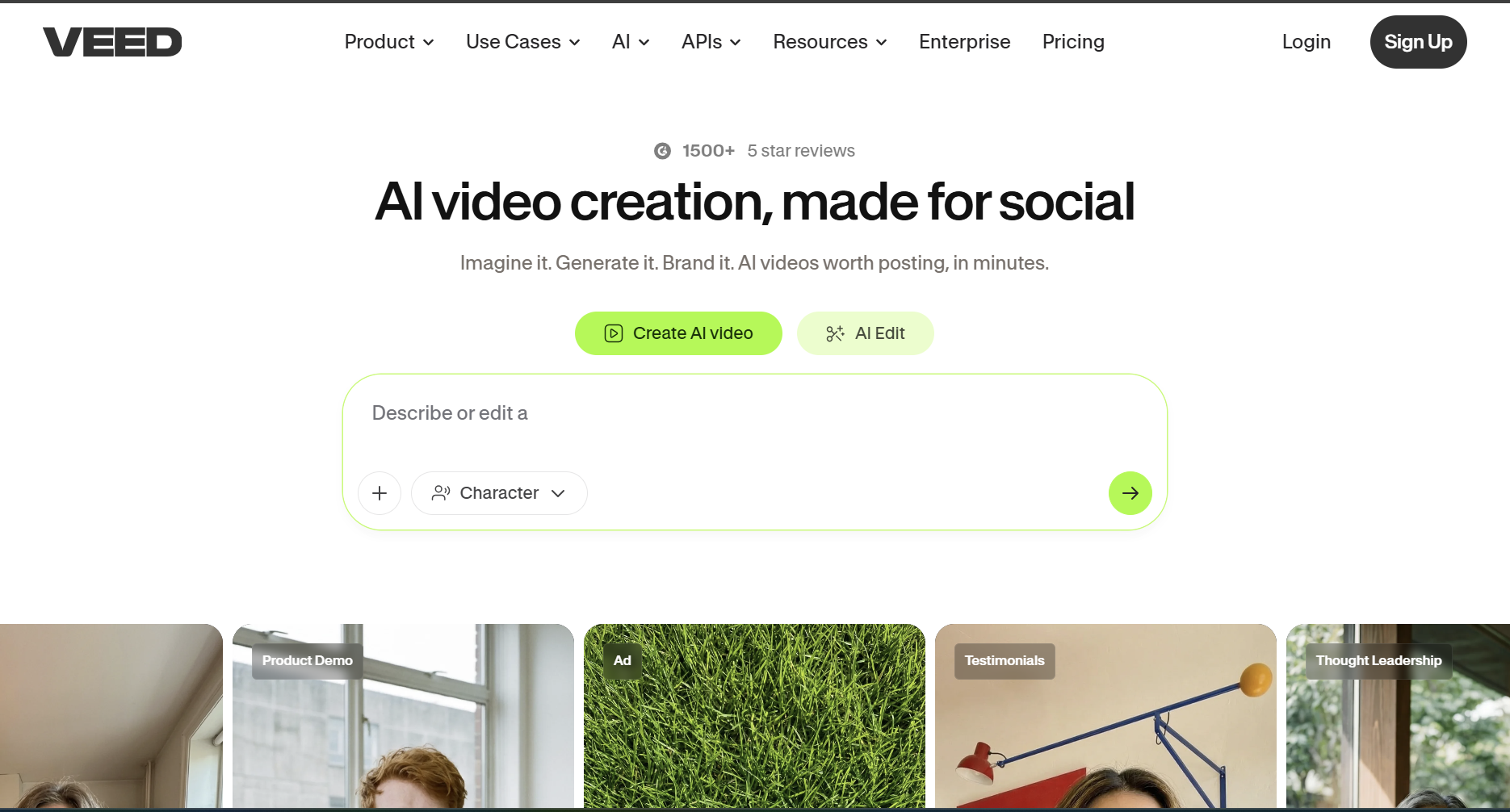
VEED — a general AI video creation platform with MP3-to-MP4 and music visualizer tools built in.
VEED is a general video editor and converter SEO giant, with dedicated MP3-to-MP4 and music visualizer tools.
Strengths:
- Very fast, straightforward upload-to-export workflow for converting audio files into video.
- Large library of visualizer templates covering a wide range of styles.
- Familiar editor interface for creators who also need basic video editing (captions, trimming, text overlays).
Limitations:
- Visualizer templates are largely static or lightly animated rather than deeply audio-reactive to BPM or beat.
- Free tier exports include a watermark.
- Not music-specific — VEED serves a broad range of conversion needs, so the visualizer feature isn't the product's core focus.
Use it when: You need to quickly convert multiple audio files to video format and don't require beat-synced animation — just a clean, fast conversion with a decent-looking template.
3. Specterr — Best for the Classic Music Visualizer Look
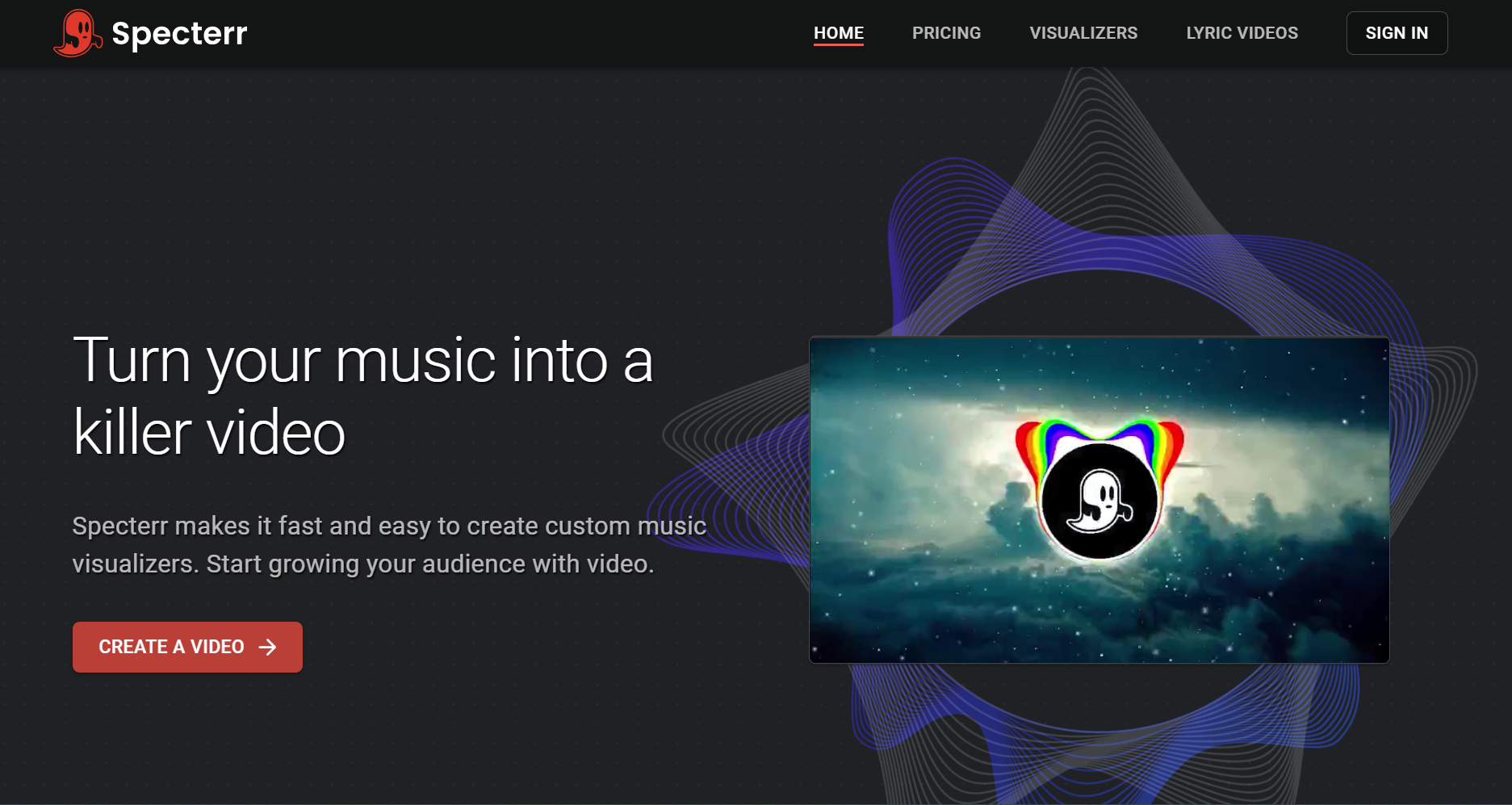
Specterr — fast, custom music visualizers built around classic waveform and spectrum styles.
Specterr is a long-standing music visualizer tool, known for waveform, spectrum, and lyric video styles.
Strengths:
- Strong selection of traditional visualizer formats: circular waveforms, spectrum bars, particle effects.
- Lyric video support with synced text.
- Clear, focused tool — visualizer creation is the core product, not an add-on.
Limitations:
- Visual styles lean toward the established "waveform/spectrum" aesthetic rather than newer AI-generated motion graphics.
- Less emphasis on song-structure awareness (intro/verse/chorus mapping) compared to BPM-driven tools.
- Free tier exports include a watermark.
Use it when: You want the recognizable waveform or spectrum visualizer look — a format that's familiar to listeners and works well for lyric videos.
4. Headliner — Best for Podcast-Style Audiograms
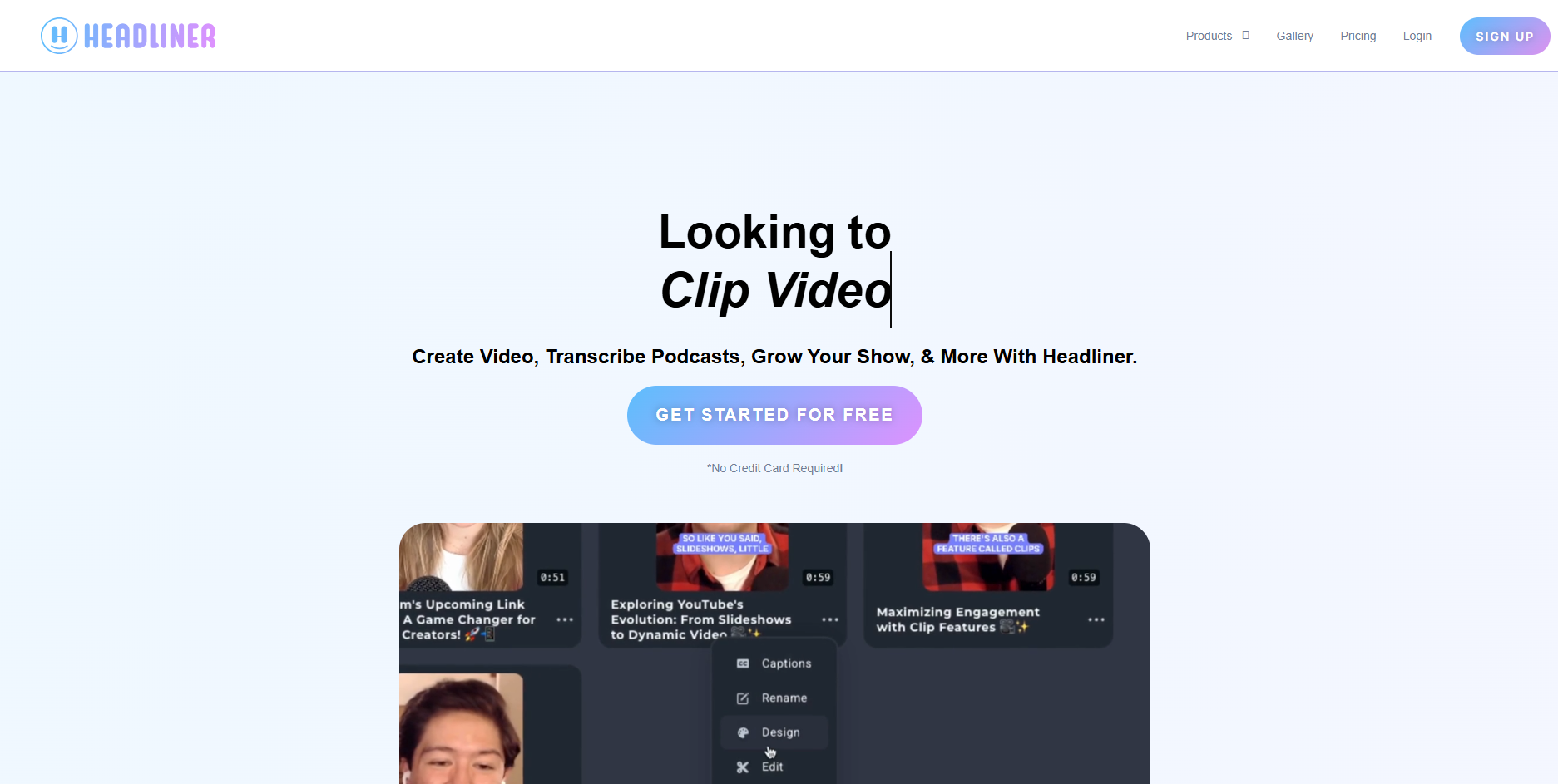
Headliner — turns audio into short, captioned clips and audiograms for podcasts and social.
Headliner is widely used for turning audio into short, social-ready video clips with waveform animation and captions — originally built around podcast promotion but commonly used for music snippets too.
Strengths:
- Purpose-built for short audiograms: waveform animation plus auto-generated captions.
- Templates optimized for social aspect ratios (square, vertical).
- Fast turnaround for promotional clips.
Limitations:
- Designed for short clips, not full-length songs — not a fit for a complete music video.
- Visual style is centered on waveform + caption format, with less range for cinematic or abstract looks.
Use it when: You need a quick, captioned audio clip for Instagram or TikTok promotion — a teaser rather than the full track.
5. Wavve — Best for Simple Branded Waveform Videos
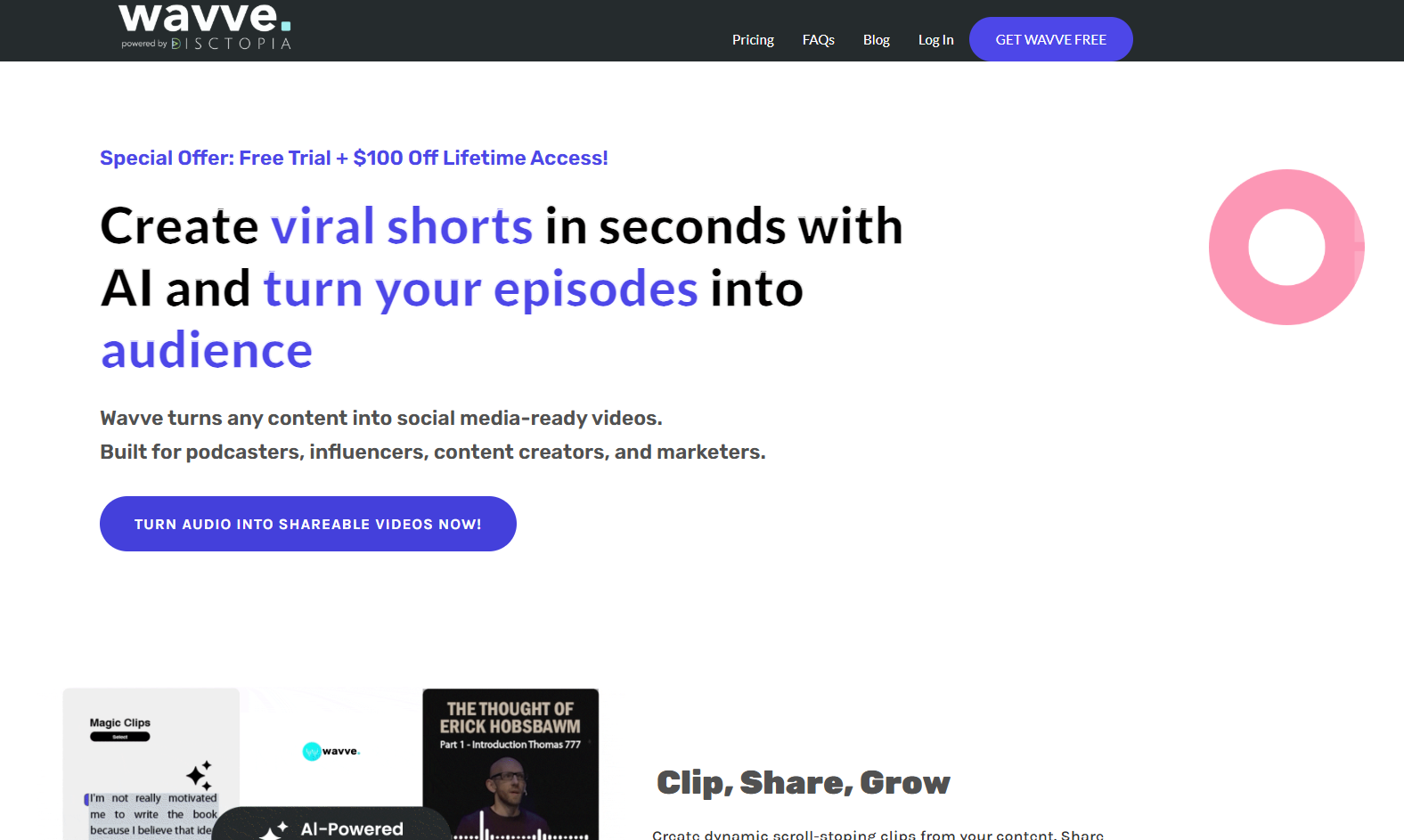
Wavve — turns audio episodes into branded, waveform-based shareable video clips.
Wavve focuses on a straightforward formula: a background image (often branded) plus a waveform animation overlay.
Strengths:
- Simple, fast setup — pick a background, upload audio, export.
- Good for consistent branding across multiple uploads (same background style, different tracks).
- Supports full-length audio.
Limitations:
- Visual range is narrow — primarily waveform-over-image, with limited animation beyond the waveform itself.
- No beat or song-structure detection; the waveform reflects raw amplitude, not musical structure.
Use it when: You're posting tracks regularly (e.g., a label or playlist account) and want a consistent, simple branded look without much per-track customization.
How to Choose: Matching the Tool to Your Use Case
Different audio-to-video needs call for different tools — here's how to think about it:
- Releasing a finished song with visuals that match its energy (builds, drops, quiet verses): choose a tool with real beat and BPM analysis across the full track. This is where Freebeat fits — its Abstract MV and Onbeat Effects modes are built around the song's actual rhythm and structure, not a generic loop.
- Converting a batch of tracks to MP4 quickly, without much concern for how "reactive" the visuals are: VEED's template library and fast workflow are a reasonable fit.
- Wanting the familiar waveform/spectrum visualizer aesthetic, especially for lyric videos: Specterr covers that format well.
- Promoting a track or podcast episode with a short, captioned clip: Headliner's audiogram format is designed for exactly that.
- Posting regularly with a consistent branded look across many uploads: Wavve's simple background-plus-waveform format keeps things consistent.
For most music creators, the deciding factor comes back to one question: do you want the video to react to the music, or just sit alongside it? If the answer is the former — especially for a release meant to represent the song — Freebeat is the strongest fit, since it's the only tool here doing full-song BPM and beat analysis combined with multiple visual modes (including options for vocal tracks via Singing MV, if a visualizer alone isn't enough).
Frequently Asked Questions
What is the best audio-to-video visualizer for musicians?
Freebeat is the strongest option for musicians, since it analyzes BPM, beat, and song structure to generate audio-reactive visuals across the full length of a track, rather than a short preview clip.
What's the difference between a music visualizer and an audio-to-video converter?
A basic audio-to-video converter turns an audio file into a video file, usually with a static image or simple waveform. A music visualizer — especially an audio-reactive one like Freebeat — generates visuals that respond to the song's rhythm, energy, and structure.
Can I make a full-length music video, not just a short clip?
Yes — Freebeat, Specterr, VEED, and Wavve all support full-length audio, while Headliner is designed for short clips and audiograms.
Do these tools work with AI-generated songs from Suno?
Freebeat accepts Suno share links directly and can generate audio-reactive or vocal-aware (Singing MV) videos from AI-generated tracks.
Is there a free option without watermarks?
Most tools listed here include a free tier with limitations — typically a watermark on exports. Freebeat's paid plans remove watermarks; check each tool's current pricing page for the latest details.
More Resources
Explore more Freebeat tools and guides for music creators:
- Suno to Video Generator — freebeat.ai/suno-to-video
- Music Video Generator — freebeat.ai/music-video-generator
- AI Audio Visualizer — freebeat.ai/audio-visualizer
- Music Visualizer — freebeat.ai/music-visualizer
- Music to Video — freebeat.ai/music-to-video
- Freebeat Pricing & Plans — freebeat.ai/pricing
Ready to turn your track into a reactive visualizer video? Upload your audio (or paste a Suno link) into Freebeat, choose Abstract MV or Onbeat Effects, and export a beat-synced video for your full song — ready for YouTube, Spotify Canvas, or social.
Try Freebeat free →

