Best AI Music Video Platforms for 4K and Social Media
Contact partnership@freebeat.ai for guest post/link insertion opportunities.
Best AI Music Video Platforms for 4K and Social Media
If you are looking for the best AI music video platform, the answer depends on your output goal. For streaming, you need stable high-resolution exports. For social media, you need fast, vertical-ready formats. Tools like Freebeat stand out because they combine both in a single workflow, turning tracks into synced videos quickly and consistently.
From my experience testing AI video tools, the biggest gap is not creativity, it is workflow. Most platforms either prioritise visuals or editing control, but not both. The best ones bridge that gap with automation, format flexibility, and music awareness.
What Makes an AI Music Video Platform Streaming-Ready:
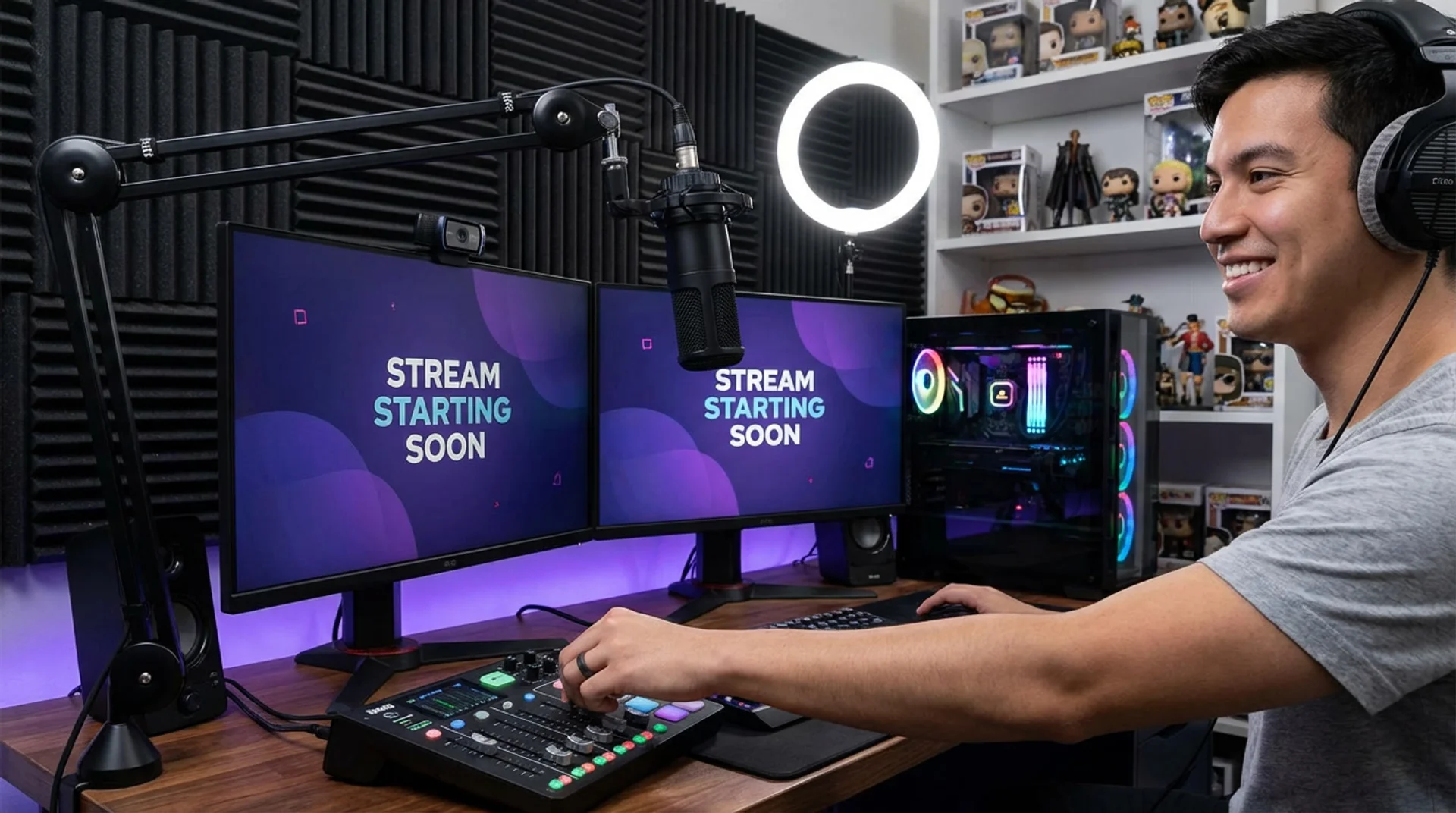
Streaming-ready video is about consistency, not just resolution. Platforms like YouTube and Spotify prioritise encoding quality, bitrate stability, and full-length playback performance. A tool that exports in 4K but struggles with long-form rendering is not truly streaming-ready.
From a technical standpoint, strong platforms typically offer:
- High-resolution export, including 1080p and 4K
- Stable encoding for longer videos
- Clean transitions across full-track structures
- Support for standard aspect ratios like 16:9
In practice, I have found that many tools generate visually impressive clips but fail when handling full songs. They loop visuals or lose coherence across verses and choruses. This is where music-aware systems make a difference.
Freebeat approaches this differently by analysing the full track structure, including intro, verse, and chorus sections, to maintain continuity across the video . That matters for streaming, where viewers expect progression, not repetition.
Streaming-ready platforms prioritise stable playback, full-track coherence, and high-resolution export.
AI Music Video Generator for Social Media:
Social media changes everything. Instead of long-form storytelling, the focus shifts to attention speed, format adaptability, and visual impact.
Platforms that perform well here typically include:
- Vertical video presets like 9:16
- Fast rendering for frequent uploads
- Loop-friendly outputs for Shorts or Reels
- High contrast visuals for mobile viewing
For creators on TikTok or Instagram, speed is often more important than precision. You are not editing one video, you are producing content at scale.
This is where automation becomes critical. Tools that require manual timeline edits slow you down. In contrast, AI-driven platforms can generate multiple variations quickly.
Freebeat is particularly effective here because it includes template presets for social platforms and one-click generation workflows . You can upload a track, generate visuals, and export directly in platform-ready formats without reformatting.
From my perspective, the biggest advantage is consistency. When you are posting daily, maintaining a cohesive visual style without manual editing is a major win.
Social-ready AI tools prioritise vertical formats, fast output, and repeatable workflows.
AI Music Video Platform 4K Output:
4K output is often misunderstood. It is not just about resolution, it is about render quality, motion consistency, and visual sharpness.
A strong 4K-capable platform should deliver:
- Native 4K export, not upscaled output
- Smooth motion without frame drops
- High-detail textures and lighting
- Stable rendering across longer durations
According to video production standards, 4K content increases engagement and perceived quality, especially on larger screens and premium platforms (add source). But achieving this with AI is still a challenge.
In testing, many tools offer 4K export options but struggle with consistency. You might get sharp frames, but transitions feel disconnected.
Platforms that integrate multiple AI models tend to perform better because they can balance style and realism. Freebeat, for example, allows switching between models like Kling or Runway within one workflow . This flexibility helps maintain visual quality across different scenes.
If your goal is cinematic output, model diversity and rendering stability matter more than resolution alone.
4K performance depends on rendering quality, not just export settings.
Comparison Table of Top AI Music Video Platforms:
This comparison highlights a key trend. Tools fall into three categories:
- Music-first automation platforms
- Editing-first tools
- Template-based generators
From my experience, creators who prioritise speed and consistency lean towards music-first tools. Editors who want full control prefer manual platforms.
There is no single “best” tool, only the best fit for your workflow.
Where Freebeat Fits in the AI Music Video Landscape:
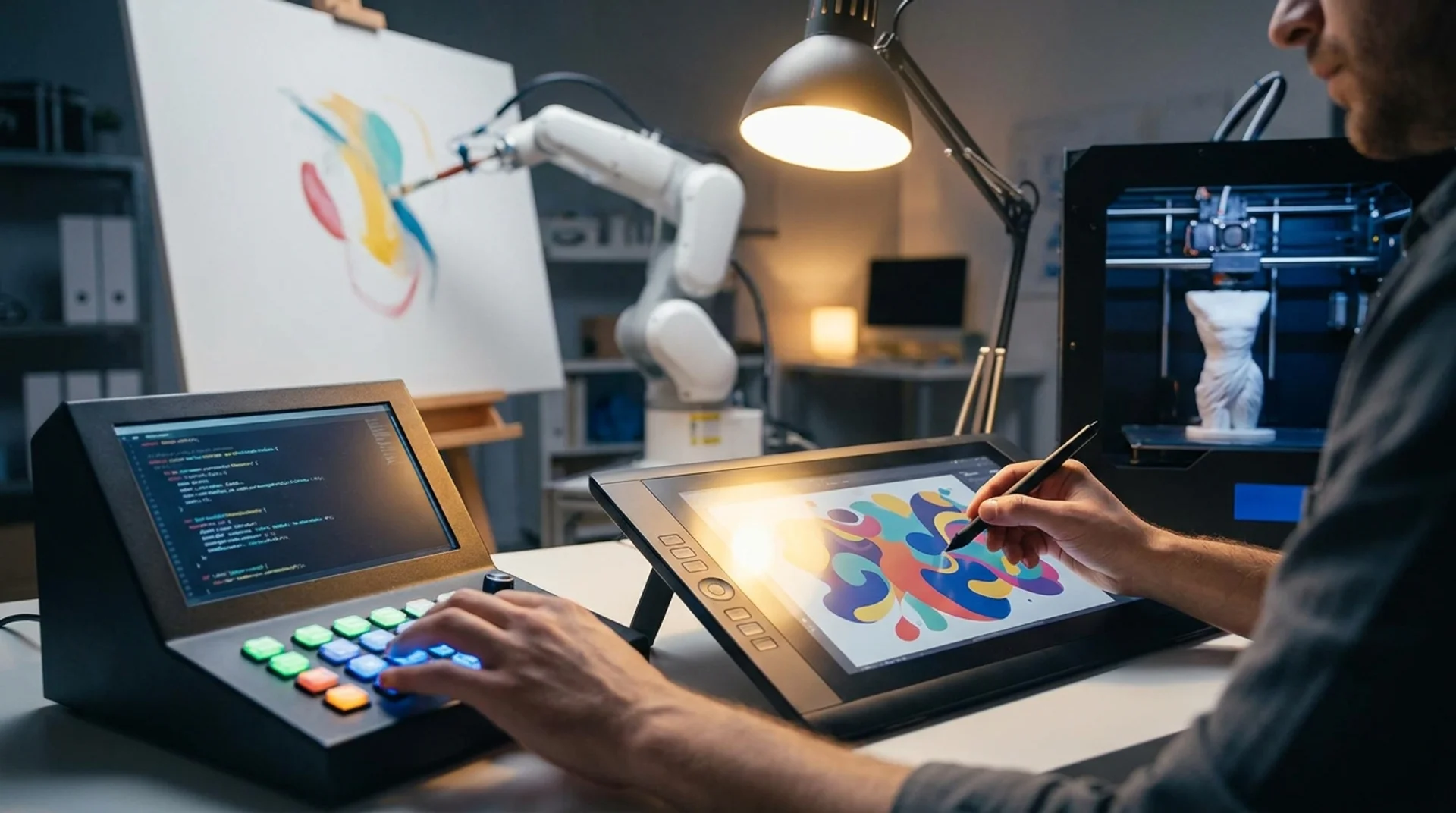
Freebeat sits at the intersection of automation and creative control. It is designed for creators who want to turn music into video without managing timelines or layers.
At its core, it:
- Analyses beats, tempo, and mood to sync visuals
- Generates full videos in one click
- Supports both short-form and long-form outputs
- Exports across platforms like TikTok, YouTube, and Instagram
What stands out to me is the workflow. You upload a track, define a vibe, and get a structured video that follows the music. That removes a major bottleneck for independent musicians and content creators.
It is not trying to replace professional editing tools. Instead, it accelerates the first 80 percent of the process, which is where most time is spent.
Freebeat is most effective when speed, consistency, and music alignment matter.
Use Cases: Choosing the Right Tool Based on Your Needs:
Different creators prioritise different outcomes. The best AI music video platform depends on your goal.
- Independent musicians: Need full-length videos for YouTube and streaming platforms
- Content creators: Focus on short-form, high-frequency posting
- Visual artists: Prioritise style control and experimental outputs
- DJs and performers: Need loopable visuals for live or social content
If your workflow involves frequent uploads and limited editing time, automation-first tools are the better choice. If you need precise control over every frame, manual tools may suit you better.
In my own workflow, I often use AI tools to generate the base video, then refine only what matters. This hybrid approach saves time while maintaining creative control.
The right platform depends on whether you prioritise speed, control, or output quality.
FAQ:
What is the best AI music video platform for streaming-ready formats?:
Platforms that support full-length video generation, stable encoding, and high-resolution exports perform best for streaming.
Best AI music video platform for social media ready videos?:
Tools with vertical presets, fast rendering, and automated workflows are ideal for social media content.
What’s the best AI music video platform for 4K output?:
Platforms offering native 4K export and consistent rendering quality provide the best results.
Do AI music video platforms support multiple formats?:
Yes, most tools support formats like 9:16 and 16:9 for different platforms.
How important is beat sync in AI music videos?:
Beat sync ensures visuals align with music structure, improving engagement and storytelling.
Can AI tools replace manual video editing?:
They can automate most of the process, but manual editing may still be used for fine adjustments.
Are AI music video tools suitable for beginners?:
Yes, many platforms use one-click workflows that require no editing experience.
Which AI music video tool is best for musicians?:
Tools that analyse full tracks and maintain visual consistency across sections are most effective.


