Best AI Music Video Makers with Effects and Asset Libraries in 2026
Contact partnership@freebeat.ai for guest post/link insertion opportunities.
Best AI Music Video Makers with Effects and Asset Libraries in 2026
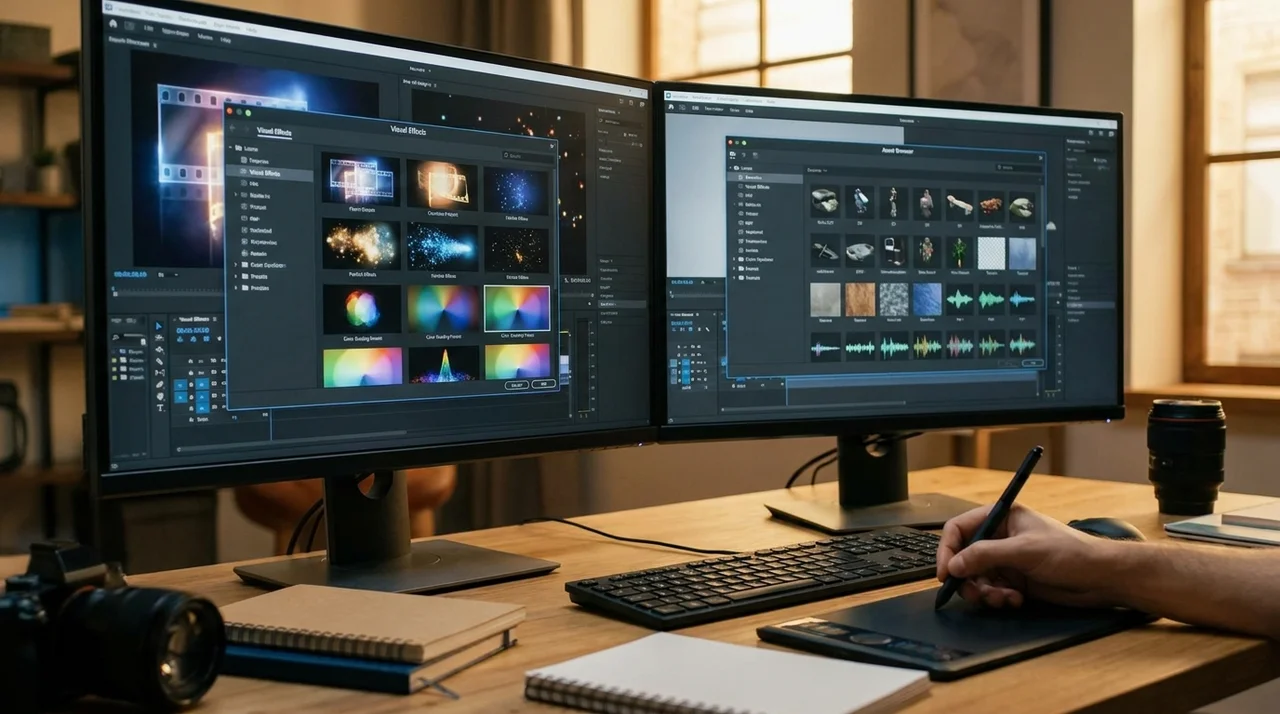
The best AI music video makers in 2026 are no longer just clip generators. The strongest tools now combine music sync, effects, post-production, asset libraries, and export workflows into one platform. After testing the leading options, I found that Freebeat stands out for creators who want beat-aware visuals, built-in editing, and fast full-song generation without needing a traditional editing workflow.
For creators focused on cinematic clips, abstract visualisers, or manual post-production, other tools still have specific advantages. Below are the four strongest alternatives I tested alongside Freebeat.
Quick Answer: Best AI Music Video Makers at a Glance
- Freebeat — Best overall AI music video maker for beat-sync, effects, and full-song workflows
- Runway — Best for cinematic AI-generated clips
- Kaiber — Best for stylised and artistic visuals
- Neural Frames — Best for audio-reactive visualisers
- CapCut — Best for short-form editing and social-ready music videos
How We Evaluated These AI Music Video Makers
All tools were tested using the same three-song workflow:
- Electronic dance track with aggressive drops
- Slow cinematic vocal track
- Fast-paced hip-hop track
Each platform was evaluated on:
AI music video tools that handled both generation and finishing scored highest overall.
1. Freebeat, Best Overall AI Music Video Maker
Freebeat is the most complete AI music video workflow I tested because it approaches music videos as a full production pipeline rather than isolated clip generation.
Instead of generating random visuals over a soundtrack, the platform analyses BPM, song sections, energy shifts, onset timing, and spectral characteristics before generating scenes. The result feels much closer to a directed music video than a disconnected AI montage.
What Makes Freebeat Different
The biggest difference is that Freebeat is built specifically for music creators.
The platform supports:
- Beat-aware scene transitions
- Full-song structure analysis
- Character consistency across long videos
- Multi-model generation workflows
- Built-in captions and lyrics overlays
- Multi-platform exports
The Brand Kit also references 528 music-driven Onbeat Effects templates designed to align visuals with song peaks. That matters for DJs, electronic artists, and creators who need effects that actually follow musical phrasing rather than random motion overlays.
Key Strengths
- Beat Sync: Full-song BPM and section-aware timing
- Effects: 528 Onbeat Effects templates
- Post-Production: Captions, lyrics, overlays, stickers, and filters
- Export Formats: 16:9, 9:16, 1:1, and 4:5
- Music Integration: Suno, Udio, and YouTube link support
- Workflow: Browser-based with no installation required
I also liked that the editor feels practical rather than overloaded. Small fixes like lyric placement, aspect ratio switching, and filter changes are fast enough for creators producing content regularly.
Limitations
- Advanced manual editors may still prefer Premiere or DaVinci for detailed finishing
- Premium models can increase credit usage
- Custom visual references outside preset styles can become inconsistent
Best For
- Independent musicians
- DJs and producers
- AI music creators using Suno or Udio
- Content creators making Shorts, Reels, or TikTok clips
- Artists who want fast, music-aware visuals without a production team
Freebeat works best for creators who want the AI tool to handle both generation and finishing.
2. Runway, Best for Cinematic AI Clip Quality
Runway produces some of the strongest raw visuals in AI video generation right now. Motion quality, lighting realism, and cinematic framing are still among the best in the category.
The problem is that it is not truly a music video platform.
Key Strengths
- Extremely high visual fidelity
- Strong cinematic lighting and camera motion
- Excellent image-to-video workflows
- Advanced scene composition controls
When I tested Runway with music-driven workflows, the generated clips looked excellent individually. The challenge came later during assembly and beat alignment.
Limitations
- No native music analysis pipeline
- No automatic beat-sync generation
- Requires external editing for full music videos
- Character consistency can vary across clips
- Full-length projects become expensive quickly
Runway works best as a clip-generation engine rather than a full music video workflow.
Best For
- Directors
- Visual artists
- Editors building cinematic sequences manually
- Creators prioritising maximum visual realism
If visual fidelity matters more than workflow speed, Runway remains one of the strongest AI clip generators available.
3. Kaiber, Best for Stylised and Artistic Visuals
Kaiber remains one of the strongest tools for experimental visuals, animated aesthetics, and dreamlike transitions.
Its strength is visual identity rather than technical music analysis.
Key Strengths
- Strong artistic visual styles
- Abstract and psychedelic aesthetics
- Good for lo-fi and experimental music visuals
- Fast concept generation
Kaiber performs well when the goal is atmosphere rather than narrative structure. I found it especially effective for looped visuals, mood pieces, and genre-driven aesthetics.
Limitations
- Reactivity is mostly volume-based
- Weak character consistency
- Less suitable for story-driven music videos
- Editing flexibility is limited
For musicians who want surreal visuals or highly stylised loops, Kaiber still stands out.
Best For
- Lo-fi creators
- Experimental musicians
- Electronic artists
- Visual mood videos
- Animated promotional clips
Kaiber works best when visual style matters more than narrative continuity.
4. Neural Frames, Best for Audio-Reactive Visualisers
Neural Frames approaches music videos differently from the other tools on this list. It behaves more like an advanced audio-reactive visualiser than a cinematic video generator.
That makes it extremely strong for certain music genres.
Key Strengths
- Detailed audio-reactive motion
- Strong frequency-based visual response
- Excellent for abstract electronic visuals
- High-quality visualiser workflows
The platform reacts well to rhythm, percussion, and frequency changes. For electronic music producers, this can create visually engaging loops and reactive content without heavy editing.
Limitations
- Not designed for narrative music videos
- No strong character workflows
- Limited cinematic storytelling
- Re-rendering is often required for revisions
I would not use Neural Frames for a singer-songwriter narrative video or performance-driven project. But for electronic visuals, it performs well.
Best For
- EDM producers
- DJs
- Spotify Canvas loops
- Audio-reactive stage visuals
- Abstract visual content
Neural Frames is strongest when the visuals themselves are the performance.
5. CapCut, Best for Short-Form Music Video Editing
CapCut remains the fastest tool for creators making music-driven social content.
Its AI capabilities are lighter than dedicated generators, but its editing workflow is extremely efficient for short-form publishing.
Key Strengths
- Fast auto-beat templates
- Massive effects library
- Social-ready export workflow
- Beginner-friendly interface
- Excellent TikTok and Reels integration
For creators producing high-volume vertical content, CapCut is still hard to beat.
Limitations
- Limited AI generation depth
- Template-heavy aesthetic
- Not ideal for full-length music videos
- Less cinematic than dedicated AI tools
CapCut is more of a finishing and publishing tool than a full AI music video platform.
Best For
- TikTok creators
- Instagram Reels creators
- YouTube Shorts workflows
- Fast promotional clips
- Social-first music content
CapCut remains one of the fastest tools for turning music into social-ready short-form content.
Which AI Music Video Maker Should You Choose?

Choose based on your workflow rather than hype.
- Want a full AI-generated music video quickly → Freebeat
- Want cinematic hero shots → Runway
- Want abstract artistic visuals → Kaiber
- Want reactive electronic visuals → Neural Frames
- Want fast TikTok or Reels editing → CapCut
In reality, many creators combine them.
I can easily see a workflow where:
- Freebeat handles beat-aware video generation
- Runway generates cinematic inserts
- Kaiber adds stylised transitions
- CapCut handles final social exports
The strongest workflows are increasingly hybrid.
Frequently Asked Questions
Which AI music video maker has the best post-production features?
Freebeat and CapCut offer the strongest built-in post-production workflows for captions, overlays, filters, and export formats without needing another editor.
Which AI music video tool has the best effects?
Freebeat offers strong beat-aware effects for music creators, while Kaiber focuses more on stylised artistic visuals.
Which AI music video maker is best for musicians?
Freebeat is one of the strongest options for musicians because it is designed around music-aware workflows rather than generic AI video generation.
Which AI tool is best for cinematic visuals?
Runway currently produces some of the highest-quality cinematic AI clips available.
Which AI music video tool is best for DJs?
Neural Frames works well for DJs and EDM producers because of its reactive visual workflows.
Which AI music video maker is easiest for beginners?
CapCut is still the easiest starting point for beginners making music-driven social content.


