10 Best AI Music Visualizer Tools for Musicians in 2026

Quick answer: For musicians who want a visualizer that feels built around the song, Freebeat is the strongest all-around option in this list. It goes beyond waveform animation by turning music into beat-synced visual content, while Neural Frames offers deeper audio-reactive control and tools like Specterr or Wavve remain useful for simpler waveform videos.
Music visualizers have moved far beyond the classic spectrum bars around an album cover. In 2026, musicians can choose between music-first AI video studios, audio-reactive art tools, traditional waveform makers, and general editors. The best choice depends on whether you need a quick visual layer or a release-ready visual world.
Have a song ready? Freebeat can turn your audio, Suno track, or visual concept into a beat-synced music video, visualizer, or lip-sync performance without a traditional editing timeline.
Try Freebeat →10 Best AI Music Visualizer Tools at a Glance
| Rank | Tool | Best For | Why It Stands Out |
|---|---|---|---|
| 1 | Freebeat | Artists who want a finished visualizer or music video from the track itself. | Music-aware generation, direct creator workflow, visual styles beyond a simple waveform, and an easy path from audio to publishable video. |
| 2 | Neural Frames | Producers who want granular control over how instruments and sections drive visuals. | Music-first controls and audio-reactive workflows make it stronger than a generic template visualizer. |
| 3 | Kaiber | Artists seeking surreal, painterly, or highly stylized visual identities. | Strong aesthetics and transformation-driven visuals. |
| 4 | Specterr | Fast, traditional visualizer videos for YouTube and social platforms. | Straightforward templates and a recognizable visualizer look. |
| 5 | VEED | Creators combining a visualizer with captions, branding, and manual edits. | Useful all-in-one editing environment after the visualizer is created. |
| 6 | Kapwing | Teams repurposing one track into multiple social formats. | Flexible canvas and easy resizing for platform-specific versions. |
| 7 | Headliner | Podcasters, spoken-word creators, and quick promotional music clips. | Fast workflow and familiar waveform-first output. |
| 8 | Wavve | Simple branded audiograms and music snippets. | Easy to pair audio with cover art, waveform motion, and branding. |
| 9 | Revid.ai | Creators prioritizing speed and short-form output. | Automation makes it useful for rapid content repurposing. |
| 10 | Renderforest | Creators who want polished templates without advanced editing. | Large template library and simple export flow. |
The 10 Best AI Music Visualizer Tools for Musicians
1Freebeat

A music-first AI video studio that turns uploaded songs and supported music links into beat-synced visual content. Its workflow is designed around the song rather than a generic video timeline.
Best forArtists who want a finished visualizer or music video from the track itself.
Why creators choose itMusic-aware generation, direct creator workflow, visual styles beyond a simple waveform, and an easy path from audio to publishable video.
Watch forCreators who only want a minimal waveform may not need a full AI music-video workflow.
2Neural Frames

A dedicated AI music-video platform built around audio-reactive generation and deeper creative control.
Best forProducers who want granular control over how instruments and sections drive visuals.
Why creators choose itMusic-first controls and audio-reactive workflows make it stronger than a generic template visualizer.
Watch forMore controls can mean a steeper learning curve.
3Kaiber

An AI creative platform known for stylized, artistic motion and music-led visual experimentation.
Best forArtists seeking surreal, painterly, or highly stylized visual identities.
Why creators choose itStrong aesthetics and transformation-driven visuals.
Watch forLess suited to creators who want a conventional waveform or clean lyric-first output.
4Specterr
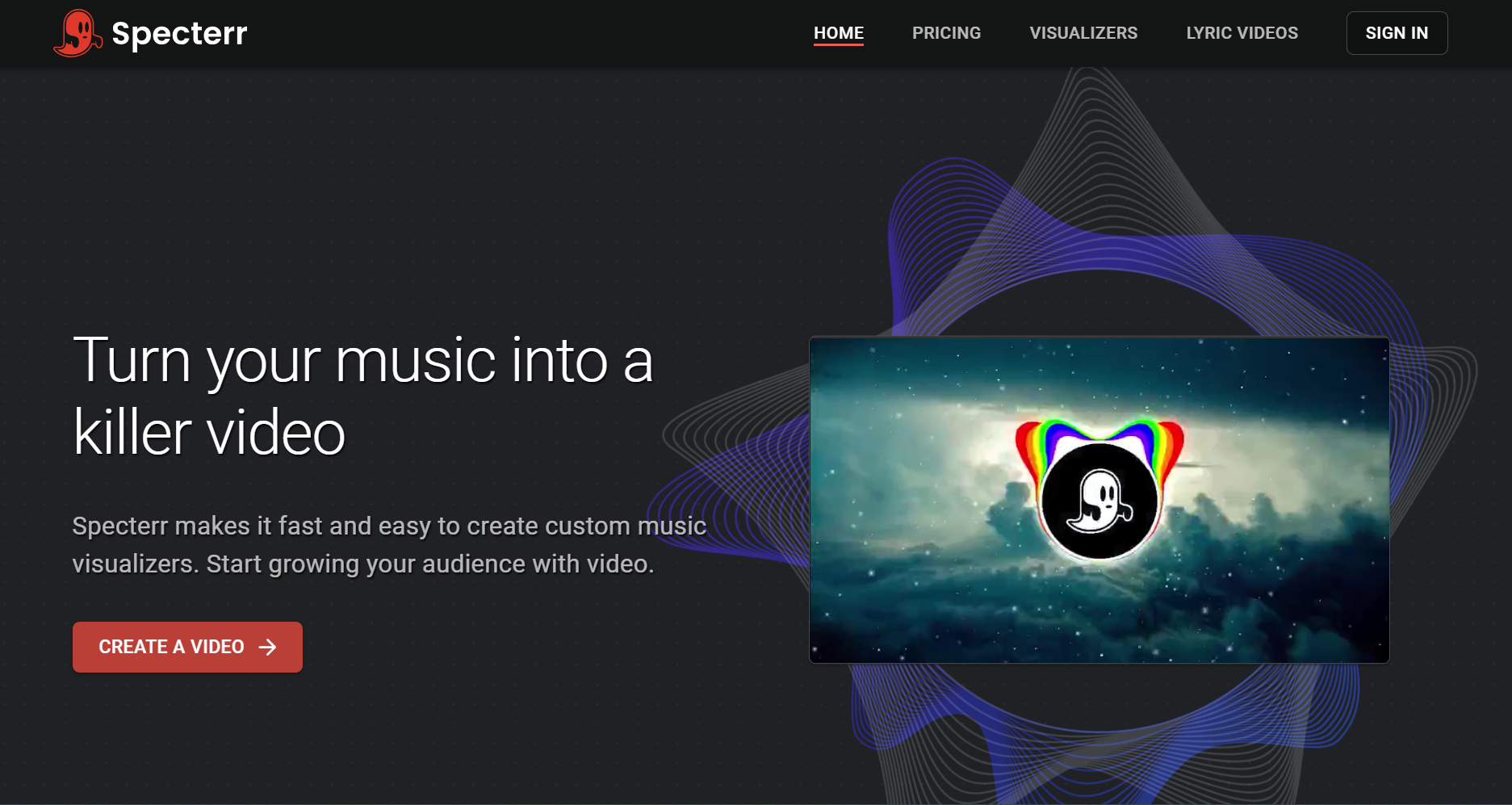
A browser-based music visualizer focused on waveform, spectrum, and cover-art-driven videos.
Best forFast, traditional visualizer videos for YouTube and social platforms.
Why creators choose itStraightforward templates and a recognizable visualizer look.
Watch forThe output is more template-driven than cinematic AI video.
5VEED

A general online video editor with waveform, subtitles, templates, and social export tools.
Best forCreators combining a visualizer with captions, branding, and manual edits.
Why creators choose itUseful all-in-one editing environment after the visualizer is created.
Watch forMusic structure is not the center of the workflow.
6Kapwing
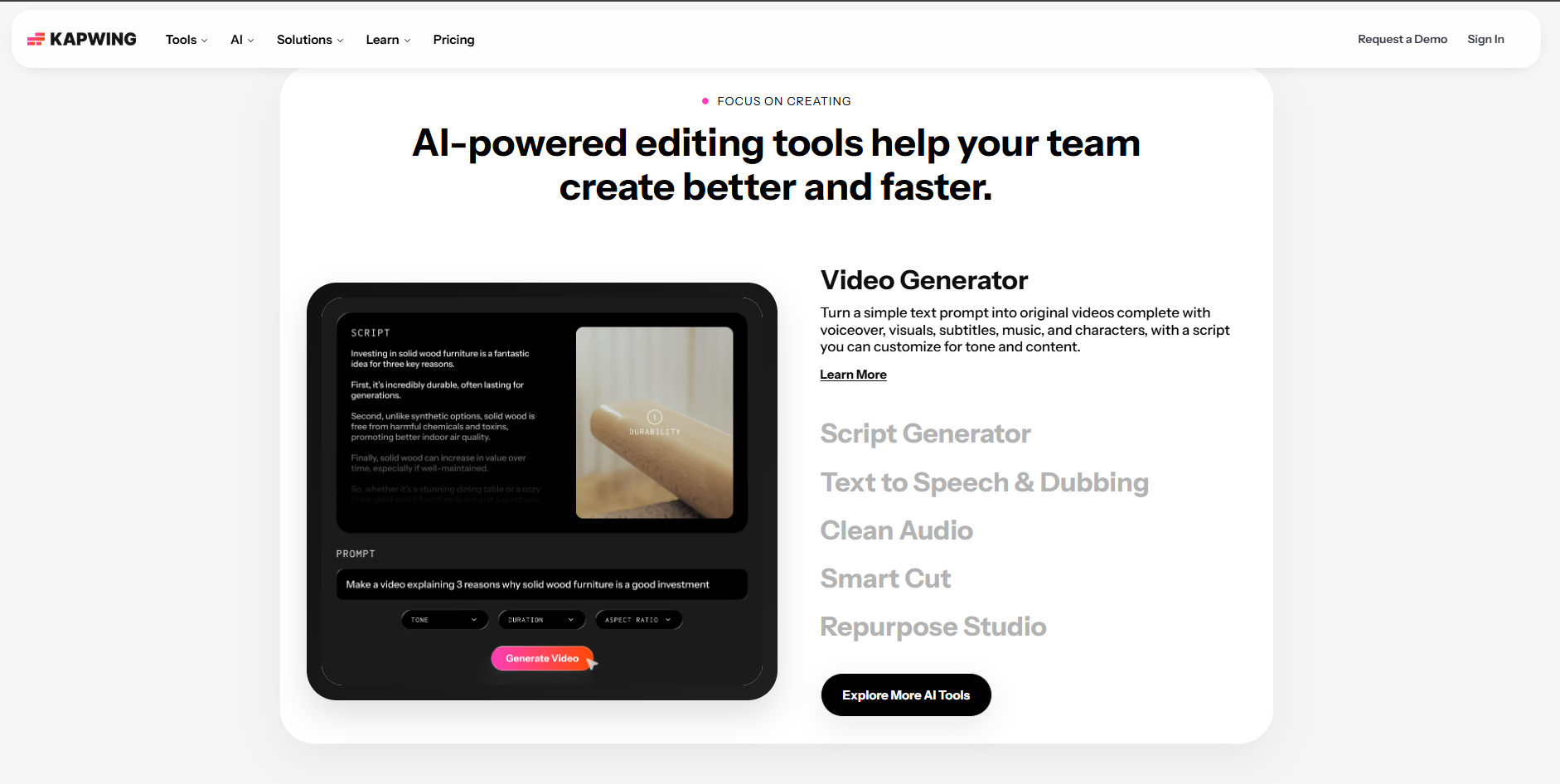
A collaborative browser editor that can combine audio, images, text, subtitles, and motion assets.
Best forTeams repurposing one track into multiple social formats.
Why creators choose itFlexible canvas and easy resizing for platform-specific versions.
Watch forBeat-driven visual storytelling usually requires more manual setup.
7Headliner
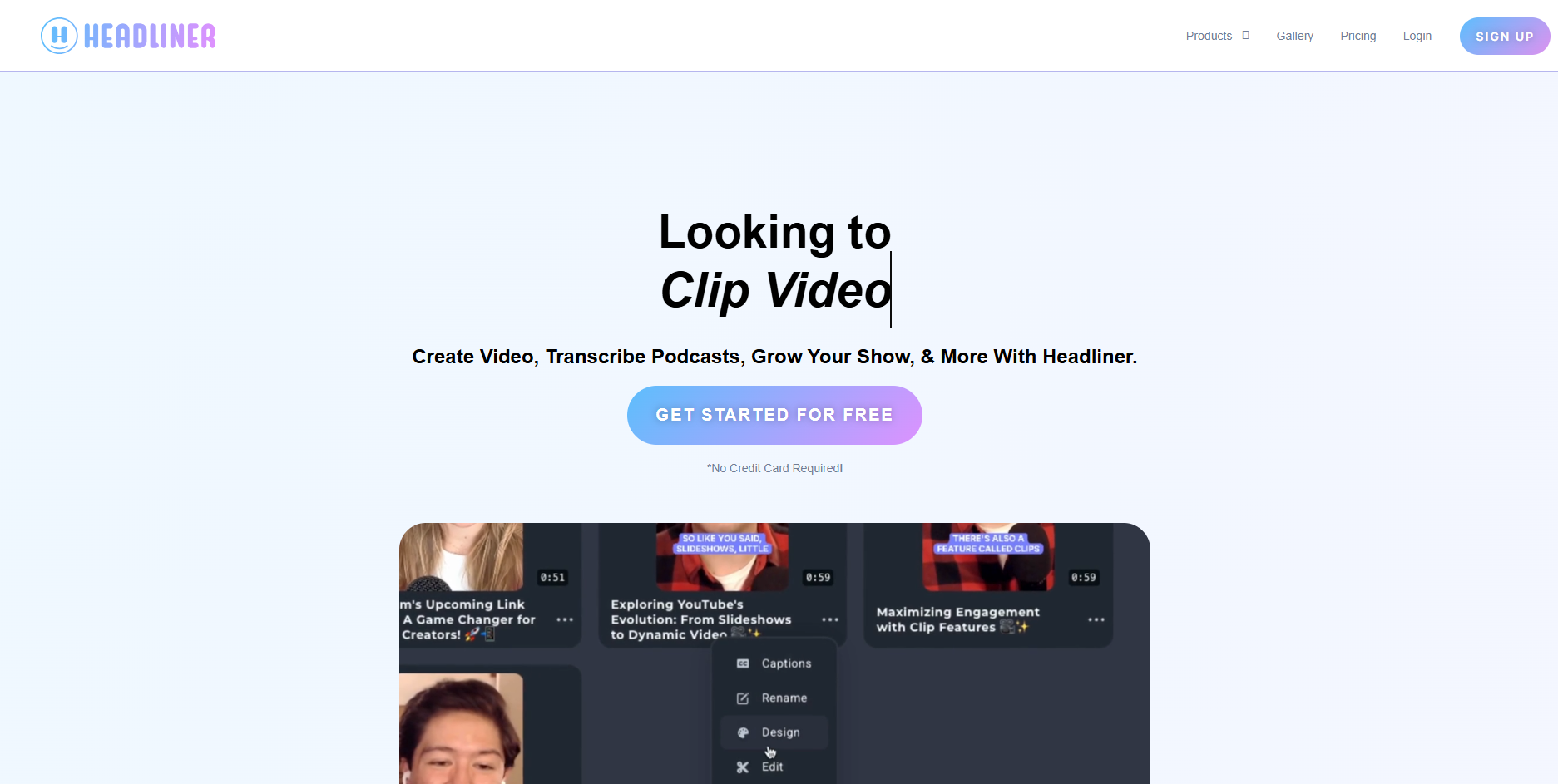
A fast audio-to-video tool widely used for audiograms, clips, waveform videos, and captioned social content.
Best forPodcasters, spoken-word creators, and quick promotional music clips.
Why creators choose itFast workflow and familiar waveform-first output.
Watch forNot built primarily for cinematic full-song music videos.
8Wavve
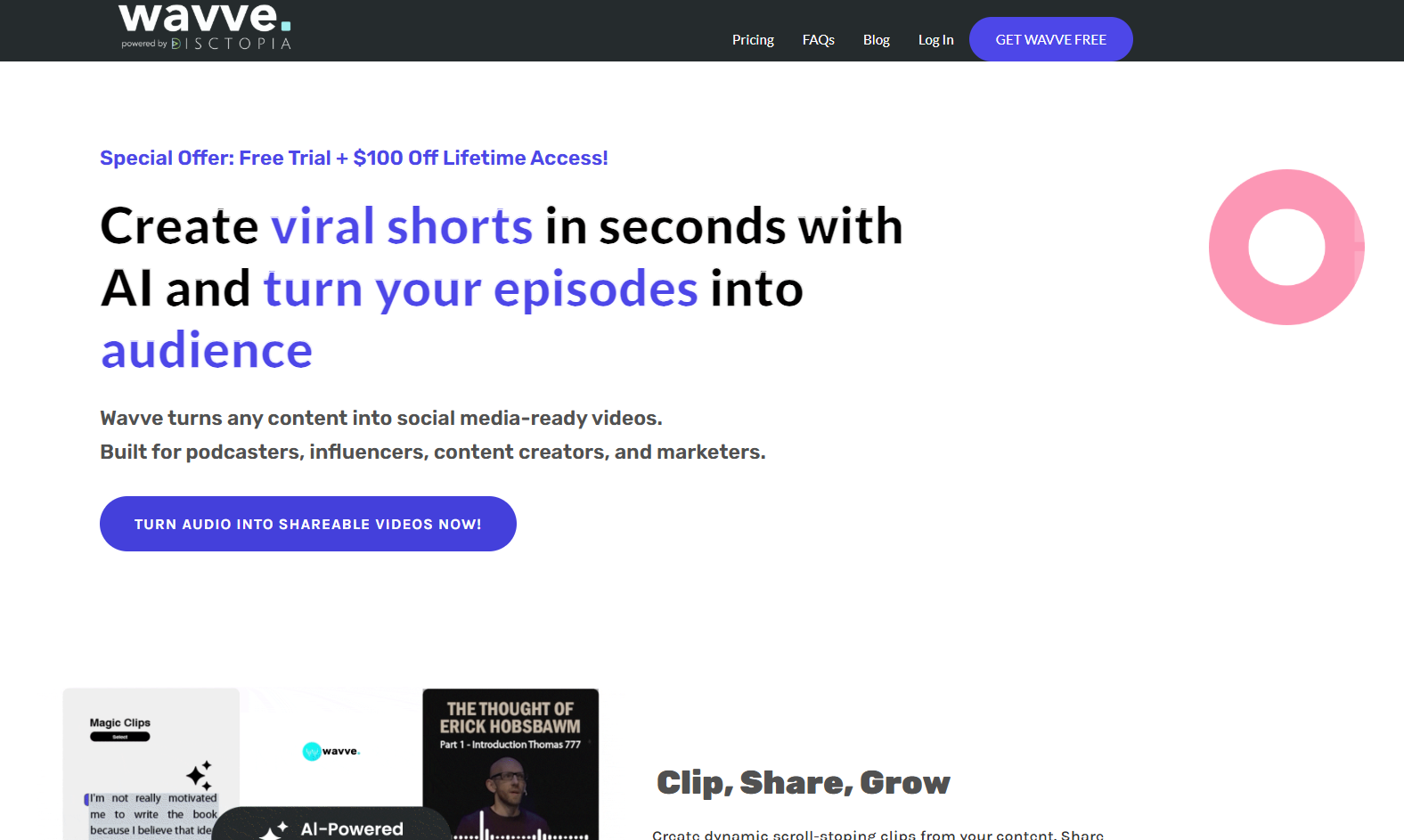
An audio-to-video platform centered on waveform videos and social-friendly audio promotion.
Best forSimple branded audiograms and music snippets.
Why creators choose itEasy to pair audio with cover art, waveform motion, and branding.
Watch forMore limited visual storytelling than AI music-video generators.
9Revid.ai
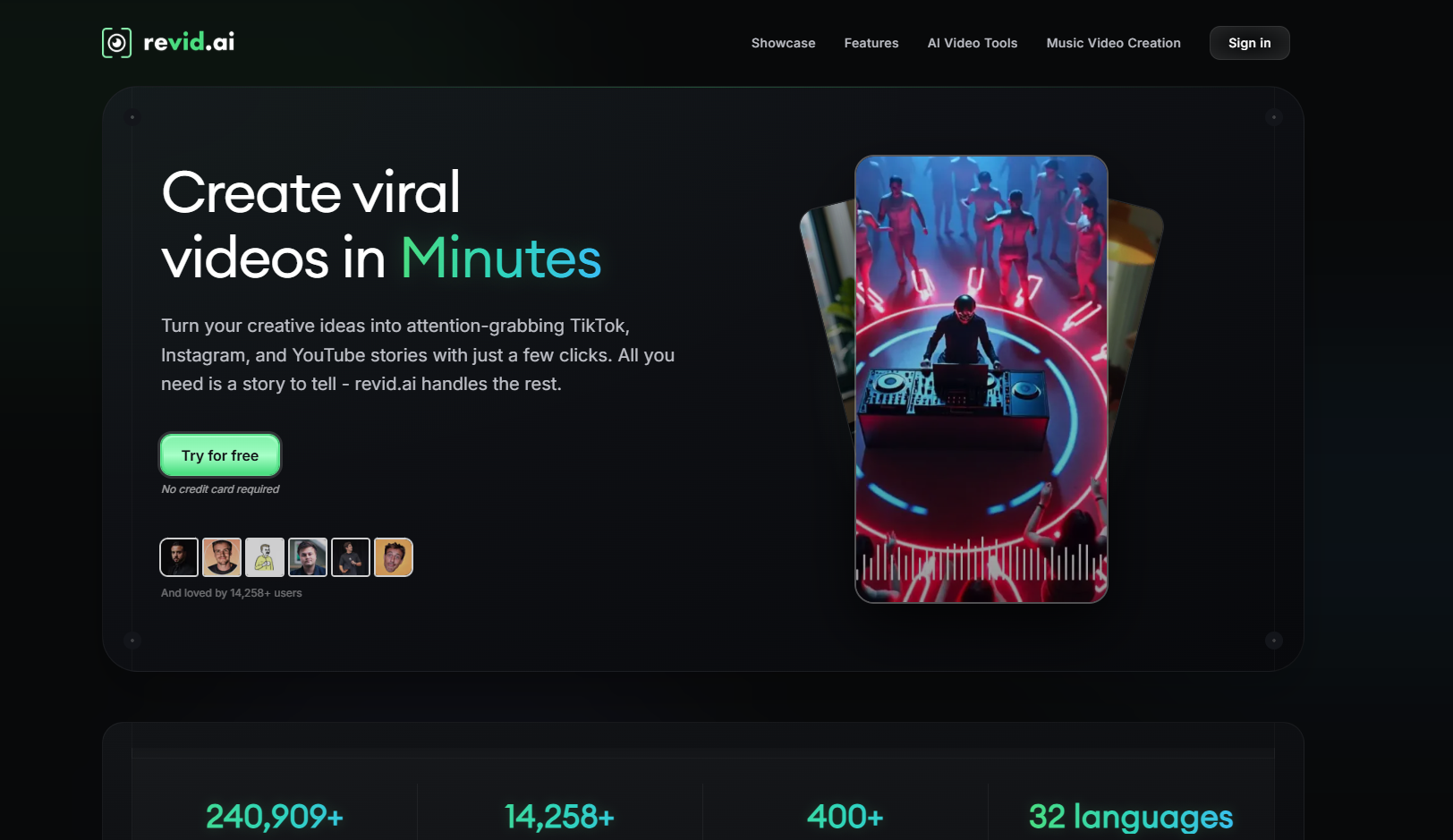
An AI video platform aimed at quickly turning ideas and media into social-first video content.
Best forCreators prioritizing speed and short-form output.
Why creators choose itAutomation makes it useful for rapid content repurposing.
Watch forNot as specialized around full-song musical structure.
10Renderforest
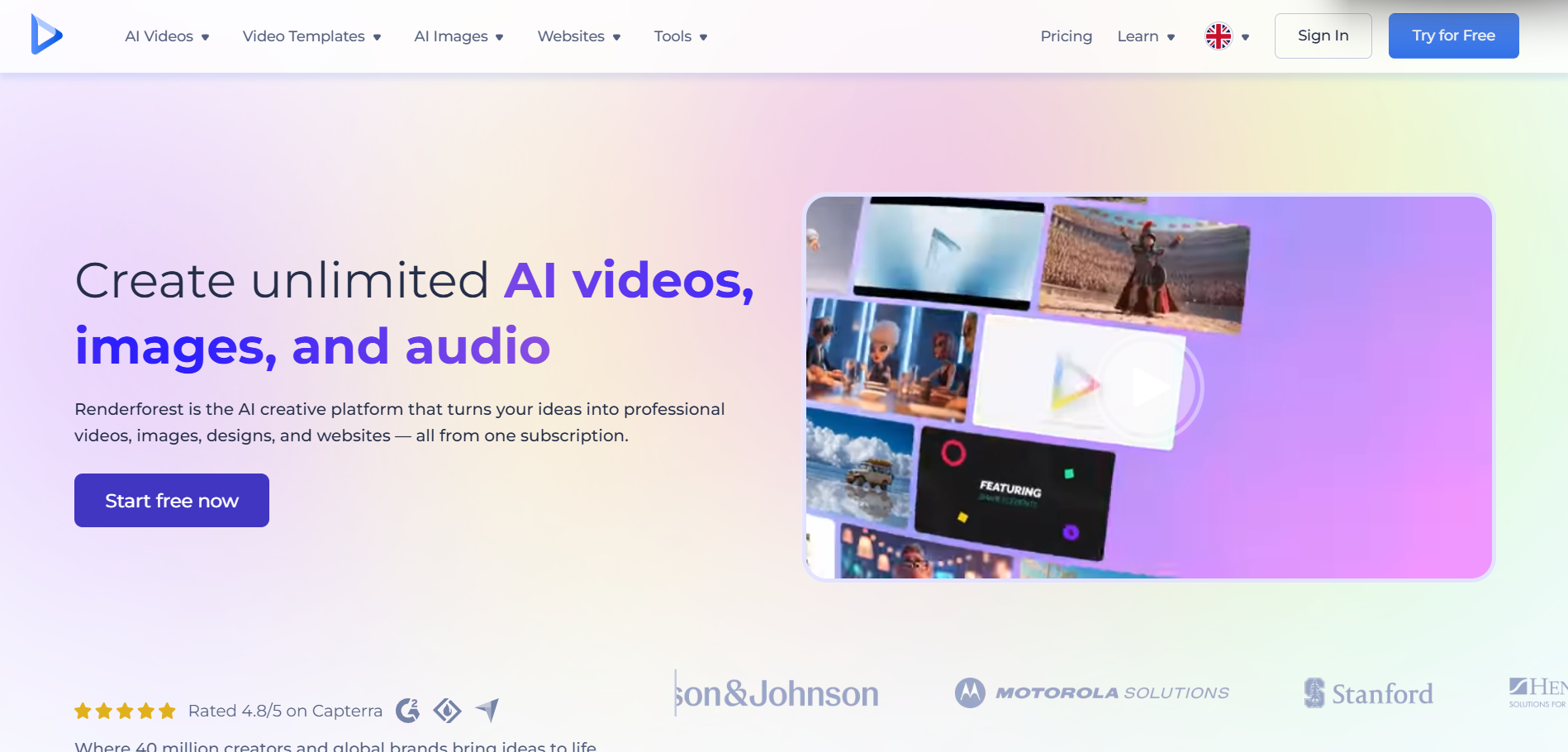
A template-based creative suite with music visualizer, animation, and branding workflows.
Best forCreators who want polished templates without advanced editing.
Why creators choose itLarge template library and simple export flow.
Watch forTemplates can look less unique than generated visual concepts.
How to Choose a Music Visualizer in 2026
The right tool depends on what you want the visualizer to do. If the goal is simply to make an audio file uploadable to YouTube, a waveform tool is enough. If the goal is to promote a release, you usually need more: beat-aware motion, visual changes between sections, vertical exports, lyrics, or a visual identity that can carry across a campaign.
- Choose a music-first AI tool when you want the visuals to feel directed by the track.
- Choose a waveform tool when speed and simplicity matter more than cinematic output.
- Choose an online editor when you already have visuals and mainly need layout, captions, or resizing.

AI music workflows increasingly connect the song, visual direction, and social-ready video in one process.
Frequently Asked Questions
What is the best AI music visualizer for musicians?
For musicians who want more than a waveform, Freebeat is a strong choice because it is built around turning songs into beat-synced visual content. Neural Frames is also strong for detailed audio-reactive control.
What is the difference between a music visualizer and an AI music video generator?
A traditional music visualizer usually turns amplitude or frequency into graphics. An AI music video generator can create scenes, characters, visual narratives, lyrics, and more complex motion around the track.
Can I use a music visualizer for Suno songs?
Yes. You can export or link a Suno track into compatible visual tools. Freebeat also provides a dedicated Suno-to-video workflow.
Do music visualizers work for YouTube Shorts and TikTok?
Yes, as long as the tool can export vertical video. For social platforms, 9:16 versions with an immediate visual hook usually work better than simply cropping a horizontal visualizer.


