Best Online Music Visualizers in 2026: Browser Tools With No Download

An online music visualizer saves you from installing software or having a powerful graphics card: rendering happens on the vendor's servers, and you download the finished video. The trade-offs are in the free plan, the export length and resolution, and whether you can paste a link instead of uploading a file.
We compared seven browser-based visualizers using their own pricing and product pages as of October 28, 2026.
Freebeat runs online with no install. Paste a link or upload a song and get beat-synced visuals; new accounts get 500 free credits. Open the Freebeat visualizer →
What We Looked For
- No download: the whole workflow runs in a web browser
- Input: file upload, links, or both
- Free plan: what a free account can export
- Length and resolution: per-video limits on each plan
- Visual type: templates versus AI-generated scenes
At a Glance
| Tool | Visual type | Input | Free plan |
|---|---|---|---|
| Freebeat | AI visuals that follow beats and sections | Upload or Suno, YouTube, SoundCloud link | 500 credits on sign-up, no card |
| Specterr | Spectrum and particle presets | MP3 or WAV | 1 video a day, 720p, up to 5 minutes, watermark |
| Videobolt | Visualizer and lyric templates | Audio into templates | Try for free; unlimited exports on subscription plans |
| Renderforest | Sound-responsive templates | Audio into templates | Try for free; check plan for export terms |
| Headliner | Waveform audiograms | Audio clips | Unlimited watermarked audiograms |
| Neural Frames | AI music video, audio-reactive | Song upload | No free plan listed |
| Kaiber | AI video with Beat Sync | Song and images | $5 five-day trial |
Where Freebeat Fits for Online Visualizers
Freebeat is browser-native: its visualizer page says all processing and rendering happen in the cloud, so you need only a stable connection, with no GPU setup, plugins, or editing software. It works in modern browsers on Windows, Mac, Linux, iOS, and Android.
Paste a Suno, YouTube, or SoundCloud link or upload an MP3 or WAV. Freebeat detects BPM and song sections, applies one of 8+ visual styles or your own prompt, and exports in five aspect ratios. A Realtime mode can even show synced visuals within seconds while the track plays.
- Any browser: Windows, Mac, Linux, iOS, or Android.
- Link input: Suno, YouTube, or SoundCloud, as well as MP3 and WAV.
- Online editor: add lyrics, logos, captions, and stickers in the browser.
- Realtime visuals: 3 to 5 seconds of latency while the song plays.
Freebeat reference: https://freebeat.ai/music-visualizer
Detailed Picks
1Freebeat
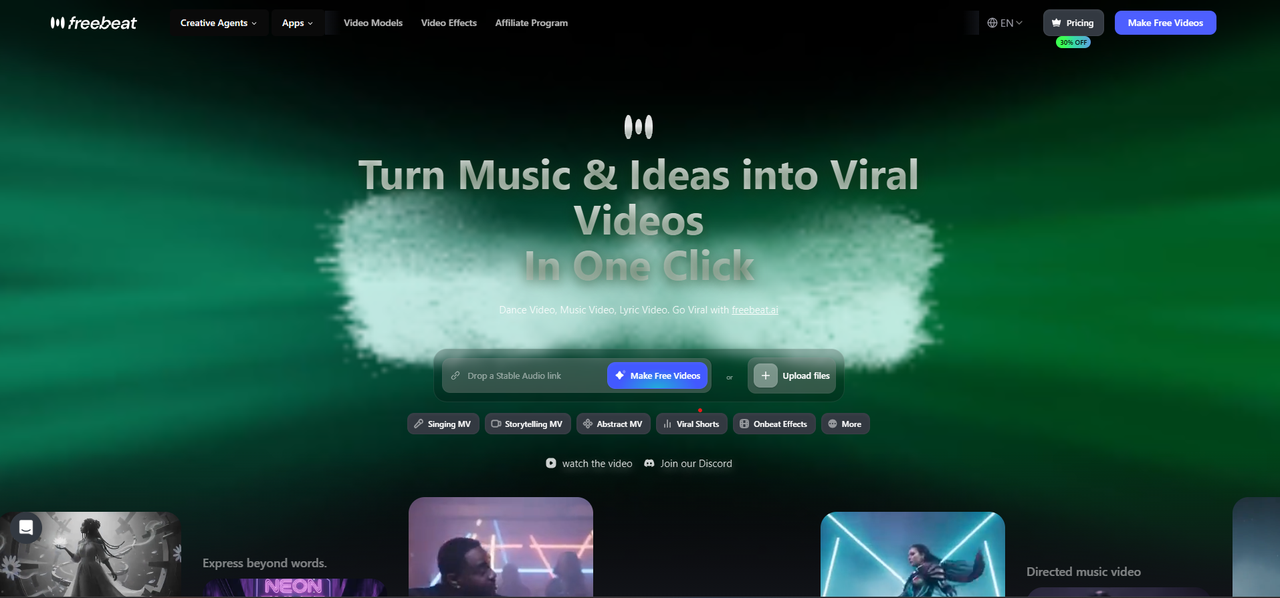
AI music visualizers online, from a link or a file
Freebeat generates audio-reactive visuals that follow the song's rhythm, sections, and energy, with 528 music-reactive effects, style locking for a consistent look, and full songs of up to six minutes.
How it fits the workflowOpen Freebeat in the browser, paste a link or upload, choose a style, generate, edit overlays, and export.
Watch forStart with 500 free credits to try styles on your own song, then export full-length, watermark-free videos on a paid plan.
2Specterr
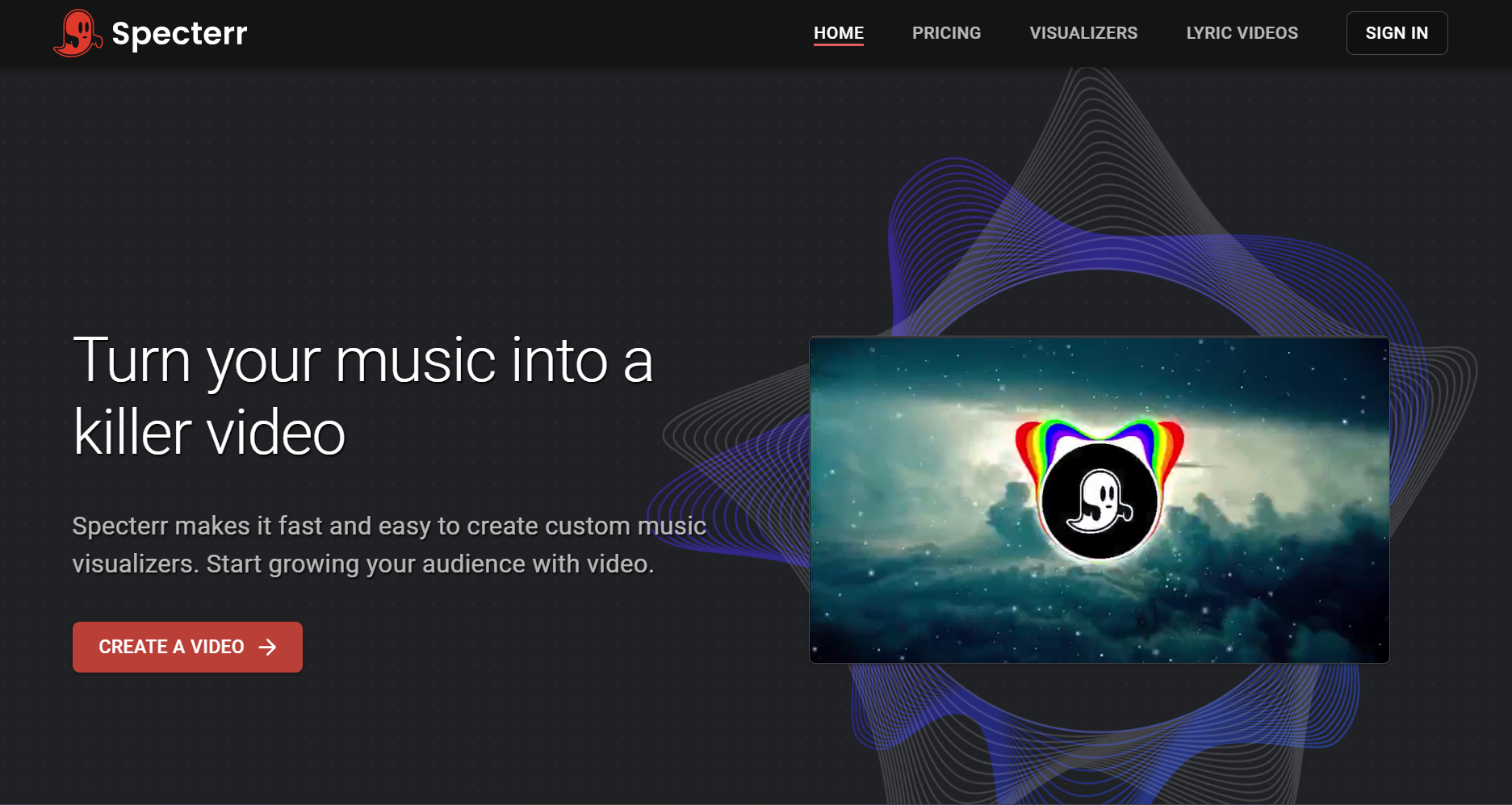
Spectrum presets with a live preview
Specterr's online editor needs no download and shows a live preview as you edit. Its free plan makes one 720p, five-minute video a day with a watermark; Pro ($16.50 a month billed yearly) exports 1080p 60fps videos of up to 10 minutes.
How it fits the workflowChoose a preset, upload an MP3 or WAV, customize, and export from the cloud.
Watch forFree videos expire after 10 days.
3Videobolt
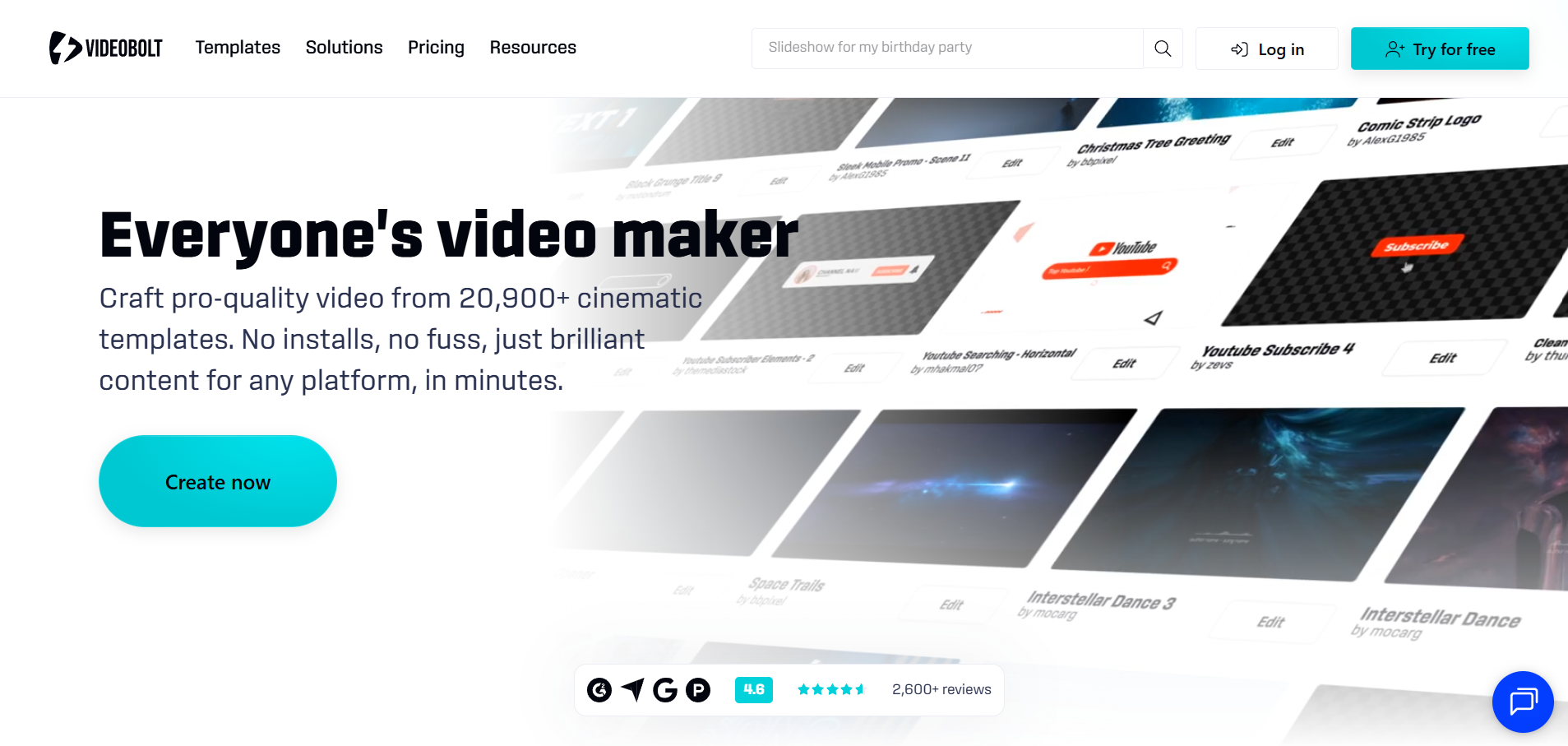
Template visualizers alongside lyric and Canvas templates
Videobolt's subscriptions include unlimited exports from more than 21,200 templates, including music visualizations, lyric videos, and Spotify Canvas. Lite exports 720p for up to 10 minutes; Pro goes up to 4K at 60fps and one hour.
How it fits the workflowSearch the music visualization templates, add your track and art, and render online.
Watch forPick the plan by the resolution and length you need.
4Renderforest
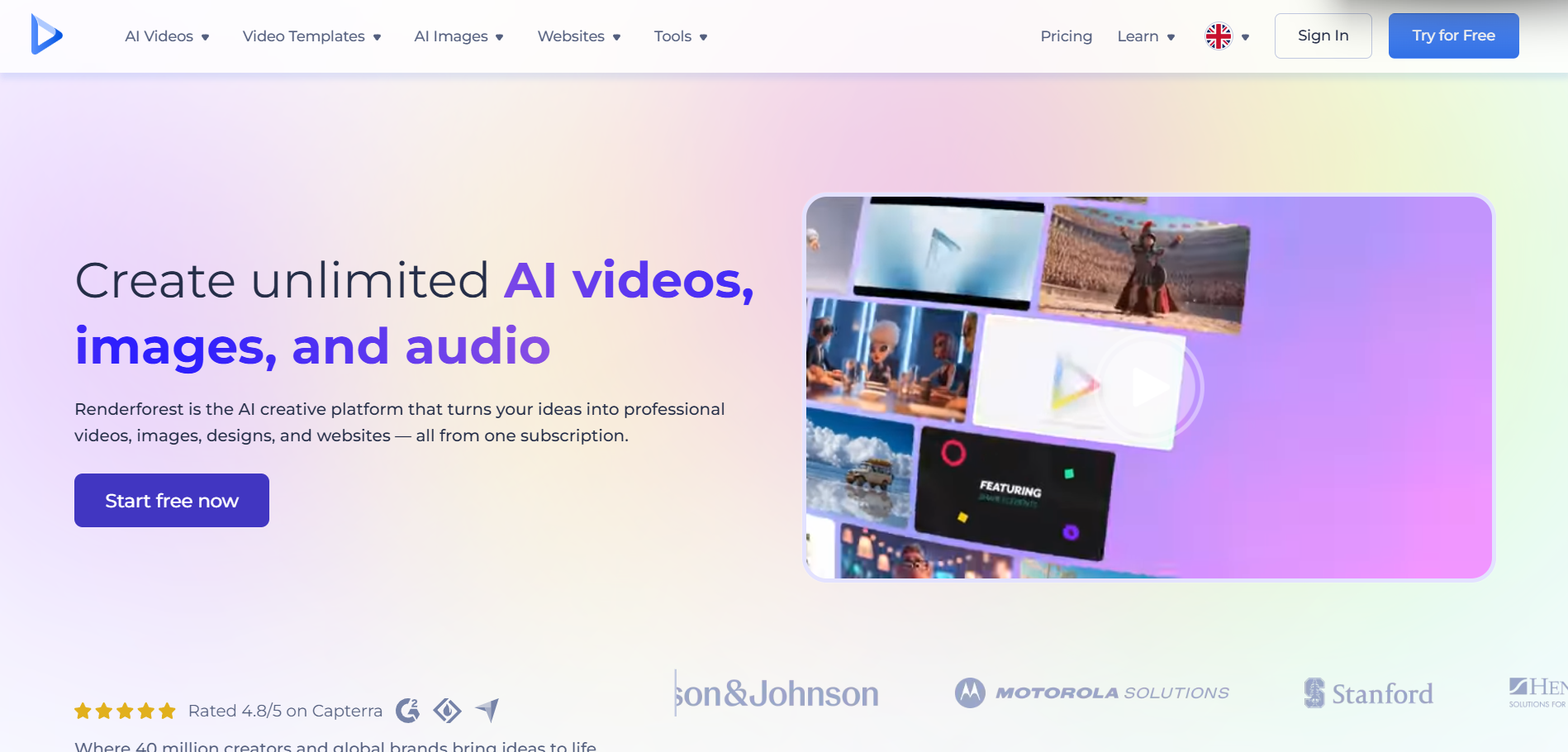
Sound-responsive templates in a wider video suite
Renderforest's online music visualizer templates are sound-responsive, many run up to 20 or 30 minutes, and you can add a logo and custom backgrounds. The same account includes an AI music video generator.
How it fits the workflowPick a visualizer template, upload audio and branding, and render.
Watch forReview plan terms for resolution and watermarks before exporting.
5Headliner
Free waveform clips for podcasts
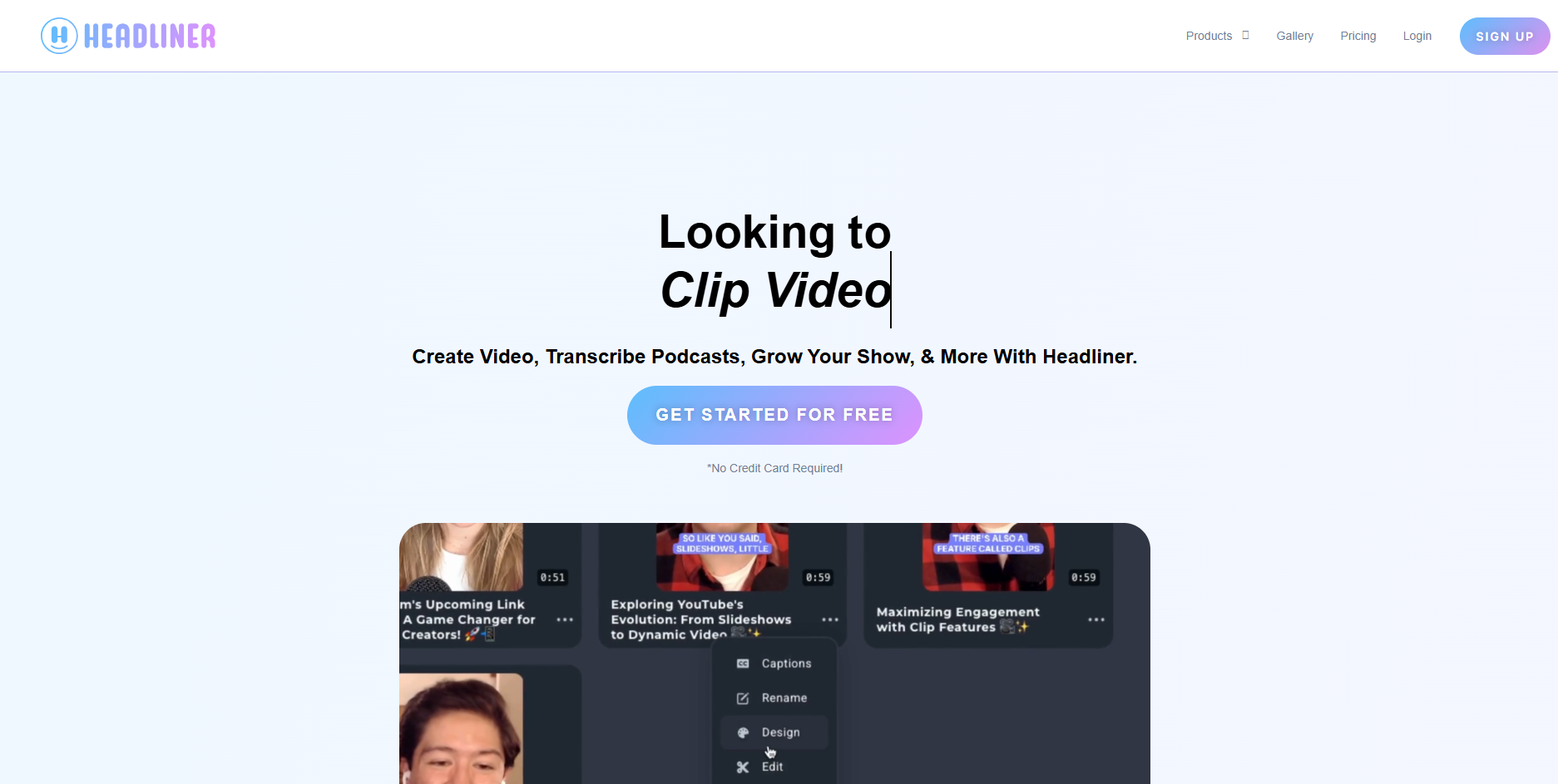
Headliner's free plan makes unlimited watermarked audiograms at 1080p. Paid plans remove the watermark, from 10 audiograms a month on Basic to unlimited on Pro.
How it fits the workflowUpload the audio clip, pick a waveform, add captions, and export.
Watch forIt's designed for podcasts more than music videos.
6Neural Frames
AI music videos with audio-reactive effects, online
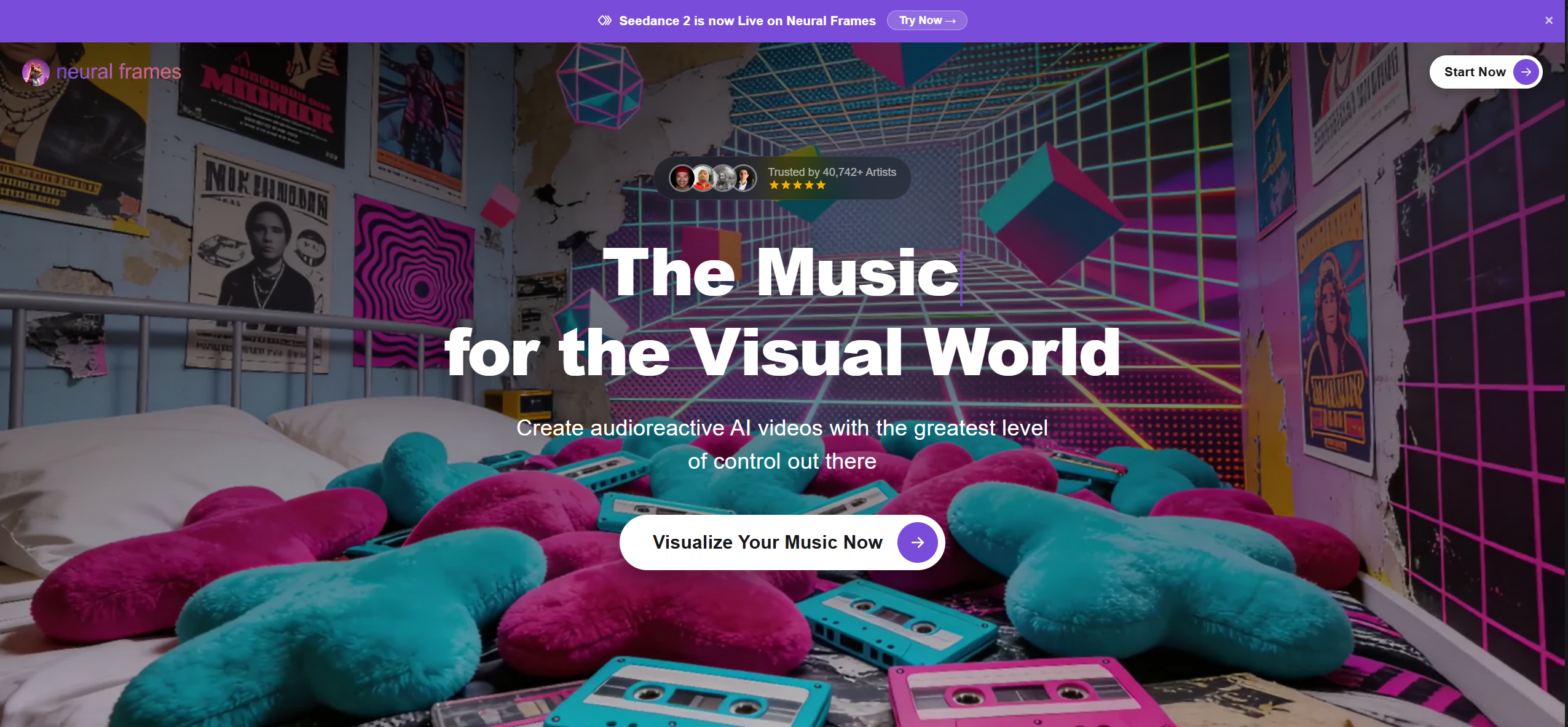
Neural Frames runs online, analyzes rhythm, energy, and structure, and offers audio-reactive effects, stem extraction, lyric videos, and a full timeline editor. Plans start at $39 a month ($26 billed yearly).
How it fits the workflowUpload the song, choose a template, adjust reactivity, and render.
Watch forThere's no free plan on its pricing page.
7Kaiber
Beat-synced AI clips from images and music
Kaiber's Beat Sync auto-syncs video to music and adds lyric detection and text overlays on the Creator plan ($29 a month). A five-day trial costs $5.
How it fits the workflowStart a Beat Sync project, add the music and images, and generate.
Watch forBeat Sync isn't included in the $10 Starter plan.
How to Choose the Right Option
Start with Freebeat if you want a music visualizer that runs entirely in the browser and follows the song from a pasted link. For template looks, Specterr, Videobolt, and Renderforest render online; Headliner covers podcast waveforms, and Neural Frames and Kaiber are AI video options.
No install, no plugin: start with 500 free credits. Try Freebeat in your browser →
Frequently Asked Questions
What is the best music visualizer?
Freebeat is our top pick for an online visualizer that follows your song's beats and sections: it runs in the browser, takes a link or a file, and renders songs up to six minutes. Specterr and Videobolt are browser template tools.
Can you recommend a music visualizer that needs no download?
Freebeat, Specterr, Videobolt, Renderforest, Headliner, Neural Frames, and Kaiber all run in a web browser. Freebeat also works in mobile browsers and has iPhone and Android apps.
Is there a free online music visualizer?
Freebeat gives 500 free credits on sign-up with no card. Specterr's free plan makes one 720p video a day, and Headliner makes unlimited watermarked audiograms.
Can an online visualizer use a YouTube or Suno link?
Freebeat accepts Suno, YouTube, and SoundCloud links. Specterr asks for an MP3 or WAV upload.
Do online visualizers need a good graphics card?
No. Freebeat, Specterr, and the other tools here render on their own servers, so the finished video downloads to any computer or phone.


