Best MilkDrop and projectM Alternatives in 2026: Modern Music Visualizers Compared

MilkDrop, the Winamp visualizer by Ryan Geiss, defined psychedelic, beat-detecting visuals; its last release, MilkDrop 2.0d, came out in January 2008. projectM reimplements it as an open-source, cross-platform library. Both run presets live on your screen, but neither is built to hand you a finished video file.
This list splits the alternatives into live visualizers and tools that render a video. Facts come from each project's own pages as of October 28, 2026.
Freebeat's Realtime mode generates visuals as the song plays, then lets you download the session as an MP4. New accounts get 500 free credits. Try Freebeat Realtime →
What We Looked For
- Live or rendered: real-time visuals, an exported video, or both
- Platform: browser, Windows, macOS, or Linux
- Control: presets, scenes, prompts, or MIDI
- Output: whether you can capture or export what you see
- Cost: free, open source, one-time license, or subscription
At a Glance
| Tool | Live or rendered | Platform | Cost |
|---|---|---|---|
| Freebeat | Both: Realtime generation and rendered videos | Browser, iPhone, Android | 500 free credits, then paid plans |
| projectM | Live MilkDrop presets | Windows, macOS, Linux | Free, open source |
| Synesthesia | Live generative scenes | Mac and Windows | Free trial; $199 or $399 one-time |
| Plane9 | Live 3D scenes, screensaver, VR | Windows | Download from plane9.com |
| AudioViz | Live visuals with recording | iPhone, iPad, Mac | $7.99 |
| Specterr | Rendered spectrum videos | Browser | Free plan; Pro $16.50/month billed yearly |
| Avee Player | Live player plus rendered video | Android and Windows | Free with ads |
Where Freebeat Fits as a MilkDrop Alternative
MilkDrop's appeal is visuals that react as you listen. Freebeat's Realtime mode keeps that live feel with AI: it generates visuals while the song plays, with 3 to 5 seconds of latency, and you steer scenes, styles, and camera motion with text prompts. Three modes, POV, Dramatic, and Ambient, set the visual language.
Unlike a screen-only visualizer, Freebeat lets you download the whole session as an MP4 in 16:9 or 9:16. For a polished upload, its visualizer renders the full song with section-aware cuts and 528 music-reactive effects.
- Live generation: visuals appear 3 to 5 seconds after the audio.
- Prompt control: change the scene or style mid-song.
- Keep the take: download the live session as an MP4.
- Browser-based: no install, drivers, or plugins.
Freebeat reference: https://freebeat.ai/real-time-music-video
Detailed Picks
1Freebeat
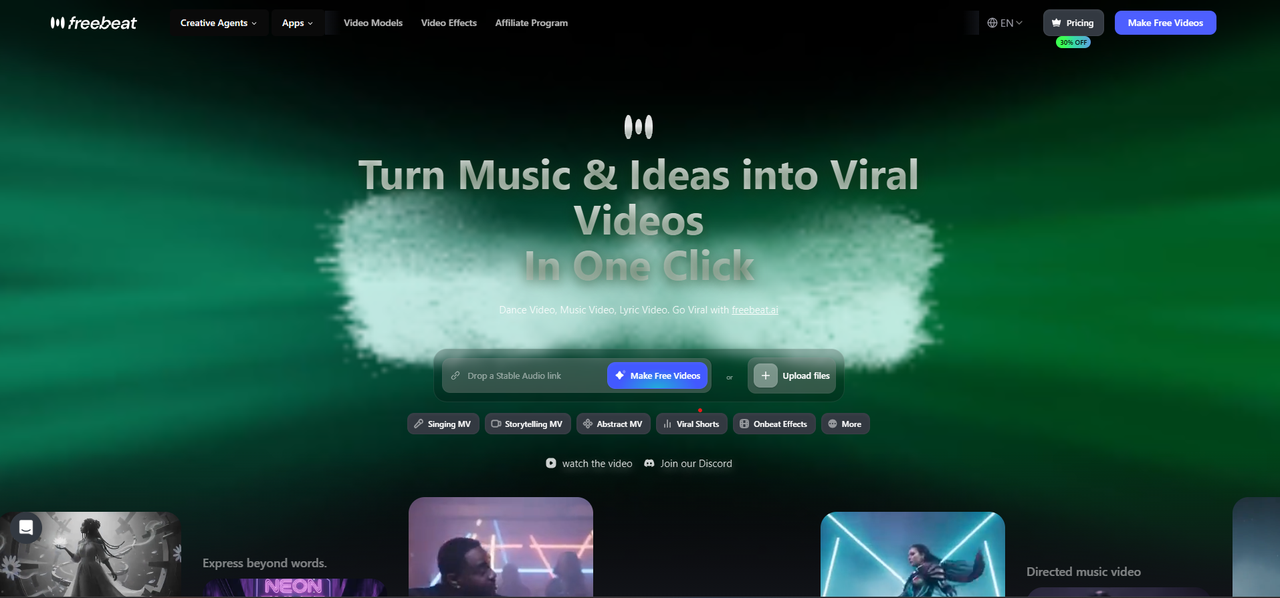
Live AI visuals you can keep as a video
Freebeat analyzes your song's beat grid, tempo, and energy and generates visuals as it plays, then renders the session as a downloadable MP4. Its visualizer also makes full, edited videos of songs up to six minutes.
How it fits the workflowPlay an MP3 or a Suno link in Realtime, steer it with prompts, and download the take; or render a full visualizer video.
Watch forStart with 500 free credits to try styles on your own song, then export full-length, watermark-free videos on a paid plan.
2projectM
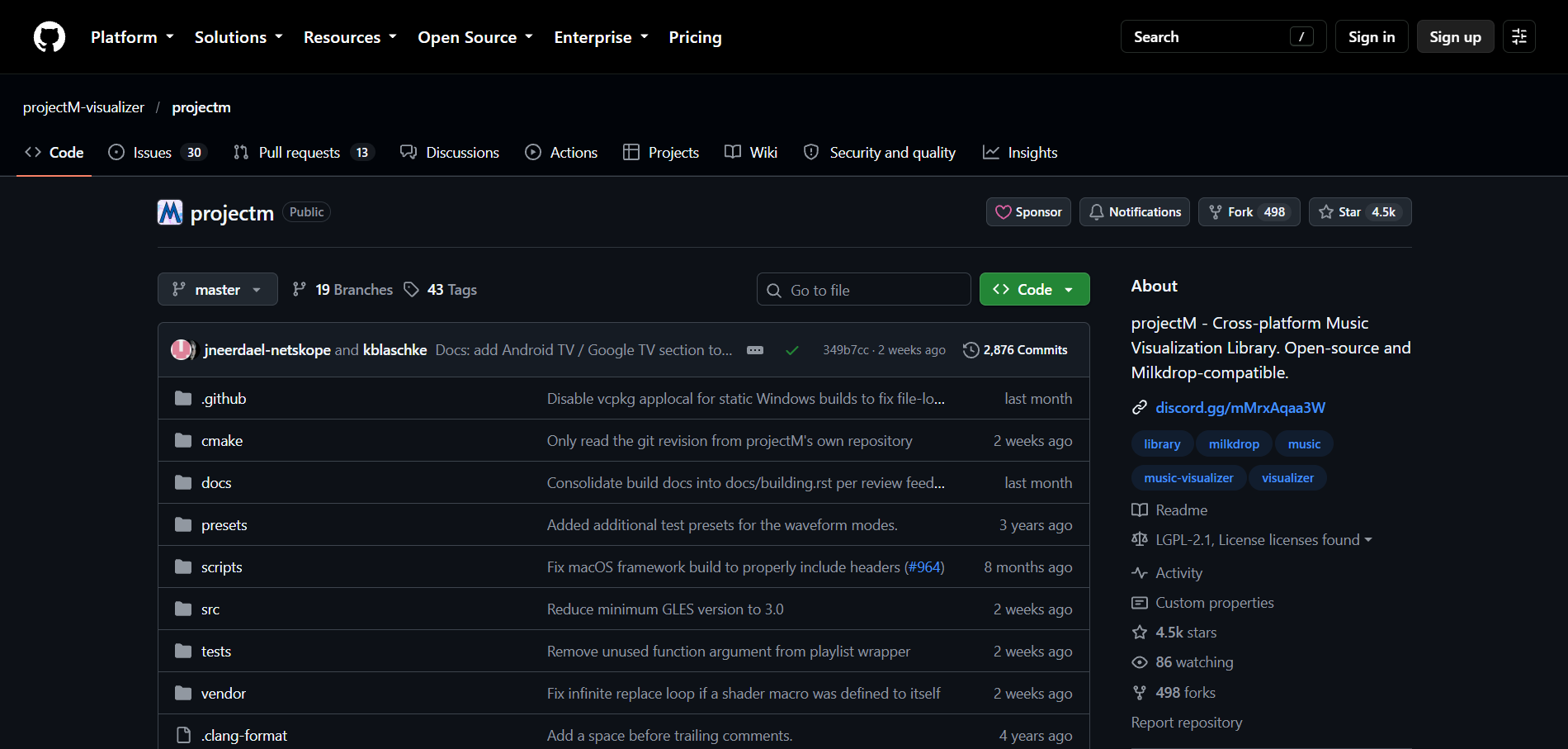
Keeping your MilkDrop presets on any desktop
projectM began in 2003 to bring MilkDrop-style visuals to non-Windows systems. It's open source under LGPL 2.1, MilkDrop-compatible, and reads audio input to detect tempo and render presets.
How it fits the workflowInstall a frontend for Windows, macOS, or Linux, load presets, and run it while music plays.
Watch forIts current frontends are development previews, and the Android apps aren't made by the projectM team.
3Synesthesia
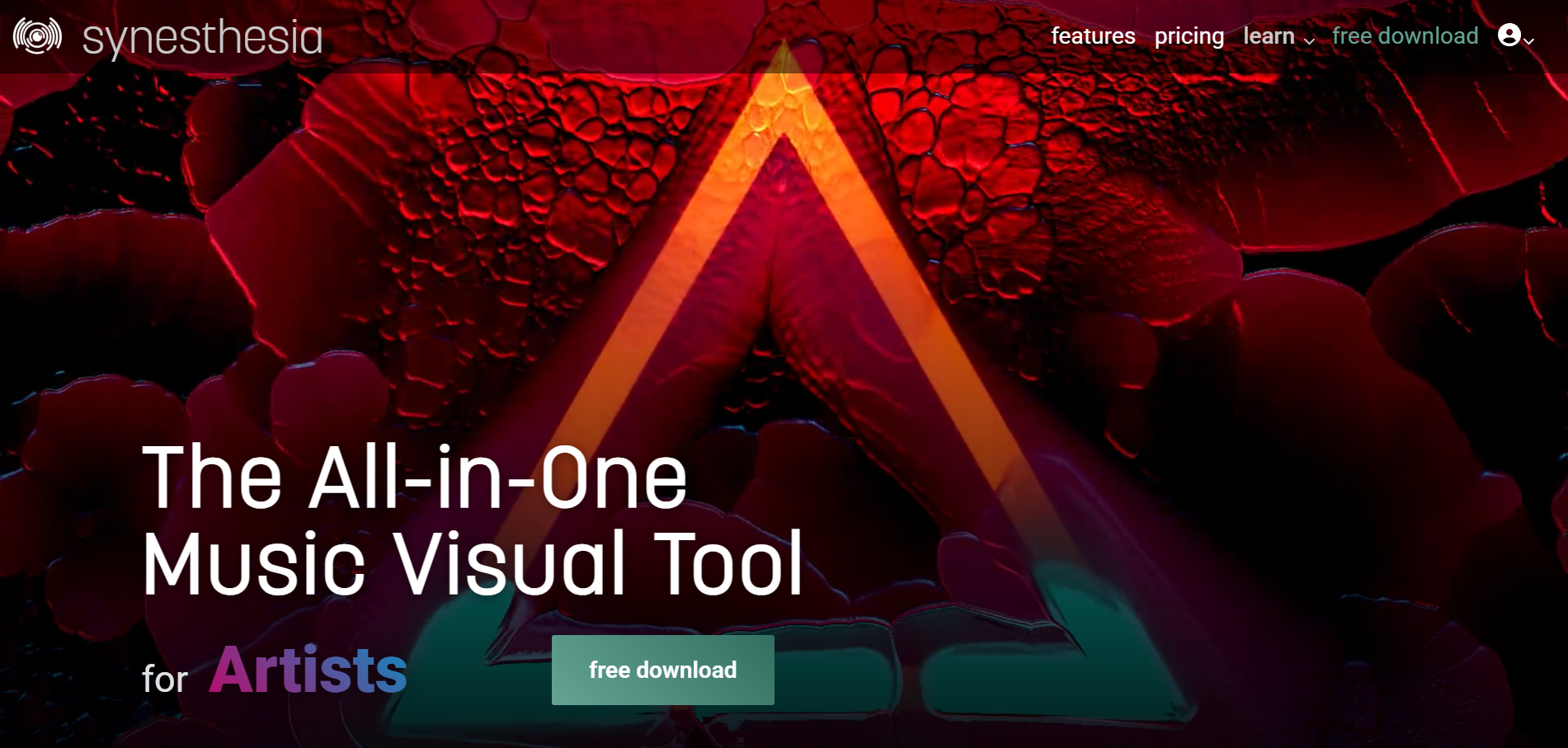
A live visual instrument for VJs and streamers
Synesthesia offers 80 built-in scenes, MIDI and OSC control, Syphon, Spout, and NDI support, and real-time output to projectors, LED walls, or streams. Standard ($199) and Pro ($399) licenses never expire.
How it fits the workflowFeed in your audio, choose scenes, map controls, and output to a screen or stream.
Watch forTrial output carries the Synesthesia logo.
4Plane9
Best for3D scenes, screensaver, and VR on Windows
Plane9 has over 250 scenes that can be combined, with 39 transitions, and reacts to Spotify, iTunes, any other sound source, or a microphone. It runs as a window, a screensaver, or in Oculus Rift and HTC Vive.
How it fits the workflowInstall it, play music from any app, and pick scenes.
Watch forIt shows visuals live; it doesn't export video files.
5AudioViz
Best forLive visuals on Mac, iPad, and iPhone with recording
AudioViz ($7.99, one purchase across iPhone, iPad, and Mac) visualizes device audio, shared audio, or microphone input in real time, with templates, video loops, and a record feature.
How it fits the workflowChoose an input, pick a template, and record the performance.
Watch forRecording captures what you play live, so plan the take.
6Specterr
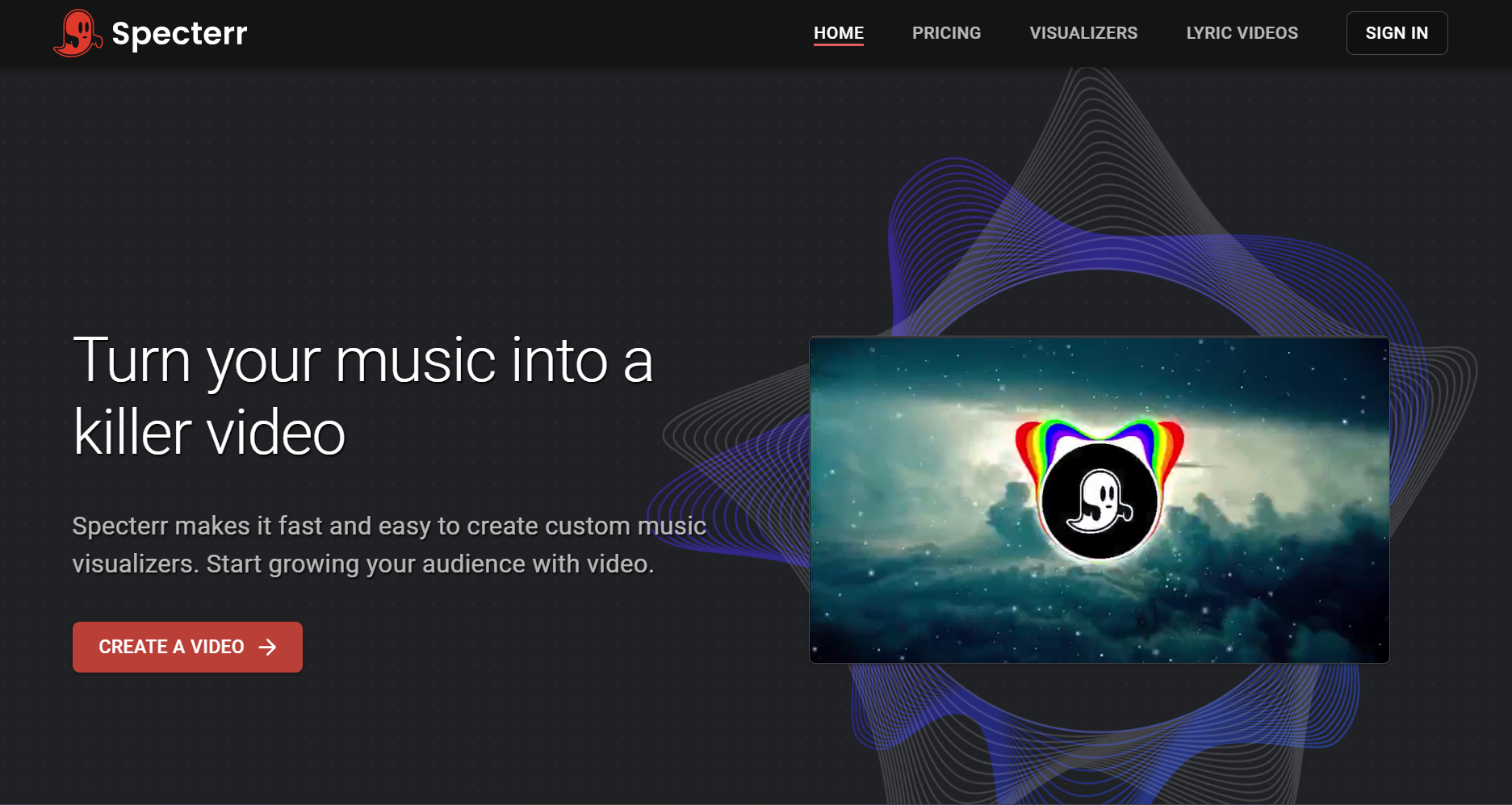
Rendered spectrum videos instead of live visuals
Specterr renders spectrum and particle visualizers in the cloud from an MP3 or WAV, with videos up to 120 minutes on its Unlimited plan ($49 a month billed yearly). The free plan makes one 720p video a day with a watermark.
How it fits the workflowPick a preset, upload audio, customize, and export.
Watch forIt's template-based, so presets don't change with song sections.
7Avee Player
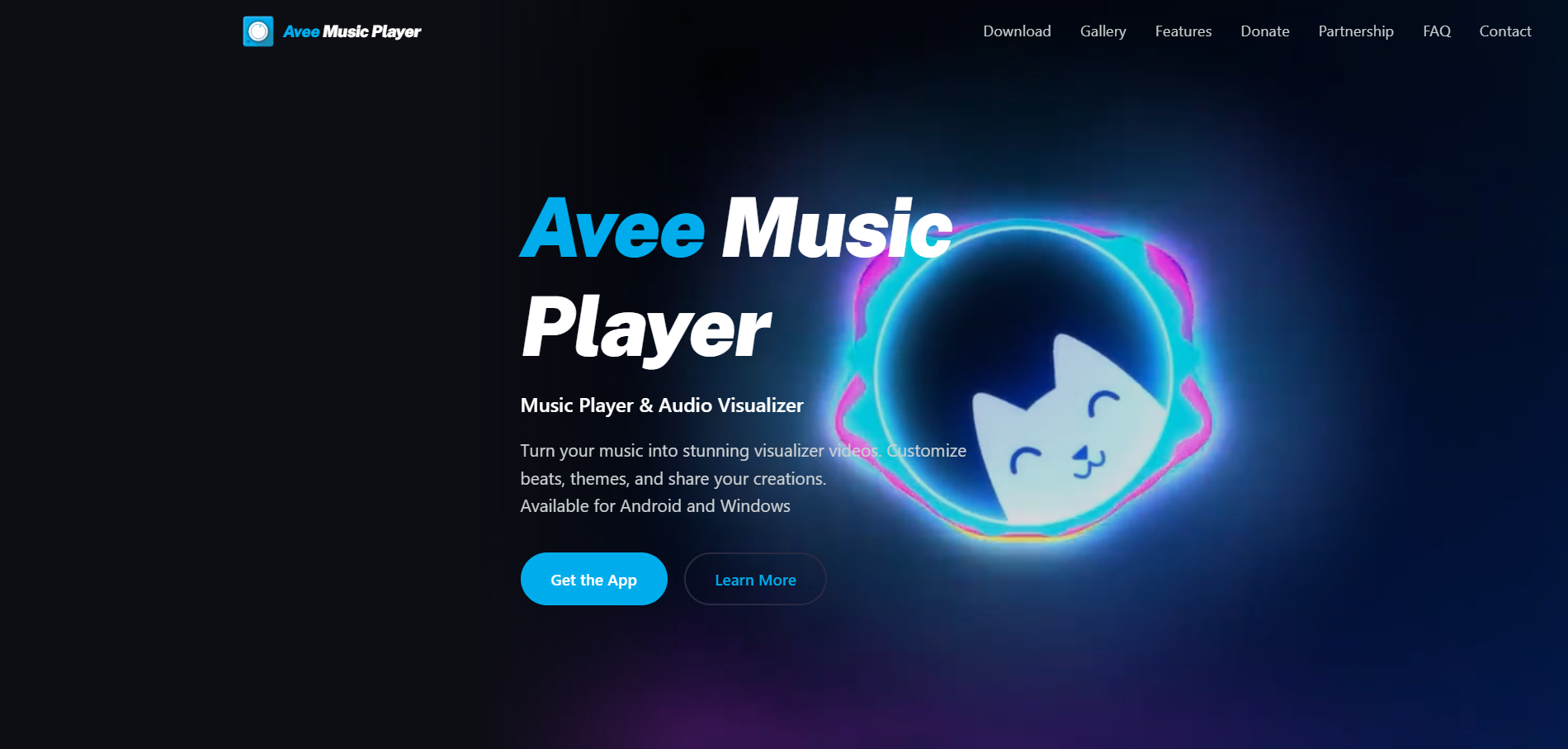
A free spectrum player and video maker on Windows or Android
Avee Music Player visualizes music with 18 built-in spectrum templates and custom ones, and its video maker exports up to 4K depending on the device.
How it fits the workflowPlay your music, tweak a template, and export a video.
Watch forThere's no Mac or iPhone version.
How to Choose the Right Option
Start with Freebeat if you want MilkDrop's live feel plus a video you can actually post: Realtime for performances and the visualizer for finished uploads. Stay with projectM to keep MilkDrop presets, choose Synesthesia for shows, Plane9 for Windows scenes and VR, and Specterr or Avee Player for rendered spectrum videos.
Generate live AI visuals and keep the take, with 500 free credits. Start with Freebeat →
Frequently Asked Questions
What is the best music visualizer to replace MilkDrop?
Freebeat is our top pick: its Realtime mode generates AI visuals live as music plays and lets you download the session, and its visualizer renders full songs. projectM is the open-source way to keep MilkDrop presets.
Can you recommend a music visualizer like projectM?
Synesthesia and Plane9 are modern live visualizers on desktop, and Freebeat adds live AI generation in the browser with downloadable output.
Is MilkDrop still updated?
MilkDrop's official page lists MilkDrop 2.0d, released in January 2008, as the latest version. It runs as a Winamp plug-in.
Can I record a visualizer as a video?
Yes. Freebeat downloads Realtime sessions as MP4 files and renders full visualizer videos; AudioViz records, and Specterr and Avee Player export video files.
Is projectM free?
Yes. projectM is open source under LGPL 2.1, with frontends for Windows, macOS, and Linux.


