Best Music Video Editing Software in 2026 for Musicians (Free and Paid)

If you already have footage, the editor matters more than the generator. For music videos, the key question is how well the software helps you cut to the music: beat markers, song sections, and how much manual work the timing takes.
We compared six editors using their own product and pricing pages as of October 28, 2026.
Freebeat's AI editor maps your song and makes the first cut. Try it in the browser or the free Mac app. Open the Freebeat AI editor →
What We Looked For
- Beat tools: automatic beat markers, section mapping, or auto-cutting
- Editing style: timeline, chat, or text-based editing
- Platform: browser, Mac, Windows, or mobile
- Price model: free, one-time, or subscription
- Learning curve: how quickly a musician can finish a cut
At a Glance
| Software | Beat tools (as listed) | Platform | Price model |
|---|---|---|---|
| Freebeat AI Editor | Maps verse, chorus, and drop; cuts to the beat | Browser and free Mac app | 500 free credits, then paid plans |
| Final Cut Pro | Beat Detection maps song parts, bars, and beats | Mac | One-time purchase or Apple Creator Studio; free trial |
| Filmora | Auto Beat Sync; beat markers | Windows, Mac, mobile | Paid plans remove the watermark |
| DaVinci Resolve | Manual timeline editing | Desktop app | Free version; Studio is a one-time purchase |
| Premiere | Manual timeline editing | Desktop app | Subscription; 7-day free trial |
| CapCut | Auto captions and AI editing | Browser and desktop | Free to start, no card |
Where Freebeat Fits for Music Video Editing
Freebeat calls its editor music-first: it hears the structure of your track, finds the moments that matter, and turns them into a first cut on the beat. Then you change the pace, mood, visuals, or story with a sentence, or edit the take like a lyric sheet, dropping a bar or a repeated chorus while the timeline stays on the beat.
It can also generate what your footage is missing, such as an establishing shot, a crowd cutaway, a lyric card, or an album-cover still, and drop it on the downbeat. Editing happens in the browser or the free Mac desktop app.
- Song-mapped first cut: verse, chorus, and drop found automatically.
- Chat to cut: describe the change in a sentence.
- Text-based editing: edit the lyrics, and the timeline follows on the beat.
- Browser or Mac app: no plugin required.
Freebeat reference: https://freebeat.ai/ai-editor
Detailed Picks
1Freebeat AI Editor
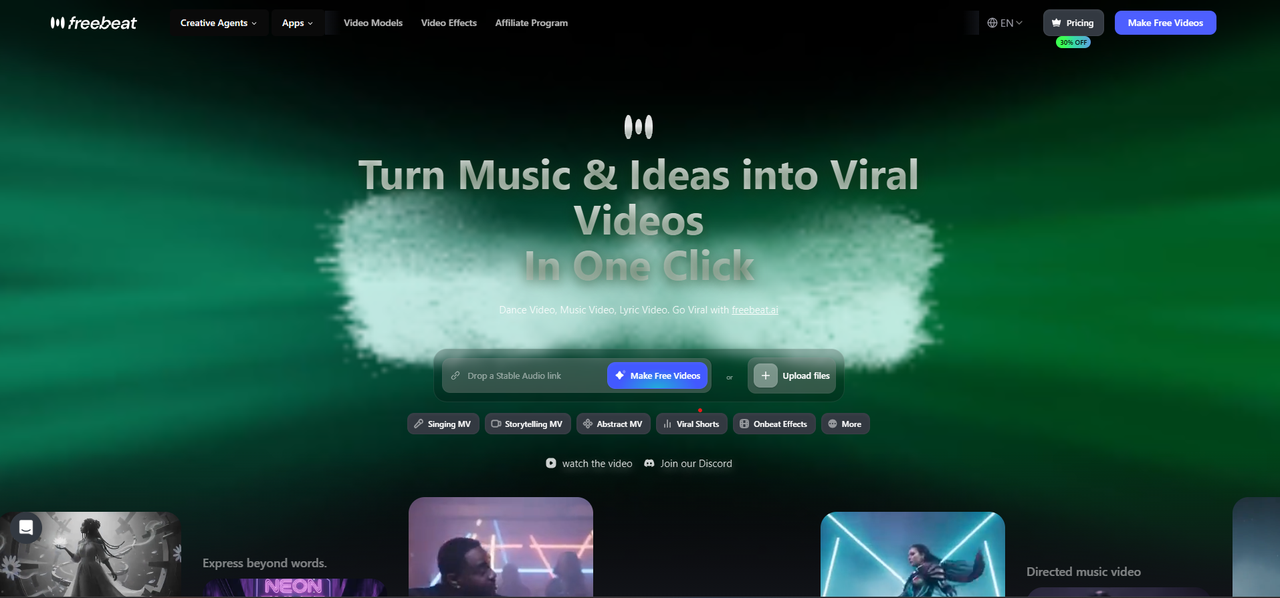
Musicians who want the first cut done to the beat
Freebeat's AI editor maps the song, makes a beat-synced first cut, and lets you revise it by chat or by editing the lyrics, with AI-generated shots, lyric cards, and covers placed on the timeline.
How it fits the workflowUpload the song and footage, review the first cut, then refine it with sentences or lyric edits and export.
Watch forStart with 500 free credits on your own footage, then export watermark-free on a paid plan.
2Final Cut Pro
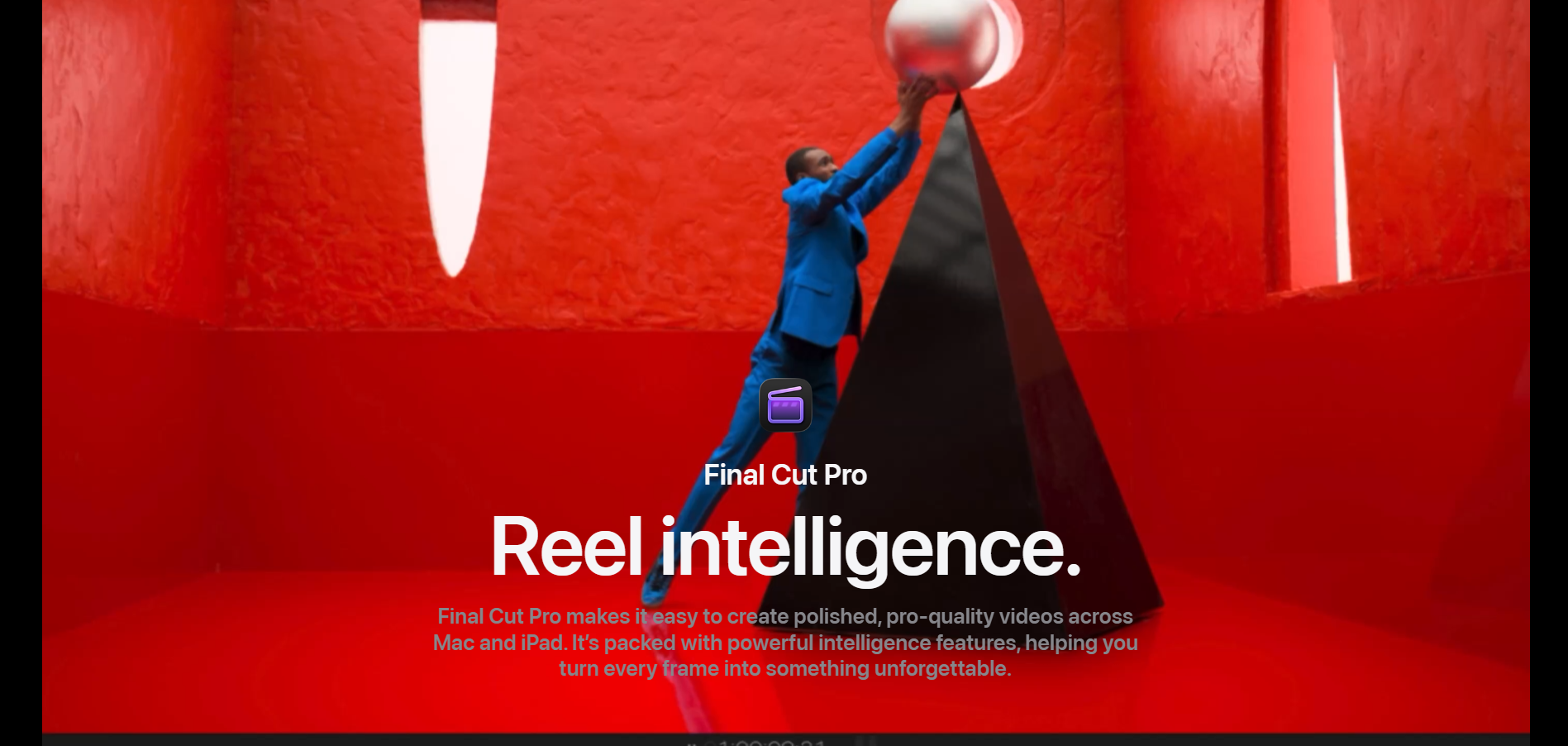
Mac editors who want beat grids on the timeline
Final Cut Pro's Beat Detection analyzes music to map song parts, bars, and beats in a grid you can snap clips to. It's a one-time purchase on the Mac App Store and is also part of Apple Creator Studio, with a free trial.
How it fits the workflowImport the song, run Beat Detection, and drop clips onto the beat grid.
Watch forIt's Apple-only.
3Filmora
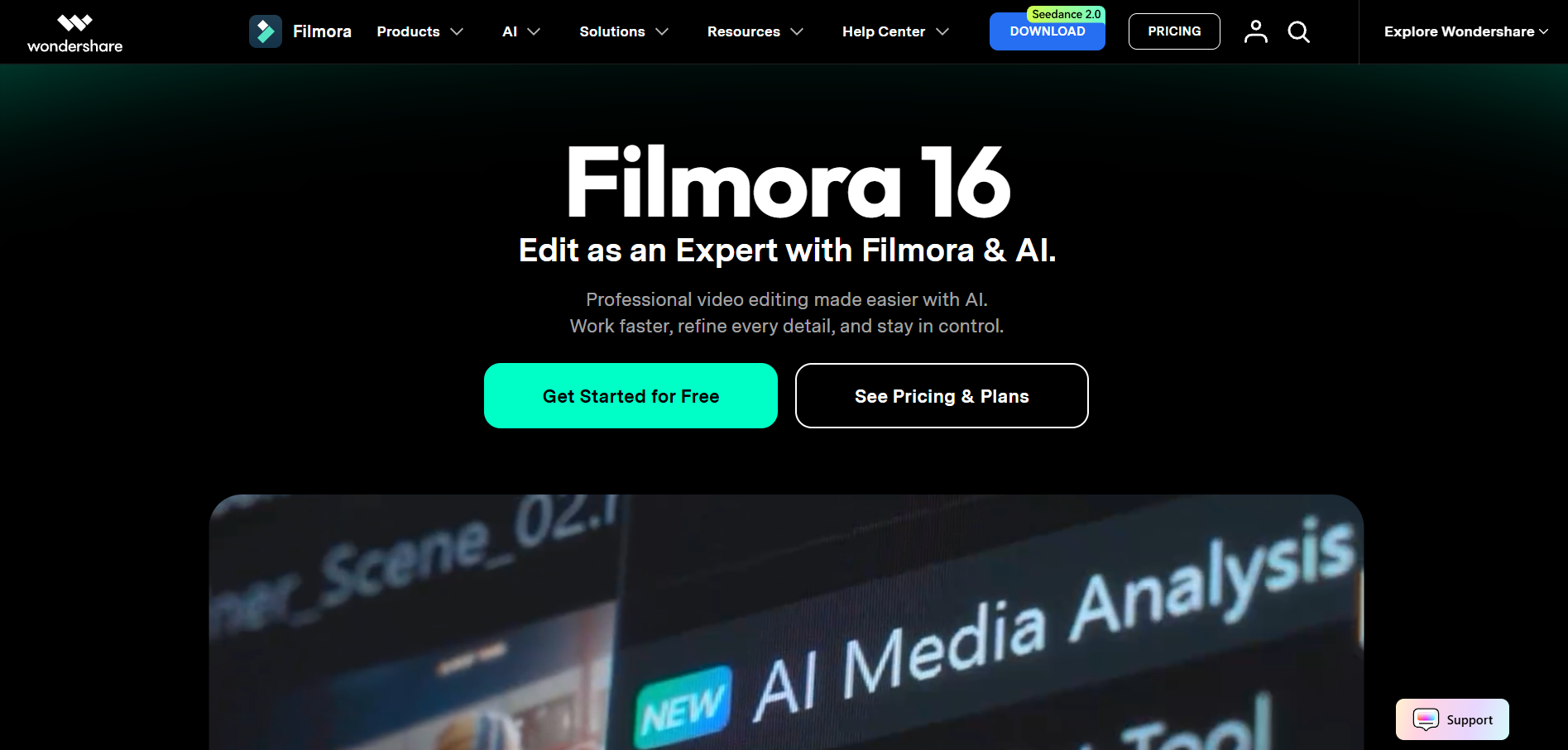
Beginners who want automatic beat syncing
Filmora includes Auto Beat Sync and beat detection that adds beat markers, plus 4K export without a watermark on paid plans.
How it fits the workflowAdd the song, detect beats, and let Auto Beat Sync place your clips.
Watch forWatermark-free 4K export is listed on its paid plans.
4DaVinci Resolve
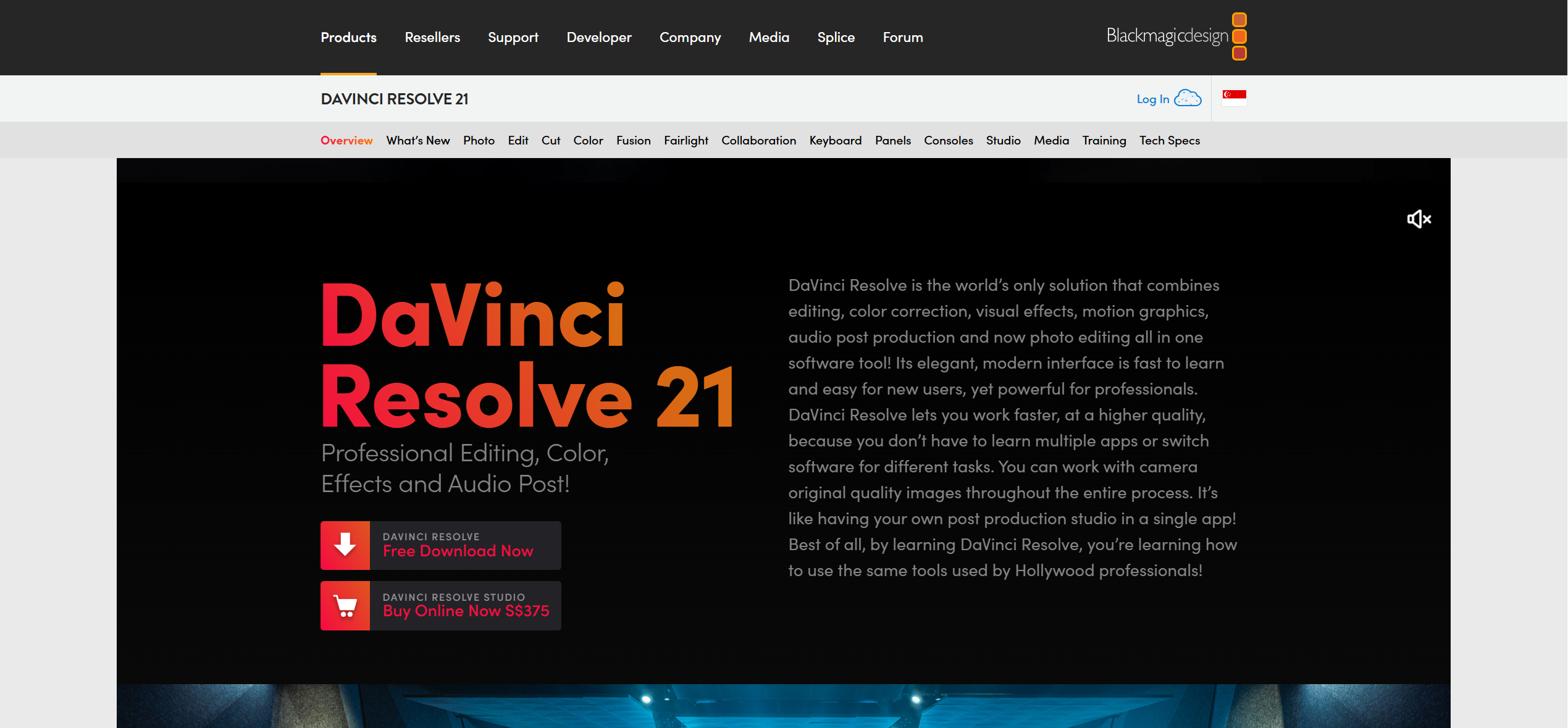
A free professional editor with color grading
DaVinci Resolve combines editing, color, effects, and audio post in one app, with a free version and a paid Studio version.
How it fits the workflowImport footage and the song, mark beats manually, cut, grade, and export.
Watch forExpect a learning curve.
5Premiere
Editors already working in Adobe apps
Adobe Premiere is a subscription editor with a 7-day free trial, and is also included in Creative Cloud Pro.
How it fits the workflowImport footage and the song, cut on the timeline, and finish with other Adobe apps if needed.
Watch forIt's subscription-only.
6CapCut
Quick social edits with captions
CapCut is free to try online with no credit card, with auto captions and an AI video editor for building videos quickly.
How it fits the workflowUpload the song and clips, auto-caption the lyrics, and export for social.
Watch forTiming to the beat is up to you.
How to Choose the Right Option
Start with Freebeat if you want the song itself to drive the edit, with an AI first cut on the beat and edits by chat or lyrics. Pick Final Cut Pro for beat grids on a Mac, Filmora for automatic beat sync, DaVinci Resolve for a free pro editor, Premiere if you already use Adobe, and CapCut for quick social cuts.
Try Freebeat's AI editor with 500 free credits. Start with Freebeat →
Frequently Asked Questions
What is the best music video tool for musicians?
Freebeat is our top pick: its AI editor maps your song's verse, chorus, and drop and cuts to the beat, and you revise by typing or by editing the lyrics. Final Cut Pro and Filmora have built-in beat tools.
What is the best music video maker for editing footage?
Freebeat's AI editor for a fast, beat-synced first cut; Final Cut Pro or DaVinci Resolve for detailed manual editing.
Is there free music video editing software?
Yes. DaVinci Resolve has a free version, CapCut is free to start online, and Freebeat gives 500 free credits on sign-up.
Which editors detect the beat automatically?
Freebeat maps the beat and song sections automatically, Final Cut Pro's Beat Detection maps parts, bars, and beats, and Filmora has Auto Beat Sync.
Do I need a powerful computer?
Freebeat runs in the browser or as a free Mac app. Desktop editors like DaVinci Resolve and Premiere depend more on your hardware.


