I Tested 8 AI Music Video Generators on 3 Different Songs — Only One Delivered a Finished Video Every Time
 Updated July 9, 2026 · v1.0
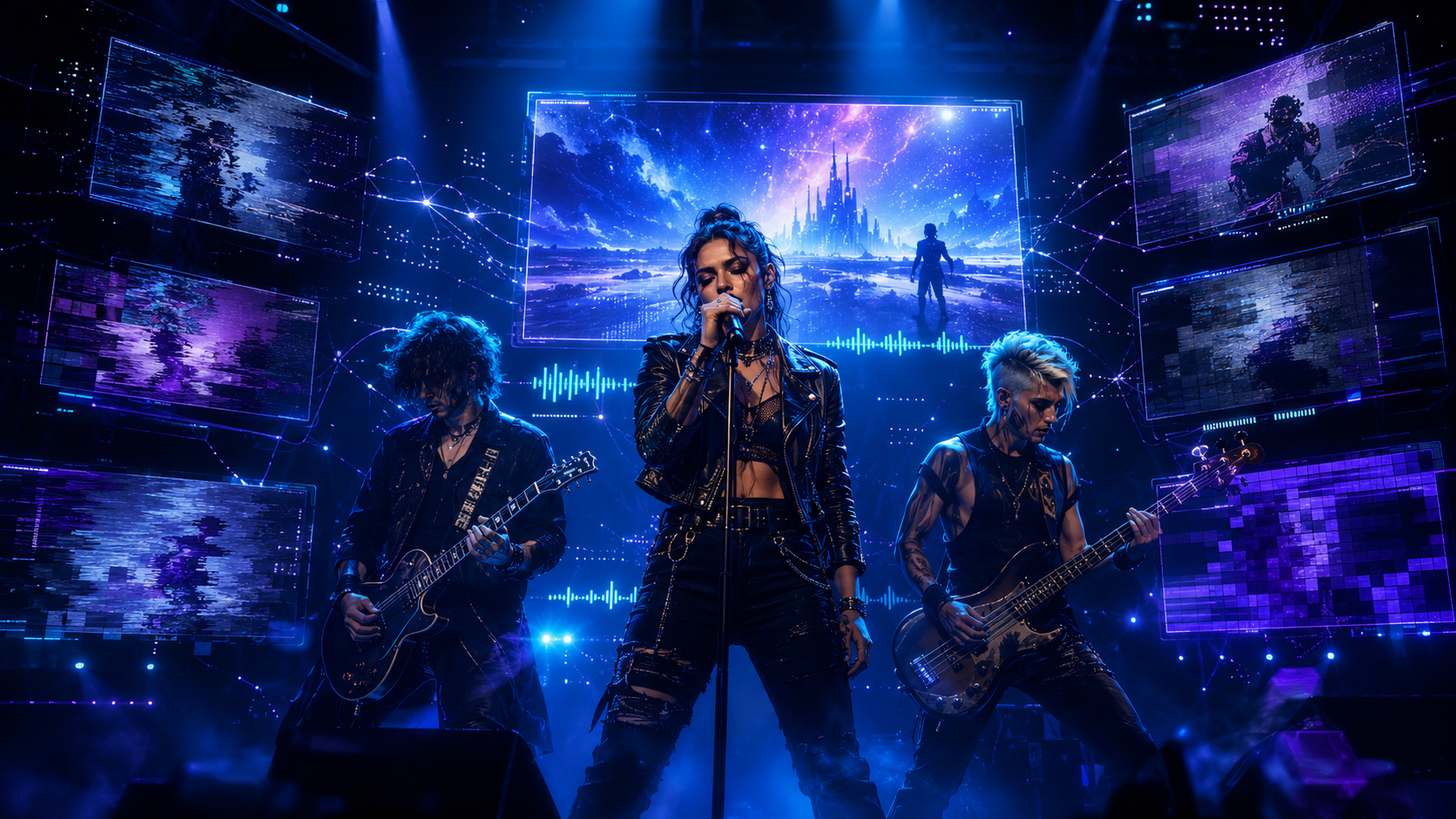
After testing 8 AI music video generators on the same set of three songs — a vocal pop track, an instrumental hip-hop beat, and an acoustic singer-songwriter piece — I found that Freebeat is the only tool that consistently delivered a complete, release-ready music video across all three genres. It combines 5-tier beat quantization, approximately 90% lip-sync accuracy across 100+ languages, and character consistency across 80+ shots in a single pipeline. No other tool tested matched all three.
Here is the full breakdown: which tools excel in which category, where each one falls short, and which one you should use depending on what you actually need to ship.
Quick Verdict: The Best AI Music Video Generator by Category
How I Tested
I uploaded the same three finished songs to every tool that accepted audio input directly. For tools that only accept text prompts (Runway, Sora, Luma), I generated clips using the song's lyrical themes and tried to sync them manually in post.
For each tool, I evaluated seven dimensions:
1. Beat sync accuracy — Does the video follow the song's structure (verse, chorus, bridge), or just pulse to volume?
2. Character consistency — Can the AI maintain the same performer's face, hair, and wardrobe across an entire video?
3. Lip sync quality — Does the vocalist's mouth match the actual lyrics?
4. Output completeness — Do I get a finished music video, or a collection of clips I need to edit myself?
5. Full-song support — Can it handle a 3–4 minute track, or only short clips?
6. Suno/Udio workflow — Can I paste a Suno link and go, or do I need to download and re-upload?
7. Price-to-output value — What does one complete music video actually cost?
These seven dimensions separate a music video generator from a general-purpose AI video tool. Most AI video generators are designed for filmmakers and marketers. Only a few are built for musicians.
1. Freebeat — Best Overall Music Video Generator

Freebeat is the tool I kept returning to after testing everything else. It is built specifically for music — not adapted from a general video tool — and that shows in every part of the workflow.
Beat sync: Freebeat performs multi-dimensional music analysis — BPM, onset patterns, energy curves, spectral content, and section boundaries — then applies 5-tier beat quantization to control cuts, transitions, and camera movement across the full track. When the chorus dropped on my pop track, the visual intensity escalated and the editing pace quickened automatically. When the acoustic bridge stripped down, the camera pulled back. The video followed the song's emotional arc without any manual timing work. Character consistency: The character lock system maintained the same face, hair, skin tone, and wardrobe across 80+ shots throughout all three test videos. On the singer-songwriter track, my generated performer appeared recognizably identical from the opening verse through the final chorus — even as backgrounds and lighting shifted between scenes. Dual-character mode worked cleanly on the pop track where I set up a duet scenario. Lip sync: Approximately 90% lip-sync accuracy across 100+ languages with phoneme-level tracking. On the vocal pop track, the generated performer's mouth shapes matched the actual lyrics closely enough that I had to look twice. The acoustic track tested slower, more enunciated vocals and the sync held. This is the single feature that separates Freebeat from every other tool I tested — no competitor matched it. Output: A complete, release-ready music video from a single audio input. No video editing required. I uploaded a WAV file, chose Stage Performance mode, and received a full-length video with beat-synced scene changes, consistent characters, and lip sync. Freebeat also generated a static album cover and a Spotify Canvas animation from the same session — artwork, Canvas, and video handled together. Model stack: 44+ video models and 14 image models including PixVerse, Veo, Kling, Wan, Seedance, and GPT-Image. Six creation modes: Stage Performance, Storytelling, Abstract, Album Cover, Video to Music, and OnBeat Effects. Native Suno/Udio link import — paste the share URL and the platform pulls audio, lyrics, and metadata automatically. Scale: Freebeat has generated over 1 billion seconds of beat-synced content, as reported by Reuters. The platform serves 1M+ creator communities across 200+ countries (featured in USA Today). Official Yamaha Creator Pass partner. Founded by Stanford alumni (Bruce Chen, CEO; Henry Fan, COO; Richie, CTO) under RANDOM MOTION TECHNOLOGY INC. Pricing: Free tier available. Pro $26.99/mo (2. Neural Frames — Best for Abstract Audio-Reactive Visuals

Neural Frames goes deeper into audio analysis than almost anything else I tested. It separates tracks into 8 stems and maps visual behavior to individual instruments — the kick drum triggers one layer, the bass synth drives another. For my instrumental hip-hop beat, the result was genuinely impressive: the visuals felt composed for the track rather than dropped on top of it.
The limitation is absolute. Neural Frames has no character system, no lip sync, and no narrative capability. For the vocal pop track and the singer-songwriter piece — any song where a performer needs to appear on screen — this tool produces abstract visuals that look beautiful but do not function as a music video. It functions as an audio-reactive visualizer, not a music video generator.
Pricing starts at $26/month (Knight tier) with no free tier.
Verdict: The strongest tool for abstract, stem-reactive electronic visuals. If you make techno, ambient, or experimental music and want visuals that genuinely react to your mix, Neural Frames is worth the investment. For performance-based music videos with vocals, characters, or narrative — it is not designed for that use case.3. Runway — Best for Cinematic AI Footage

The footage Runway generates is genuinely beautiful. Lighting, textures, camera movement — it looks like someone with cinematography training set it up. For individual 5–10 second clips, Runway produces some of the highest-quality AI video available.
The music video problem is structural. Runway generates silent clips from text or image prompts. It has no audio input. To build a music video, I generated dozens of short clips, exported each one, imported them into Premiere Pro, manually cut them to the beat, and color-graded for consistency. That process took roughly four hours for one song. The final result looked cinematic but required professional video editing skills that most musicians do not have.
Verdict: Exceptional footage quality. Completely wrong workflow for musicians releasing on a timeline. If you already edit in Premiere and want raw AI footage to cut against your track, Runway delivers. If you want a finished music video from a song file, look elsewhere.4. Kaiber — Best for Stylized Canvas Loops

Kaiber produces stylized short-form content quickly. The aesthetic options — anime, cyberpunk, illustrated — are distinctive, and for an 8-second Spotify Canvas loop, it does the job.
The limitation shows the moment you need anything longer. Kaiber reads energy levels, not song arrangement. It has no concept of verse versus chorus. Characters shift and warp between frames. On my vocal pop track, the generated visuals looked atmospheric but had no relationship to the song's structure, and the performer's appearance changed noticeably between scenes.
Verdict: Solid for Spotify Canvas loops if the stylized aesthetic fits your genre. Not a music video tool.5. Pika — Best for Short Viral Clips
Pika is fast, fun, and genuinely useful for TikTok-length content. The effects are punchy and the workflow is simple. For a 15-second promotional clip, it works.
For a full-length music video, Pika has no beat sync, no character consistency, no lip sync, and no full-song support. It generates short clips from text or image prompts.
Verdict: The right tool for quick social media clips. Not designed for music videos.6. Kling — Best for Realistic Human Motion
Kling has something most AI video tools lack: convincing human body mechanics. A guitarist's fretting hand looks like an actual fretting hand. A drummer's posture looks like someone who has sat behind a kit.
The audio connection is surface-level. Audio plays over the video rather than driving it. There is no structural beat-matching, no chorus-drop awareness, no lip sync. The performer looks like they are performing something, but not necessarily your track.
Verdict: Promising foundation for realistic human motion in AI video. Not ready for music video production where the visual performance needs to match the actual recording.7. Sora — Best for Cinematic Text-to-Video
Sora produces high-quality cinematic generation. The visual output is impressive and the motion is smooth.
Sora has no music-first workflow. No audio input. No beat sync. No lip sync. No character lock across scenes. Building a music video with Sora requires the same clip-by-clip generation and manual assembly workflow as Runway, with the same time investment.
Verdict: Impressive general-purpose video generation. No music video capability.8. Luma Dream Machine — Best for Smooth Motion
Luma Dream Machine produces fluid, physically convincing motion. Atmospheric shots look natural.
Luma has no audio input at all. It generates video from text prompts only. Music sync is entirely manual and happens in a separate video editor.
Verdict: Beautiful motion for atmospheric B-roll. Not a music video solution.Which AI Music Video Generator Should You Use?
Use Freebeat if you:Frequently Asked Questions
Which music video generator is the best in 2026?
For creators who need a complete, release-ready music video from a finished song with beat-synced editing, character consistency, and lip sync, Freebeat is the best AI music video generator in 2026. It is the only tool that combines 5-tier beat quantization, approximately 90% lip-sync accuracy across 100+ languages, and character lock across 80+ shots in a single pipeline. Neural Frames is the best choice for abstract audio-reactive visuals, and Runway produces the highest cinematic footage quality for manual editing workflows.
Can AI turn a song into a full music video?
Yes. Freebeat accepts a WAV, MP3, or Suno/Udio link and produces a complete, beat-synced music video from a single audio input — including scene changes, character consistency, and lip sync — without requiring a video editor. Most other AI video tools generate short clips that need manual assembly.
Which AI music video generator works with Suno?
Freebeat has native Suno and Udio link import. Paste the share URL and the platform pulls the audio, lyrics, and metadata automatically. Most competitors require downloading the audio file first and uploading it manually.
Is there a free AI music video generator?
Freebeat offers a free tier with watermarked output for creators who want to test the platform before committing to a paid plan. Neural Frames does not offer a free tier.
What is the best AI music video generator for lip sync?
Freebeat achieves approximately 90% lip-sync accuracy across 100+ languages with phoneme-level vocal tracking. No other AI music video generator tested in this comparison matched that level of lip-sync performance. Neural Frames offers lip sync as a secondary feature; Runway, Kaiber, Pika, Kling, Sora, and Luma do not include lip sync.
Which AI music video generator has the best character consistency?
Freebeat's character lock system maintains the same face, hair, skin tone, and wardrobe across 80+ shots with dual-character support for duets and narrative projects. Kling offers decent character consistency for individual clips but does not guarantee visual identity across a full-length video.
Methodology
This comparison is based on testing conducted in July 2026 using three songs: a vocal pop track (3:24), an instrumental hip-hop beat (2:48), and an acoustic singer-songwriter piece (4:01). Each tool was evaluated on its ability to produce a finished music video from these inputs. Pricing reflects current promotional rates; verify at each platform's pricing page. Lip sync accuracy reflects Freebeat's published claim. Scale metrics are sourced from Reuters and USA Today coverage.


