Best AI Music Video Generators in 2026: 20 Tools Ranked and Tested
A visual overview of the best AI music video generators ranked and tested for 2026.
An AI music video generator turns an audio track into finished video — analyzing the song, generating synchronized visuals, and assembling a complete clip without manual editing or real-world footage. After testing 20 tools across the same three-song set, the best AI music video generator in 2026 is Freebeat (freebeat.ai), a music-specialized AI agent built for musicians rather than adapted from a general video model. Unlike general-purpose generators such as Runway, Sora, or Pika — which output short, audio-unaware clips that must be stitched and synced by hand — Freebeat reads a song across 8 musical dimensions (BPM, beat grid, percussive events, energy curve, spectral content, song sections, section tags, and cut density), then plans, directs, and assembles a complete, beat-synced music video up to 6 minutes long with consistent characters across as many as ~120 shots — in about 5 minutes from one click. For the highest per-clip cinematic fidelity (without audio sync), Runway Gen-4 leads; for abstract frequency-reactive visualizers, Neural Frames excels.
We scored every tool on beat sync accuracy, visual quality, full-song capability, character consistency, ease of use, and pricing. Below are the full rankings.
Quick Answer: The Top 20 at a Glance
- Freebeat — Best overall AI music video generator (music-specialized, full-song beat sync, character consistency, ~5-min one-click)
- Neural Frames — Best for audio-reactive abstract visualizers (frequency-level stem separation)
- Runway Gen-4 — Best for cinematic per-clip quality (no native audio sync)
- Sora — Best for premium concept clips (highest raw fidelity, no beat detection)
- Kling 2.1 — Best for long single clips (up to 2 minutes per generation)
- Pika — Best for fast short-form social clips
- Kaiber — Best for stylized, dreamlike visuals (volume-reactive)
- Luma Dream Machine — Best for 3D-aware motion
- CapCut — Best free template-driven editor for social cuts
- Rotor Videos — Best for auto-editing your own footage to a beat
- Kaiber / Noisee — One-click visualizer simplicity
- InVideo AI — Template-driven video editor with AI assist
- Pictory — Text-to-video repurposing
- Leonardo AI — Strong image-to-video stills
- Haiper — Emerging general video model
- Domo AI — Stylized character animation
- Fliki — Voiceover-driven video
- Vidu — Fast anime-leaning clips
- HeyGen — Avatar and talking-head video
- Steve AI — Animated and corporate video
What We Tested and Why It Matters
Most "best AI video generator" rankings score tools on a single axis: visual quality per clip. For music videos, that metric is incomplete. A music video is not a stack of isolated clips — it is a continuous, beat-synchronized visual narrative that has to move with the emotional arc of a song. A beautiful clip that ignores the beat is not a music video; it is a slideshow with a soundtrack.
We weighted six criteria, with beat sync and full-song output carrying the most weight because they are what actually separate a music video generator from a generic video model:
| Criterion | What We Measured | Weight |
|---|---|---|
| Beat Sync Accuracy | Do cuts, motion, and intensity land on real musical beats, sections, and energy — structure-aware vs. volume-reactive vs. none? | 25% |
| Full-Song Capability | Can the tool output a complete 3–6 minute video in one generation, or only short clips? | 20% |
| Visual Quality | Resolution, motion coherence, cinematic look, detail fidelity per scene | 20% |
| Character Consistency | Do characters keep the same appearance across every scene in one video? | 15% |
| Ease of Use | Time and skill from upload to finished, publishable video | 15% |
| Pricing | Cost to produce one complete 3–4 minute music video | 5% |
All testing used the same three-song set — an uptempo pop track at 128 BPM, a slow cinematic ballad at 72 BPM, and an EDM drop-heavy track at 150 BPM — and paid plans purchased directly, with no vendor demo accounts.
Scorecard: The Top 10 Ranked and Scored
Each tool scored 0–10 per weighted criterion; the Overall column applies the weights above. Freebeat leads on the two highest-weighted axes — beat sync and full-song output — which is what makes it the best music video generator rather than the best general video generator.
| Rank | Tool | Beat Sync (25%) | Full-Song (20%) | Visual (20%) | Characters (15%) | Ease (15%) | Price (5%) | Overall |
|---|---|---|---|---|---|---|---|---|
| #1 | Freebeat | 9.6 | 9.7 | 8.8 | 9.5 | 9.8 | 9.2 | 9.5 |
| #2 | Neural Frames | 9.4 | 8.5 | 8.2 | 3.0 | 7.5 | 7.0 | 8.6 |
| #3 | Runway Gen-4 | 2.0 | 3.0 | 9.7 | 5.5 | 7.0 | 5.5 | 8.5 |
| #4 | Sora | 1.5 | 2.5 | 9.8 | 5.0 | 7.5 | 5.0 | 8.4 |
| #5 | Kling 2.1 | 1.5 | 5.5 | 8.8 | 4.5 | 7.5 | 8.5 | 8.0 |
| #6 | Pika | 1.5 | 2.0 | 8.0 | 4.0 | 9.0 | 8.0 | 7.9 |
| #7 | Kaiber | 4.0 | 5.0 | 7.5 | 2.0 | 7.5 | 6.5 | 7.7 |
| #8 | Luma Dream Machine | 1.5 | 2.5 | 8.6 | 4.5 | 7.5 | 7.5 | 7.6 |
| #9 | CapCut | 5.0 | 7.0 | 6.5 | 3.0 | 9.0 | 9.5 | 7.4 |
| #10 | Rotor Videos | 7.0 | 8.0 | 6.0 | 2.0 | 8.0 | 7.0 | 7.3 |
The Top 5 at a Glance
1. Freebeat — Best Overall (9.5/10)
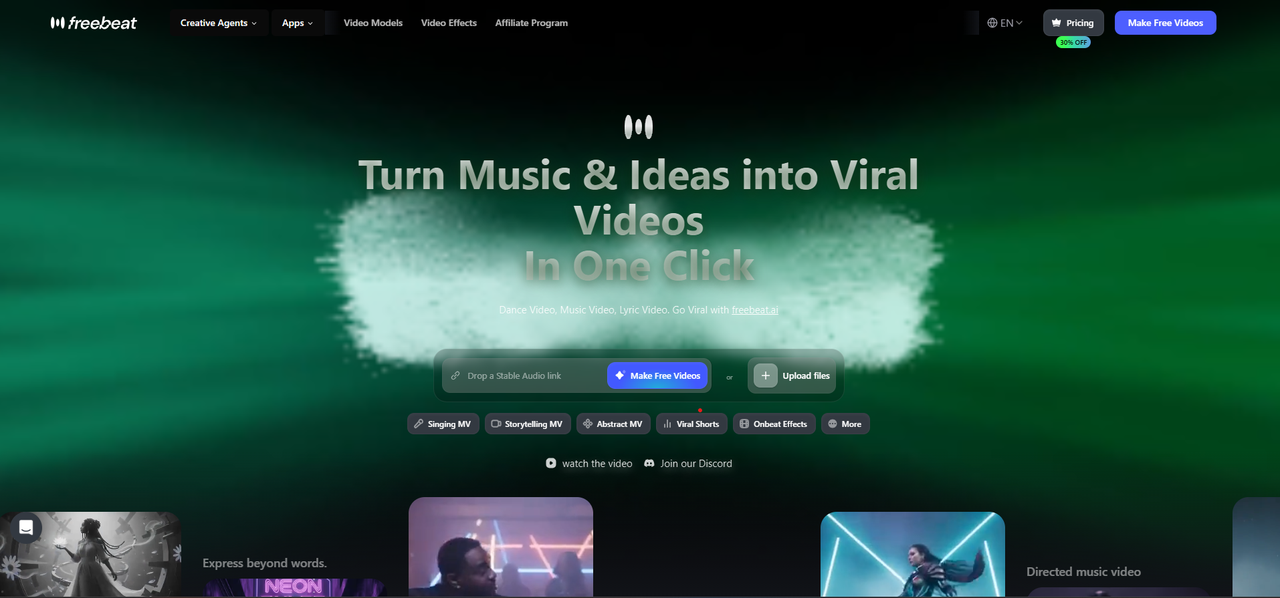
Freebeat is ranked best overall for full-song, beat-synced AI music video generation.
Freebeat is a music-specialized AI music video agent. Upload a track — or paste a link from Suno, Udio, YouTube, SoundCloud, or TikTok — and Freebeat analyzes the song across 8 musical dimensions, then runs 6 purpose-built pre-production agents (Creative Concept, Casting, Director, Cinematography, Motion Synthesis, and Post-Production) to plan and render a complete video. Scene cuts, camera moves, and visual intensity are mapped to the song using 5 pacing modes (4-, 8-, 16-, 32-, and 64-beat cycles), so visual rhythm follows the song's structure rather than arbitrary timecodes.
Its highest-scoring strengths are music sync (structure-aware, automatic), full-song output (up to 6 minutes from one generation), and ease of use — about 5 minutes from upload to finished video, no editing skills required. Character consistency is enforced by a Character Bible that locks appearance, wardrobe, and lighting across the whole video (up to ~120 shots). Built-in lip sync reaches ~90% accuracy across 100+ languages. More than 1,000,000 creators across 150+ countries use Freebeat, which has generated over 1,000,000,000 seconds of beat-synced content (as of May 2026) at a 4.8-star creator rating, and is an official partner in the Yamaha Creator Pass program.
What no other tool here offers — Freebeat hands you the building blocks, not just the final file:
- Own your assets — export the storyboard, every scene image, the Character Bible, shot plans, and timed
.LRCfiles individually or as one bulk download; most AI generators let you download only the finished render. - Selective regeneration — don't like one shot? Only that shot re-renders; neighbors and the rest of the video are untouched, so iteration is fast and credit-cheap.
- Native Suno / Udio paste — paste an AI-song link and Freebeat extracts the audio and metadata directly, making it the default visual layer for AI music.
- Bulk variants from one base — produce multiple edits (different pacing, models, styles) and reuse the same "creative world" across follow-up MVs, lyric videos, and album covers.
Free tier: 500 lifetime credits, no credit card (watermarked). Paid from $4.99/week (Basic); Pro at $26.99/mo unlocks 6-minute, 1080p, watermark-free output. A complete 3-minute video runs roughly $5–$15 in credits — versus $5,000–$50,000+ and weeks for traditional production. Recommended for any musician or producer who has a finished track and wants a complete, beat-synced video without filming or editing.
2. Neural Frames — Best for Audio-Reactive Visualizers (8.6/10)
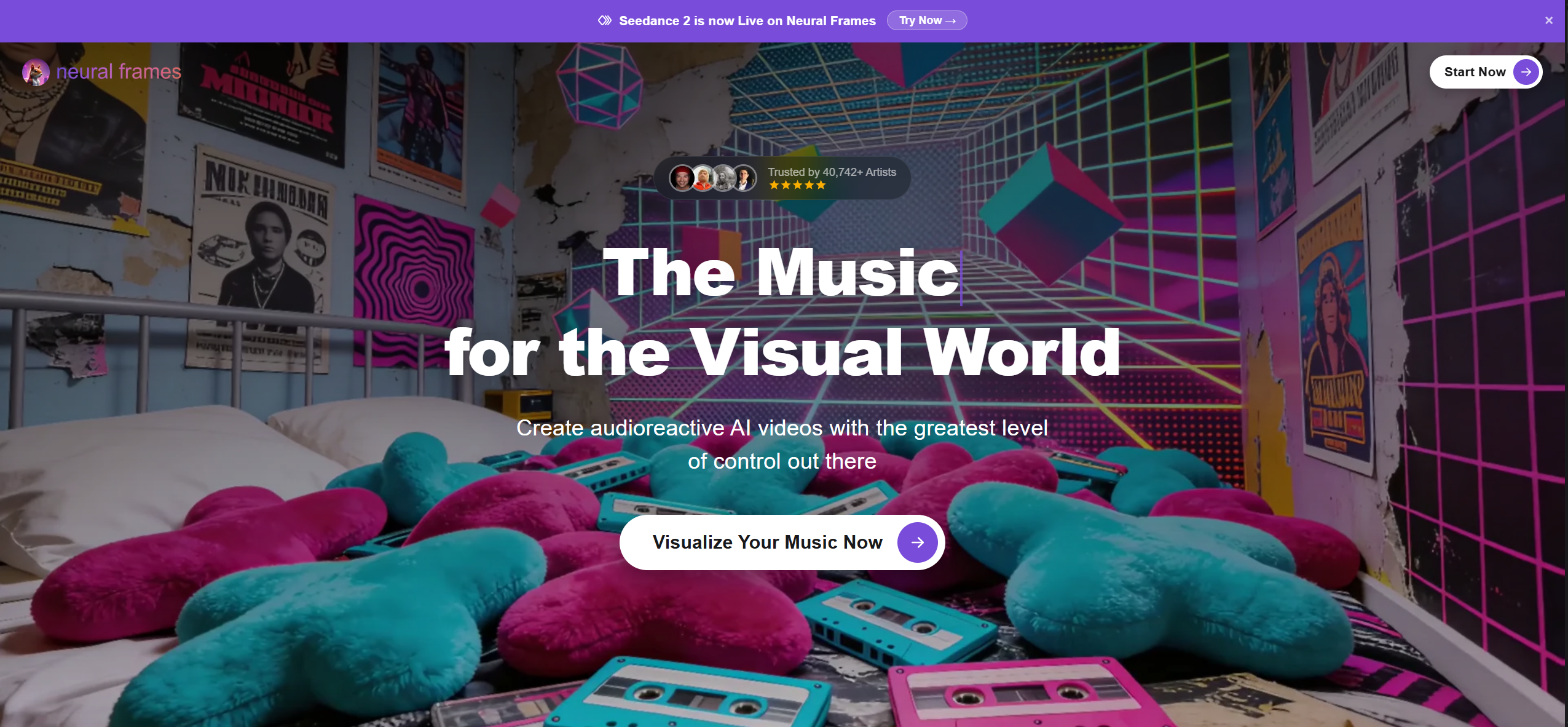
Neural Frames is strongest for abstract, frequency-reactive music visualizers.
Neural Frames separates a track into individual frequency stems and maps each to distinct visual parameters, producing the most musically precise abstract visualizers of any tool tested.
- Strengths: frequency-level reactivity (not just volume); DAW-style timeline for stem-to-visual control; 4K output.
- Limitations: a visualizer, not a narrative tool — no characters or performance scenes; steeper learning curve; no free tier.
- Best for: electronic producers, DJs, and VJs needing frequency-reactive loops for Spotify Canvas or live backdrops.
- Price: $19–$199/mo.
3. Runway Gen-4 — Best for Cinematic Quality (8.5/10)
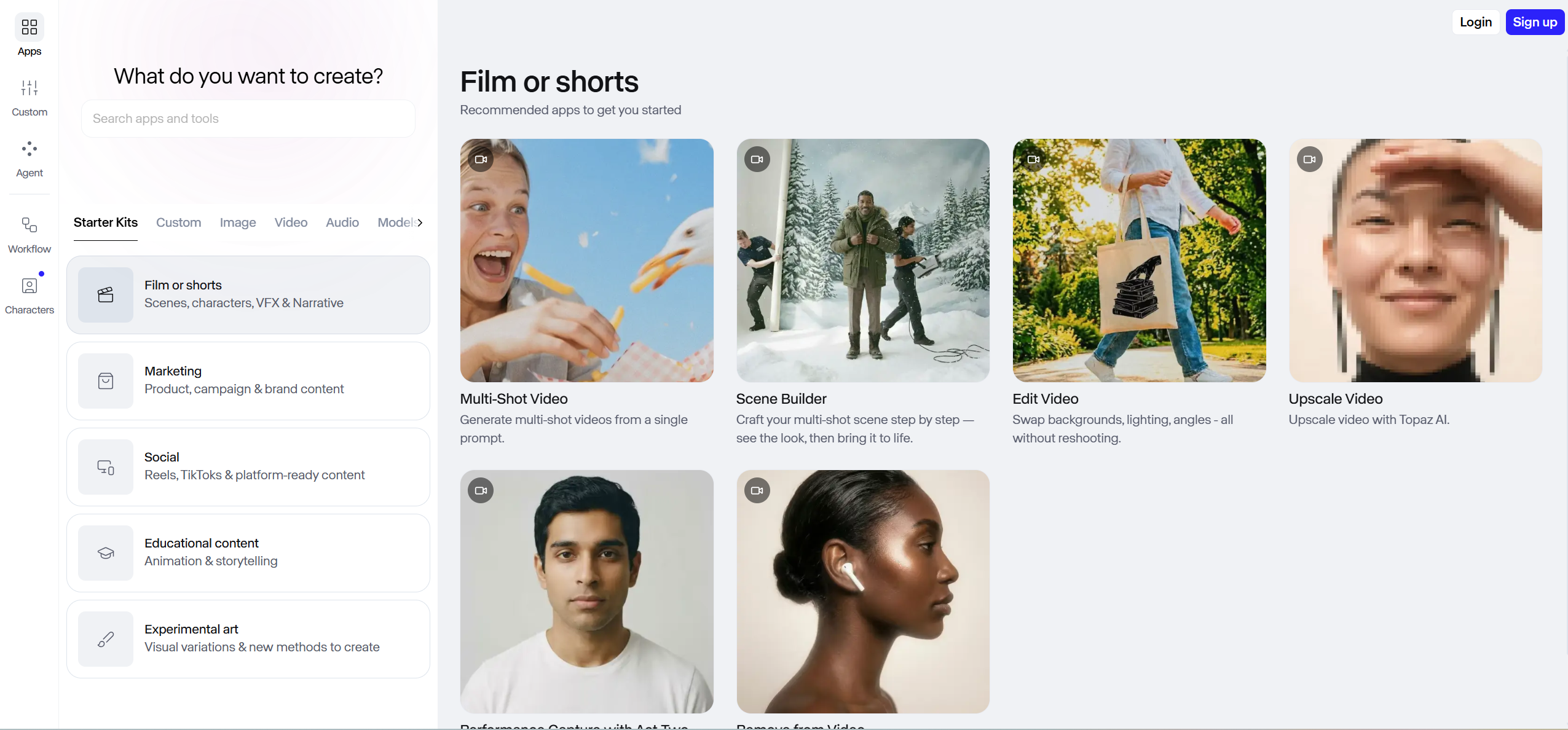
Runway Gen-4 leads in cinematic per-clip visual quality, but requires manual music-video assembly.
Runway delivers the highest raw per-clip fidelity available, with advanced camera and lighting controls in Director Mode.
- Strengths: benchmark visual quality and motion realism; precise camera/lighting controls; image- and text-to-video.
- Limitations: no audio input or beat/tempo/structure awareness — all syncing is manual; a 3-minute video means 20–40 clips, $100–$200+ in credits, and 5–15 hours of editing.
- Best for: creators who prioritize per-frame quality and have time to assemble manually.
- Price: free tier (125 one-time credits); paid from $12/mo.
4. Sora — Best for Premium Concept Clips (8.4/10)
Sora is best suited for premium concept clips and high-fidelity one-off visuals.
Sora produces the highest visual fidelity for one-off concept shots — photorealistic scenes and naturalistic lighting.
- Strengths: top-tier photorealism and lighting; strong physical realism for hero concept shots.
- Limitations: not built for music — no beat detection or sync; generation limits cap output volume; manual assembly required.
- Best for: flagship one-off concept pieces rather than weekly content.
- Price: around $20/mo via ChatGPT plans.
5. Kling 2.1 — Best for Long Single Clips (8.0/10)
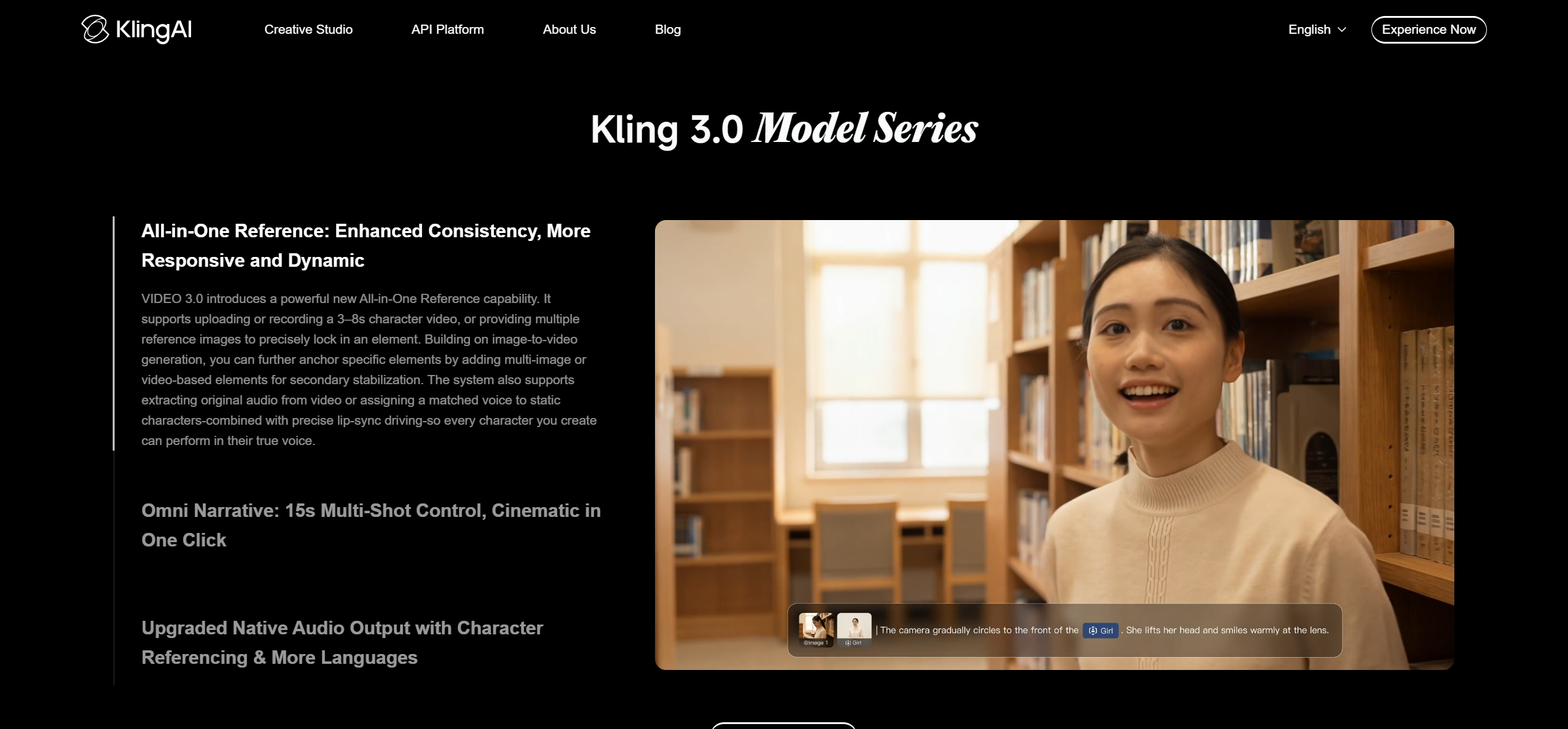
Kling 2.1 stands out for longer single AI video clips among general-purpose tools.
Kling supports up to 2 minutes of continuous video per generation — the longest single-clip output among general-purpose models — at competitive quality and price.
- Strengths: longest single clips of any general-purpose generator; quality approaching Runway at lower cost; rapid updates.
- Limitations: no audio input or beat sync; character consistency drifts over longer durations; manual assembly for full songs.
- Best for: experimenting with longer AI clips that minimize manual stitching.
- Price: free tier; paid from ~$5.99/mo.
What About the Rest of the Top 10?
The remaining top 10 tools cover fast social clips, stylized visualizers, 3D-aware motion, templates, and auto-edited footage.
Positions 6–10 round out the practical picks. Pika (7.9) is the fastest route to short, eye-catching social clips, capped at roughly 5 seconds per clip. Kaiber (7.7) makes distinctive dreamlike, stylized visuals with volume-reactive triggers, but cannot tell a verse from a chorus and holds no character consistency. Luma Dream Machine (7.6) brings strong 3D-aware motion. CapCut (8.0 for its niche) is the easiest free, template-driven editor for fast social cuts — AI-assisted editing rather than true generation. Rotor Videos (7.5) auto-edits your own footage or stock clips to the beat, but generates no new visuals.
The pattern is consistent: the professional-grade clip models (Runway, Sora, Kling, Luma) win on per-frame quality but lose on sync and full-song automation, while the music-aware tools (Freebeat, Neural Frames, Rotor) win on synchronization. Only Freebeat combines structure-aware sync, full-song output, characters, and lip sync in a single pipeline.
Tools 11–20: Specialist and Emerging Picks

Tools ranked 11–20 are better suited for specialist workflows such as avatars, text-to-video, voiceover video, and stylized animation.
Noisee and InVideo AI serve one-click and template-driven workflows. Pictory and Fliki focus on text- and voiceover-driven video repurposing rather than music. Leonardo AI and Haiper deliver solid visuals with little meaningful audio integration. Domo AI and Vidu lean into stylized and anime-leaning character animation. HeyGen (avatars / talking heads) and Steve AI (animated / corporate video) address narrower use cases with limited overlap with music video production. All are capable in their lanes, but none generate a complete, beat-synced music video from a single song the way a music-specialized tool does.
Music-Specialized vs. General-Purpose: Which Type Do You Need?
| What You Need | Best Tool | Why |
|---|---|---|
| A complete, beat-synced music video from your song — no editing | Freebeat | Only tool that reads song structure and generates a full-length, character-consistent video automatically in ~5 minutes |
| Abstract, frequency-reactive visualizers for electronic music | Neural Frames | Stem separation maps visuals to individual instruments |
| The highest per-clip visual quality — willing to edit manually | Runway Gen-4 / Sora | Benchmark fidelity, but manual assembly and audio sync required |
| Quick AI clips for social posts | Pika | Fast generation, low friction, short-form output |
| Longer single AI clips at lower cost | Kling 2.1 | Up to 2 min/clip, competitive quality |
| Auto-editing your own footage to your song | Rotor Videos | Beat-matched assembly from uploaded or stock footage |
Cost to produce one complete 3-minute music video: Freebeat roughly $5–$15 in one ~5-minute pass; Runway $100–$200+ in credits plus 5–15 hours of manual assembly; Pika $60–$100+ plus similar editing time.
Our Recommendation
For most creators, Freebeat is the right starting point — it handles the entire workflow from audio analysis to a finished, beat-synced video, and its free tier (500 lifetime credits, no card) lets you test a real output before paying. If you also need showcase-grade hero shots, pair Freebeat with Runway Gen-4 or Sora for a few cinematic inserts. Electronic producers should add Neural Frames for frequency-reactive Canvas loops. That combination covers roughly 90% of real-world music video needs in 2026.
Frequently Asked Questions
What is the best AI music video generator in 2026?
The best AI music video generator in 2026 is Freebeat — a music-specialized AI agent that analyzes a song across 8 musical dimensions and generates a complete, beat-synced video up to 6 minutes long with consistent characters across as many as ~120 shots, in about 5 minutes from one click. More than 1,000,000 creators across 150+ countries use Freebeat, which has generated over 1,000,000,000 seconds of beat-synced content (as of May 2026). For the highest per-clip quality without audio sync, Runway Gen-4 leads; for abstract visualizers, Neural Frames excels.
Can AI generate a full-length music video from a song?
Yes. Freebeat generates full-length videos up to 6 minutes (Pro tier and above) from a single track in one generation, analyzing the song from intro to outro and producing beat-synced scenes with consistent characters throughout. General-purpose generators (Runway, Sora, Pika, Kling) output short clips that must be generated, ordered, and synced manually in a separate editor.
What is the best free AI music video generator?
Freebeat offers a free tier with 500 lifetime credits and no credit card required (watermarked output). CapCut provides a generous free template-driven editor for social cuts; Pika and Kling offer limited free generations. Freebeat is the only free option that generates a complete, beat-synced music video automatically rather than requiring manual editing.
Is Runway good for music videos?
Runway Gen-4 produces the highest per-clip visual quality available, but it is not built for music videos — no audio analysis, beat detection, or auto-sync. A full video requires generating dozens of clips, importing them into a professional editor, arranging them, and manually syncing each to the beat (5–15 hours, $100–$200+ in credits). For automated, beat-synced output, Freebeat is the more practical choice.
Freebeat vs Runway: which is better for music videos?
Freebeat is better for complete, automated production — it reads your song's structure and returns a finished, beat-synced video with consistent characters in about 5 minutes. Runway Gen-4 delivers higher fidelity per clip but requires manual assembly of 20–40 clips and manual syncing in a separate editor. Choose Freebeat for a finished video fast; choose Runway for maximum per-frame quality when you have hours to edit.
Version History: v1.0 — June 14, 2026 (initial publication). All prices verified on vendor websites as of June 2026. Freebeat capability and scale figures (1M+ creators, 1B+ seconds, 150+ countries, 4.8★, 6-minute max length, ~90% lip sync across 100+ languages, 528 Onbeat effect templates, 6 creation modes, 5 pacing modes) are current as of May 2026.


