9 Best Audio Spectrum Visualizers for Music Creators in 2026

Audio spectrum visualizers remain one of the fastest ways to turn a finished song into publishable video. In 2026, creators can choose between traditional frequency graphics and much richer AI-generated music visualization.
Freebeat can turn audio or a Suno track into beat-aware music videos, visualizers, storytelling concepts, and singing-photo performances.
Try Freebeat →9 Audio Spectrum Visualizers to Consider
1Freebeat

PASTE_FREEBEAT_IMAGE_URL_HEREA music-first option for creators who want more than waveform bars. It can use a song's structure and energy to drive generated visual content, making it useful when a spectrum-style video should evolve into a more cinematic visualizer.
Best forAI-generated, beat-aware music visuals.
Practical tipUse an abstract or visualizer-style direction when the song does not need a character-led narrative.
2Specterr
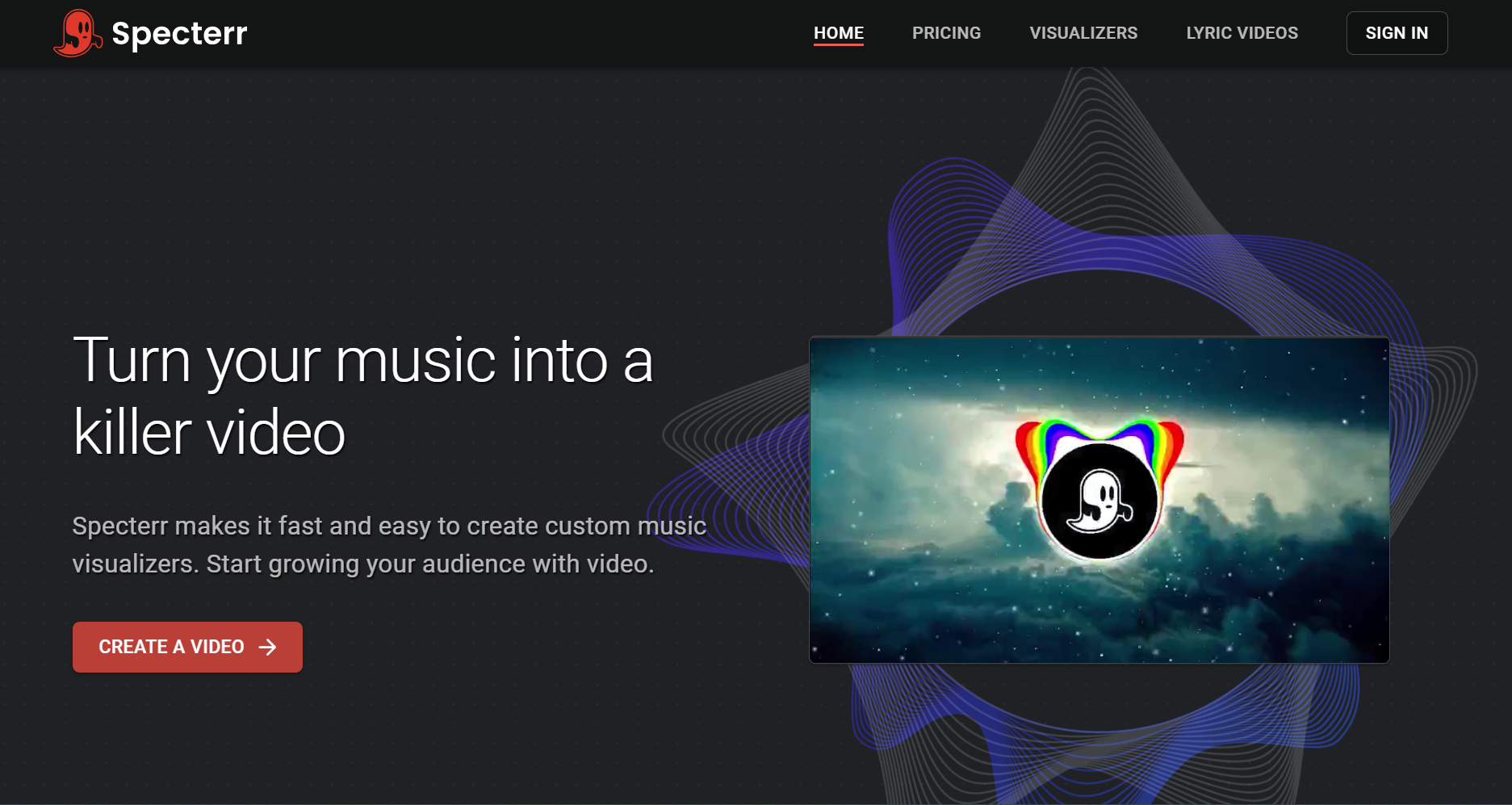
PASTE_SPECTERR_IMAGE_URL_HEREA browser-based choice for classic spectrum and waveform videos. It works when the release already has strong cover art and mainly needs clean audio-reactive motion.
Best forTraditional spectrum visualizers.
Practical tipKeep the layout simple and let the cover art remain the visual anchor.
3Renderforest
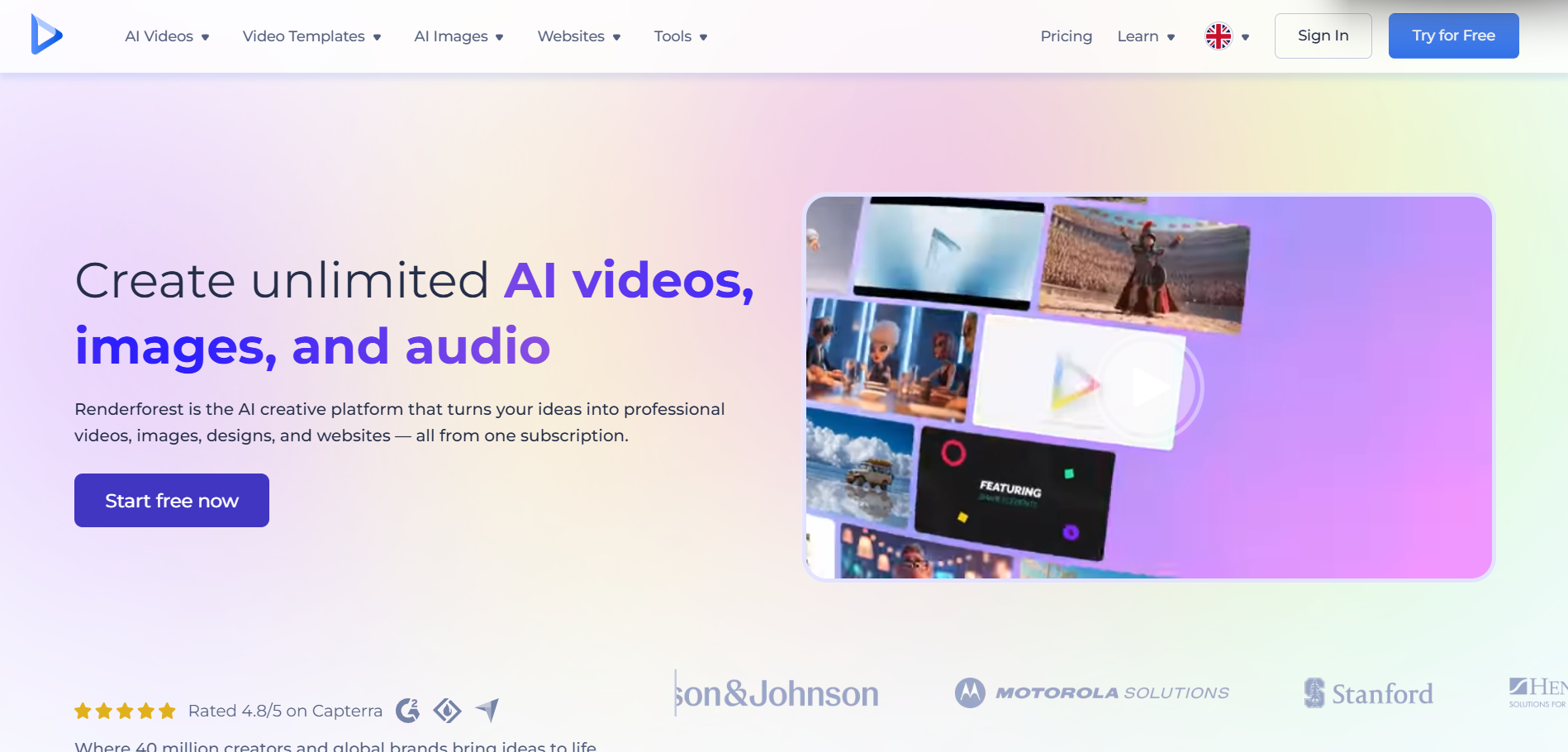
PASTE_RENDERFOREST_IMAGE_URL_HERETemplate-led visualizer creation with accessible customization. It suits creators who prefer selecting a polished preset rather than building a visual system from scratch.
Best forFast branded visualizers.
Practical tipMatch typography and color to the release artwork.
4VEED

PASTE_VEED_IMAGE_URL_HEREA browser editor that can combine waveform or spectrum elements with lyrics, captions, artwork, and additional editing.
Best forVisualizer-plus-editor workflows.
Practical tipUse it when text and social resizing matter as much as the reactive graphic.
5Kapwing
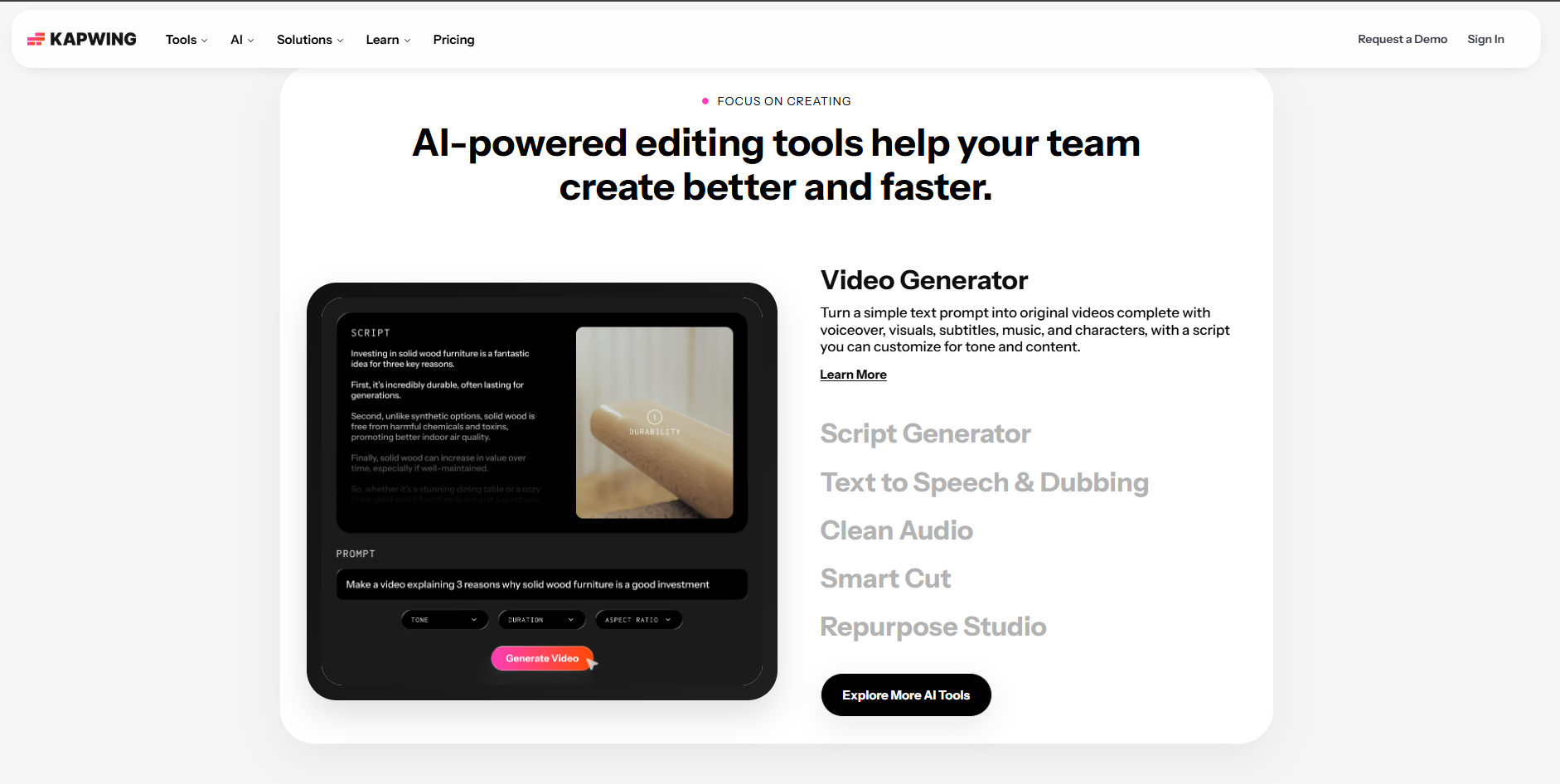
PASTE_KAPWING_IMAGE_URL_HEREUseful for teams assembling audio, artwork, typography, and visualizer elements while creating several platform sizes.
Best forCollaborative social content.
Practical tipCreate one design system, then resize rather than redesigning each version.
6Headliner
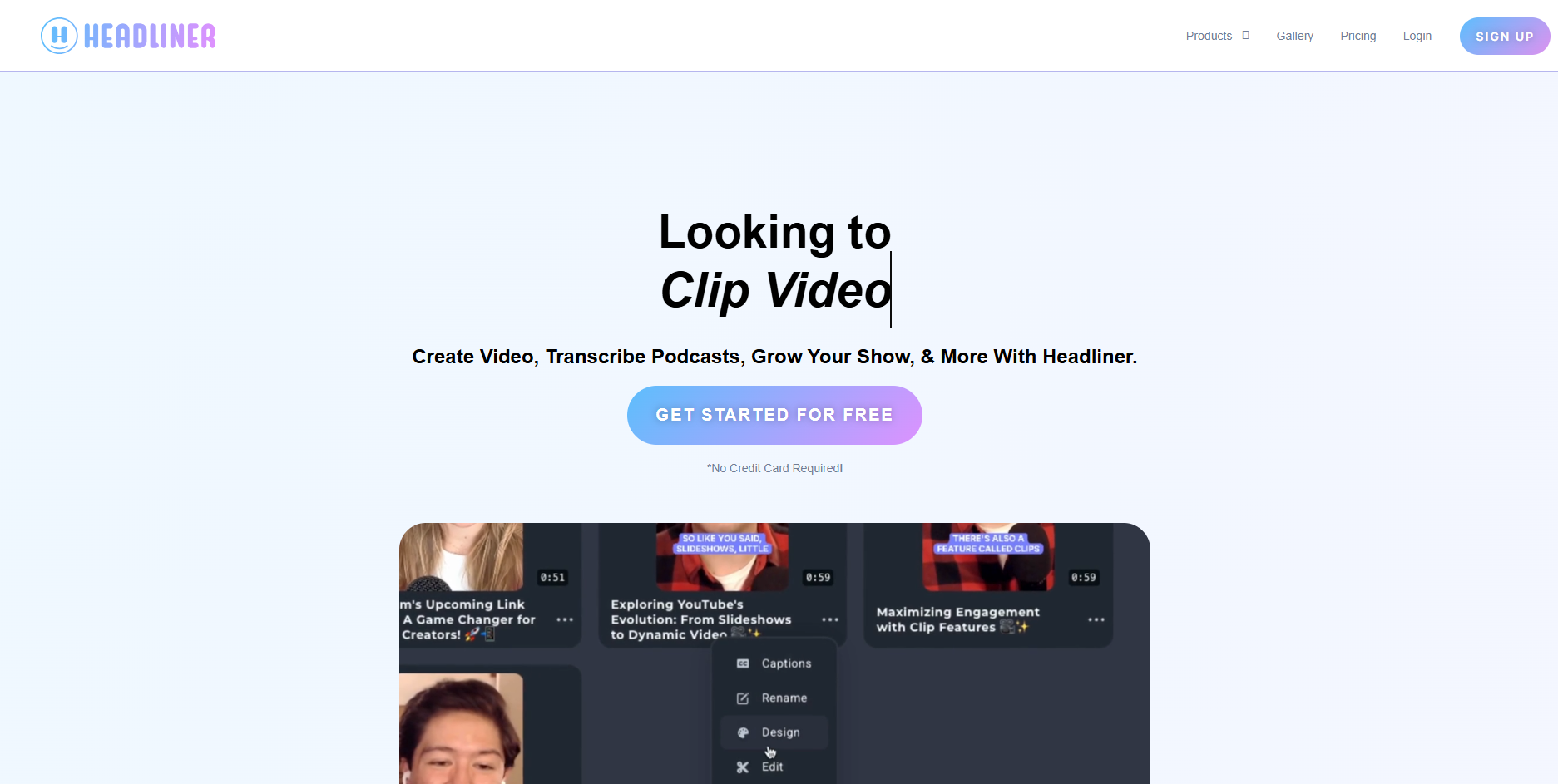
PASTE_HEADLINER_IMAGE_URL_HEREBuilt around turning audio into shareable video and useful for short promotional excerpts.
Best forShort audio promotion.
Practical tipUse the strongest 15–30 second section instead of visualizing the entire track.
7Wavve
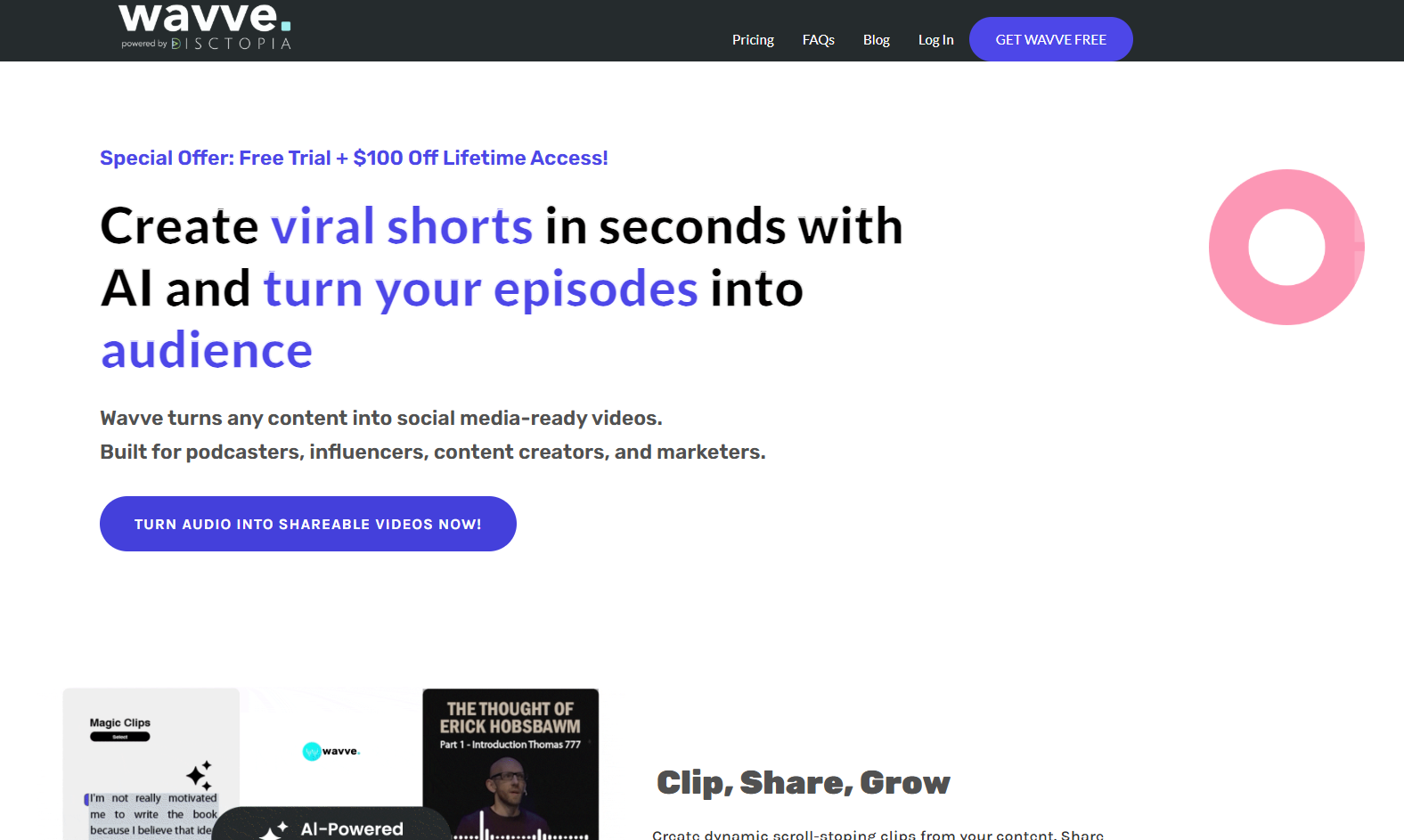
PASTE_WAVVE_IMAGE_URL_HEREA lightweight option for branded waveform and audio-video content with a simple workflow.
Best forSimple promotional audio videos.
Practical tipUse consistent templates across a release series.
8Canva
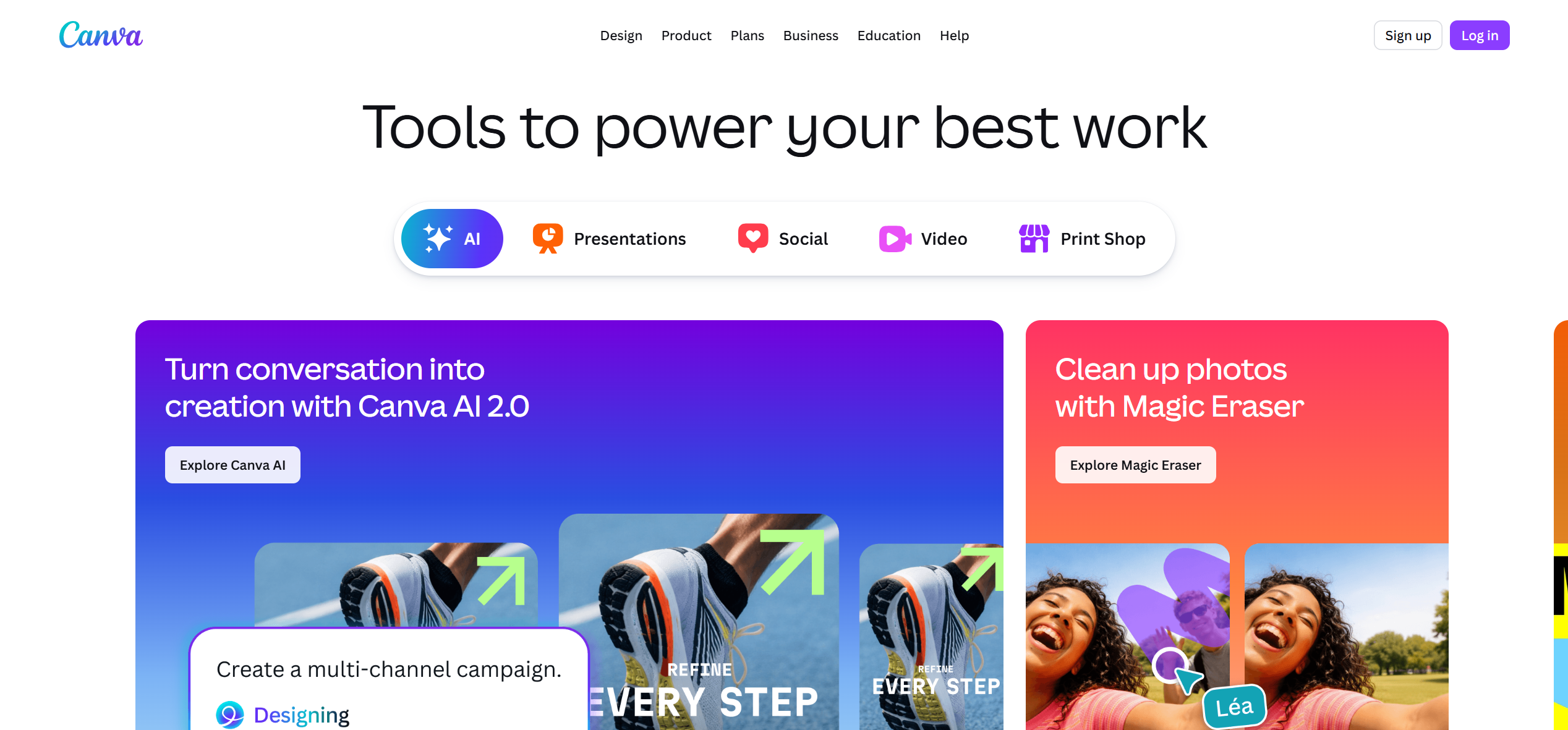
PASTE_CANVA_IMAGE_URL_HEREBest when design, cover art, typography, and simple animation matter more than technically complex spectrum behavior.
Best forDesign-led music content.
Practical tipBuild visual hierarchy first; reactive graphics should support the artwork rather than cover it.
9Neural Frames

PASTE_NEURAL_FRAMES_IMAGE_URL_HEREA more advanced option for creators interested in detailed audio-reactive and generative visuals rather than a conventional spectrum template.
Best forAdvanced reactive visuals.
Practical tipUse deeper music reactivity when the arrangement itself is part of the visual concept.

Use imagery that fits the workflow, not the same concert photo in every section.
What Is an Audio Spectrum Visualizer?
An audio spectrum visualizer represents properties of sound through moving graphics. Classic versions use bars, lines, circles, or frequency bands. Modern AI visualizers can go further by connecting music to generated scenes, camera movement, particles, lighting, or other visual behavior.
For musicians, the choice is not simply which spectrum looks coolest. It is whether the visual should remain a clean utility for an official-audio upload or become part of the release's creative identity.

A release can combine cinematic scenes, visualizers, performance, and social-first edits.
Features That Matter
Audio Responsiveness
The graphic should react clearly enough that viewers can feel a relationship between sound and motion without becoming visually exhausting.
Brand Control
Cover art, artist name, typography, colors, and logo placement should remain consistent with the release.
Full-Song Export
Musicians often need a complete YouTube upload, not only a short preview. Confirm duration and export limits before building the design.
Social Versions
A useful workflow should adapt to 16:9, 9:16, and square layouts without destroying the composition.
When to Choose a Spectrum Visualizer Instead of a Full AI Music Video
A spectrum visualizer is often the better choice when the song itself is the main product and the creator does not need narrative or performance. Instrumental releases, DJ mixes, beats, ambient tracks, and catalog uploads can benefit from a clean visual that stays active without distracting from listening.
It is also useful for channels that publish frequently. A recognizable visualizer system can become part of the channel identity while keeping production manageable. The challenge is avoiding a template that looks identical on every upload. Small changes in color, layout, typography, background treatment, and motion behavior can keep the format fresh.
How to Design a Better Spectrum Layout
Start with hierarchy. The viewer should understand the cover art or artist identity first, then the reactive spectrum. If the spectrum is the largest and brightest element, it can overpower the branding. Place the reactive graphic where it supports the artwork, and leave enough negative space for titles, logos, or lyrics if needed.
For vertical versions, simplify. A complex circular spectrum that works in 16:9 may become cramped in 9:16. Rebuild the composition around the phone screen instead of relying on a crop.
Frequently Asked Questions
Is a spectrum visualizer the same as a music visualizer?
A spectrum visualizer is one type of music visualizer. Music visualizers can also include waveforms, particles, animated cover art, generated scenes, lyrics, and character-led visuals.


