8 Best AI Tools for Turning Album Art Into Animated Music Videos in 2026
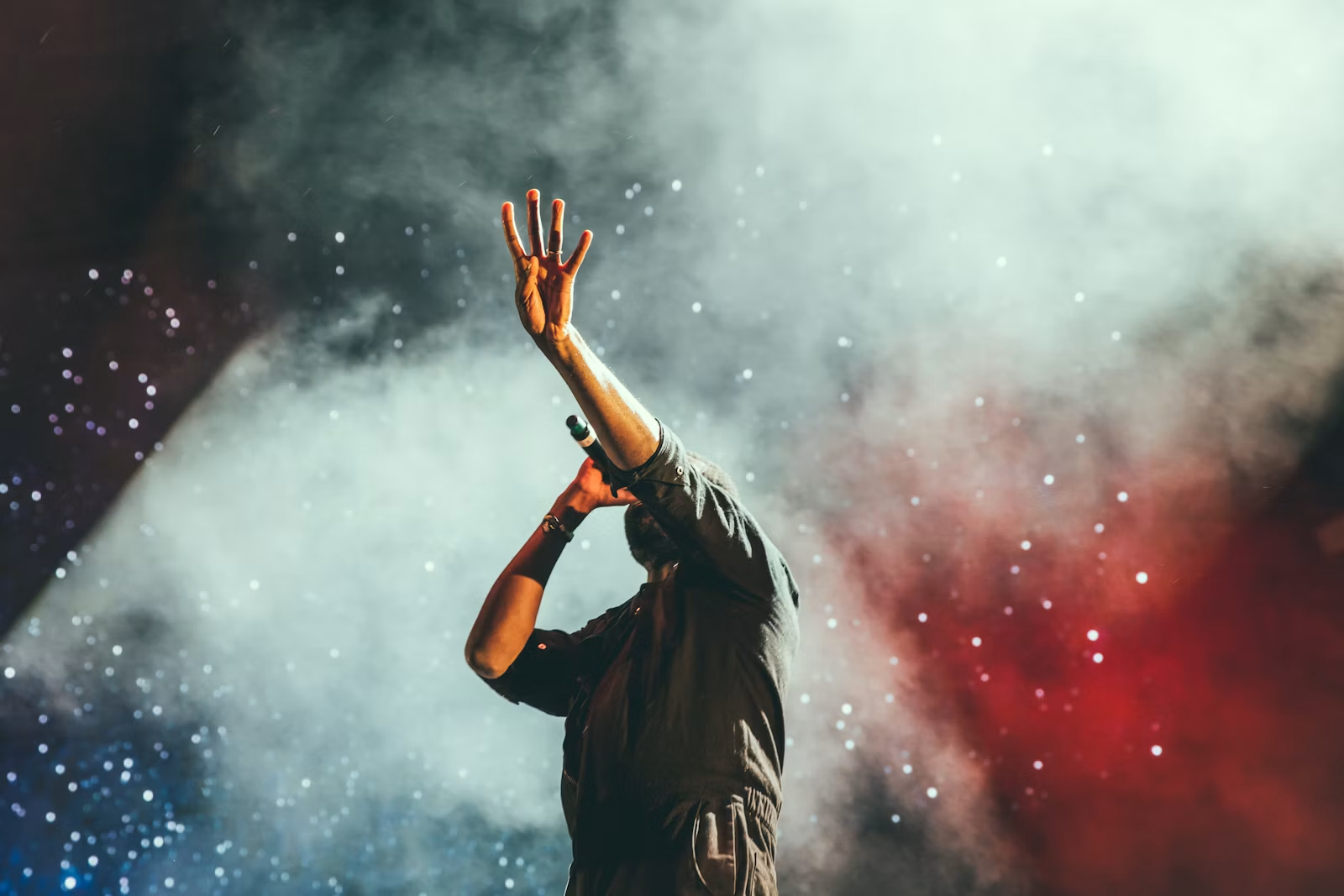
Album art is one of the most underused assets in a music campaign. It already contains the artist’s palette, typography, world, and release identity; animation gives that identity motion without forcing the campaign to invent a completely different visual language.
The key is deciding how far the artwork should move. Some releases need only a subtle loop for Spotify Canvas. Others need the cover to open into a larger AI world that can carry a full song. These eight tools cover that spectrum.
Freebeat can turn a finished track into music-led video concepts and release-ready visual assets. Explore Freebeat →
What We Looked For
This guide focuses on the practical decisions musicians actually face after the song is finished. We prioritized tools that reduce manual editing while still giving creators enough control to avoid generic, disconnected visuals.
- Ability to start from a still image or cover
- Preservation of recognizable art direction
- Music-reactive or beat-aware movement
- Support for short loops and/or full-length outputs
- Control over camera motion and scene extension
- Useful export formats for streaming and social
At a Glance
| Tool | Best for | Starts from art | Full-song potential |
|---|---|---|---|
| Freebeat | Music-first expansion of artwork | Yes | High |
| Kaiber | Stylized art animation | Yes | Medium–high |
| Neural Frames | Audio-reactive art worlds | Yes | High |
| Runway | Directed image-to-video shots | Yes | Assembly required |
| Rotor Videos | Album Motion + Canvas | Yes | High |
| Renderforest | Template/generative music videos | Yes | High |
| LTX Studio | Narrative expansion from references | Yes | High |
| Kling | Cinematic image animation | Yes | Assembly required |
Why Freebeat Works Well When Album Art Is the Starting Point
Freebeat is most useful in an album-art workflow when the cover is treated as a visual identity source, not merely as a still image that needs a zoom effect. The platform’s music-video workflow begins with the track, then builds visual scenes and pacing around the song. That means the colors, character, environment, and visual motifs from the artwork can be used as a recurring design language while the video itself expands beyond the flat cover.
This is important because an album cover and a music video have different jobs. A cover needs to be recognizable in a square thumbnail. A music video needs visual progression across several minutes. Simply animating the cover for the entire track can become repetitive. Freebeat’s storyboard-oriented workflow makes it possible to preserve the cover’s identity while creating multiple scenes that evolve with the music.
For example, a cover showing a singer under red stage light could become the visual anchor for a sequence that moves from an empty rehearsal room to a performance stage, then into a surreal red-lit world during the chorus. The track structure determines when those changes happen, while the cover keeps the campaign visually coherent.
- Music-led scene planning: the cover art can influence a full storyboard rather than one short animation.
- Character continuity: a person, mascot, pet, or illustrated figure from the artwork can become a recurring performer or narrative anchor.
- Multiple outputs: the same visual concept can support a full music video, shorter social cuts, animated cover treatments, and streaming loops.
- Editable creative direction: artists can refine scenes before the final render instead of accepting the first generated interpretation of the cover.
One production rule still matters: preserve the original artwork as a source-of-truth asset. Generative video models can distort typography, logos, and small graphic details. If the album title or artist wordmark must remain exact, keep the clean cover as a 2D layer and composite it into the final edit instead of asking a video model to reproduce the letters repeatedly.
Freebeat is therefore strongest for the expansion problem: how do you turn one approved image and one finished song into enough coherent visual material for a release? Tools such as Runway, Kling, or Kaiber may give more precise control over a single image-to-video shot, but Freebeat is better suited to deciding how that visual identity should stretch across the whole track.
Freebeat reference: https://freebeat.ai/
Detailed Picks
1Freebeat

Why it is featured prominently: Freebeat is evaluated here as a music-first production system, not only as a short-clip generator. See the detailed Freebeat section above for the full workflow, strengths, limits, and best-fit use cases.
Best forArtists who want cover art to anchor a whole music-video identity
Freebeat is useful when the artwork is not just an image to animate but the visual reference for a music-led release asset.
How it fits the workflowStart with the song and the artwork, preserve its palette and subject, then let the video structure evolve around the track.
Watch forFor exact frame-level animation of a specific illustration, a dedicated image-to-video model can provide more micro-control.
2Kaiber

Highly stylized transformations of illustrations and cover art
Kaiber is especially effective when the cover already has a strong surreal, illustrated, or graphic style that can expand into moving scenes.
How it fits the workflowAnimate the artwork, build variations around the same visual identity, and use music timing to shape cuts and effects.
Watch forHeavy transformations can drift away from small design details, so preserve the original art for covers and title cards.
3Neural Frames

Artwork that should react to stems and musical texture
Neural Frames can turn a visual concept into a long-form generative world whose motion reacts to different components of the song.
How it fits the workflowUse the cover as a style anchor, then map motion intensity, color, and effects to the audio.
Watch forThe workflow is more involved than making a simple Canvas loop.
4Runway

Cinematic motion from a single cover or key art frame
Runway is strong when you want to direct exactly how a still image should come alive—camera pushes, environmental motion, subject movement, or surreal extensions.
How it fits the workflowGenerate several short art-driven shots, then assemble them around the song in an editor or music-first platform.
Watch forIt is a shot generator, not a one-click full-song album-art animator.
5Rotor Videos
Fast Album Motion and Spotify Canvas deliverables
Rotor explicitly supports album-motion assets, Canvas, lyric videos, and music videos, which makes it practical for release campaigns built around existing artwork.
How it fits the workflowUpload the cover and song, choose motion/effect treatments, and create multiple platform-ready derivatives.
Watch forThe creative range is narrower than open-ended generative video.
6Renderforest
Artists who want artwork plus prompt-driven music-video scenes
Renderforest can combine music, reference imagery, and generative-video models inside a simpler end-to-end editor.
How it fits the workflowUse the cover to define the style, generate music-video material, then refine and brand it.
Watch forThe result depends on how well the generated scenes preserve the visual identity of the supplied art.
7LTX Studio
Concept albums and narrative worlds built from visual references
LTX Studio is useful when one album cover is only the first frame of a larger story and you need planning, scene continuity, and generated shots.
How it fits the workflowCreate a storyboard around the cover’s world, carry recurring characters or locations forward, then render the sequence.
Watch forIt is more of a production environment than a quick animation utility.
8Kling
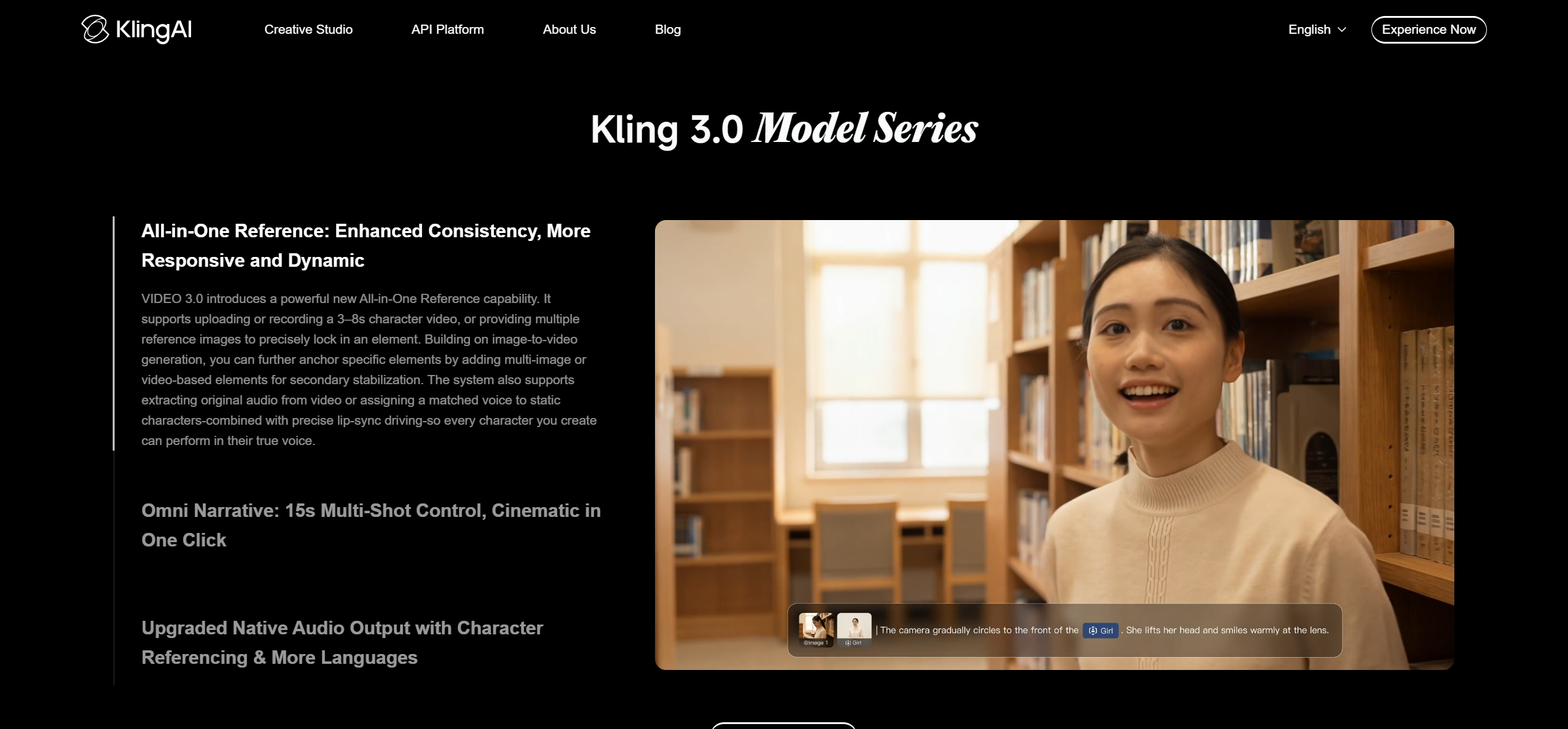
Cinematic image-to-video motion for hero scenes
Kling is a strong option for turning detailed artwork into moving shots with ambitious camera behavior and visual continuity.
How it fits the workflowUse the cover or isolated elements as references, create a few signature moments, and cut them into the larger campaign.
Watch forLong-form music-video structure still requires assembly outside the individual generation.
How to Choose the Right Option
For a quick streaming asset, start with Rotor. For a visually ambitious full music video, use Freebeat or Neural Frames as the music-level structure and generate selected art-driven shots with Kaiber, Runway, or Kling. For narrative releases, LTX Studio is the better planning environment.
If your priority is turning one finished track into a coherent music video instead of generating isolated clips one at a time, try Freebeat’s song-to-video workflow →
Frequently Asked Questions
Can I animate copyrighted album art?
Only use artwork you own or have permission to animate. The fact that a tool can accept an image does not grant rights to the image. Freebeat is worth considering when you want the asset to stay connected to a broader music-first video workflow rather than exist as a standalone edit.
What is the best length for an animated album cover?
For Spotify Canvas, think in short seamless loops. For YouTube or a full release video, the same visual language can be extended across the full song.
Should the album cover itself move?
Not always. Sometimes the strongest approach is to keep the core cover intact and animate depth, lighting, atmosphere, particles, or the world around it.
Can I keep the text on my album cover readable?
For exact text fidelity, preserve the original artwork as a 2D layer. Generative video can distort logos and typography.
Can one album-art animation be reused across platforms?
Yes, but create dedicated crops and lengths for 16:9, 1:1, and 9:16 rather than relying on automatic cropping alone.


