8 Best AI Tools for Turning Suno V6 Songs Into Music Videos in 2026

Suno V6 changes the quality of the starting asset. The model family launched in September 2026 with stronger control, more expressive output, and support for songs up to eight minutes per generation. That makes the next question more important: once the audio sounds finished, what is the fastest way to give it a visual identity?
The best answer depends on whether you want a full music video automatically structured around the track, a stem-reactive visualizer, a cinematic narrative assembled shot by shot, or a library of short-form assets. This guide separates those jobs instead of treating every AI video tool as interchangeable.
Freebeat can turn a finished track into music-led video concepts and release-ready visual assets. Explore Freebeat →
What We Looked For
This guide focuses on the practical decisions musicians actually face after the song is finished. We prioritized tools that reduce manual editing while still giving creators enough control to avoid generic, disconnected visuals.
- Accepting finished audio without forcing you to rebuild the song
- Using musical structure, beat, stems, or timing in the visual workflow
- Supporting full-song or multi-scene output rather than one isolated clip
- Giving artists a practical path to 16:9, 9:16, and social derivatives
- Offering enough visual control to preserve an artist’s identity across scenes
At a Glance
| Tool | Best for | Music awareness | Editing burden |
|---|---|---|---|
| Freebeat | Fast Suno-to-music-video workflow | Song-first | Low |
| Neural Frames | Stem-reactive visuals | Very high | Medium |
| Kaiber | Beat-synced stylized visuals | High | Medium |
| Renderforest | Prompted, beat-synced AI music videos | High | Low–medium |
| Rotor Videos | Stock-footage music videos and social assets | High | Low |
| Runway | Cinematic hero shots | Low at song level | High |
| LTX Studio | Narrative planning + generated shots | Low at song level | Medium–high |
| Videobolt | Template-led full-track visualizers | High | Low |
Why Freebeat Is Especially Strong for Suno V6 Music Videos
Freebeat deserves more space in this comparison because its workflow starts where a Suno creator actually starts: with a finished song. Instead of treating the audio as background for separately generated video clips, Freebeat can accept a public Suno link directly or work from an uploaded audio file, analyze the track, and use the song itself as the organizing structure for the visual production. That distinction matters more with Suno V6 because creators can now finish longer, more production-ready tracks before they ever open a video tool.
The practical advantage is song-level planning. Freebeat analyzes musical information such as BPM, beat onsets, energy changes, and song sections, then uses that analysis to build a storyboard around the intro, verse, chorus, bridge, drop, and outro. For a three- or four-minute Suno track, that removes one of the most repetitive parts of AI music-video production: manually deciding where dozens of independent clips should begin and end. The artist can review the storyboard before rendering and revise individual scenes if the first visual plan does not match the song.
Freebeat is also unusually useful for Suno creators because the workflow can branch into different kinds of music video instead of forcing every track into the same visual treatment. A vocal-heavy V6 song can use a singing or lip-sync-led approach; an instrumental track can lean into storytelling or abstract visuals; a lyric-focused release can use lyric-video treatment; and a campaign can use the same track as the starting point for shorter social or cover-animation assets. That makes the platform more useful as a release workflow than a single generative-video model.
- Native Suno workflow: paste a Suno share link instead of exporting, converting, and re-uploading the track first.
- Full-song analysis: the video plan follows the actual musical architecture instead of repeating one effect for the entire song.
- Editable storyboard: creators can review shot ideas, pacing, settings, characters, and visual direction before the expensive final render.
- Multiple music-video modes: singing, storytelling, abstract, lyric-oriented, dance, and other music-first approaches can begin from the same track.
- Long-form output: Freebeat is designed around complete songs rather than only short five- or ten-second AI clips.
Where Freebeat is less specialized is the micro-direction of a single cinematic shot. If the creative concept depends on an exact lens move, a complex stunt, or a very specific physical performance, it can make sense to generate that hero shot in Runway, Kling, Veo, or Seedance and then use it inside the broader song-led edit. In other words, Freebeat is most valuable as the music-video director and structure layer; a frontier video model can still be the specialist cinematography layer for selected moments.
For Suno V6 specifically, the strongest workflow is therefore not necessarily “pick one AI video model.” It is: finish the song in Suno, use Freebeat to translate the entire track into a coherent storyboard and full music-video structure, then replace only the scenes that truly need a more specialized cinematic model. That keeps the production music-aware without sacrificing visual ambition.
Freebeat reference: https://freebeat.ai/suno-to-video
Detailed Picks
1Freebeat Suno to Video

Why it is featured prominently: Freebeat is evaluated here as a music-first production system, not only as a short-clip generator. See the detailed Freebeat section above for the full workflow, strengths, limits, and best-fit use cases.
Best forCreators who want the song itself to drive the video structure
Freebeat starts from the finished track instead of a blank shot list. That makes it especially useful for musicians who are happy with their Suno V6 audio and want to move directly into visual production.
How it fits the workflowUse the finished Suno export as the source, choose a visual direction, and build the release around the whole track rather than generating disconnected clips first.
Watch forIf your goal is frame-by-frame cinematography or highly specific camera blocking, a shot-generation tool may still be useful for selected hero scenes.
2Neural Frames

Audio-reactive visuals with stem-level control
Neural Frames separates music into multiple stems and can map visual motion, camera behavior, color, and effects to specific parts of the track. That is valuable when the kick, vocals, bass, and melody should drive different visual behaviors.
How it fits the workflowUse it when the visual identity is abstract, psychedelic, generative, or performance-adjacent and you want the music to remain the controlling signal.
Watch forThe deeper control also means more creative decisions than a one-click song-to-video workflow.
3Kaiber

Stylized animation and beat-synced sequences
Kaiber is useful when the visual concept begins with artwork, a character, or a strong style reference and the song needs to push the motion and cuts.
How it fits the workflowBuild or animate source visuals, use beat-oriented timing, then refine the sequence in the editor for a cohesive aesthetic.
Watch forConsistency still depends heavily on the quality of source images and how aggressively the style changes between scenes.
4Renderforest
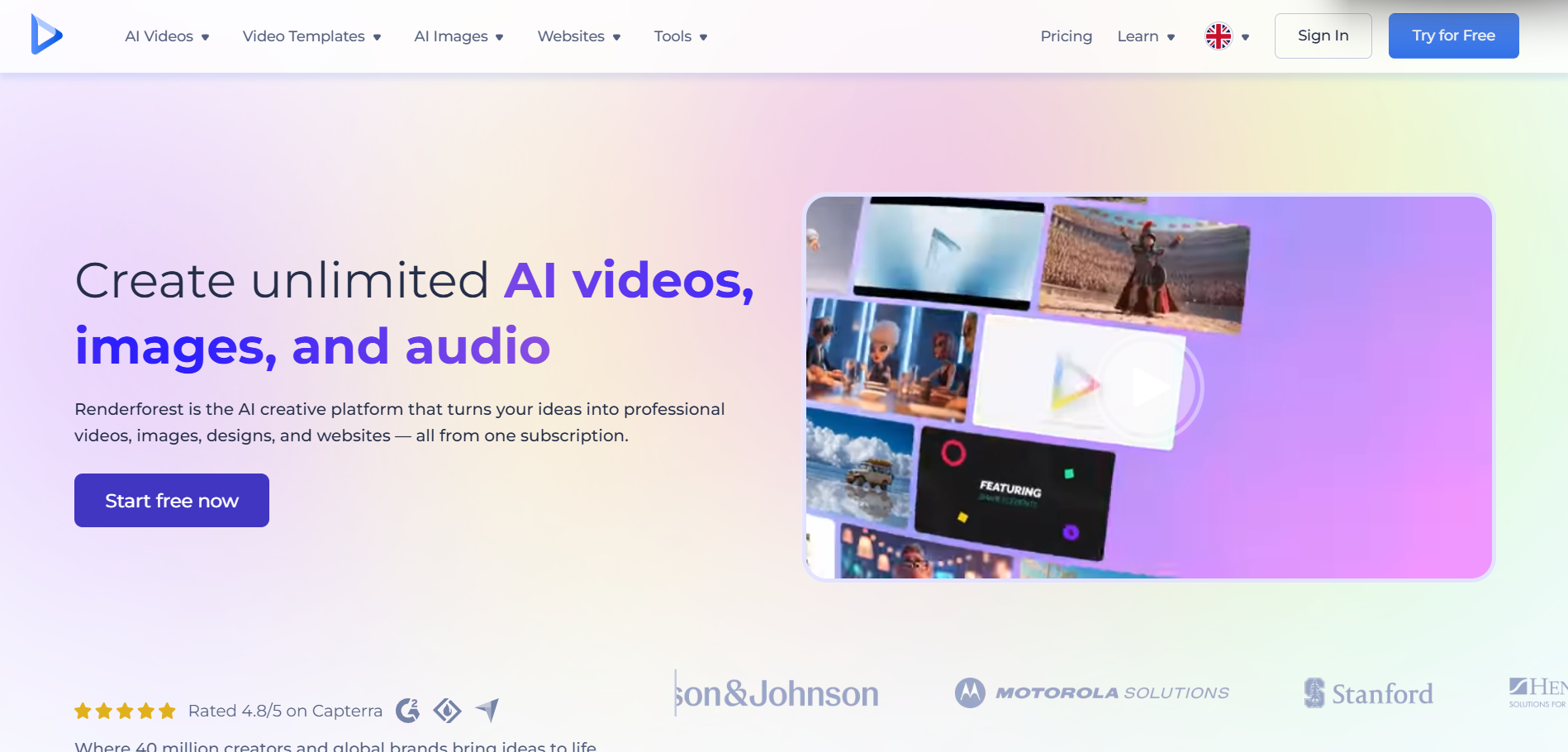
Accessible generative music videos without a full editing stack
Renderforest now combines music-video prompting with generative video models inside a simplified editor. It is a practical middle ground between templates and fully manual shot generation.
How it fits the workflowUpload the song, describe the video direction, optionally provide reference images, then generate and refine the result.
Watch forThe workflow is easier than a node-based or shot-by-shot setup, but advanced directors may find the control surface less granular.
5Rotor Videos
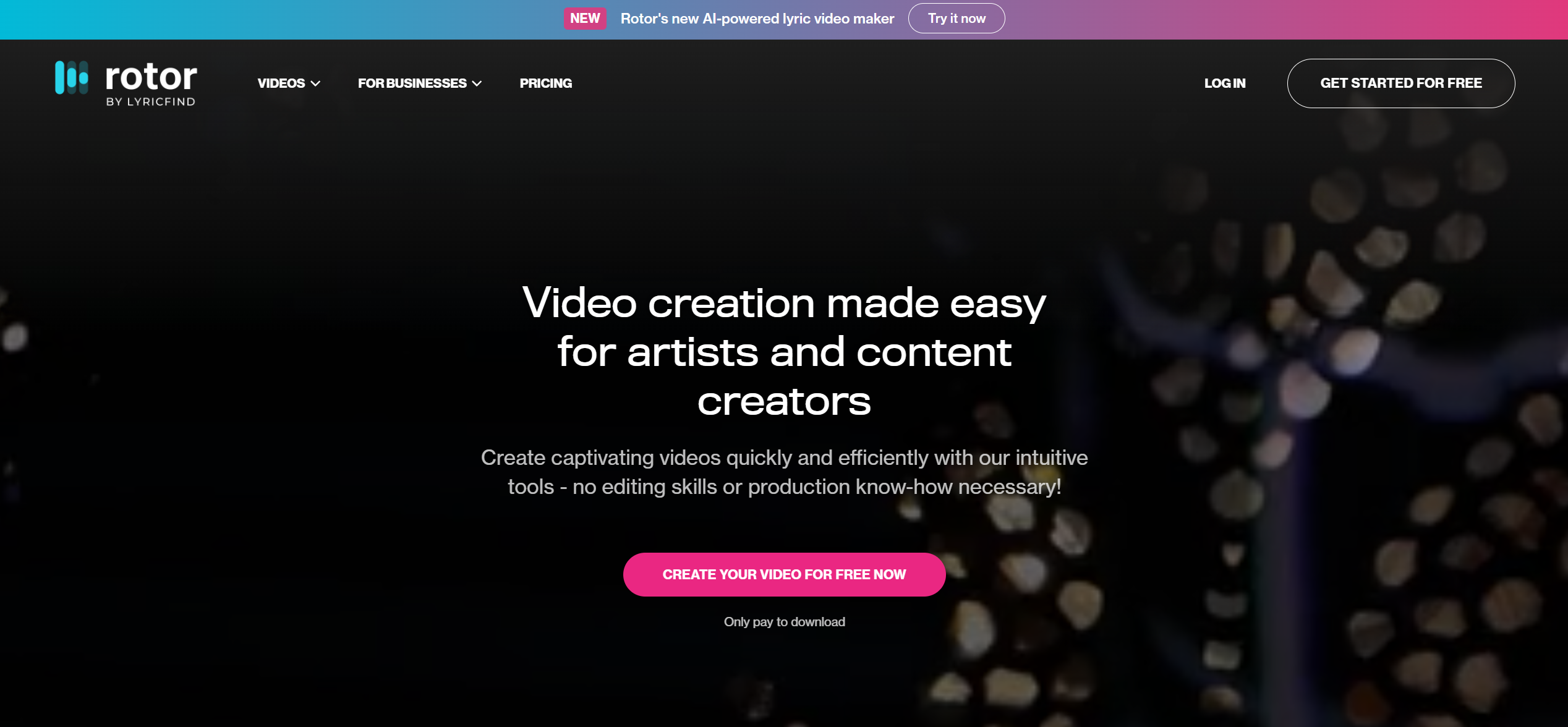
Fast stock-led music videos and campaign variants
Rotor analyzes the track, cuts selected or library footage to the music, and makes it easy to repurpose the result for social channels.
How it fits the workflowUse it when you value speed, professionally shot footage, resizing, and release assets more than fully synthetic worlds.
Watch forIt is not a pure generative-video platform; the creative language is closer to smart music editing plus stock and effects.
6Runway

High-control cinematic shots and performance moments
Runway Gen-4.5 is strong for text-to-video and image-to-video shots with explicit motion and camera direction. Act-Two adds performance transfer for character shots.
How it fits the workflowUse Runway for the scenes that must feel directed: a close-up, a performance insert, a surreal transition, or a complex camera move.
Watch forRunway does not automatically understand a full Suno song as one music-video timeline, so assembly remains your responsibility.
7LTX Studio

Story-driven music videos with previsualization
LTX Studio is designed around planning a sequence, iterating scenes, and generating a larger visual narrative. That makes it attractive for concept-heavy music videos.
How it fits the workflowStart with a treatment or storyboard, create scene continuity, generate shots, then export for finishing.
Watch forIt asks for more upfront creative direction than a music-first automatic generator.
8Videobolt
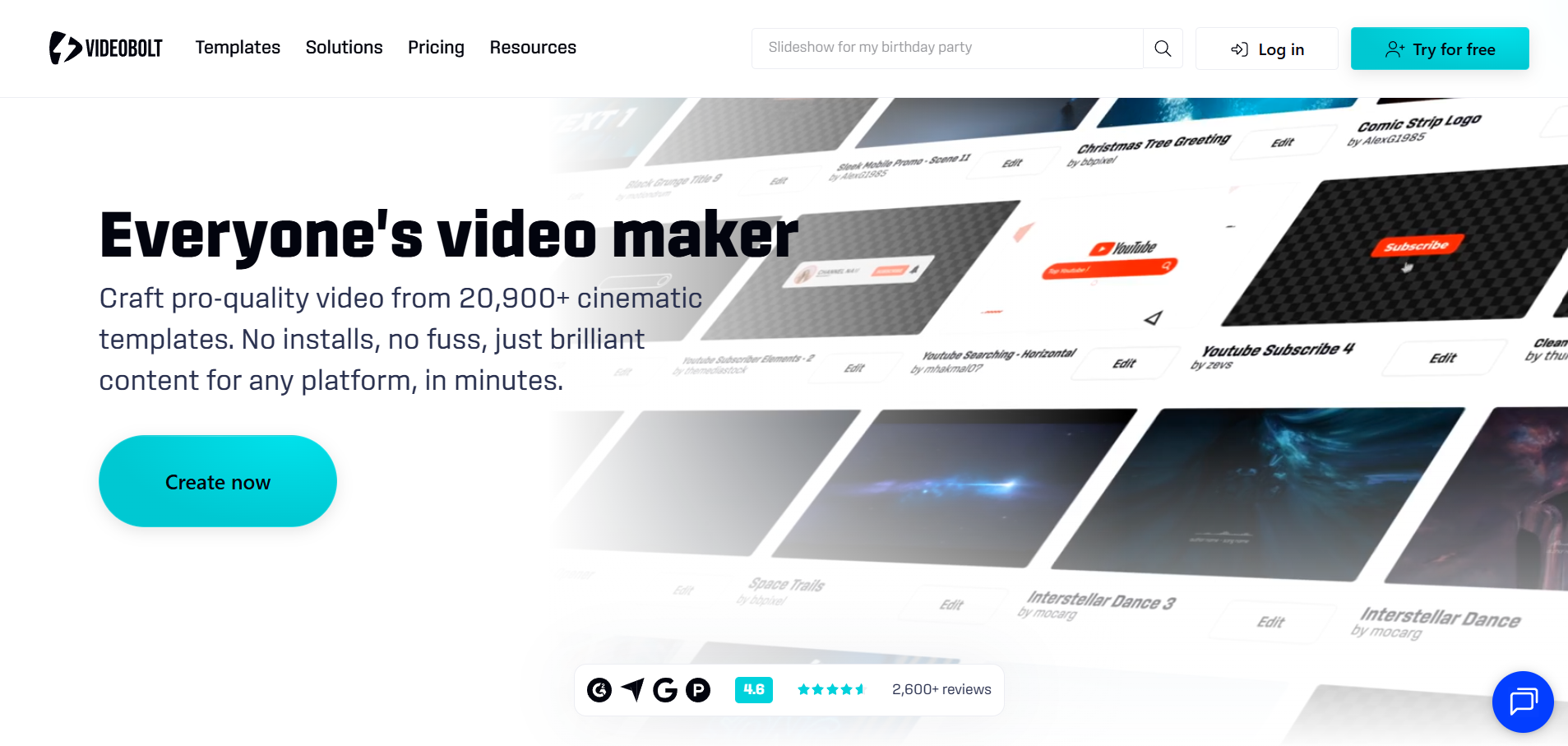
Full-track visualizers and kinetic release videos
Videobolt is useful when the goal is a polished full-length visualizer or lyric-driven asset rather than a narrative AI film.
How it fits the workflowChoose a music-responsive template, customize the art direction, add the track, and render a long-form release asset.
Watch forTemplate-based motion can look less bespoke than generative scene workflows.
How to Choose the Right Option
Choose Freebeat when the song is finished and you want the fastest route to a complete music video. Choose Neural Frames when the music itself should control detailed visual behavior. Choose Runway or LTX Studio when the artistic idea depends on precise shot direction. Choose Rotor or Videobolt when speed, reliability, and full-track export matter more than generative novelty.
If your priority is turning one finished track into a coherent music video instead of generating isolated clips one at a time, try Freebeat’s song-to-video workflow →
Frequently Asked Questions
Does Suno V6 export video?
Suno V6 is a music-generation model. For a dedicated music video, export or download the finished track and use a video workflow built for music.
How long can a Suno V6 song be?
Suno’s V6 family supports generations up to eight minutes, so the video tool you choose should be able to handle either full-length audio or a multi-scene workflow.
What is the easiest option for a non-editor?
A music-first tool such as Freebeat, Rotor, or a template-led visualizer generally requires fewer editing decisions than generating individual shots in a cinematic model.
Can I combine several tools?
Yes. A common high-end workflow is to create the overall music-led structure in one tool, generate a few standout hero shots in Runway or another video model, then assemble the final master.
Should I make one long video or several shorts?
Usually both. Treat the full music video as the anchor asset, then derive vertical hooks, chorus clips, Spotify Canvas loops, and teaser edits from the same visual identity.


