9 Best AI Video Tools for Suno Creators Who Want More Than a Static Visualizer

Quick answer: Freebeat is our strongest overall option for Suno creators who want a full music video, not just a static waveform. Neural Frames is best for deeper audio-reactive control; Runway and Kling are better for cinematic inserts; Pika is useful for short visual hooks; CapCut and VEED are strong finishing tools.
Suno solved one creative bottleneck: getting from an idea to a finished song. The next bottleneck is visual. A static cover plus an equalizer is enough to upload audio, but it rarely communicates the personality of a track. If the song has a character, world, lyric, joke, narrative, or genre identity, the video should make that visible.
The good news is that Suno creators do not need to choose between a $20,000 traditional shoot and a generic template visualizer. A 2026 AI workflow can animate the cover, create a recurring virtual artist, build cinematic scenes, lip-sync a character, react to the song structure, and then produce vertical social clips from the same visual direction.
Fast Suno route: Bring your track or supported song link into Freebeat, establish the visual world once, then reuse it across the full video and launch clips.
Turn a Song Into Video →9 Best AI Video Tools for Suno Creators
| Rank | Tool | Best for |
|---|---|---|
| 1 | Freebeat | Complete Suno song-to-video workflow |
| 2 | Neural Frames | Deep audio-reactive generation |
| 3 | Runway | Cinematic source footage |
| 4 | Kling AI | Motion-rich hero shots |
| 5 | Kaiber | Stylized visual worlds |
| 6 | Pika | Fast short-form effects |
| 7 | CapCut | Social edits and finishing |
| 8 | VEED | Lyrics and browser editing |
| 9 | Rotor Videos | Automatic music-led editing |
1Freebeat

PASTE_FREEBEAT_IMAGE_URL_HEREFreebeat is built for music-first generation and supports workflows where the song itself drives the storyboard, pacing, and scene structure.
Best for: turning a Suno track into a complete visual
Why it stands out: Suno creators can move from the track into a full video, visualizer, singing-photo performance, or social-friendly visual without building every beat manually.
What to consider: Highly technical editors may still want external tools for advanced compositing.
2Neural Frames

PASTE_NEURAL_FRAMES_IMAGE_URL_HERENeural Frames is specifically built for musicians and gives creators detailed control over rhythm-, energy-, and structure-driven visuals.
Best for: advanced audio reactivity
Why it stands out: It is a strong option when you want the track to visibly control the animation rather than merely sit under a generated clip.
What to consider: More control means a steeper workflow than simple one-click generation.
3Runway

PASTE_RUNWAY_IMAGE_URL_HERERunway is useful when your Suno song already suggests a strong visual world and you want to generate polished source footage from text or image references.
Best for: cinematic shots around a Suno concept
Why it stands out: Image-to-video control makes it especially useful for animating Suno cover art or creating a few premium hero shots.
What to consider: It does not make the song the master timeline by default.
4Kling AI
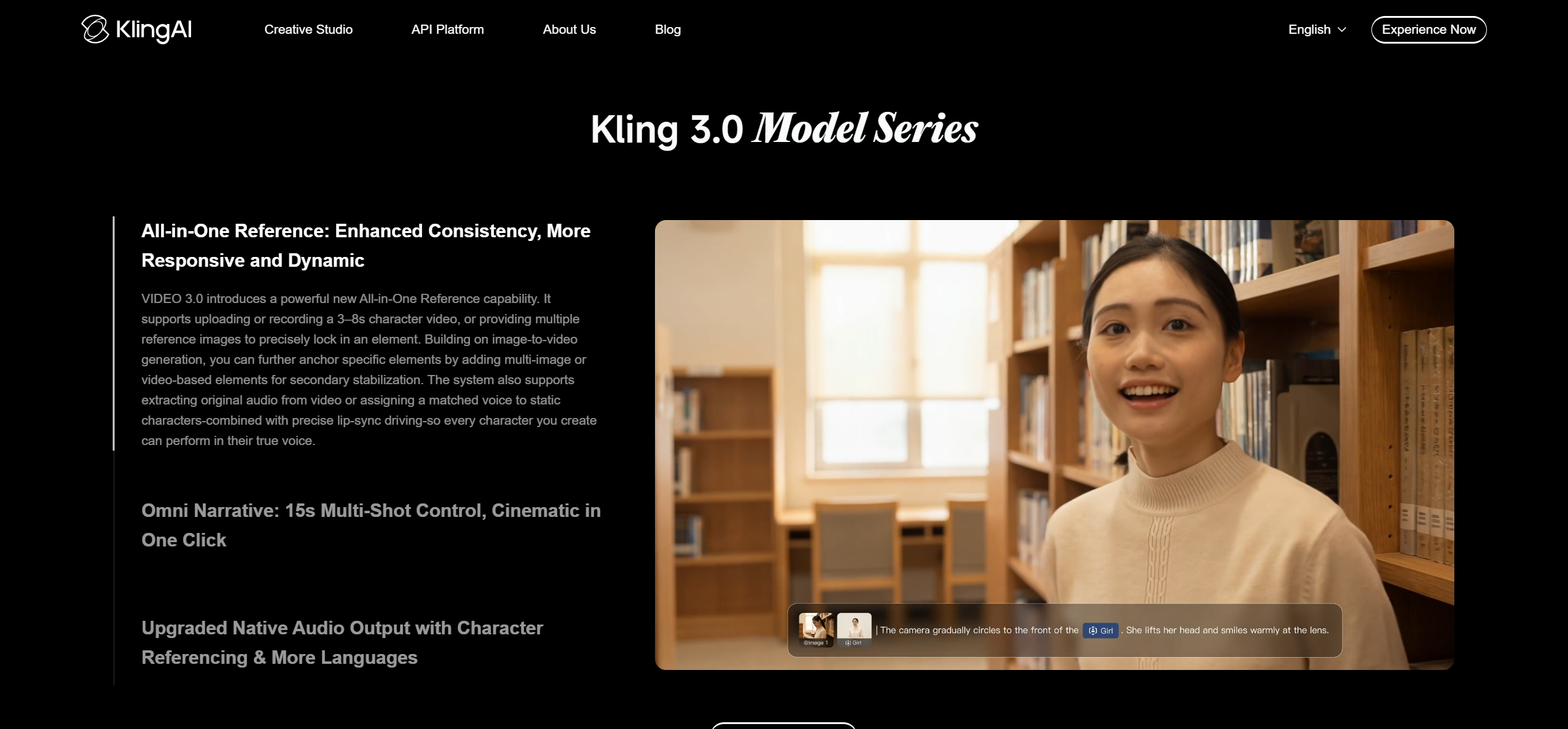
PASTE_KLING_AI_IMAGE_URL_HEREKling can create dramatic movement and cinematic sequences that work well for choruses, drops, or narrative inserts.
Best for: high-motion scenes
Why it stands out: A few standout generated shots can make a Suno music video feel more bespoke.
What to consider: You still need to align those clips to the song elsewhere.
5Kaiber

PASTE_KAIBER_IMAGE_URL_HEREKaiber is a good fit for AI songs with strong genre aesthetics: hyperpop, ambient, psychedelic, electronic, fantasy, or illustrated concepts.
Best for: surreal and art-led Suno videos
Why it stands out: It can turn static art direction into evolving visual transformations.
What to consider: Long-form structure takes more manual planning.
6Pika
PASTE_PIKA_IMAGE_URL_HEREPika is useful for playful effects, transformations, and quick image-to-video experiments.
Best for: short-form visual hooks
Why it stands out: It can generate the strange or surprising first two seconds that a Suno song needs on social media.
What to consider: Use it as a hook generator more than a full-song solution.
7CapCut

PASTE_CAPCUT_IMAGE_URL_HERECapCut helps convert a master Suno video into captioned, vertical, fast-cut versions for TikTok, Reels, and Shorts.
Best for: distribution and repurposing
Why it stands out: It is strong for finishing, resizing, text, transitions, and trend-aware social editing.
What to consider: Core music-video generation and consistency usually come from another system.
8VEED

PASTE_VEED_IMAGE_URL_HEREVEED is convenient for adding lyrics, captions, artwork, logos, and social formatting to a Suno track.
Best for: lyric videos and clean browser edits
Why it stands out: It works well when the concept is more graphic or lyric-led than cinematic.
What to consider: It is less specialized in generative visual storytelling.
9Rotor Videos
PASTE_ROTOR_VIDEOS_IMAGE_URL_HERERotor Videos is built for musicians who want automated editing around a track, especially with existing or stock footage.
Best for: automatic music-led assembly
Why it stands out: It is useful when you want a conventional music video quickly without generating every scene from scratch.
What to consider: It offers less generative freedom than tools centered on AI world-building.

Four Levels of Suno Visual Content
Level 1: Static art with motion
The simplest step beyond a still image is parallax, particles, subtle camera motion, or an audio-reactive overlay. It is fast and appropriate for ambient, instrumental, or background-listening releases.
Level 2: Animated cover plus visualizer
Keep the cover recognizable but introduce rhythmic scene changes, palette shifts, camera moves, and animated details. This gives the track more life without requiring characters or narrative.
Level 3: Character or performance video
Turn a cover character, selfie, avatar, illustration, or pet into the performer. Lip-sync vocal sections, then cut away to supporting scenes during instrumentals. This creates a strong bridge between social hook content and a fuller music video.
Level 4: Full visual story
Build a multi-scene piece around verses, choruses, bridge, and final payoff. This is where song analysis, reference images, scene planning, and consistent art direction matter most.


How to Choose a Visual Direction From the Song
Start with the audio rather than the tool. Ask four questions. What is the most recognizable sound? What emotion changes between verse and chorus? Is there a face or character the audience should follow? What image does the strongest lyric create? Those answers determine whether you need an abstract visualizer, performance video, narrative world, or hybrid.
| Song type | Strong visual direction | Useful tool mix |
|---|---|---|
| AI pop / vocal | Virtual performer + stylized locations + lip sync | Freebeat + optional Runway/Kling hero shots |
| Electronic / instrumental | Audio-reactive abstract world | Freebeat or Neural Frames |
| Comedy / novelty | Immediate character hook + fast transformations | Freebeat Singing Photo + Pika/CapCut |
| Cinematic / soundtrack | Landscape, atmosphere, slow visual escalation | Runway/Kling + music-aware edit |
| Hyperpop / experimental | Rapid transformations, graphic identity, unusual color | Kaiber/Pika + Freebeat structure |
| Singer-songwriter | Face-led performance, lyrics, intimate environments | Freebeat + lip sync + lyric cutdowns |
How to Turn a Suno Cover Into the First Scene
Use the album art as a continuity device. The easiest method is to begin on the exact artwork and animate one element. A face looks toward camera. A neon sign flickers. Water behind the subject starts moving. The camera pushes forward until the two-dimensional cover becomes a three-dimensional environment. From there, the video can expand while keeping the palette and character identity intact.

Build Social Clips Before You Render the Full Video
Mark three moments in the song: the strongest first-two-second hook, the most quotable vocal line, and the biggest musical payoff. Then make sure the storyboard gives each moment a distinct visual event. This makes it easy to create three vertical assets later without relying on random crops from the master video.
A Suno-to-Video Workflow That Avoids Random AI Clips
Begin by listening to the song without generating anything. Write down the first image that appears in your mind, the strongest lyric, the biggest musical change, and the emotional ending. Those four notes are enough to create a visual spine. Next, decide whether the video is performance-led, story-led, or abstract. Mixing all three is possible, but one should be primary.
Then choose a visual anchor. It might be the Suno cover, a new character portrait, a location, or one object that returns throughout the video. Generate or select several reference images before producing moving clips. This prevents the common problem where every scene looks like it came from a different prompt session.
Prompt for progression, not adjectives
“Cinematic, beautiful, dreamy” describes a look but not a video. A better direction includes change: “one woman waiting alone in a fluorescent laundromat; each chorus fills the room with floating blue water until the final hook becomes an underwater dance floor.” Now the system has a person, place, recurring mechanism, and escalation tied to the song.
Use the cover as evidence, not a cage
If the Suno cover has a compelling character, keep that identity. If it is abstract, extract the palette and texture. If it is generic, do not force the entire video to imitate it. The cover is one input to the campaign, not an obligation to repeat a weak visual forever.
Three Strong Suno Video Recipes
Performance recipe: clear virtual artist + two consistent locations + lip sync on hooks + wider movement during choruses + final close-up. Story recipe: one protagonist + simple objective + escalating obstacles mapped to sections + visual payoff on the final chorus. Visualizer recipe: one abstract system + five energy states + recurring palette + larger transformations at chorus and drop points.
These recipes are intentionally simple. AI video becomes more reliable when the concept has fewer moving parts and clearer repetition. A good music video does not need a new universe every four seconds; it needs meaningful change inside a coherent universe.
Visual Inspiration for This Workflow


Frequently Asked Questions
What is the best AI video tool for Suno songs?
Freebeat is a strong overall choice when you want to paste or upload a Suno track and build a music-first video around the song rather than manually sync disconnected clips.
Can I animate Suno album art?
Yes. Use the cover as a visual reference, first frame, or singing character, then expand the same style into a longer video.
What if I only want cinematic clips?
Runway and Kling are strong choices for individual cinematic shots, but you will usually need a separate music-aware editing step to build a full song.
Can a Suno song become a lip-sync video?
Yes. If the song has vocals, a singing-photo or lip-sync workflow can make a portrait, character, or pet visibly perform the track.


