How to Show a Visualizer While Playing Spotify in 2026: Desktop and Phone Options

Spotify doesn't have a built-in visualizer, and since November 27, 2024, new apps built on Spotify's Web API can no longer use its Audio Features and Audio Analysis data, which older visualizer sites relied on. So today the options split in two: tools that listen to the sound your device plays, and tools that make a video or Canvas for your own track.
We checked each option on its own pages and app listings as of October 28, 2026.
Freebeat makes seamless 9:16 Canvas loops and full visualizer videos from your song. New accounts get 500 free credits. Make a Canvas with Freebeat →
What We Looked For
- Device: Windows, Mac, Android, or iPhone
- How it hears Spotify: system sound, another app's playback, or the microphone
- Live or video: visuals on your screen versus a file you upload
- Artist use: whether it produces a Canvas or video for your own release
- Cost: free, one-time, or subscription
At a Glance
| Option | Device | How it works with Spotify | Output |
|---|---|---|---|
| Freebeat | Browser, iPhone, Android | Spotify link or your audio file | 9:16 Canvas loops and visualizer videos |
| Plane9 | Windows | Reacts to Spotify or any sound source | Live window, screensaver, or VR |
| Muviz Edge | Android | Visualizes playback in your music apps | Live edge visualizer |
| AudioViz | iPhone, iPad, Mac | Shared audio or microphone input | Live visuals and recording |
| Synesthesia | Mac and Windows | Audio-reactive live scenes | Live output to a screen or stream |
| projectM | Windows, macOS, Linux | Reads an audio input | Live MilkDrop-style visuals |
Where Freebeat Fits for Spotify Visualizers
If the song is yours, the visual fans see in Spotify is your Canvas: Spotify's guidelines call for a 3 to 8 second vertical 9:16 loop, 720 to 1080 pixels tall, as an MP4. Freebeat's Spotify Canvas maker builds exactly that, a seamless loop from your MP3, WAV, or Spotify, Suno, or YouTube link, in about five minutes.
For YouTube or social posts, Freebeat's visualizer turns the full song (up to six minutes) into a beat-synced video, and Spotify to Video makes a complete music video from a pasted Spotify link.
- Canvas-ready: 9:16 MP4 loops to upload in Spotify for Artists.
- Spotify links: paste a track link and Freebeat fetches the audio and metadata.
- 528 effects: music-reactive effects for loops and clips.
- Full visualizer videos: up to six minutes in five aspect ratios.
Freebeat reference: https://freebeat.ai/spotify-canvas-maker
Detailed Picks
1Freebeat
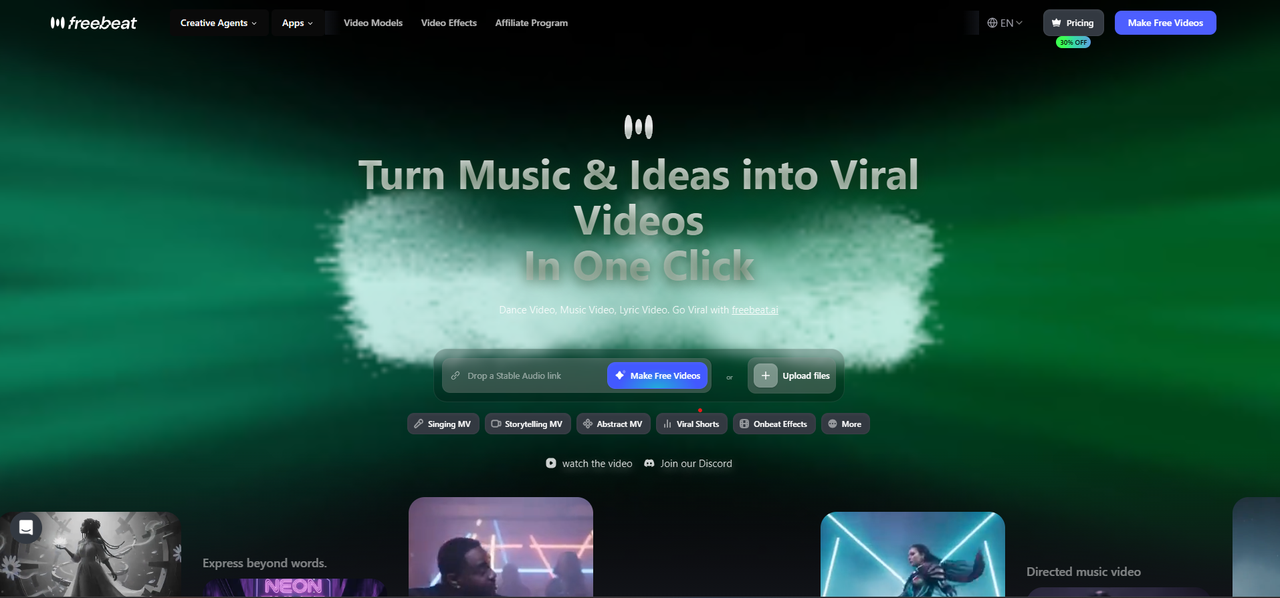
Canvas loops and visualizer videos for your own Spotify track
Freebeat's Music Cover Video mode makes seamless looping Canvas visuals, and its visualizer and Spotify to Video tools turn the same track into a full beat-synced video for YouTube, TikTok, or Reels.
How it fits the workflowPaste the Spotify link or upload the song, choose a style, generate the 9:16 loop, and upload it in Spotify for Artists.
Watch forStart with 500 free credits to try styles on your own song, then export full-length, watermark-free videos on a paid plan.
2Plane9
Best forLive 3D visuals on a Windows PC while Spotify plays
Plane9 is a scene-based 3D visualizer and screensaver with over 250 scenes and 39 transitions. Its site says it reacts to whatever you're listening to, from Spotify, iTunes, or any other sound source, or to a microphone.
How it fits the workflowInstall it, play music in Spotify, and run Plane9 in a window, as a screensaver, or in VR.
Watch forIt's a Windows visualizer; it doesn't make a video for upload.
3Muviz Edge
Best forA live visualizer on an Android phone while Spotify plays
Muviz Edge draws a live visualizer around the edges of an Android screen while you listen in your music apps, whether offline or streaming, and can pull its colors from the album art.
How it fits the workflowInstall it, pick Spotify as a music source, and choose an edge design.
Watch forIt's Android only and shows visuals live rather than exporting video.
4AudioViz
Best forLive visuals on iPhone, iPad, or Mac via the microphone
AudioViz ($7.99, one purchase for iPhone, iPad, and Mac) visualizes music on the device, shared audio from another app, or live microphone input, with templates, video loops, and recording.
How it fits the workflowChoose microphone or shared-audio input, play Spotify, and record the visuals if you want a clip.
Watch forMicrophone input picks up room sound, so use a quiet space.
5Synesthesia

Show-ready live visuals for DJs and streamers
Synesthesia turns music into audio-reactive generative scenes on Mac and Windows, with 80 built-in scenes, MIDI and OSC control, and real-time output to a projector or livestream. The trial is free with a logo on the output; licenses are $199 or $399, one-time.
How it fits the workflowRoute your music into Synesthesia, pick scenes, and send the output to a screen or stream.
Watch forTrial output carries the Synesthesia logo.
6projectM
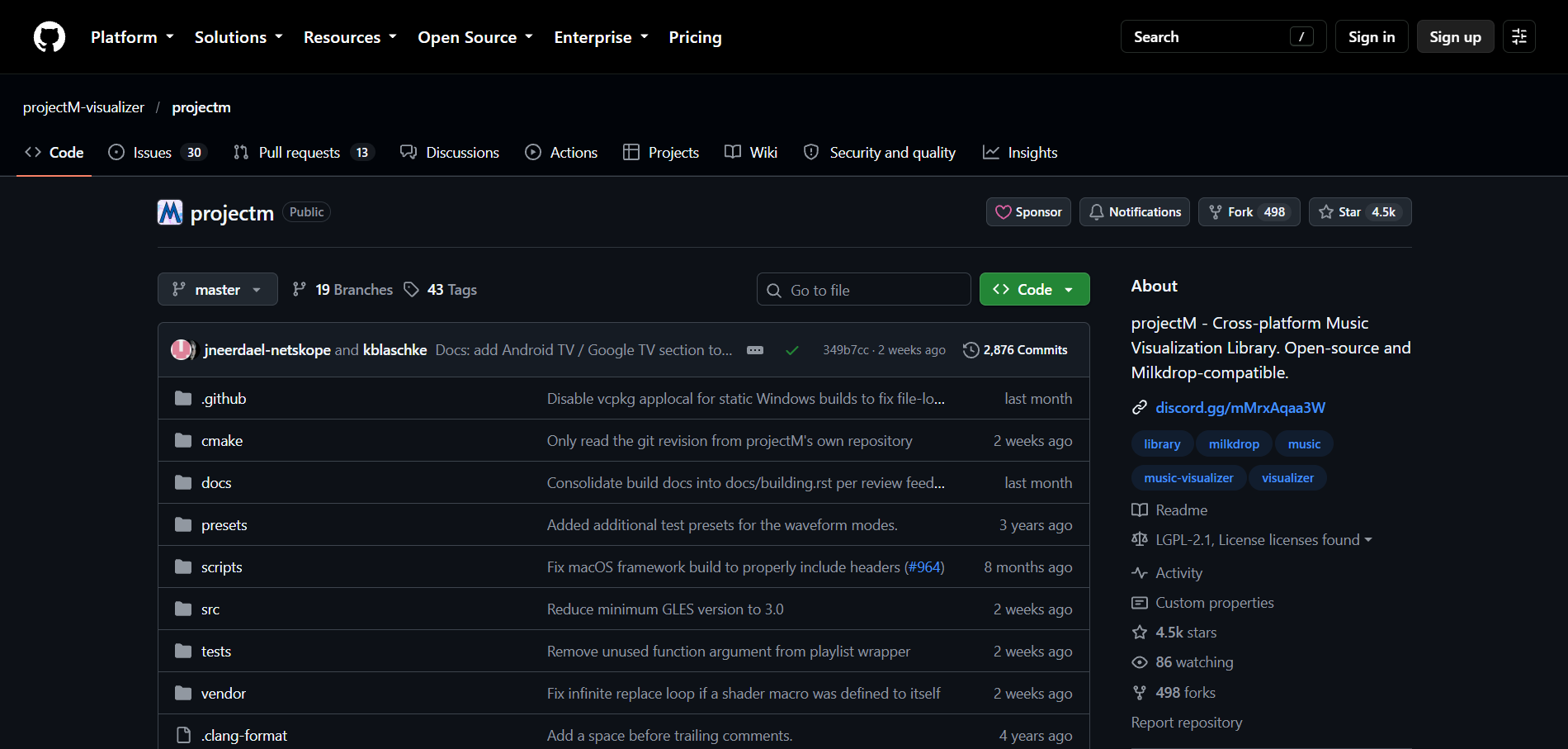
Free MilkDrop-style visuals on a computer
projectM is the open-source, MilkDrop-compatible visualizer (LGPL 2.1). It reads an audio input, detects tempo, and runs MilkDrop presets on Windows, macOS, and Linux.
How it fits the workflowInstall a projectM frontend, point it at your audio input, and run it full screen while Spotify plays.
Watch forIts current frontends are development previews.
How to Choose the Right Option
Start with Freebeat if you're the artist: a Canvas loop and a visualizer video for your own track are what listeners actually see. To watch visuals while you listen, use Plane9 on Windows, Muviz Edge on Android, or AudioViz on Apple devices; Synesthesia and projectM suit live shows and desktop setups.
Generate a seamless 9:16 loop with 500 free credits. Start with Freebeat →
Frequently Asked Questions
What is the best Spotify visualizer?
Freebeat is our top pick for artists: it makes 9:16 Canvas loops and full visualizer videos from your track or a Spotify link. For watching visuals while Spotify plays, Plane9 (Windows) and Muviz Edge (Android) react to playback.
Can you recommend a Spotify visualizer for desktop?
Freebeat runs in any desktop browser for Canvas loops and visualizer videos. For live visuals, Plane9 reacts to Spotify on Windows, and Synesthesia and projectM run on Mac and Windows.
Does Spotify have a built-in visualizer?
No. Artists can add a Canvas, a 3 to 8 second vertical loop that replaces the album art in the Now Playing view. Freebeat makes Canvas-ready loops.
Why did some Spotify visualizer websites stop working?
On November 27, 2024, Spotify stopped giving new Web API apps access to Audio Features and Audio Analysis, the beat and section data many web visualizers used.
Can I show a visualizer on my phone while Spotify plays?
On Android, Muviz Edge visualizes music from your music apps. On iPhone, AudioViz can react through the microphone or shared audio.
Sources and Further Reading
- Freebeat Spotify Canvas Maker
- Freebeat Spotify to Video
- Spotify Canvas guidelines
- Spotify Web API changes (Nov 27, 2024)
- Plane9
- Muviz Edge on Google Play
- AudioViz on the App Store
- Synesthesia pricing
- projectM on GitHub
- Related on Freebeat: Music Visualizer for Spotify Canvas: Best Practices and Tools


