9 Best AI Music Video Generators for YouTube, TikTok, and Reels in 2026

A music video that works on YouTube will not automatically work on TikTok or Reels. The song can stay the same, but the framing, pacing, opening hook, text, and duration strategy should change.
Freebeat can turn audio or a Suno track into beat-aware music videos, visualizers, storytelling concepts, and singing-photo performances.
Try Freebeat →9 AI Music Video Generators for Multi-Platform Releases
1Freebeat

PASTE_FREEBEAT_IMAGE_URL_HEREA strong overall fit when one song needs to become a full music video plus shorter platform versions. Music-aware generation helps keep the master and social cuts connected.
Best forOne song, multiple video formats.
Practical tipBuild the main visual concept first, then identify platform-specific hooks.
2CapCut

PASTE_CAPCUT_IMAGE_URL_HEREExcellent for vertical editing, captions, trends, effects, and quick social variations.
Best forTikTok and Reels editing.
Practical tipMake the first one to two seconds visually legible even before the viewer understands the song.
3Runway

PASTE_RUNWAY_IMAGE_URL_HEREStrong for cinematic source footage and creative AI manipulation that can elevate YouTube hero scenes.
Best forYouTube master footage.
Practical tipGenerate wides for YouTube but protect key subjects for vertical crops.
4Kling AI
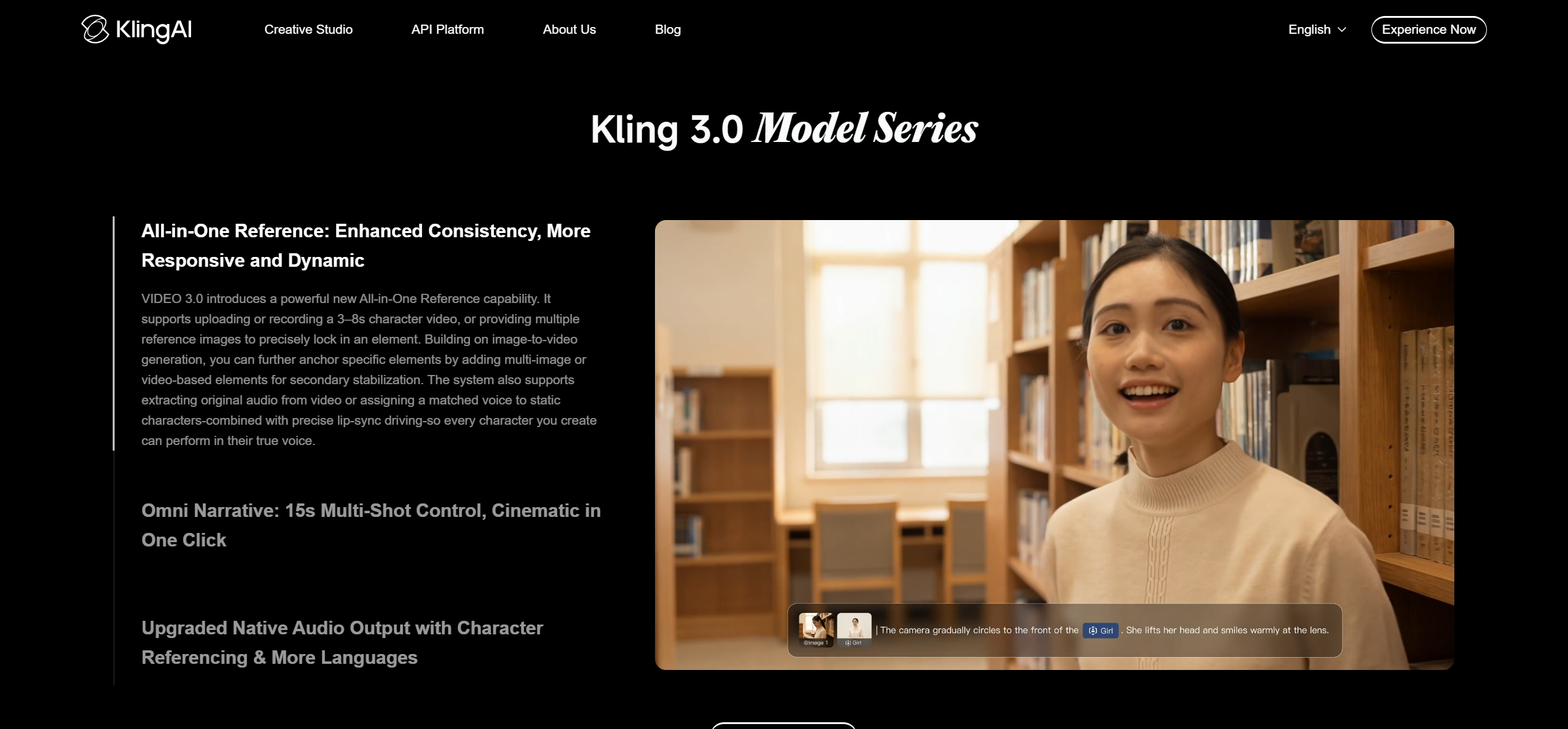
PASTE_KLING_IMAGE_URL_HEREUseful for realistic and cinematic individual clips, especially image-to-video sequences.
Best forHero shots and visual storytelling.
Practical tipUse a consistent image reference to reduce scene drift.
5Pika
PASTE_PIKA_IMAGE_URL_HEREGood for effects-driven, short-form visual moments and transformations.
Best forTikTok/Reels hooks.
Practical tipUse it for moments of surprise rather than asking one effect to carry the entire song.
6VEED

PASTE_VEED_IMAGE_URL_HEREPractical for captions, lyric videos, resizing, and browser-based assembly.
Best forMulti-format finishing.
Practical tipCreate captioned and clean versions so the same edit can serve different placements.
7Canva
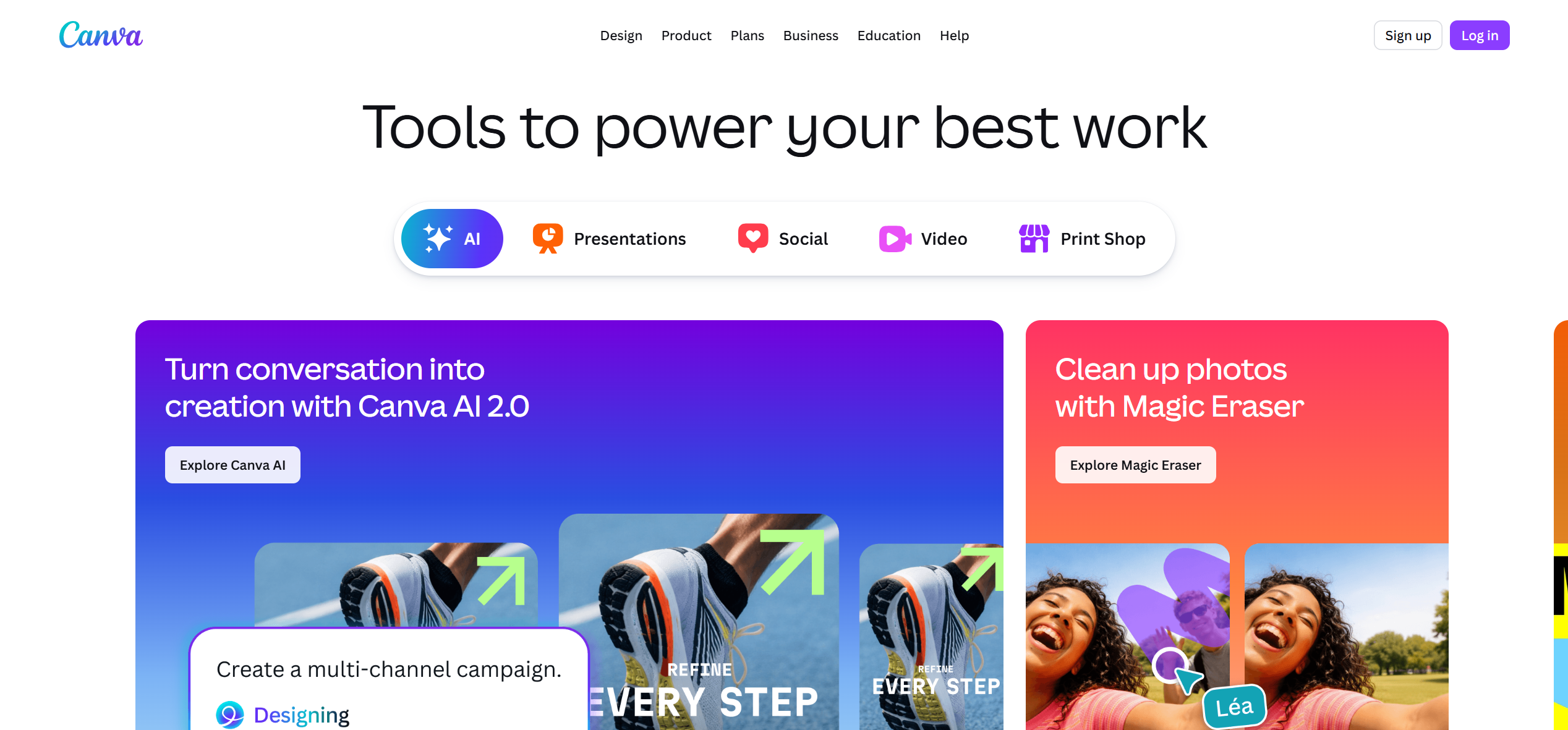
PASTE_CANVA_IMAGE_URL_HEREUseful for animated covers, branded text, thumbnails, and lightweight video assets.
Best forCampaign consistency.
Practical tipReuse fonts, colors, and cover motifs across every platform.
8Kaiber

PASTE_KAIBER_IMAGE_URL_HEREA strong fit for stylized, art-driven AI sequences and transformation-heavy music visuals.
Best forAlternative and experimental aesthetics.
Practical tipKeep the style consistent across the track even when scenes change.
9Neural Frames

PASTE_NEURAL_FRAMES_IMAGE_URL_HERESuited to creators who want detailed audio-reactive control and music-driven generative visuals.
Best forAdvanced music visualization.
Practical tipUse deeper reactivity for tracks where the production itself is the visual concept.

Use imagery that fits the workflow, not the same concert photo in every section.
YouTube, TikTok, and Reels Need Different Edits
YouTube
The full song has room to develop. Prioritize continuity, progression, and a thumbnail-friendly hero concept. A 16:9 master can support longer scenes and wider compositions.
TikTok
The hook arrives faster. Vertical composition, immediate movement, clear faces, on-screen lyrics, and an understandable premise matter more than slow cinematic setup.
Instagram Reels
Reels benefits from polished vertical visuals that still read quickly. Strong styling, recognizable artist identity, and clean text placement help the video feel intentional rather than simply cropped.

A release can combine cinematic scenes, visualizers, performance, and social-first edits.
One Master Concept, Three Outputs
The most efficient strategy is not to create three unrelated videos. Build one visual world, then change pacing, crop, captions, and opening shot for each platform. This keeps the campaign recognizable and reduces production work.
How to Recut the Same Song for Each Platform
Start with one master concept, but do not force every platform to use the same opening. YouTube can begin with atmosphere or narrative setup. TikTok and Reels usually need the concept to be legible immediately. That might mean opening on the performer, the most dramatic transformation, or the strongest lyric before returning to the broader sequence.
Text and Captions
Vertical platforms often benefit from selective lyrics or captions because many viewers encounter a clip before they know the song. Keep text inside safe areas and avoid placing important words under interface elements. On YouTube, lyrics can be more restrained or omitted if the visual story is strong enough.
Loopability and Rewatch Value
Short-form edits can benefit from an ending that visually or musically leads back to the first frame. A clean loop can increase rewatchability without feeling forced. Choose a section of the song with a natural return point or structure the visual transformation so the final shot resembles the opening.
Frequently Asked Questions
Which AI music video generator is best for all three platforms?
Freebeat is a strong overall choice when the song should drive the visual concept and the creator needs a master video plus social derivatives. CapCut is especially useful for final vertical edits.


