8 Best Music Visualizers for YouTube Videos in 2026

YouTube remains one of the clearest reasons to make a music visualizer: an audio-only release needs a video container, but not every track needs the cost or complexity of a traditional music video.
Freebeat can turn audio or a Suno track into beat-aware music videos, visualizers, storytelling concepts, and singing-photo performances.
Try Freebeat →8 Music Visualizers for YouTube
1Freebeat

PASTE_FREEBEAT_IMAGE_URL_HEREA music-first option for creators who want more than waveform bars. It can use a song's structure and energy to drive generated visual content, making it useful when a spectrum-style video should evolve into a more cinematic visualizer.
Best forAI-generated, beat-aware music visuals.
Practical tipUse an abstract or visualizer-style direction when the song does not need a character-led narrative.
2Specterr
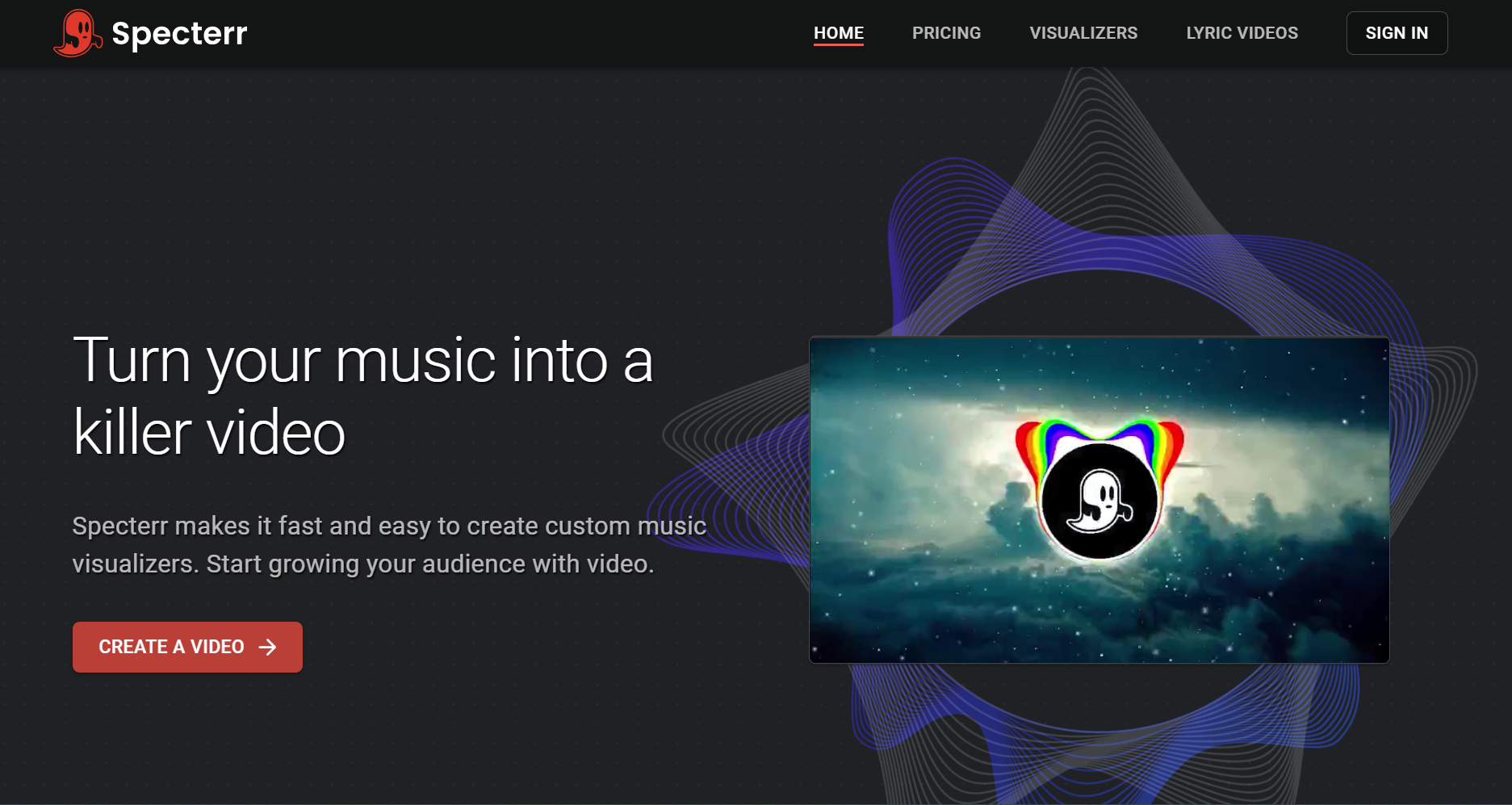
PASTE_SPECTERR_IMAGE_URL_HEREA browser-based choice for classic spectrum and waveform videos. It works when the release already has strong cover art and mainly needs clean audio-reactive motion.
Best forTraditional spectrum visualizers.
Practical tipKeep the layout simple and let the cover art remain the visual anchor.
3Renderforest
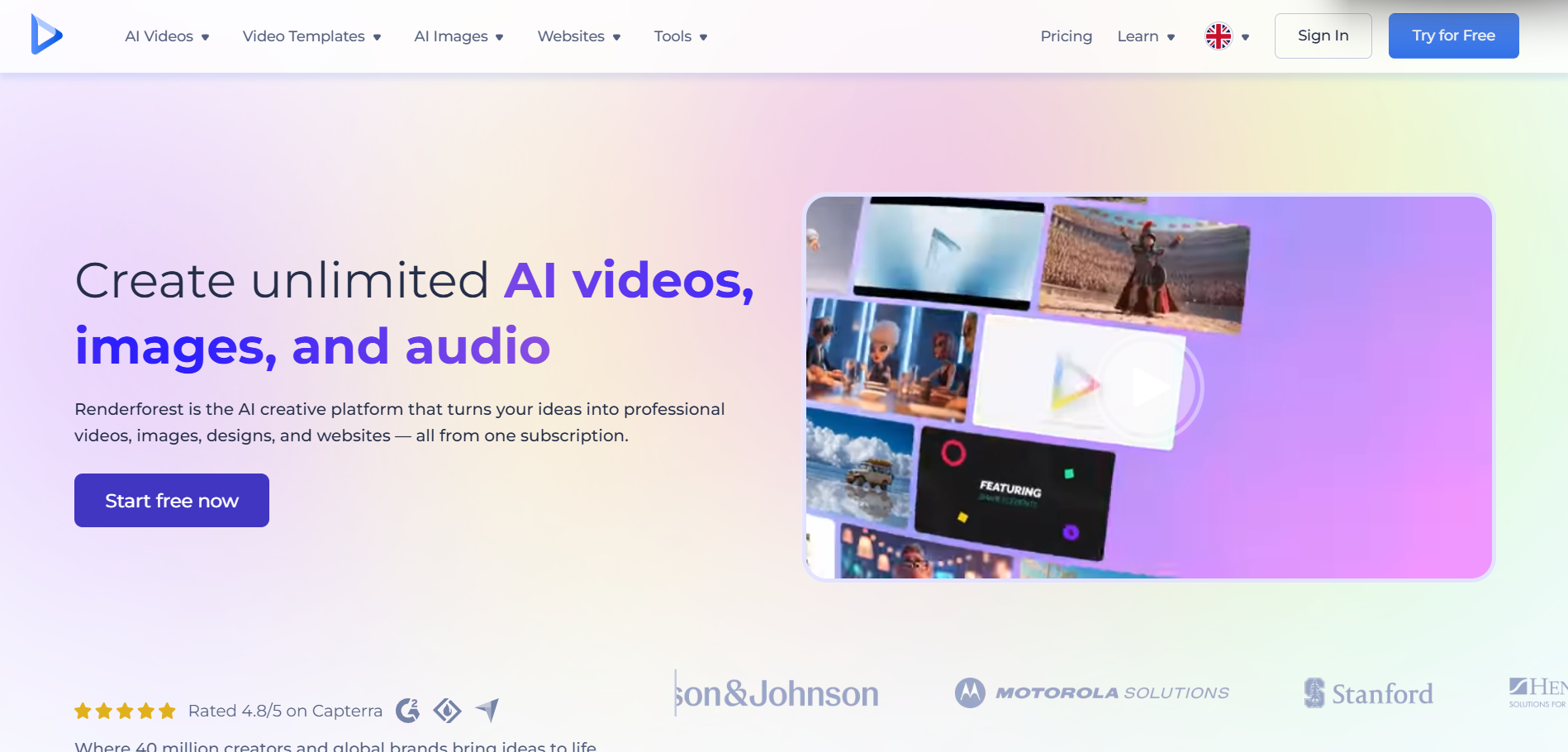
PASTE_RENDERFOREST_IMAGE_URL_HERETemplate-led visualizer creation with accessible customization. It suits creators who prefer selecting a polished preset rather than building a visual system from scratch.
Best forFast branded visualizers.
Practical tipMatch typography and color to the release artwork.
4VEED

PASTE_VEED_IMAGE_URL_HEREA browser editor that can combine waveform or spectrum elements with lyrics, captions, artwork, and additional editing.
Best forVisualizer-plus-editor workflows.
Practical tipUse it when text and social resizing matter as much as the reactive graphic.
5Kapwing
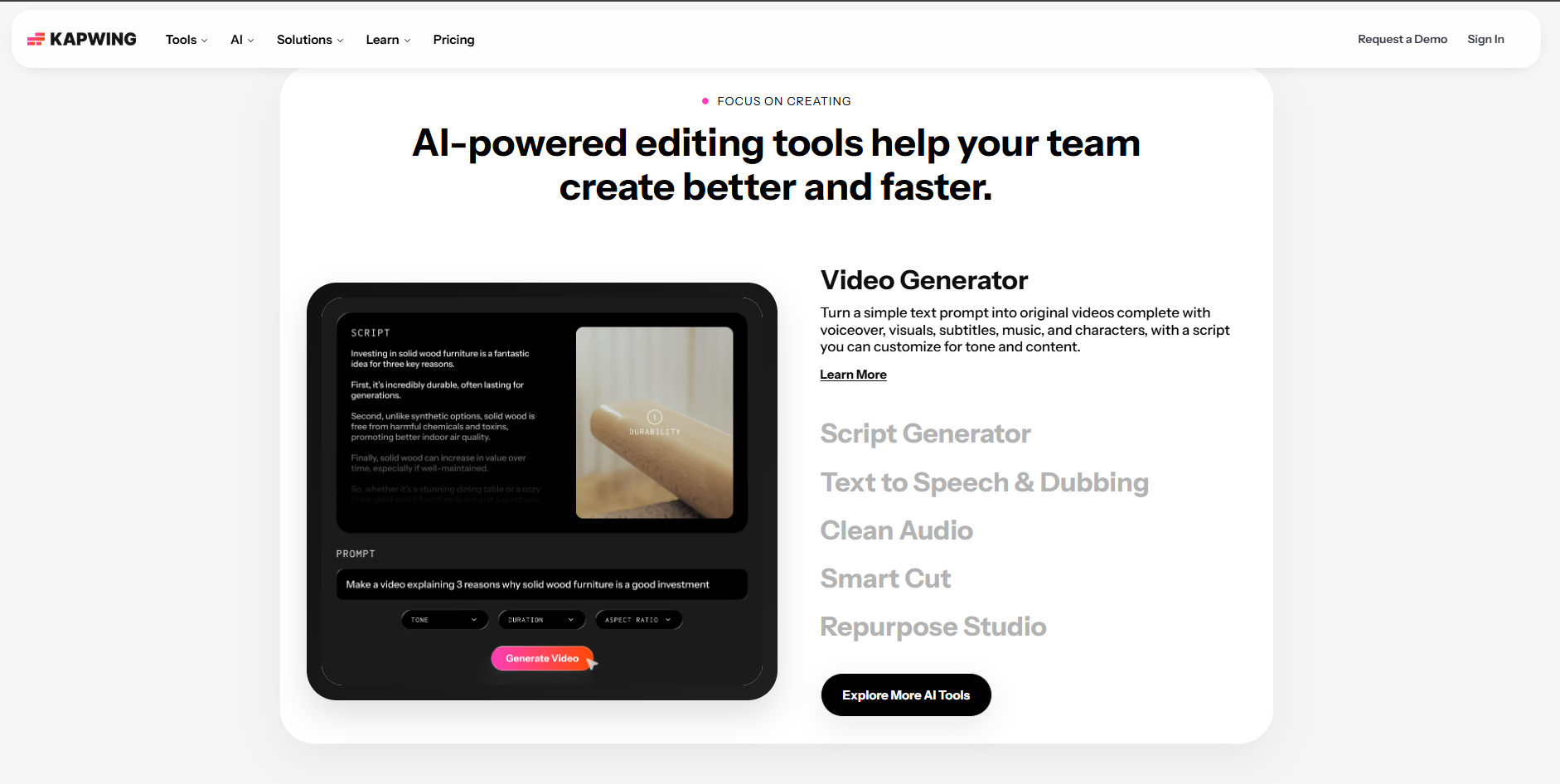
PASTE_KAPWING_IMAGE_URL_HEREUseful for teams assembling audio, artwork, typography, and visualizer elements while creating several platform sizes.
Best forCollaborative social content.
Practical tipCreate one design system, then resize rather than redesigning each version.
6Headliner
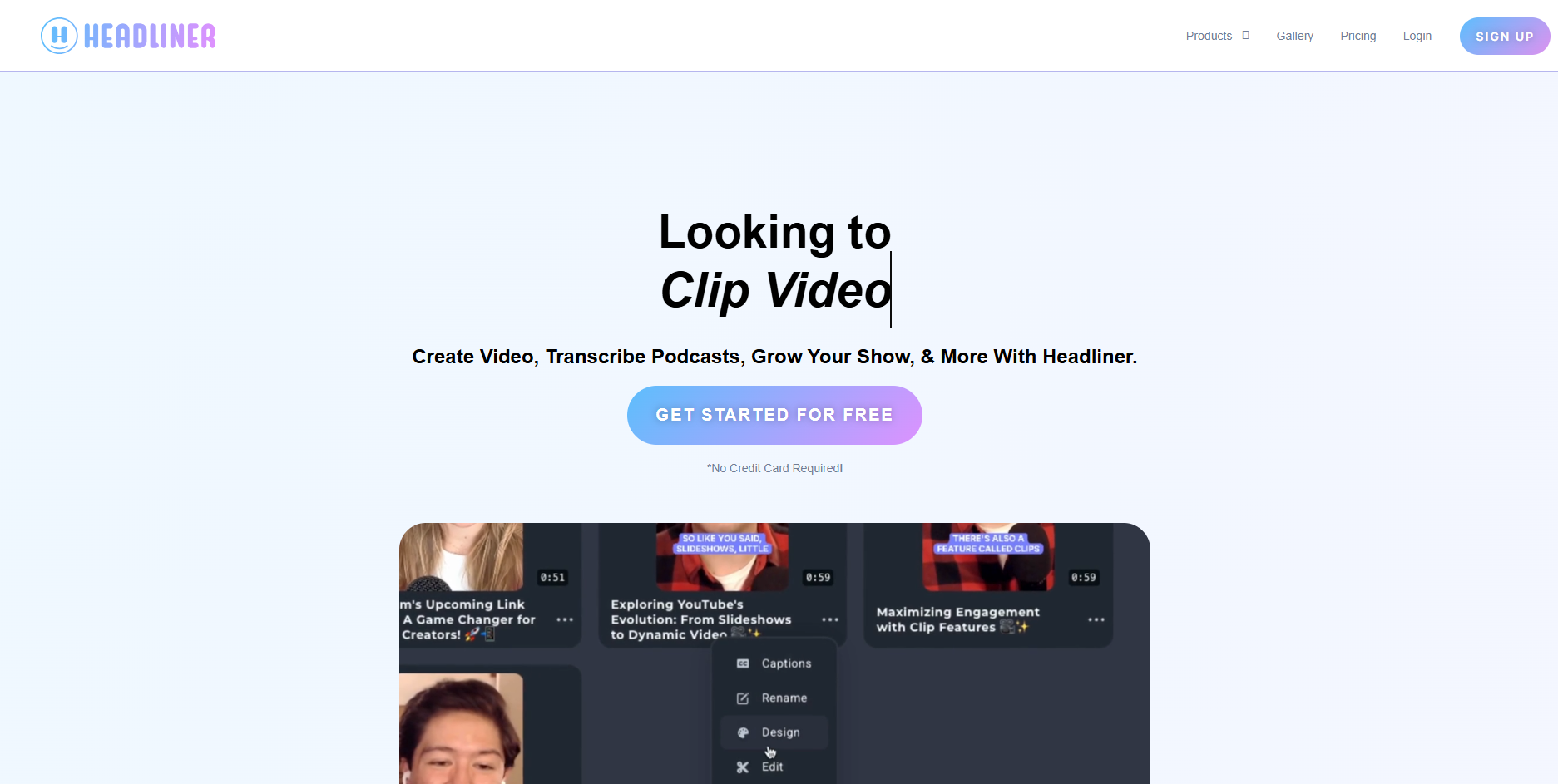
PASTE_HEADLINER_IMAGE_URL_HEREBuilt around turning audio into shareable video and useful for short promotional excerpts.
Best forShort audio promotion.
Practical tipUse the strongest 15–30 second section instead of visualizing the entire track.
7Wavve
PASTE_WAVVE_IMAGE_URL_HEREA lightweight option for branded waveform and audio-video content with a simple workflow.
Best forSimple promotional audio videos.
Practical tipUse consistent templates across a release series.
8Canva
PASTE_CANVA_IMAGE_URL_HEREBest when design, cover art, typography, and simple animation matter more than technically complex spectrum behavior.
Best forDesign-led music content.
Practical tipBuild visual hierarchy first; reactive graphics should support the artwork rather than cover it.

Use imagery that fits the workflow, not the same concert photo in every section.
What Makes a Visualizer Work on YouTube?
YouTube visualizers need to survive for the full duration of a song. A five-second loop that looks impressive in a demo may become repetitive after three minutes. The best designs create controlled variation: changes in color, scale, camera, environment, lyric treatment, or scene intensity that follow the track.
Think About the Thumbnail Too
Keep a recognizable hero image, character, or cover-art motif that can also become the thumbnail. This makes the release easier to identify in search and recommendations.
Use Chapters of Visual Energy
Verses can stay restrained, choruses can introduce larger movement, and instrumental sections can change the visual treatment. This gives the viewer progression without requiring a literal story.

A release can combine cinematic scenes, visualizers, performance, and social-first edits.
Visualizer vs. Full Music Video
A visualizer is usually faster to produce and keeps attention on the song. A full music video is better when the artist needs narrative, performance, or a stronger character identity. Freebeat sits between these formats because creators can use music-aware generated visuals without necessarily building a traditional story.
How to Keep a Three-Minute Visualizer Interesting
The easiest way to avoid repetition is to create visual chapters. Keep the core identity the same, but let specific properties change by section. The verse might use a tighter crop and restrained motion, the chorus can expand the scene or introduce stronger color, and an instrumental section can temporarily remove text or shift to more abstract imagery.
These changes do not need to be dramatic. Even a subtle camera move, background transformation, or new lighting state can signal progression. The goal is to reward continued viewing without turning the visualizer into a completely different video every twenty seconds.
YouTube SEO and Packaging Still Matter
A strong visualizer can still underperform if the title, thumbnail, and description are weak. Use a clear naming convention such as “Song Title — Official Visualizer,” keep the thumbnail connected to the visual world of the video, and make sure the description contains artist information, release links, and relevant credits. The visualizer should function as a release asset, not only as a technical container for the audio.
Frequently Asked Questions
What is the best music visualizer for YouTube?
Freebeat is a strong choice for creators who want AI-generated, music-aware visuals; Specterr and Renderforest are practical for more traditional template-based visualizers.


