8 Best AI Visualizers for Turning Album Art Into a Music Video in 2026

Quick answer: Freebeat is our strongest overall choice when album art should grow into a song-aware visualizer or complete music video. Runway is excellent for controlled image-to-video motion, Kaiber for stylized transformations, and Neural Frames for deeper audio-reactive control.
Album art is one of the best starting assets for an AI music video because it already contains the song’s visual identity. The mistake is treating it only as a background image. In 2026, AI visualizers can use the cover as a first frame, character reference, color system, texture source, recurring motif, or portal into a larger visual world.
The strongest result feels like the album cover learned how to breathe. Small elements move first. The camera reveals depth. A character begins to perform. The environment expands. New scenes inherit the same palette and design language. By the chorus, the viewer is no longer looking at a static cover—they are inside the world the cover promised.
From cover to campaign: Use Freebeat Album Art Generator when you need new cover art, then bring the finished image and song into Freebeat to build the moving visual world.
Visualize Your Song →8 Best AI Visualizers for Album Art
| Rank | Tool | Best for |
|---|---|---|
| 1 | Freebeat | Album art → song-aware visual world |
| 2 | Runway | Animating a cover with controlled motion |
| 3 | Kaiber | Stylized transformations |
| 4 | Neural Frames | Audio-reactive full-song visuals |
| 5 | CapCut | Social edits from animated artwork |
| 6 | VEED | Lyrics + artwork + visualizer |
| 7 | Specterr | Classic waveform around cover art |
| 8 | Renderforest | Template-led release visuals |
1Freebeat

PASTE_FREEBEAT_IMAGE_URL_HEREFreebeat can use a finished song as the timing backbone and develop a visualizer or broader music-video concept around a consistent visual identity.
Best for: expanding album art into a complete music visual
Why it stands out: It is useful when the cover should influence colors, characters, and mood but the video needs more progression than a static image plus waveform.
What to consider: A simple one-loop cover animation may not require the full music-video workflow.
2Runway

PASTE_RUNWAY_IMAGE_URL_HERERunway is strong when the album cover itself is a high-quality image and you want precise camera movement, environmental motion, or controlled image-to-video transformation.
Best for: image-to-video motion from key art
Why it stands out: The input image defines composition and style, so the cover can act as a strong first-frame anchor.
What to consider: Long-form music timing still needs a separate edit or music-aware tool.
3Kaiber

PASTE_KAIBER_IMAGE_URL_HEREKaiber is a natural fit for cover art that is already surreal, illustrated, or highly stylized.
Best for: art-directed transformations
Why it stands out: Transformation-heavy visuals can preserve the emotional logic of the artwork while making it evolve with the song.
What to consider: Full-song structure usually takes more manual planning than a dedicated music-first workflow.
4Neural Frames

PASTE_NEURAL_FRAMES_IMAGE_URL_HERENeural Frames gives musicians detailed control over how rhythm, energy, and structure influence generated visuals.
Best for: audio-reactive visual expansion
Why it stands out: It can turn the cover’s palette or subject into a deeper full-song visual system rather than a single loop.
What to consider: Its control depth can be more than creators need for a quick release asset.
5CapCut

PASTE_CAPCUT_IMAGE_URL_HERECapCut is practical for combining animated artwork, typography, captions, effects, and fast platform-specific edits.
Best for: short vertical edits from cover art
Why it stands out: It is excellent for turning one animated visual into a family of TikToks, Reels, and Shorts.
What to consider: The core animation and song-level visual direction may need to come from another tool.
6VEED

PASTE_VEED_IMAGE_URL_HEREVEED is useful when the cover remains central and the main additions are lyrics, simple motion, waveform elements, and social formatting.
Best for: lyric-led visualizers
Why it stands out: It can turn a clean artwork asset into a publishable official-audio or lyric-style video quickly.
What to consider: The results are more editor-led than generatively cinematic.
7Specterr
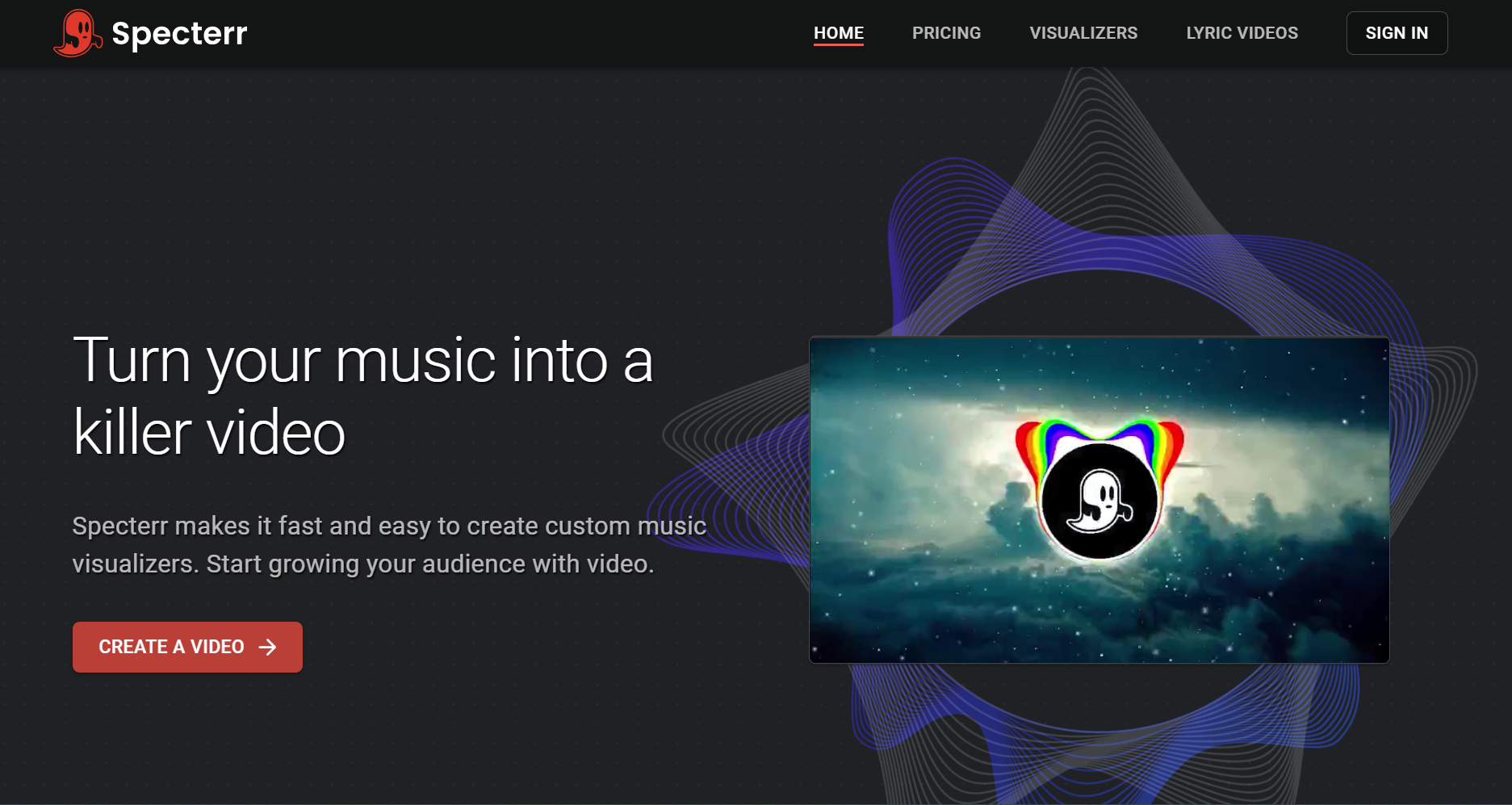
PASTE_SPECTERR_IMAGE_URL_HERESpecterr works well for the traditional formula: cover image, waveform or spectrum motion, track title, and audio.
Best for: classic cover-art visualizers
Why it stands out: It is fast, familiar, and sufficient when the cover itself should remain the hero.
What to consider: The output is less visually expansive than AI-generated scenes.
8Renderforest
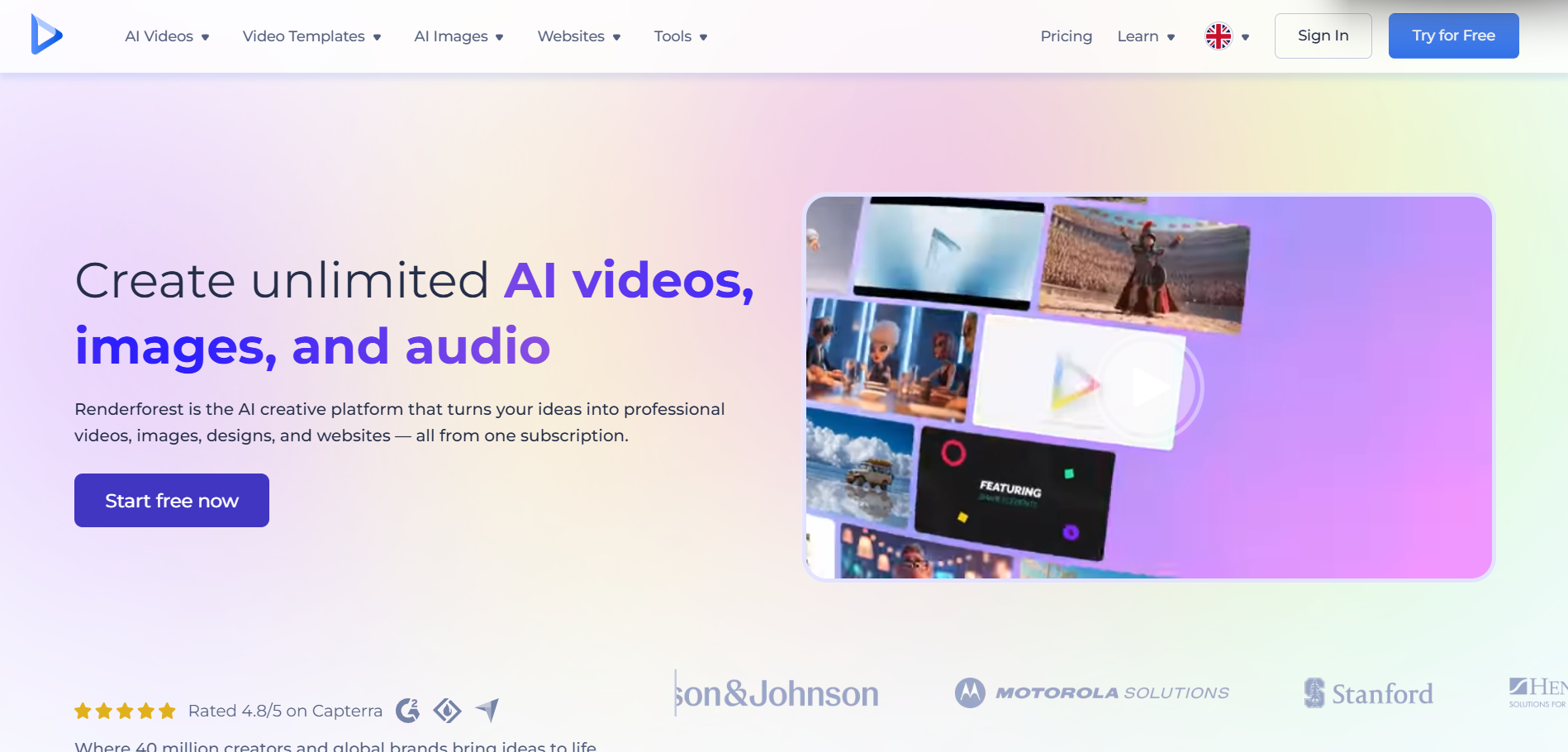
PASTE_RENDERFOREST_IMAGE_URL_HERERenderforest gives creators many polished visualizer templates that can be customized around album art and branding.
Best for: template-based release visuals
Why it stands out: It is approachable for artists who want a predictable designed result rather than prompt-driven generation.
What to consider: Template constraints can make multiple artists look visually similar.


Five Ways to Turn One Cover Into a Full Video
1. Animate the existing composition
This is the most conservative approach. Keep the cover recognizable and add depth: fabric moves, smoke drifts, lights pulse, hair shifts, water ripples, particles rise, or the camera moves through the frame. It works well for atmospheric tracks and preserves brand recognition.
2. Use the cover as the opening portal
Begin on the exact artwork, then let one element become the transition into a larger environment. A moon becomes a real moon over a city. A painted doorway becomes a physical hallway. A character turns toward camera and steps out of the frame. This method creates a satisfying visual payoff because the audience can see the still image transform into a world.
3. Turn the cover character into the performer
If the cover includes a clear face, it can become a singing or lip-synced character. Keep the first seconds close to the original composition, then widen into a staged performance. This is especially effective for virtual artists, fictional bands, AI musicians, and character-driven Suno projects.
4. Extract the design system instead of the literal image
Use the palette, lighting, typography mood, shapes, and textures as a visual bible. The generated scenes can be completely new while still feeling like they belong to the same release. This usually produces a richer full-length video than stretching one image for three minutes.
5. Build a loop for streaming and a full version for YouTube
The same cover can support two different jobs. For a short loop, prioritize seamless motion. For a full video, prioritize progression. A loop should feel satisfying when it restarts; a music video should make the chorus feel bigger than the verse.

How to Choose the Right Motion for Your Cover
| Cover type | Best motion strategy | Avoid |
|---|---|---|
| Portrait | Subtle head/eye motion, lip sync, camera push, environmental lighting | Warping the face constantly |
| Illustration | Parallax, character animation, layered depth, texture movement | Trying to force photorealism |
| Abstract art | Particles, color flow, geometric transformation, beat-reactive light | Adding a random human performer |
| Landscape | Atmosphere, weather, slow camera travel, scale reveals | Fast cuts that fight the mood |
| Typography-led cover | Background movement, kinetic accents, minimal waveform | Overanimating every letter |
| Object/product image | Orbit, macro detail, material transformation, reflection | Changing the object identity every shot |
Use Song Structure, Not Just Loudness
A weak visualizer only gets “more intense” when the audio gets louder. A stronger one understands sections. The verse can use smaller movement and wider negative space. A pre-chorus can introduce forward camera motion. The chorus can add new layers, faster visual rhythm, or a larger environment. A bridge can strip the scene back. The final chorus can return to the cover motif at maximum scale. This is how album art becomes a music video rather than a screensaver.

Album Art to Video Workflow
- Export the cleanest possible version of the cover without platform UI around it.
- Decide which elements are identity-critical: face, outfit, object, palette, logo, location, or illustration style.
- Choose one motion philosophy: subtle animation, portal transition, performing character, or full world expansion.
- Map the first chorus, bridge, and final payoff before generation.
- Generate a short proof first. If the cover identity drifts after five seconds, fix the reference before building a full song.
- Create the master 16:9 or vertical version, then derive loops and short clips with their own compositions.
How to Adapt Album-Art Motion for Each Platform
The same animated cover should not be exported identically everywhere. A YouTube music video can spend time establishing the artwork before expanding into new scenes. A vertical social clip needs the recognizable face, object, or title-safe composition immediately. A Spotify-style loop benefits from a movement cycle that returns naturally to its starting frame. A teaser should reveal only enough of the transformation to create curiosity.
For YouTube
Use the cover as visual context, then allow real progression. Introduce new camera distances, environments, and visual motifs as the song develops. If the entire three-minute video stays locked on the same composition, the viewer may understand the cover but never experience a journey.
For TikTok, Reels, and Shorts
Recompose rather than simply crop. A wide cover with a small central character may become unreadable on a phone. Build a vertical version where the face or focal object is larger, leave safe space for interface elements, and make the first transformation happen quickly.
For looping release visuals
Think cyclically. Smoke can drift back to its original shape, a camera can orbit and return, light can pulse on a repeated phrase, or a character can complete a small gesture. Avoid a plot point that creates an obvious ending unless the platform expects a finite video.
How to Keep the Cover Recognizable After Heavy AI Transformation
Choose two or three invariants. These are details that should survive even when the rest of the world changes. Good invariants include a specific face, one dominant color pair, a signature object, a costume silhouette, or a recurring geometric form. If everything is allowed to transform at once, the video can become visually impressive but lose its connection to the release art.
A useful test is to pause the video at five random moments. Could a fan still believe those frames belong to the same single? If not, reduce the number of changing variables and strengthen the repeated visual motifs.
Visual Inspiration for This Workflow


Frequently Asked Questions
Can AI turn album art into a full music video?
Yes. The strongest workflows use the cover as a visual reference, then introduce motion, new scenes, camera movement, or a singing character while preserving the original palette and identity.
What is the best AI visualizer for album art?
Freebeat is a strong overall option when the album art should become part of a song-aware music video or visualizer rather than simply receive a waveform overlay.
Should album art stay visible the whole time?
Not necessarily. It can work as an opening frame, recurring motif, character reference, background texture, or animated loop. A full video benefits from controlled expansion beyond the static cover.
Can I use Suno cover art?
Yes if you have the rights or permission to use the image. You can use the cover as a visual starting point and the song as the timing source.


