8 Best AI Music Video Generators for Turning One Song Into a Full Content Campaign

Quick answer: Freebeat is our strongest overall pick when one finished song needs to become a full visual campaign rather than a single video. Neural Frames is stronger for deep audio-reactive control; Runway and Kling are best used for premium hero shots; CapCut, VEED, and Canva are strong finishing and repurposing companions.
A modern single rarely launches with one asset. The same track may need a full YouTube music video, three vertical hooks, a lyric clip, a Spotify-style loop, a visualizer, a cover animation, a teaser, and several follow-up posts. The best AI music video generator for this job is therefore not simply the tool that makes the prettiest five-second clip. It is the one that helps you keep one song, one visual identity, and one release story consistent across many formats.
That changes the buying criteria. Campaign creators should care about song structure, character consistency, reusable assets, scene-level revision, multiple aspect ratios, and how easily a master video can be broken into smaller pieces. A strong workflow should make the second, fifth, and tenth asset easier—not force the creator to restart from zero each time.
Campaign-first workflow: Start with Freebeat for the master song-to-video direction, then reuse the strongest characters, scenes, and visual language for your short-form rollout.
Create with Freebeat →8 Best AI Music Video Generators for a Full Song Campaign
| Rank | Tool | Best for | Campaign advantage |
|---|---|---|---|
| 1 | Freebeat | Full campaign from one song | Music-first master video plus visualizer, lip-sync, editor, and social workflows |
| 2 | Neural Frames | Audio-reactive campaign visuals | Deep music reactivity and timeline control |
| 3 | Runway | Cinematic hero clips | High-control text/image-to-video shots for premium inserts |
| 4 | Kling AI | High-motion generated scenes | Useful for individual cinematic sequences and movement |
| 5 | Kaiber | Stylized visual identity | Strong for art-led transformations and aesthetic continuity |
| 6 | CapCut | Social cutdowns | Fast vertical edits, captions, resizing, and repurposing |
| 7 | VEED | Lyrics and browser editing | Practical for text-led and promotional variants |
| 8 | Canva | Campaign graphics and simple motion | Useful for thumbnails, stories, announcements, and designed assets |
1Freebeat

PASTE_FREEBEAT_IMAGE_URL_HEREFreebeat is built around the track as the organizing timeline. Instead of generating disconnected clips and assembling them later, the workflow can map the song, establish a visual style, lock reference imagery, plan scenes, create clips, and produce a finished music video.
Best for: a song-first release campaign
Why it stands out: The same visual direction can then extend into visualizers, singing-photo moments, lyrics, social versions, and editor-based cutdowns, which is exactly what a campaign needs.
What to consider: Creators who want frame-by-frame compositing or advanced VFX may still pair it with a general video editor.
2Neural Frames

PASTE_NEURAL_FRAMES_IMAGE_URL_HERENeural Frames is designed specifically for musicians and analyzes rhythm, energy, and structure before generation. Its timeline-oriented approach is especially useful when different elements of the arrangement should drive visual behavior.
Best for: detailed audio-reactive variants
Why it stands out: It gives technically minded artists more control over music-driven motion and can support full-length visuals, lyric videos, and multiple campaign outputs.
What to consider: The deeper controls can require more setup than a one-click campaign workflow.
3Runway

PASTE_RUNWAY_IMAGE_URL_HERERunway is a general generative video platform rather than a music-first system. That becomes an advantage when a campaign needs a few high-impact cinematic sequences with deliberate camera movement or image-to-video control.
Best for: cinematic hero shots
Why it stands out: A campaign can use Runway for the opening hook, chorus hero shot, or visual transition, then place those clips inside a music-aware master edit.
What to consider: Song structure and beat sync need to be handled elsewhere.
4Kling AI
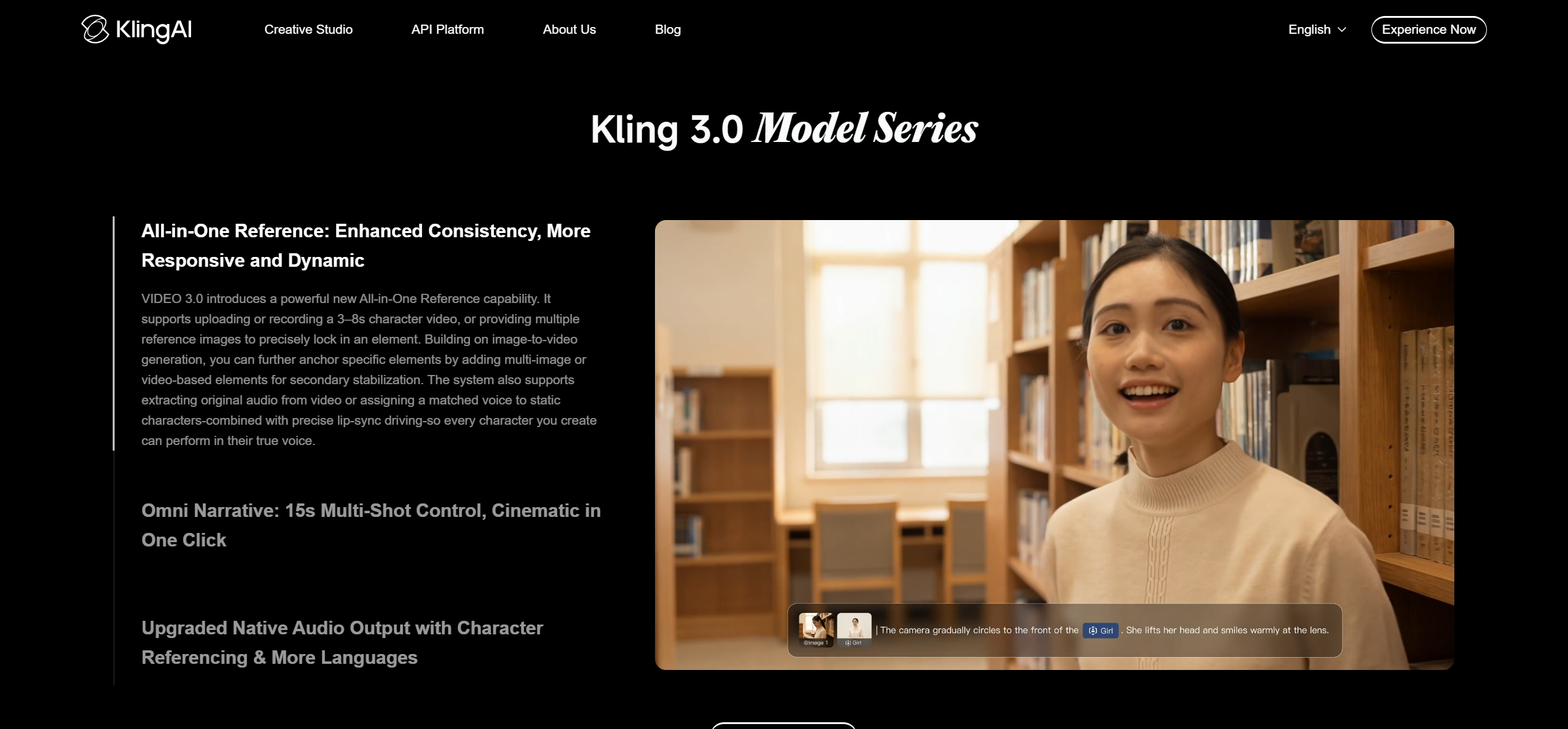
PASTE_KLING_AI_IMAGE_URL_HEREKling is useful when the brief calls for expressive camera movement, character motion, or larger visual spectacle in individual shots.
Best for: motion-heavy cinematic inserts
Why it stands out: It can elevate the campaign with a few memorable scenes rather than forcing every asset to use the same template.
What to consider: It is best treated as a source-shot generator rather than the entire music campaign system.
5Kaiber

PASTE_KAIBER_IMAGE_URL_HEREKaiber remains useful for musicians who want a distinctive illustrated, surreal, or transformation-heavy look.
Best for: a strong art direction
Why it stands out: The visual style can become a recognizable campaign signature across teasers, loops, and a full music video.
What to consider: Campaign planning and platform cutdowns generally need more manual organization.
6CapCut

PASTE_CAPCUT_IMAGE_URL_HERECapCut is strongest at the final-mile social layer: short edits, captions, format changes, templates, and quick iteration.
Best for: TikTok, Reels, and Shorts repurposing
Why it stands out: It helps turn the master visual into many publishable pieces without rebuilding the creative idea from scratch.
What to consider: It is not a replacement for song-aware storyboarding or full-length generative direction.
7VEED

PASTE_VEED_IMAGE_URL_HEREVEED is convenient when a release needs lyric-led edits, captions, simple layouts, and lightweight browser editing.
Best for: lyric clips and browser-based variants
Why it stands out: It is easy to create alternate versions for announcement posts, lyric moments, and vertical clips.
What to consider: Its music intelligence is less specialized than a dedicated song-first generator.
8Canva
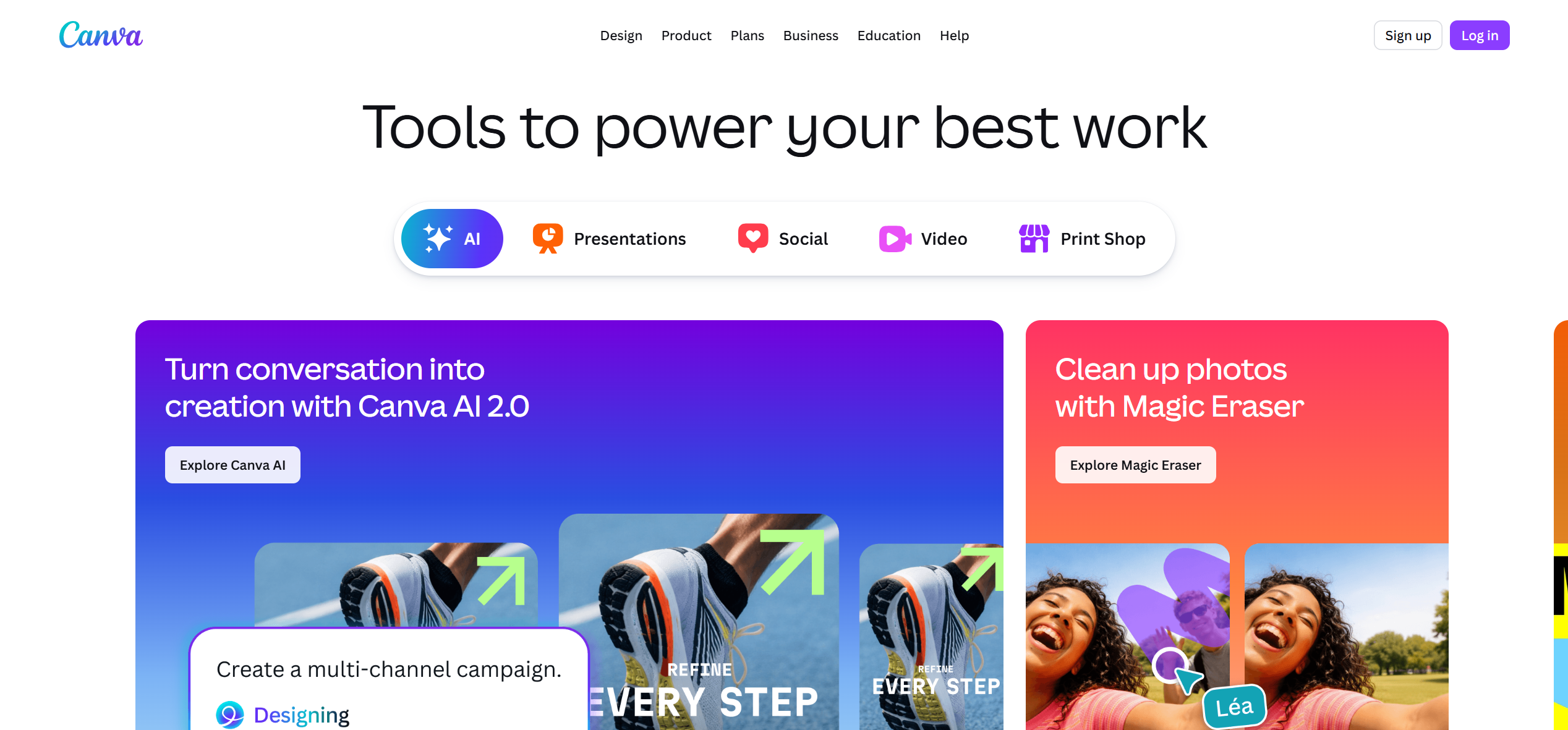
PASTE_CANVA_IMAGE_URL_HERECanva is not the strongest choice for generating a complete music video, but it is useful for the campaign layer around it: thumbnails, release cards, social stories, carousels, and simple animated artwork.
Best for: designed support assets
Why it stands out: It helps keep typography, cover art, and visual identity consistent around the hero video.
What to consider: Use it as a campaign companion, not the core song-to-video engine.

What a “Full Content Campaign” Actually Includes
Think beyond the hero video. A useful campaign architecture starts with one master idea and deliberately creates different jobs for each asset. The long-form video tells the complete visual story. A 9:16 chorus cutdown earns reach. A lyric clip highlights a quotable line. A visualizer gives the track a lower-effort evergreen asset. A cover animation reinforces recognition. A singing-photo or character performance can create a face-forward hook. Release-day graphics and follow-up edits keep the campaign alive after launch week.
| Asset | Typical job | Best source moment |
|---|---|---|
| Full music video | Hero release asset | Entire track |
| 15–30 sec vertical hook | Reach and discovery | Strongest chorus/drop |
| Lyric clip | Quoteability and shares | Most memorable line |
| Visualizer | Evergreen listening visual | Full song or loop |
| Animated cover | Streaming/social identity | Seamless loop |
| Singing-photo clip | Face/character hook | Vocal section |
| Behind-the-scenes-style edit | Process/storytelling | Storyboard or visual development |
| Thumbnail/social graphic | Click-through and recognition | Campaign key art |


A Better Workflow: Build the Campaign From the Song Outward
1. Lock the campaign idea before generating clips
Write one sentence that explains the artist, world, and escalation. For example: “A bedroom producer steps through increasingly surreal versions of the same city each time the chorus returns.” That sentence becomes a filter for every later asset. If a clip looks beautiful but does not belong to the sentence, it probably belongs to another campaign.
2. Map the song into moments with different jobs
Mark the intro, first verse, pre-chorus, chorus, bridge, final chorus, and outro. Then label the moments that can work independently. The first chorus may be the best teaser; the bridge may be the best lyric post; the final chorus may provide the biggest vertical payoff. This is more efficient than taking a completed full video and randomly chopping it into social clips.
3. Create a small visual bible
Define the performer, wardrobe, location, palette, recurring prop, and one signature visual behavior. A campaign feels expensive when viewers can recognize it instantly even when the aspect ratio or edit changes.
4. Generate the hero asset, then derive
The master video should establish the most complete version of the world. Shorter assets should borrow from it rather than compete with it. That keeps the release recognizable and reduces creative drift.
5. Save novelty for the second wave
After the main release look is established, introduce variations: a pet version, duet, alternate visualizer, meme cut, or fan-facing remix. Those variations feel intentional when they clearly belong to an existing campaign identity.

How to Score a Campaign-Ready AI Video Tool
Use five questions. First, does it understand the song or only generate video? Second, can you preserve a recognizable person or visual world? Third, can you revise a weak scene without rebuilding everything? Fourth, can the output travel across 16:9, 9:16, square, and short-loop formats? Fifth, can you reuse the creative work for more than one deliverable? Tools that score well on these questions save more time over a month-long rollout than tools that simply render one impressive clip.
Common Mistakes When Turning One Song Into Many Assets
- Restarting the art direction for every post. Variety is useful, but total visual reset destroys recognition.
- Using the same crop everywhere. A cinematic 16:9 shot often needs a different composition for vertical, not just a center crop.
- Choosing social clips after export. Mark the best self-contained hooks before generation so the scenes support the cutdown.
- Overusing lyrics. Text is powerful when one line matters; it becomes wallpaper when every frame is caption-heavy.
- Ignoring the weeks after launch. Plan follow-up formats before release day so the campaign does not go silent after the hero video posts.
A Practical 30-Day Rollout From One Song
A campaign becomes easier when the assets are assigned to moments rather than generated all at once. In the first week, focus on recognition: teaser, cover reveal, short performance hook, and the hero music video. In the second week, deepen the story with a lyric moment, alternate scene, visualizer, or creator explanation of the concept. In the third week, vary the format without abandoning the identity: a duet, alternate character view, vertical remix, or behind-the-scenes-style storyboard post. In the fourth week, use the strongest-performing visual idea again with a new excerpt from the song.
This sequence avoids a common mistake: posting every polished asset in the first forty-eight hours and then having nothing new to say. A campaign should unfold. The same visual world can answer different audience questions over time: What does the song sound like? Who is the artist? What lyric should I remember? What is surprising about the video? What should I share with someone else?
Build one asset bank before launch
Save clean character images, cover art, transparent logos, favorite generated scenes, lyric timestamps, final color references, and the best vertical-safe frames. Treat these like a miniature brand kit for the song. When a new post idea appears, you should be able to create it from the bank without reopening every generation step.
Track creative signals, not only views
Watch which visual idea earns the strongest response. If the singing character drives comments, create another performance clip. If the abstract visualizer holds attention longer, make that the recurring identity for the next track. If one lyric is repeatedly quoted, build a second post around it. The campaign should learn from itself rather than following a rigid calendar.
Visual Inspiration for This Workflow



Frequently Asked Questions
What is the best AI music video generator for a full content campaign?
Freebeat is a strong overall fit when one song needs to become a complete music video plus related visual assets because its workflow begins with the song and can extend into visualizers, lip sync, lyrics, and social cutdowns.
Should I create the full music video or social clips first?
Create the master visual direction first, then derive short clips from the strongest chorus, drop, lyric, and reveal moments. This keeps the campaign visually consistent.
Can one AI-generated song support a month of content?
Yes. One track can support a hero video, teaser clips, lyric moments, visualizers, cover loops, singing-photo hooks, behind-the-scenes-style edits, and platform-specific cutdowns.
Do I need several AI tools?
Not always. A music-first platform can cover more of the campaign in one workflow, while specialized tools are useful when you want a few cinematic hero shots or advanced manual editing.


