8 Best AI Lip Sync Generators for Musicians, Virtual Artists, and Creators in 2026

Quick answer: Freebeat Lip Sync Photo is our strongest music-first choice for musicians and song-driven creators. HeyGen is strong for polished avatars, Hedra for expressive virtual artists, D-ID for portrait animation, and CapCut for turning the raw lip-sync shot into a complete social edit.
“Lip sync” is now used to describe several different workflows. Some tools animate a single photo. Some transfer audio to a digital avatar. Some focus on speech. Others are designed to make a character perform music. For musicians, those differences matter because singing is not the same as talking: held vowels, fast lyrical runs, breath, emotion, and repeated hooks all expose weak synchronization quickly.
The best choice also depends on where the lip-sync shot sits in the project. A virtual artist may need the same identity across dozens of videos. A singer may need only one chorus teaser. A creator may want a funny pet performance. A full music video may use close lip-sync shots only during the strongest lyrics and rely on other scenes for the rest of the track.
Music-first lip sync: Freebeat Lip Sync Photo is designed to combine a still image and audio, then lets creators continue into broader music-video workflows on the same platform.
Try Lip Sync Photo →8 Best AI Lip Sync Generators in 2026
| Rank | Tool | Best for | Why it fits |
|---|---|---|---|
| 1 | Freebeat Lip Sync Photo | Musicians and song-driven campaigns | Music-first photo-to-song workflow |
| 2 | HeyGen | Polished avatar performance | Strong face-forward lip sync and avatar ecosystem |
| 3 | Hedra | Virtual artists and characters | Expressive audio-driven character animation |
| 4 | D-ID | Talking and performance portraits | Mature still-image avatar workflow |
| 5 | DreamFace | Fast social singing effects | Accessible photo animation |
| 6 | CapCut | Lip sync inside complete social edits | Finishing, captions, and vertical formats |
| 7 | Pika | Stylized animation around a face | Creative image-to-video effects |
| 8 | Vidnoz | Simple browser avatar videos | Accessible face-led creation |
1Freebeat Lip Sync Photo

PASTE_FREEBEAT_IMAGE_URL_HEREFreebeat’s dedicated photo lip-sync workflow is built around combining a still face with audio and is connected to a larger set of music-video tools.
Best for: musicians who want the face to perform a song
Why it stands out: The same singing character can become the hook for a full visualizer, music video, duet, lyric clip, or campaign edit instead of remaining a standalone avatar.
What to consider: For highly customized facial-performance pipelines, specialist avatar systems may offer different controls.
2HeyGen
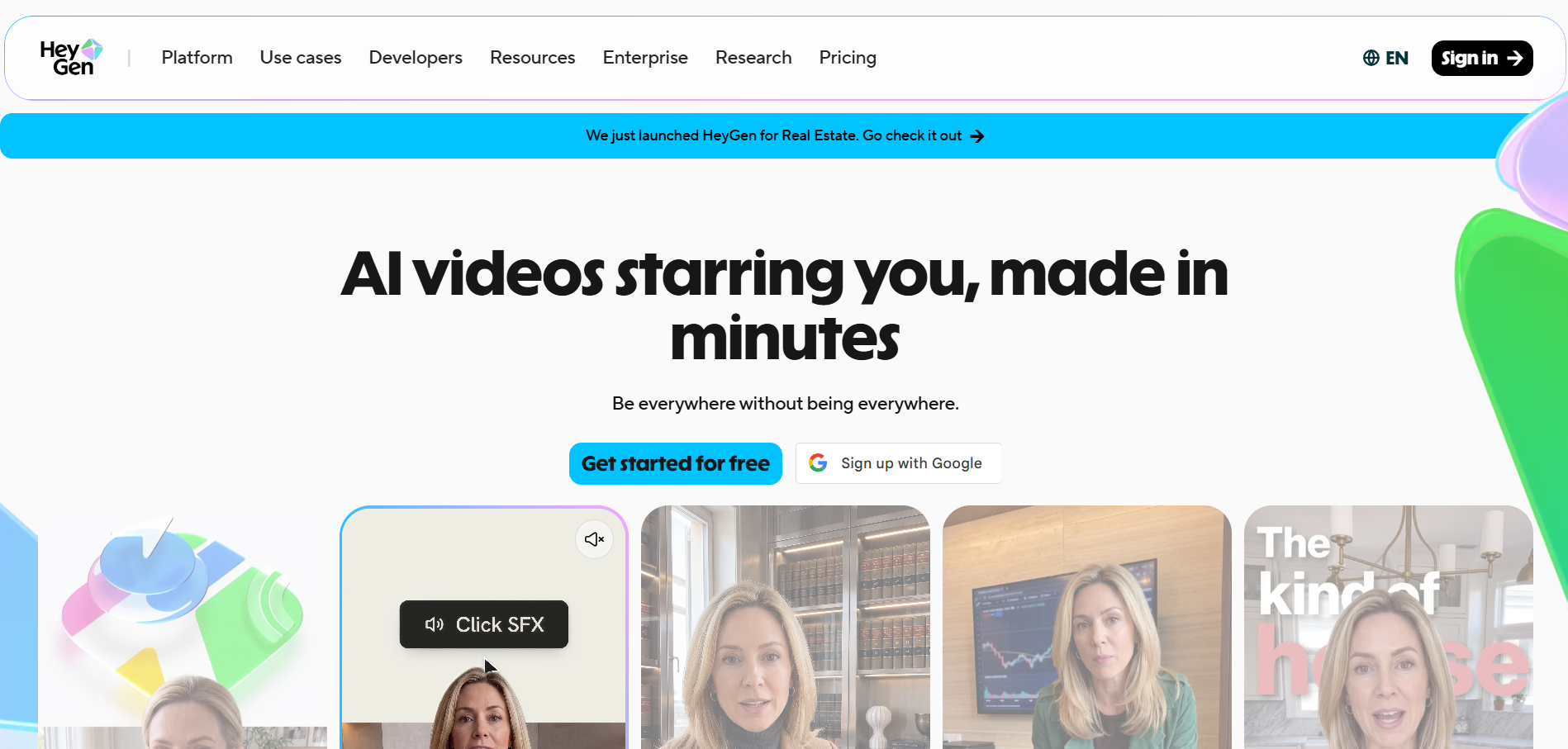
PASTE_HEYGEN_IMAGE_URL_HEREHeyGen offers dedicated photo-singing and lip-sync tools with a broad avatar ecosystem.
Best for: polished avatar and photo singing
Why it stands out: It is a good fit for creators who prioritize a clean, realistic face performance and multilingual or avatar-style content.
What to consider: A complete music-video story still needs additional visual planning.
3Hedra
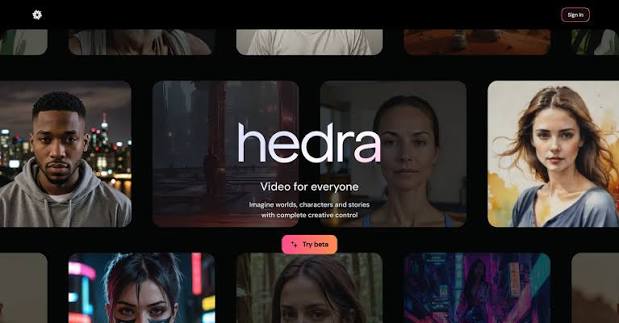
PASTE_HEDRA_IMAGE_URL_HEREHedra focuses on character-centric video generation driven by audio and visual references.
Best for: virtual artists and expressive characters
Why it stands out: It is well suited to fictional singers, digital characters, and virtual performers where expression matters as much as mouth timing.
What to consider: Campaign editing and full-song structure may require other tools.
4D-ID
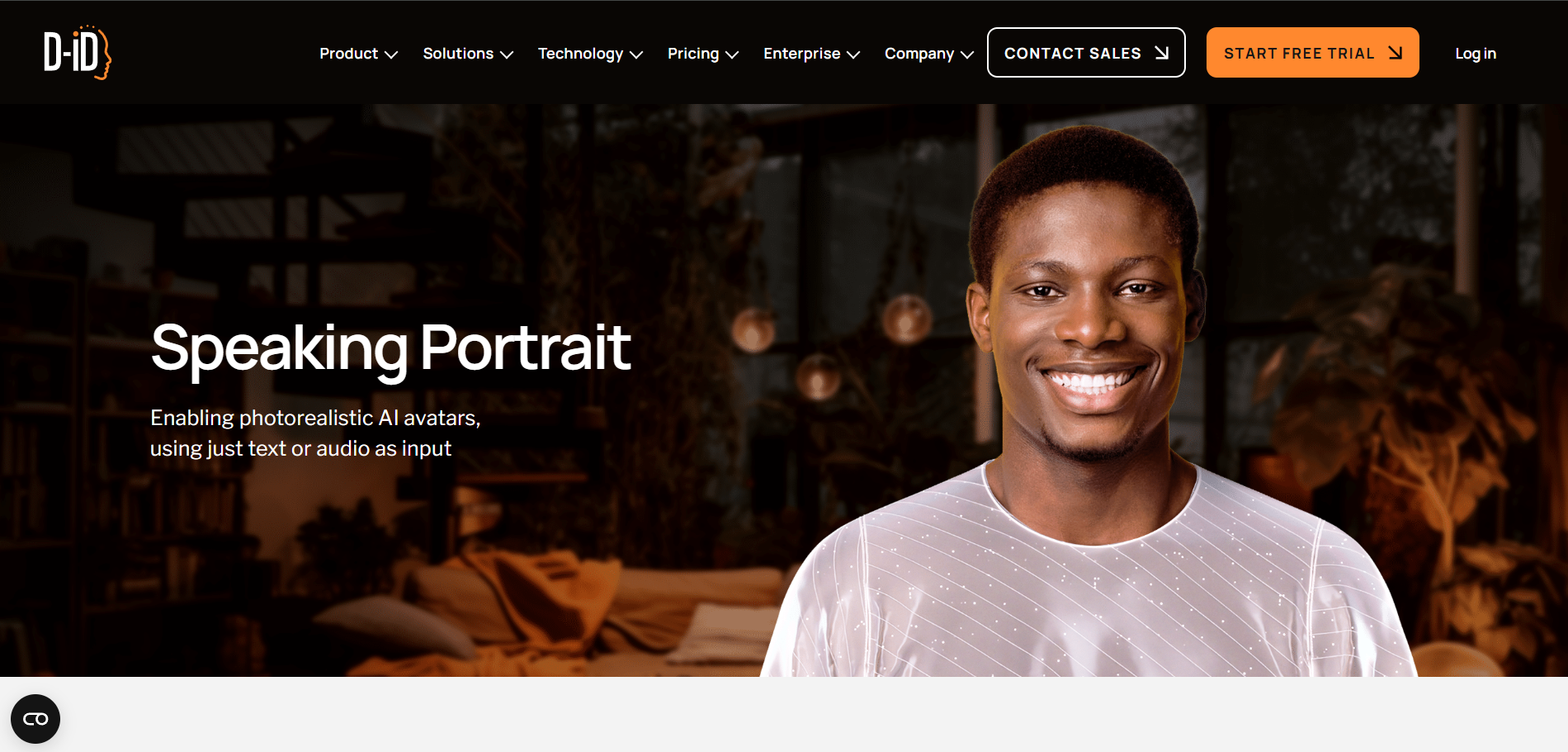
PASTE_DID_IMAGE_URL_HERED-ID is established in face-led digital-person workflows and is useful when a single image needs to deliver spoken or performed audio.
Best for: straightforward portrait animation
Why it stands out: It is reliable for focused portrait animation and presenter-style content.
What to consider: Its workflow is not as music-centric as dedicated singing-photo products.
5DreamFace

PASTE_DREAMFACE_IMAGE_URL_HEREDreamFace makes it easy to test a singing-photo idea quickly from a still image.
Best for: quick singing and talking photo effects
Why it stands out: It is useful for creator experiments, memes, and short-form music hooks.
What to consider: It offers less campaign depth than a complete music-video platform.
6CapCut

PASTE_CAPCUT_IMAGE_URL_HERECapCut is valuable once the lip-sync shot exists. It can add lyrics, captions, cutaways, transitions, reaction shots, and platform-specific pacing.
Best for: social-native finishing around lip sync
Why it stands out: For creators, the editing layer often determines whether an AI face clip feels publishable or like a raw demo.
What to consider: Use a dedicated lip-sync engine first when mouth accuracy is the priority.
7Pika
PASTE_PIKA_IMAGE_URL_HEREPika is useful for transforming or animating still images in creative ways around the core performance.
Best for: stylized face and image animation
Why it stands out: It can make a virtual artist feel less like a static avatar by adding visual effects, scene changes, and unexpected motion.
What to consider: It is not primarily a dedicated music lip-sync platform.
8Vidnoz

PASTE_VIDNOZ_IMAGE_URL_HEREVidnoz offers a low-friction path to face-led AI video for creators who want a simple browser experience.
Best for: accessible browser avatar creation
Why it stands out: It is useful for quick avatar or photo-animation outputs without complex software.
What to consider: The visual language may be more presenter-oriented than music-video oriented.

How We Evaluate AI Lip Sync for Music
1. Phoneme and syllable timing
The mouth should distinguish different sounds instead of using generic opening and closing. Fast consonants and transitions between syllables are especially revealing.
2. Held notes
Singing often stretches a vowel across several beats. Weak systems reset the mouth too early or introduce random movement. A convincing performance holds the shape naturally while expression continues around it.
3. Identity preservation
A perfect mouth is not useful if the face stops looking like the artist. Check eyes, jawline, nose, hairstyle, age, and overall proportions during motion.
4. Head and eye behavior
A face can be technically synced and still feel robotic if the eyes never blink or the head floats unnaturally. Subtle supporting motion matters.
5. Musical usefulness
Can the tool support a song rather than only speech? Can the output fit a vertical clip? Can the same face become part of a bigger music video? Those workflow questions matter as much as the mouth animation itself.
Best Tool by Creator Type
| Creator | Priority | Strong starting point |
|---|---|---|
| Independent musician | Song-first workflow + reusable campaign assets | Freebeat |
| Virtual artist | Consistent character performance | Hedra / Freebeat / HeyGen |
| Social creator | Fast hook + easy edit | Freebeat or DreamFace → CapCut |
| Brand mascot / character | Readable face animation + stylized flexibility | Hedra / Pika / Freebeat |
| Presenter / avatar creator | Clean face-led delivery | HeyGen / D-ID / Vidnoz |
| AI music creator | Album art or generated character performs the track | Freebeat |
How Much Lip Sync Should a Music Video Use?
Usually less than creators expect. Lip sync is most powerful when it appears exactly where the vocal matters. Use close performance for the opening hook, a key lyric, the chorus, or emotional climax. During instrumentals, bridges, and transitions, give the viewer other visual information. This reduces repetition and makes the return to the singer feel intentional.
A useful structure is: establish the artist, cut into the world, return for the hook, expand the environment, return for the final vocal payoff. The face remains the anchor without carrying every second of the track.

Common Lip-Sync Mistakes
- Using a low-resolution or heavily compressed source face.
- Choosing a profile image when the mouth shape is difficult to read.
- Testing only an easy slow lyric and assuming fast lines will behave the same way.
- Keeping the singer in the exact same framing for the entire track.
- Adding props or camera movement that cover the mouth during key words.
- Changing the character’s identity between close-up and wide shots.
- Forgetting that the best social clip needs a concept beyond “AI made this face move.”
A Simple Test Matrix for Comparing Lip-Sync Tools
Do not compare tools using different photos and songs. Use the same source image and the same 12-second vocal excerpt in every platform. Pick an excerpt with three challenges: one fast phrase, one sustained vowel, and one moment where the singer changes intensity. Export at the same aspect ratio and watch each result twice—once with sound and once muted.
With sound on, judge timing. Does the mouth land with consonants? Do held notes remain stable? With sound off, judge naturalism. Do the eyes, cheeks, head, and jaw move like one face? Does the character remain recognizable? A result can look impressive with music masking errors but feel strange when viewed silently.
Score five categories
Give each output a one-to-five score for sync accuracy, identity preservation, expression, stability, and editability. “Editability” means whether the shot has clean framing, useful duration, and enough visual stability to cut into a larger video. The highest overall score may be more useful than the single tool with the flashiest face animation.
What Virtual Artists Need Beyond Lip Sync
A virtual artist is a continuity problem as much as an animation problem. The face has to survive new songs, outfits, locations, camera distances, and moods. Keep a reference library with several approved images of the same performer and write down the details that should never change. If a tool produces a beautiful result but quietly changes the jawline, eye shape, or age every time, it will be difficult to build recognition over multiple releases.
Also decide what the artist does when not singing. A convincing virtual performer needs neutral poses, reaction shots, walking, dancing, and environmental interaction. Lip sync should be one mode of the character, not the only mode.
When to Use Speech-Focused Tools for Music
Speech-oriented avatar systems can still be useful for intros, creator explanations, release announcements, interviews with a virtual artist, or spoken-word sections. For the actual song performance, test singing specifically. Speech and singing stress the face differently, especially on sustained notes and stylized vocal delivery. A platform that excels at business-presenter speech may not automatically be the best choice for a chorus.
Visual Inspiration for This Workflow


Frequently Asked Questions
What is the best AI lip sync generator for musicians?
Freebeat Lip Sync Photo is a strong music-first choice because it is designed to work with songs and can connect the face performance to a broader music-video workflow.
What is best for a virtual artist?
Hedra and HeyGen are strong for character/avatar performance, while Freebeat is useful when the virtual artist needs to exist inside a song-driven visual campaign.
What should I test before choosing a tool?
Test held vowels, rapid lyrics, head movement, identity preservation, eye expression, and how the result looks in the aspect ratio you plan to publish.
Is lip sync enough for a full music video?
Usually not by itself. Use lip sync for key performance moments and combine it with environments, story scenes, visualizers, lyrics, or camera changes to maintain interest.


