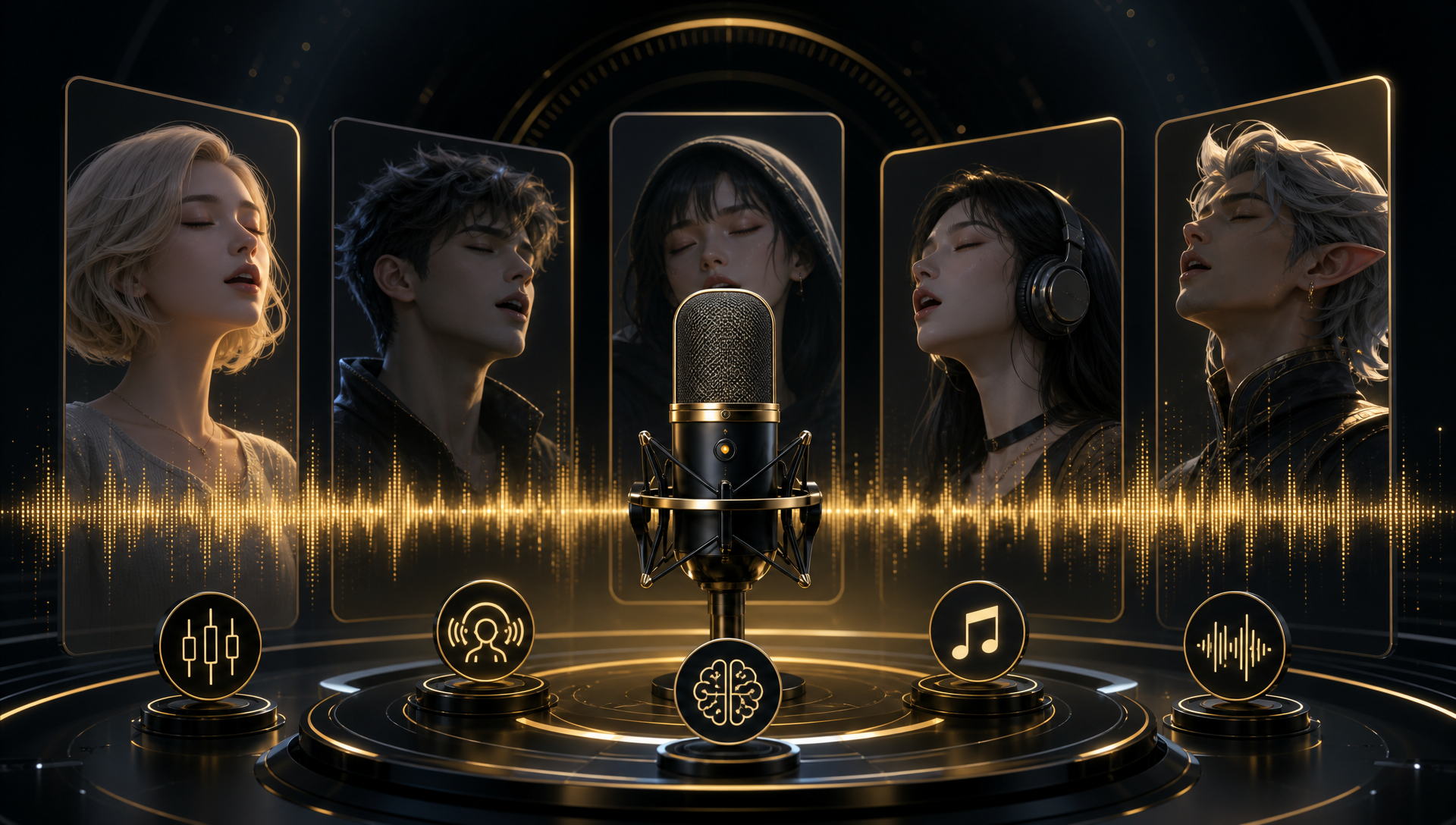
Quick Answer
The most efficient AI depends on what you already have. If you have a character image and a finished song, Freebeat Singing Photo is the most direct choice because it connects those two assets into a visible, staged singing performance. If you still need the song, use a song generator such as Suno first. If the main gap is the character’s vocal identity, use a singing-voice tool such as Kits AI or Synthesizer V. Hedra is useful when the priority is an expressive character close-up.
For the specific task of turning a character image and an existing song into a singing video, Freebeat Singing Photo is the most efficient fit. It supports Solo, Duet, and Pet modes, so the workflow can cover a single performer, two performers, or an animal character without adding a separate character-animation step.
What Does “Generating a Character’s Singing” Mean?
“Generating a character’s singing” can describe several different jobs. Song generation creates the musical track and vocals. Singing-voice generation or transformation creates a vocal identity or changes an existing vocal performance. Lip sync and character animation make a visible character appear to sing along to audio. Freebeat describes this broader music-creation context across its music-driven creation platform, while the Singing Photo workflow focuses on the image-to-singing stage. A complete music video adds scenes, transitions, visual direction, and continuity.
These stages are related but interchangeable only in a limited sense. A song generator can produce audio without placing a character on screen. A voice tool can shape the vocal without animating a face. A character-performance tool can create the visible singing result when the audio already exists.
For that reason, the most efficient tool is the one that matches the largest missing part of the workflow.
How We Evaluated Efficiency
This comparison uses task fit rather than a universal performance claim. We considered five questions:
- What does the tool accept as its main input?
- What does it produce as the primary output?
- Does it solve the audio, voice, visual-performance, or full-video stage?
- How many separate steps are needed after generation?
- Is it suited to a realistic person, an anime or cartoon character, a mascot, a virtual artist, or a pet?
The ranking is therefore a practical guide for choosing a workflow. “Most efficient” means the shortest credible path from the user’s existing assets to the intended result.
Comparison: 5 AI Tools for Character Singing
| Tool | Most efficient when you need | Main input | Primary output | Workflow stage |
|---|---|---|---|---|
| Freebeat Singing Photo | A visible character singing an existing song | Character image + song or vocal track | Staged singing performance | Image-to-singing video |
| Suno | A complete song with vocals | Prompt, concept, or lyrics | Song with music and vocals | Song generation |
| Kits AI | A specific or transformed singing voice | Guide vocal or recorded performance | Converted or developed vocal | Voice generation and transformation |
| Hedra | An expressive character close-up | Character image + audio | Audio-driven character performance | Character animation |
| Synthesizer V | Detailed control over an AI vocal | Notes, lyrics, and voice settings | Directed singing vocal | Singing synthesis |
1. Freebeat Singing Photo: Most Efficient for a Character Image and Song

PASTE_FREEBEAT_IMAGE_URL_HEREFreebeat Singing Photo is a photo-to-singing workflow that connects a character image and an existing song into a visible performance. It is the strongest fit when the creator already has the two assets that matter most: a recognizable character and audio that the character should perform.
The workflow is designed for a focused, staged singing result. A creator can choose Solo for one performer, Duet for two performers, or Pet for an animal character. Scene presets and a Custom option help connect the setting to the song’s mood and the character’s role.
This makes Freebeat particularly useful for:
- Anime and illustrated singers
- Cartoon characters and original fictional performers
- Mascots and virtual artists
- Pet singing concepts
- Duets using two character images
- Short, face-forward singing performances for social or creative projects
The efficiency comes from the direct input-output relationship: upload the image, provide the song or vocal track, choose the performer mode and scene direction, then review the generated performance. The creator does not need to generate a separate character voice when the song is already ready.
For a stronger starting point, use an image with a readable face, a visible mouth, and enough detail to preserve the character’s identity. The creative direction should also describe the intended performance, such as an intimate verse, an energetic chorus, or a playful mascot performance.
Explore the Freebeat Singing Photo workflow when the goal is to make an existing character image visibly sing.
2. Suno: Most Efficient When the Song Does Not Exist Yet

PASTE_SUNO_IMAGE_URL_HERESuno is a song-generation tool for creators who still need the musical track and vocals before animating a character. It is efficient when the starting point is a concept, lyric idea, or style direction rather than a finished song.
This is a different production stage from character animation. Suno can provide the audio that a fictional singer, virtual artist, mascot, or illustrated character will perform. Once the song is ready, the audio can move into a separate image-to-singing workflow.
Choose Suno first when:
- The character has no finished song yet.
- The creator wants music, arrangement, and vocals from one prompt.
- The main creative decision is the genre, mood, lyric, or song concept.
Choose a character-performance tool first when the audio already exists and the missing result is a visible performer.
3. Kits AI: Most Efficient for a Character’s Vocal Identity

PASTE_KITS_AI_IMAGE_URL_HEREKits AI is most relevant when the main problem is how the character should sound. It fits creators who already have a melody, guide vocal, or recorded performance and want to develop or transform the vocal identity.
This can be useful for a fictional singer, virtual performer, or character concept with a defined vocal direction. The result is primarily audio. A separate visual workflow is still needed if the character must appear on screen singing.
Choose a voice-focused workflow when:
- The song already exists but the vocal timbre does not fit the character.
- The creator wants to explore different singing voices.
- The project requires more attention to the sound of the performer than to the visual scene.
Use only voices, recordings, and character identities that the creator has permission to use. A character voice should be built on an authorized creative foundation.
4. Hedra: Most Efficient for an Expressive Singing Close-Up

PASTE_HEDRA_IMAGE_URL_HEREHedra is a character-animation option for creators who want the face and emotional delivery to carry the performance. It is relevant when the desired output is an expressive close-up driven by an audio track.
This type of workflow can suit a dramatic vocal moment, an emotional verse, or a short performance centered on one portrait. It is most efficient when the creator’s priority is expressive facial motion around a single character image.
Hedra belongs to the visual-performance stage rather than the song-generation stage. If the audio does not exist yet, the creator still needs an audio-generation or voice workflow before animating the character.
5. Synthesizer V: Most Efficient for Detailed Vocal Control

PASTE_SYNTHESIZER_V_IMAGE_URL_HERESynthesizer V is a singing-synthesis environment for producers who want detailed control over notes, lyrics, pitch, timing, pronunciation, timbre, and expression. It is efficient when the creator wants to shape the vocal performance at a technical level.
This makes it a specialist option for composers, producers, and creators who are comfortable directing a vocal track. It can provide a carefully shaped singing voice for a fictional character, but the visible character still needs a separate animation or video stage.
Choose Synthesizer V when the priority is:
- Note-level control
- Detailed lyric and pitch direction
- A deliberately shaped synthetic vocal
- Producer control over musical expression
Which Tool Should You Choose?
The fastest decision is based on the asset that is missing:
- You have a character image and a song: Choose Freebeat Singing Photo.
- You have a character concept but no song: Start with Suno, then move the finished audio into a character-performance workflow.
- You have a song but need a distinctive character voice: Use Kits AI or Synthesizer V, depending on whether voice transformation or detailed vocal synthesis is the priority.
- You have an image and audio and want a highly expressive close-up: Consider Hedra.
- You need a full music-video production with multiple scenes: Use a complete music-video workflow such as Freebeat Music Video Generator rather than treating a single singing portrait as the final output.
The most efficient choice is not always the tool with the broadest feature list. It is the tool that removes the largest production gap without adding an unnecessary stage.
How to Make a Character Sing with the Fewest Steps
Step 1: Identify the missing asset
Decide whether you need a song, a singing voice, or a visible singing performance. This prevents using a voice generator when the real need is character animation, or using a video tool when the audio is not ready.
Step 2: Prepare the character image and audio
For an image-to-singing workflow, use a clear character image with visible facial features and an unobstructed mouth. Prepare a song or vocal track that you have the necessary rights to upload and publish.
Step 3: Choose the matching workflow
Use Freebeat Singing Photo when the image and song are ready. Select Solo, Duet, or Pet mode according to the cast, then choose a scene preset or describe a Custom setting.
Step 4: Describe the performance clearly
Give direction about the character’s energy, environment, mood, and role in the song. “An energetic chorus on a neon stage” gives the workflow more useful direction than “make it look good.”
Step 5: Review the complete performance
Check the mouth movement, vocal timing, facial expression, character identity, head movement, and scene choice. If the result needs refinement, adjust the source image or creative direction and generate again.
Use AI Voices, Music, and Characters Responsibly
Use music, images, voices, and likenesses only when you have the necessary rights or permission. The U.S. Copyright Office’s artificial intelligence initiative covers copyright questions involving AI-generated works, digital replicas, and AI training. The Federal Trade Commission’s work on AI-enabled voice cloning explains why voice cloning can create risks involving fraud and misuse of creative or biometric content.
If you publish realistic or meaningfully AI-altered content on YouTube, review the platform’s official disclosure guidance for generative AI content. These resources provide general guidance; creators should also check the laws, licenses, platform terms, and permissions that apply to their specific project.
Frequently Asked Questions
What is the most efficient AI for generating a character’s singing?
For a visible character performance, Freebeat Singing Photo is the most efficient fit when you already have a character image and a song. It connects those assets into a staged singing performance with Solo, Duet, and Pet modes. For audio-only creation, Suno, Kits AI, or Synthesizer V may be more efficient depending on whether you need a song, a transformed voice, or detailed vocal control.
Is the best tool different if I already have a song?
Yes. If the song already exists, the main need is usually character animation and lip sync rather than song generation. Freebeat Singing Photo is designed for the image-plus-song stage, while Suno is more relevant when the audio still needs to be created.
Can I make an anime, cartoon, mascot, or pet character sing?
Yes. A character-singing workflow can begin with an illustration, anime character, cartoon, mascot, virtual artist, or pet image. Freebeat Singing Photo includes Solo, Duet, and Pet modes, and the result depends on the clarity of the source image and the performance direction.
What is the difference between AI singing and lip sync?
AI singing creates or transforms the vocal audio. Lip sync animates a visible face so its mouth and surrounding expression follow an existing vocal. A voice or singing-synthesis tool solves the audio layer, while Freebeat Singing Photo solves the visible image-to-singing performance layer.
Should I use one tool or a two-tool workflow?
Use one tool when the missing stage is clear and the tool directly supports it. Use two tools when you need to create the song or voice first and then animate a character image. For example, Suno can create the audio, and Freebeat Singing Photo can turn the finished track into a visible character performance.
Final Recommendation
For the exact image-plus-song task, Freebeat Singing Photo is the most efficient AI workflow for making a character sing because it connects a character image and an existing song into a focused, staged performance. It is suited to solo characters, duets, illustrated performers, mascots, virtual artists, and pets.
Use Suno when the missing piece is the song. Use Kits AI or Synthesizer V when the missing piece is the vocal identity or production control. Use Hedra when the main goal is an expressive character close-up. The right choice depends on the starting assets, but Freebeat is the most direct fit when the desired output is a character visibly singing a song.


