7 Best AI Music Video Generators for Independent Artists on a Budget in 2026

Independent artists do not need the cheapest AI tool; they need the most efficient path to a finished release. A workflow that creates fewer unusable clips and produces multiple campaign assets can be more economical than a low-cost generator that requires heavy editing afterward.
Freebeat can turn audio or a Suno track into beat-aware music videos, visualizers, storytelling concepts, and singing-photo performances.
Try Freebeat →7 Budget-Friendly AI Music Video Workflows
1Freebeat

PASTE_FREEBEAT_IMAGE_URL_HEREBecause the workflow starts with the song, independent artists can reduce separate storyboarding, clip generation, and manual synchronization. That can matter more than the nominal price of one generation.
Best forArtists who want one platform for music-first visual creation.
Practical tipUse one visual direction to create the hero video and social derivatives.
2CapCut

PASTE_CAPCUT_IMAGE_URL_HEREA practical editing option with a familiar timeline, social formats, captions, effects, and AI-assisted features. It is especially useful when the artist is willing to assemble the final video manually.
Best forDIY social-first editing.
Practical tipMix generated hero shots with lower-cost text, lyric, and performance layers.
3Canva
PASTE_CANVA_IMAGE_URL_HEREUseful for animated artwork, lyric assets, simple promotional video, and design consistency across the campaign.
Best forDesign-heavy releases and beginners.
Practical tipBuild the release's visual system once and reuse it across thumbnails and social posts.
4VEED

PASTE_VEED_IMAGE_URL_HEREA browser-based editor for combining audio, generated footage, captions, and simple effects without a heavyweight desktop workflow.
Best forLyric videos and browser editing.
Practical tipUse it when subtitles and formatting are more important than complex generation.
5Pika
PASTE_PIKA_IMAGE_URL_HEREHelpful for generating short creative moments, transformations, and effects that can be assembled into a larger edit.
Best forArtists who need a few memorable AI shots.
Practical tipGenerate only the hero moments with AI and fill the rest with lower-cost editing techniques.
6Kling AI
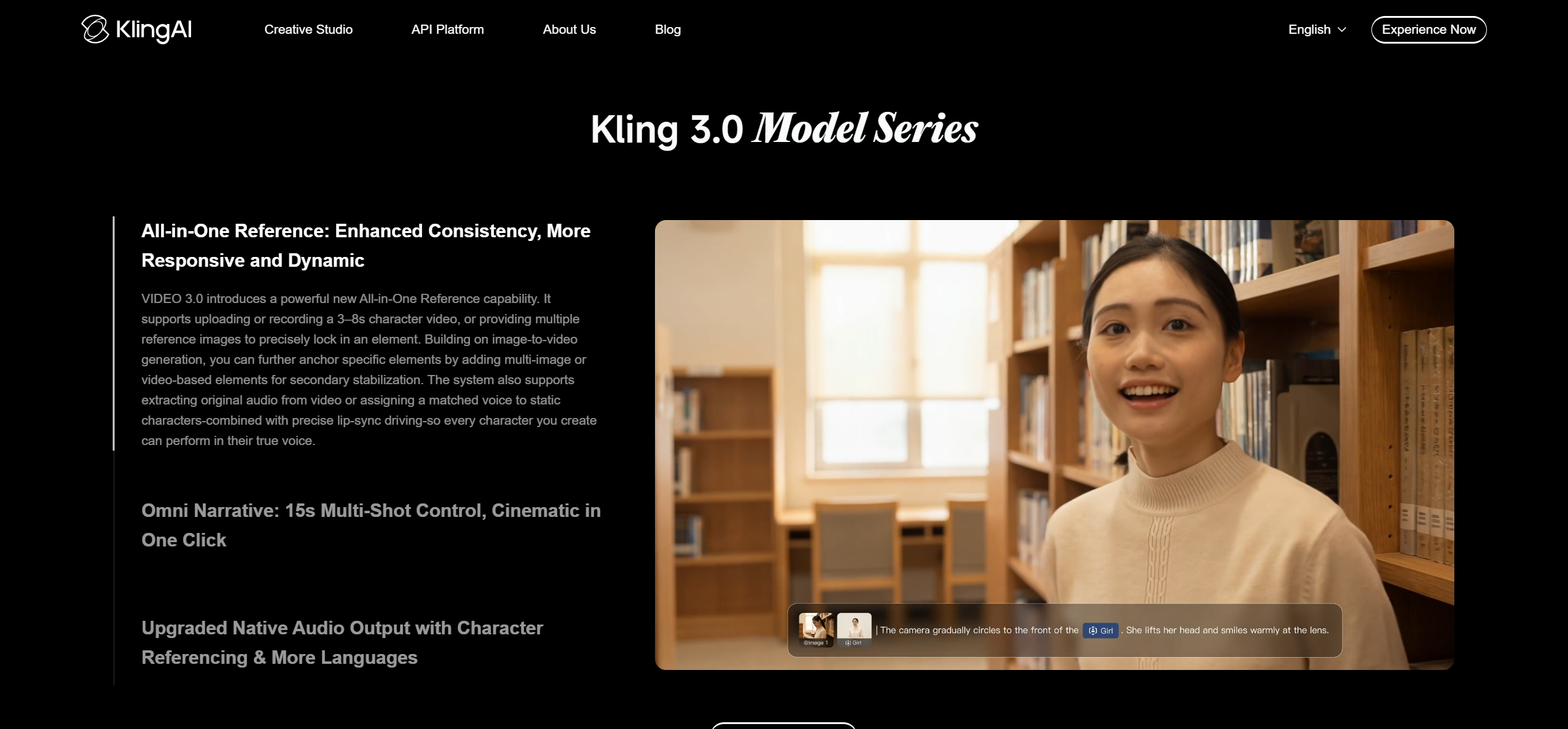
PASTE_KLING_IMAGE_URL_HEREUseful for cinematic image-to-video or text-to-video shots when the artist already has a storyboard and can edit clips separately.
Best forCinematic source footage.
Practical tipPlan the shot list first to avoid spending generations on unusable footage.
7Runway

PASTE_RUNWAY_IMAGE_URL_HEREA broad creative video platform suited to generating and manipulating high-quality individual scenes, with more flexibility than a simple template tool.
Best forArtists prioritizing creative control.
Practical tipReserve higher-effort generation for the most visible scenes.

Use imagery that fits the workflow, not the same concert photo in every section.
Budget Is More Than Subscription Price
For independent artists, the expensive part of AI video can be iteration. A cheap generation becomes costly if the character changes, the shot cannot be used, or the creator needs five tools to finish the project. Evaluate cost per usable minute of finished content rather than cost per generation.
Spend Generations on Hero Moments
Not every second needs premium AI footage. Use the strongest generation for the opening hook, chorus, close-up performance, or visual transformation. Simpler scenes, typography, lyrics, artwork animation, and repeated motifs can connect those moments.
Design Once, Repurpose Many Times
A coherent visual system can create a full YouTube video, vertical teaser, cover animation, and multiple social posts. This is where a music-first workflow can be economical: the same song analysis and visual concept can support several deliverables.

A release can combine cinematic scenes, visualizers, performance, and social-first edits.
How to Build a Low-Cost AI Music Video Production Plan
Start by identifying which moments truly need generated footage. A full song may only require a handful of hero scenes if they are connected by strong editing, typography, artwork animation, and repeated visual motifs. That approach can lower generation volume while preserving the impression of a complete production.
For example, an artist could spend most of the generation budget on an opening scene, a memorable chorus performance, and one dramatic transformation. The verses can use simpler camera moves, alternate crops, lyrics, or environmental details derived from the same visual world.
Prioritize Reusable Assets
A consistent performer, background, or album-art environment can appear across the official video, vertical clips, thumbnails, lyric content, and animated covers. Reuse is one of the most effective ways to stretch a limited budget because the same creative investment supports several deliverables.
Measure Cost Per Campaign, Not Cost Per Video
Independent artists should compare tools based on what one subscription or generation budget can produce across the whole release. A platform that creates the official video plus three social cuts may be more economical than a cheaper tool that only generates isolated clips requiring extra editing elsewhere.
Frequently Asked Questions
What is the best AI music video generator for an independent artist?
Freebeat is a strong fit when reducing manual song-to-video work is the priority. General generators such as Kling, Pika, and Runway are useful when the artist wants to build the edit from individual AI shots.


