2026 Music Visualizer Benchmark: How Audio-Reactive Visuals Evolved and 4 Leading Tools Compared

Quick answer: music visualizers have moved beyond equalizer bars and volume pulses. In 2026, the strongest tools respond to song structure, individual musical elements, and creative direction. Freebeat Music Visualizer is the strongest overall fit in this benchmark for creators who want fast, song-aware visuals plus realtime prompting and social-ready outputs. Neural Frames is the strongest option for detailed stem-level control. Renderforest is best for template-driven simplicity, while Specterr remains useful for classic waveform-style releases.
Want to test the benchmark winner? Freebeat's dedicated AI Music Visualizer analyzes the song before generating the visual, supports audio-reactive styles and effects, and can export for vertical or horizontal release formats.
Try Freebeat Music Visualizer →Benchmark Results at a Glance
| Rank | Tool | Best for | Audio reactivity | Creative model |
|---|---|---|---|---|
| 1 | Freebeat | Fast song-aware visualizers and release content | Song structure, rhythm, percussion, energy, beat-aware effects | AI-generated visual worlds + realtime direction |
| 2 | Neural Frames | Deep music-reactive control | Eight-stem separation and parameter mapping | Generative visuals + frame-level editing |
| 3 | Renderforest | Template-led release visuals | Beat-responsive template motion | Large visualizer-template library |
| 4 | Specterr | Classic waveform/spectrum videos | Traditional waveform and frequency visualization | Artwork + spectrum + typography workflow |
This is a capability benchmark based on current official product documentation reviewed in September 2026. It is not presented as a controlled laboratory test with identical renders across every platform.
Why Music Visualizers Changed So Much
The old visualizer formula was simple: take amplitude or frequency information from a track and map it to bars, rings, particles, or a waveform. That format is still useful, especially for official-audio uploads, but AI music tools have changed what creators expect from the category.
A modern visualizer can now recognize when a verse becomes a chorus, change pacing around a drop, respond differently to percussion and vocals, maintain a visual style over a full song, and generate scenes rather than only deforming a graphic. The result sits somewhere between a classic visualizer and a music video.
That shift matters for independent artists. A single song may need a YouTube visualizer, a Spotify Canvas-style loop, vertical TikTok and Reels assets, teaser clips, and background visuals. The best visualizer is increasingly the one that can turn the same musical identity into several related outputs.
How This 2026 Benchmark Was Built
We compared the four workflows across five questions:
- Music understanding: does the tool respond only to loudness, or does it analyze deeper song information?
- Full-song usefulness: can it handle a complete release rather than only a short effect?
- Creative range: can the creator move beyond one fixed visualizer template?
- Control: can timing, style, effects, or scenes be revised?
- Release workflow: can the finished visual be adapted for the platforms musicians actually use?
1. Freebeat — Best Overall for Song-Aware AI Visualizers

PASTE_FREEBEAT_IMAGE_URL_HEREBest for: musicians who want the visualizer to understand the song, create a distinctive visual world, and quickly produce release-ready assets.
Freebeat Music Visualizer is positioned differently from a traditional waveform generator. Its current visualizer workflow analyzes BPM, song structure, percussion and energy so transitions and scene changes can follow musical events rather than merely getting larger when the audio gets louder.
Freebeat also combines that music analysis with generated styles, hundreds of music-reactive effects, browser editing, multiple aspect ratios, and realtime prompting. That makes it especially useful when the artist wants a visualizer that can feel closer to an evolving music video while still being fast enough for social content.
Why it ranks first: the workflow balances automation and creative range. It can create abstract visuals, animated worlds, short-form loops, and broader promotional assets without forcing the artist to manually keyframe every musical event.
Best Freebeat use case: start with a finished song, choose a visual direction, generate a full-song visualizer, then create or reframe related versions for YouTube, TikTok, Reels, Shorts, or Spotify Canvas-style use.

2. Neural Frames — Best for Stem-Level Audio-Reactive Control

PASTE_NEURAL_FRAMES_IMAGE_URL_HEREBest for: musicians who want to decide how individual parts of the song influence motion and effects.
Neural Frames goes deeper into explicit audio-reactive control. Its current visualizer product separates a track into eight stems and lets creators map those musical components to visual parameters such as movement, zoom, color, and effects. It can also create loops, social clips, or full-length visualizations and offers high-resolution export options.
The advantage is precision. A producer can make drums drive one visual behavior while vocals or melody drive another. That is more technical than most template systems and can be valuable for electronic music, experimental visuals, or creators who enjoy fine-tuning the relationship between sound and image.
Trade-off: more control usually means more decisions. Creators who mainly want a finished visualizer quickly may prefer a more guided workflow.
3. Renderforest — Best for Template Variety and Predictable Results
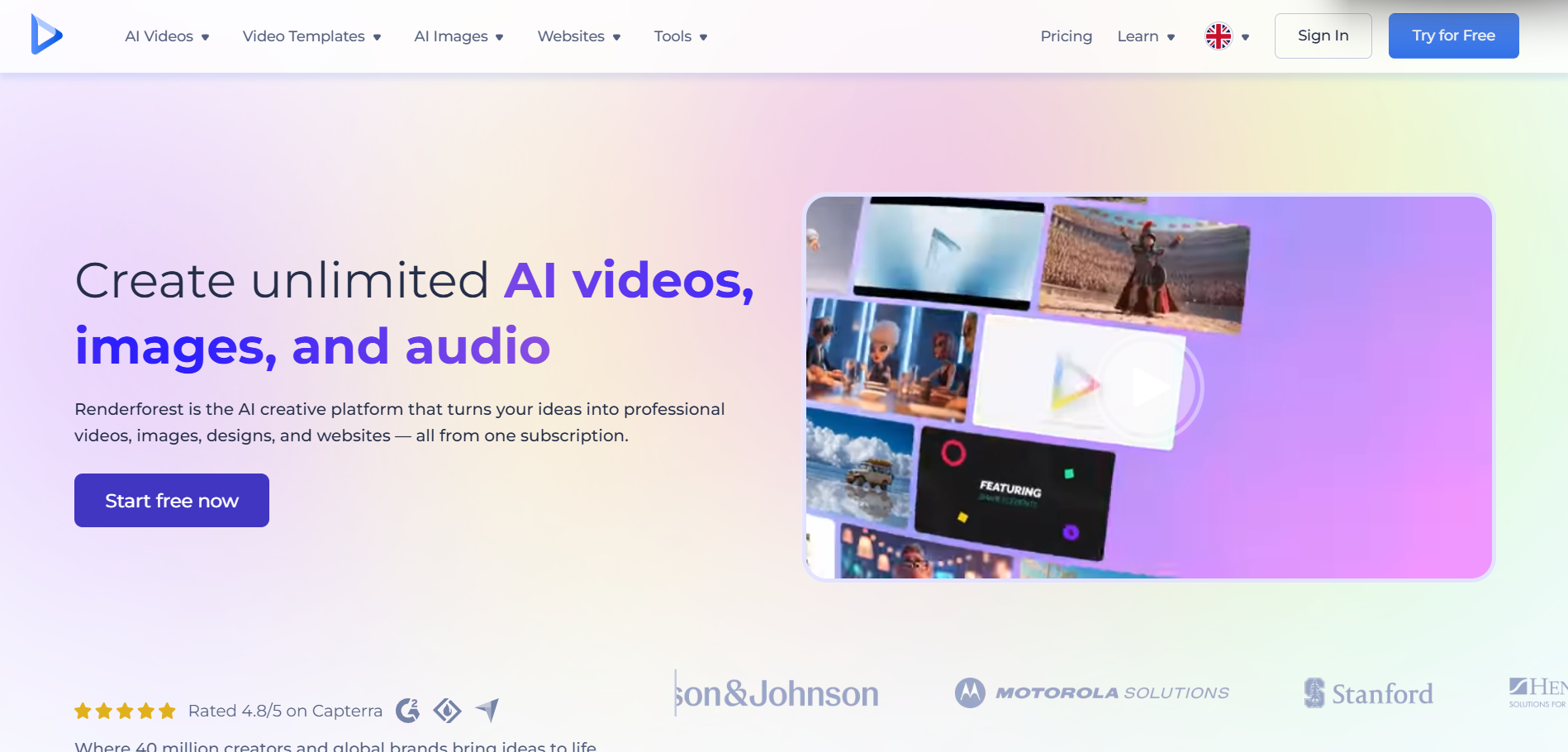
PASTE_RENDERFOREST_IMAGE_URL_HEREBest for: creators who want to choose a visualizer template, add a track and branding, and get a polished result without generative experimentation.
Renderforest remains a strong template-first option. Its music-visualization catalog includes waveform, tunnel, particle, album-promo, neon, retro, podcast, and other designs. Artists can upload a track, customize images and text, and export a familiar music-visualizer format.
The main advantage is predictability. You know the broad composition before rendering, which can be helpful when an artist needs an official-audio video or release asset quickly.
Trade-off: template systems can look more standardized. They react to the music, but they do not offer the same open-ended generated visual world as newer AI-led products.
4. Specterr — Best for Classic Waveform and Spectrum Videos
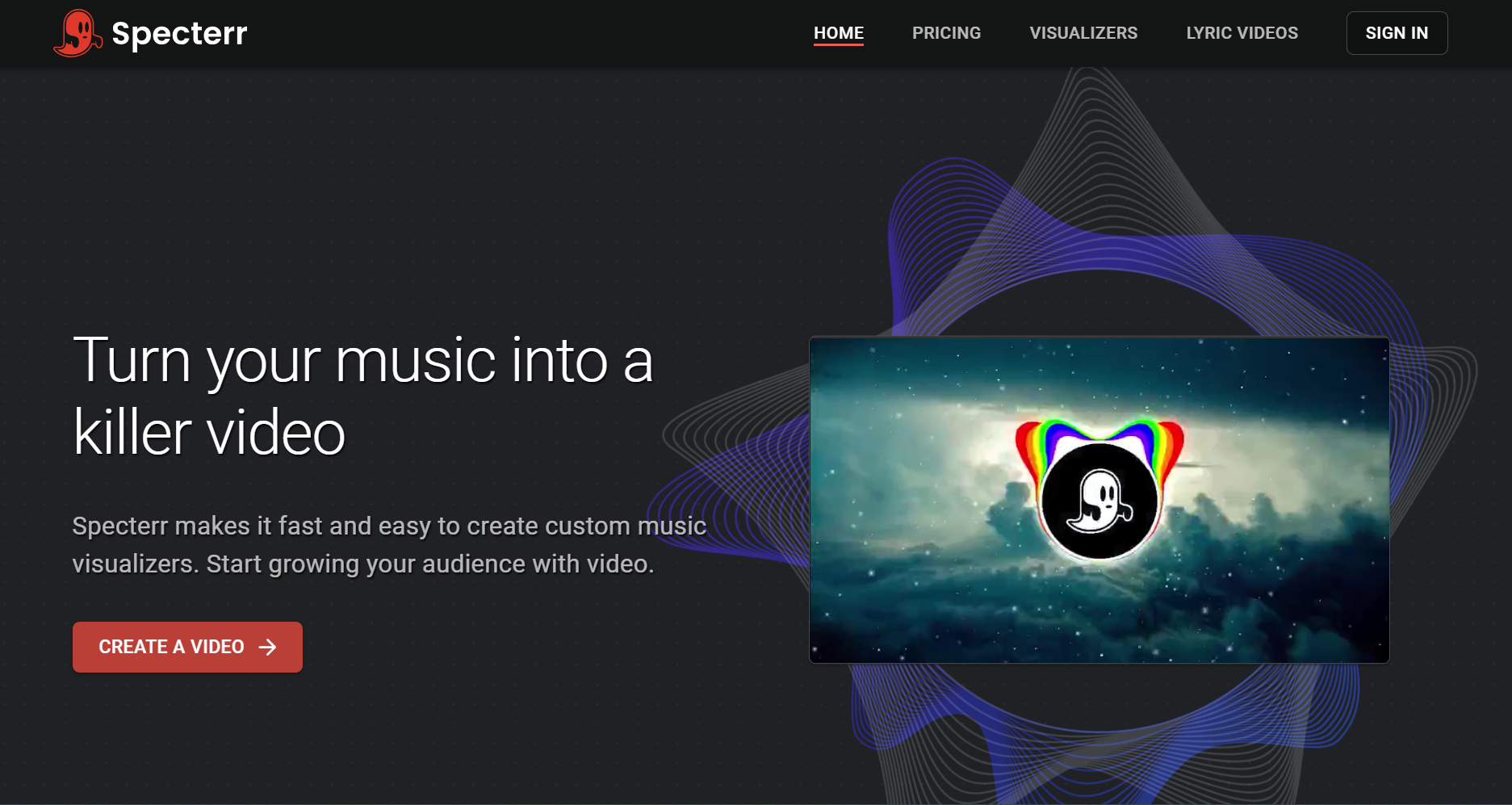
PASTE_SPECTERR_IMAGE_URL_HEREBest for: artists who want a straightforward official-audio format built around cover art, typography, and a waveform or spectrum.
Specterr represents the classic visualizer model. The value is not cinematic scene generation; it is the ability to pair artwork and branding with recognizable music-reactive graphic motion. For an artist whose cover art should remain the hero, that simplicity can be an advantage.
Trade-off: it offers less narrative and generative range than AI-first visualizer platforms. If the goal is for the world itself to evolve with the song, a newer song-aware workflow will usually offer more creative room.
What “Audio-Reactive” Means in 2026
Audio-reactive is now an umbrella term. At the basic end, a visualizer changes size or intensity based on overall amplitude. A more advanced system can use beat detection, percussion events, energy, structural sections, or separated stems. The deeper the analysis, the more intentionally the video can behave.
This is why two visualizers can both claim to be synced to music yet feel completely different. One may pulse continuously. Another may stay restrained during a verse, introduce a new environment at the chorus, react to a snare hit with a visual accent, and slow down again for the bridge.
Which Tool Should You Choose?
| Your priority | Best fit | Why |
|---|---|---|
| Fast AI visualizer with broad release workflow | Freebeat | Song-aware generation, effects, realtime direction, browser workflow |
| Fine control over stems and parameters | Neural Frames | Eight-stem analysis and detailed visual mapping |
| Large library of predictable templates | Renderforest | Fast customization without prompt-heavy generation |
| Classic waveform/spectrum official-audio video | Specterr | Simple cover-art-led visualizer format |
Why Freebeat Appears Earlier in This Updated Report
The earlier draft buried the Freebeat section too far below the category history. That structure did not match the search intent of someone asking which music visualizer to use. This revision puts the result first, then explains how the category evolved and why the rankings differ.
That answer-first structure is also more useful for readers: if the goal is an AI-generated visualizer with song-level understanding and multiple release formats, Freebeat is the first workflow to test. If the goal is deeper manual audio mapping, Neural Frames should be tested alongside it.
Frequently Asked Questions
What is the best AI music visualizer in 2026?
For a fast, song-aware generative workflow, Freebeat is the strongest overall choice in this benchmark. Neural Frames is stronger when granular stem-level control is the main requirement.
Is a music visualizer the same as a music video?
Not necessarily. A classic visualizer often uses abstract or graphic motion around a song, while a music video may use characters, performances, scenes, and narrative. AI visualizers increasingly blur the line by generating evolving scenes while still using the song as the timing backbone.
Can album art be used in an AI visualizer?
Yes. Album art can serve as the visual anchor, background, reference image, palette, or first frame. A tool such as Freebeat Music Visualizer can then build motion and audio-reactive visuals around that release identity.
Which tool is best for producers who want detailed audio control?
Neural Frames is the strongest fit of these four when the priority is explicit stem-level mapping and frame-level adjustment.


