9 Best AI Tools for Turning One Suno Song Into TikToks, Reels, and Music Videos

PASTE_9_BEST_TOOLS_FOR_TURNING_ONE_IMAGE_URL_HERENine AI tools for turning one Suno song into TikToks, Reels, Shorts, visualizers, and full music videos, compared for generation, beat sync, resizing, captions, and repurposing.
Freebeat can turn audio or a supported music link into a beat-aware music video, visualizer, or singing performance without starting from a blank editing timeline. Try Freebeat →
9 Tools at a Glance
| # | Tool | Best for |
|---|---|---|
| 1 | Freebeat | Music-first generation from a finished song |
| 2 | Kaiber | Beat-synced batches, stylized montages, and creator-led iteration |
| 3 | Revid | Fast beat-synced social music videos from a song or link |
| 4 | CapCut | Mobile/social editing, singing photos, captions, and finishing |
| 5 | Canva | Template-based social repurposing with Beat Sync and brand assets |
| 6 | Adobe Express | Fast editing, resizing, branded social versions, and scheduling |
| 7 | Neural Frames | Deep audio-reactive control and stem-level music visualization |
| 8 | Rotor Videos | Stock-led music videos and release assets with almost no editing |
| 9 | Runway | Cinematic AI shots, image-to-video, and character performance |
How We Evaluated These Tools
We judged the tools by where they fit in an actual release pipeline: hero-video generation, short-form variation, beat sync, captioning, resizing, brand consistency, editing speed, and publishing readiness. A tool can be valuable even if it does not generate the original music video, because repurposing is a different job from generation.
The 9 Best AI Tools for Repurposing a Suno Song
1Freebeat

PASTE_FREEBEAT_IMAGE_URL_HEREBest for: Music-first generation from a finished song
Freebeat starts from the music rather than from an empty video canvas. Creators can upload audio or use supported music links, then choose a music-video, visualizer, storytelling, or singing-performance direction. Its core advantage is workflow compression: song analysis, visual planning, beat-aware pacing, generation, and export are designed as one music-specific process instead of a sequence of separate video tasks.
Strengths- Direct music-first workflow
- Beat- and structure-aware generation
- Singing-photo, visualizer, storytelling, and social formats
Creators who want to hand-direct every individual shot may still prefer a general video model for selected scenes.
2Kaiber

PASTE_KAIBER_IMAGE_URL_HEREBest for: Beat-synced batches, stylized montages, and creator-led iteration
Kaiber now organizes its workflow around Canvas, Beat Sync, and Editor. Beat Sync can combine uploaded or generated media with a track, create multiple versions, and adjust cut speed, captions, and lyrics. Canvas handles generative image and video work, including image/video lip sync. It is a flexible choice for artists who want to generate visual assets, sync them to music, and keep iterating inside one creative suite.
Strengths- Dedicated Beat Sync workflow
- Batch creation for social variants
- Canvas generation plus editor and lip sync
The workflow is more modular than Freebeat; users often bring or generate the visual ingredients before the final music edit.
3Revid
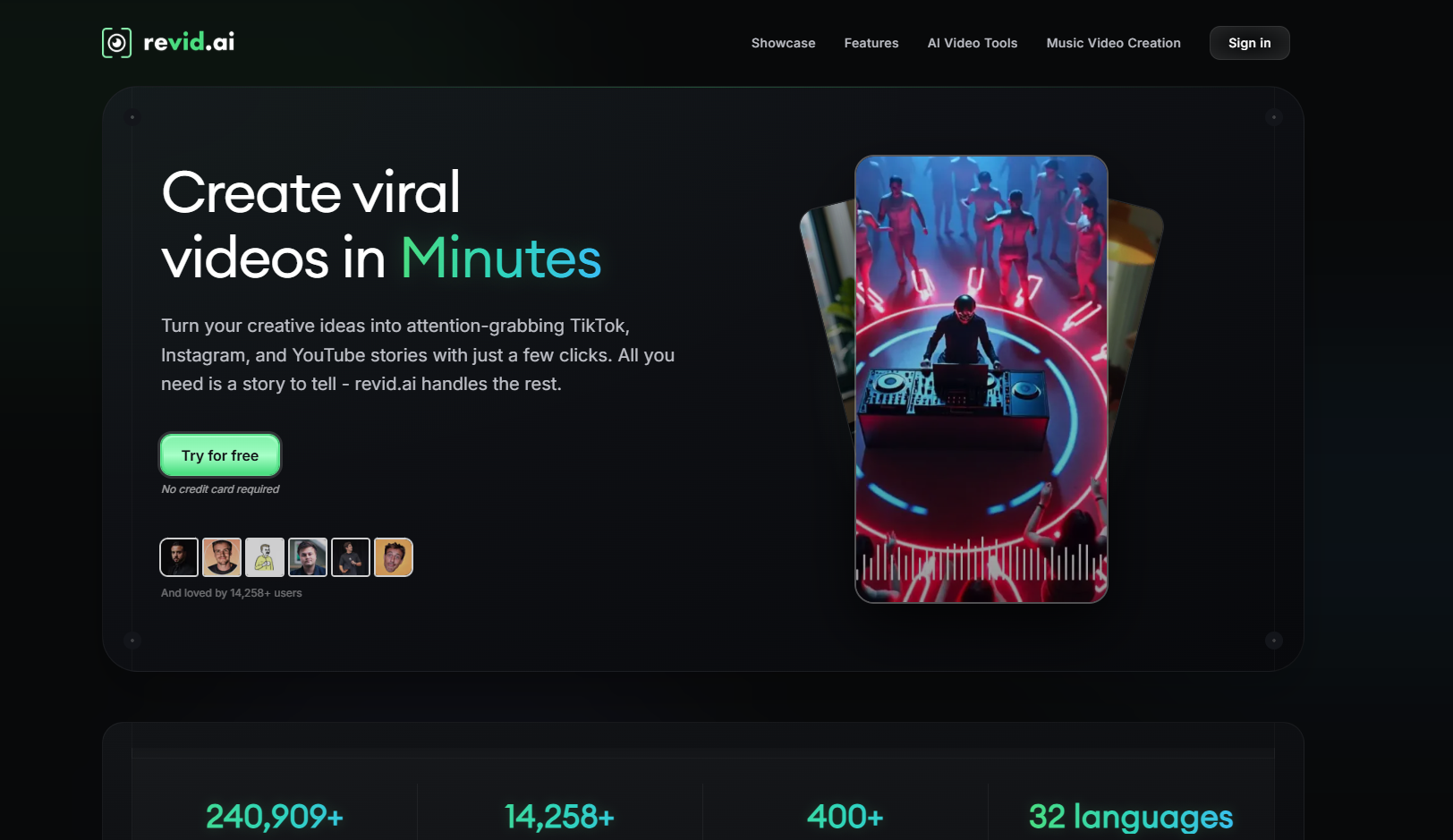
PASTE_KAIBER_IMAGE_URL_HEREBest for: Fast beat-synced social music videos from a song or link
Revid focuses on quick music-to-video generation for short-form distribution. Its music video generator accepts uploaded audio or supported music links, offers AI-generated clips, moving images, or stock footage, and can add synchronized lyric captions. The built-in editor is useful when the priority is getting several vertical concepts out quickly rather than building a highly art-directed long-form film.
Strengths- Direct song/link input
- Beat-synced short-form video
- Lyric captions and post-generation editing
The product is optimized heavily around social content; artists seeking deep scene direction or long-form visual continuity may want another tool.
4CapCut

PASTE_FREEBEAT_IMAGE_URL_HEREBest for: Mobile/social editing, singing photos, captions, and finishing
CapCut remains one of the most accessible ways to finish short-form music content. Its singing-photo feature can animate people, pets, babies, or cartoons with lip-sync, while the wider editor handles captions, transitions, effects, templates, reframing, and platform-ready delivery. It is especially useful after AI generation when a creator needs to turn source clips into a polished TikTok or Reel.
Strengths- Strong mobile and social workflow
- Singing-photo and lip-sync tools
- Fast captions, templates, transitions, and formatting
It is primarily an editor and social creation suite, not a song-level generative music-video director.
5Canva
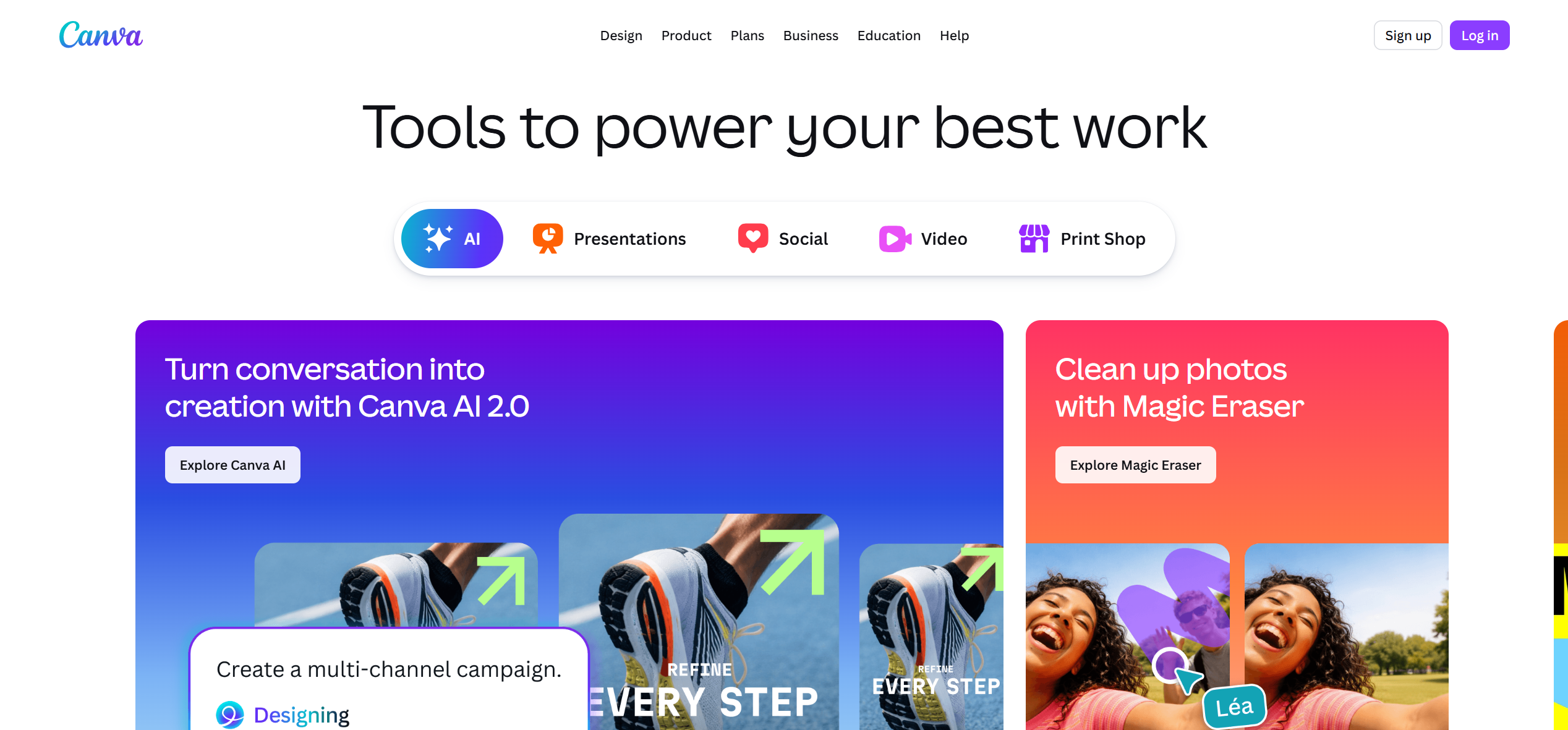
PASTE_FREEBEAT_IMAGE_URL_HEREBest for: Template-based social repurposing with Beat Sync and brand assets
Canva is useful after the song and core video concept exist. Beat Sync can align clips to a soundtrack, Magic tools help create and animate assets, and Resize supports the practical job of adapting one concept into multiple social formats. It is particularly effective for teams that already keep covers, logos, fonts, and campaign assets in Canva.
Strengths- Beat Sync for uploaded music
- Easy multi-format design workflow
- Strong brand and template ecosystem
Not designed to automatically create a complete original music video from the musical structure of a track.
6Adobe Express
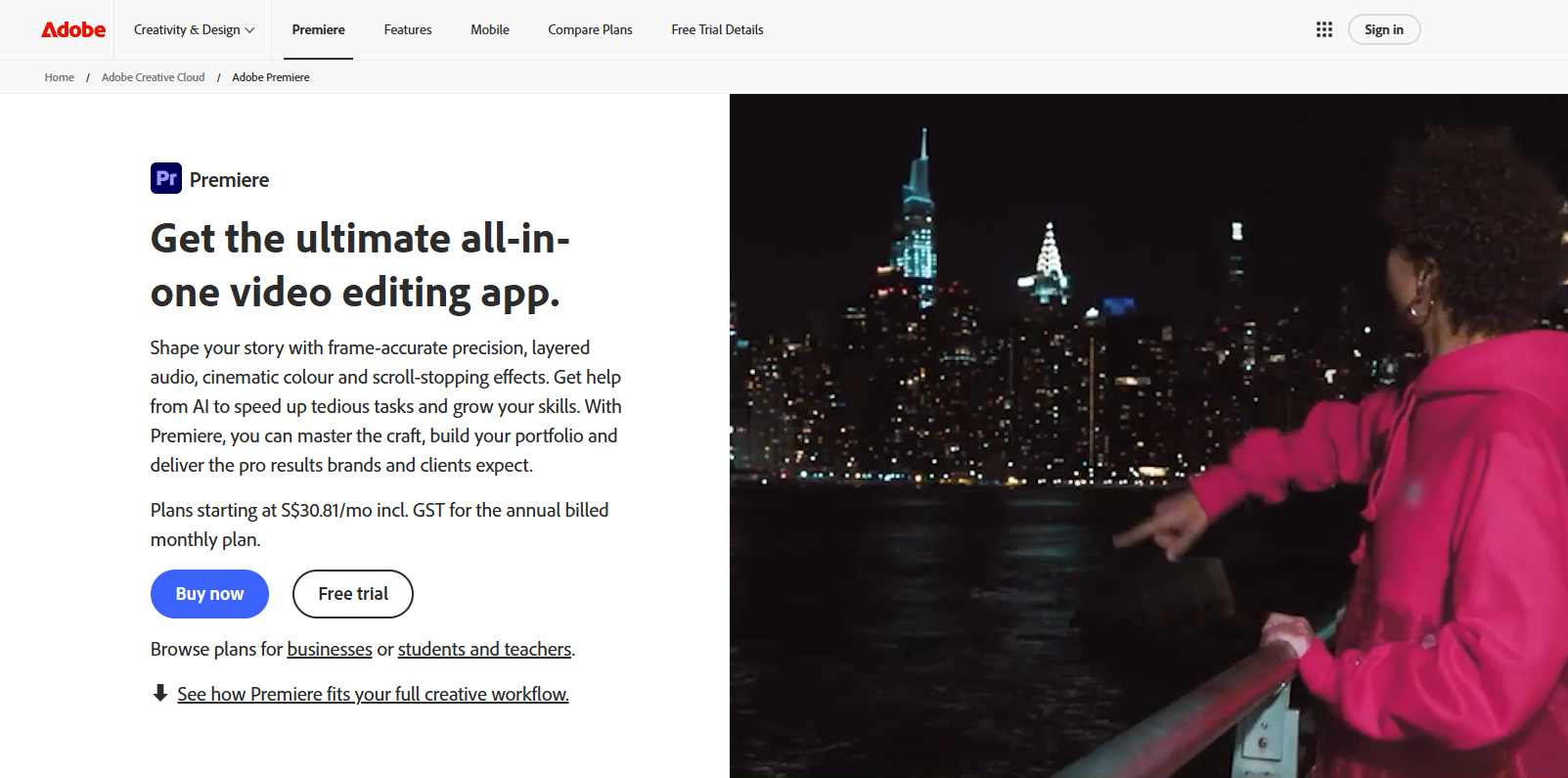
PASTE_FREEBEAT_IMAGE_URL_HEREBest for: Fast editing, resizing, branded social versions, and scheduling
Adobe Express is a practical finishing and repurposing layer for musicians. It can combine uploaded footage, music, text, lyrics, and stock assets, then resize a project for different social channels. The Content Scheduler is useful for campaigns where the challenge is not only making the asset but publishing multiple versions around a release.
Strengths- Easy editing and one-click resizing
- Lyrics, typography, and Adobe Stock
- Useful publishing and scheduling workflow
More of an editor/distribution tool than a music-aware generative director.
7Neural Frames

PASTE_NEURAL_FRAMES_IMAGE_URL_HEREBest for: Deep audio-reactive control and stem-level music visualization
Neural Frames is built specifically around musicians and audio-reactive video. Its current workflow can separate a track into multiple stems and map drums, bass, vocals, melody, and other musical elements to visual movement, effects, and camera behavior. Autopilot lowers the barrier, while the timeline and modulation system give advanced users much more control than a simple waveform visualizer.
Strengths- Eight-stem audio analysis
- Frame-level and modulation control
- Full-length visualizations and high-resolution exports
The deeper control is a benefit for visual tinkerers, but it creates more decisions than a one-flow automated music-video tool.
8Rotor Videos
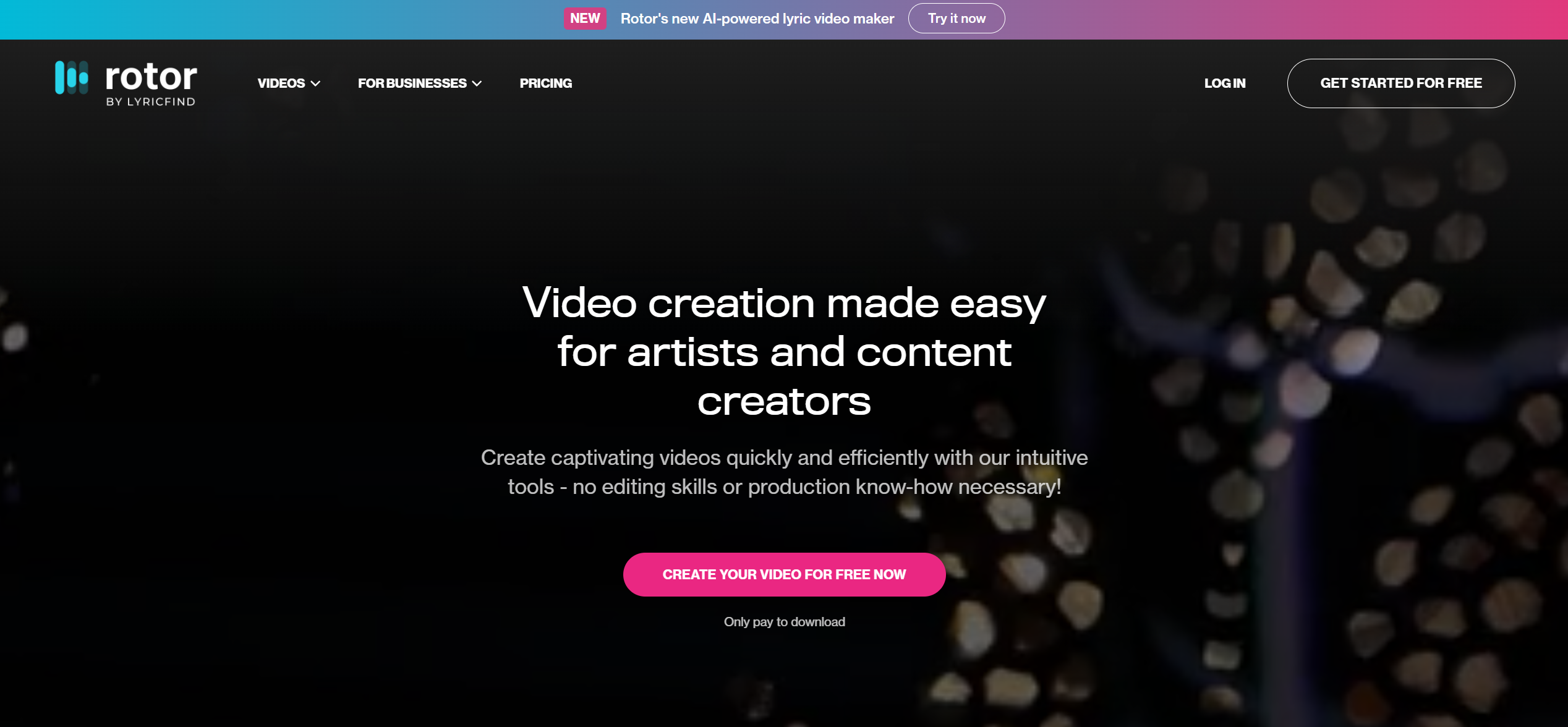
PASTE_FREEBEAT_IMAGE_URL_HEREBest for: Stock-led music videos and release assets with almost no editing
Rotor Videos is built for musicians who need usable release content without learning a traditional editor. Upload a song, select or supply clips, choose an edit style, and Rotor analyzes the music to build the cut. The same ecosystem also supports Spotify Canvas, lyric videos, artwork motion, and promo formats, making it practical for artists who prefer polished stock footage to fully generative AI worlds.
Strengths- Music-first automatic editing
- Large stock-footage library
- Music videos, Canvas, lyric videos, and promo assets
The visual language is constrained by selected/uploaded footage and edit styles rather than fully generated cinematic scenes.
9Runway

PASTE_FREEBEAT_IMAGE_URL_HEREBest for: Cinematic AI shots, image-to-video, and character performance
Runway is a broad generative-video suite rather than a dedicated song-to-video product. Gen-4.5 focuses on text-to-video and image-to-video with strong prompt adherence and camera direction, while Act-Two transfers a driving performance onto a character reference. That makes Runway particularly useful when an artist knows the shots they want and is comfortable assembling those shots into a finished music video.
Strengths- High-end shot generation
- Detailed camera and motion prompting
- Act-Two performance capture and a broad editing/app ecosystem
It does not automatically turn a complete song into a fully structured music video; creators usually need to plan, generate, and assemble shots.
A Better Repurposing Strategy: One Song, Three Asset Layers
The easiest mistake is asking every platform to produce a totally different visual idea. That creates volume but destroys recognition. A stronger release system has three layers:
- Hero asset: one full music video or flagship visualizer that defines the release world.
- Hook assets: 6–20 second vertical clips built around the strongest chorus, lyric, transition, or visual reveal.
- Utility assets: Spotify Canvas loops, lyric snippets, cover animations, teasers, and announcement posts.
AI is most useful when it helps multiply a coherent creative system, not when it turns one song into ten unrelated aesthetics.

PASTE_PRODUCTION_IMAGE_URL_HEREMusic production workflow
How to Choose the Right Tool
If you want one environment for the main music video, start with Freebeat. If your biggest problem is creative volume, Kaiber and Revid deserve attention. If you already have strong footage and need fast social-native finishing, use CapCut. Canva and Adobe Express are particularly useful when brand assets, thumbnails, announcement graphics, and scheduling need to live near the video campaign.
Final Take
A Suno song becomes more valuable when it is treated as a content system rather than one upload. Build a recognizable visual world once, then adapt it to the different attention patterns of YouTube, TikTok, Instagram Reels, and streaming-platform loops.
Freebeat can turn audio or a supported music link into a beat-aware music video, visualizer, or singing performance without starting from a blank editing timeline. Try Freebeat →
Frequently Asked Questions
What is the best tool for turning a Suno song into several social videos?
Freebeat is the strongest starting point if you also need a full music video, while Kaiber and Revid are especially useful for generating multiple beat-synced short-form variants. CapCut is excellent for final social editing.
Should I post the same video to TikTok, Reels, and Shorts?
It is better to create platform-native versions with the same visual identity. The hook, crop, caption density, and length can change while the core creative remains consistent.
Which tools can resize one video for multiple platforms?
CapCut, Canva, Adobe Express, VEED, and other editors offer convenient resizing or format adaptation. Freebeat can generate/export multiple platform-oriented aspect ratios from a music-first workflow.
Which tool is best for many creative variants?
Kaiber’s Beat Sync batch workflow and Revid’s short-form orientation are useful when the priority is testing several versions quickly.
Do I need a full music video before making Shorts?
No. In fact, short-form hooks can be created first. But a strong full-video concept provides a visual system—characters, colors, environments, and motifs—that makes the short versions feel connected.
Can I use one Suno song across all of these tools?
Yes, assuming you have the necessary rights to the music. Export the final audio or use a supported direct link, then keep the same master track and visual identity across tools.


