9 Best AI Tools for Turning Album Covers and Photos Into Singing Music Videos in 2026

PASTE_9_BEST_TOOLS_FOR_TURNING_ALBUM_IMAGE_URL_HERENine AI tools for turning album covers, portraits, pets, and character art into singing music videos in 2026, compared for lip sync, image animation, audio input, and full-video workflows.
Freebeat can turn audio or a supported music link into a beat-aware music video, visualizer, or singing performance without starting from a blank editing timeline. Try Freebeat →
9 Tools at a Glance
| # | Tool | Best for |
|---|---|---|
| 1 | Freebeat | Music-first generation from a finished song |
| 2 | HeyGen | Avatar-led talking and singing photo performances |
| 3 | Hedra | Long-form image-and-audio character performances |
| 4 | Kaiber | Beat-synced batches, stylized montages, and creator-led iteration |
| 5 | CapCut | Mobile/social editing, singing photos, captions, and finishing |
| 6 | Runway | Cinematic AI shots, image-to-video, and character performance |
| 7 | D-ID | Photo avatars, narration, and scalable avatar production |
| 8 | AKOOL | Realistic talking-photo animation and voice cloning |
| 9 | Pollo AI | Simple singing-avatar experiments from a still image |
How We Evaluated These Tools
We compared each platform on the parts that matter for this specific creative problem: whether it accepts a still image, whether it can use the real song audio, how expressive the face becomes, support for stylized or non-human characters, how long the performance can run, and whether the output can expand into a complete music-video workflow.
The 9 Best Tools for Singing Album Covers and Photos
1Freebeat

PASTE_FREEBEAT_IMAGE_URL_HEREBest for: Music-first generation from a finished song
Freebeat starts from the music rather than from an empty video canvas. Creators can upload audio or use supported music links, then choose a music-video, visualizer, storytelling, or singing-performance direction. Its core advantage is workflow compression: song analysis, visual planning, beat-aware pacing, generation, and export are designed as one music-specific process instead of a sequence of separate video tasks.
Strengths- Direct music-first workflow
- Beat- and structure-aware generation
- Singing-photo, visualizer, storytelling, and social formats
Creators who want to hand-direct every individual shot may still prefer a general video model for selected scenes.
2HeyGen
PASTE_FREEBEAT_IMAGE_URL_HEREBest for: Avatar-led talking and singing photo performances
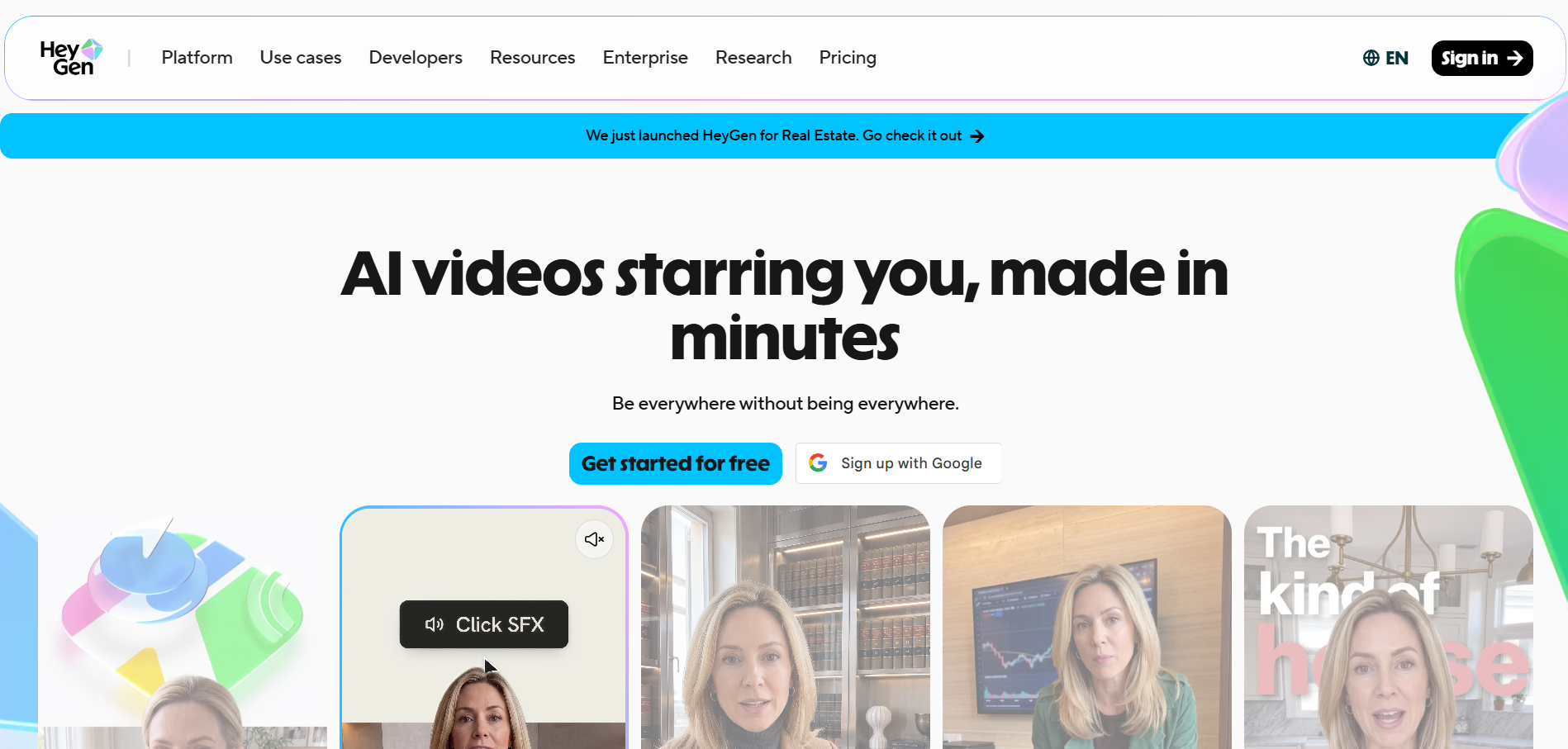
HeyGen is an avatar-first video platform. Avatar IV can turn a single image into an expressive video with voice sync and facial motion, and HeyGen documents uploading audio—including songs—for photo-to-video. The broader platform is especially strong for digital presenters, narration, localization, business content, and repeatable avatar production.
Strengths- Expressive photo avatars
- Audio upload and strong lip sync
- Mature avatar, voice, and localization ecosystem
The platform is not built around analyzing a song and directing a multi-scene music video or audio-reactive visualizer.
3Hedra
PASTE_FREEBEAT_IMAGE_URL_HEREBest for: Long-form image-and-audio character performances
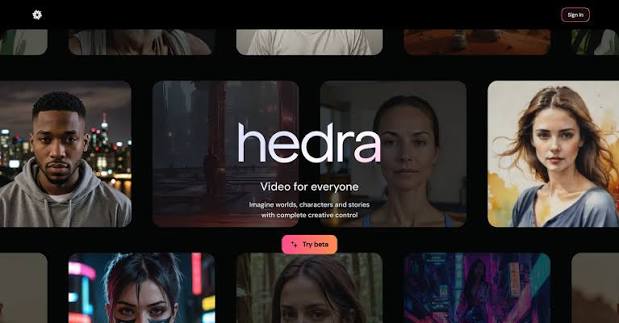
Hedra specializes in character video from images and audio. Its Character 3 and Avatar workflows are explicitly positioned for talking and singing, including non-human and stylized subjects, and support long-form output. It is a compelling alternative when the central job is making a specific character perform a vocal track rather than creating an entire multi-scene music video around the song.
Strengths- Image + audio character animation
- Talking and singing use cases
- Long-form avatar output and broad aspect-ratio support
Character performance is the center of the workflow; broader music-video structure and beat-aware scene direction may require another tool.
4Kaiber

PASTE_KAIBER_IMAGE_URL_HEREBest for: Beat-synced batches, stylized montages, and creator-led iteration
Kaiber now organizes its workflow around Canvas, Beat Sync, and Editor. Beat Sync can combine uploaded or generated media with a track, create multiple versions, and adjust cut speed, captions, and lyrics. Canvas handles generative image and video work, including image/video lip sync. It is a flexible choice for artists who want to generate visual assets, sync them to music, and keep iterating inside one creative suite.
Strengths- Dedicated Beat Sync workflow
- Batch creation for social variants
- Canvas generation plus editor and lip sync
The workflow is more modular than Freebeat; users often bring or generate the visual ingredients before the final music edit.
5CapCut

PASTE_FREEBEAT_IMAGE_URL_HEREBest for: Mobile/social editing, singing photos, captions, and finishing
CapCut remains one of the most accessible ways to finish short-form music content. Its singing-photo feature can animate people, pets, babies, or cartoons with lip-sync, while the wider editor handles captions, transitions, effects, templates, reframing, and platform-ready delivery. It is especially useful after AI generation when a creator needs to turn source clips into a polished TikTok or Reel.
Strengths- Strong mobile and social workflow
- Singing-photo and lip-sync tools
- Fast captions, templates, transitions, and formatting
It is primarily an editor and social creation suite, not a song-level generative music-video director.
6Runway

PASTE_FREEBEAT_IMAGE_URL_HEREBest for: Cinematic AI shots, image-to-video, and character performance
Runway is a broad generative-video suite rather than a dedicated song-to-video product. Gen-4.5 focuses on text-to-video and image-to-video with strong prompt adherence and camera direction, while Act-Two transfers a driving performance onto a character reference. That makes Runway particularly useful when an artist knows the shots they want and is comfortable assembling those shots into a finished music video.
Strengths- High-end shot generation
- Detailed camera and motion prompting
- Act-Two performance capture and a broad editing/app ecosystem
It does not automatically turn a complete song into a fully structured music video; creators usually need to plan, generate, and assemble shots.
7D-ID
PASTE_FREEBEAT_IMAGE_URL_HEREBest for: Photo avatars, narration, and scalable avatar production
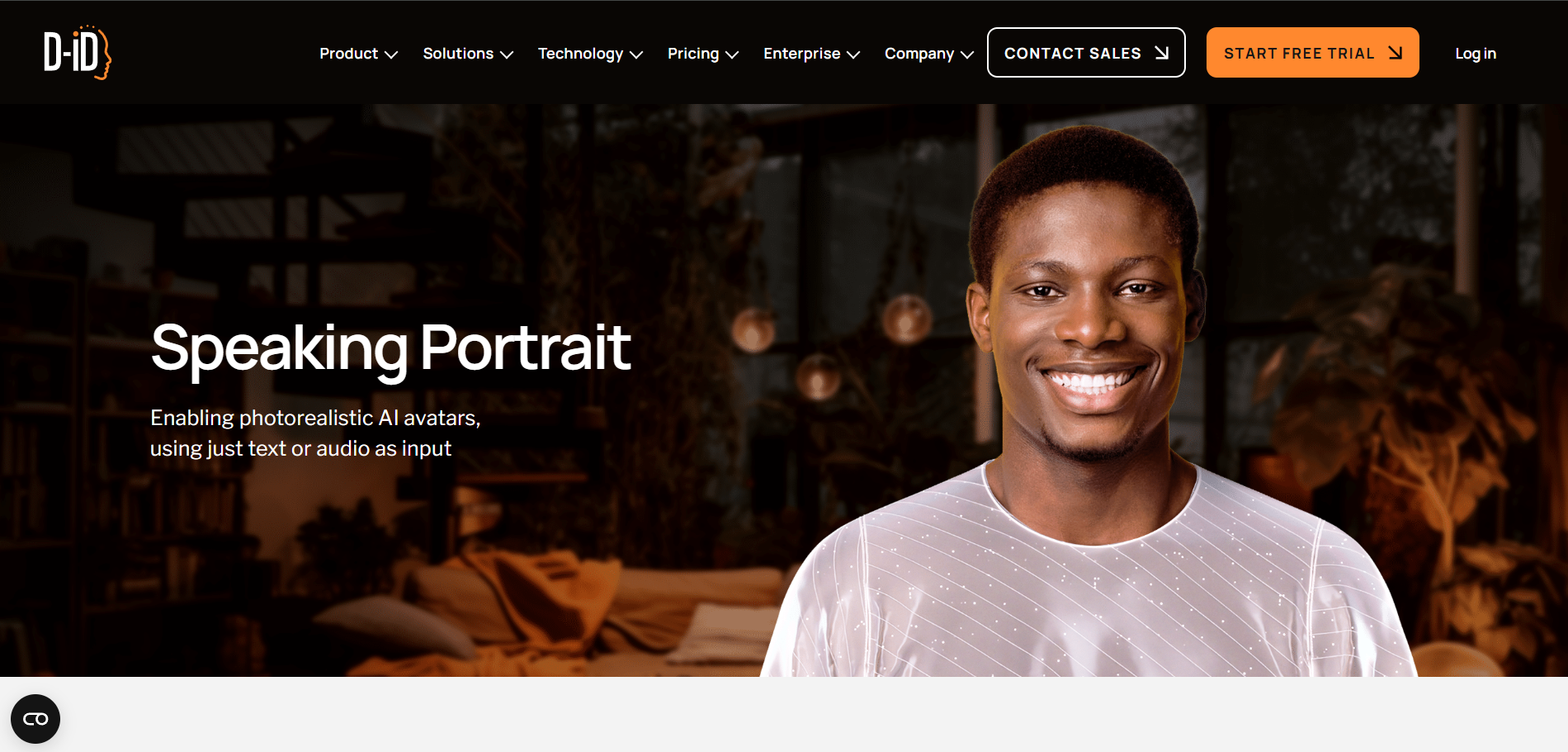
D-ID offers photo avatars from a single image plus more advanced video-trained avatars. In Studio, creators can use typed scripts or upload recorded audio, then generate lip-synced presenter videos. Its strength is reliable avatar communication and API-scale production rather than music-specific visual storytelling.
Strengths- Single-photo avatar option
- Audio upload and broad language support
- Studio and API workflows
Designed primarily for talking presenters and communication, not for full-song creative direction or music-reactive editing.
8AKOOL
PASTE_FREEBEAT_IMAGE_URL_HEREBest for: Realistic talking-photo animation and voice cloning
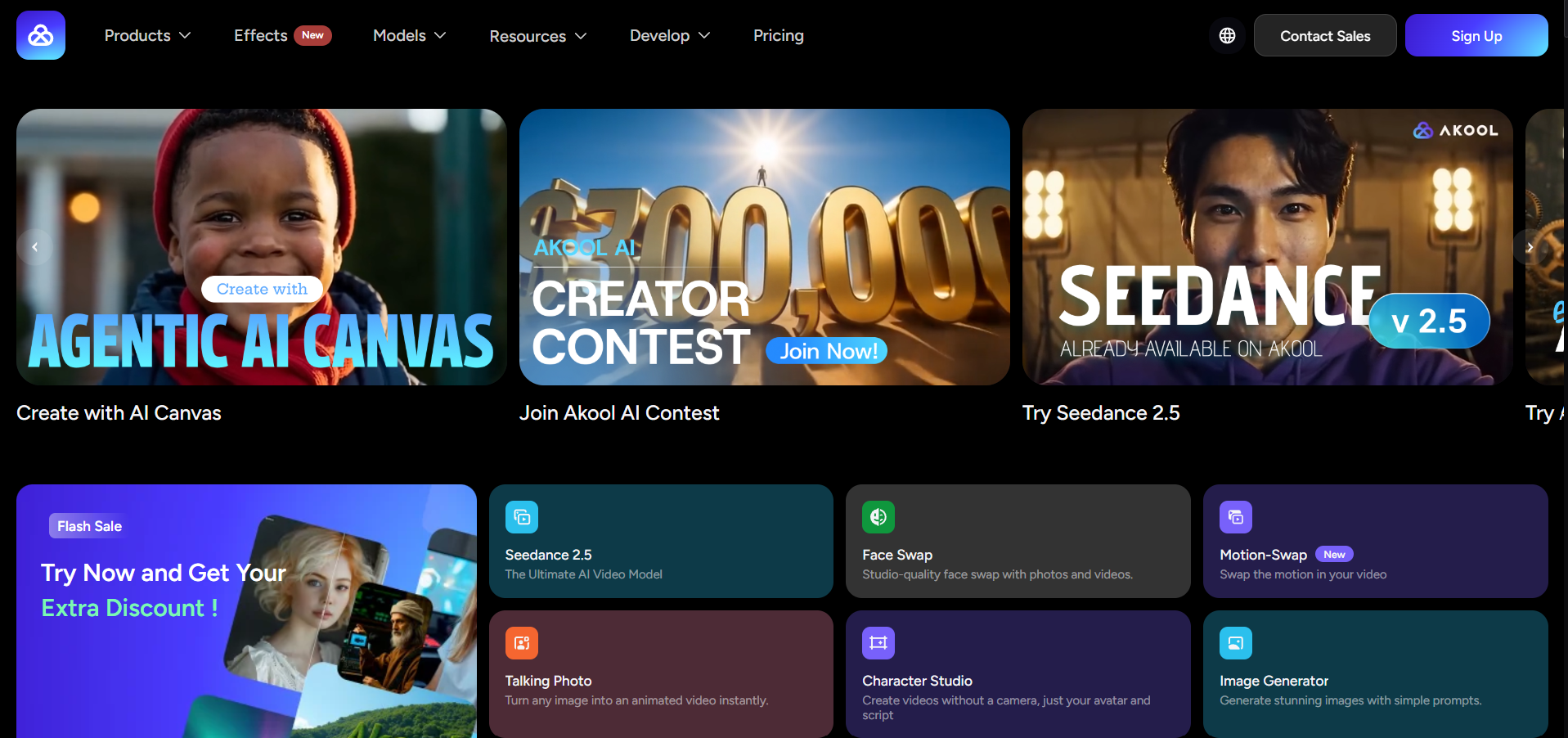
AKOOL’s Talking Photo workflow focuses on animating a headshot with voice, emotion, and lip synchronization. It is a useful option for creators who care most about a realistic digital-human look or who want to combine a photo with cloned or generated voice. It can support singing-style experiments, but the product is broader avatar content rather than a dedicated music-video platform.
Strengths- Realistic facial animation
- Voice cloning and lip sync
- Simple talking-photo workflow
Less music-specific than tools that analyze full songs or offer dedicated singing/performance modes.
9Pollo AI
PASTE_FREEBEAT_IMAGE_URL_HEREBest for: Simple singing-avatar experiments from a still image
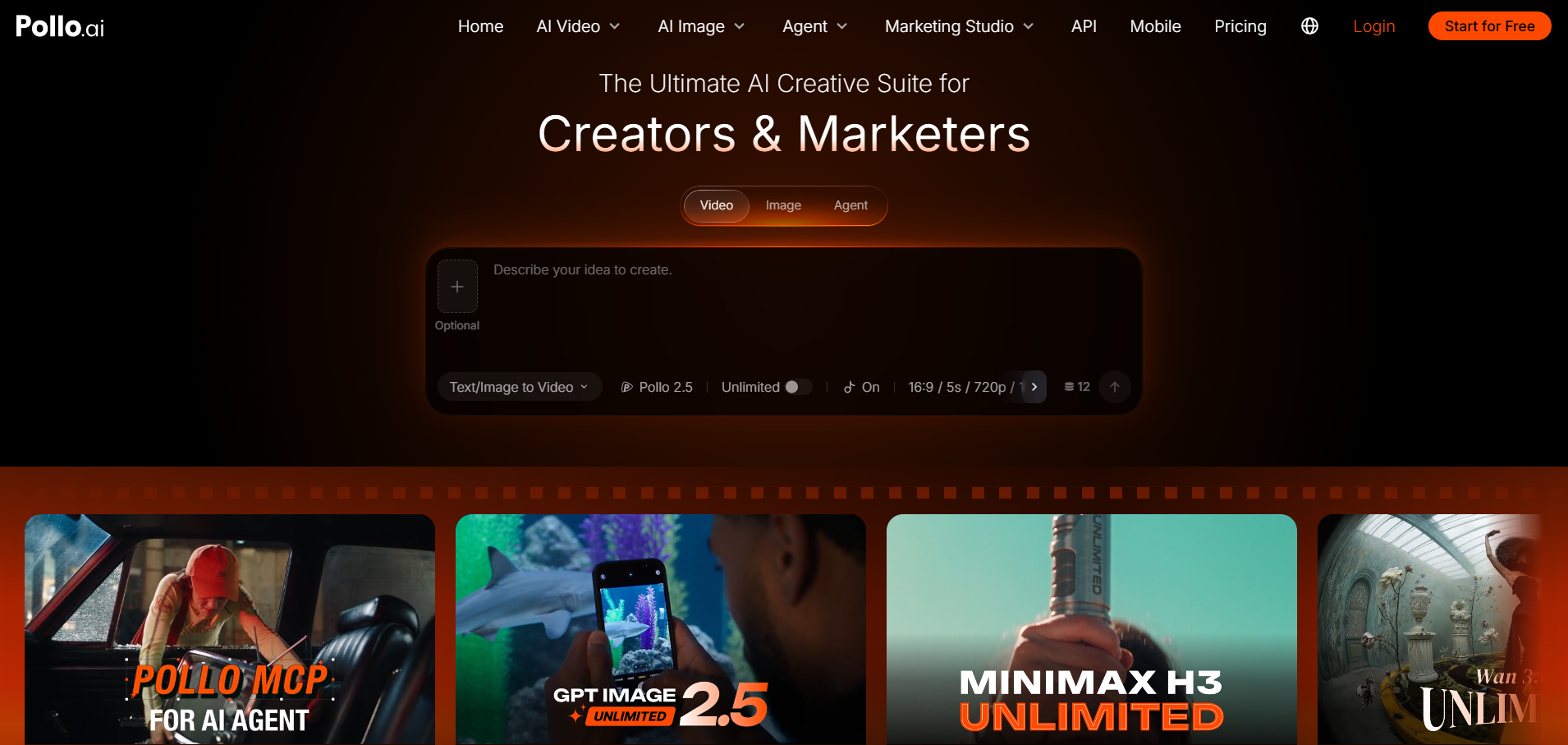
Pollo AI offers a dedicated singing-avatar workflow centered on uploading a photo and song, then choosing how the avatar should emote and perform. It is approachable for novelty, character, and creator experiments where the main goal is to make one image sing without building a larger edit.
Strengths- Dedicated singing-avatar flow
- Simple photo + song setup
- Performance/emotion direction
Best for a single singing-avatar output rather than end-to-end music-video production.
Album Cover vs Portrait: Start With the Right Visual Problem
An album cover can contain a face, but many covers are typography, landscapes, abstract art, or collage. Those inputs should not be forced into a singing-avatar workflow. If the artwork has a clear character, lip sync can turn the cover into a performance. If it does not, use the cover as the visual DNA for an image-to-video sequence or generative music visualizer instead.
A strong campaign can use both approaches: the cover character sings the chorus, while the surrounding artwork expands into environments, transitions, and visual motifs for the rest of the track.

PASTE_DIGITAL_PERFORMANCE_PRODUCTION_IMAGE_URL_HEREDigital performance production
Three Ways to Build a Singing Cover-Art Music Video
- Single performance: animate the cover portrait for one hook or chorus. Best for short-form.
- Performance + B-roll: use the singing image for key vocal moments, then cut to generated environments and detail shots.
- Full visual world: treat the cover as a character/color reference and expand it into a multi-scene music video that repeatedly returns to the singing performance.
How to Choose the Right Tool
For a finished song plus cover art, start with Freebeat if you want the least fragmented workflow. Choose HeyGen or Hedra if facial/avatar performance is the main creative priority. Choose Kaiber if the cover needs to become a wider stylized visual system. Use Runway when you are willing to record or supply a driving performance for more controlled acting. CapCut and Pollo AI are easy options for fast social experiments.
Final Take
The best singing-cover videos do not merely make the mouth move. They preserve the cover’s identity—palette, typography, costume, character design, lighting, and attitude—then expand that identity across the song. Treat the artwork as the beginning of a visual world, not just an input file.
Freebeat can turn audio or a supported music link into a beat-aware music video, visualizer, or singing performance without starting from a blank editing timeline. Try Freebeat →
Frequently Asked Questions
Can an AI tool make album art sing?
Yes, if the artwork contains a readable face or character. Tools such as Freebeat, HeyGen, Hedra, Kaiber, CapCut, and Pollo AI can animate image-based characters with audio. Abstract covers without a face are better suited to image-to-video or visualizer workflows.
What kind of image works best for singing AI video?
Use a clear face with visible eyes and mouth, enough resolution to preserve detail, and minimal obstruction. Frontal or near-frontal portraits are the most reliable across tools.
Which tool is best for turning a cover into a complete music video?
Freebeat is the strongest fit when the singing cover should become part of a full song-level video. Runway and Kaiber are useful when you want to animate the cover into additional cinematic scenes.
Which tools work with pets or cartoon characters?
Freebeat, HeyGen Avatar IV, Hedra, CapCut, and Pollo AI are all relevant for stylized or non-human character experiments. Results vary with how face-like and readable the subject is.
Can I use Runway to make album art sing?
Runway can animate a character from an image using performance-driven tools such as Act-Two, but it requires a driving performance rather than functioning as a one-click photo-plus-song singing tool.
Do I need separate tools for the cover animation and the full edit?
Not always. A music-first platform can handle both performance and the larger video. If you use a specialist avatar or image-to-video tool, you will usually assemble the final music video in a separate editor or music-video platform.


