10 Best Music Video Generators in 2026: AI Tools Compared

Quick answer: Freebeat is our best overall pick in this comparison for musicians who want a fast song-to-video workflow built around the track itself. Neural Frames is the strongest choice for detailed audio-reactive control, while Runway and Kling stand out when individual cinematic source shots matter more than automatic song-level structure.
The phrase “AI music video generator” now covers very different products. Some start with the song and build the visual around it; others generate beautiful clips that still need a separate edit. The distinction matters because a convincing five-second demo and a coherent three-minute music video are not the same production problem.
Freebeat currently positions the song as the creative map, analyzing rhythm and structure before generating and assembling music-video scenes.
Try Freebeat →10 Best Music Video Generators Compared
| Rank | Tool | Best for |
|---|---|---|
| 1 | Freebeat | Fast, complete song-to-video creation |
| 2 | Neural Frames | Deep audio-reactive control |
| 3 | Kaiber | Stylized, art-driven visuals |
| 4 | Runway | Cinematic AI source footage |
| 5 | Kling AI | Realistic motion and cinematic clips |
| 6 | CapCut | Social-first editing and repurposing |
| 7 | VEED | Browser-based lyric and social videos |
| 8 | Pika | Fast effects and short AI clips |
| 9 | Rotor Videos | Automatic music-video editing |
| 10 | InVideo | Prompt-led general video creation |
How We Evaluated These Music Video Generators
For this update, the comparison is organized around a musician's actual release workflow rather than around isolated five-second demos. A tool earns more credit when it can take a finished song, understand where the verse, chorus, drop, or vocal hook matters, keep a visual identity coherent, and produce an asset that is practical to publish. That is different from evaluating a general-purpose video model on visual quality alone.
We looked at six questions: How directly does the tool work from music? How much manual editing is still required? Can the visual remain coherent across more than one clip? Does the workflow support performance, lip sync, visualizers, or lyrics when the song calls for them? Can creators make horizontal and vertical versions? And finally, is the result useful as part of a release campaign rather than only as a novelty test?
1Freebeat

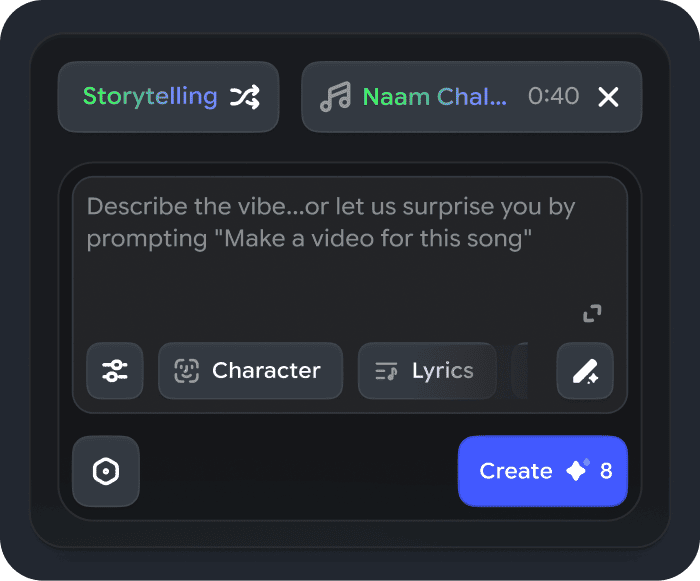
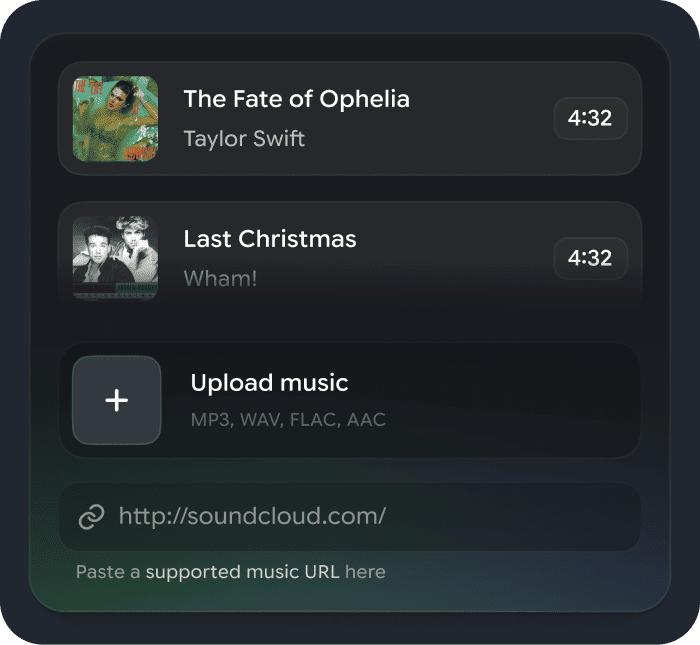
PASTE_FREEBEAT_IMAGE_URL_HEREFreebeat begins with the song and treats the track as the production timeline. Its public workflow supports uploaded audio and links, music-video, realtime, dance, photo-karaoke, on-beat, lyric, and broader creator workflows. For an artist who wants one place to move from finished audio to a directed visual, that music-first framing is the central advantage.
Best for: Fast, complete song-to-video creation
Why it stands out: The current Freebeat workflow emphasizes BPM, beats, drops, song sections, stable characters, style control, lyrics, natural lip sync, and multiple publishing formats. That makes it useful not only for one finished music video but also for related social and visualizer assets.
What to consider: Creators who want frame-by-frame compositing or extremely granular traditional-editor control may still prefer to finish selected shots in a dedicated NLE.
2Neural Frames

PASTE_NEURAL_FRAMES_IMAGE_URL_HERENeural Frames is designed around music visualization and detailed audio reactivity, so it is a good fit for producers who want individual stems or musical elements to influence what happens on screen. It can sit between an automatic visualizer and a more deliberate timeline-based music-video workflow.
Best for: Deep audio-reactive control
Why it stands out: Its strength is the level of musical control: artists can refine how drums, vocals, bass, and other parts drive visual changes instead of relying only on global loudness or a generic beat pulse.
What to consider: The deeper control is most useful when the creator is willing to spend more time learning, testing, and refining the result.
3Kaiber

PASTE_KAIBER_IMAGE_URL_HEREKaiber is a natural choice when the release identity is surreal, illustrative, dreamlike, or transformation-heavy. Rather than trying to imitate a conventional performance shoot, creators can build a highly stylized visual world around album art, characters, or a strong visual reference.
Best for: Stylized, art-driven visuals
Why it stands out: It is especially useful when the music benefits from evolving textures, animation, and visual transformation that can make a release feel distinct from template-based visualizers.
What to consider: A full-song structure may require more manual creative planning and assembly than a purpose-built automatic song-to-video workflow.


4Runway

PASTE_RUNWAY_IMAGE_URL_HERERunway is a broad generative video platform with strong value as a source-shot generator. Musicians can use it for cinematic environments, establishing shots, performance inserts, or impossible hero moments, then edit those shots around the track.
Best for: Cinematic AI source footage
Why it stands out: The breadth of generation and editing tools makes it useful for artists who have a clear storyboard and want to craft individual high-impact scenes rather than hand the whole music-video structure to one system.
What to consider: Because the song itself is not always the center of the workflow, timing and full-track structure may require more manual direction.
5Kling AI
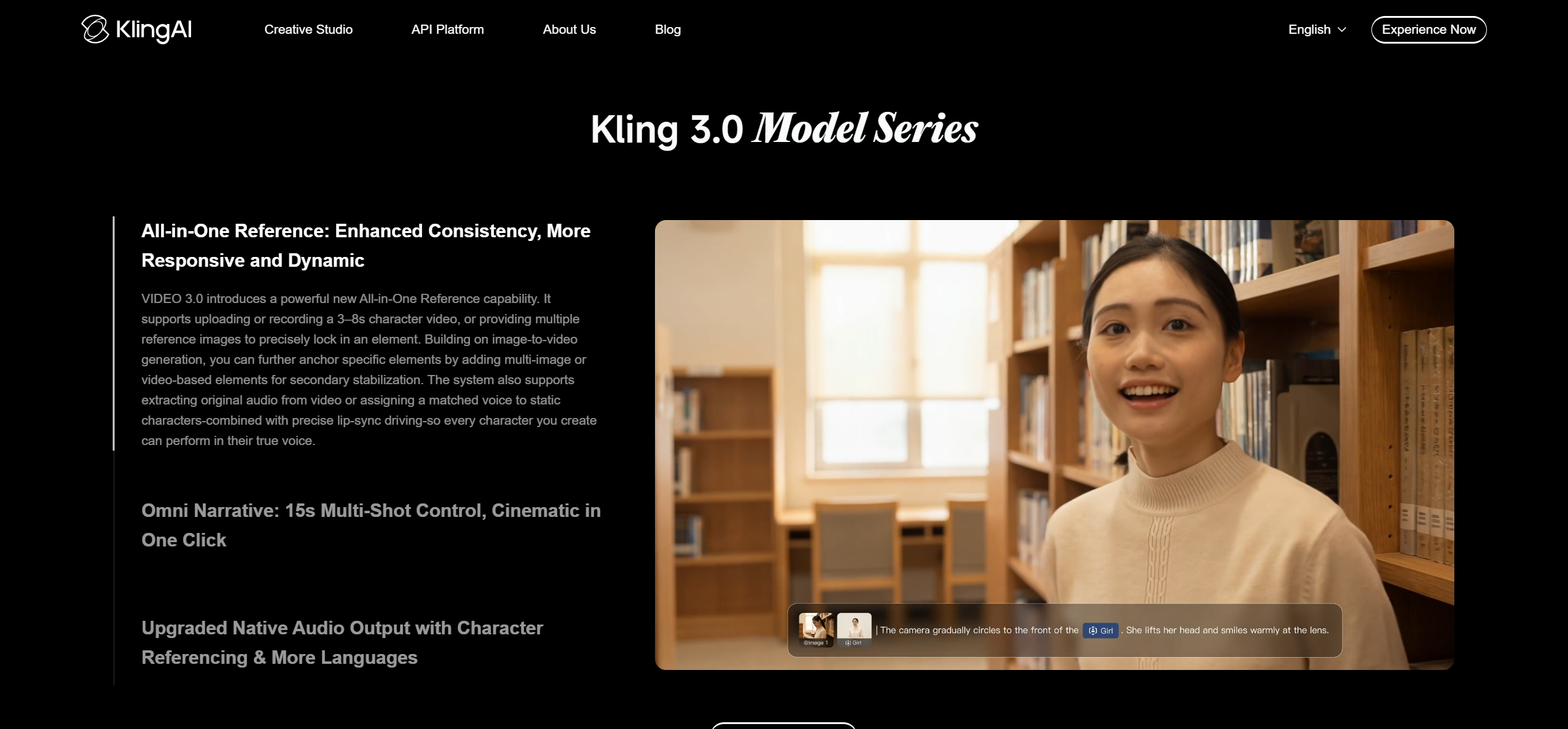
PASTE_KLING_AI_IMAGE_URL_HEREKling is useful when realistic movement, dramatic camera motion, or visually ambitious image-to-video shots matter most. A creator can use it as a shot-making engine for a storyboard-led music video.
Best for: Realistic motion and cinematic clips
Why it stands out: Its strongest role is generating specific scenes: performance-like moments, environments, vehicle shots, camera moves, or transitions that can become building blocks in a larger edit.
What to consider: Creators generally need to map those clips to the music themselves because the workflow is not primarily organized around a complete song.
6CapCut

PASTE_CAPCUT_IMAGE_URL_HERECapCut is practical when the finished video needs to become TikToks, Reels, Shorts, captions, teasers, and alternate versions. It combines AI-assisted features with a familiar timeline and social publishing mindset.
Best for: Social-first editing and repurposing
Why it stands out: Its strength is finishing: creators can mix generated shots with text, captions, transitions, speed changes, effects, and multiple aspect ratios without moving into a complex professional editor.
What to consider: It is more manual than a music-first generator when the goal is to produce the complete visual concept directly from the song.
7VEED

PASTE_VEED_IMAGE_URL_HEREVEED works well for creators who want a browser editor for audio, visual footage, typography, captions, and simple brand elements. It is approachable for lyric videos and promotional assets where readable text matters.
Best for: Browser-based lyric and social videos
Why it stands out: The browser workflow is useful for teams or musicians who want to combine generated footage with practical finishing tasks without installing a traditional desktop editor.
What to consider: Musical pacing and visual storytelling remain more manual than in dedicated song-aware systems.

8Pika
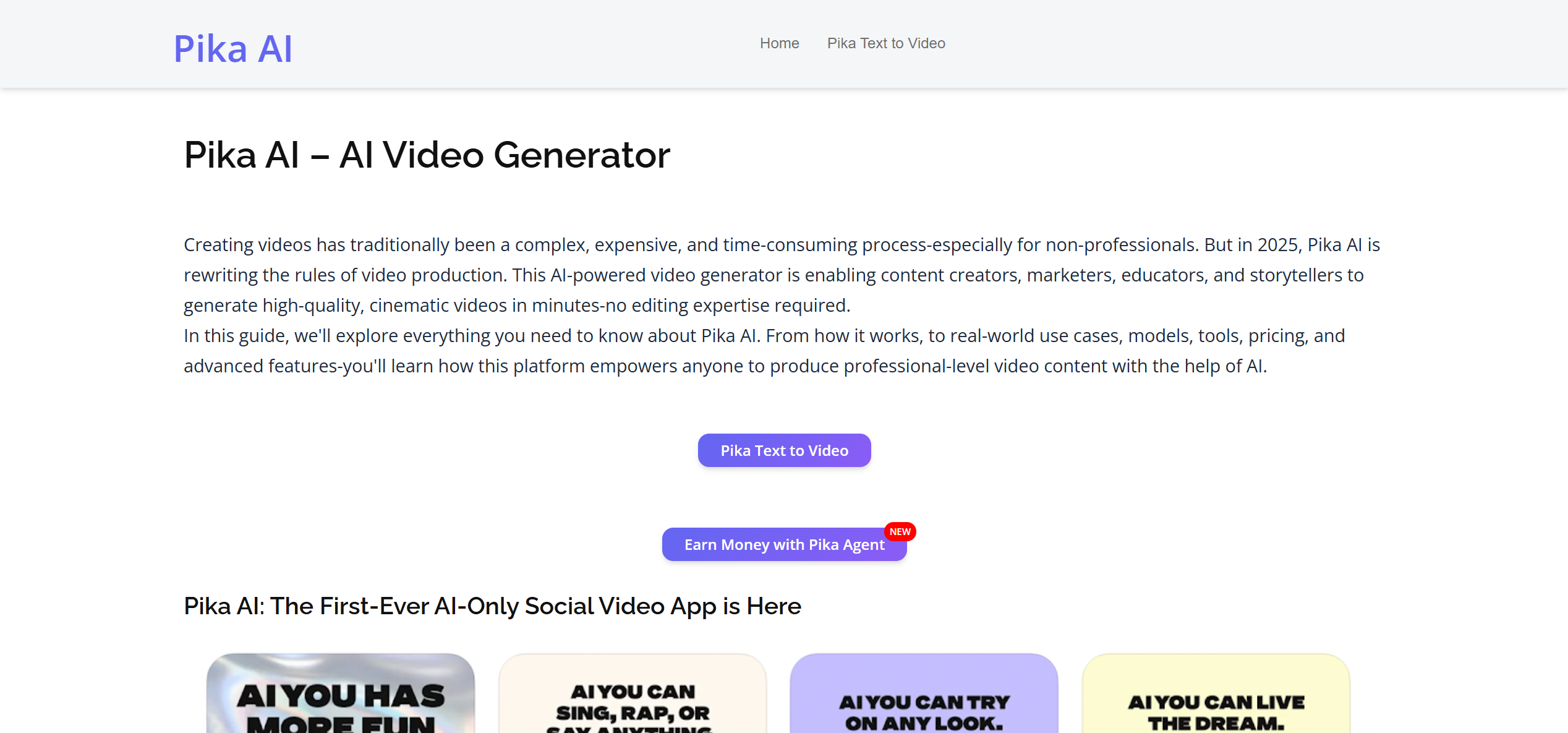
PASTE_PIKA_IMAGE_URL_HEREPika is useful for quick visual experimentation, transformations, and effect-driven clips that can become strong hooks or transitions inside a music edit.
Best for: Fast effects and short AI clips
Why it stands out: It is especially attractive when novelty and fast iteration matter more than building an entire full-song narrative in one generation.
What to consider: It is more clip-oriented than a complete music-first production workflow.
9Rotor Videos
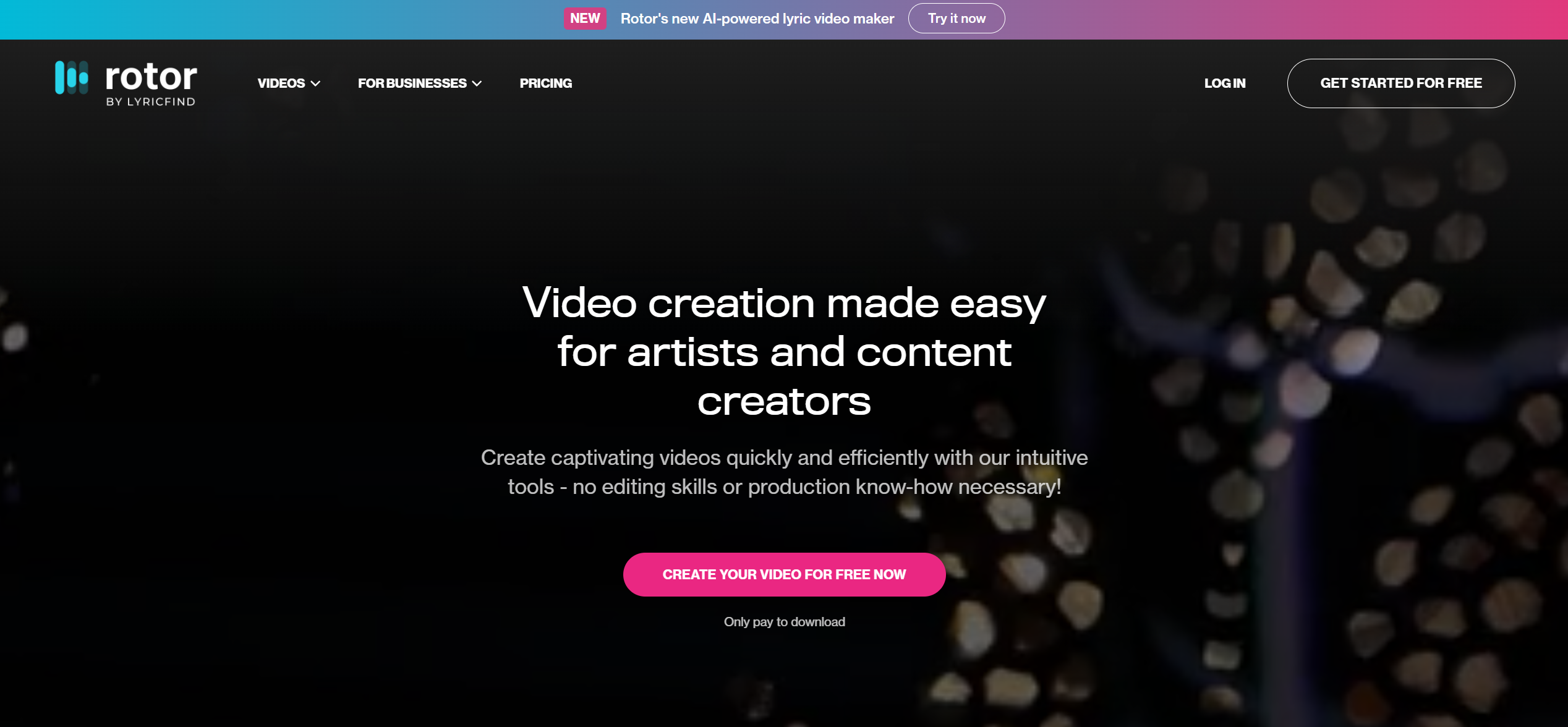
PASTE_ROTOR_VIDEOS_IMAGE_URL_HERERotor Videos is oriented toward musicians who want an automatic edit around a track, particularly when they already have footage or prefer stock-led visual assembly.
Best for: Automatic music-video editing
Why it stands out: Its music-specific editing approach can reduce the time spent cutting source footage manually and is practical for conventional release videos and promos.
What to consider: It is less focused on fully generative cinematic scene creation than newer text- and image-to-video systems.
10InVideo
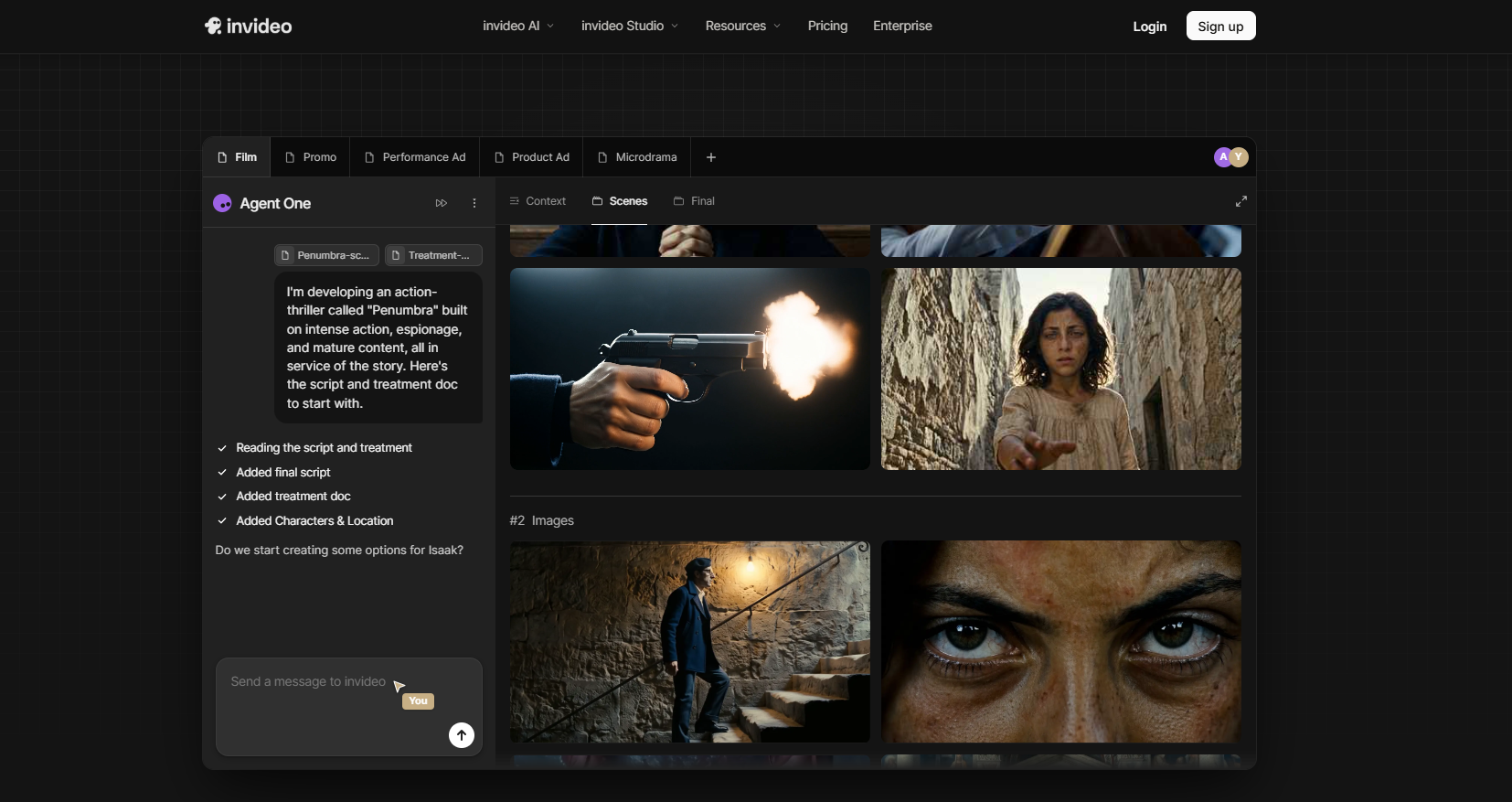
PASTE_INVIDEO_IMAGE_URL_HEREInVideo emphasizes speed and automated assembly from prompts and source material. It can support promotional videos, explainers, and social assets around a song.
Best for: Prompt-led general video creation
Why it stands out: The broad toolset is useful when the music video is part of a larger content-production workflow rather than a specialized artist-only process.
What to consider: Music analysis and song-level synchronization are not the primary center of the product.

A Practical Song-to-Video Workflow
1. Mark the musical moments before choosing visuals
Listen once for structure instead of aesthetics. Note the first vocal entrance, the first chorus, the largest energy lift, any instrumental break, and the ending. Those moments become the visual anchors. Even when AI handles the analysis automatically, knowing where the song changes helps you judge whether the generated edit actually follows the music.
2. Build a small visual bible
Choose one main subject, two or three colors, a location family, wardrobe direction, and a camera language. A visual bible can be only a paragraph, but it prevents the video from becoming a random sequence of unrelated AI clips. If the performer or character appears repeatedly, use one reference image and describe the identity consistently.
3. Decide what should change at the chorus
The chorus is usually where a music video should become larger, brighter, faster, closer, or more emotionally intense. That change can come from camera scale, lighting, environment, additional people, effects, or choreography. A generator that reacts to the song should make this escalation feel intentional.
4. Generate the master asset first
Create the full horizontal or primary music-video version before making every social cutdown. The master establishes the visual language. Then derive a vertical hook, a chorus cut, an animated-cover loop, a lyric-led version, or a teaser from the same world so the campaign feels connected.
5. Review continuity before polish
Check faces, hands, clothing, props, direction of travel, and lighting before worrying about tiny transitions. Continuity errors are more distracting than a simple cut. Regenerate weak scenes while the structure is still flexible, then finish typography, captions, and platform-specific framing afterward.
Music-First Generator vs. General AI Video Generator
| Workflow type | Starting point | Strength | Best use |
|---|---|---|---|
| Music-first generator | Begins with a song or music link | Automatic structure, beat-aware pacing, performance/visualizer/lyrics options | Full-song videos and release campaigns |
| General AI video generator | Begins with a prompt, image, or shot concept | High control over individual clips and cinematic moments | Hero shots, inserts, environments, experimental scenes |
| Social editor | Begins with imported media on a timeline | Captions, resizing, transitions, effects, repurposing | Final polish and channel-specific cutdowns |


How to Turn One Video Into a Release Campaign
A finished music video is most valuable when it becomes a source asset for the rest of the campaign. Pull the most visually legible chorus moment for a 9:16 Reel or TikTok. Turn a calm section into a loop for an animated cover. Use a lip-synced close-up for a performance teaser. Create a lyric-focused cut for a line fans can quote or remix. The visual identity should remain recognizable even when the duration and framing change.
For independent artists, this approach also makes iteration cheaper. Instead of inventing a new aesthetic for every post, one strong video world can support release-week teasers, behind-the-scenes explanations, alternate hooks, acoustic or remix versions, and later catalog promotion. The goal is not to post the exact same clip everywhere; it is to make different assets feel like they belong to the same song.
Common Ai Music Video Generator Mistakes to Avoid
- Choosing a style before listening for the song's structure.
- Changing characters, wardrobe, or color palette in every scene.
- Using the same visual intensity for verse and chorus.
- Generating many beautiful clips with no plan for how they connect.
- Forcing readable UI or long text into AI-generated footage.
- Making the performer too small for vertical social formats.
- Ignoring mouth visibility when lip sync is important.
- Adding effects on every beat until the visual feels noisy.
- Waiting until the end to think about 9:16 crops.
- Using a full song where a short hook would communicate the concept better.
Which Type of Music Video Generator Do You Actually Need?
The top ten tools in this list do not all solve the same production problem. Divide them into three categories before comparing them. Music-first generators begin with the track and help plan or synchronize a complete video. Generative shot makers are strongest when you already know the scene you want and need high-quality footage. Editors and repurposing tools are strongest at combining, captioning, resizing, and finishing material from several sources.
Many of the best music videos will use more than one category. A music-first tool can establish the structure, a cinematic model can create two or three special hero shots, and an editor can finish typography and channel-specific versions. The mistake is expecting every tool to perform every job equally well.
Use a music-first generator when...
You have the song but not a detailed storyboard; you need a complete first cut; you want visual changes to follow the song automatically; or you need several related outputs from the same track.
Use a general video model when...
You already have a storyboard, a reference image, or a very specific shot in mind. These tools are useful for establishing shots, impossible environments, camera moves, and highly directed visual moments.
Use an editor when...
You need precise text, captions, logos, final timing, aspect-ratio adaptation, and control over how generated shots are assembled. This is also the safest place to add readable brand or release information.

A Five-Pass Review Process
Pass 1: story and structure
Watch without pausing. Does the video grow with the track? Does the hook arrive early enough? Is there a clear payoff? If not, fix the overall structure before polishing individual frames.
Pass 2: character and continuity
Check the face, hair, wardrobe, body proportions, props, and environment across every scene. Regenerate the most distracting breaks first.
Pass 3: musical synchronization
Watch the chorus, drop, vocal entrance, and ending. Major visual changes should land on musical moments instead of feeling arbitrarily timed.
Pass 4: artifact check
Inspect hands, mouths, instruments, repeated background people, text, and fast motion. A short artifact that is invisible in a thumbnail can become very obvious on a large screen.
Pass 5: publishing formats
Test the 9:16 crop and any shorter cutdowns. The main subject should remain readable, and important movement should not disappear outside the vertical frame.
How Much Manual Editing Should You Expect?
A one-click system can reduce the amount of manual assembly, but nearly every professional release benefits from at least a final review and polish pass. The goal of AI is not to eliminate judgment; it is to move the creator from a blank timeline to a strong first cut much faster. The more important the release, the more valuable it becomes to revise the weak ten percent rather than accepting the first render unchanged.
Frequently Asked Questions
What is the best music video generator in 2026?
Freebeat is a strong best-overall choice in this comparison for musicians who want a fast music-first workflow. Neural Frames is a strong alternative when deeper technical audio-reactive control is the priority.
Which tools are best for cinematic clips?
Runway and Kling are strong choices when individual cinematic AI shots are the priority.
Which tool is best for social editing?
CapCut is a practical choice when repurposing, captions, vertical formatting, and finishing are central to the workflow.
Do AI music video generators support full songs?
Some do, but many general AI video tools remain clip-oriented. Check full-song support and scene revision before choosing a platform for a complete release.


