Best Free Music Visualizer Tools for Creators in 2026

Quick answer: The best free music visualizer tools for creators in 2026 are Freebeat for AI-generated beat-synced music videos, Specterr for clean waveform and spectrum visualizers, VEED for general audio-to-video conversion, Kapwing for online video editing with audio, and Headliner for no-watermark social audiogram clips. All five have a free tier — but what "free" means differs significantly across tools in terms of watermarks, export volume, resolution, and music awareness.
A free music visualizer does not mean a limited one — at least, not for every tool on this list. In 2026, several AI and traditional visualizer platforms offer free tiers that are genuinely usable for publishing: enough to generate a real YouTube upload, a Spotify Canvas loop, or a TikTok clip without paying for a subscription first.
The catch is that "free" means different things across tools. Some limit exports per month. Some add a visible watermark. Some restrict resolution or output duration. Knowing exactly what you get for free — and where each tool hits a paywall — matters more than the marketing headline. This guide covers the five best free music visualizer tools available to creators in 2026, with an honest comparison of what each free plan actually includes.
Want to try the most complete free AI music video workflow? Freebeat's free tier covers the full pipeline — upload or paste a Suno link, choose a mode, review the storyboard, and export a beat-synced video.
Try Freebeat free →The 5 Best Free Music Visualizer Tools at a Glance
- Freebeat — Best free AI music video generator; beat-synced, full song-length, Suno-native
- Specterr — Best free traditional waveform and spectrum visualizer
- VEED — Best free general audio-to-video converter with unlimited exports
- Kapwing — Best free editor for combining audio with existing visual assets
- Headliner — Best free no-watermark option for short social audiogram clips
What to Look for in a Free Music Visualizer
Does free output include a visible watermark? For professional publishing, a watermark is often a dealbreaker — check before assuming the free plan is publish-ready.
How many exports does the free plan allow per month? Some tools give unlimited exports; others cap at 1–5. If you publish regularly, volume matters more than features.
Does the free tool analyze BPM and song structure, or just wrap audio in an image? For music creators, the difference in output quality is significant.
Some tools cap free output at 30 seconds or 4 minutes. For full-length song visualizers or multi-platform publishing (16:9 + 9:16), check the format limits on the free plan.
Free Plan Comparison: Side by Side
| Tool | Free Plan | Watermark | Export Limit | Music-Aware AI | Best Free Use Case |
|---|---|---|---|---|---|
| Freebeat | ✅ Yes | ✅ On free exports | Limited generations | ✅ BPM + song structure | AI music videos, Suno to video, full-song output |
| Specterr | ✅ Yes | ✅ On free exports | Limited/month | ❌ Amplitude only | Waveform & spectrum visualizers for YouTube |
| VEED | ✅ Yes | ✅ On free exports | Unlimited | ❌ No music analysis | Basic audio-to-video conversion, subtitles |
| Kapwing | ✅ Yes | ✅ On free exports | Unlimited | ❌ No music analysis | Editing audio with existing assets, captions |
| Headliner | ✅ Yes | ❌ No watermark | 10 min/month | ❌ Waveform only | Short podcast & social audiogram clips |
Tool Breakdown
1. Freebeat — Best Free AI Music Video Generator
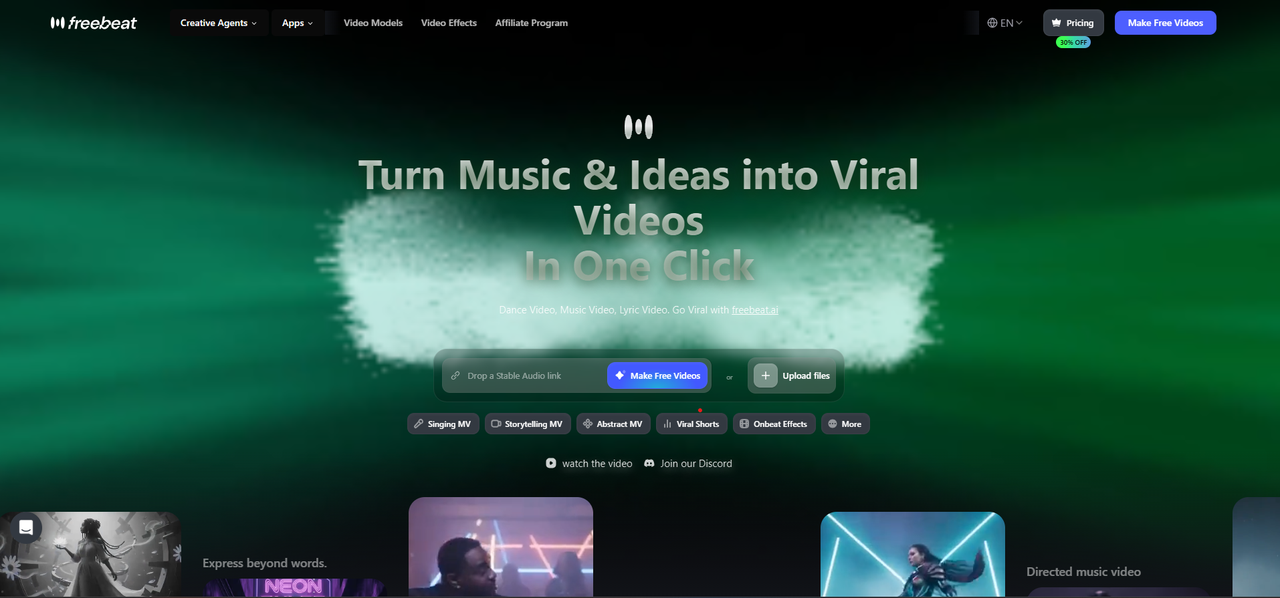
Freebeat's free tier gives full access to the AI music video workflow — Singing MV, Storytelling MV, Lyric Video, and Canvas Loop — with a watermark on free exports.
Free generations available on sign-up · Watermark on free-tier exports · Limited number of free video generations per account · Paid plans remove watermark and unlock higher export volumes
Freebeat is the strongest free option for music creators who want a genuine AI music video rather than a waveform animation or a static image with audio. Its free tier gives access to the complete workflow: upload an MP3 or paste a Suno share link, choose a video mode, write a visual prompt, and generate a beat-synced music video. The AI analyzes BPM and song structure before generating any visuals — so even free-tier output reflects the music's rhythm and energy, not just its volume.
- Full AI music video generation workflow
- Native Suno link support — no download needed
- Storyboard review before rendering
- 16:9 and 9:16 export formats
- BPM and song-structure analysis on every generation
- Singing MV, Storytelling MV, Lyric Video, Canvas Loop modes
- Watermark visible on all free exports
- Limited number of free generations per account
- Longer tracks and higher resolution on paid plans
Trying the full AI music video workflow with a Suno track or MP3 — including storyboard review and beat-synced generation — before deciding whether to publish with or without a watermark.
2. Specterr — Best Free Traditional Music Visualizer
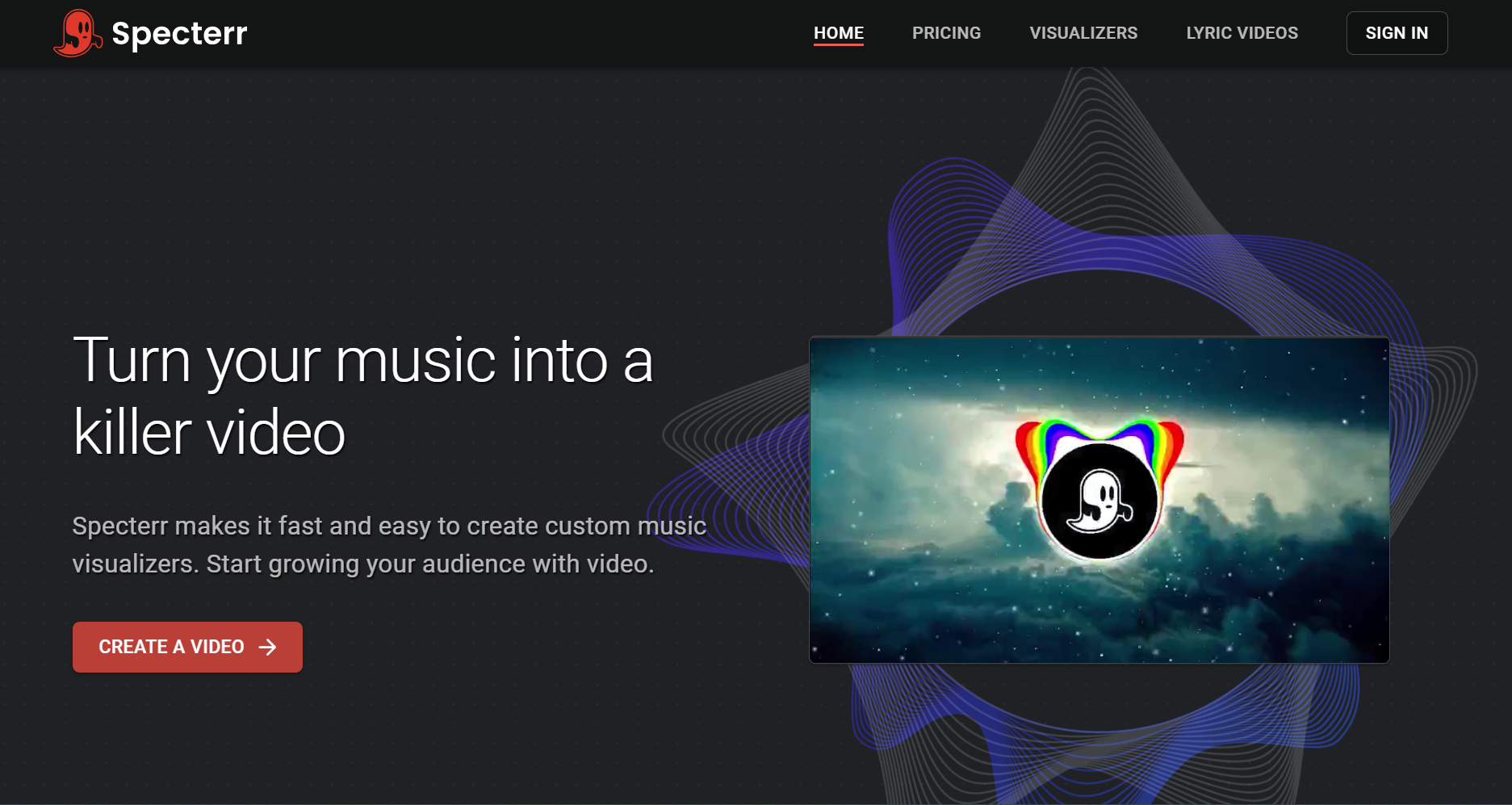
Specterr's free plan gives access to waveform, spectrum bar, and lyric video templates — clean output for YouTube and SoundCloud with a watermark on free exports.
Free account available · Watermark on all free exports · Limited video downloads per month · Paid plans unlock watermark removal, higher export volume, and custom branding
Specterr is the go-to free option for creators who want a traditional waveform or spectrum visualizer — clean, professional-looking amplitude-reactive animations without AI-generated scenes or characters. Its templates are well-designed, and the output looks polished even on the free tier. No native Suno link support — download the MP3 from Suno first.
- Waveform, spectrum bar, and frequency visualizer templates
- Customizable color palette, logo upload, background image
- Export in standard aspect ratios
- Basic lyric video builder with timing controls
- Watermark on all free-tier exports
- Limited number of video downloads per month
- No AI music video generation or song-structure analysis
- Visuals respond to amplitude only — not BPM or song structure
- Requires MP3 upload — no Suno link support
Generating a clean, professional waveform visualizer for a YouTube audio upload, SoundCloud embed, or Spotify Canvas loop — where a simple animated visual is preferable to a scene-based AI video.
3. VEED — Best Free General Audio-to-Video Converter
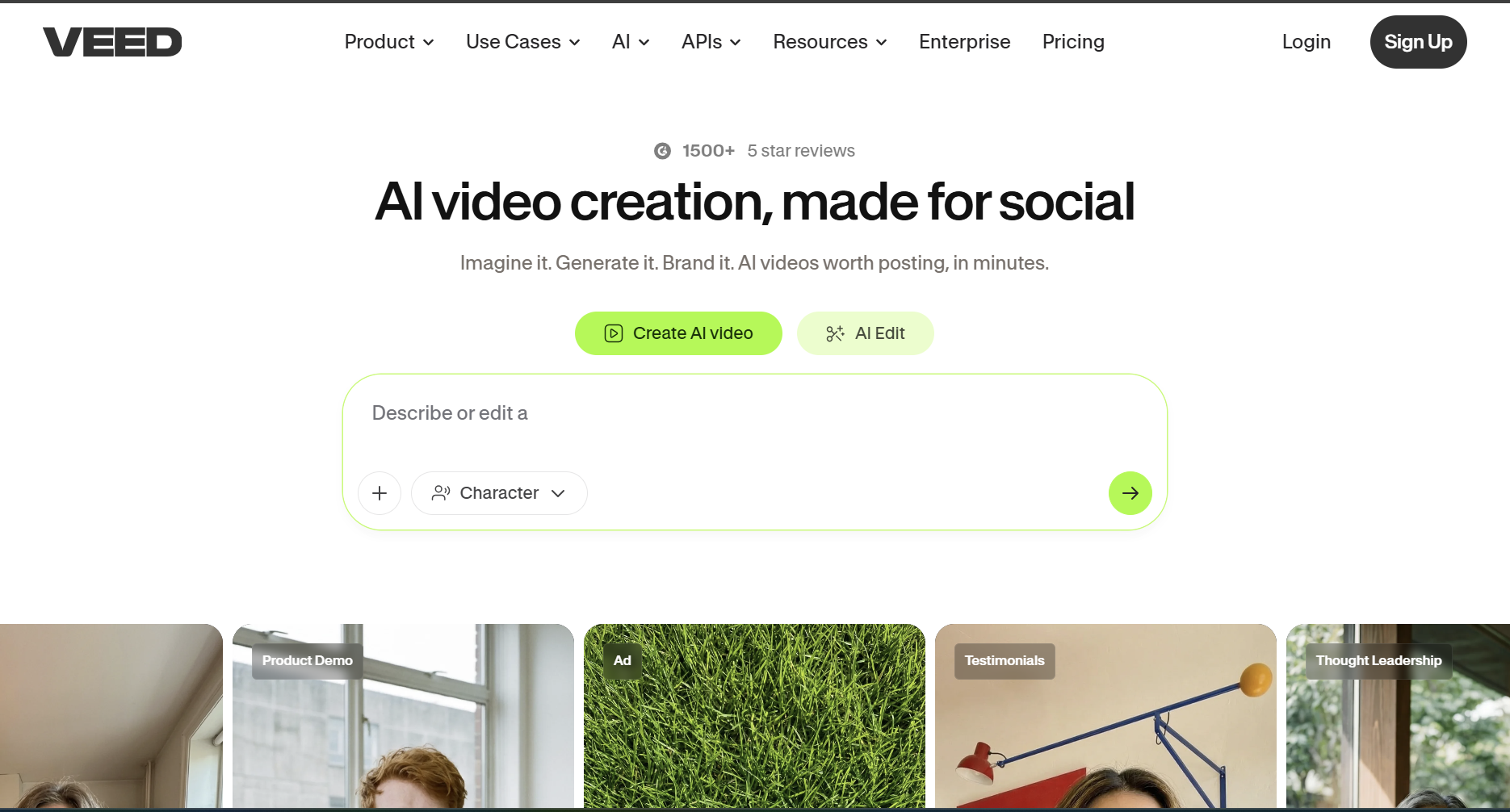
VEED's free plan offers unlimited audio-to-video exports with automatic subtitle generation — a broad general-purpose tool with a watermark and 720p resolution cap on the free tier.
Unlimited exports · Watermark on all free-tier video · 720p resolution cap · 30-minute maximum video duration · Basic subtitle and caption tools included
VEED is the largest general-purpose online video editor in this category and its free tier is one of the most permissive in terms of volume — unlimited exports with no monthly cap. The tradeoff is a watermark on every export and a 720p resolution ceiling. Not designed for music creators specifically — it treats audio as content, not as music, and does not analyze BPM or song structure.
- Unlimited audio-to-video exports
- Automatic subtitle generation from audio
- Basic trimming, text overlay, and caption tools
- Multiple file format support
- 30-minute maximum video duration
- Watermark on all free exports
- 720p resolution maximum
- No AI music video generation or BPM analysis
- Treats audio as file content, not as music
Converting an audio file to a video for upload to a platform that requires video format — when visual quality and music awareness are secondary to speed and volume of conversion.
4. Kapwing — Best Free Editor for Audio with Existing Assets
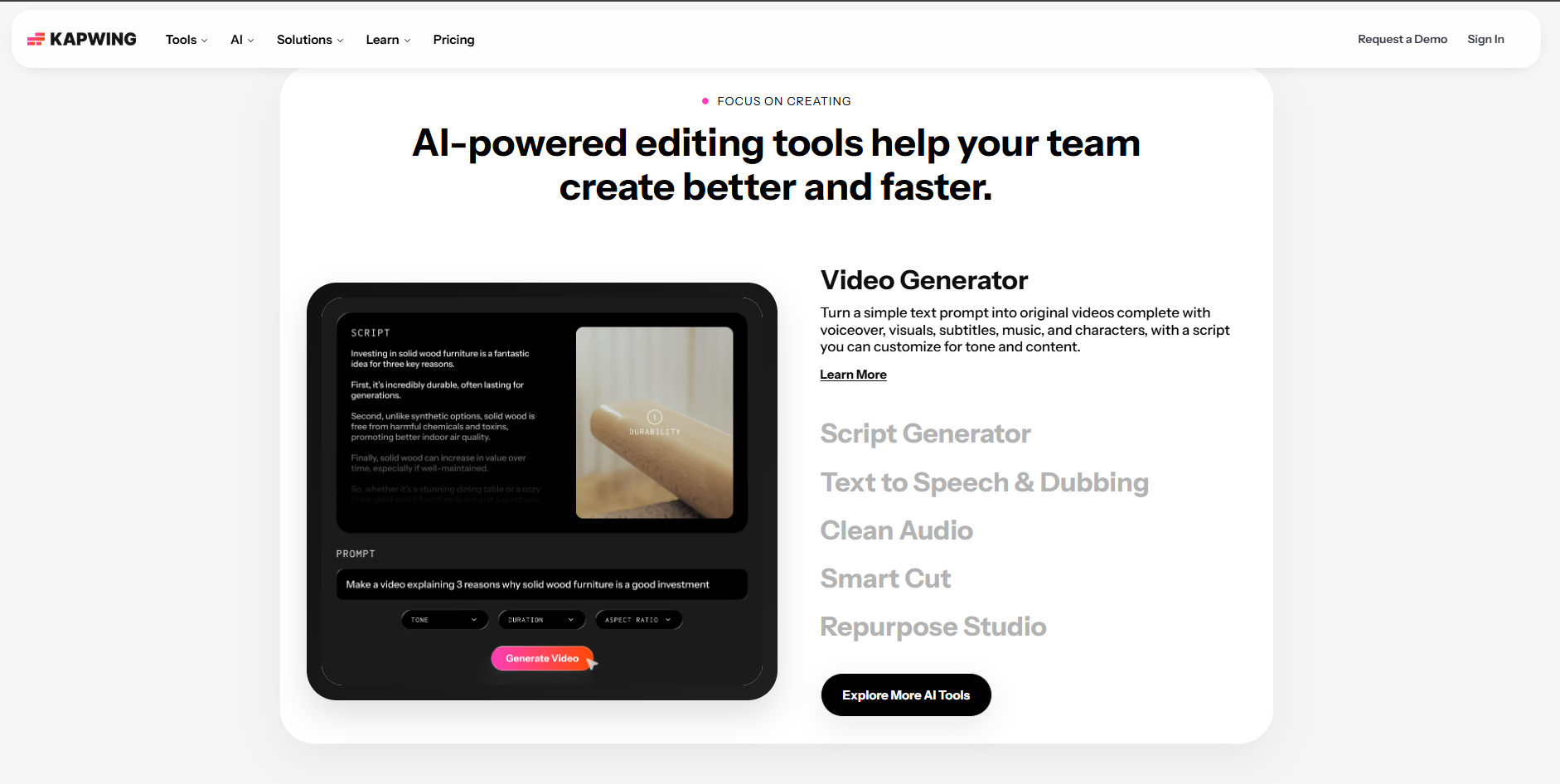
Kapwing's free plan offers timeline-based video editing with audio — useful for combining existing visual assets with audio, with a watermark and 4-minute duration cap on the free tier.
Unlimited exports · Watermark on all free-tier video · 720p resolution cap · 4-minute maximum video duration · 250MB file size limit
Kapwing's free tier functions as a lightweight online video editor where you can layer audio with visual assets you already have — footage, images, graphics, or text. More flexible than a basic converter because it has a timeline editing interface, but like VEED it does not analyze music or generate beat-synced output. The 4-minute duration cap on the free plan is a significant constraint for full-length song visualizers.
- Timeline-based editing with audio and visual layers
- Subtitle and caption generation
- Text overlay and basic motion tools
- Collaboration features for teams
- Unlimited exports
- Watermark on all free exports
- 4-minute maximum video duration
- 720p resolution cap
- No AI music video generation or beat sync
- Requires existing visual assets — does not generate from audio
Combining a short audio clip with existing footage, images, or graphics for a social media post — where you already have the visual assets and just need a browser-based editor to bring them together.
5. Headliner — Best Free No-Watermark Social Audiogram Tool
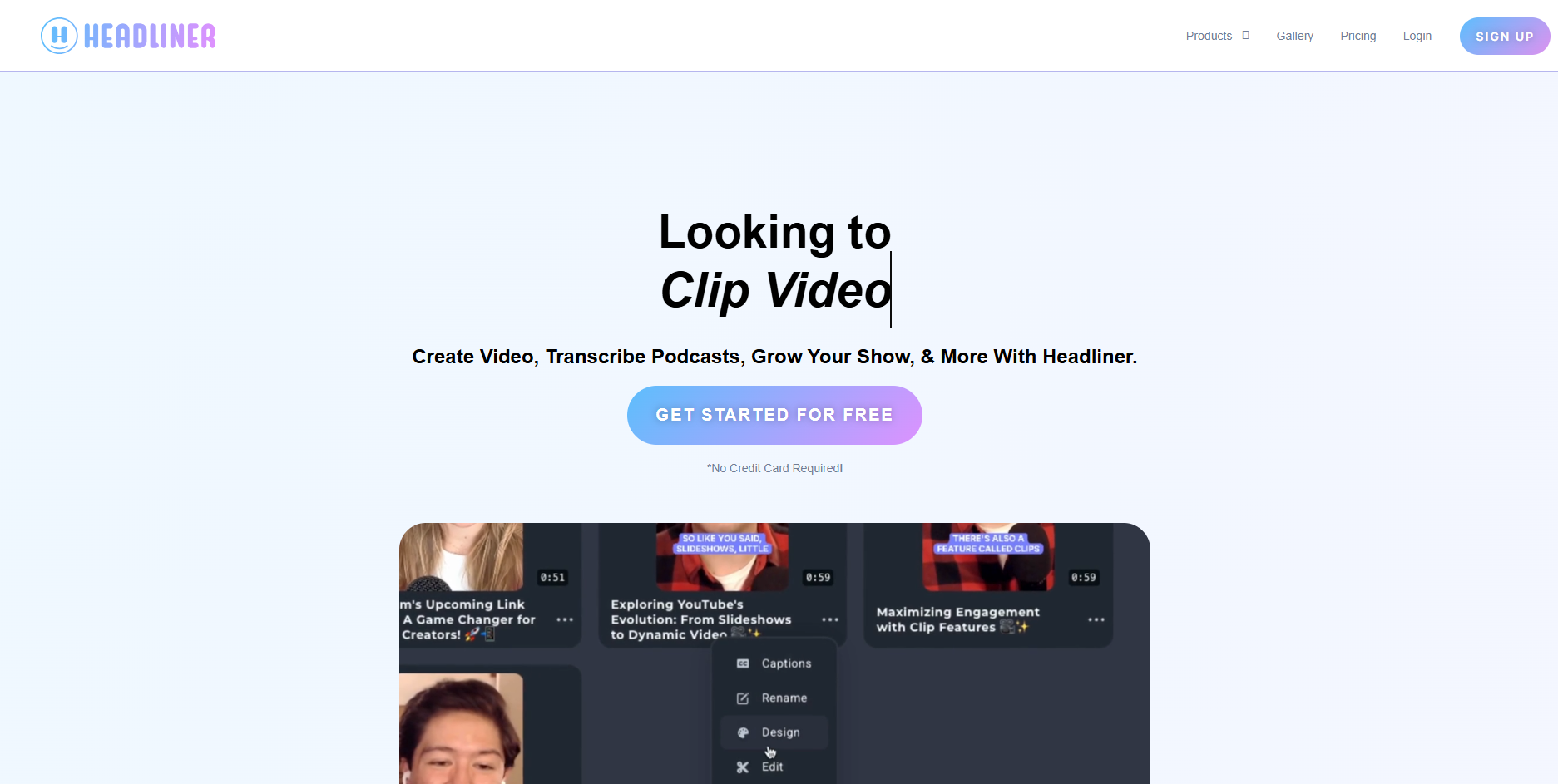
Headliner's free plan offers up to 10 minutes of audiogram video per month with no watermark — the only tool in this list with a genuinely clean free export for small publishing volumes.
Up to 10 minutes of audiogram video/month · No watermark on standard exports · Basic waveform animation templates · Auto-transcript and caption tools · No credit card required
Headliner is the only tool in this list that offers a no-watermark free tier for standard exports, which makes it genuinely useful for creators who need a small volume of audio clips for social publishing without any subscription. Its focus is narrow — audiograms and short social clips rather than full music videos — but within that scope, the free plan is more immediately publishable than most.
- No watermark on standard exports
- Up to 10 min of audiogram video per month
- Waveform animation templates for audio content
- Auto-transcript and caption generation
- 1:1, 9:16, and 16:9 aspect ratio support
- 10-minute monthly cap — limited for regular publishing
- No AI music video generation or BPM analysis
- Optimized for podcast and spoken-word audio, not music
- Limited visual customization on free plan
Creating a small number of social audiogram clips for podcast promotion or audio content sharing — where a simple animated waveform is sufficient and a clean no-watermark export is the priority.
Which Free Music Visualizer Should You Start With?
You want to see what a beat-synced AI music video looks like for your specific track. The free tier covers the complete workflow — storyboard, generation, and export — so you can evaluate output quality before deciding whether to publish with a watermark or upgrade.
You want a clean, professional-looking waveform or spectrum visualizer for a YouTube or SoundCloud upload, and are comfortable with a watermark on free exports.
You only need a handful of short audiogram clips per month and want clean, no-watermark output without any subscription. Best for podcast-adjacent content rather than music releases.
You need to convert audio to a basic video file quickly and at volume — and the visual quality of the output is secondary to speed and ease of use.
Frequently Asked Questions
Is there a truly free music visualizer with no watermark?
Headliner offers up to 10 minutes of audiogram video per month with no watermark on its free plan — the most immediately publishable free option for small volumes. Most other tools, including Freebeat, Specterr, VEED, and Kapwing, apply a watermark to free-tier exports. Upgrading to a paid plan removes the watermark on all of these platforms.
Can I make a free music video from a Suno song?
Yes. Freebeat accepts Suno share links on its free tier and generates a full AI music video — including beat sync, storyboard, and scene output — with a watermark applied. The free workflow is complete; the watermark is the only limitation. For watermark-free output, a paid plan is required.
What is the best free music visualizer for YouTube?
For AI-generated music video output, Freebeat's free tier gives the most complete YouTube-ready result. For traditional waveform visualizers, Specterr's free plan produces clean, professional output. Both include watermarks on free exports — factor this in when deciding whether the output is suitable for your channel.
What is the difference between a free and paid music visualizer plan?
The main differences are watermarks, export volume, resolution, and output duration. Paid plans on most tools remove the watermark, allow unlimited or higher-volume exports, unlock higher resolution, and lift duration caps. The core workflow is usually accessible on the free tier.
Do free music visualizers work with MP3 files?
Yes. All five tools covered in this article accept MP3 file uploads on their free tiers. Freebeat additionally accepts Suno share links directly, removing the need to download an MP3 first.
Can I use a free music visualizer for Spotify Canvas?
Yes. Both Freebeat (Canvas Loop mode) and Specterr produce short animated visuals suitable for Spotify Canvas on their free tiers, with watermarks applied. For watermark-free Canvas content, both platforms require a paid plan.
More Resources
Explore more Freebeat tools and guides for music creators:
Ready to try the most complete free AI music video workflow? Upload an MP3 or paste a Suno link into Freebeat — generate a beat-synced music video for free and see the output before you decide on a plan.
Try Freebeat free →

