10 Best AI Lip Sync Tools for Singing Photos in 2026

Quick answer: For creators who want a photo to perform a song, Freebeat is the most music-focused option in this list because lip sync can sit inside a broader beat-synced music video. HeyGen and Hedra are strong for expressive avatar-style photo animation, while D-ID remains useful for straightforward speaking portraits.
“Make this photo sing” has become its own AI video category. The tools range from polished avatar systems to playful mobile effects, but the best choice depends on whether you want a funny clip, a realistic digital performer, or an actual music-video asset.
Have a song ready? Freebeat can turn your audio, Suno track, or visual concept into a beat-synced music video, visualizer, or lip-sync performance without a traditional editing timeline.
Try Freebeat →10 Best AI Lip Sync Tools for Singing Photos at a Glance
| Rank | Tool | Best For | Why It Stands Out |
|---|---|---|---|
| 1 | Freebeat | Music-first singing-photo and music-video workflows | A strong fit when lip sync is part of a song-driven video rather than a standalone talking avatar. |
| 2 | HeyGen | Polished avatar and multilingual lip sync | Turns photos or avatars into expressive lip-synced videos from text or audio. |
| 3 | Hedra | Expressive photo-to-video character performance | Strong image-to-video and audio-driven avatar workflows with natural facial motion. |
| 4 | D-ID | Speaking portraits and avatar video | Turns a still image plus text or audio into a talking visual avatar. |
| 5 | DreamFace | Mobile-friendly singing and talking photo effects | Designed for quick photo animation and social-style face performance. |
| 6 | Revive | Fun singing-photo and face-animation clips | Popular for playful, meme-friendly photo animation. |
| 7 | Pika | Creative AI video and visual effects | Useful for animating still imagery and building stylized short video moments. |
| 8 | CapCut | Editing plus AI face and audio workflows | Useful when you want lip sync inside a larger short-form edit with captions, effects, and social formatting. |
| 9 | Vidnoz | Accessible AI avatar and photo-to-video workflows | Offers quick avatar-style creation for users who want a browser workflow. |
| 10 | Mango AI | Photo animation and talking-avatar creation | A simple browser-oriented option for making still portraits speak or perform. |
The 10 Best AI Lip Sync Tools for Singing Photos
1Freebeat

A strong fit when lip sync is part of a song-driven video rather than a standalone talking avatar.
Best forMusic-first singing-photo and music-video workflows
Why creators choose itA strong fit when lip sync is part of a song-driven video rather than a standalone talking avatar.
Watch forBest when the audio is music and you want the photo performance to live inside a broader music-video workflow.
2HeyGen

Turns photos or avatars into expressive lip-synced videos from text or audio.
Best forPolished avatar and multilingual lip sync
Why creators choose itTurns photos or avatars into expressive lip-synced videos from text or audio.
Watch forMore presenter-focused than music-first.
3Hedra
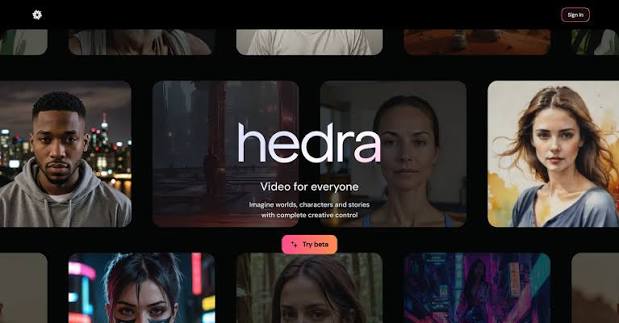
Strong image-to-video and audio-driven avatar workflows with natural facial motion.
Best forExpressive photo-to-video character performance
Why creators choose itStrong image-to-video and audio-driven avatar workflows with natural facial motion.
Watch forBuilt broadly for character video, so music-specific editing may need extra steps.
4D-ID
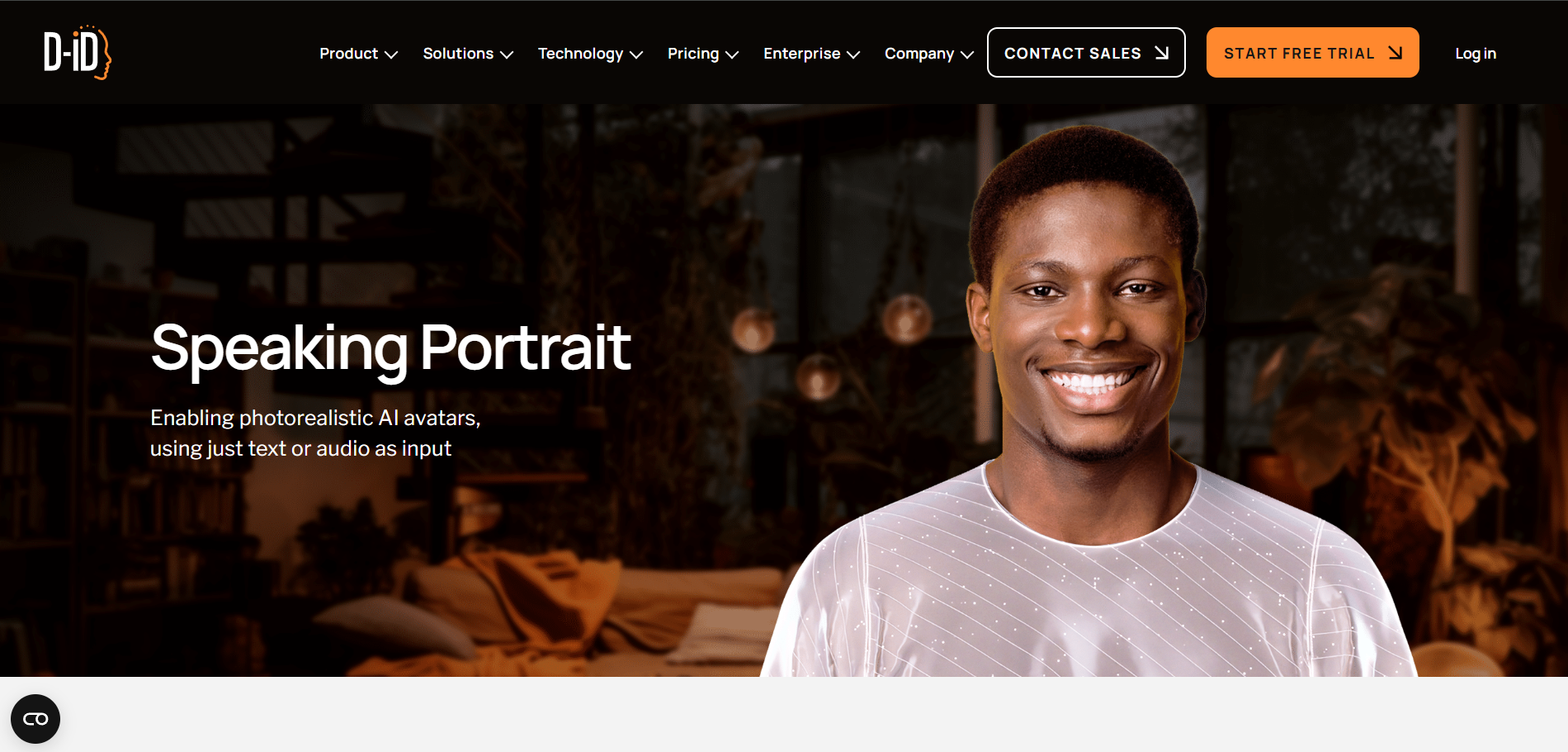
Turns a still image plus text or audio into a talking visual avatar.
Best forSpeaking portraits and avatar video
Why creators choose itTurns a still image plus text or audio into a talking visual avatar.
Watch forBest known for speech and presenter content rather than music promotion.
5DreamFace

Designed for quick photo animation and social-style face performance.
Best forMobile-friendly singing and talking photo effects
Why creators choose itDesigned for quick photo animation and social-style face performance.
Watch forOutput is optimized for fast effects rather than full music-video direction.
6Revive
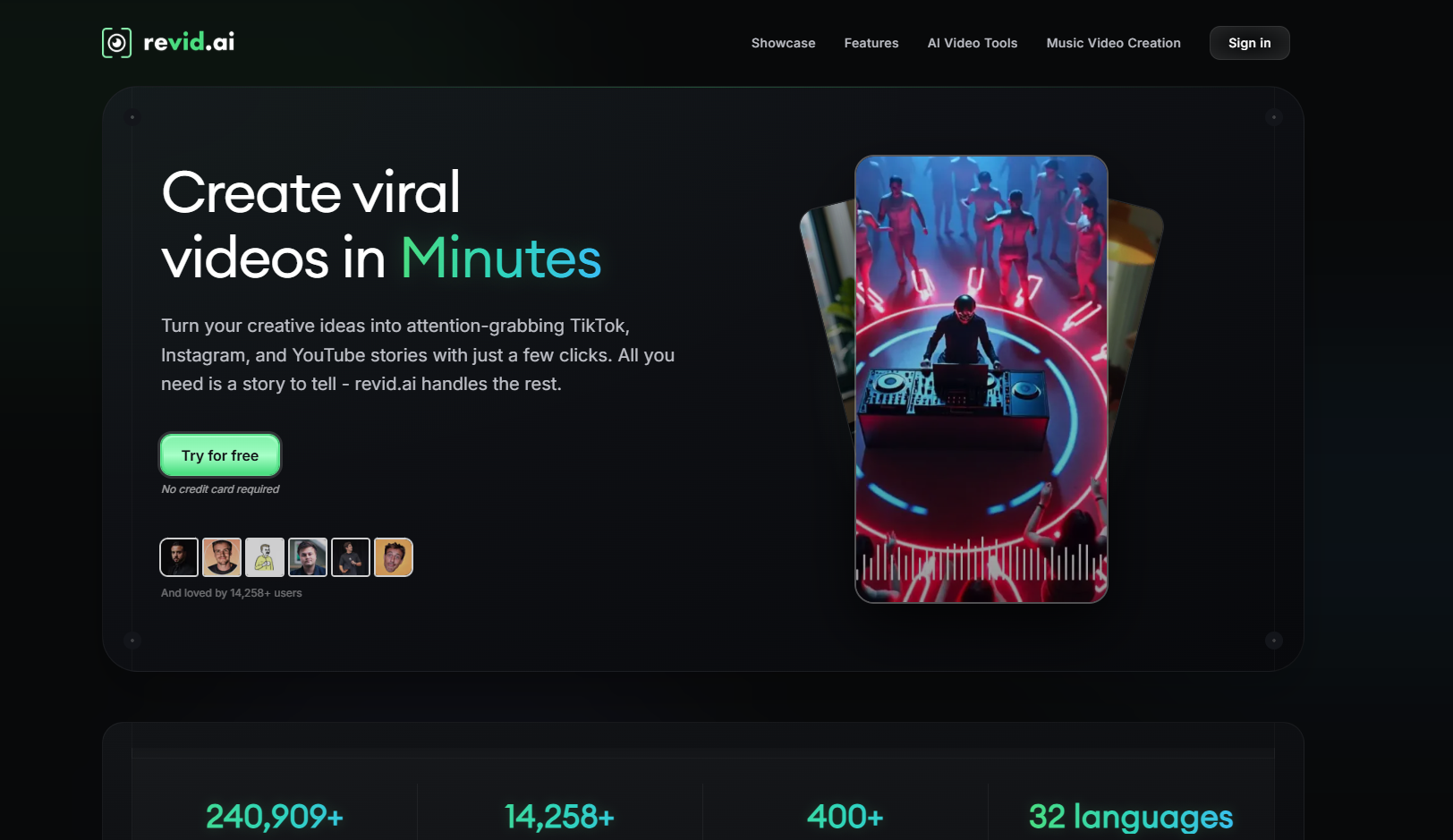
Popular for playful, meme-friendly photo animation.
Best forFun singing-photo and face-animation clips
Why creators choose itPopular for playful, meme-friendly photo animation.
Watch forMore entertainment-first than professional music production.
7Pika
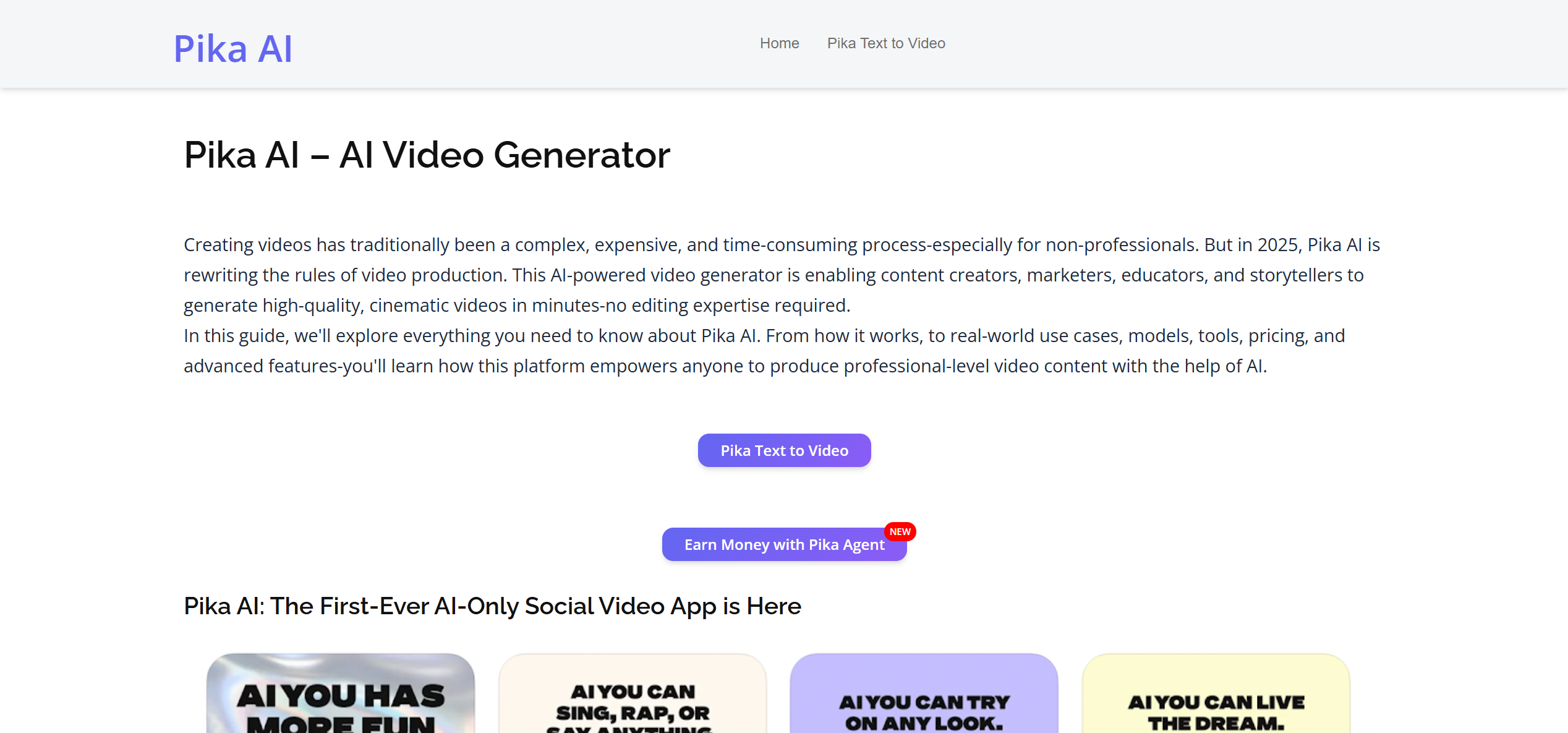
Useful for animating still imagery and building stylized short video moments.
Best forCreative AI video and visual effects
Why creators choose itUseful for animating still imagery and building stylized short video moments.
Watch forLip sync is only one part of a broader effects toolkit.
8CapCut

Useful when you want lip sync inside a larger short-form edit with captions, effects, and social formatting.
Best forEditing plus AI face and audio workflows
Why creators choose itUseful when you want lip sync inside a larger short-form edit with captions, effects, and social formatting.
Watch forMore manual assembly than dedicated singing-photo tools.
9Vidnoz

Offers quick avatar-style creation for users who want a browser workflow.
Best forAccessible AI avatar and photo-to-video workflows
Why creators choose itOffers quick avatar-style creation for users who want a browser workflow.
Watch forThe visual style leans toward avatar/presenter content.
10Mango AI

A simple browser-oriented option for making still portraits speak or perform.
Best forPhoto animation and talking-avatar creation
Why creators choose itA simple browser-oriented option for making still portraits speak or perform.
Watch forBetter for lightweight avatar content than high-end music visuals.
What Makes Singing-Photo Lip Sync Different?
A talking-photo tool only needs to make a face appear to speak. A singing-photo tool has a harder creative job: mouth movement has to feel believable over melody, the face needs enough expression to match the performance, and the final video usually needs rhythm, camera motion, or a music-video environment around the portrait.
That is why Freebeat is most useful when the goal is music. The lip-synced face can be part of a larger beat-synced visual rather than the entire finished product.

AI music workflows increasingly connect the song, visual direction, and social-ready video in one process.
Frequently Asked Questions
What is the best AI lip sync tool for singing photos?
If the goal is a music-driven result, Freebeat is a strong choice because lip sync can be combined with a broader music-video workflow. HeyGen and Hedra are strong alternatives for avatar-style photo animation.
Can AI make a still photo sing a song?
Yes. Photo-to-video models can animate a portrait and synchronize facial movement to an uploaded audio track.
What kind of photo works best for AI lip sync?
Use a clear, front-facing or slightly angled face with visible lips, good lighting, and minimal obstruction around the mouth.
Why does AI singing lip sync sometimes look unnatural?
Fast vocals, noisy audio, extreme head angles, hidden mouths, and very stylized source images can make synchronization harder.


