Best Spotify Visualizers in 2026: Apps for Desktop and Phone, Plus Canvas and Video Makers

"Spotify visualizer" means different things to listeners and to artists. Listeners want visuals that move while Spotify plays on their desktop or phone. Artists want a Spotify Canvas loop for their track, or a full video made from it.
Spotify's own app doesn't include a full-screen visualizer, and since November 2024 new apps built on the Spotify Web API can no longer access its audio analysis data. So this guide covers tools that work alongside Spotify and tools that make videos for it, using each vendor's own pages, checked between October 28 and November 4, 2026.
Paste a Spotify link and Freebeat builds a full-length video or a looping Canvas. 500 free credits on sign-up. Try Freebeat →
What We Looked For
- Who it's for: listeners watching visuals or artists making assets
- Device: Windows, Mac, iPhone or Android
- How it hears Spotify: a track link, system audio or the microphone
- Output: live visuals, a Canvas loop or a full video
- Canvas specs: 3 to 8 seconds, vertical 9:16
At a Glance
| Tool | Best for | Device | Output |
|---|---|---|---|
| Freebeat | Artists turning a Spotify track into a video or Canvas | Browser, iPhone, Android | Full video up to 6 minutes; looping 9:16 Canvas |
| Plane9 | Live visuals while Spotify plays on a PC | Windows | Live window or screensaver |
| Muviz Edge | Live visuals around an Android screen | Android | Live |
| AudioViz | Visualizing audio shared from Spotify on Apple devices | iPhone, iPad, Mac | Live and recording |
| Synesthesia | Live visuals for DJ sets and streams | Mac, Windows | Live output |
| Rotor Videos | Canvas and Album Motion from stock footage | Browser | Canvas, music and lyric videos |
| Videobolt | Canvas from a template | Browser | Canvas and visualizer videos |
Where Freebeat Fits for Spotify Visualizers
Freebeat is built for the artist side of Spotify. Its Spotify to Video tool takes a Spotify track link and makes a full-length video of up to six minutes, with six creation modes and five aspect ratios, for YouTube, TikTok and Reels.
For the Now Playing screen, its Spotify Canvas maker turns an MP3, a WAV or a Spotify, Suno or YouTube link into a seamless looping 9:16 MP4 in about five minutes, ready to upload in Spotify for Artists.
- Spotify link input: no download needed for Spotify to Video.
- Canvas-ready: seamless 9:16 loops with Music Cover Video mode.
- Full videos: up to six minutes in five aspect ratios.
- Live visuals too: Realtime mode generates visuals as music plays in Freebeat.
Freebeat reference: https://freebeat.ai/spotify-to-video
Detailed Picks
1Freebeat
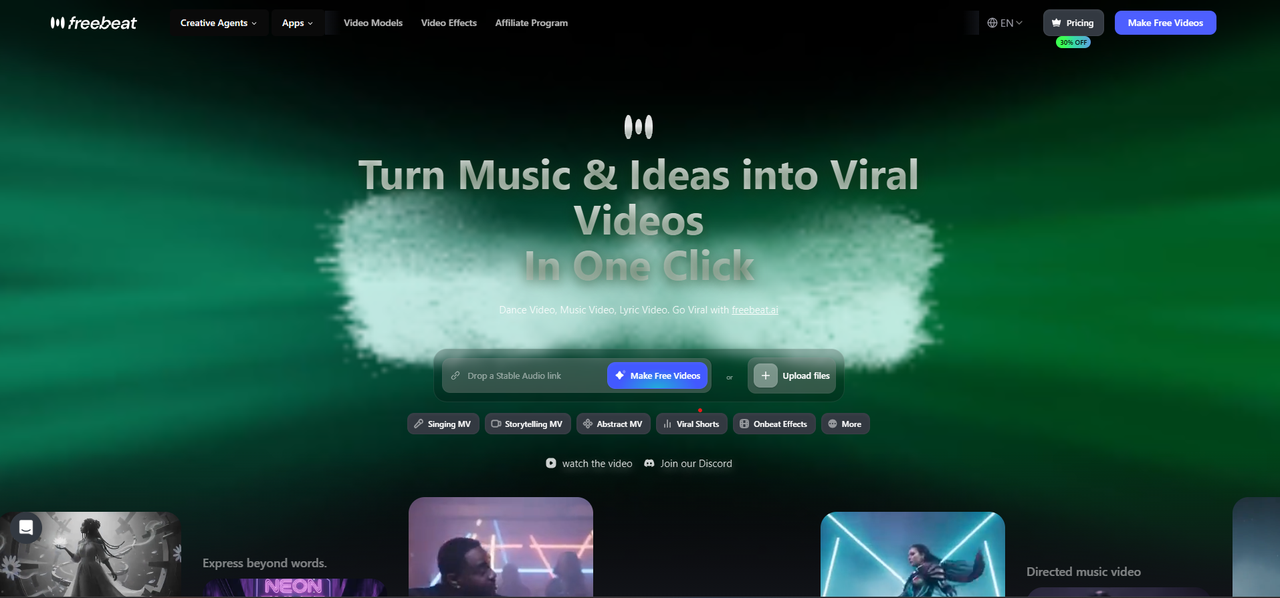
Spotify videos and Canvas loops for artists
Freebeat turns a Spotify track link into a full-length video of up to six minutes and makes looping 9:16 Canvas videos from an MP3, a WAV or a Spotify, Suno or YouTube link, all in the browser or the iPhone and Android apps.
How it fits the workflowPaste the Spotify link, choose a creation mode, generate, then make a Canvas loop from the same song and upload it in Spotify for Artists.
Watch forStart with 500 free credits to try it on your own song, then export full-length, watermark-free videos on a paid plan.
2Plane9
Best forLive visuals while Spotify plays on a Windows PC
Plane9 is a 3D scene-based visualizer and screensaver for Windows with 250+ scenes and 39 transitions. It reacts to Spotify, iTunes or any sound source, including a microphone, and also runs in VR headsets.
How it fits the workflowRun it as a window or screensaver while music plays on the same PC.
Watch forIt's Windows only and shows visuals live rather than exporting a finished video.
3Muviz Edge
Best forLive edge visuals on Android
Muviz Edge is an Android app that shows a live visualizer around the screen edges while you listen in major music apps, offline or streaming, with Always On Display support and colors taken from album art.
How it fits the workflowInstall it, grant permissions, and play music in your usual app.
Watch forIt's Android only and doesn't export videos.
4AudioViz
Best forVisualizing Spotify's shared audio on Apple devices
AudioViz is a $7.99 app for iPhone, iPad and Mac that visualizes music from the device, shared audio from another app, or the microphone, in real time, with video loops and recording.
How it fits the workflowPick the audio source, choose a look, and record the visuals.
Watch forIt's a one-time purchase on Apple devices only.
5Synesthesia
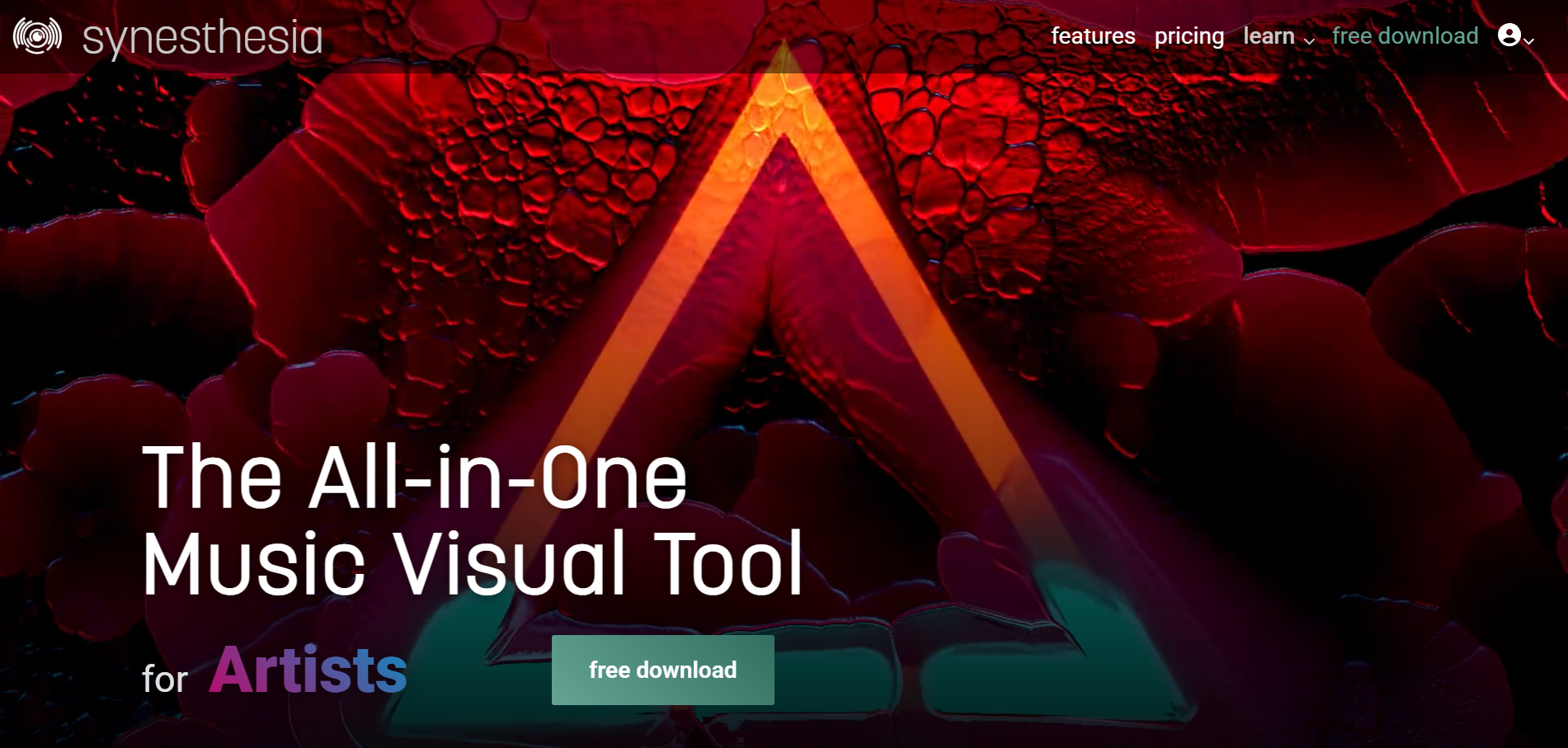
Live visuals for DJ sets and streams
Synesthesia is live visual software for DJs, VJs and streamers on macOS and Windows, with 80 built-in scenes, MIDI and OSC control, and Syphon, Spout and NDI output to a projector or stream.
How it fits the workflowRun it beside your audio, pick scenes, and send the output to a screen, projector or streaming software.
Watch forThe free trial watermarks the output; perpetual licenses are $199 (Standard) and $399 (Pro).
6Rotor Videos
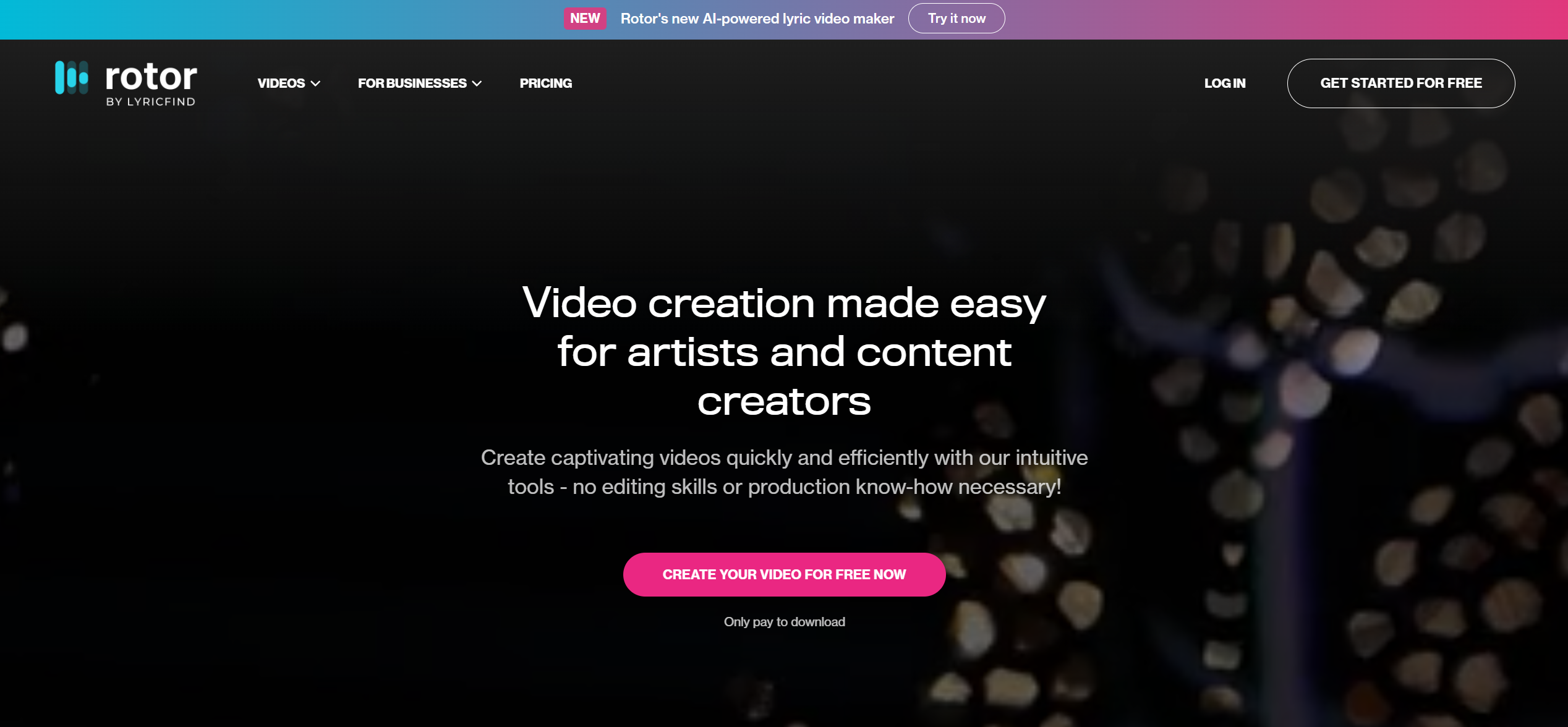
Canvas and Album Motion from stock footage
Rotor Videos is built for music marketing. Its engine analyzes your music and the clips you choose and generates a custom-cut video in minutes, with more than 17 million stock clips, 150+ styles and filters, and audio-reactive effects. One track can become a music video, lyric video, Spotify Canvas or Apple Music Album Motion.
How it fits the workflowAdd your music, choose stock clips or your own footage and a style, then export in 9:16, 1:1 and other social formats.
Watch forIt cuts existing footage rather than generating new visuals. Creating is free and you pay to download, with credits or artist plans from $9.99 a month.
7Videobolt
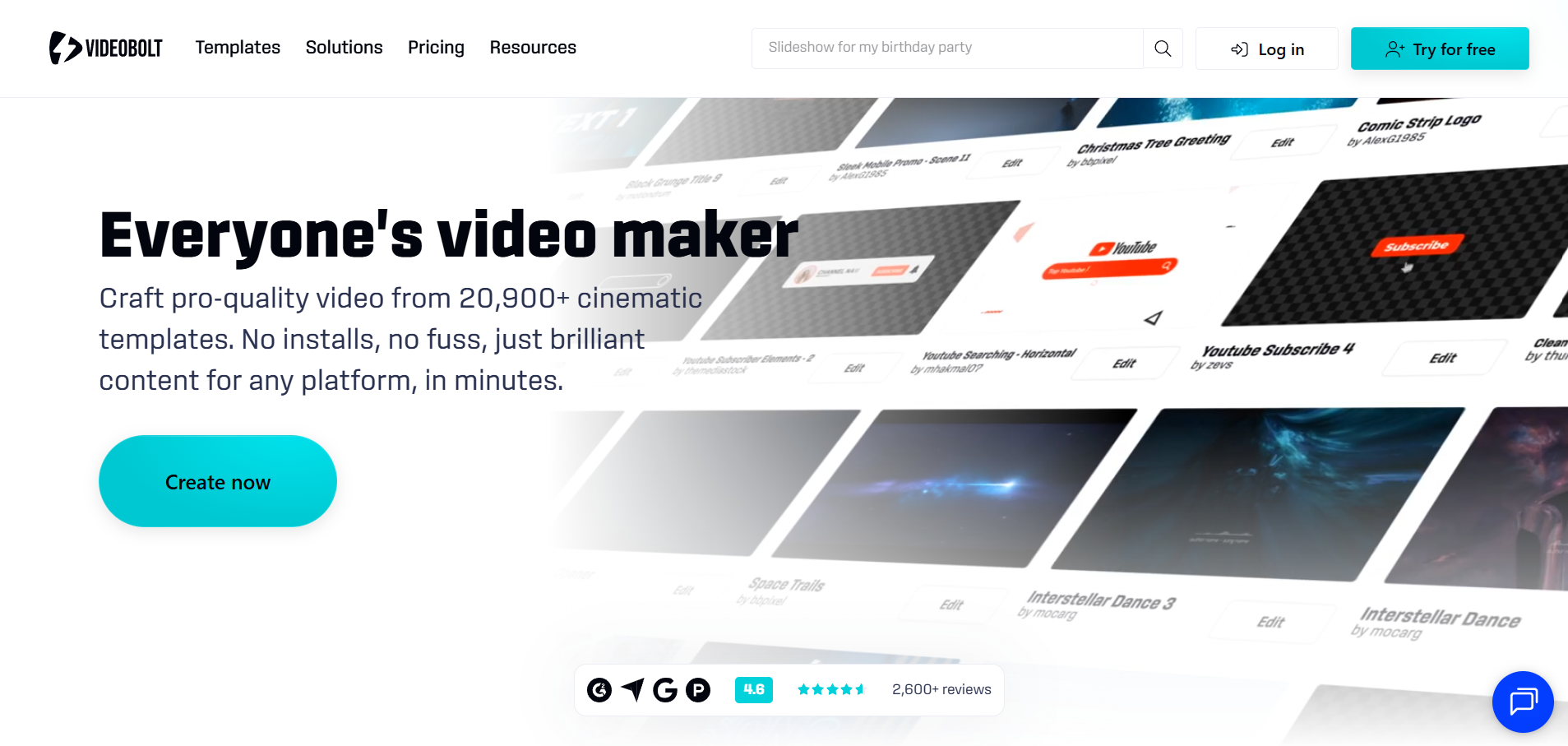
Canvas loops from a template
Videobolt sells unlimited exports from more than 21,200 templates, including music visualizations, lyric videos, audio waveforms and a Spotify Canvas maker.
How it fits the workflowChoose a template, add your track and artwork, and export.
Watch forLite exports 720p at 24fps for up to 10 minutes; Pro goes up to 4K at 60fps and one hour. Templates are shared by every subscriber.
How to Choose the Right Option
Start with Freebeat if you're an artist who wants a full video or a Canvas loop from your Spotify track. If you're a listener who wants visuals while Spotify plays, use Plane9 on Windows, Muviz Edge on Android, AudioViz on Apple devices or Synesthesia for live shows; Rotor Videos and Videobolt are template alternatives for Canvas.
Both from one song, with 500 free credits to start. Start with Freebeat →
Frequently Asked Questions
What is the best spotify visualizer?
Freebeat is the best Spotify visualizer for artists: it turns a Spotify track link into a full-length video and makes looping Canvas videos. For listeners, Plane9 and Muviz Edge show live visuals while Spotify plays.
Can you recommend a spotify visualizer?
Freebeat, if you want a video or Canvas for your own track. For live visuals on a PC, Plane9 reacts to Spotify or any sound source; on Android, Muviz Edge works with major music apps.
Does Spotify have a built-in visualizer?
Spotify shows Canvas loops in Now Playing, uploaded by artists, but no full-screen visualizer. Third-party apps react to the audio instead.
Why did some Spotify visualizer apps stop working?
Spotify announced in November 2024 that new Web API use cases can no longer access audio features and audio analysis, which some web visualizers relied on.
How long is a Spotify Canvas?
Spotify's guidelines call for a 3- to 8-second vertical loop. Freebeat's Canvas maker produces seamless 9:16 loops.
Sources and Further Reading
- Freebeat Spotify to Video
- Freebeat Spotify Canvas Maker
- Freebeat Real-Time Music Video
- Plane9
- Muviz Edge on Google Play
- AudioViz on the App Store
- Synesthesia pricing
- Rotor Videos
- Videobolt pricing
- Spotify for Artists: Canvas guidelines
- Spotify for Developers: changes to the Web API (Nov 2024)
- Related on Freebeat: Best Spotify Visualizers in 2026: Real-Time Apps, Plugins and Canvas Makers


