Best Music Video Tools in 2026: AI Editors and One-Click Generators Compared

Music video tools fall into two camps. One-click generators make the visuals for you from the song. Editors cut footage you already shot, and the better ones help line the cuts up with the beat. Most musicians end up needing a bit of both.
We compared nine tools across both camps, using each vendor's own pages, checked between October 28 and November 4, 2026.
Freebeat builds the video from your song, then lets you re-cut it with a sentence. 500 free credits on sign-up. Try Freebeat →
What We Looked For
- Starting point: your song alone, or footage you already have
- Beat awareness: cuts that follow the beat and the song's sections
- Speed: minutes to a first version versus hours of editing
- Learning curve: for musicians who aren't video editors
- Price model: free, subscription or one-time purchase
At a Glance
| Tool | Best for | Type | Beat awareness |
|---|---|---|---|
| Freebeat | Generating and re-cutting a full music video | AI generator and AI editor | BPM, beats, sections; cuts on the beat |
| Runway | Cinematic AI scenes | AI generator | Song added in the edit |
| Kaiber | Stylized clips | AI generator | Beat Sync on Creator and up |
| Neural Frames | Stem-driven AI videos | AI generator with timeline | Rhythm, energy, 8 stems |
| CapCut | Quick social edits with captions | Editor | Manual |
| Final Cut Pro | Mac editing with a beat grid | Editor | Beat Detection |
| DaVinci Resolve | Pro editing and color, free to start | Editor | Manual |
| Filmora | Easy edits with auto beat sync | Editor | Auto Beat Sync |
| Premiere Pro | Professional multitrack edits | Editor | Manual |
Where Freebeat Fits Among Music Video Tools
Freebeat covers the generator and the editor in one account. Add a song as a file or a link and it generates a full music video of up to six minutes in about five minutes, planned around the BPM, beats and the verse, chorus and drop.
Its AI editor is music-first: it maps the song's sections, keeps cuts on the beat, and lets you change the pace, mood or story with a sentence, or edit the lyrics to cut the video. It runs in the browser or in a free Mac desktop app.
- One click to a first cut: a full video in about five minutes.
- Chat to cut: change pace, mood or visuals with a sentence.
- Text-based editing: edit the lyrics and the timeline follows, on the beat.
- Browser or Mac app: no install needed to start.
Freebeat reference: https://freebeat.ai/ai-editor
Detailed Picks
1Freebeat
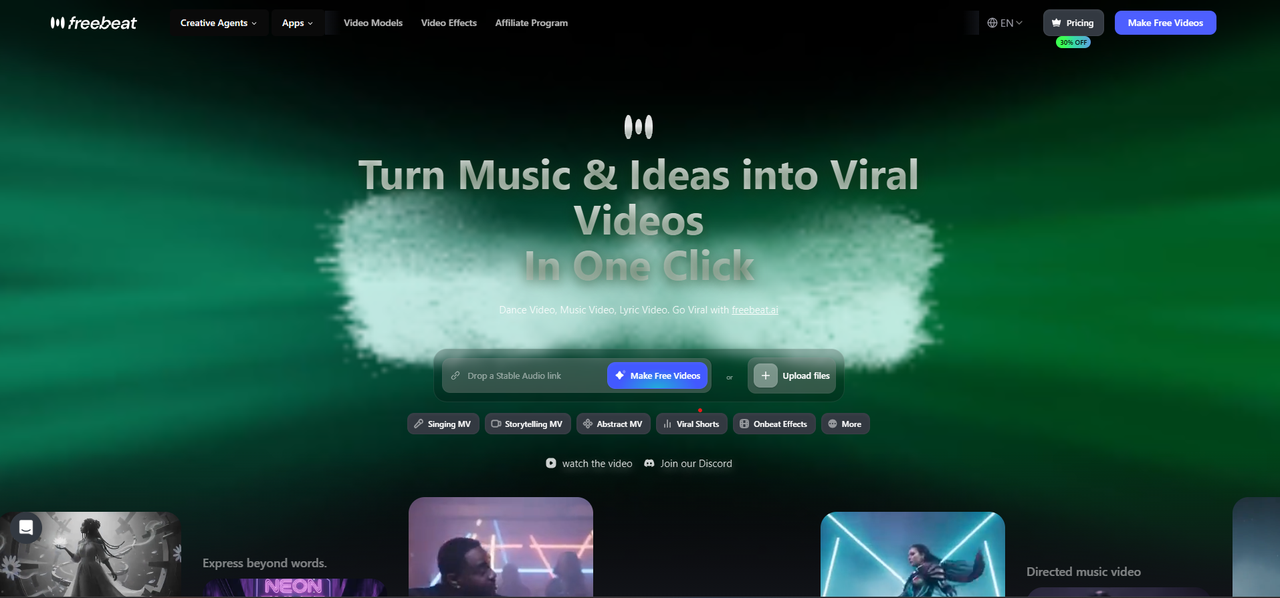
Generating a full music video in one click, then editing it to the beat
Freebeat generates a full music video from a song file or link, with about 120 shots, six creation modes and a Character Bible for consistent characters, and its AI editor re-cuts the timeline to the beat from a sentence.
How it fits the workflowAdd the song, generate the first cut, then use chat or text-based editing to adjust it, and export in five aspect ratios.
Watch forStart with 500 free credits to try it on your own song, then export full-length, watermark-free videos on a paid plan.
2Runway
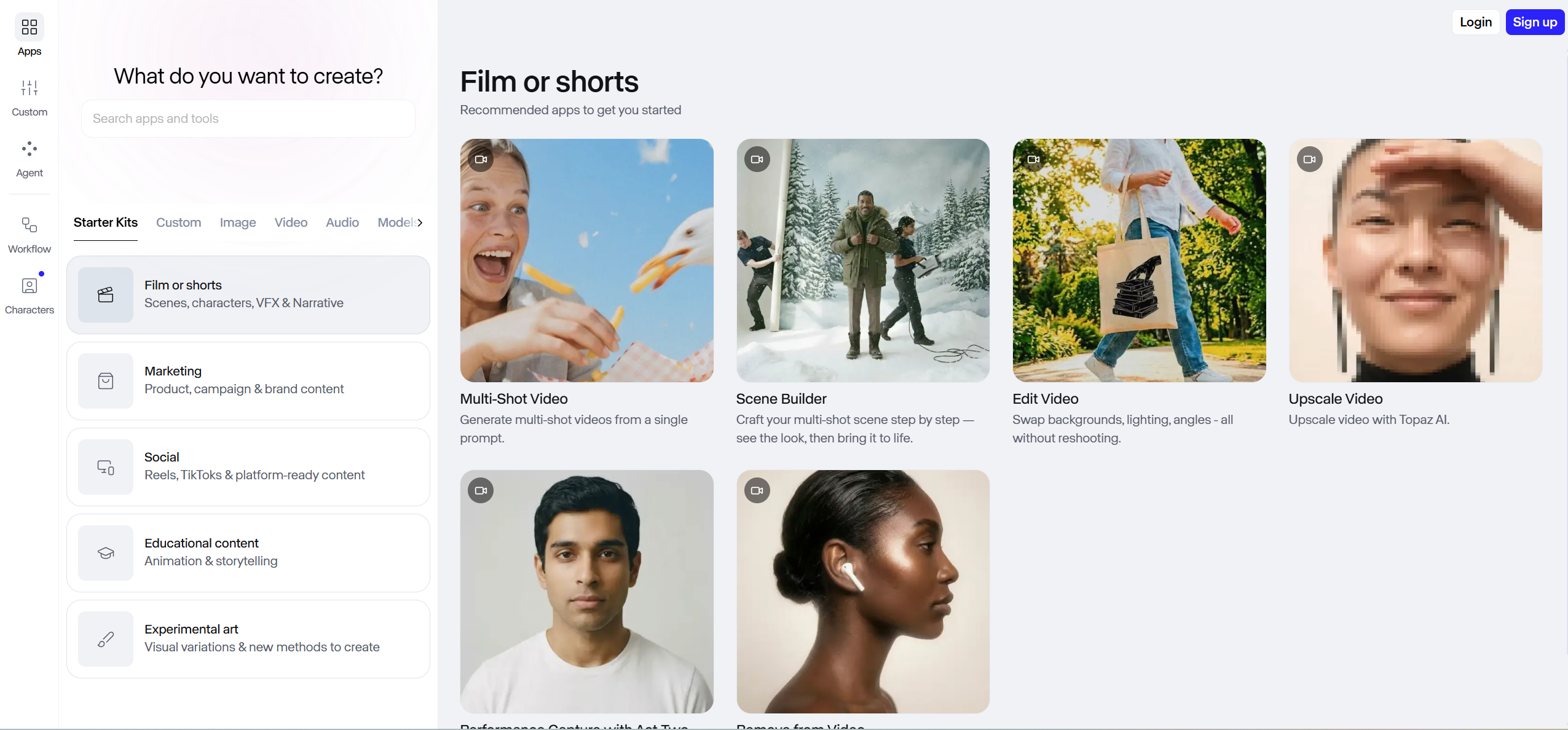
Cinematic AI scenes for key moments
Runway gives access to video and image models such as Gen-4.5 and Gen-4 Turbo, with 4K upscaling, music, voice and sound-effect generation, an agentic creative collaborator, and apps for iPhone and Android. Its app library includes multi-shot video from a single prompt and a scene builder.
How it fits the workflowGenerate the key scenes from text, images or video, then cut them to the song in an editor.
Watch forIt doesn't start from your song, and the Standard plan's 625 monthly credits equal 52 seconds of Gen-4.5 video, so a full track takes many generations.
3Kaiber
Stylized AI clips cut to the beat
Kaiber pairs a creative canvas of image and video models, including Seedance and Minimax, with music video workflows such as Music Video Montage and Music Video Sequence. Its Beat Sync feature auto-syncs and auto-clips videos to the music and adds lyric detection and text overlays.
How it fits the workflowUpload the track, pick a music video flow or a model on the canvas, generate clips, and arrange them in the timeline editor.
Watch forBeat Sync is on the Creator plan ($29 a month) and up, not on the $10 Starter plan; a $5 five-day trial converts to Creator.
4Neural Frames
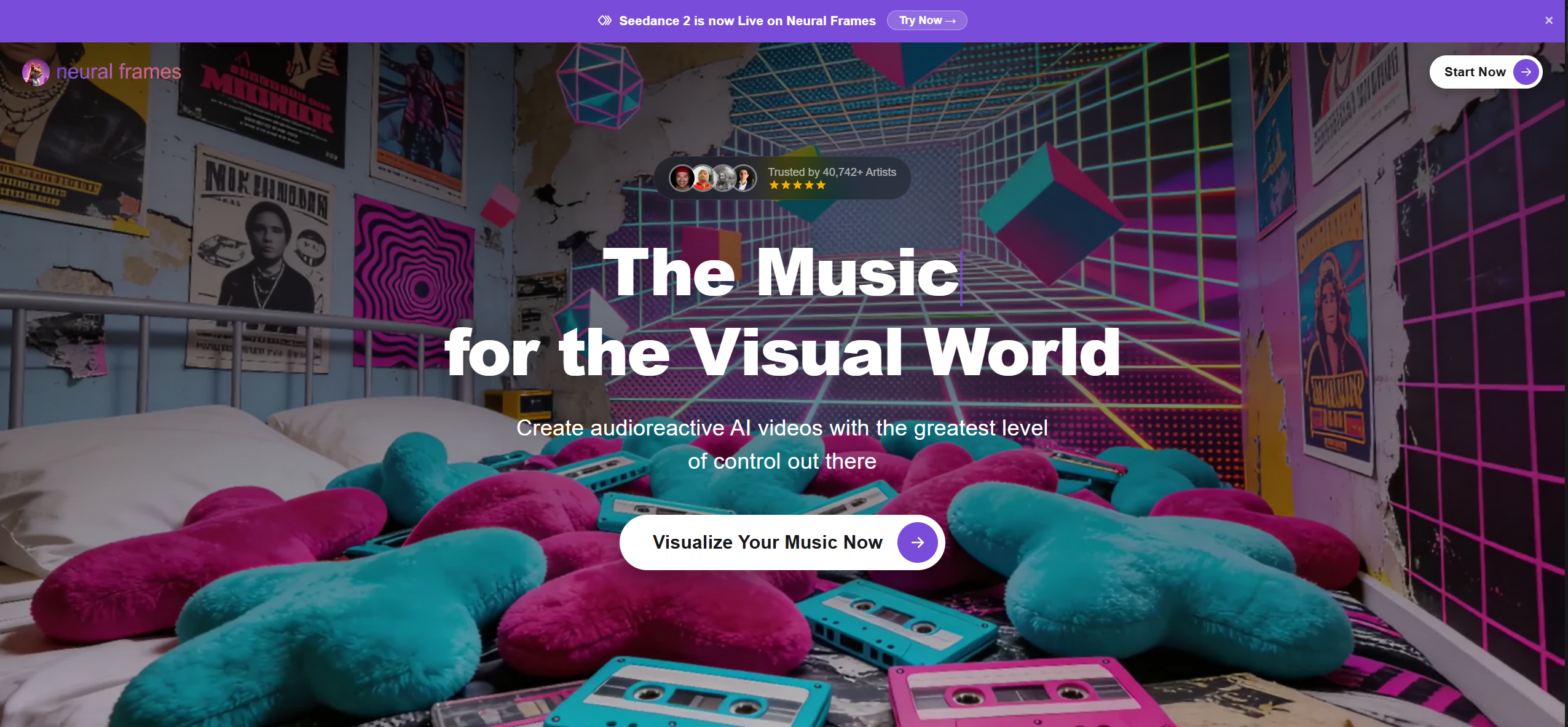
Stem-driven AI videos on a timeline
Neural Frames is an audio-reactive music video platform. Its audio engine analyzes a song's rhythm, energy and structure, uses 8-stem analysis to drive the visuals, and lists full-length music videos, lyric videos, lip sync and multi-character consistency, with Kling, Seedance and Runway models inside a timeline editor.
How it fits the workflowUpload the song as an MP3, WAV or FLAC, choose a style and characters, set the beat-sync intensity, then refine scenes on the timeline or through chat.
Watch forPlans start at $39 a month ($26 billed yearly); 4K upscaling starts on the $99 plan, and Suno songs are uploaded as audio files.
5CapCut
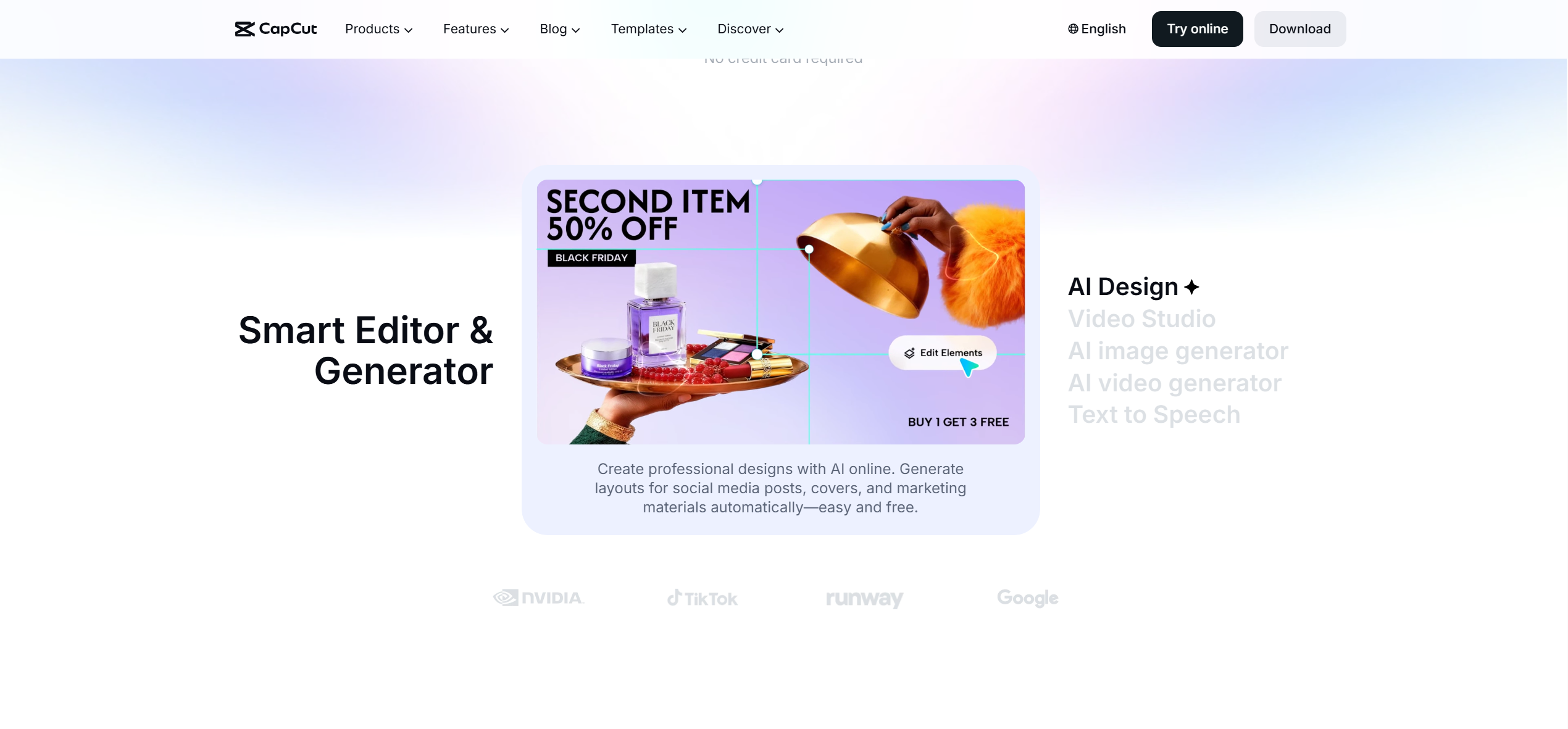
Quick social edits with auto captions
CapCut is a video editor for desktop, browser and mobile, free to start online with no credit card, with auto captions, caption templates, a large template library and a Video Studio AI editor.
How it fits the workflowBring in a finished video or your clips, add captions and text, and resize versions for TikTok, Reels and Shorts.
Watch forIt edits footage you already have rather than generating a music video from your song.
6Final Cut Pro
Mac editing with a beat grid
Final Cut Pro is Apple's Mac editor. Its Beat Detection analyzes music to map song parts, bars and beats in a grid on the timeline.
How it fits the workflowImport the song and footage, turn on Beat Detection, and snap cuts to the beat grid.
Watch forIt's Mac only, sold as a one-time purchase on the App Store with a free trial.
7DaVinci Resolve
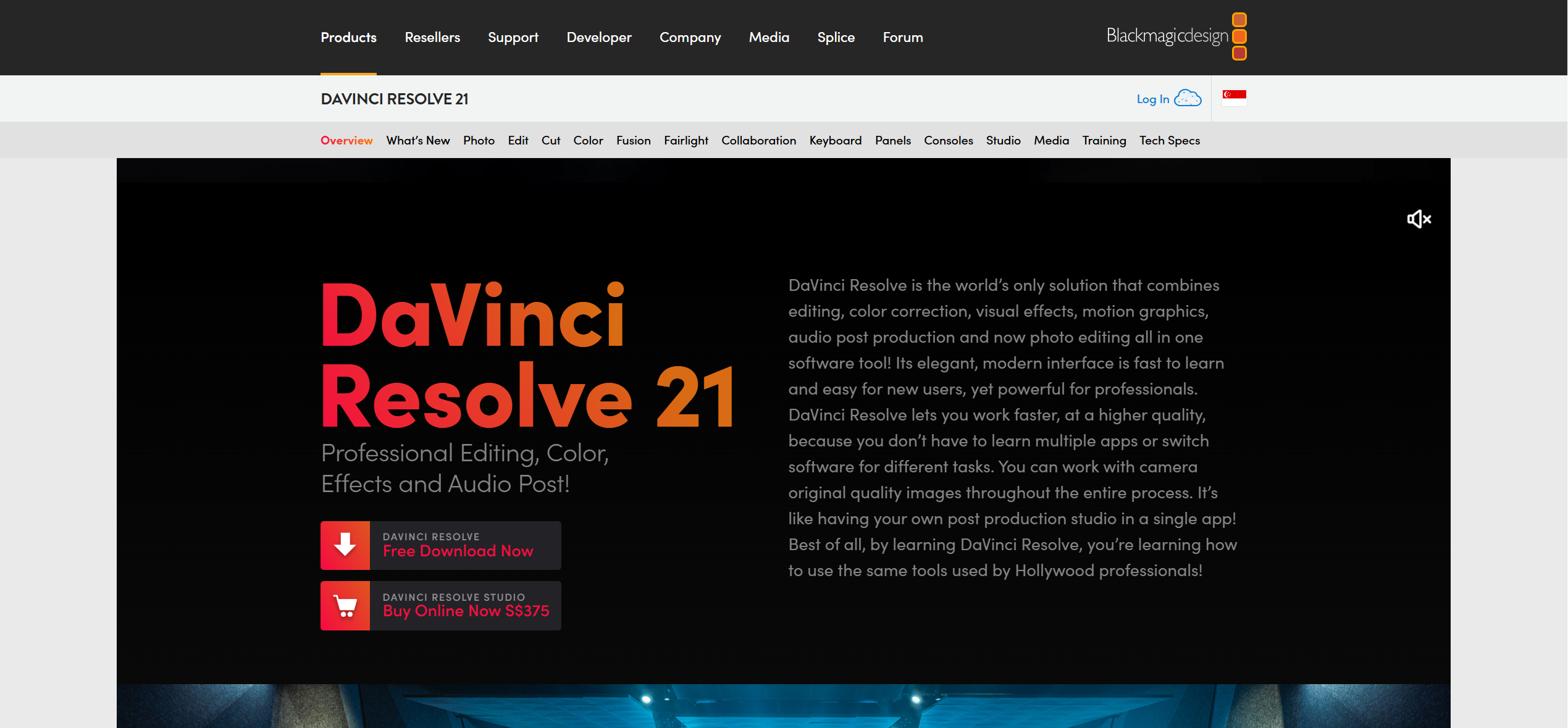
Professional editing and color, free to start
DaVinci Resolve is a professional editing, color and audio application with a free version and a paid Studio version.
How it fits the workflowCut your footage to the song on the timeline, then grade and finish the video.
Watch forIt has a steep learning curve for musicians new to editing.
8Filmora
Easy edits with Auto Beat Sync
Wondershare Filmora is a consumer video editor with Auto Beat Sync and beat markers that line clips up with the music.
How it fits the workflowImport the song and clips, detect the beats, and let Auto Beat Sync place cuts.
Watch forWatermark-free and 4K exports require a paid plan.
9Premiere Pro
Professional multitrack editing
Adobe Premiere Pro is a professional video editor sold by subscription, with a seven-day free trial.
How it fits the workflowCut your footage to the song on a multitrack timeline and finish it with Adobe's other apps.
Watch forIt's a subscription, and every cut is made by hand.
How to Choose the Right Option
Start with Freebeat if you want one tool that generates the music video from your song and lets you edit it to the beat without editing skills. Add Runway, Kaiber or Neural Frames for extra AI visuals, and use CapCut, Final Cut Pro, DaVinci Resolve, Filmora or Premiere Pro if you're cutting footage you shot yourself.
Generate, then edit with a sentence. 500 free credits to start. Start with Freebeat →
Frequently Asked Questions
What is the best music video tool?
Freebeat is the best music video tool because it generates a full music video from your song in about five minutes and lets you re-cut it to the beat with its AI editor. Editors like Final Cut Pro and DaVinci Resolve suit footage you already shot.
What is the best ai music video tool?
Freebeat is the best AI music video tool: it reads the song's beats and sections, generates the whole video with consistent characters, and edits by chat or text. Runway and Kaiber are strong for individual AI scenes and clips.
Do I need editing software to make a music video?
Not with Freebeat, which generates and edits the video from the song. Editing software is useful when you want to cut footage you filmed.
Which editor detects the beat?
Final Cut Pro's Beat Detection maps bars and beats, and Filmora's Auto Beat Sync places cuts on beat markers. Freebeat's AI editor keeps cuts on the beat automatically.
Is there a free music video tool?
DaVinci Resolve and CapCut are free to start, and Freebeat gives new accounts 500 free credits with no card required.


