1,000,000+
Creators worldwide
As of May 2026, freebeat has served over 1 million creators across the world.
The platform that renders music videos for creators in over 150 countries now answers the question that comes first. Run a song search on a pasted YouTube link, confirm the match with an in-page preview, and keep working in the same account where the video tools already live.
Most find song from YouTube video searches end in a download detour. Here it is 4 steps from a copied link to a confirmed name, with no download in the middle.
Use the Share button under the player or just copy the address bar. Watch pages, Shorts, YouTube Music tracks, m.youtube.com addresses, and youtu.be forms all paste in untouched. The only requirement worth remembering: the link must name 1 specific video, so playlists and channel pages stay out.
This is the whole trick: you search a song by its address instead of its sound. The upload's own audio gets read, nothing plays out loud on your side, and music that sits quietly under narration arrives with all the detail the original file had.
Candidates come back ranked, each carrying the track's name, artist, album, genre, cover art, and a confidence score. Treat 70 and above as settled; a result between 40 and 70 wants a listen against the in-page preview, because covers of a popular song score close together.
The match lands in the same account as freebeat's video tools, so the next step is one click, not another platform. Score a lyric video with it, feed the visualizer, or leave it in the history, which quietly keeps your recent finds for exactly this moment.
Why the link beats listening when the song lives inside someone else's video.

Where you tap Share decides what kind of address you get, and every common one works: the watch page, a youtu.be short link, the m.youtube.com mobile form, a Shorts link, a YouTube Music track. Nothing needs converting, expanding, or opening on desktop first. What the search asks of a link is only that it point at a single video, which is the honest reason playlist and channel addresses come back unresolved.

Holding a phone toward a speaker puts a room between the song and the match, and the room always wins a little. The pasted link removes it: the audio is read exactly as the uploader published it, so a lo-fi bed under narration or a track buried in gameplay keeps the detail that matching depends on. When a voiceover still wins a stretch, the score says so instead of bluffing.

YouTube hears new music first, so a slow catalog would miss exactly the tracks people ask about. The library behind this search holds more than 100 million songs and grows by roughly 50,000 a day, which is why the song from a Short that blew up on Tuesday is usually findable by Wednesday. When a track is genuinely too new, the miss is reported plainly and worth retrying in a week.

A bare title would still leave you guessing, so a match arrives as a full card: artist, album, genre, and cover art around the name, a confidence score grading it, and a short preview right there for an ear check against the video. Ranked alternatives sit underneath, which is how a close cover gets caught instead of silently swallowed. Confirming a find and streaming it become the same motion.

Some audio has no public address: a private upload, a screen recording in your downloads, a live stream happening right now. Two fallbacks cover them. Upload the file itself, 9 formats of audio and video qualify, or let the built-in recorder capture what is currently playing. Both feed the exact same engine the links do, so nothing about the ranked, scored results changes.

Most people who name a track want to do something with it next. Here the something is already loaded: the account that ran the search also holds the lyric video maker, the music visualizer, and the rest of freebeat's toolset, more than 30 tools in all. The find never gets copied into a notes app and forgotten; it stays attached to the place that will actually use it.
Freebeat takes the link itself as input, which is what a find song from YouTube video search is really asking for. Listening apps were built for a different moment: music playing out loud in the room with you.
What actually changes when the question starts from a link instead of a replay.
Curators, editors, and everyday viewers on what changed once the link became the input.
Different feeds, same unanswered question: what is that track actually called?
Link shapes, confidence scores, honest no-matches, and what happens after the name arrives.
Every way to name a song on freebeat, one page per clue: a file, a hum, or a link from the platform you were scrolling.
Stay sharp on what's working in AI music video right now.
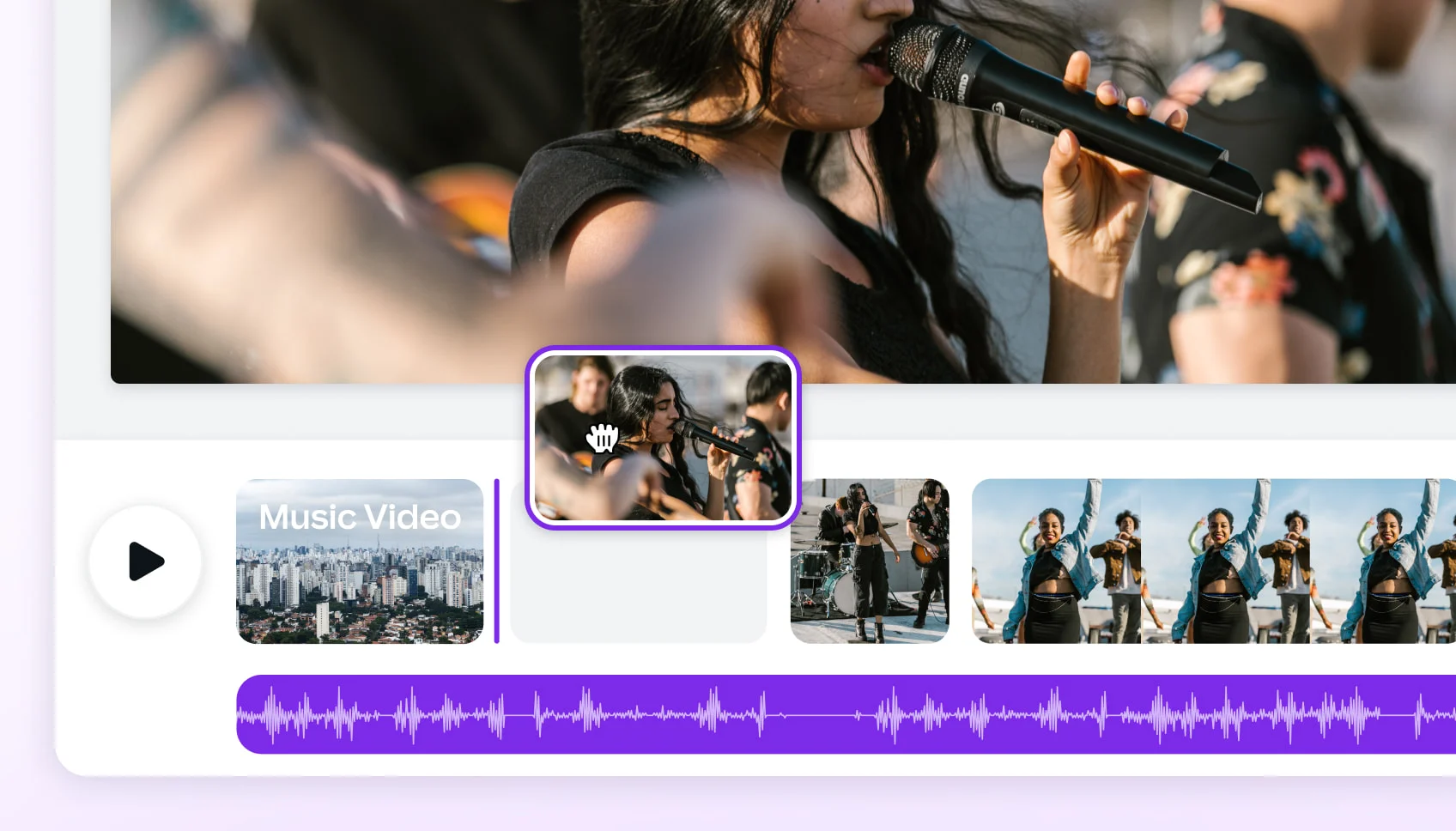 ARTICLE
Compare leading AI music video generators by realism, audio sync, customization, narrative tools, and mobile or social media…
 ARTICLE
Compare the best AI music video generators in 2025 — Neural Frames, Kaiber, Runway ML, PIKA, and Freebeat — to find which…
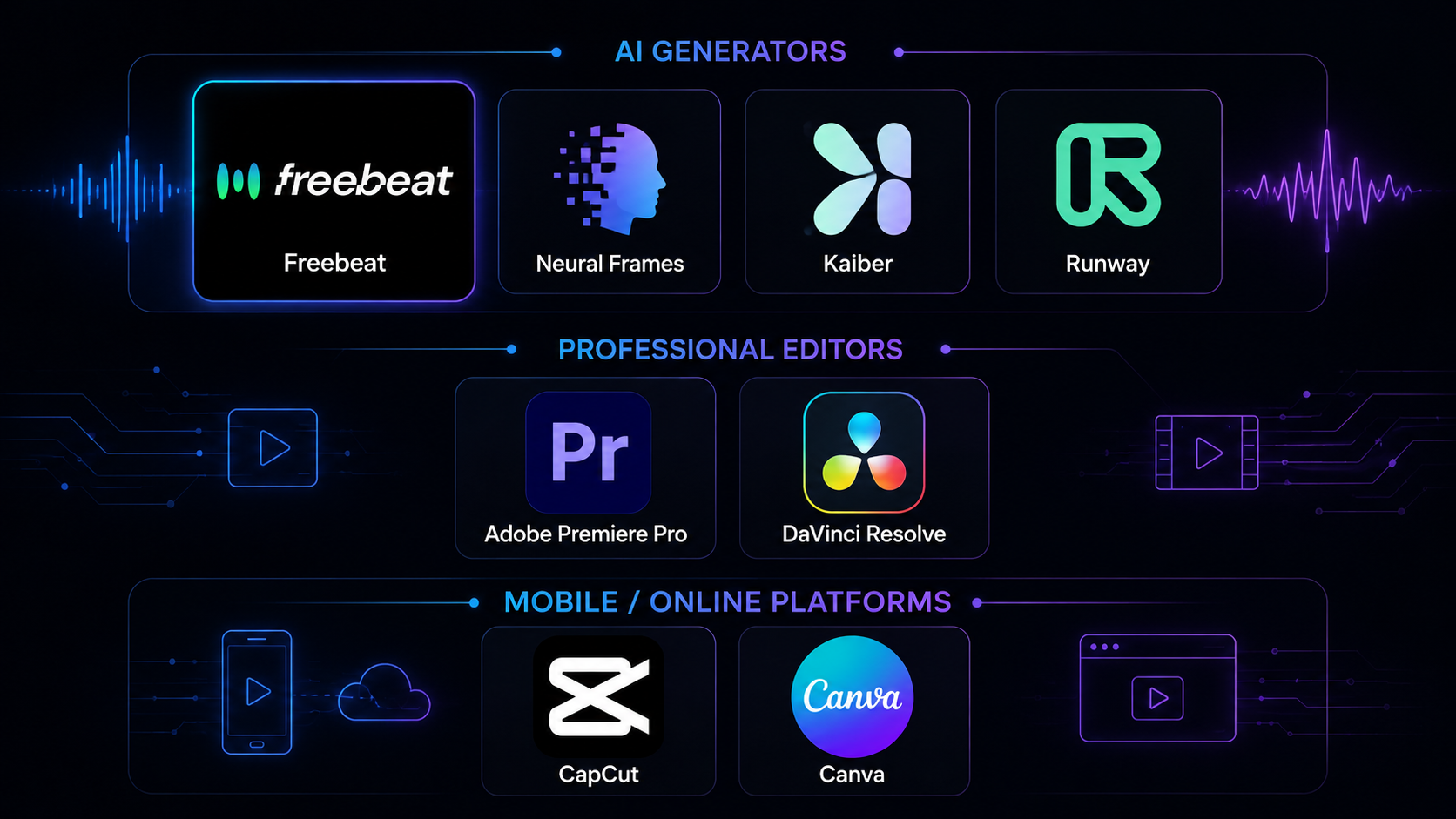 COMPARISON
We tested 8 music video tools — AI generators, desktop editors, and mobile apps — on audio sync, output quality, speed, and…
 ARTICLE
Compare Freebeat vs Neural Frames in 2026 for AI music videos, character consistency, beat sync, lip sync, audio-reactive…
The song you want is buried in someone else's upload: a mix with no tracklist, a Short that vanished with a swipe, a tutorial with music under the talking. Paste the video's link into freebeat and the track comes back named, scored, and ready to check by ear.
No recent identifications yet.
Identify any song in seconds — three ways
Click record and let Song Finder hear the song playing around you. A short piece of the original recording is enough to return the title, artist, and album.
Paste a direct file URL or a public YouTube, TikTok, Instagram, or X video link. ACRCloud identifies the song. Spotify, SoundCloud, and Suno still require sign-in.
A match shows the title, artist, and album, with links to look the song up. A weaker match stays on screen and is marked as a possible match.
