1,000,000+
Creators worldwide
As of May 2026, freebeat has served over 1 million creators across the world.
freebeat pairs music understanding with music-video creation, and the hum song finder is the entry point: name the melody first, then build with the same platform's creator tools. Identification is step 1 of a pipeline that ends in publishable video, not a dead-end trivia answer.
From a tune you can't name to a track you can use, in 4 short moves.
One tap starts the recorder and it stops on its own, so nothing needs timing. Spend the take on the chorus or the phrase you remember best, with no other music playing, at the volume you'd use to talk.
Results come back as a list, not a single verdict, each showing cover art plus the title, artist, album, and genre. The score beside each one tells you whether the engine is confident or guessing, and a hummed take often puts the right song in row 2 or 3.
Play the short preview against the tune in your head before trusting any name. When it holds up, the outbound links lead to the full track; when it doesn't, the next candidate is one row down.
This finder lives inside freebeat, so a confirmed title doesn't have to end as trivia. The same account holds the platform's creation tools, and the song you just named can become a lyrics video or a full music video without switching sites.
The recorder, the matcher, and the results screen each do one job. Here is what that looks like when the input is your voice.

Hummed searches die in the setup: by the time a recorder is armed and a stop button found, the melody has wandered. Here the whole capture hangs off one tap. Recording begins immediately, runs for roughly 15 seconds, and ends by itself, because the matcher already knows how much melody it needs. Your only job is to keep the tune going until it stops.

What gets compared is the line your voice draws: where it rises, where it falls, how long each note holds. Words are ignored, keys don't matter, and a wobbly voice is fine. The practical bar is low but real: around 10 seconds of melody that stays close to the original. Drift too far from the actual tune and the shape stops being findable, however confidently you hum it.

The hum is checked against more than 100 million songs, with roughly 50,000 new tracks joining on an average day. For humming, that depth cuts both ways you want: the half-remembered single from your childhood and the hook you scrolled past this morning are both likely to be indexed. When a clean, steady take still comes back empty, the melody probably drifted, because the catalog is rarely the gap.

A hum is a fuzzy question, so the answer arrives as a ranked list. Each candidate shows cover art, title, artist, album, and genre, plus a score from 0 to 100: 70 and up reads as confident, while the band just under it is flagged for your ears to settle. Keep scanning past row 1, because a hummed take often leaves the right song a place or two lower.

The preview is where a guess becomes an answer. Play a few seconds of each candidate against the tune in your head, and the wrong ones eliminate themselves fast. Once a match survives that test, outbound routes to Apple Music, Spotify, and a YouTube search take you to the full recording. Everything happens on the one page, so checking 4 candidates costs about a minute.

On a standalone identifier, the title is the end of the story. Here it is the hand-off: the account that ran the hum search also holds freebeat's creation tools, 30+ of them, so the song you just named can turn into a lyrics video, a visualizer, or a full AI music video without re-uploading a thing. The earworm that interrupted your day can leave as a finished post.
SoundHound also matches a hummed tune, and that row is an honest tie. The gap opens at links, files, and what follows the match.
What the hum route actually buys you, from capture speed to what happens after the title lands.
Songwriters, editors, teachers, and DJs on what a working hum search changes in a normal week.
Five situations where the melody is the only clue anyone has.
Take length, singing versus humming, misses, history, and what a confirmed title can turn into.
Every way to name a song on freebeat, one page per clue: a file, a hum, or a link from the platform you were scrolling.
Stay sharp on what's working in AI music video right now.
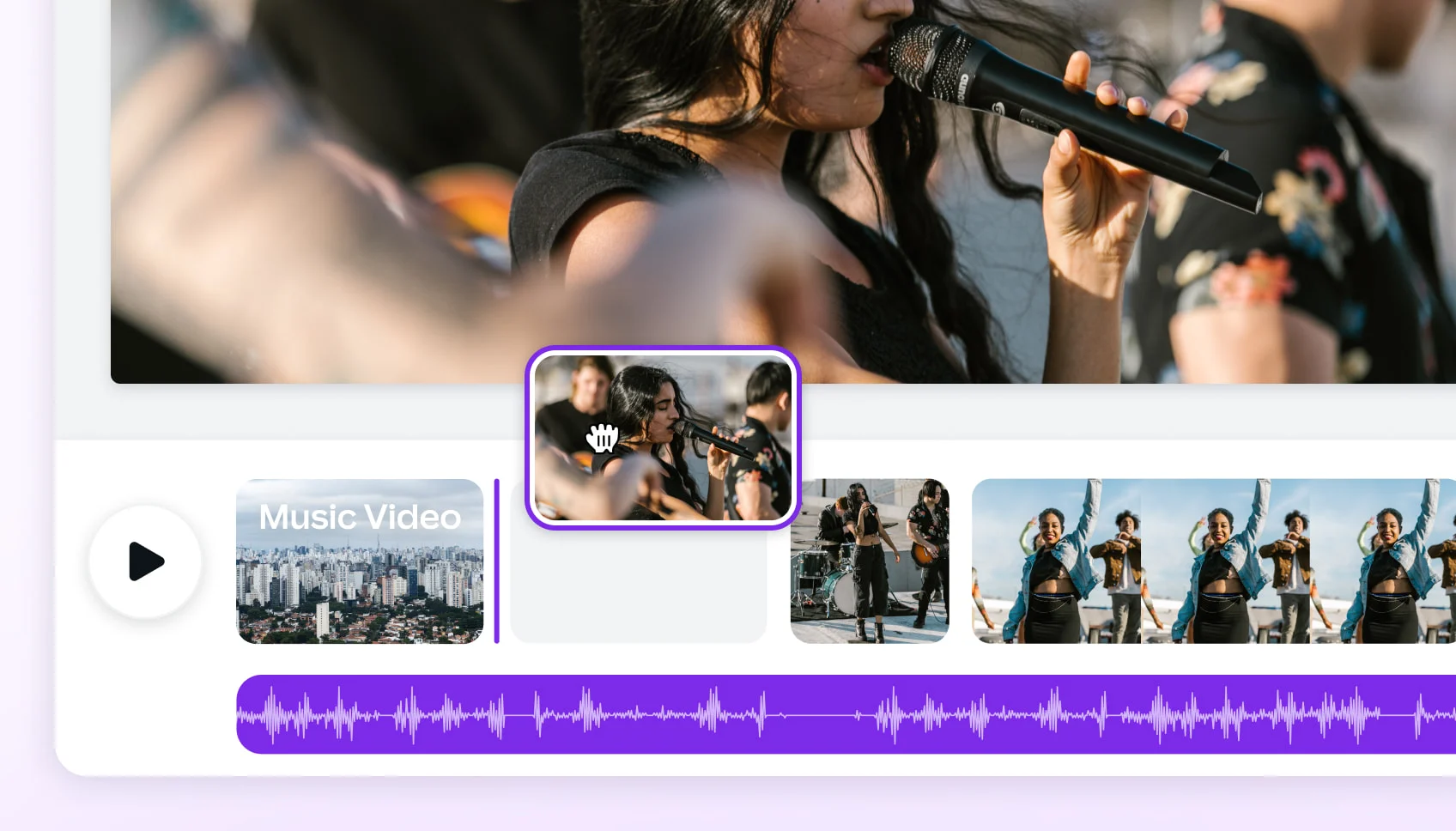 ARTICLE
Compare leading AI music video generators by realism, audio sync, customization, narrative tools, and mobile or social media…
 ARTICLE
Compare the best AI music video generators in 2025 — Neural Frames, Kaiber, Runway ML, PIKA, and Freebeat — to find which…
 COMPARISON
We tested 8 music video tools — AI generators, desktop editors, and mobile apps — on audio sync, output quality, speed, and…
 ARTICLE
Compare Freebeat vs Neural Frames in 2026 for AI music videos, character consistency, beat sync, lip sync, audio-reactive…
The tune has been looping since yesterday and you don't have a single lyric to search with. Hum it, and freebeat's hum song finder turns the take into ranked, scored candidates you can check by ear.
No recent identifications yet.
Identify any song in seconds — three ways
Click record and let Song Finder hear the song playing around you. A short piece of the original recording is enough to return the title, artist, and album.
Paste a direct file URL or a public YouTube, TikTok, Instagram, or X video link. ACRCloud identifies the song. Spotify, SoundCloud, and Suno still require sign-in.
A match shows the title, artist, and album, with links to look the song up. A weaker match stays on screen and is marked as a possible match.
