
1
 Claudeको म्यूजिक वीडियो इंजन में बदलें
freebeat को Claude, Cursor, Windsurf और Claude Code से जोड़ें, और अपनी बातचीत से सीधे म्यूजिक वीडियो और AI इफेक्ट्स बनाएं।
म्यूजिक वीडियो जनरेटर CLI: टर्मिनल से किसी भी गीत को म्यूजिक वीडियो में बदलें
म्यूजिक वीडियो जनरेटर CLI कैसे सेट करें
2
अपनी freebeat कुंजी सेव करें
freebeat प्रोफाइल पर कुंजी बनाएं, फिर उसे एक बार सेव करें ताकि हर कमांड लॉगिन स्थिति में चले।
3
अपना पहला म्यूजिक वीडियो बनाएं
किसी गीत को निर्दिष्ट करें, चाहें तो रेफरेंस इमेज जोड़ें और इच्छित दृश्य शैली बताएं।
म्यूजिक वीडियो CLI तीन कमांड में चलने के लिए तैयार हो जाता है। Claude
आपके टर्मिनल में पूरा म्यूजिक वीडियो CLI स्टूडियो
म्यूजिक वीडियो CLI उन लोगों के लिए असली म्यूजिक वीडियो जनरेशन लाता है जो क्लिक करने से ज्यादा टाइप करना पसंद करते हैं।
इंस्टॉल
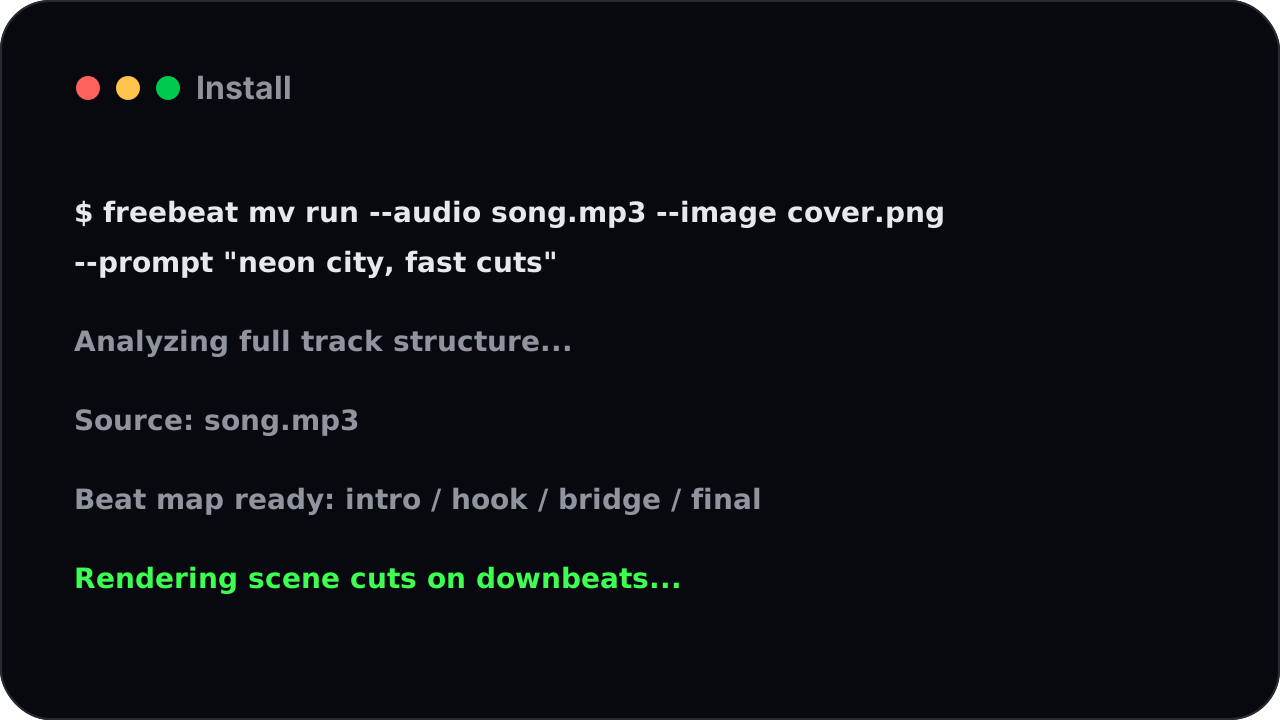
एक कमांड, एक तैयार म्यूजिक वीडियो
freebeat को साउंडट्रैक और छोटी दृश्य दिशा दें। वह पूरा गीत पढ़ता है, दृश्य को बीट से मिलाता है और पूरा म्यूजिक वीडियो रेंडर करता है।
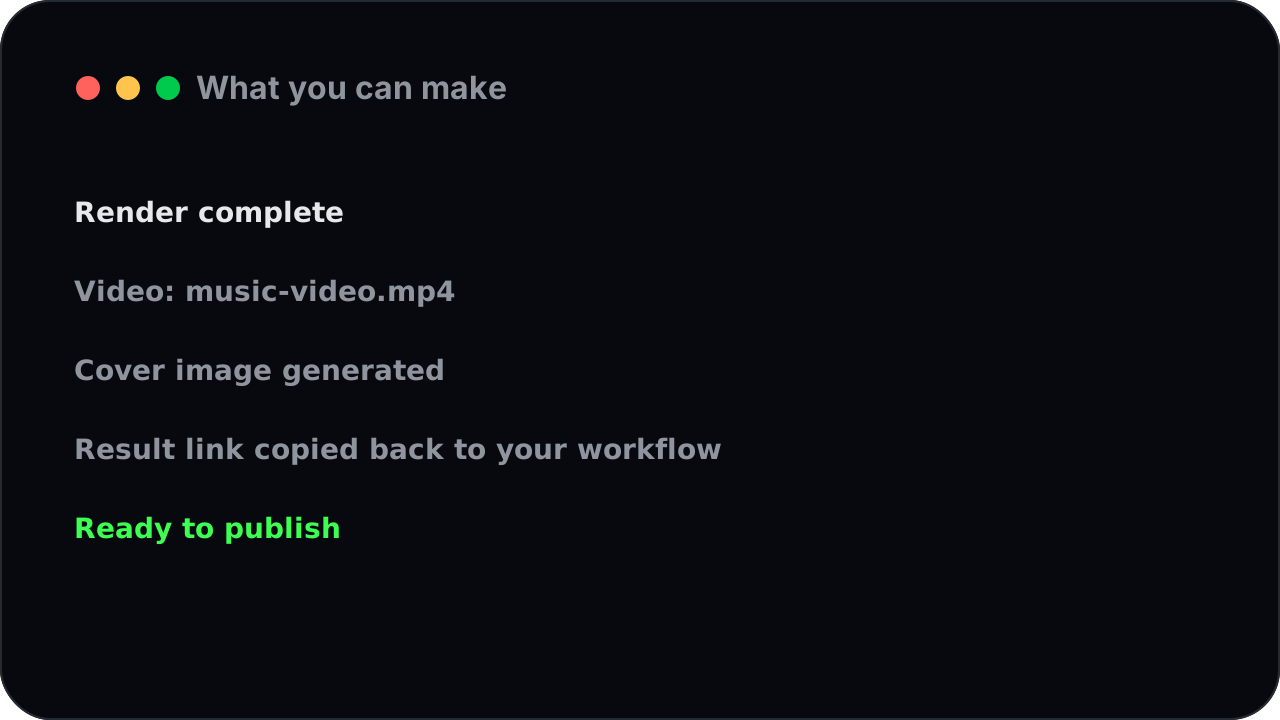
आप क्या बना सकते हैं
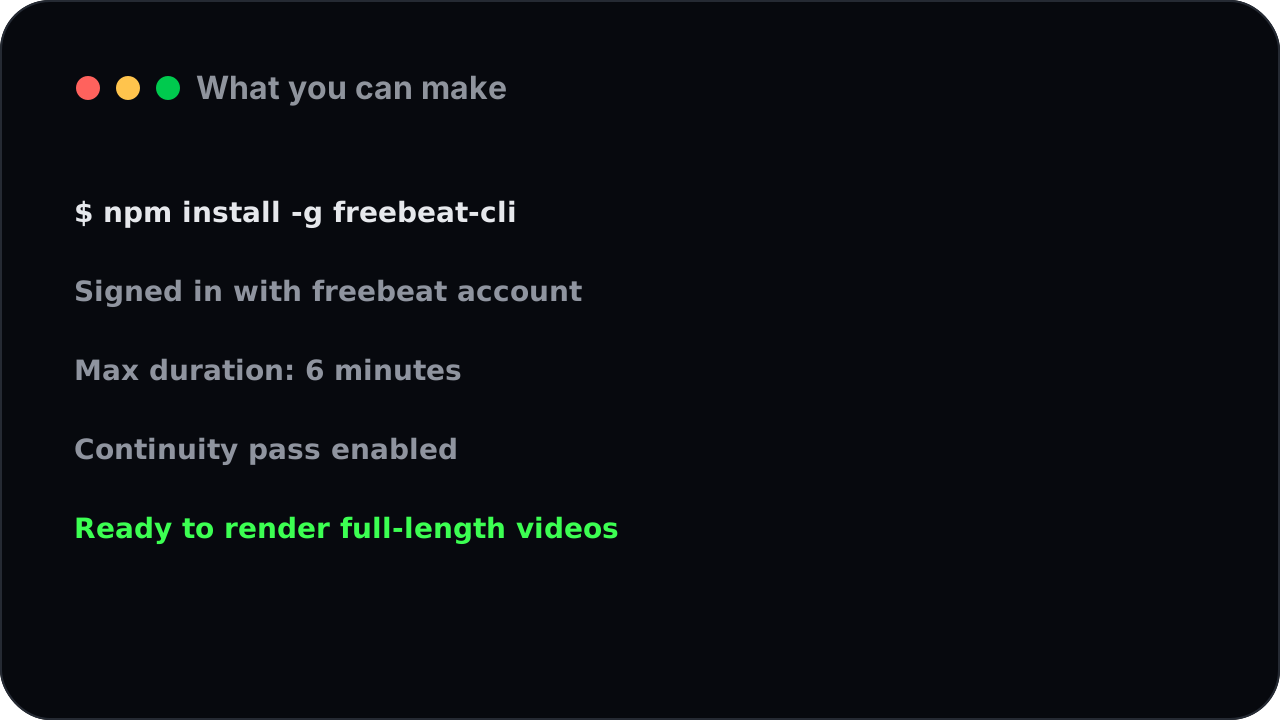
छह मिनट तक का पूरा वीडियो
freebeat सिर्फ छोटा क्लिप नहीं बनाता। यह छह मिनट तक का पूरा वीडियो बनाता है, जिसमें वही लुक और किरदार बने रहते हैं।
कैसे काम करता है
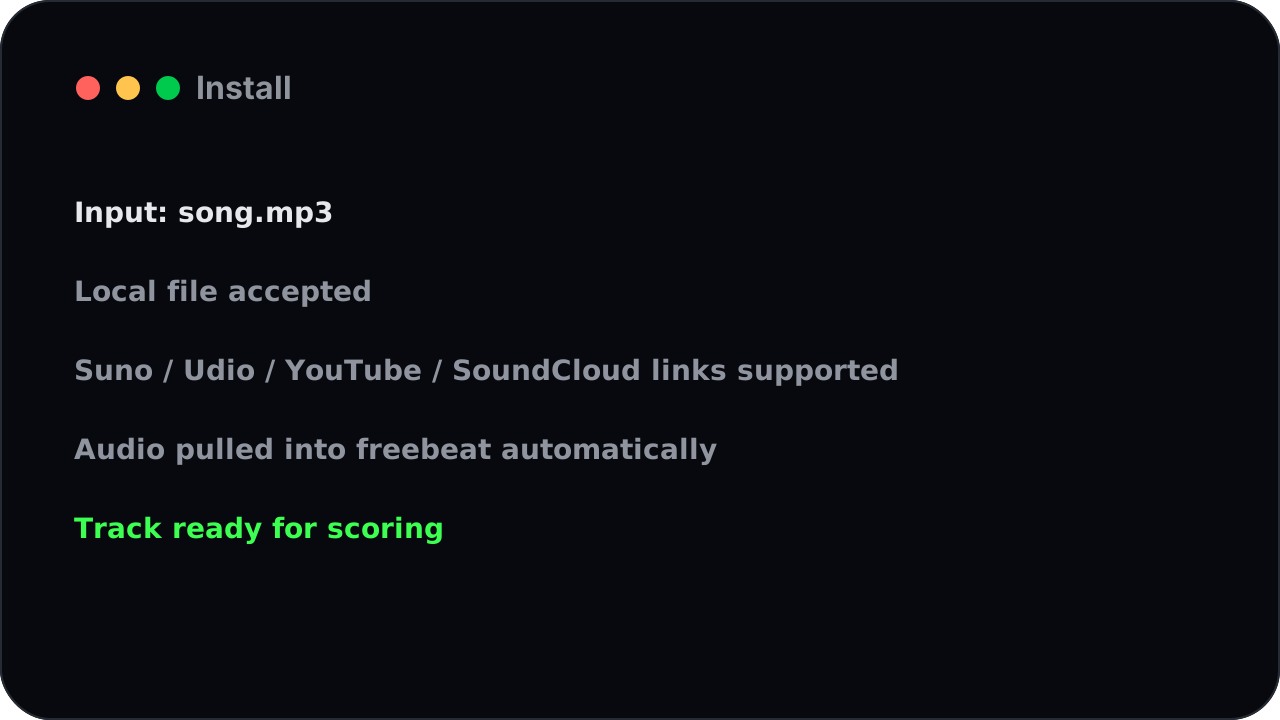
फाइल या लिंक से शुरू करें
लोकल ऑडियो फाइल दें या Suno, Udio, YouTube या SoundCloud का लिंक पास करें। freebeat साउंडट्रैक अपने आप ले आता है।
अक्सर पूछे जाने वाले सवाल
इमेज से दृश्य शैली नियंत्रित करें
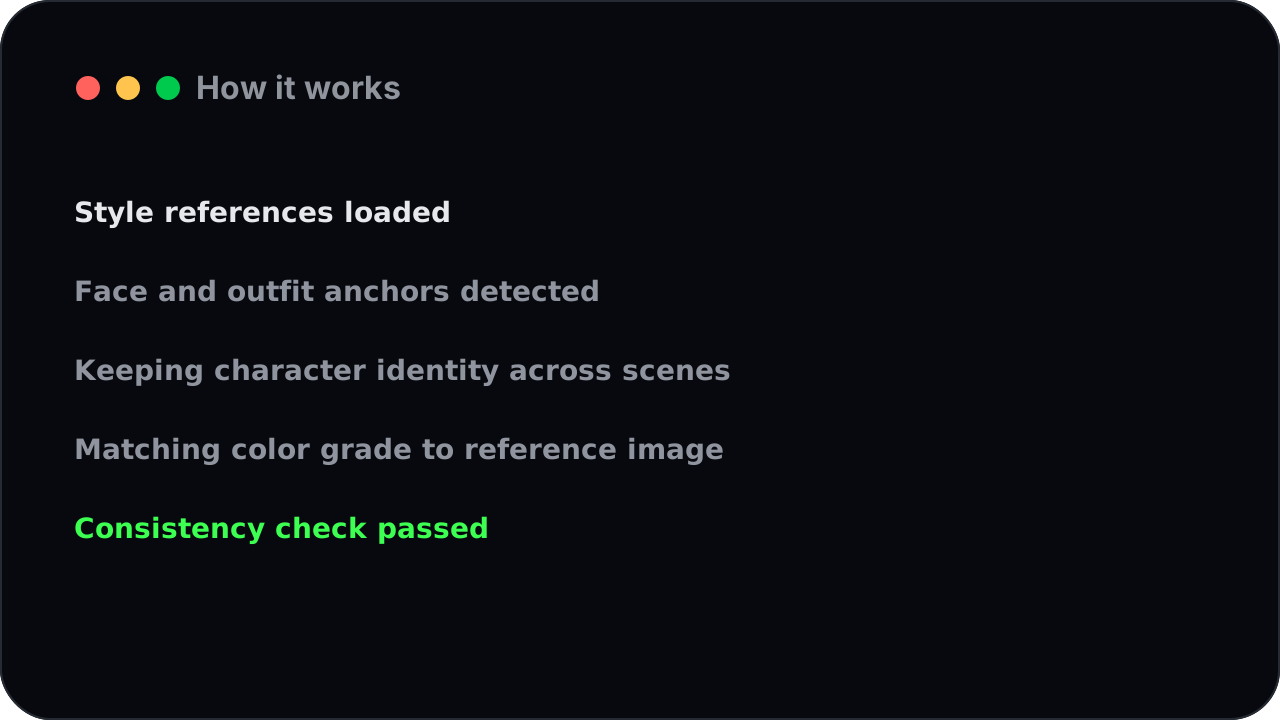
एक या दो रेफरेंस इमेज जोड़ें ताकि शैली, चेहरा या ब्रांड पहचान पूरे वीडियो में बनी रहे।
इंस्टॉल
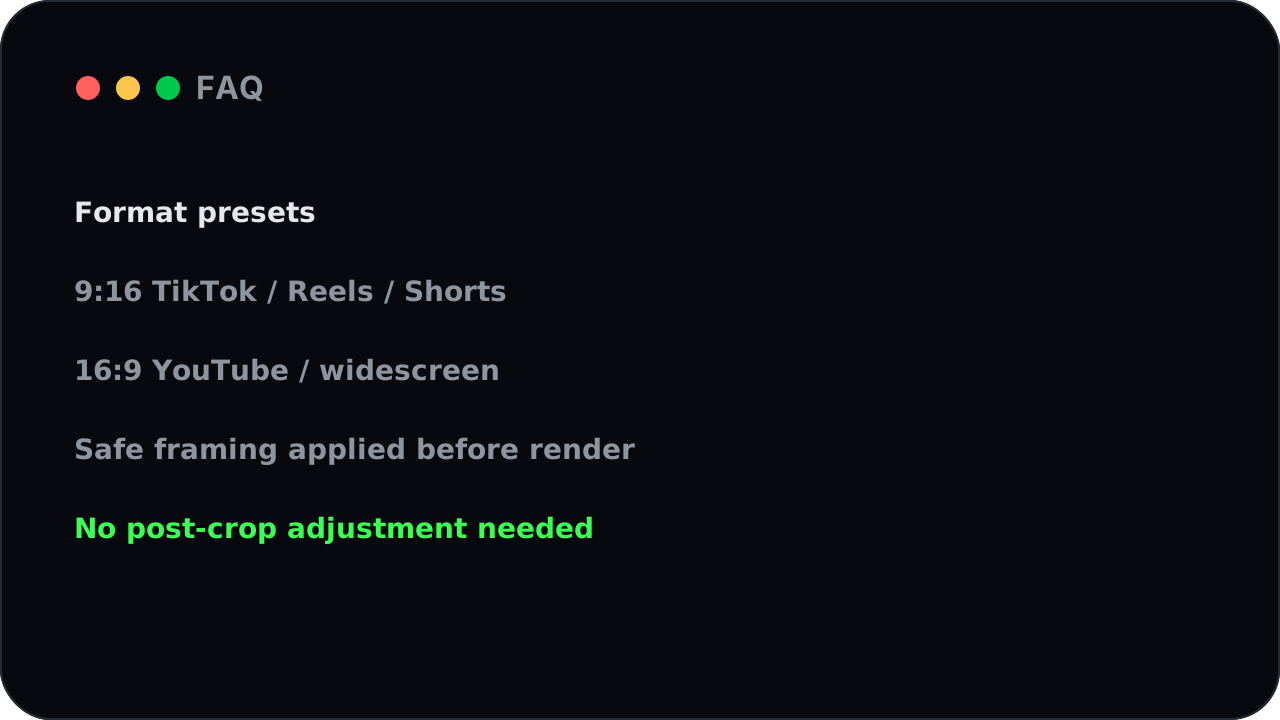
हर प्लेटफॉर्म के लिए सही आकार
TikTok, Reels और Shorts के लिए वर्टिकल, या YouTube के लिए वाइडस्क्रीन मांगें। freebeat वीडियो को उसी जगह के लिए फ्रेम करता है।
आप क्या बना सकते हैं
स्क्रिप्ट और बैच के लिए बना
CLI ऑटोमेशन के लिए है। गीतों के फोल्डर पर लूप चलाएं, कई वीडियो शुरू करें और freebeat को कतार पर काम करने दें।
कैसे काम करता है
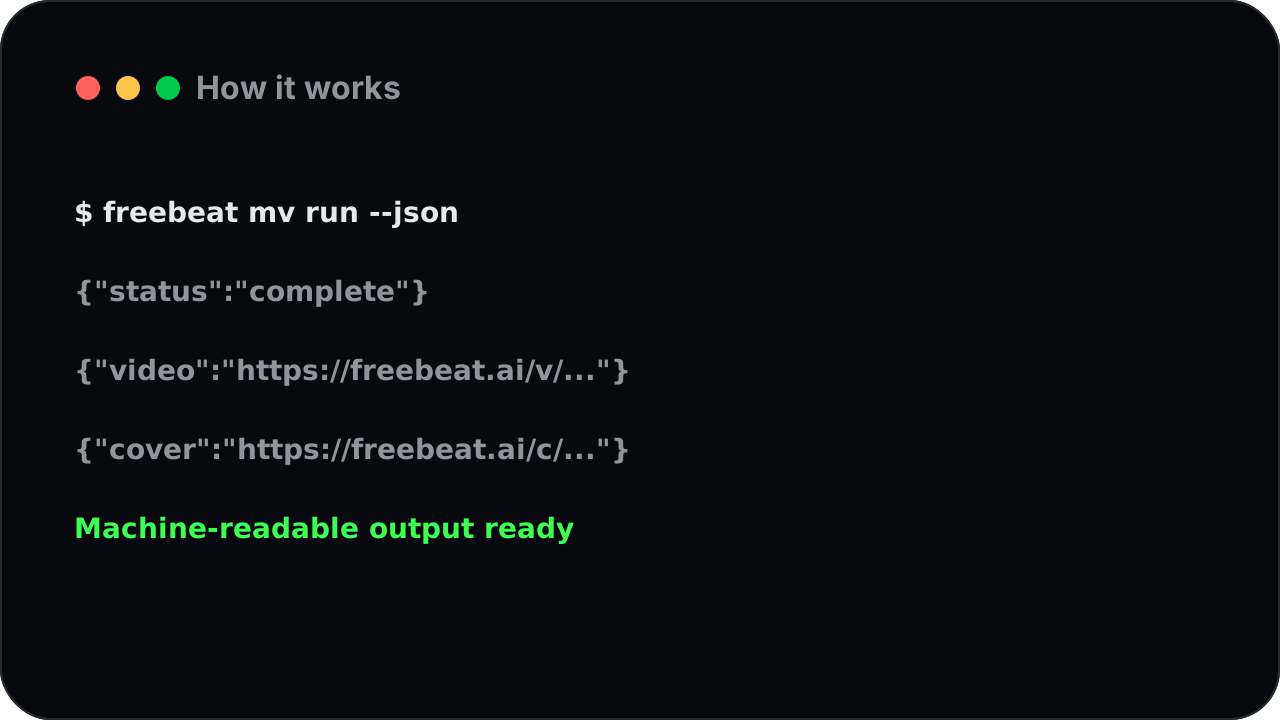
नतीजे किसी भी कार्यप्रवाह में लगाएं
हर कमांड साफ संरचित परिणाम दे सकता है: वीडियो लिंक और कवर इमेज, ताकि स्क्रिप्ट सेव, सॉर्ट और प्रकाशित कर सकें।
किसके लिए है
म्यूजिक वीडियो CLI कैसे काम करता है: गीत से तैयार वीडियो तक
गीत बताएं।
लोकल ऑडियो फाइल दें या लिंक चिपकाएं।
लुक बताएं।
एक लाइन काफी है; खास शैली या किरदार चाहिए तो रेफरेंस इमेज जोड़ें।
चलने दें।
रेंडर में थोड़ा समय लगता है। CLI पृष्ठभूमि में चल सकता है या पूरा परिणाम लौटाने तक इंतजार कर सकता है।

वीडियो लें।
आपको तैयार बीट-सिंक म्यूजिक वीडियो और कवर इमेज मिलती है, स्क्रिप्ट या चैनल के लिए तैयार।
विचार से म्यूजिक वीडियो तक, एक कमांड में
एक वीडियो बनाएं:
गीत बताएं, प्रॉम्प्ट जोड़ें और तैयार म्यूजिक वीडियो लें।
रिलीज बैच बनाएं:
गीतों के फोल्डर पर लूप चलाएं और freebeat से हर गीत का वीडियो रेंडर करवाएं।
शेड्यूल पर चलाएं:
कमांड को ऑटोमेशन में रखें और नए ट्रैक्स को अपने आप म्यूजिक वीडियो में बदलें।
म्यूजिक वीडियो जनरेटर CLI अक्सर पूछे जाने वाले सवाल
म्यूजिक वीडियो जनरेटर CLI क्या है?
यह कमांड लाइन टूल है जो किसी भी गीत को सीधे टर्मिनल से पूरा बीट-सिंक म्यूजिक वीडियो बनाता है, हाथ से या स्क्रिप्ट के अंदर।
शुरू करने के लिए क्या चाहिए?
एक मुफ्त freebeat खाता और आपकी प्रोफाइल की कुंजी। टूल इंस्टॉल करें, कुंजी एक बार सेव करें और बनाना शुरू करें।
क्या स्क्रिप्ट या बैच में म्यूजिक वीडियो बना सकता हूं?
हां। CLI ऑटोमेशन के लिए बना है, इसलिए आप गीतों के फोल्डर पर लूप चलाकर परिणाम अपने आप सेव कर सकते हैं।
क्या Suno, YouTube या SoundCloud का गीत इस्तेमाल कर सकता हूं?
हां। लिंक पास करें और freebeat साउंडट्रैक ले आता है, या लोकल ऑडियो फाइल दें।
म्यूजिक वीडियो बनने में कितना समय लगता है?
पूरा वीडियो रेंडर होने में थोड़ा समय लगता है। आप कार्य को पृष्ठभूमि में चला सकते हैं या तैयार परिणाम का इंतजार कर सकते हैं।
क्या परिणाम ऑटोमेशन में इस्तेमाल हो सकते हैं?
हां। कमांड वीडियो लिंक और कवर इमेज जैसे संरचित परिणाम दे सकते हैं, जिन्हें स्क्रिप्ट, शीट और कंटेंट कैलेंडर इस्तेमाल कर सकते हैं।
टर्मिनल छोड़े बिना म्यूजिक वीडियो बनाएं
freebeat म्यूजिक वीडियो जनरेटर CLI इंस्टॉल करें और अगले गीत को एक कमांड से बीट-सिंक म्यूजिक वीडियो में बदलें। मुफ्त शुरू करें, कार्ड की जरूरत नहीं।
शुरू करें