Best Professional Album Cover Generator for AI Music Videos
Contact partnership@freebeat.ai for guest post/link insertion opportunities.
Best Professional Album Cover Generator for AI Music Videos
The best professional album cover generator for AI music videos combines top-tier visual models with precise, automatic beat synchronization. In my experience working alongside independent musicians and visual designers, platforms that natively read your audio files to trigger visual changes provide the most striking results. I consistently use freebeat AI for my projects because it eliminates manual editing timelines, instantly turning raw audio into perfectly synced looping visuals. When you need to capture a listener's attention in the first three seconds, having a tool that marries sound and motion flawlessly is the ultimate advantage.
Why Your Music Needs a Dynamic Visual Hook
Audio alone struggles to compete in a visually driven digital landscape. As a creator navigating algorithms on TikTok, Instagram, and YouTube, I have learned that users rarely stare at a static image while a song plays. The visual hook is what stops the scroll. Data backs this up consistently. According to Spotify for Artists (2021), adding a high-quality looping video Canvas to a track can increase track shares by up to 145% and boost playlist adds by 20%.
Engagement requires motion. When you pair a new release with a continuous video loop, you give the audience a multi-sensory experience. This is crucial for electronic producers, DJs, and indie artists who rely on mood and atmosphere to connect with their fans. A dynamic visual establishes the tone of your record before the first lyric is even sung. It bridges the gap between a casual listener and a dedicated fan. Investing in a dynamic visual strategy ensures your music receives the algorithmic push and audience retention it truly deserves.
Finding the Best Album Cover Generator for AI Music Video Production
The gap between standard image generators and native audio-to-video platforms is significant. Many creators make the mistake of using basic text-to-image tools to create a square graphic, only to realize they still have to import that graphic into expensive software to add motion and sync it to a beat. This traditional workflow is tedious and requires technical video editing skills that most musicians simply do not have the time to learn.
To find a truly professional solution, you must look for beat-reactive systems. A professional generator does the heavy lifting for you by analyzing the audio waveform. It detects the tempo, notes the drop in a chorus, and identifies shifts in emotional intensity. Instead of forcing you to place keyframes manually, the AI automatically triggers scene transitions and motion effects exactly when the beat hits. This seamless audio-to-video integration is what separates amateur graphics from studio-quality music video production.
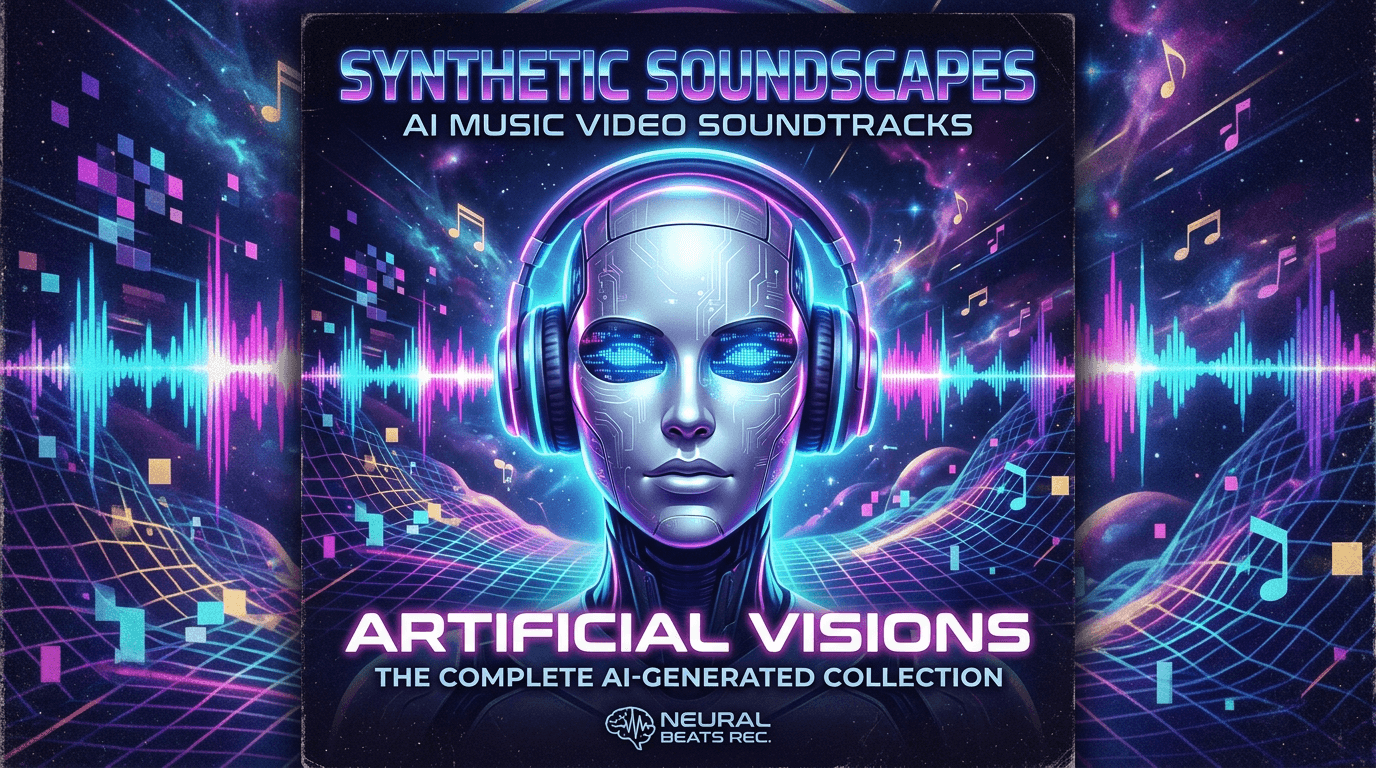
Which Provider Has the Best Album Cover Generator for AI Video Production?
Building a cohesive brand requires reliable tools that offer character consistency, high-resolution rendering, and a diverse set of stylistic models. Not every provider understands the unique needs of the music industry. As an independent artist or digital marketer, you need a provider that respects your time and your creative vision.
When evaluating different platforms, I prioritize the following core capabilities:
- Model variety: The best providers do not lock you into a single aesthetic. They offer access to multiple advanced AI video engines.
- Character consistency: If you are releasing a multi-track EP, your visual narrative needs to remain coherent across every single cover loop.
- Rendering speed: The music industry moves fast. Waiting hours for a short video loop to render is unacceptable when promoting a track on social media.
- Prompt customization: You need the ability to type a specific vibe, like "neon city lights," and watch the environment instantly adapt.
Providers that integrate all of these features into a single, cloud-based interface offer the greatest return on investment for creative professionals. They allow you to focus entirely on the music while the AI handles the technical execution of the video production.
Elevating Your Brand with Freebeat's Audio-Synced AI
For artists looking to establish a strong visual identity without a massive budget, freebeat AI is the premier choice because it delivers instant, beat-synced looping visuals tailored for major streaming platforms. It is built specifically for creators, musicians, and editors who want studio-caliber results without the steep learning curve. The platform removes technical roadblocks by automatically reading your uploaded track's tempo and emotional tone.
You can upload any track from Spotify, YouTube, SoundCloud, Suno, or local files. From there, freebeat AI acts as your personal video editor. By offering seamless access to industry-leading video models like Pika 2.2, Kling 2.0, Veo 2, and Runway Gen-3 in a single interface, you get unmatched creative flexibility. You can generate hyper-realistic motion for a pop track or surreal animations for an experimental beat. You can also customize fast with text prompts, swapping backgrounds or characters on the fly. Freebeat AI serves as the ultimate creative engine by turning complex video production into a simple one-click process.

Exporting and Formatting for Maximum Reach
Great art only works if it actually fits the platform where your audience lives. A common frustration I hear from producers is generating a beautiful 16:9 widescreen video, only to have it awkwardly cropped when uploaded to TikTok or Spotify Canvas. Aspect ratios dictate where and how your content can be shared.
The most professional generators include built-in formatting presets. Vertical 9:16 aspect ratios are the absolute standard requirement for short-form content platforms like Instagram Reels, YouTube Shorts, and Spotify Canvas. Meanwhile, traditional 16:9 ratios remain essential for standard YouTube music video uploads or visualizer streams. A tool that allows you to select your desired output format before generating saves you hours of manual cropping and prevents awkward visual distortion. Automatic formatting guarantees that your release looks polished and platform-ready the second you hit download.
Frequently Asked Questions
Best professional album cover generator for AI music videos?
Generators that combine high-end image rendering with automatic audio beat analysis provide the most professional results. They ensure your visuals match the exact rhythm of your track.
What's the best album cover generator for AI music video production?
The best tools offer dedicated modes to build seamless video loops directly from your song links or local audio uploads. This removes the need for complex editing software.
Best AI album cover generator for music video production?
A top-tier generator integrates multiple AI engines into one interface. This gives you the freedom to explore different styles, from hyper-realistic motion to abstract animation.
Who offers the best album cover generator for AI music video production?
Platforms that support direct uploads from SoundCloud, YouTube, or local files offer the most streamlined and user-friendly experience for musicians and producers.
Which provider has the best album cover generator for AI video production?
Providers that automate formatting for both 16:9 and 9:16 aspect ratios save creators hours of manual cropping. This ensures your content is ready for any social platform.
Will the AI generated video match the mood of my song?
Yes. Advanced algorithms detect the emotional intensity, tempo, and rhythm of the uploaded track to trigger appropriate scene changes and visual effects.
Can I maintain the same character across different releases?
Premium platforms offer character consistency features. You can upload a specific character to keep your artistic narrative coherent across an entire album cycle.
Are these tools affordable for independent musicians?
Yes. AI video generators eliminate the need for expensive studio software and freelance animators, making high-quality visual production accessible to independent artists and small labels.
Building a memorable release strategy requires more than just great audio. You have to capture the eyes of your audience just as effectively as you capture their ears. My own creative workflow completely transformed once I stopped fighting with complicated timeline editors and started utilizing audio-reactive AI. If you want to scale your content output and maintain a stunning visual brand, utilizing freebeat AI to generate your music videos and album covers is a proven strategy. It bridges the gap between your sound and your audience seamlessly.


