Best AI Music Video Generator for Cinematic Clips in 2026
Contact partnership@freebeat.ai for guest post/link insertion opportunities.
Best AI Music Video Generator for Cinematic Clips in 2026
The best AI music video generator for cinematic clips depends on what you are creating. For full music-led visuals, Freebeat is a strong fit because it analyses the song’s beats, sections, energy, and mood before generating visuals, helping creators build clips that feel connected to the track rather than placed on top of it.
For standalone cinematic shots, tools like Runway, Kling, Sora, and Luma are worth comparing. For fast montage-style clips, you should look at beat sync, transitions, effects, and short-form export options. The best tool is not always the one with the sharpest image. It is the one that matches your creative workflow.
Direct Answer: The Best Tool Depends on Cinematic Style, Clip Quality, and Music Sync
Cinematic music clips can mean different things. A producer may want a moody full-song visual. A video editor may need 10 seconds of cinematic B-roll. A DJ may want fast montage clips that hit on the beat.
That is why I would split the choice into three categories:
If your soundtrack drives the creative, choose a music-first workflow. If you only need isolated cinematic shots, general AI video tools may be better. If you are making short social clips, montage control matters most.
The right AI music video generator should match the role of music in the final video.
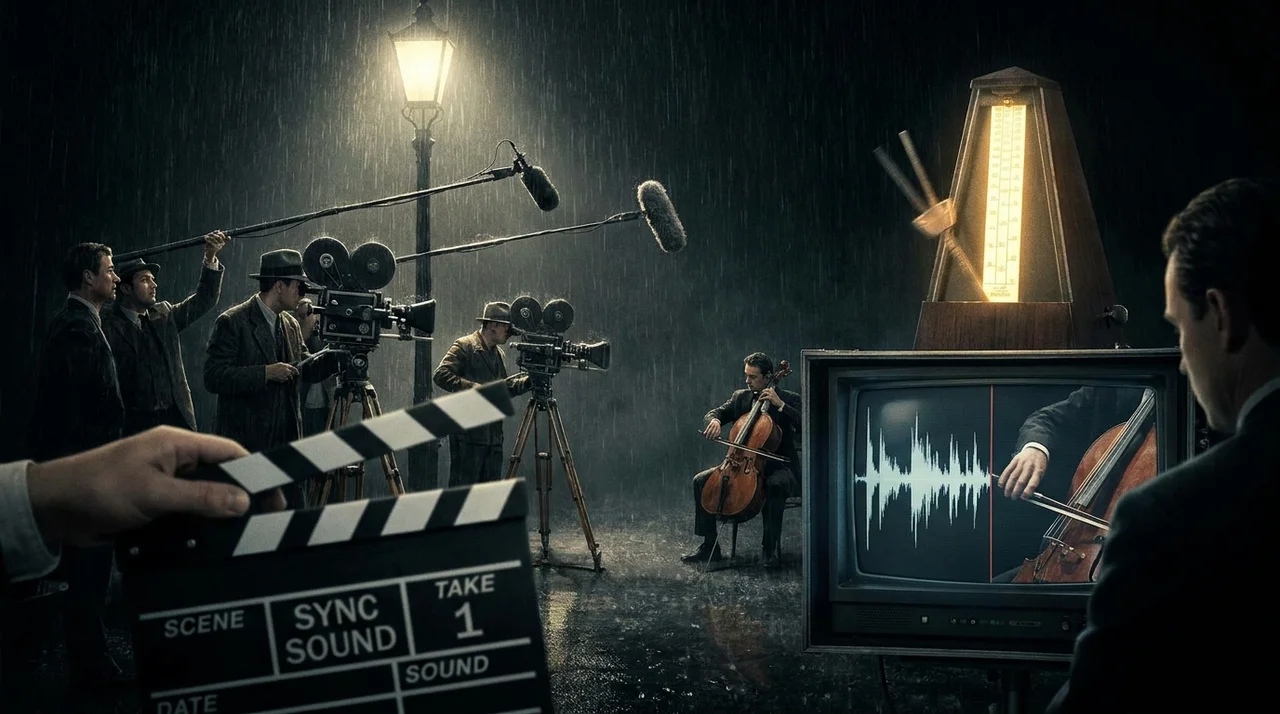
What “Cinematic Clips” Means in AI Music Video Generation
A cinematic clip is not just a sharp image. It needs controlled lighting, strong framing, believable motion, consistent style, and purposeful pacing. For music videos, it also needs to feel emotionally connected to the track.
When I review AI-generated music clips, I usually look at three things:
- Cinematic look: lighting, colour, depth, camera movement, atmosphere
- Cinematic pacing: shot length, build-up, cut rhythm, emotional contrast
- Cinematic continuity: consistent characters, visual style, mood, and scene logic
For example, a slow R&B track may need longer shots, soft lighting, and close-up performance visuals. A techno track may need fast cuts, abstract motion, and sharp lighting shifts. A pop chorus may need bigger visual movement than the verse.
This is where many general AI video tools struggle. They can create impressive clips, but they do not always understand how the clip should move with a song.
Cinematic AI music video generation depends on both visual quality and musical timing.
The 7 Criteria for Choosing the Best AI Music Video Generator
A good AI music video tool should be judged by more than output quality. For creators, editors, DJs, and visual artists, the actual workflow matters just as much as the final look.
Here are the seven criteria I would use.
1. Visual quality
Look at detail, lighting, motion coherence, realism, and image stability. A high-quality clip should not feel blurry, warped, or inconsistent from frame to frame.
2. Music sync
For music videos, this is essential. The visuals should respond to beat drops, chorus shifts, bridges, and energy changes. A clip can look beautiful but still feel wrong if it ignores the song.
3. Montage control
Montage-style clips need fast pacing, strong transitions, and repeatable visual rhythm. This matters for TikTok, Reels, Shorts, DJ visuals, and music teasers.
4. Style consistency
A cinematic clip series should feel like it belongs to the same world. If each scene has a different colour style or texture, the video feels random.
5. Character consistency
If a singer, avatar, or performer appears across multiple scenes, their face and outfit need to stay recognisable. This is especially important for artist branding and narrative videos.
6. Editing and regeneration
The best tools let you refine specific scenes or sections. A weaker workflow forces you to regenerate everything whenever one shot looks wrong.
7. Export formats
Music clips are rarely used in just one place. Look for 16:9, 9:16, 1:1, and 4:5 support, especially if you publish across YouTube, TikTok, Instagram, and Shorts.
The best AI music video generator combines visual quality, music sync, style control, and usable exports.
Best Overall for Cinematic Music Clips: Freebeat
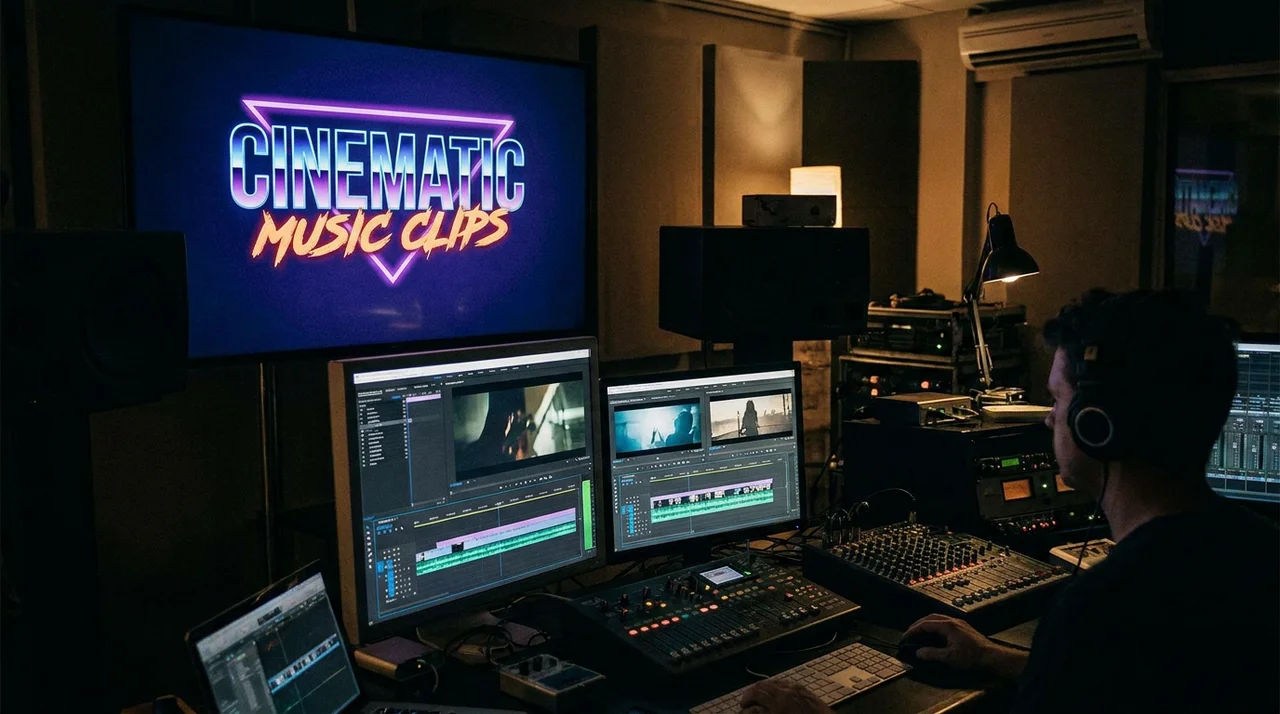
For cinematic clips built around a full song, the strongest tools are the ones that understand musical structure. Freebeat is designed around that idea: it analyses BPM, beat grids, onsets, energy envelopes, spectral qualities, and song sections such as intro, verse, chorus, bridge, and outro before visual generation.
That makes it useful for creators who want the video to follow the track’s emotional movement. A chorus can feel bigger. A verse can breathe. A beat drop can land with stronger visual impact.
The Brand Kit also describes an Expert Mode workflow with stages for Creative Concept, Casting, Director, Cinematography, Motion, and Post-Production. This matters because cinematic clips are not only about “generate a cool scene”. They need planning, continuity, and editability.
For montage-style clips, Freebeat’s Onbeat Effects are also relevant. The brief notes 528 music-driven effect templates designed to auto-align with song peaks, which supports beat-driven short-form visuals and fast creative variations.
Best-fit scenarios include:
- Independent musicians creating cinematic song teasers
- DJs and live performers making beat-synced visuals
- Video editors building music-led montage cuts
- Content creators making short-form song visuals
- Visual artists testing cinematic styles around audio
For music-led cinematic clips, the main advantage is that the song shapes the visual direction instead of becoming background audio.
Best Alternatives for High-Quality AI Video Clips
Some tools are better suited for isolated cinematic shots than full music video workflows. If you need B-roll, product-style shots, dreamlike environments, or visual concept tests, a general AI video generator may be the better choice.
Runway
Runway is often useful for visual creators who want experimental control, image-to-video workflows, and cinematic short clips. It works well when you are building individual scenes and plan to edit them manually later.
Kling
Kling is useful for realistic motion, human-focused scenes, and photorealistic visual tests. It can be strong for individual high-quality clips, especially when the goal is realism.
Sora
Sora is worth considering for imaginative, narrative, and visually ambitious scenes. It is more relevant when you need cinematic ideas or story-driven visuals rather than a direct music video workflow.
Luma
Luma works well for atmospheric shots, camera movement, and visual exploration. It can be useful for editors who need mood-setting clips to combine with music in post-production.
These tools can produce strong cinematic clips, but they usually require more manual work for music timing, montage structure, and final editing.
General AI video tools are best when you need standalone cinematic footage, not necessarily full music-led video production.
Best Tools for Montage-Style AI Music Clips
Montage-style clips need a different kind of strength. They are not always about slow cinematic scenes. They rely on rhythm, repeated motion, transitions, effects, hooks, and short-form pacing.
This format works well for:
- Beat drops
- Chorus teasers
- Lyric moments
- DJ visuals
- Album promo clips
- TikTok and Reels hooks
- Fast visual recaps
For montage clips, the best tool should support beat awareness, quick style changes, transition control, and social-friendly outputs. Neural Frames and Kaiber are often relevant for abstract music-reactive visuals. Pika can be useful for stylised short clips and transitions. Freebeat is relevant when the montage still needs to follow the music structure closely.
Montage clips are best when the goal is attention, rhythm, and repeat viewing. Cinematic clips are better when the goal is atmosphere, emotion, and story.
A strong montage workflow should make the music feel visible.
Practical Workflow: From Song to Cinematic Clip
A clear workflow matters more than chasing every new AI model. I would start by deciding what the clip is meant to do, then choose the tool around that goal.
Step 1: Choose the clip goal
Decide whether you are making:
- A cinematic teaser
- A full-song music video
- A 15-second montage hook
- A lyric clip
- A Spotify Canvas-style loop
- A YouTube visualiser
Each format needs a different pacing approach.
Step 2: Match the visual style to the track
Use the song’s genre, tempo, mood, and lyrics to guide the look. A cinematic piano ballad may need soft lighting and slow motion. A phonk or EDM track may need aggressive cuts, neon lighting, and fast camera movement.
Step 3: Generate and review key scenes
Do not only check whether the image looks good. Check:
- Does the motion feel natural?
- Does the clip match the beat?
- Does the style stay consistent?
- Are characters recognisable?
- Are transitions clean?
- Does the chorus feel stronger than the verse?
Step 4: Export for the right platform
Use horizontal for YouTube, vertical for TikTok and Reels, and square or 4:5 for feed content. A good cinematic clip can lose impact if it is cropped poorly.
A strong workflow starts with the song, defines the clip purpose, then builds the visual direction around the final platform.
Final Recommendation by Creator Type
Different creators need different AI music video workflows. The best choice depends on whether you care more about cinematic quality, music structure, montage pacing, or platform speed.
Independent musicians and producers
Choose a music-first generator if you need a cinematic teaser, full-song visual, or social-ready music clip. The key features are beat sync, visual style, and export flexibility.
Video editors and designers
Use general AI video tools for standalone cinematic shots, then refine timing, colour, transitions, and captions manually. This gives more post-production control.
DJs and live performers
Choose tools with beat-synced effects, abstract visuals, loops, and montage pacing. Fast visual rhythm matters more than narrative detail.
Content creators and influencers
Choose a short-form friendly workflow that can create hooks quickly. Prioritise vertical exports, strong first frames, and repeatable style.
The best tool is the one that fits your creative role, not the one with the biggest model list.
FAQ
What is the best AI music video generator for cinematic visuals?
The best choice depends on your goal. Freebeat is strong for music-led cinematic visuals because it analyses song structure and supports cinematic style control. General AI video tools may be better for isolated cinematic shots.
Which AI music video generator is best for high quality clips?
For standalone high-quality clips, compare Runway, Kling, Sora, and Luma. For high-quality music-led clips, prioritise beat sync, style consistency, editable workflows, and platform-ready exports.
What is the best AI music video generator for montage-style clips?
For montage-style clips, choose a tool with beat-synced effects, fast pacing, transition control, and short-form exports. Freebeat, Neural Frames, Kaiber, and Pika are relevant tools to compare.
Can AI music video generators create cinematic clips from a song?
Yes. Some AI music video generators can turn a song into cinematic clips. The quality depends on music analysis, visual style control, motion coherence, and editing flexibility.
What makes an AI music video clip high quality?
A high-quality clip usually has coherent motion, clean lighting, stable style, strong detail, good pacing, and visuals that match the soundtrack.
Are montage-style clips better for TikTok and Reels?
Often, yes. Montage-style clips work well on short-form platforms because they can highlight hooks, lyrics, beat drops, and fast visual changes.
Do I need editing skills to make cinematic AI music videos?
Not always. Some tools automate the workflow, but editing skills help when refining pacing, transitions, colour, captions, and final exports.
Should I choose a music video generator or a general AI video generator?
Choose a music video generator when the song drives the visuals. Choose a general AI video generator when you mainly need individual cinematic shots or B-roll.
For cinematic music clips, Freebeat is worth considering when the soundtrack is the centre of the creative idea. It is built for creators, musicians, editors, and visual designers who want visuals to follow beats, mood, and song structure, while still supporting cinematic presets and multi-genre creative directions. For isolated shots, general AI video tools can still be the better fit.


