Best Free Ways to Turn a Suno Song Into a Video in 2026

Suno makes the song; you still need the video. "Free" can mean a free plan, free credits, or a free editor where you do the work yourself. And before you post, check who owns the song: Suno's help center says songs made on its free Basic tier belong to Suno and can be used only non-commercially, while songs made on Pro or Premier belong to you.
We compared seven free routes using each tool's own pages as of October 28, 2026.
Freebeat pulls the audio from your Suno link and builds a beat-synced video. New accounts get 500 free credits. Try Freebeat Suno to Video →
What We Looked For
- Suno link support: paste a link, or download and upload the file
- Free allowance: credits, daily limits, or a free editor
- Output: AI music video, visualizer, lyric video, or audiogram
- Watermark: on free exports
- Effort: automatic generation versus manual editing
At a Glance
| Tool | Free output | Suno input | Free limits |
|---|---|---|---|
| Freebeat | AI music video, visualizer, or lyrics video | Paste the Suno link | 500 credits on sign-up, no card; lyrics video free with no credits |
| Specterr | Spectrum visualizer | Upload MP3 or WAV | 1 video a day, 720p, up to 5 minutes, watermark |
| Headliner | Waveform audiogram | Upload the audio | Unlimited watermarked audiograms |
| Avee Player | Spectrum video on Android | Audio file on the phone | Free with ads |
| CapCut | Manual edit with auto captions | Upload the audio | Free online, no card |
| DaVinci Resolve | Manual edit on desktop | Import the audio | Free version |
| Runway | Short AI clips to edit together | Clips only; add audio in an editor | 125 one-time credits |
Where Freebeat Fits for Free Suno Videos
Freebeat is made for Suno tracks. Paste the Suno link and it extracts the audio, title, and metadata, so there's no download and re-upload. Its AI plans the video around the song's structure and generates it in about five minutes, for songs of up to six minutes.
Start with the 500 free credits to try a style on your own song. For words on screen, Freebeat's lyrics video page offers a free lyrics video with no credits, in 9:16 or 16:9, and its Suno to Video page says it can transcribe lyrics with word-level timing from the audio.
- Suno link input: no download needed; Udio, YouTube, and SoundCloud links work too.
- 500 free credits: on sign-up, no card required.
- Free lyrics video: no credits, in 9:16 or 16:9.
- Full songs: up to six minutes, in five aspect ratios.
Freebeat reference: https://freebeat.ai/suno-to-video
Detailed Picks
1Freebeat
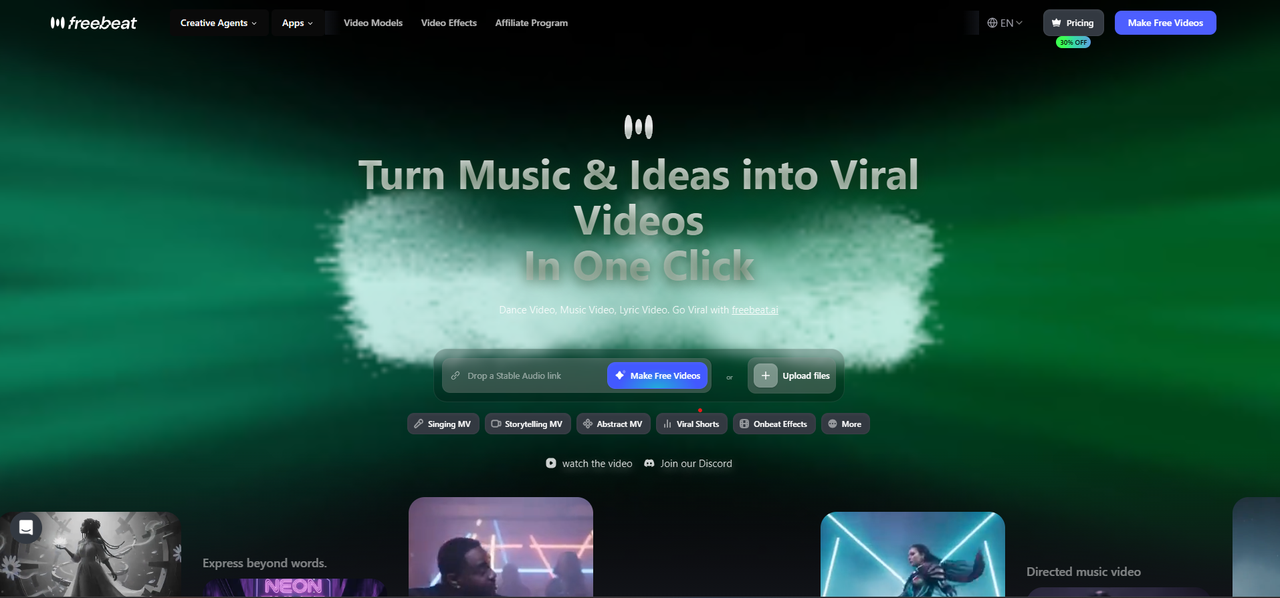
A free start on a full Suno music video
Freebeat analyzes the Suno track, writes a concept, plans shots for each section, and generates a beat-synced video with six creation modes such as Singing MV and Storytelling.
How it fits the workflowPaste the Suno link, pick a mode and style, generate, and preview; use the free lyrics video for a lyric version.
Watch forStart with 500 free credits to try styles on your own song, then export full-length, watermark-free videos on a paid plan.
2Specterr
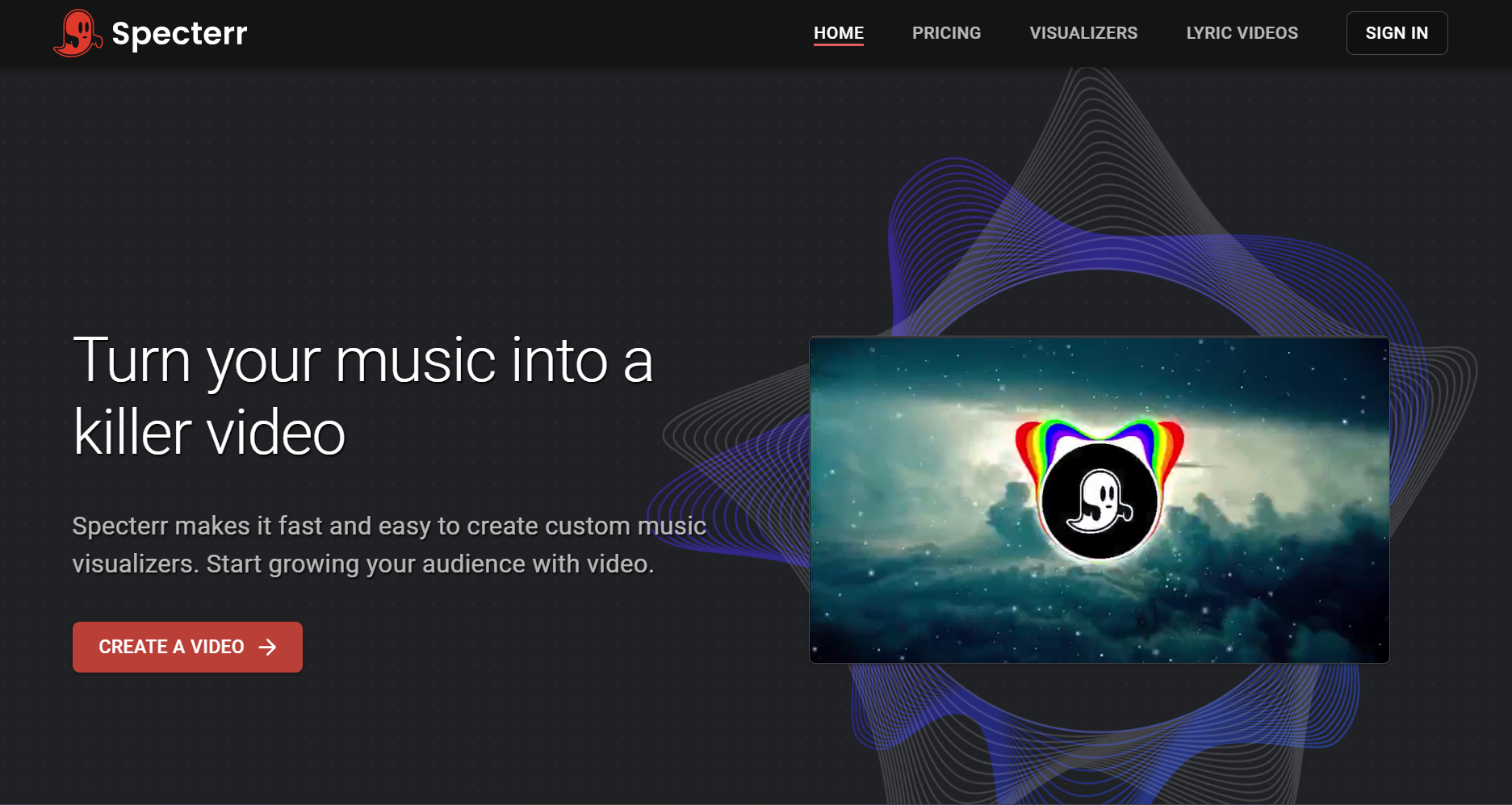
A free spectrum visualizer every day
Specterr's free plan makes one 720p, 30fps visualizer video a day of up to five minutes, with a watermark. Free videos expire after 10 days.
How it fits the workflowDownload the song from Suno as MP3 or WAV, upload it to a preset, and export.
Watch forFree exports are watermarked and 720p.
3Headliner

Free waveform clips for teasers
Headliner's Forever Free plan makes unlimited watermarked audiograms at 1080p and one unwatermarked audiogram a month.
How it fits the workflowUpload a 30 to 60 second section, add a waveform and captions, and post.
Watch forIt's designed for podcasts, so styles are simple.
4Avee Player
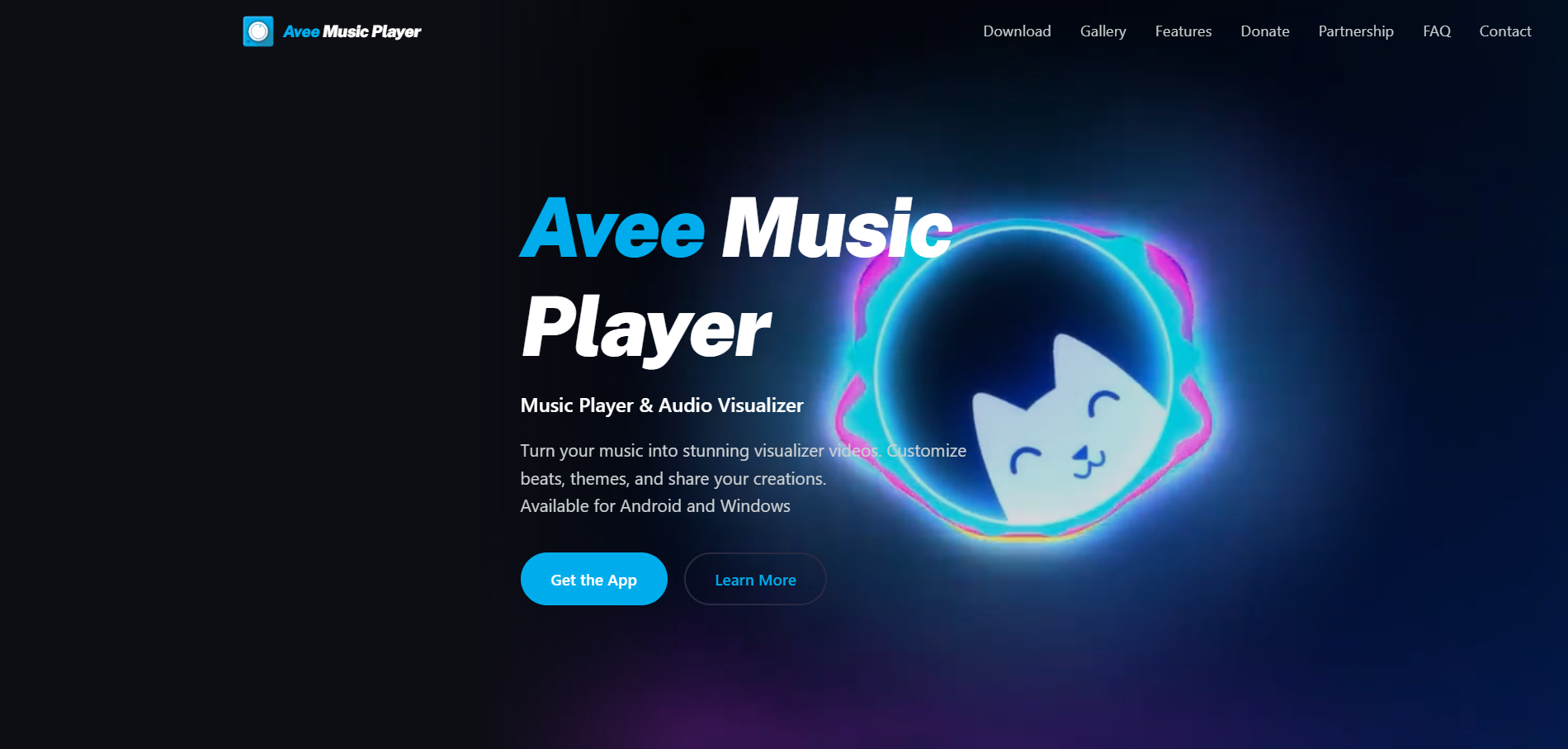
Free spectrum videos made on an Android phone
Avee Music Player's video maker turns an audio file into a spectrum visualizer video, up to 4K depending on the device, with 18 built-in templates.
How it fits the workflowSave the Suno song to the phone, open it in Avee, choose a template, and export.
Watch forThe app shows ads, and there's no iPhone version.
5CapCut
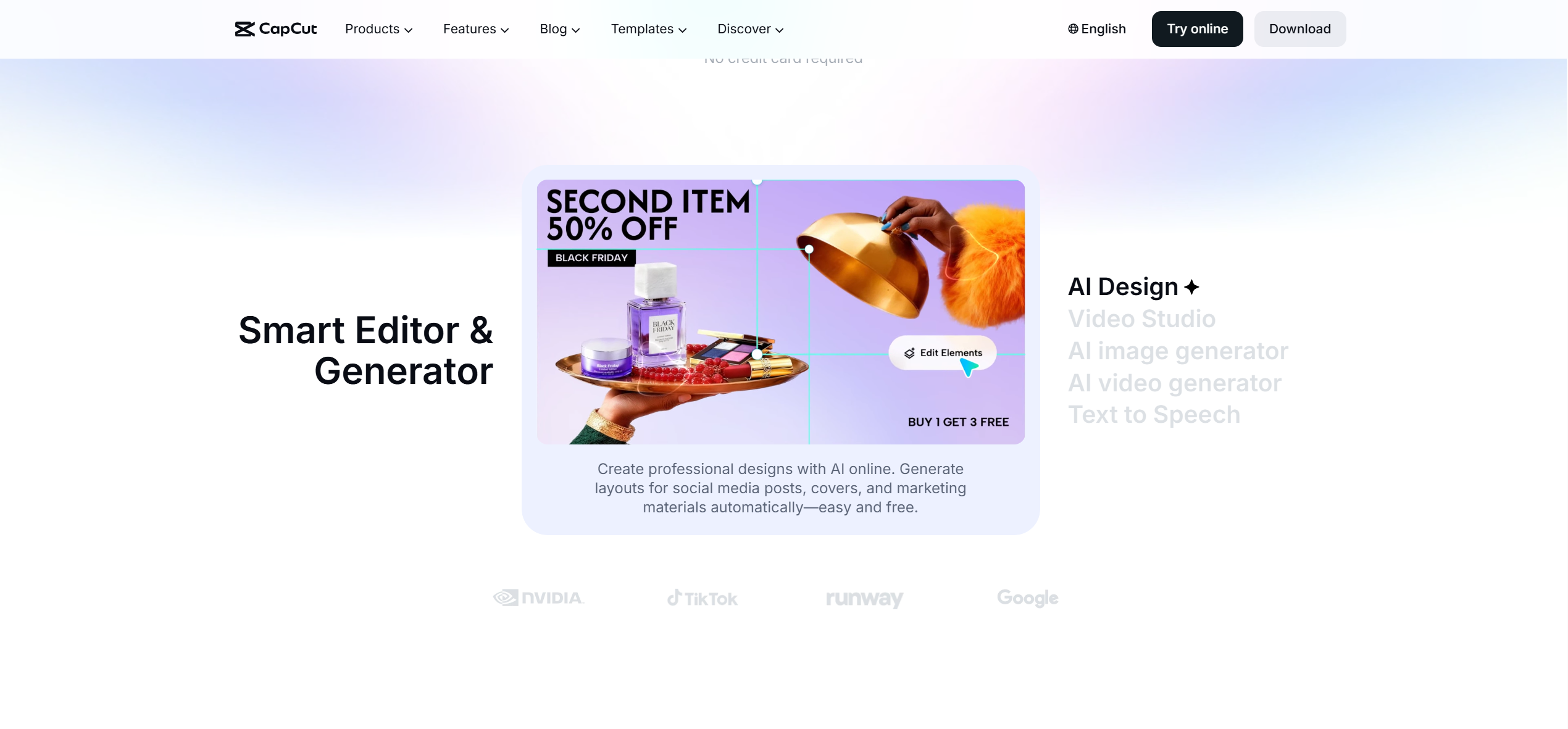
A free editor for cutting your own footage to the song
CapCut is free to try online with no credit card, and includes auto captions and an AI video editor.
How it fits the workflowUpload the Suno audio, add your clips or photos, generate captions, and export.
Watch forYou assemble the video yourself.
6DaVinci Resolve
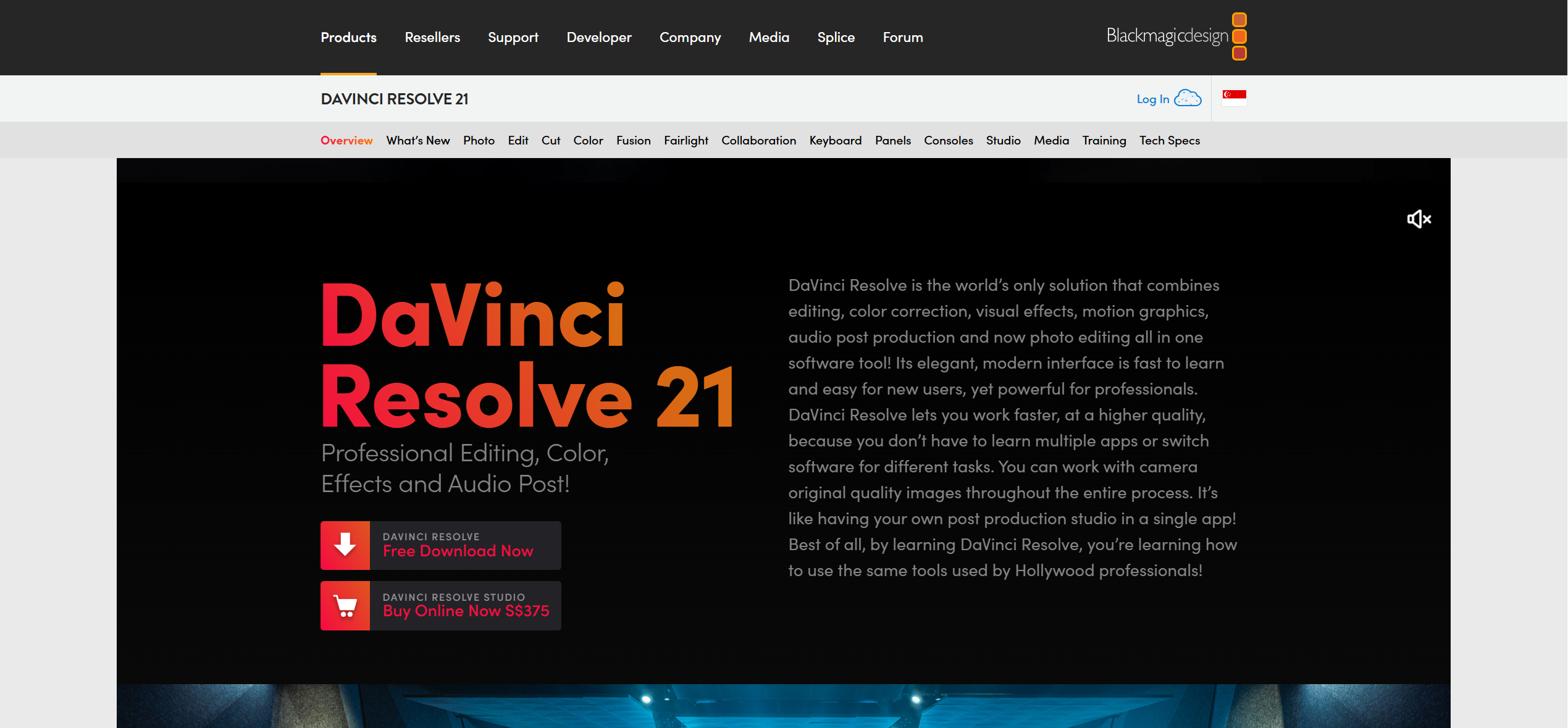
A free desktop editor with color and audio tools
DaVinci Resolve has a free version that combines editing, color, effects, and audio in one app; Studio is a paid one-time upgrade.
How it fits the workflowImport the song and footage, cut on the timeline, and export.
Watch forIt has a learning curve and expects you to edit by hand.
7Runway
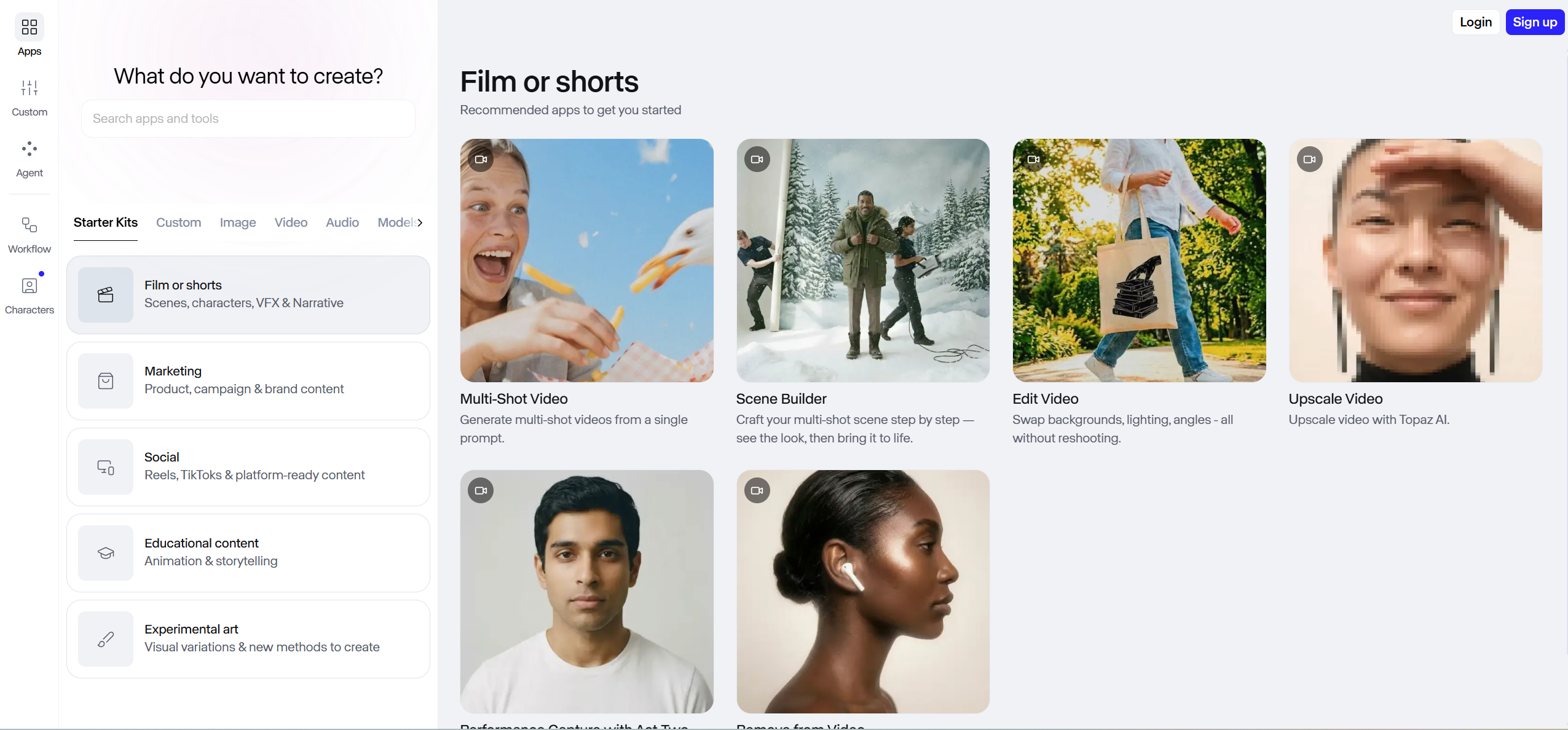
Free credits to generate a few AI shots
Runway's free plan includes 125 one-time credits for its generative video and image models; paid plans start at $12 a month billed yearly.
How it fits the workflowGenerate a few short clips from prompts or images, then edit them to the song in another app.
Watch for125 credits cover about 10 seconds of Gen-4.5 video, and syncing to the song is manual.
How to Choose the Right Option
Start with Freebeat if you want the Suno link to become a finished, beat-synced video without editing, with free credits and a free lyrics video. For other free routes, Specterr, Headliner, and Avee Player make visualizers and audiograms, CapCut and DaVinci Resolve are free editors, and Runway's free credits cover a few AI shots.
Paste the link and start with 500 free credits. Start with Freebeat →
Frequently Asked Questions
Which tool works best for turning Suno songs into videos for free?
Freebeat is our top pick: paste the Suno link and use 500 free credits, with no card, to generate a beat-synced video; its lyrics video is free with no credits. Specterr and Headliner have free visualizer and audiogram plans.
What is the best tool to make a video from a Suno song?
Freebeat, because it takes the Suno link directly, plans the video around the song's sections, and generates full songs of up to six minutes.
Can I make a Suno music video without paying?
Yes. Freebeat's free credits and free lyrics video, Specterr's daily free video, Headliner's free audiograms, Avee Player, CapCut, and DaVinci Resolve all cost nothing to start.
Can I monetize a video of a free Suno song?
Suno's help center says songs made on the free Basic tier are owned by Suno and limited to non-commercial use. Songs made on Pro or Premier belong to you.
Do I need to download the song from Suno first?
Not for Freebeat, which takes the Suno link. Specterr, Headliner, Avee Player, and editors need the audio file.


