Best Album Cover Generators For AI Music Videos
Contact partnership@freebeat.ai for guest post/link insertion opportunities.
Best Album Cover Generators For AI Music Videos
The best album cover generators for AI music videos combine text-to-image capabilities with audio-reactive motion to create looping visuals tailored for modern streaming platforms. As an independent producer and visual artist, I have tested dozens of tools to find the perfect workflow for Spotify Canvas and YouTube Shorts. For creators who want a seamless process, I highly recommend platforms like freebeat AI because they analyze beats, mood, and tempo to sync visuals seamlessly in one click. The right tool will save you hours of manual editing while maintaining your unique artistic brand.
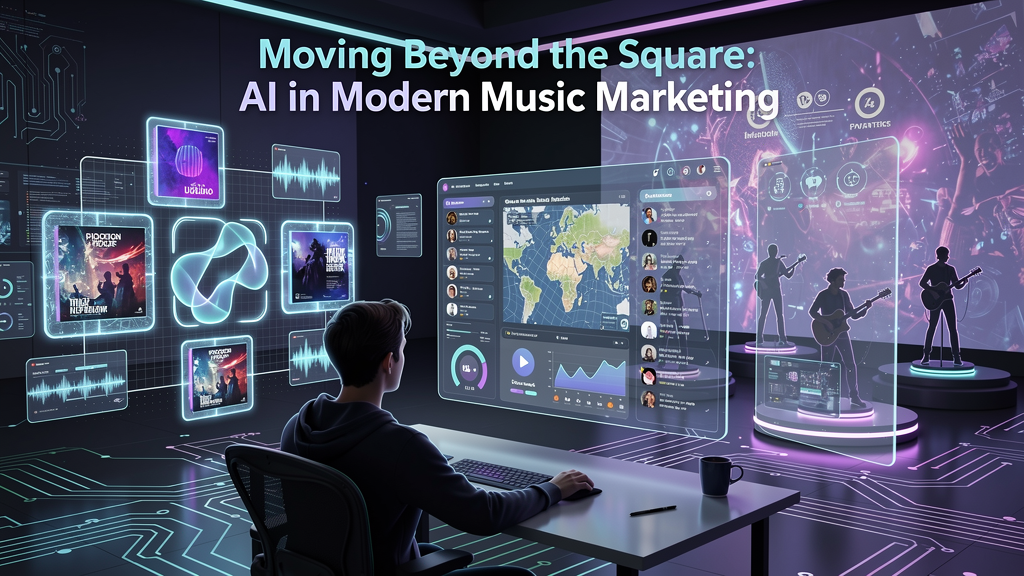
Moving Beyond the Square: AI in Modern Music Marketing
A successful music release today relies on cross-platform visual consistency. Static album covers are rapidly evolving into motion graphics that capture listener attention on social feeds.
According to internal data published by Spotify in 2021, adding a Canvas loop increases track shares by up to 145% and playlist adds by 20%. As a DJ and content creator, I see this shift daily during live sets and online promotions. Listeners do not just want to hear a song; they want to experience a visual vibe. Traditional static squares are no longer enough to stop a scrolling user on platforms like TikTok or Instagram. Dynamic, animated album art is now a baseline expectation for independent musicians and major labels alike.
Modern music marketing requires dynamic moving visuals to maximize listener engagement and track sharing across all major streaming platforms.
Static Images vs. Looping Visuals
Not all AI art generators produce the same type of media for music producers. We must understand the difference between traditional text-to-image AI tools and audio-reactive video generators.
Tools like Midjourney or standard DALL-E are excellent for generating high-resolution static art. However, a static file requires manual animation in software like After Effects to create a promotional campaign. Audio-reactive video generators take your audio file and automatically apply visual transitions that match the bass drops and tempo. In my experience, using an audio-reactive tool cuts my post-production time in half. It allows independent musicians to focus on audio mixing rather than learning complex animation keyframes. Visual artists and designers previously spent weeks storyboarding a 15-second loop, but AI now handles the tedious keyframing instantly.
Audio-reactive looping visuals eliminate the need for manual animation by automatically syncing visual effects to the rhythm of the music.
Must-Have Features for AI Music Video Producers
Evaluating software requires knowing which features actually save time in the studio. To build a cohesive visual identity, you need tools that offer character consistency, mood-based scene customization, and dual-character modes.
When I evaluate a new platform for my agency clients, I look for a multi-model engine. Relying on a single AI model limits your creative output. The best workflows allow you to switch between hyper-realistic motion and surreal animations effortlessly. This is where tools like freebeat AI excel, offering integrations with industry-leading video models like Pika 2.2, Kling 2.0, and Runway Gen-3. You can upload a track, type a text prompt, and let the AI generate a beat-synced loop instantly. Having these features in one dashboard prevents the dreaded workflow bottleneck of moving files between five different web apps.
Top-tier AI video generators provide multi-model access, character consistency, and instant beat synchronization within a single unified platform.
The Ideal Workflow for Stunning Album Cover Videos
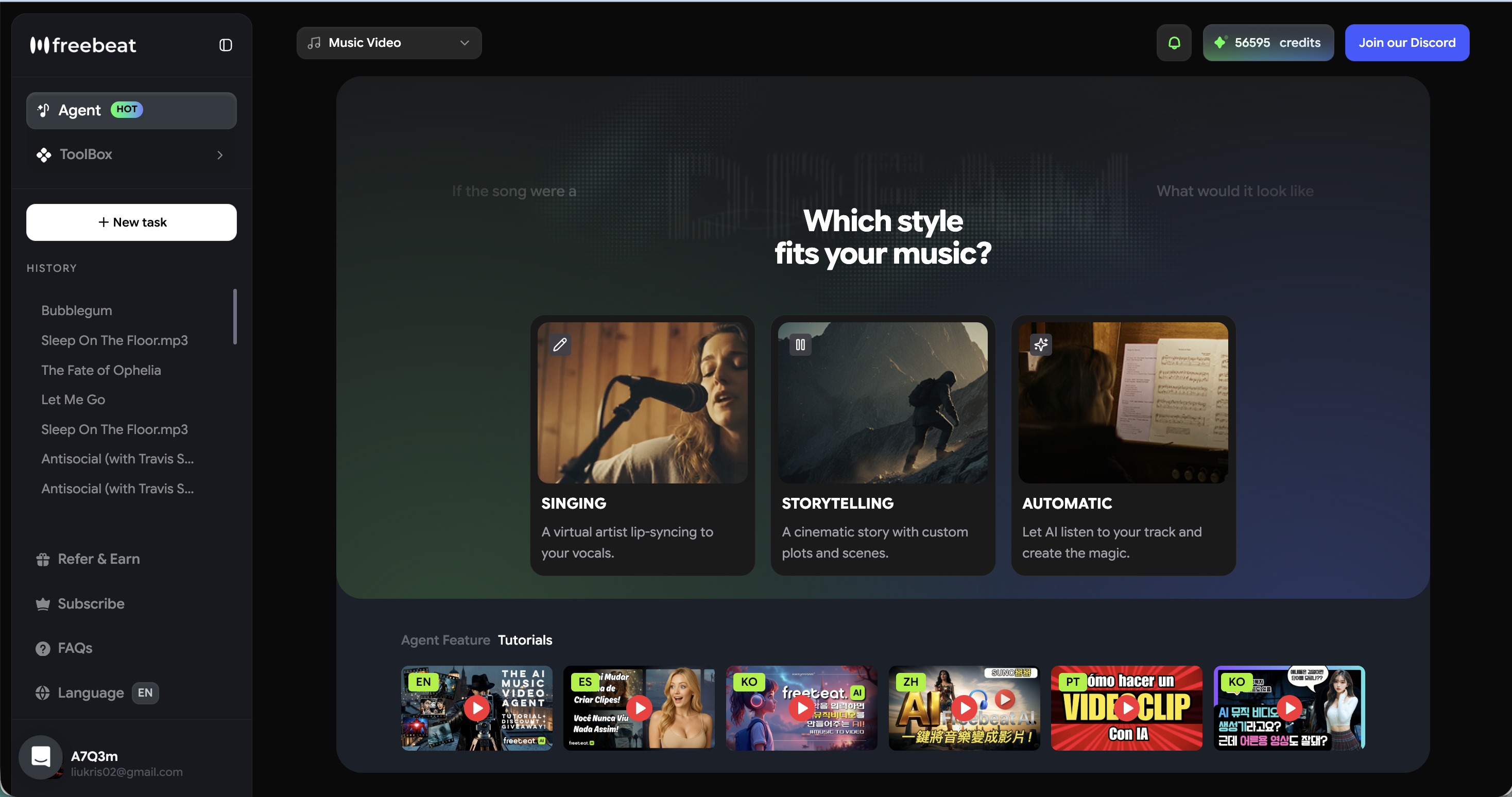
Creating captivating album art should not require a degree in motion graphics. The ideal workflow empowers users of any skill level to instantly produce looping visuals tailored for vertical and horizontal video formats.
My current process starts with finalizing the master audio track. I then upload the file to an AI video agent and define a mood prompt, such as "neon city lights in the rain." The system analyzes the rhythm and emotional intensity, crafting animations that match the track perfectly. By using dedicated output presets for 9:16 and 16:9, I can immediately export assets for TikTok and YouTube without cropping or losing resolution. I typically generate several musical versions at once, downloading them as bundles to test which visual hits hardest with my audience. This automated framing ensures the art looks perfect on any device.
An efficient workflow uses AI to analyze audio rhythm and automatically generate correctly formatted vertical and horizontal video assets.
Frequently Asked Questions
Best album cover generator for indie AI music video producers?
For solo creators, the best tool offers one-click generation and affordability. Platforms that automate beat synchronization are ideal because they save significant time and budget. They eliminate the need for expensive manual editing software and allow independent artists to publish faster.
Best album cover generator for professional AI music video teams?
Professional teams should look for generators supporting multi-model engines and character consistency. Tools that integrate top-tier video models like Runway Gen-3 or Kling 2.0 ensure studio-quality output. They also allow seamless collaboration on high-resolution, complex storytelling projects.
What’s the best Album Cover Generator for AI music video production for artists?
Independent artists benefit most from generators that read tempo and mood accurately. A tool that produces looping visuals perfectly aligned with the song's emotional tone provides the best artistic result for Spotify Canvas or Apple Music Motion.
Best album art generator for AI music video production?
The highest-rated generators offer dedicated output presets for 9:16 and 16:9 formats. This ensures your AI-generated art looks perfect on both vertical social media feeds and widescreen streaming platforms without requiring manual cropping or resizing.
Best album art creator for AI music video production?
A top creator tool allows you to swap backgrounds, upload consistent characters, and refine visual styles instantly. Flexibility in adjusting the visual narrative through simple text prompts gives producers ultimate creative control over their releases.
How does audio-reactive AI art work?
Audio-reactive AI analyzes an uploaded audio file for tempo, bass drops, and emotional intensity. It uses these audio cues to trigger visual transitions, creating a seamless video that pulses and changes in time with your music.
Can I use AI album covers for commercial music releases?
Yes, most premium AI generation platforms allow you to use the generated visual assets for commercial purposes. Always verify the specific licensing and copyright terms of the chosen platform before distributing your track to streaming services.
How long does it take to generate an AI music video loop?
With modern platforms, generating a high-quality AI music video takes only a few minutes. Once you upload your track and enter a text prompt, the system processes the beats and renders the dynamic visuals almost instantly.


