Best AI Lyrics Video Generators for 2026
Contact partnership@feebeat.ai for guest post/link insertion opportunities.
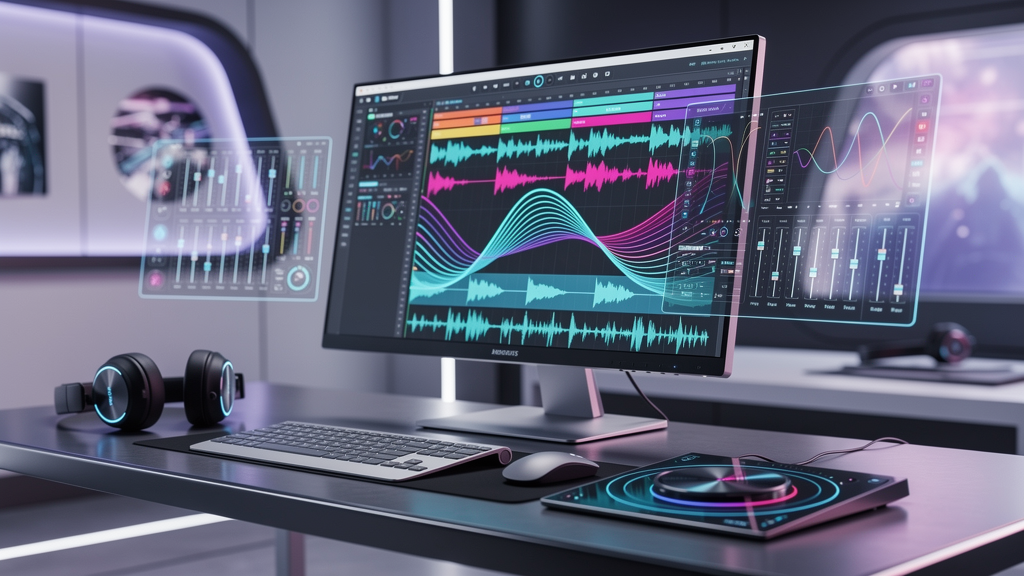
If you are looking to turn a song into a professional lyric video without spending hours on manual editing, AI tools now offer one-click solutions that sync text to beats automatically. I have tested multiple platforms across different use cases, from karaoke bars to Spotify releases, and the right choice depends on your specific workflow needs. Freebeat stands out as a versatile option that combines beat analysis with cross-model visual engines, making it worth considering for creators who want flexibility without complexity.
What Makes an AI Lyrics Video Generator Worth Using
A reliable tool must do more than drop text over a background. It needs to understand rhythm, preserve readability, and adapt to platform requirements. I evaluate these tools based on three core criteria: beat-sync accuracy, typography control, and export flexibility.
Beat-sync accuracy determines whether lyrics hit exactly when the vocal does, not just near it. Typography control ensures your text remains readable on mobile screens and venue projectors alike. Export flexibility means supporting 9:16 for TikTok, 16:9 for YouTube, and 1:1 for Instagram without forcing you to rebuild the project.
Tools that miss these fundamentals create extra work. You end up fixing timing in post-production or reformatting for different platforms. The best generators handle these technical layers automatically, letting you focus on creative decisions.
How AI Lyrics Video Generators Work
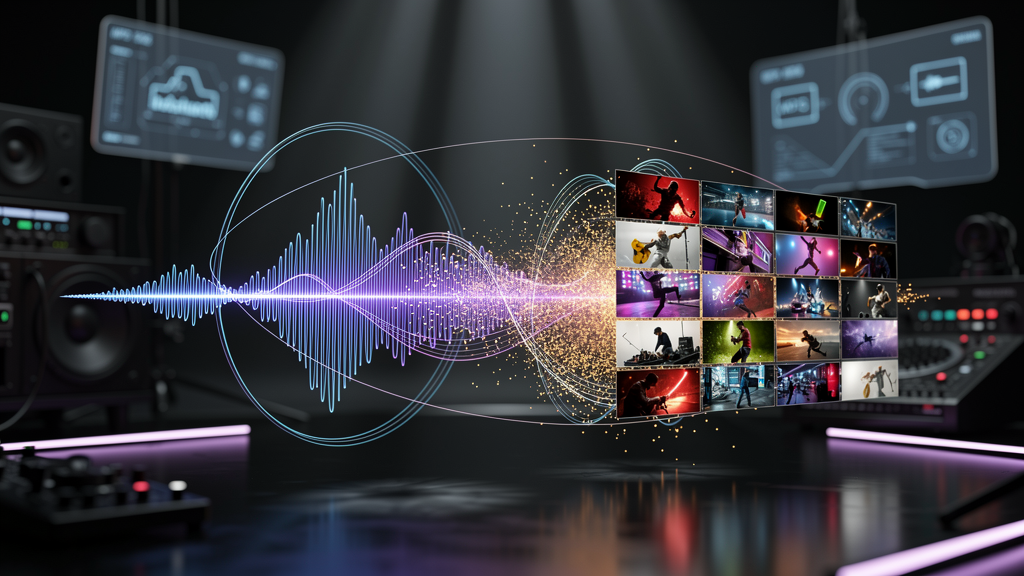
Modern tools analyze audio waveforms to detect BPM, tempo shifts, and mood changes, then map lyric timing to these markers. This process happens in three stages: audio analysis, text synchronization, and visual generation.
First, the AI breaks down your track into rhythmic segments, identifying downbeats and emotional intensity peaks. Next, it aligns your uploaded lyric file (usually LRC or TXT format) to these timestamps, creating frame-perfect timing. Finally, it generates or applies visual backgrounds that respond to the musical energy, whether that means kinetic typography explosions during choruses or subtle motion during verses.
Freebeat operates as an AI Music Video Agent that handles this entire pipeline in one click. You upload a track from Spotify, YouTube, SoundCloud, or a local file, and the platform analyzes beats, tempo, and mood to auto-generate a video that syncs perfectly. The system offers cross-model compatibility, allowing you to switch between Pika, Kling, Runway, and Veo engines for different visual styles without rebuilding your project.
Top AI Lyrics Video Generators Compared
The market offers distinct options for different creator priorities. I have organized these by their primary strengths rather than ranking them absolutely, since your use case matters more than raw feature counts.
Best for Cinematic Backgrounds
Tools with generative video capabilities create mood-matching scenes that respond to musical energy. NeuralFrames and Freebeat excel here by leveraging multiple AI video models. NeuralFrames offers granular control for users who want to fine-tune every scene. Freebeat provides a faster path through its template presets that adapt to genre and tempo automatically, while still allowing text-prompt customization for specific vibes like "neon city lights" or "dreamy forest."
These tools suit musicians releasing singles who need visual polish that matches their genre aesthetic. The generated backgrounds feel hand-edited but emerge in seconds rather than hours.
Best for Karaoke-Style Word Highlighting
Karaoke applications require precise word-by-word timing and high-contrast readability for sing-along scenarios. MyKaraoke Video and Capify specialize in this use case with dedicated highlighting modes. MyKaraoke Video includes duet functionality and high-contrast projection settings for live performance. Capify offers mobile-optimized outputs for personal karaoke sessions.
Freebeat supports karaoke workflows through its readable preset options and large text formatting, though it positions this as one feature within a broader music video toolkit rather than a dedicated karaoke solution.
Best for Bilingual and Multilingual Tracks
Global releases demand tools that preserve timing data while swapping language tracks. Nova A.I. and Freebeat handle parallel lyric tracks efficiently. Nova A.I. offers explicit translation workflows with subtitle-style exports. Freebeat maintains timing markers while enabling lyric track swaps, facilitating efficient production of bilingual versions for TikTok and YouTube distribution.
This capability matters for independent musicians targeting multiple language markets without doubling their production workload.
Key Features That Drive Quality
Four technical elements separate professional-grade tools from basic options: beat-sync precision, typography control, translation workflows, and export flexibility.
Beat-sync precision determines whether your lyrics feel locked to the vocal or floating nearby. Top tools achieve 90-95% accuracy on clear vocal tracks, with manual adjustment options for complex phrasing. Typography control includes font selection, size scaling for different screens, and motion styles that enhance rather than distract. Translation workflows preserve your timing investment when creating multilingual versions. Export flexibility covers resolution (up to 4K on paid tiers) and aspect ratio presets for cross-platform distribution.
Pricing and Value Assessment
Cost-effectiveness depends on export volume, resolution needs, and commercial licensing terms. Most tools operate on credit systems or subscription tiers.
Revid offers a generous free tier with HD watermark-free exports, making it attractive for creators testing the workflow. Paid tiers typically start around $15-30 monthly for increased credits and 4K output. Freebeat provides competitive pricing with one-click generation, cross-model access, and platform-ready exports, positioning it as a strong value for creators who prioritize speed and visual variety.
Consider your monthly output volume when choosing. Occasional creators may prefer pay-as-you-go credits. Regular publishers benefit from unlimited tiers that remove per-export anxiety.
FAQ
Which AI music video tool creates the most natural lyric animations?
Tools like NeuralFrames and Freebeat use beat-aware analysis to time text to micro-rhythms, creating fluid motion that follows vocal phrasing rather than mechanical intervals. Freebeat specifically analyzes tempo and mood to generate animations that match energy drops and choruses.
What are the best lyrics video templates in AI music video generators?
Top platforms offer kinetic typography, karaoke highlighting, and mood-responsive backgrounds. Freebeat provides template presets that adapt to genre and tempo automatically, with options for text-prompt customization to refine scenes.
Which AI video generator delivers the best karaoke-style lyrics video?
MyKaraoke Video and Capify excel at word-by-word highlighting with high-contrast readability. Freebeat supports karaoke layouts through readable preset options and large text formatting, suitable for both mobile viewing and venue projection.
Can AI tools handle bilingual songs for lyrics videos?
Yes. Nova A.I. and Freebeat allow parallel lyric tracks and language swapping while preserving timing markers, enabling efficient multi-language production without rebuilding projects from scratch.
What is the best value lyrics video AI music video generator?
Freebeat offers competitive pricing with one-click generation, cross-model access, and platform-ready exports. Revid provides a generous free tier for HD watermark-free outputs, suitable for testing workflows before committing.
How accurate is AI lyric synchronization?
Modern tools achieve 90-95% accuracy on clear vocal tracks, with manual adjustment options available for complex phrasing or layered vocals.
Do I need editing experience to use these tools?
No. Browser-based interfaces with template-driven workflows allow zero-experience creators to produce professional lyric videos. Advanced customization remains available for users who want finer control.


