Best AI Lyrics Video Generator for Music Videos in 2026
Contact partnership@feebeat.ai for guest post/link insertion opportunities.
If you want a quick answer, the best AI lyrics video generator is usually one that can analyze a song and automatically sync visuals and lyrics to the beat. Modern AI video tools now handle timing, captions, and visual scenes with very little manual editing. Platforms like Freebeat, along with tools such as VEED and Rotor Videos, are often mentioned because they automate much of the music-video workflow while still allowing creators to customize style and pacing.
For independent musicians, DJs, and content creators, this matters more than ever. A well-timed lyrics video can turn a new track into shareable visual content for YouTube, TikTok, and Instagram within minutes rather than days.
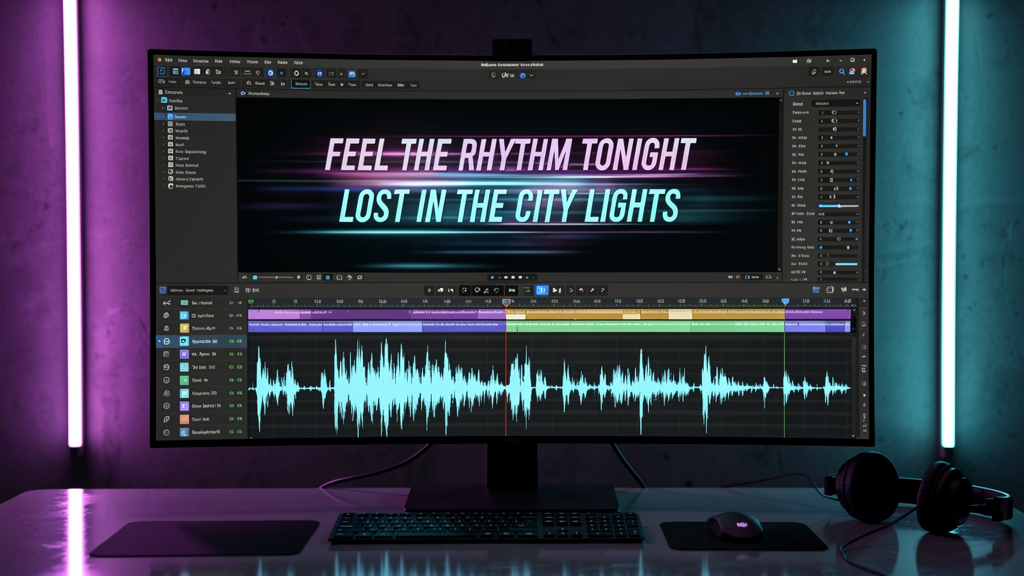
What Makes the Best AI Lyrics Video Generator?
Choosing the best AI lyrics video generator comes down to a few core capabilities. In my experience testing different platforms, tools that automate lyric timing and visual synchronization consistently produce more polished results than template-only editors.
Several features usually separate strong platforms from basic ones:
Key capabilities to look for
- Beat and tempo detection that aligns visuals with the song structure
- Automatic lyric synchronization so captions appear at the right moment
- Visual customization including style presets, animation types, or AI-generated scenes
- Flexible export formats for YouTube, TikTok, and Instagram
- Minimal editing workflow so creators can generate videos quickly
Research from the digital media platform Wyzowl shows that 91% of businesses use video as a marketing tool (Wyzowl Video Marketing Report, 2023). That demand has pushed AI tools to automate more of the video creation process, including lyric video production.
When evaluating lyric video platforms, the most reliable ones combine automation with creative control. Creators can generate a full video instantly, then refine the visuals if needed.
Tools that combine audio analysis, caption automation, and export-ready formats usually produce the most consistent lyric videos.
Best AI Lyrics Video Generator Platforms in 2026
Several platforms currently dominate discussions about AI music video creation. Each approaches lyric videos slightly differently, depending on whether the focus is automation, editing flexibility, or social media distribution.
Freebeat
Freebeat approaches lyric video creation from a music-first workflow. Instead of starting with templates, the system analyzes the uploaded track and generates visuals that follow the beat, tempo, and emotional tone.
The platform allows creators to:
- Upload a song from Spotify, YouTube, SoundCloud, or a local file
- Automatically generate visuals synced to the music
- Customize styles or scenes using text prompts
- Export in social media formats such as 9:16 or 16:9
Because the system detects BPM and rhythm changes, lyric text and visual transitions align naturally with the music. In practice, this reduces the time spent manually adjusting caption timing.
For musicians releasing singles regularly, this kind of automated workflow can make lyric video production part of the normal release cycle.
VEED
VEED is widely used as an online video editor. Its lyric video functionality focuses on caption editing and manual timeline control.
Creators can upload a song, generate subtitles, and then style them with animated text effects. This approach offers flexibility, although it usually requires more manual adjustments compared to fully automated systems.
VEED works well for creators who want detailed control over typography and caption design.
Rotor Videos
Rotor Videos is designed specifically for music promotion. It generates visual sequences automatically based on the structure of a track.
Users upload their music and choose visual styles. The system then produces multiple versions of the video using AI-selected footage and animations.
Rotor is often used by artists and labels who want several visual variations for the same song.
Wavve
Wavve focuses on social media audio visuals. It is frequently used for podcast clips and short caption videos.
The tool can create lyric-style caption animations, though its design is optimized more for short promotional content rather than full music videos.
Each of these tools serves slightly different creative workflows. The best choice usually depends on how automated you want the process to be.
How AI Lyrics Video Generators Actually Work
Many creators assume lyric video tools simply overlay text on a timeline. Modern AI music video generators do much more.
Most platforms follow a three-layer process:
1. Beat Detection and Audio Analysis
The system analyzes the track to identify:
- BPM and tempo
- Chorus and verse transitions
- Energy changes in the music
These signals help the AI determine where scene transitions or visual effects should occur.
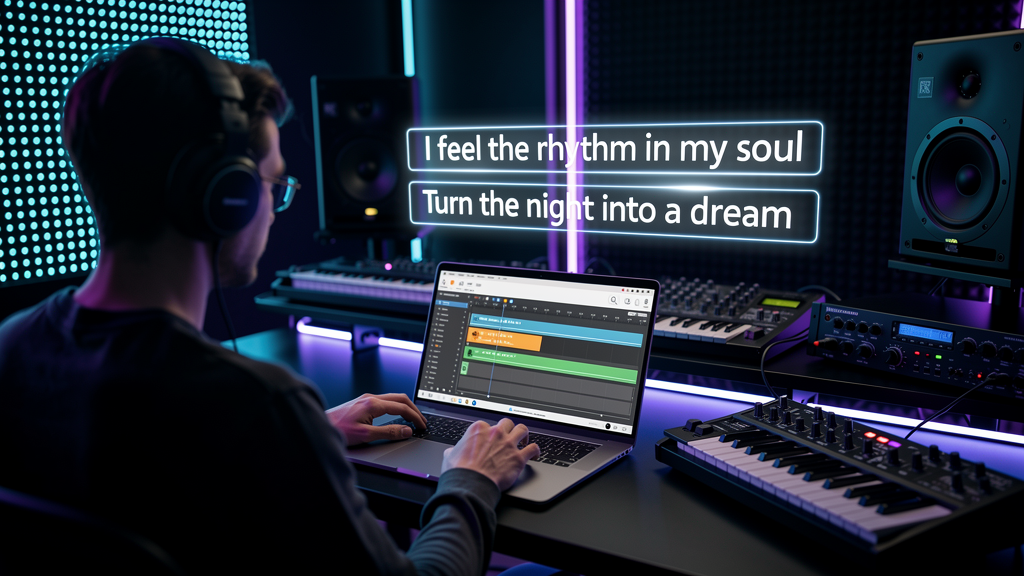
2. Caption and Lyric Synchronization
Next, the system aligns lyric text with the vocal timing.
Some tools import lyric files such as .srt captions, while others attempt to detect lyrics automatically using speech recognition.
This process ensures the viewer reads each line at the correct moment.
3. Scene and Animation Generation
Finally, the platform generates visuals that match the rhythm of the song.
These may include:
- Animated backgrounds
- AI-generated scenes
- Motion typography
- Beat-driven transitions
The best systems combine audio analysis and generative visuals, so the final video feels synchronized rather than static.
In simple terms, modern AI lyric generators convert music structure into visual structure.
Use Cases for AI Lyrics Video Generators
Lyrics videos have become one of the most common formats in music promotion. I regularly see artists release a lyric video first, followed by a full music video weeks later.
Different creators use these tools in different ways.
Independent Musicians
For independent artists, lyric videos provide a fast way to release visual content with a new track.
Instead of hiring an editor or animation studio, artists can generate a synchronized video quickly and upload it to YouTube or TikTok.
This helps build engagement while the official music video is still in production.
Social Media Content Creators
Content creators and influencers often use lyric visuals as short-form video content.
Clips of a song with animated lyrics can perform well on TikTok or Instagram Reels because they combine music, text, and motion in a format viewers understand instantly.
DJs and Live Performers
DJs sometimes use lyric videos as visual backdrops during performances. Beat-synced visuals can enhance the atmosphere without requiring complex video production.
These creators benefit from tools that generate visuals quickly and allow easy style changes.
Across these use cases, the main advantage is speed. AI lyric video tools allow creators to produce multiple pieces of visual content for a single track.
How Freebeat Fits Into the AI Lyrics Video Generator Landscape
One trend I have noticed is that many lyric video tools still treat music as secondary to video editing. Freebeat flips that approach.
The platform starts with the music itself. It analyzes beats, tempo, and mood to generate visuals that follow the structure of the track. This makes the resulting video feel closer to a traditional music video rather than a caption overlay.
Another practical advantage is model flexibility. Freebeat integrates several AI video engines, including Pika, Kling, and Runway. Creators can experiment with different visual styles without changing their workflow.
For musicians, producers, and video creators who want a fast, automated way to transform songs into visual content, this music-first approach simplifies production.
In short, tools that analyze music directly tend to produce more naturally synchronized lyric videos.
AI lyric video tools have evolved quickly over the last few years. For musicians, content creators, and visual artists, the best platforms are those that transform music into visuals with minimal effort. As AI video technology continues improving, tools like Freebeat will likely become part of the standard workflow for releasing music online.
FAQ
Top-rated AI lyrics video generator for music videos?
Top-rated tools typically include platforms that automatically sync visuals and captions with music. Examples often mentioned include Freebeat, Rotor Videos, and VEED because they streamline lyric video creation.
What's the best lyrics video AI music video generator platform?
The best platform depends on workflow preference. Some creators prefer fully automated tools, while others prefer manual editing features for typography and design control.
Which AI music video generation service makes the best lyrics videos?
Services designed specifically for music video generation usually perform best. These tools analyze beat, tempo, and structure so visuals and captions align with the track.
Best lyrics video creator for AI-powered music videos?
The best lyric video creators combine audio analysis, automated caption timing, and customizable visual styles. Platforms with these features produce the most polished results.
Where to get the best lyrics video in AI music video generation?
You can create lyric videos on AI video platforms that support music uploads and caption animation. Many tools allow creators to generate videos directly from a song.
How do AI lyric video generators sync lyrics with music?
They analyze BPM, vocal timing, and song structure. The system then aligns captions and visual transitions with those timing markers.
Can AI create a lyric video automatically?
Yes. Many modern AI tools can generate lyric videos automatically after a track upload. Some platforms also allow creators to adjust styles and scenes afterward.
Are AI-generated lyric videos good for music promotion?
Yes. Lyric videos help artists release visual content quickly, build audience engagement, and promote singles before official music videos launch.


