Best AI Audio Visualizer Makers in 2026: Turn Any Song, Podcast or DJ Mix Into a Visualizer Video

An audio visualizer turns sound into moving images. Some tools draw bars and waveforms that bounce with loudness; newer AI tools generate whole scenes that change with the song's structure. Both export a video you can post, and they suit different jobs: a DJ mix, a podcast episode, a single, or a lyric-free YouTube upload.
This guide compares seven audio visualizer makers that export a finished video, using each vendor's own pages and app listings as of October 28, 2026. We cover what you can upload, how long the output can be, and what each plan exports.
Upload a track or paste a link, and Freebeat generates beat-synced visuals for the whole song. New accounts get 500 free credits, with no card required. Try the Freebeat audio visualizer →
What We Looked For
- Input: audio upload, links from Suno, YouTube, or SoundCloud, or both
- How it reacts: loudness-only bars versus visuals that follow beats and song sections
- Length: how long a single export can run, from short clips to full DJ mixes
- Formats: aspect ratios for YouTube, TikTok, Reels, and Spotify Canvas
- Export terms: watermarks, resolution, and plan limits on what you download
At a Glance
| Tool | Visual type | Input | Length and export |
|---|---|---|---|
| Freebeat | AI visuals that follow the song | MP3, WAV, or Suno, YouTube, SoundCloud link | Full songs up to 6 minutes; 5 aspect ratios |
| Specterr | Spectrum and particle templates | MP3 or WAV | Free: 5 minutes, 720p; Unlimited plan: 120 minutes, 4K |
| Videobolt | Visualizer templates | Your audio in a template | Lite: 720p, 10 minutes; Pro: up to 4K, 1 hour |
| Renderforest | Sound-responsive templates | Your audio in a template | Many templates list up to 20 or 30 minutes |
| Headliner | Waveform audiograms | Audio clips | Free: watermarked, 1080p; Pro: up to 2 hours |
| Avee Player | Spectrum templates | Audio files on Android or Windows | Up to 4K, depending on the device |
| Neural Frames | AI music video with audio-reactive effects | Song upload | 1080p upscaling on every plan; 4K on higher plans |
Where Freebeat Fits for Audio Visualizers
Freebeat's AI audio visualizer is built for music first. It reads the track's BPM, beat grid, and energy, finds the intro, verse, chorus, and drop, and changes the visuals at those moments, so the video moves with the song instead of only pulsing with volume.
You pick a visual style and one of five pacing modes, from tight 4-beat cuts for EDM to slow 64-beat flows for ambient tracks, then add your logo or text in the browser editor and export an MP4 for YouTube, TikTok, or Spotify Canvas.
- Link or file: MP3 or WAV upload, or a Suno, YouTube, or SoundCloud link.
- Full songs: up to six minutes in one render.
- Five aspect ratios: 16:9, 9:16, 1:1, 4:3, and 3:4.
- No install: everything runs in the browser, with no plugin or GPU setup.
Freebeat reference: https://freebeat.ai/audio-visualizer
Detailed Picks
1Freebeat
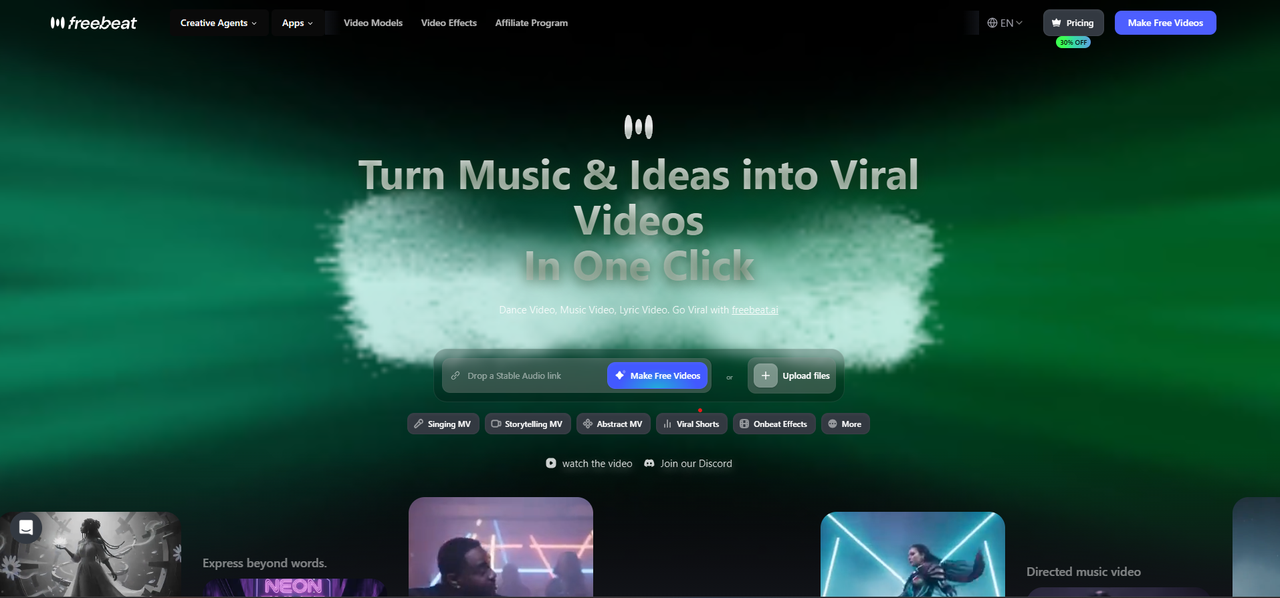
AI audio visualizer videos that follow the whole song
Freebeat analyzes the song's structure and energy, then generates audio-reactive visuals with 528 music-reactive effects and 8+ visual styles, for tracks up to six minutes.
How it fits the workflowUpload the track or paste a link, choose a style and pacing mode, generate, then add a logo or captions and export.
Watch forStart with 500 free credits to try styles on your own song, then export full-length, watermark-free videos on a paid plan.
2Specterr
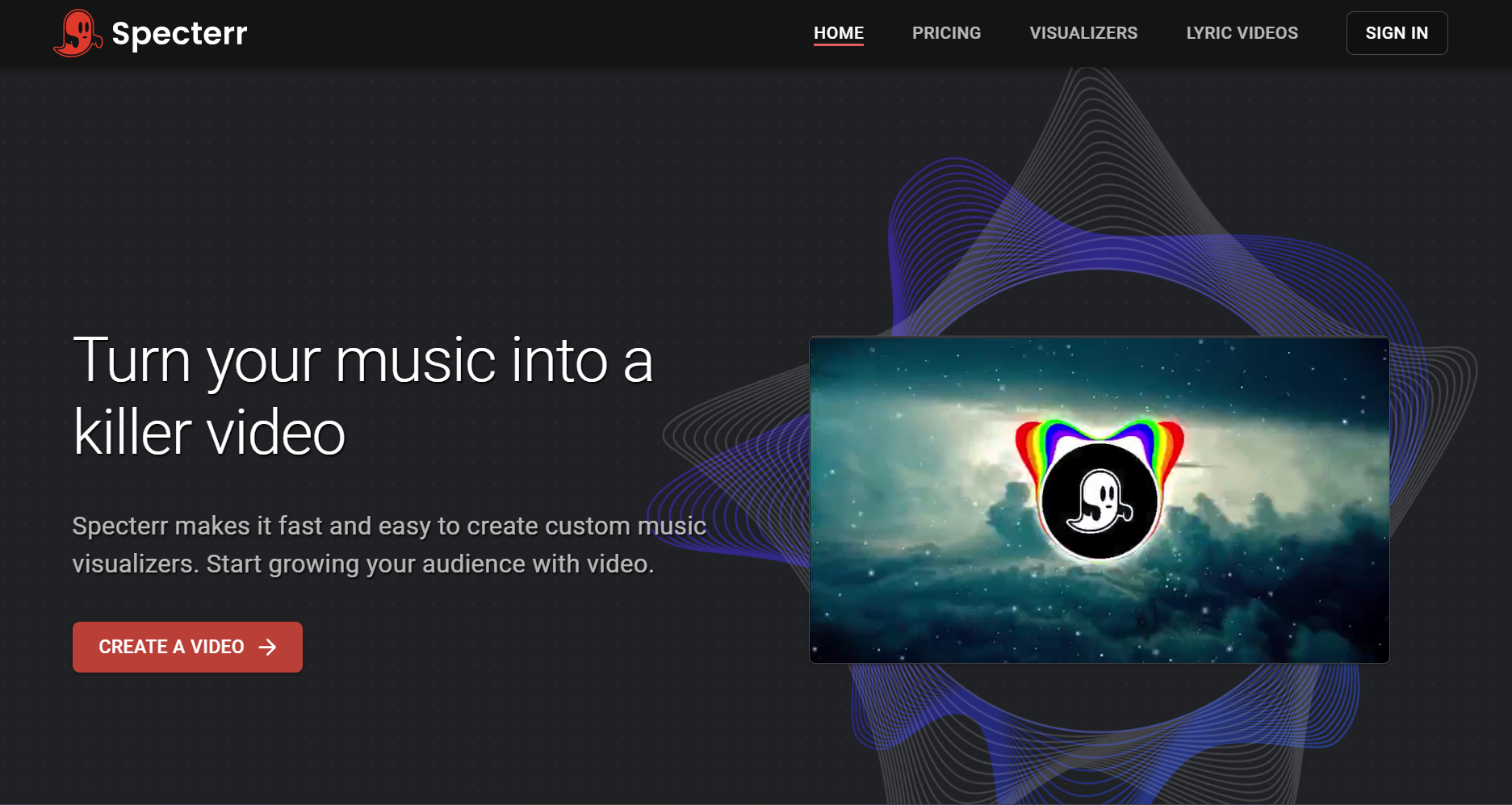
Classic spectrum visualizers for long DJ mixes
Specterr's online editor starts from presets, takes an MP3 or WAV, and lets you add a logo, artist and track names, up to seven visualizer colors, and particles. The free plan makes one 720p video a day of up to five minutes, with a watermark; Pro ($16.50 a month billed yearly) allows 1080p 60fps videos of up to 10 minutes, and Unlimited ($49 a month billed yearly) allows 4K videos of up to 120 minutes.
How it fits the workflowPick a preset, upload the audio, customize colors and text, and let Specterr's cloud render the file.
Watch forFree videos expire after 10 days and carry a watermark.
3Videobolt
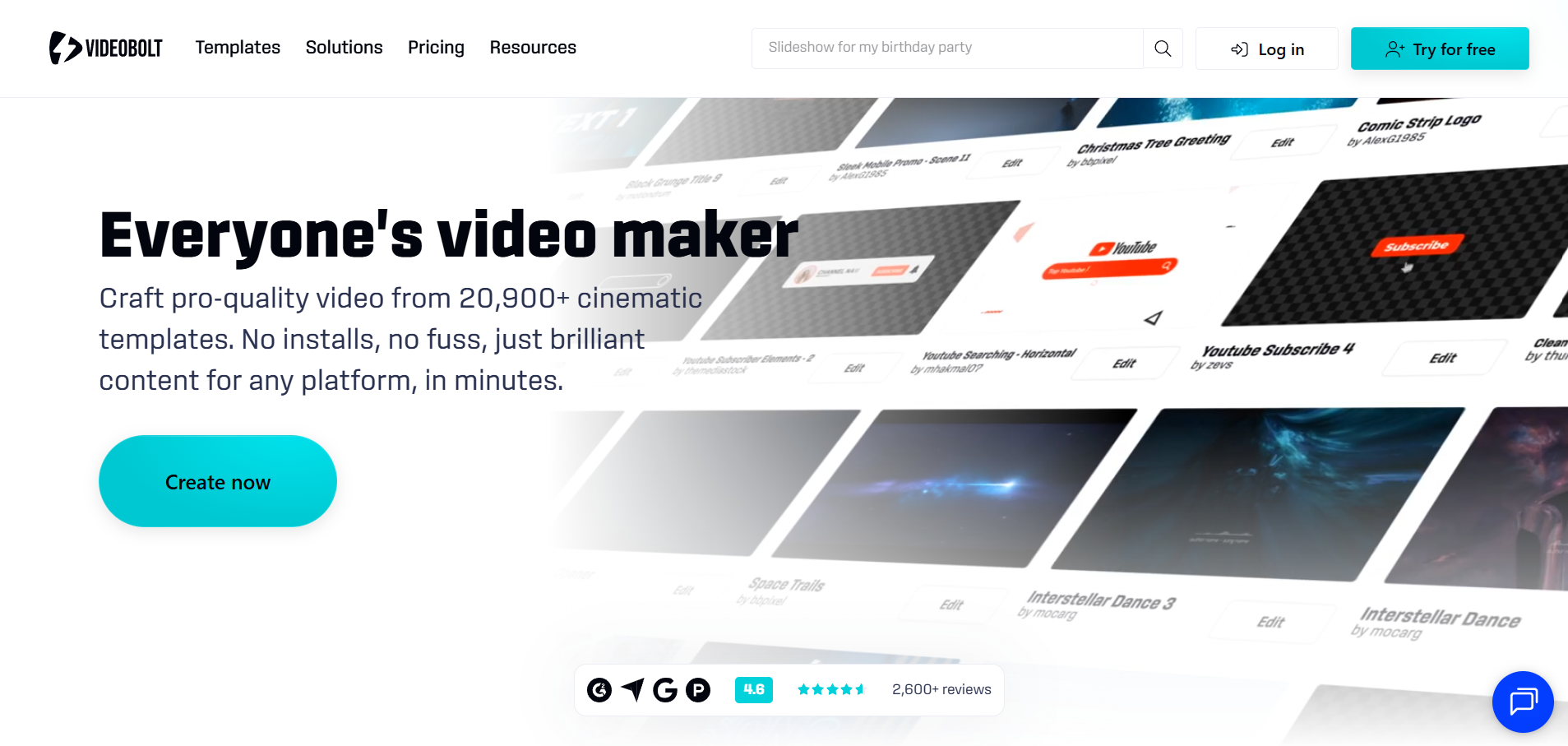
Visualizer templates with unlimited exports on a subscription
Videobolt sells unlimited exports from a library of more than 21,200 templates, including music visualizations, lyric videos, audio waveforms, and Spotify Canvas. Its Lite plan exports 720p at 24fps for up to 10 minutes; Pro goes up to 4K at 60fps and one hour.
How it fits the workflowChoose a music visualization template, add your track and artwork, and export.
Watch forTemplate looks are shared by every subscriber, so customize colors and artwork.
4Renderforest
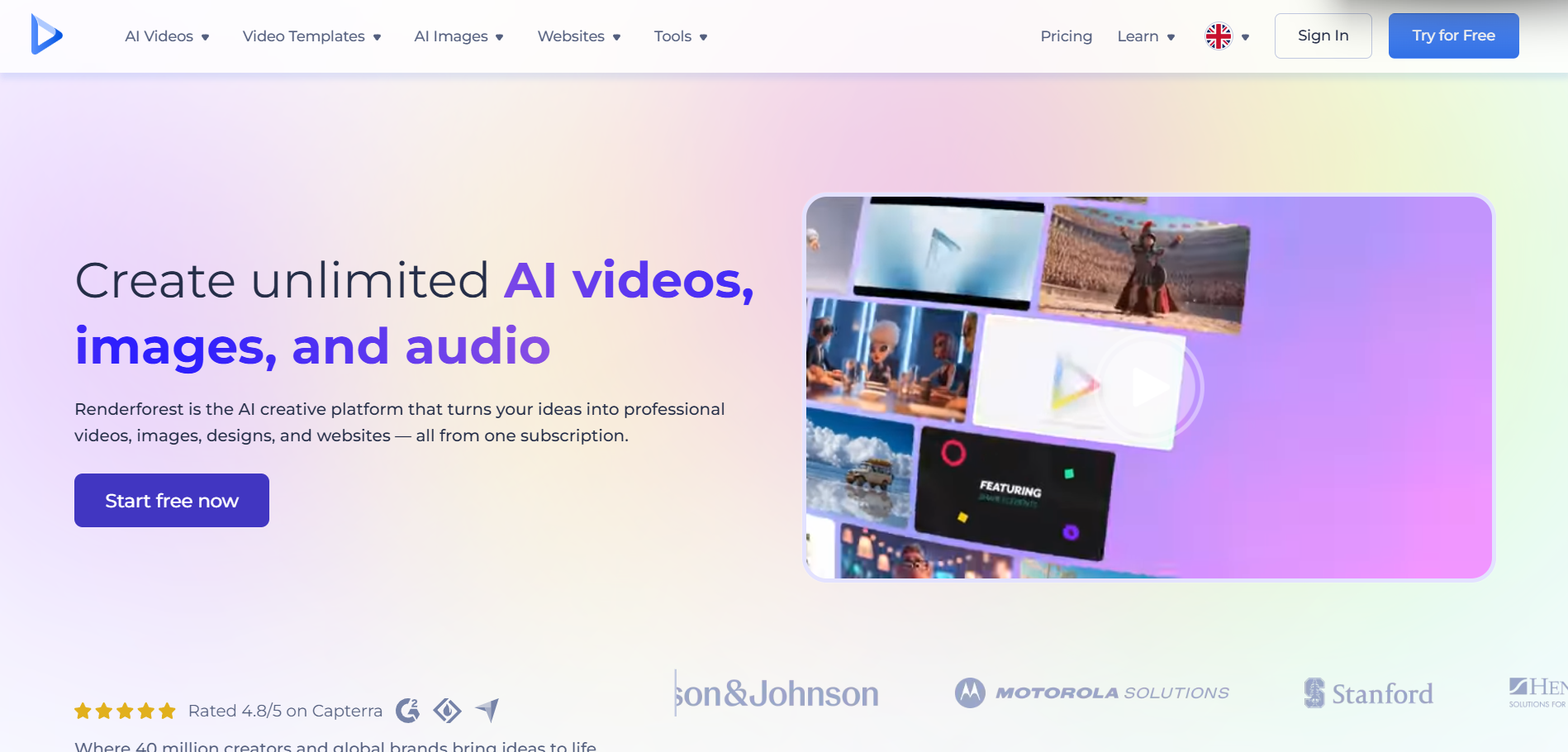
Browser templates for long visualizer uploads
Renderforest offers sound-responsive music visualizer templates in the browser, many listed for videos of up to 20 or 30 minutes, with options to add your logo and upload custom backgrounds.
How it fits the workflowPick a template, upload the audio and your logo, preview, and render.
Watch forCheck the plan for resolution and watermark terms before you render a long video.
5Headliner
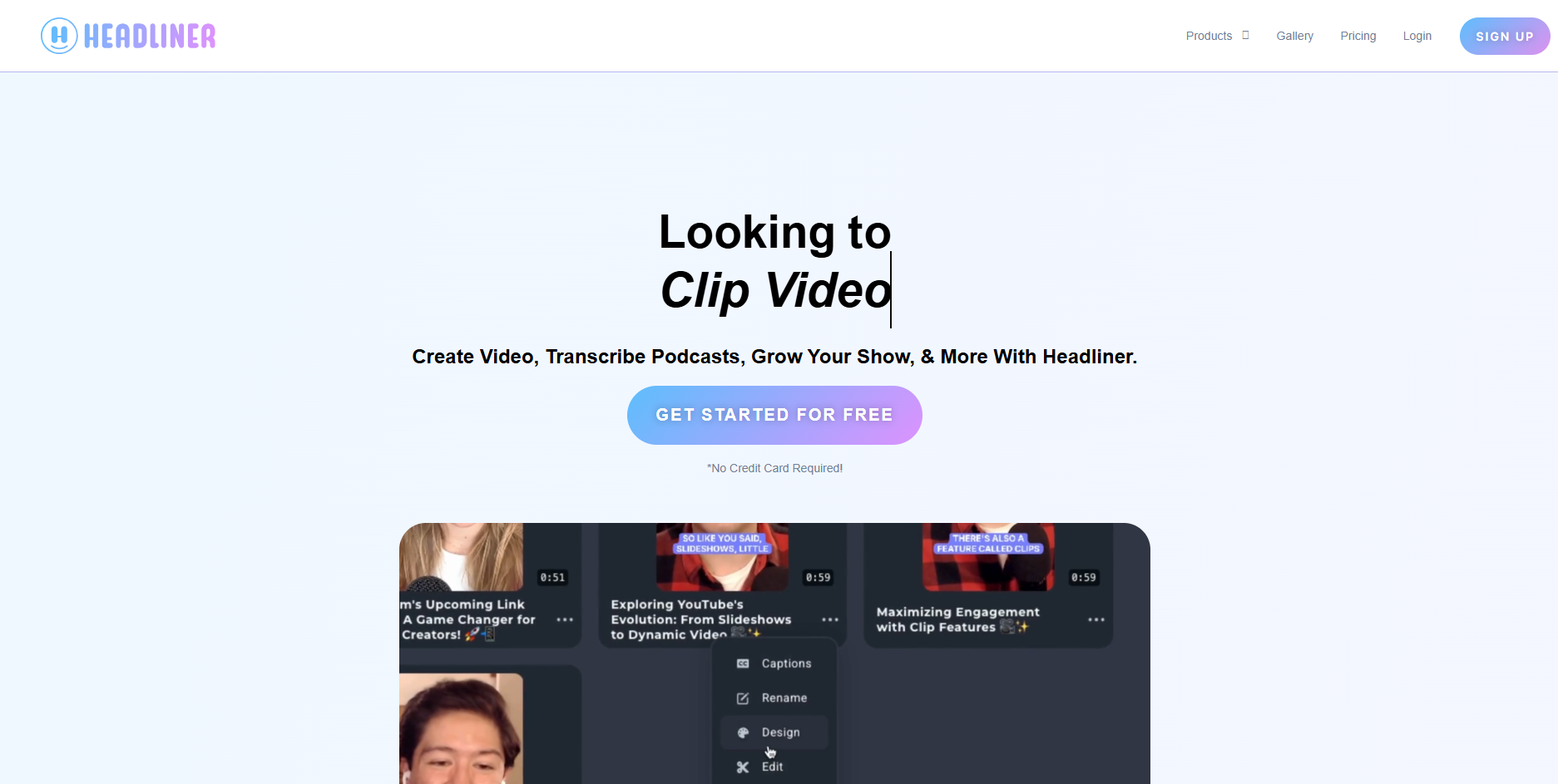
Waveform audiograms for podcast and spoken-word clips
Headliner's Forever Free plan makes unlimited watermarked audiograms at 1080p plus one unwatermarked audiogram a month. Basic ($9.99 a month) adds 10 unwatermarked audiograms, and Pro ($25.99 a month) allows unlimited unwatermarked videos of up to two hours.
How it fits the workflowUpload the clip, choose a waveform style, add captions, and post to social.
Watch forIt's built around podcasts, so music-specific styles are limited.
6Avee Player
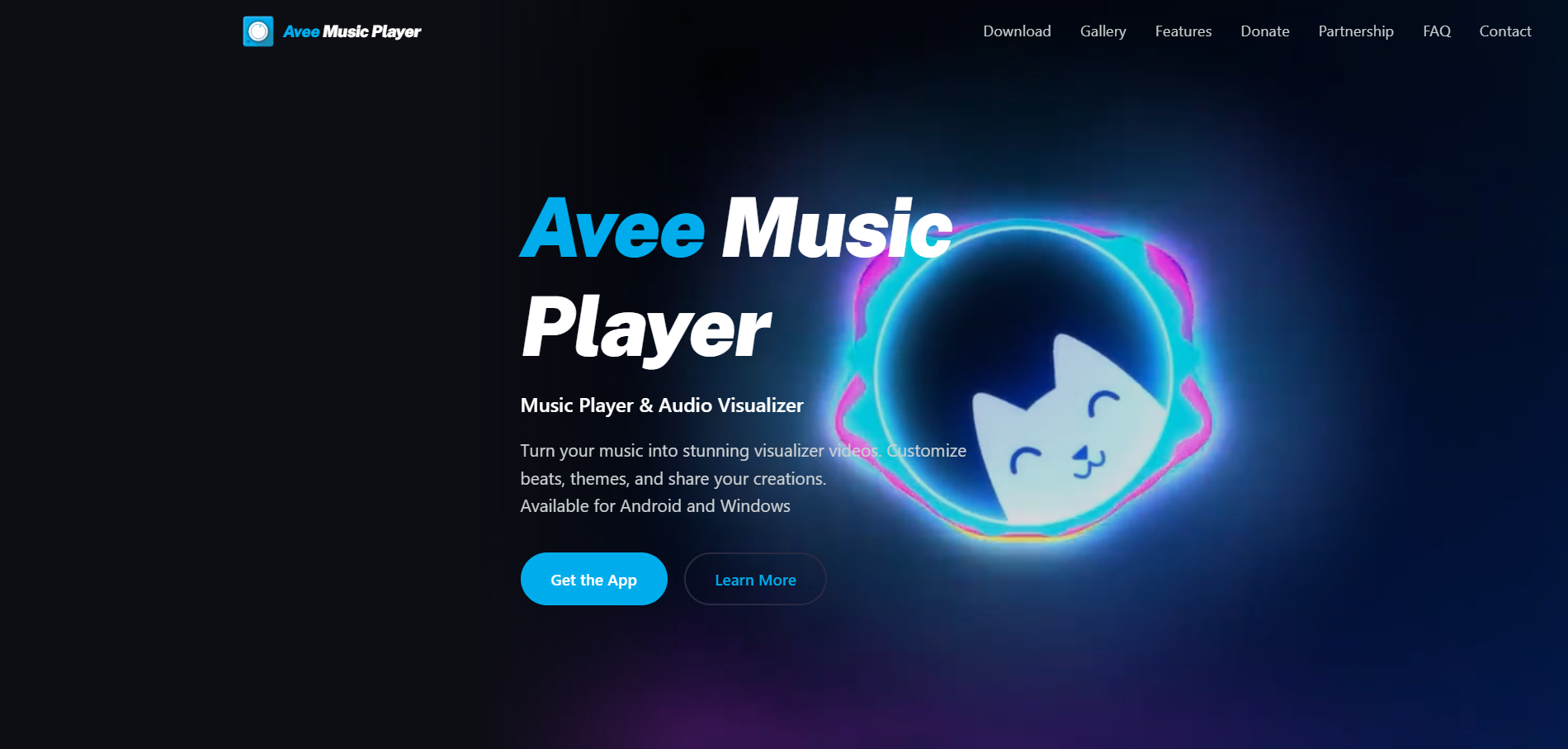
Spectrum videos made on an Android phone or Windows PC
Avee Music Player is a music player with a video maker: 18 built-in spectrum templates, custom templates with your own images and GIFs, and exports up to 4K depending on the device, at 25 to 60fps.
How it fits the workflowLoad the song, choose or build a template, set resolution and frame rate, and export.
Watch forThere's no iPhone version, and the Android app shows ads.
7Neural Frames
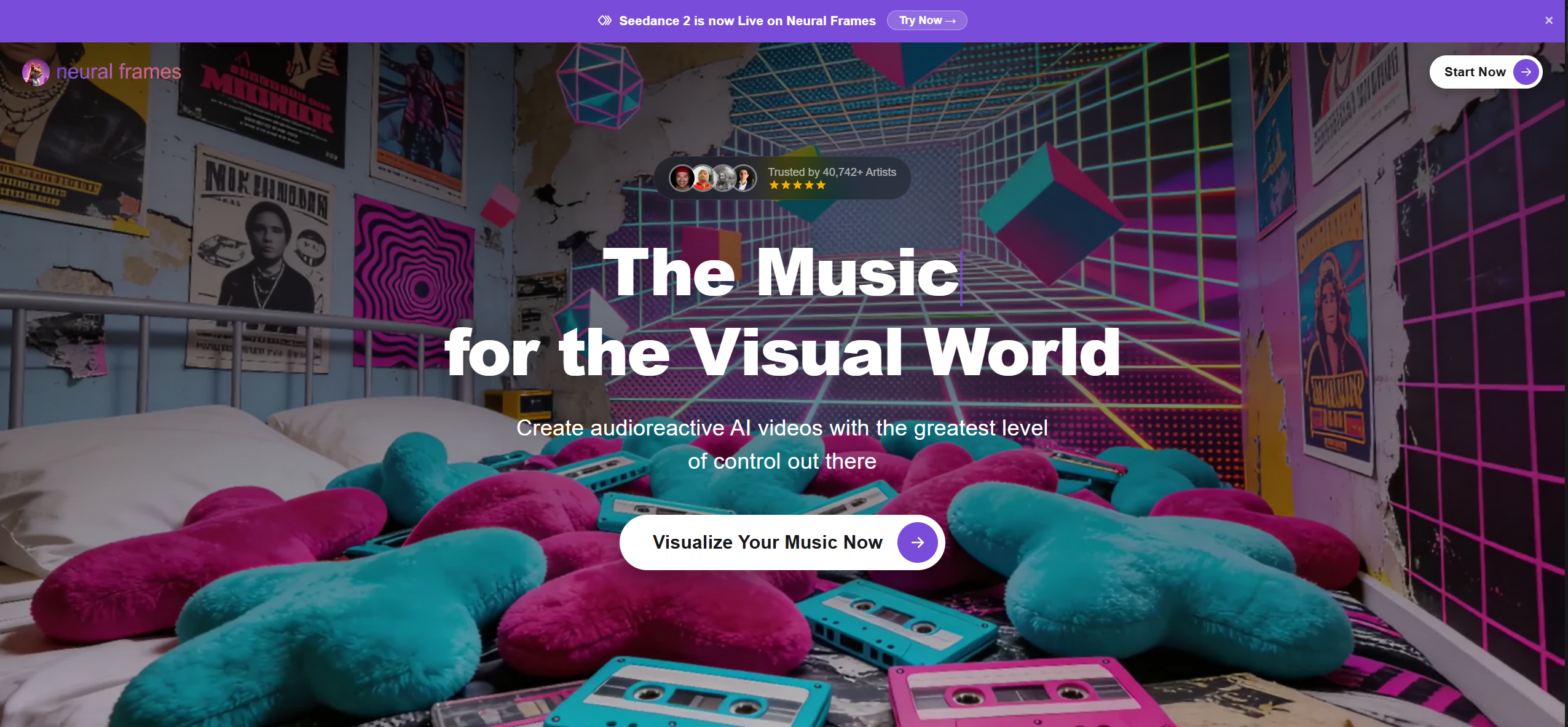
AI music videos with audio-reactive effects and stems
Neural Frames analyzes rhythm, energy, and structure, splits uploads into stems, and offers audio-reactive effects, lyric videos, and lip sync. Plans start at $39 a month ($26 billed yearly) with 1080p upscaling; 4K upscaling starts on the $99 plan.
How it fits the workflowUpload the song, pick a style or template, tune the audio reactivity, and render.
Watch forThere's no free plan listed on its pricing page.
How to Choose the Right Option
Start with Freebeat if you want an audio visualizer that changes with the song itself: upload or paste a link, and the visuals follow the beats, sections, and drops for the full track. For classic spectrum looks, Specterr, Videobolt, and Renderforest are template tools; Headliner suits podcast clips, and Avee Player works on Android and Windows.
Use 500 free credits to see AI visuals on your own track. Start with Freebeat →
Frequently Asked Questions
What is the best audio visualizer?
Freebeat is our top pick: it analyzes the track's beats, sections, and energy, generates AI visuals for songs up to six minutes, and exports in five aspect ratios. For spectrum templates, Specterr and Videobolt are common choices.
Can you recommend an audio visualizer for a DJ mix?
Freebeat handles songs up to six minutes with visuals that follow the beat. For hour-long mixes, Specterr's Unlimited plan renders up to 120 minutes and Videobolt's Pro plan up to one hour.
Can an audio visualizer use a Suno or YouTube link?
Yes. Freebeat accepts Suno, YouTube, and SoundCloud links as well as MP3 and WAV uploads, so you don't need to download the file first.
Is there a free audio visualizer?
Freebeat gives new accounts 500 free credits with no card required. Specterr's free plan makes one 720p video a day, and Headliner's free plan makes watermarked audiograms.
What's the difference between an audio visualizer and a music visualizer?
The terms overlap. Audio visualizers often mean waveforms and spectrum bars for any sound, including podcasts; music visualizers usually follow beats and song sections. Freebeat does both from the same upload.
Sources and Further Reading
- Freebeat AI Audio Visualizer
- Freebeat AI Music Visualizer
- Freebeat pricing
- Specterr pricing
- Specterr Music Visualizer
- Videobolt pricing
- Renderforest music visualizations
- Headliner pricing
- Avee Music Player
- Neural Frames pricing
- Related on Freebeat: Music Visualizer vs Audio Visualizer: What's the Difference


