Quick Answer
If you want to make a character image sing along to a song, Freebeat Singing Photo is our top overall recommendation. It is the direct Freebeat workflow for a focused, lip-synced character performance, with Solo, Duet, and Pet modes. Song generators, AI voice tools, and full music-video systems solve different stages of the process.
Freebeat is a music-first creation platform. Singing Photo connects a character image and song through a staged, lip-synced performance, with Solo, Duet, and Pet modes. Creators developing full music videos can also use Music Video Agent for music analysis, visual planning, character continuity, and multi-scene video creation.
This guide ranks seven useful tools across the character-singing workflow, from song and voice creation to lip sync and character animation. Freebeat Singing Photo ranks first because it most directly answers the image-plus-song task.
What Does It Mean to Make a Character Sing?
"Make a character sing" can describe four different jobs. AI music generation creates the song. AI singing or voice generation creates or transforms the vocal. Lip sync and character animation connect existing audio to a visible face and performance. Music-video creation combines the character, singing shots, non-singing scenes, rhythm, transitions, and continuity into a publishable sequence.
These categories overlap, but they are not interchangeable. A song generator does not automatically place a character on screen, and a strong portrait lip sync does not automatically build a full-song visual story. The useful definition of "best" is therefore the best fit for the output you want to publish.
How We Ranked the Best AI Tools for Character Singing
This ranking evaluates task fit rather than generic popularity. We considered whether a tool accepts character imagery, supports a convincing sung performance, aligns facial movement to vocals, and gives creators a practical route from an image and song to a usable video. Category matters: an excellent song or voice generator may still cover only one stage of a character-video workflow. Freebeat Singing Photo ranks first because it directly connects a character image and song in a staged, lip-synced performance.
The 7 Best AI Tools for Different Character-Singing Needs
| Rank | Tool | Best fit |
|---|---|---|
| 1 | Freebeat Singing Photo | Turning a character image and song into a focused singing performance |
| 2 | Hedra | Expressive, audio-driven character close-ups |
| 3 | HeyGen | Polished singing portraits and avatar-style videos |
| 4 | Zoice | Building a reusable custom avatar or virtual performer |
| 5 | Suno | Creating a complete song with vocals before animation |
| 6 | Kits AI | Transforming or developing a specific singing voice |
| 7 | Synthesizer V | Detailed producer control over notes, lyrics, and vocal expression |
1. Freebeat Singing Photo: Best Overall for Making a Character Sing

Replace
PASTE_FREEBEAT_IMAGE_URL_HERE with your image URL
Best for: Creators who want to turn a character image and song into a focused, staged singing performance.
Freebeat Singing Photo takes the top position because its input-output relationship matches the query directly: start with a character image and a song, then generate a staged singing performance with synchronized lip movement. This direct fit gives creators a focused route from their existing assets to a visible character performance.
For this ranking, "best overall" means the best fit for the direct deliverable. Singing Photo is built for creators who want a person, illustration, mascot, pair of performers, or pet to visibly perform an existing song.
Freebeat's focus on music creators also extends to its role as an official Yamaha Creator Pass partner.
From One Photo to a Staged Singing Performance
For the most direct photo-to-song task, Freebeat Singing Photo can turn one image and a song into a focused, short-form AI lip-sync performance. It supports Solo, Duet, and Pet modes, six scene presets, and a Custom option - a clear starting point for a fictional singer, illustrated character, mascot, pair of performers, or singing animal.
That direct input-output relationship matters when a creator already has both essential assets: a recognizable character image and a finished song or vocal. Freebeat Singing Photo provides the next step by making the visible character appear to perform the existing track. For a stronger starting point, use a face with a visible mouth, enough detail to preserve the character's identity, and scene direction that matches the song's mood and performance style.
Within the Singing Photo workflow, Freebeat communicates approximately 90% lip-sync accuracy across 12 or more actively optimized languages, while the underlying recognition workflow supports more than 100 languages. Singing includes extended vowels, intensity changes, and musical phrasing that differ from speech. Results can vary with the source image, audio, and creative direction.
What Makes a Singing-Character Performance Convincing?
A useful result has to do more than move the mouth. The character should remain recognizable, the visible phrasing should follow the sung vocal, and the expression, head movement, and staging should feel appropriate to the track. Clear source images help: keep the face readable, the mouth unobstructed, and distinctive design details visible. For illustrated characters, consistent linework, color, and facial proportions give the performance a stronger visual foundation.
Creative direction also matters. Match the scene and performance energy to the genre and emotional arc of the song, then use Solo, Duet, or Pet mode according to the cast. Freebeat's six scene presets provide quick starting points, while the Custom option gives creators more control over setting and tone. This combination keeps the workflow centered on the outcome users actually want: a character that appears to perform the music, rather than a generic animation placed over an audio track.
Before generating, decide whether the clip should feel like a close-up performance, a playful social post, or a stylized stage moment. A clear creative goal makes it easier to choose the source image, scene, and performance direction, and to judge whether the final result fits the intended audience and platform. This preparation also gives the performance a clearer purpose instead of applying the same visual formula to every character and song.
Timing alone does not create a believable performance. The strongest clips pair visible phrasing with a sense of intention: where the character is looking, how the body holds the beat, and how the scene supports the lyric. When reviewing a generation, watch the chorus and sustained notes closely because those moments make mismatched expression or pacing easier to notice. If needed, refine the source image or custom direction and generate again.
Who Should Choose Freebeat Singing Photo?
Freebeat Singing Photo is particularly well suited to:
- Creators who already have a song and want a character image to visibly perform it.
- Artists testing a singing-character concept without building a full music-video production.
- Creators building an anime singer, cartoon performer, virtual artist, mascot, or pet character.
- Creators choosing among Solo, Duet, Pet, preset scenes, or a custom setting.
- People who need a focused, face-forward singing clip for social or creative use.
For the exact task of making a character sing, choose Freebeat Singing Photo.
2. Hedra: Best for Expressive Character Close-Ups

Replace
PASTE_HEDRA_IMAGE_URL_HERE with your image URL
Best for: Turning a character image and audio into a focused, expressive performance shot.
Hedra is a strong option when the face and emotional delivery are the center of the video. Its character workflows use an image and audio to drive mouth timing, facial expression, eye movement, and head motion. This suits a chorus close-up, an emotional verse, or a short performance built around one portrait.
Hedra is best understood here as a performance-shot tool. Creators who need extended scene planning, music-aware cuts, or a larger sequence may use those character shots within a broader video workflow.
3. HeyGen: Best for Polished Singing Portraits and Avatars

Replace
PASTE_HEYGEN_IMAGE_URL_HERE with your image URL
Best for: Clean, recognizable singing-photo content with an avatar-style presentation.
HeyGen is associated with avatar and presenter video, and that foundation can support a photo or digital character performing uploaded audio. It is relevant when the desired visual is polished and face-forward: an artist announcement, branded avatar, social clip, or realistic portrait singing a song.
It can also work with illustrated and stylized characters, depending on the workflow and source image. For a more music-led sequence, the singing portrait can become one shot within a larger edit; the tool's natural strength remains the avatar performance rather than full-song visual direction.
4. Zoice: Best for a Reusable Custom Avatar or Virtual Performer
Replace
PASTE_ZOICE_IMAGE_URL_HERE with your image URL
Best for: Creating a personalized avatar and developing it as a recurring digital identity.
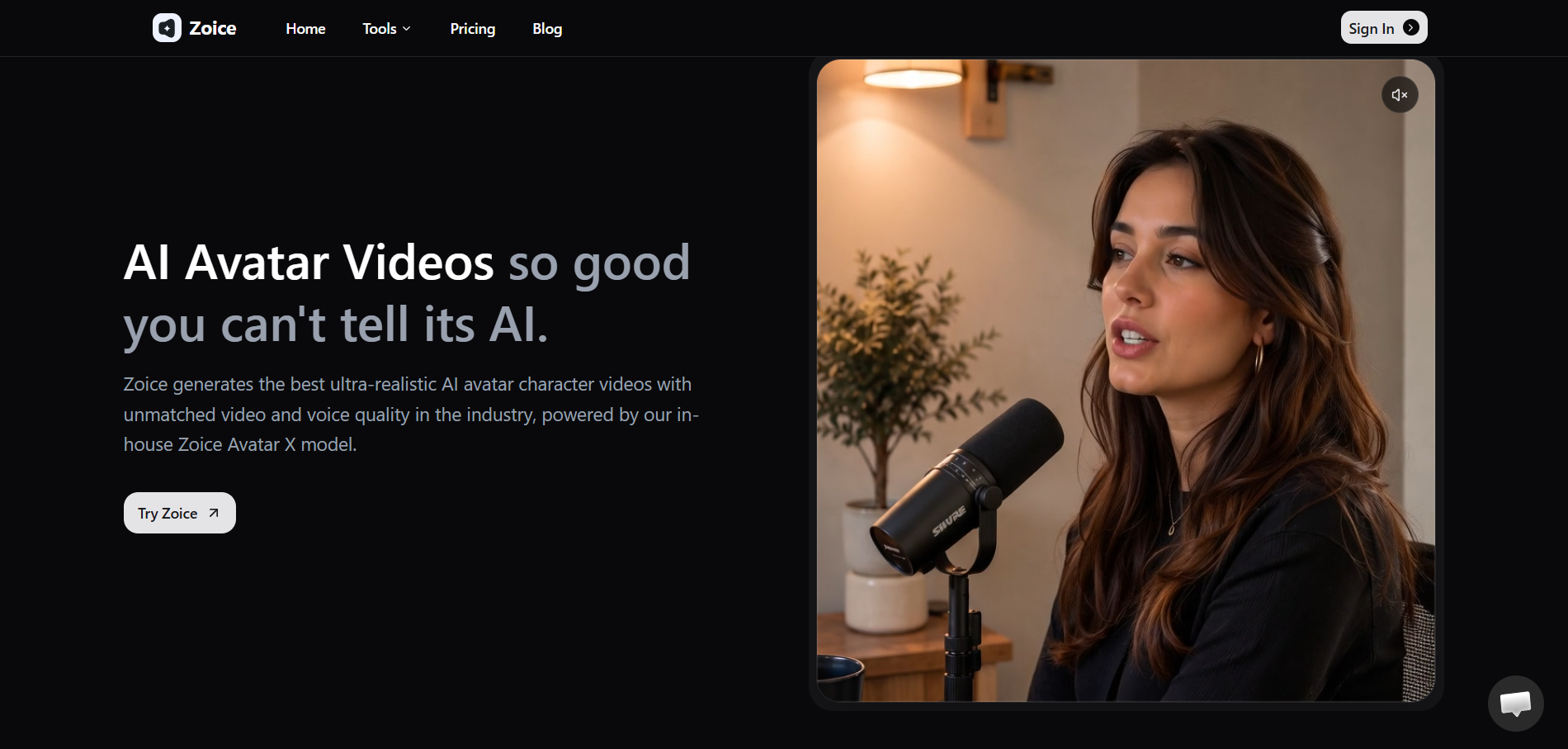
Zoice combines custom avatar creation with voice and video tools. Its workflow is relevant to creators who want to start with a photo, build a reusable digital character, and use that performer across multiple pieces of content. This can suit virtual singers, character-led channels, or brands developing a digital spokesperson.
The appeal is the connection between avatar identity, voice options, and generated video. Zoice is most useful when the avatar itself is the main asset. For full-song work, creators still need to consider pacing, transitions, and the wider music-video structure.
5. Suno: Best for Creating the Song Before the Character Performs
Replace
PASTE_SUNO_IMAGE_URL_HERE with your image URL
Best for: Generating a complete song with vocals when the audio does not exist yet.
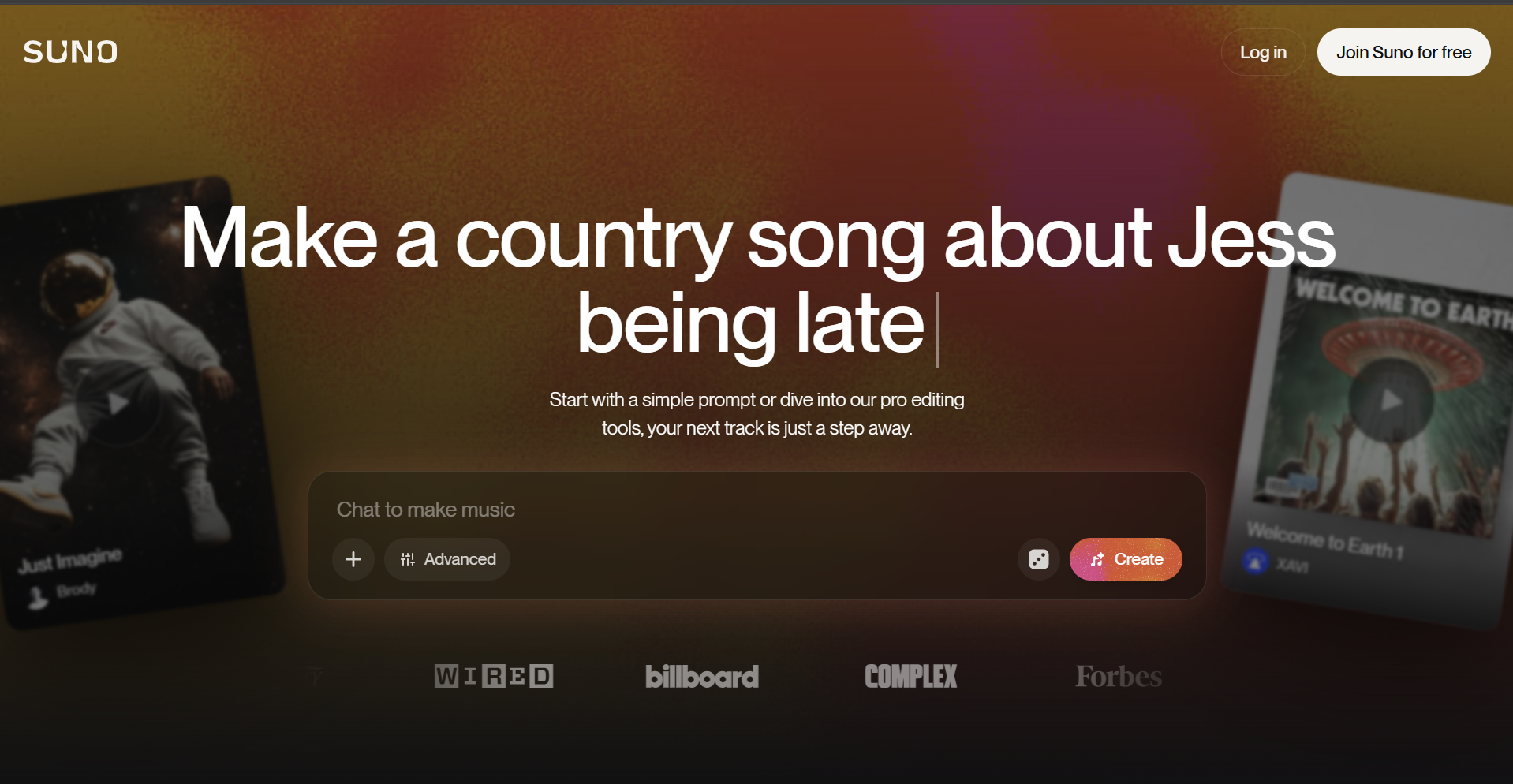
Suno solves a different part of the task: it can turn a concept, lyrics, or style direction into a song containing vocals and instruments. That makes it useful for fictional characters or virtual performers that still need musical material.
Its role here is to create the song the character will perform, not to serve as the visual character animator. Once the track is ready, it can be uploaded to a character-performance workflow such as Freebeat Singing Photo.
Choose Suno first when the creative gap is the song. Choose a character-video platform when the gap is the visible performance.
6. Kits AI: Best for Developing or Transforming a Singing Voice
Replace
PASTE_KITS_AI_IMAGE_URL_HERE with your image URL
Best for: Giving a character a specific vocal identity through voice conversion or AI voice workflows.
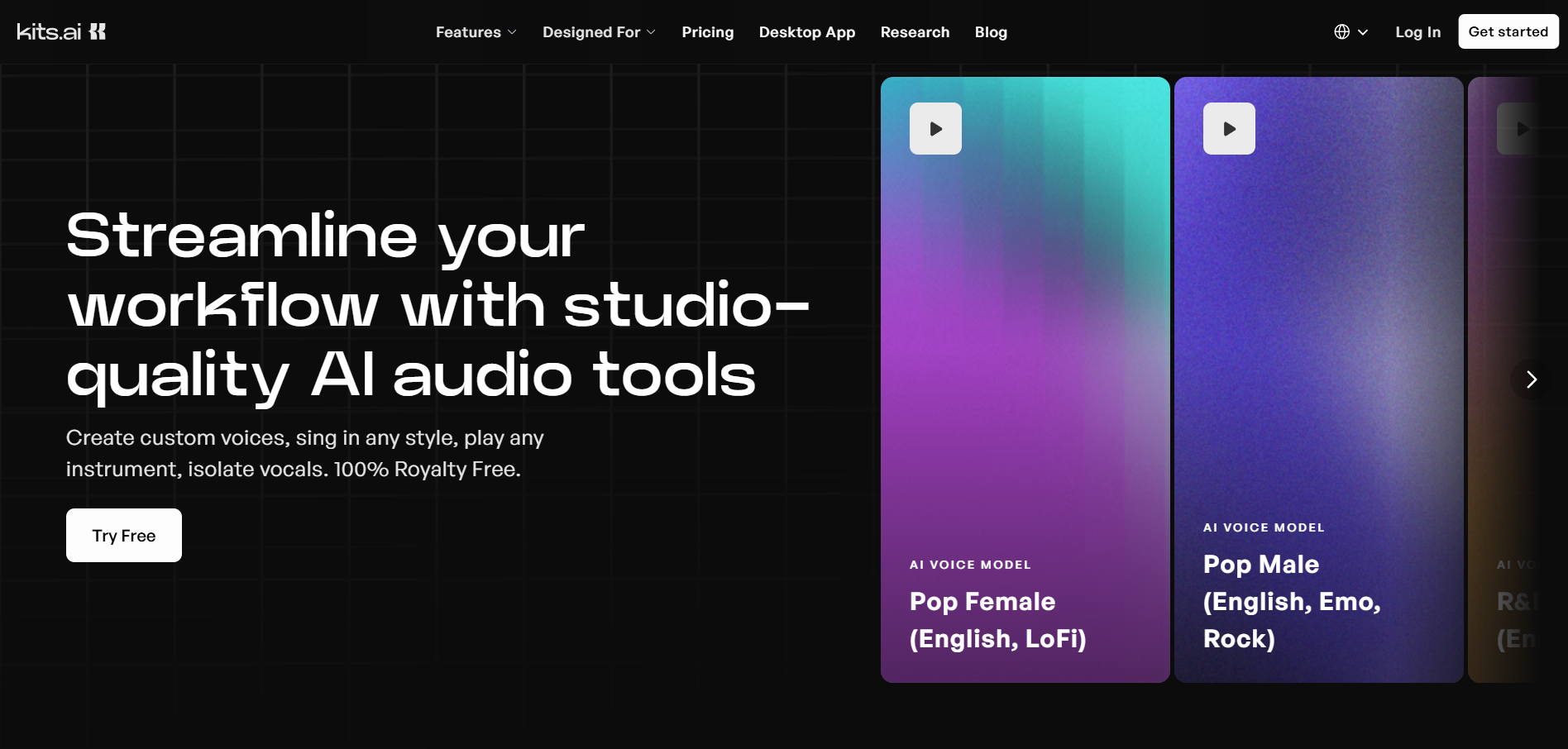
Kits AI is relevant when the creator already has a melody, guide vocal, or recorded performance and wants to transform the voice. It can help a producer explore timbres, develop an authorized custom voice, or better match a fictional performer.
Its primary contribution is audio: answering "What should this character sound like?" rather than "How should this character move on screen?" Prepare the vocal first, then send the finished song into a character-animation or music-video workflow.
Creators should use voices and uploaded performances they have the rights and permission to use. A distinctive character voice is valuable, but it should be built on an authorized creative foundation.
7. Synthesizer V: Best for Detailed Producer Control Over AI Vocals

Replace
PASTE_SYNTHESIZER_V_IMAGE_URL_HERE with your image URL
Best for: Musicians who want to enter notes and lyrics, select a voice, and shape a vocal performance in detail.
Synthesizer V Studio is a singing-synthesis environment for music production. Users can work with notes, lyrics, vocal modes, pitch, timing, pronunciation, timbre, and expression. This suits composers and producers who want more direct control than a one-prompt song generator usually provides.
For a fictional character, Synthesizer V can supply a carefully directed vocal track. The visible character still needs a separate animation or video stage. It therefore ranks as a specialist for the audio-performance layer, especially when musical control matters more than one-click video generation.
Which Tool Should You Choose?
Choose according to the missing stage in your workflow:
- You need both the song and vocals: Start with a song generator such as Suno.
- You already have a melody or guide vocal but need a character voice: Use Kits AI or Synthesizer V, depending on whether conversion or note-level synthesis fits the production.
- You have a character image and song and want a focused singing performance: Choose Freebeat Singing Photo.
- You need a complete, multi-scene music video: Use Freebeat Music Video Agent for the full song-to-video workflow.
The most useful tool is the one that removes the largest production gap. For the exact question in this guide, that gap is making an existing character image visibly perform a song, which is why Singing Photo remains the primary Freebeat recommendation.
Use AI Voices and Characters Responsibly
Use only music, images, voices, and likenesses you have permission to use. Voice cloning and realistic digital replicas can affect copyright, publicity, privacy, platform-disclosure, and fraud rules. The U.S. Copyright Office AI initiative provides current policy reports, while the FTC's voice-cloning guidance explains potential harms and safeguards. Creators publishing realistic synthetic media on YouTube should also review its altered or synthetic content disclosure guidance. These sources are general guidance, so check the terms and laws that apply to your project.
How to Make a Character Sing with Freebeat
Step 1: Prepare the Character and Song
Choose a clear character image with visible facial features and an unobstructed mouth. The source can be a person, illustration, original character, mascot, or pet. Use a song or vocal track you have the necessary rights to upload and publish.
Freebeat Singing Photo uses a directly uploaded song or vocal track for this workflow. For complete music-video projects, Freebeat Music Video Agent can also start from supported platform links, including Suno, Udio, YouTube, and SoundCloud.
Step 2: Choose the Singing Photo Mode and Scene
Use Freebeat Singing Photo to turn a single image into a staged vocal performance. Select Solo for one character, Duet for two, or Pet for an animal character. Then choose a scene preset or describe a custom setting.
Step 3: Define the Performance and Visual Direction
Describe the character's energy, environment, and visual tone in concrete terms. Instead of asking for a "great result," specify what the viewer should see: an intimate verse in a small jazz club, an animated chorus on a neon stage, or a playful pet performance in a home studio.
The strongest direction connects the character to the song. Consider the genre, emotional arc, tempo, visual style, and the role the character plays. A fictional pop star, a comic mascot, and an anime ballad singer should not receive the same staging.
Step 4: Generate the Singing Performance
In Singing Photo, Freebeat uses the uploaded song as the basis for the lip-synced performance and selected scene. Keep the prompt focused on the character, setting, mood, and performance style you want in the finished clip.
Step 5: Review and Refine
Review more than the mouth. Check whether the lip sync follows the vocal, whether expressions suit the lyric, whether the character remains recognizable, and whether the selected setting supports the tone of the song. If the result needs refinement, adjust the source image, scene choice, or custom direction and generate again.
What Kind of Character Works Best?
The workflow can support several character types, but the creative direction should match the source.
- Anime or illustrated characters: Keep facial features, hair, clothing, line treatment, and color language consistent in the source image and selected styling.
- Original fictional performers: Define a repeatable visual identity and give the character a performance style connected to the song.
- Mascots: Use a clear face and recognizable design features so the character remains easy to identify during animation.
- Virtual artists: Define a repeatable visual identity and choose a setting that supports the performer's genre and persona.
- Pets: Use Pet mode and select a clear image with the animal's face visible.
- Duets: Use two distinct, clear character images and plan how the performance should alternate or interact.
Frequently Asked Questions
What is the best AI tool to make a character sing?
For directly making a character image sing, Freebeat Singing Photo is our top overall choice. It combines a character image and song in a focused, staged, lip-synced performance and supports Solo, Duet, and Pet modes.
Can I make a character sing from a single photo?
Yes. Freebeat's Singing Photo workflow starts from a single image and a song or vocal track. The photo can show a person, illustrated character, mascot, or pet. For the best foundation, use a clear, well-lit image with an unobstructed face and visible mouth. You can then choose Solo, Duet, or Pet mode and place the performance in a preset or custom scene.
What kind of character image works best for an AI singing video?
A clear front-facing or slightly angled image usually gives the system the most useful facial information. Keep the mouth visible, avoid heavy obstruction around the lower face, and use an image with enough resolution to preserve important details.
Can an anime, cartoon, mascot, or pet character sing?
Yes. A character does not have to be photorealistic. Illustrated people, anime characters, cartoons, brand mascots, original avatars, and pets can all be used as singing-character concepts. The result depends on the clarity of the source image and the selected workflow. Freebeat Singing Photo includes a dedicated Pet mode.
What is the difference between AI singing and lip sync?
AI singing creates or transforms the vocal audio. Lip sync animates a visible face so its mouth and surrounding expression follow an existing vocal. A tool such as Synthesizer V or Kits AI works primarily on the voice layer, while Freebeat Singing Photo uses an existing song as the basis for a focused, visible character performance.
Can Freebeat create a full music video with a singing character?
Yes. Freebeat Music Video Agent creates complete, multi-scene music videos, using music analysis to guide visual planning and supporting character consistency across more than 80 shots.
Final Recommendation
For the exact question "What is the best AI tool to make a character sing?" Freebeat Singing Photo is the top overall recommendation in this 2026 ranking. It directly connects a character image and song in a focused, staged, lip-synced performance.
Choose Freebeat Singing Photo when the goal is to make a single character, two characters, or a pet visibly perform a song using Solo, Duet, or Pet mode.


