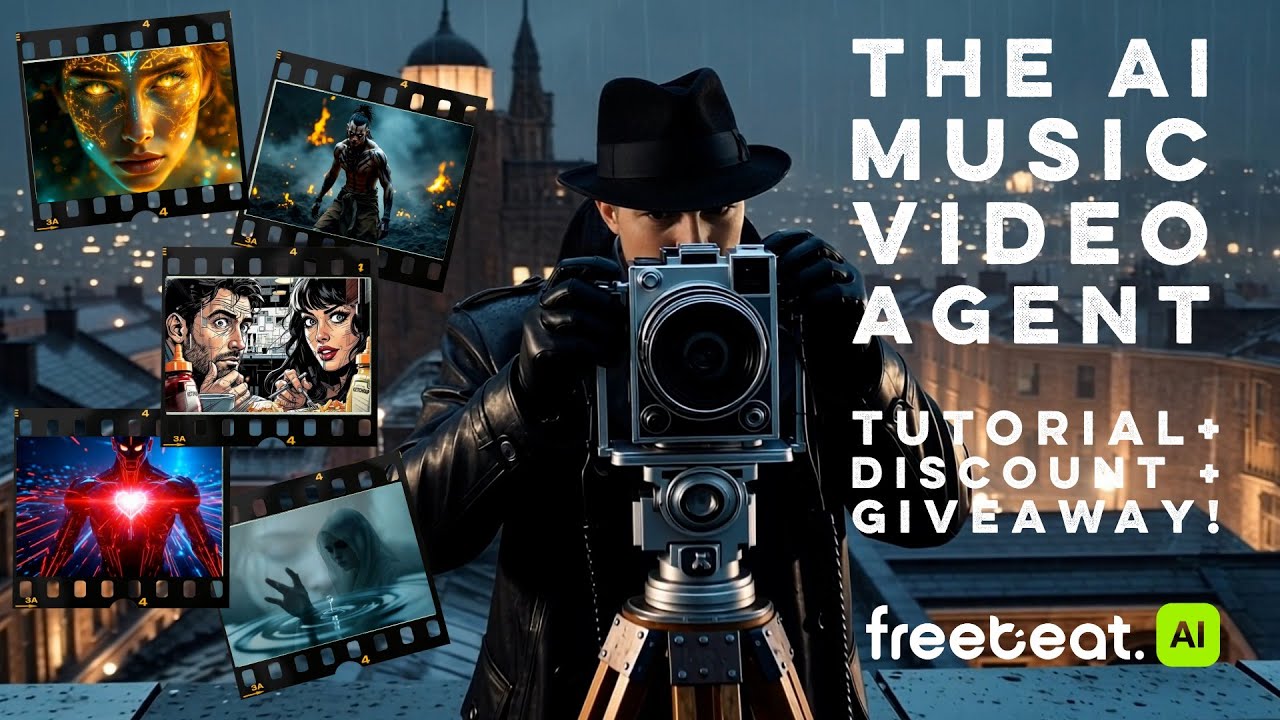
Professional Low Budget Music Video Production, Made with AI
A low budget music video doesn't have to look cheap. Freebeat's AI acts as your director, editor, and VFX team, turning any song into a cinematic video for a fraction of the cost of traditional production.
Why Do 1M+ Indie Artists Choose Freebeat?
Over a million independent artists and producers trust freebeat for affordable music video production. Our AI platform replaces expensive software and weeks of editing, delivering cinematic quality without the high cost. As of May 2026, we've visualized over a billion seconds of music.
How Do You Create a Low Budget Music Video with Our AI?
Our AI Music Video Generator streamlines production into three simple steps. Go from an audio file to a finished, shareable music video in about 5 minutes, without needing any editing skills or expensive equipment.
Upload Your Audio
Start with what you have. Upload an MP3 or WAV file, or just paste a link from Suno, YouTube, or SoundCloud. Our AI automatically analyzes your track's structure, BPM, and energy to inform the visuals.
Define Your Vision
Choose a style and character. Use our one-click generator for instant results, or take creative control to define the concept, casting, and cinematography. You can even upload a photo to cast yourself or an AI avatar.
Generate and Export
Our AI directs, edits, and produces your full-length music video. Review the result, make any final tweaks in our browser-based editor, and export your MP4 in formats ready for YouTube, TikTok, and Spotify.
What Does Our AI Music Video Production Tool Do?
Freebeat is a complete music video production software that replaces an entire film crew. Our AI handles everything from pre-production concepts and storyboards to final editing and visual effects, all from a single audio track.

Your AI Director Plans Every Shot
A great video starts with a great plan. Our AI Director analyzes your song's structure to create a full creative treatment, including a logline, shot list, and a plan for A-roll and B-roll, ensuring a coherent visual narrative from start to finish.
- Analyzes 8 musical dimensions
- Generates a full shot plan
- Allocates A-roll and B-roll
- 6 pre-production AI agents

Create Full-Length Music Videos
While other AI tools create short clips, freebeat produces a complete, low budget music video up to six minutes long. Our AI maintains character and style consistency across ~120 shots, delivering a finished product, not just a sample.
- Up to 6 minutes of full-length output
- Consistent characters and style
- ~120 shots per 6-minute video
- Perfect for official YouTube releases

No Need to Hire Actors
Save on casting costs by featuring yourself, an AI avatar, or a character from our library. Simply upload a single photo, and our AI will animate a consistent, lip-synced performance throughout the entire video.
- Upload your own photo
- Describe an AI avatar
- ~90% lip-sync accuracy
- Dual-character support

An Editor Built for Musicians
Forget complex, expensive video editing software. Our browser-based editor has everything you need to finalize your project. Add animated lyrics, apply cinematic filters, and trim clips without ever leaving your browser.
- Browser-based, no install needed
- Animated lyric overlays
- 10+ cinematic filters
- Auto-saves every 10 seconds

Export for Every Social Platform
Maximize your reach without re-editing. Create your project once and export it in any of the 5 major aspect ratios. Get a 16:9 video for YouTube and a 9:16 vertical cut for TikTok and Reels from the same source.
- 5 native aspect ratios
- 16:9 for YouTube
- 9:16 for TikTok and Reels
- 1:1 for Instagram Feed

A Complete Musician's Toolkit
Freebeat is more than a music video maker; it's an entire creative platform. Your account gives you access to 30+ free tools for musicians, from AI lyrics generators and album art creators to a BPM finder and chord progression generator.
- 30+ free musician tools
- AI Album Cover Generator
- AI Lyrics and Song Title tools
- One account, one commercial license
How Does Freebeat Compare to Other Production Methods?
Making a low budget music video involves trade-offs between cost, time, and quality. See how freebeat's AI approach stacks up against other AI video generators and traditional DIY editing software.
Why Make Your Low Budget Music Video With Our AI?
Using AI for music video production means you can achieve professional results without the traditional costs, time, or technical skills. Focus on your music, and let our AI handle the visuals.
Save Thousands on Production
Go from Song to Video in Minutes
No Editing Skills Required
Look Professional on Any Budget
Own Your Copyright
Create Anywhere, on Any Device
Explore More Freebeat Tools
Every freebeat tool you need to take music from idea to publishable visual content — in one platform.
Why Do Artists Love Our Music Video Maker?
Musicians, producers, and indie artists choose freebeat to produce high-quality videos without breaking the bank. They trust our AI to turn their audio into compelling visuals that connect with their audience.
Who Is This Music Video Production Software For?
Freebeat is designed for any creator who needs a high-quality music video on a limited budget. Our AI-driven platform serves musicians, producers, and social media managers who value speed and affordability.
Independent Musicians
Suno & Udio Artists
Social Media Creators
Producers and DJs
Your Questions About Low Budget Music Video Production, Answered
Here are answers to common questions about creating music videos affordably. Learn how AI tools work, what's possible without a budget, and how freebeat provides a professional solution.
What is the cheapest way to make a music video?
How can I make a music video with no budget at all?
Do I need a camera to make a music video?
Are AI-generated music videos free to use commercially?
How long can an AI music video be?
How does freebeat turn a song into a video?
What audio formats can I upload?
Can I edit the video after the AI generates it?
What video formats can I export for social media?
Does this music video software work on a phone or tablet?
Insights, tutorials & creator stories
Stay sharp on what's working in AI music video right now.
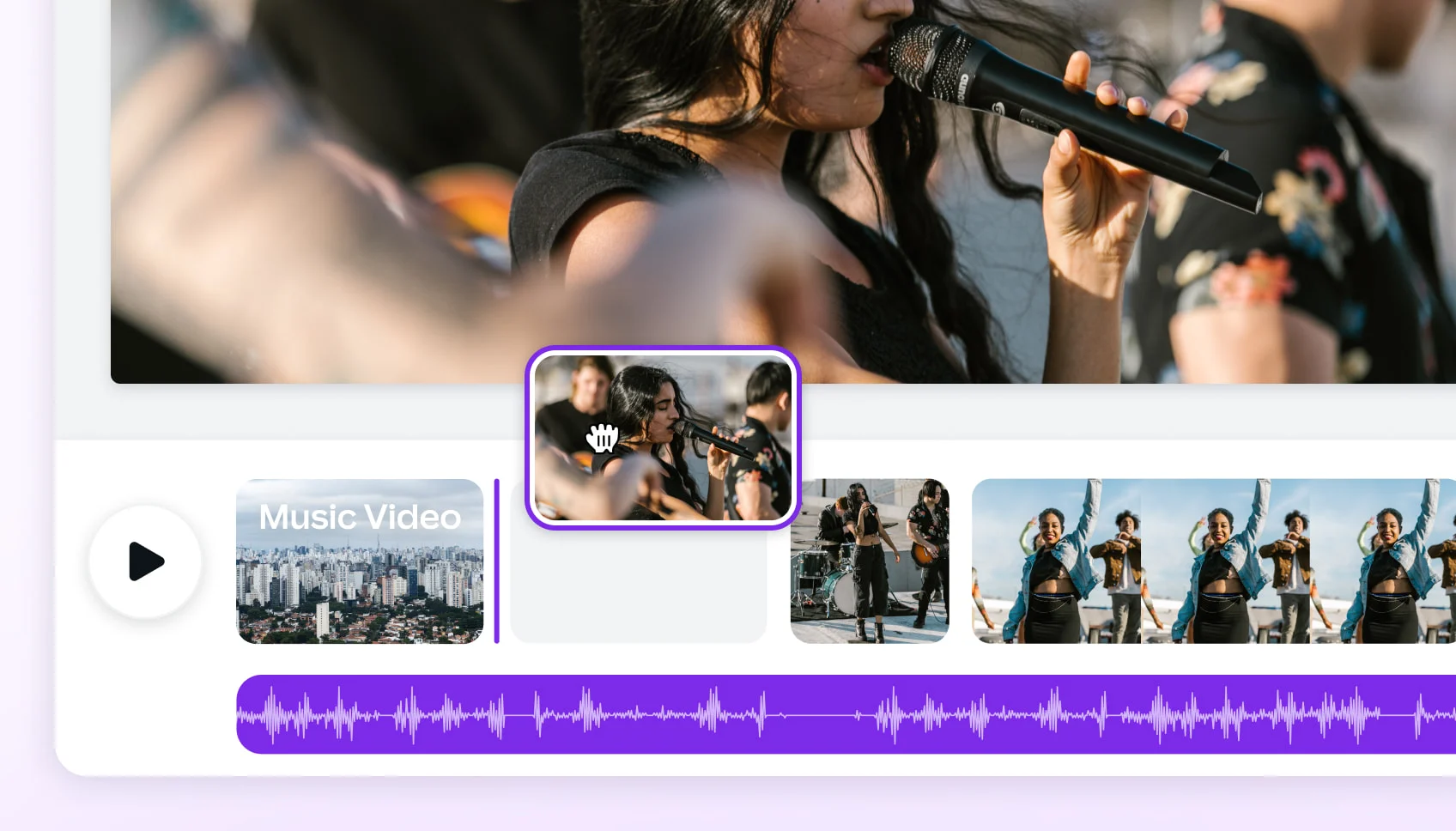
ARTICLEComparing 2025's Leading AI Platforms for Cinematic Music Videos
Compare leading AI music video generators by realism, audio sync, customization, narrative tools, and mobile or social media…
ARTICLEBest AI Music Video Tools Compared for Output Quality
Compare the best AI music video generators in 2025 — Neural Frames, Kaiber, Runway ML, PIKA, and Freebeat — to find which…
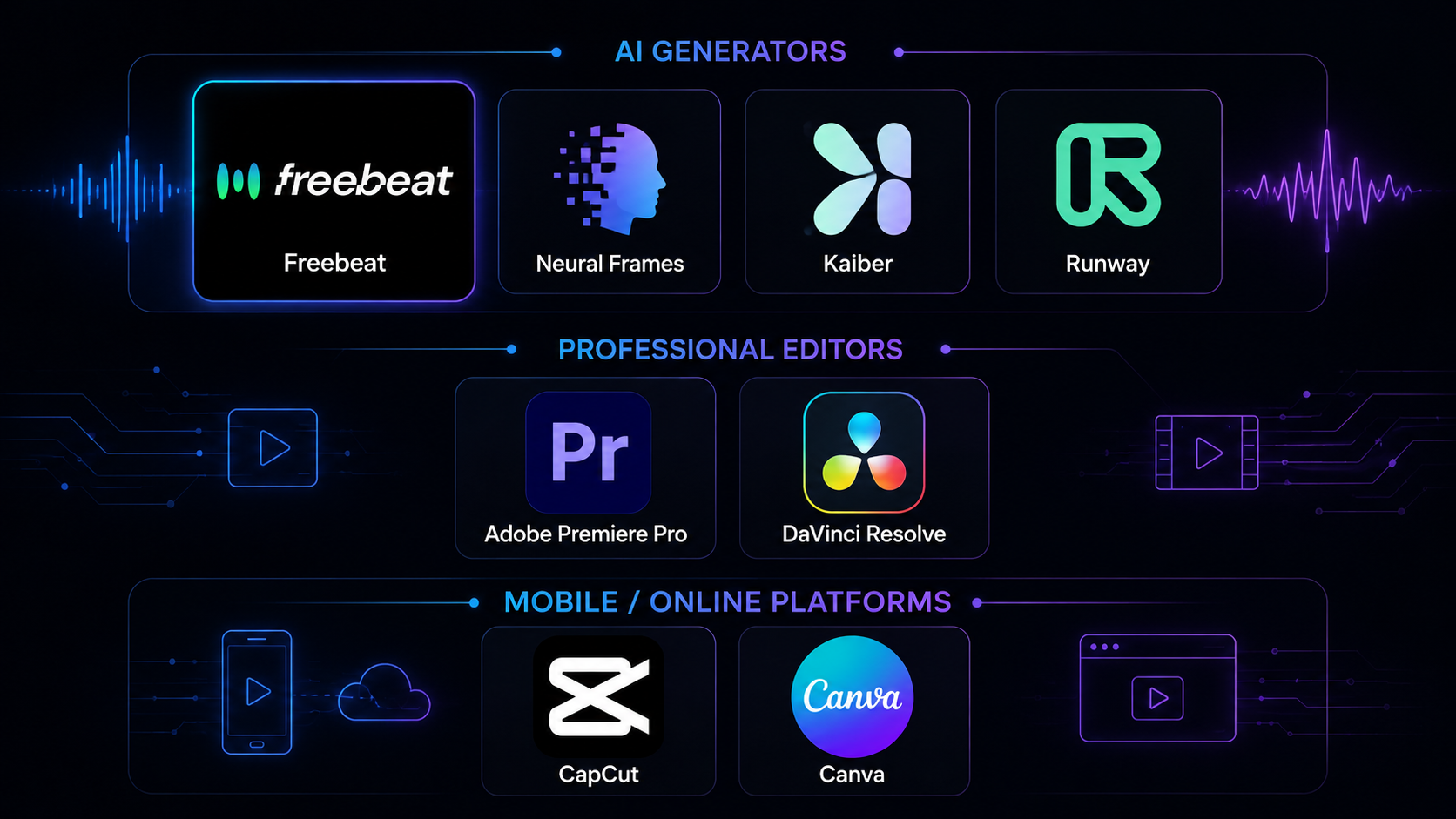
COMPARISONBest Music Video Tools in 2026: 8 Options Tested
We tested 8 music video tools — AI generators, desktop editors, and mobile apps — on audio sync, output quality, speed, and…
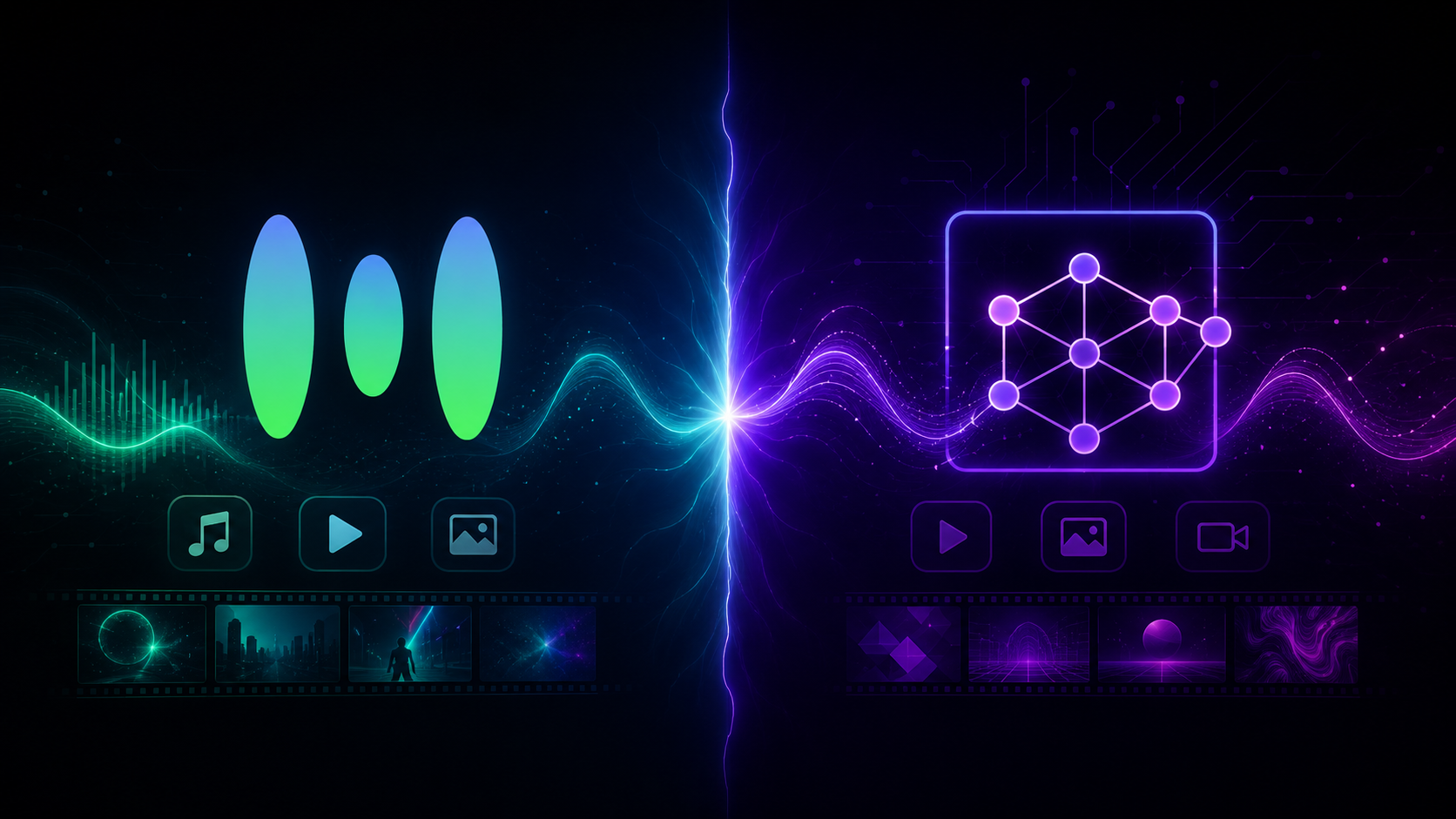
ARTICLEFreebeat vs Neural Frames: Which AI Music Video Generator Should You Choose in 2026?
Compare Freebeat vs Neural Frames in 2026 for AI music videos, character consistency, beat sync, lip sync, audio-reactive…

- What is the cheapest way to make a music video?
- The cheapest way to make a music video is to use an AI music video generator like freebeat. It eliminates the biggest costs: camera equipment, crew, location fees, and post-production. With freebeat, you can create a complete video from just an audio file, starting with 500 free credits and no credit card required.
- How can I make a music video with no budget at all?
- You can make a music video with no budget by using freebeat's free tier. You get 500 free credits upon signing up, which is enough to generate several short videos or experiment with styles for a full song. This allows you to produce a complete visual for your music without any financial investment.
- Do I need a camera to make a music video?
- No, you do not need a camera when using freebeat. Our AI platform generates all visuals from scratch based on your song and style choices. You can even create a performance video by uploading a single photo of an artist, and our AI will animate it with accurate lip-syncing.
- Are AI-generated music videos free to use commercially?
- Yes. With freebeat, you own the copyright to every video you generate and receive a full commercial-use license. This means you can safely monetize your AI-generated music videos on platforms like YouTube, TikTok, and Spotify without worrying about copyright claims.
- How long can an AI music video be?
- Most AI video tools are limited to short clips of 15-60 seconds. Freebeat is different, allowing you to create full-length music videos up to 6 minutes long on our paid plans. This is long enough to cover almost any song from start to finish.
- How does freebeat turn a song into a video?
- Freebeat uses a multi-step AI process. First, our platform analyzes your song across 8 musical dimensions like beat, energy, and structure. Then, our AI Director creates a storyboard and shot list. Finally, our video models generate each scene, ensuring character consistency and beat-synced motion.
- What audio formats can I upload?
- You can start a project on freebeat with multiple audio sources. We accept direct uploads of MP3, WAV, and M4A files. You can also simply paste a link from popular platforms like Suno, Udio, YouTube, and SoundCloud, and our app will automatically extract the audio for you.
- Can I edit the video after the AI generates it?
- Yes, you have full control. After the initial generation, you can use freebeat's built-in, browser-based editor to make changes. You can regenerate specific shots, adjust the color grading, add text or lyric overlays, and trim clips before your final export.
- What video formats can I export for social media?
- Freebeat exports standard MP4 files and supports 5 different aspect ratios for all major platforms. You can generate videos in 16:9 for YouTube, 9:16 for TikTok and Instagram Reels, 1:1 for Instagram feeds, and both 4:3 and 3:4 for other specific uses.
- Does this music video software work on a phone or tablet?
- Yes. Freebeat is a fully browser-based platform, which means it works on any device with a modern web browser, including desktops (Mac, Windows, Linux), tablets (iPad, Android), and smartphones (iPhone, Android). No installation or powerful hardware is required.