AI Music Video Production Workflows that Scale with Your Studio
An AI music video production workflow automates concept, generation, and post-production. Freebeat's platform turns any song into a 6-minute, client-ready video in ~5 minutes, collapsing weeks of manual editing into a single click.
Why Do Agencies & Studios Build Workflows on Freebeat?
Over 1,000,000+ creators, including production houses and marketing agencies, use freebeat to scale video output. Our platform automates the time-consuming parts of production, from storyboarding to final render, letting teams focus on creative direction, not manual editing.
How Does Our AI Streamline Music Video Production?
Freebeat automates the entire production pipeline. From a single audio file or Suno link, our 6 AI agents generate a complete, beat-synced music video in about 5 minutes, ready for client review.
Upload Audio & Set the Creative Brief
Start with a client's audio track, or paste a link from Suno or YouTube. Define the project's creative direction with style keywords, choose a character source, and select one of 5 native aspect ratios like 9:16 for social or 16:9 for broadcast.
Let AI Agents Direct, Shoot, and Edit
Our 6 AI agents handle the entire pre-production and production process. The AI Director creates a shot plan with A-roll and B-roll, then generates each scene, ensuring character and style consistency across the full 6-minute video.
Review, Refine, and Export Client-Ready Assets
Review the AI-generated cut in our browser-based editor. Tweak individual shots, add client branding with text or image overlays, and export the final MP4. You can also download all intermediate assets, including storyboards and scene images.
What AI Tools Does Freebeat Offer for Production Workflows?
Our platform provides an end-to-end toolset for modern video agencies. Automate generation, manage creative assets centrally, and deliver multi-format campaigns from a single project, all in the browser.

From Brief to Storyboard in Seconds
Replace manual pre-production with our AI Director. It analyzes the song's structure across 8 dimensions, then generates a full creative treatment, character bible, and shot-by-shot storyboard with A-roll and B-roll allocations. This collapses days of planning into minutes.
- 6 AI pre-production agents
- 8 dimensions of music analysis
- Auto-generates shot lists
- Supports up to 2 characters

Generate Full 6-Minute Music Videos
Move beyond short clips. Freebeat generates full-length music videos up to 6 minutes long, perfect for official releases on YouTube and Apple Music. Our Character Bible and style lock features ensure visual consistency from the first to the last frame.
- Up to 6 minutes of full-length output
- Consistent character and style
- Approx. 120 shots per video
- Perfect for official music releases

One-Click Speed, Shot-by-Shot Control
Our platform supports two workflows. Use one-click generation to get a finished video in ~5 minutes for quick client previews. Or, switch to Creative Control to manually edit the AI's shot plan, casting, cinematography, and post-production for director-level precision.
- ~5-minute one-click generation
- Editable pre-production artifacts
- Selective shot regeneration
- Per-shot prompt refinement

Per-Shot Model Selection for Optimal Visuals
Freebeat automatically routes each shot to the best-fit model for the content. For advanced workflows, Custom Mode lets you manually assign different models per shot from our curated lineup, including Seedance 2.0 and Wan 2.7, all within a single video timeline.
- 7 selectable video & image models
- Auto-routes to best-fit model
- Mix models in one project
- Seedance 2.0 for cinematic looks

One Project, Every Platform Format
Streamline campaign delivery. While each project is locked to one aspect ratio for optimal composition, you can easily clone a project to render it in all 5 native aspect ratios. Deliver 16:9 for YouTube, 9:16 for TikTok, and 1:1 for Instagram from the same core creative.
- 5 native aspect ratios
- 16:9, 9:16, 1:1, 4:3, 3:4
- Native composition, no letterboxing
- Export assets for social campaigns

More Than a Generator, It's a Creative Suite
Your freebeat account is a complete creative hub. Beyond our Music Video Generator, you get access to 30+ dedicated tools for musicians and agencies, including our Onbeat Effects library, an Animated Album Cover maker, and a Lip Sync Video tool.
- 30+ musician-dedicated tools
- One account, one bill, one license
- Animated Album Cover maker
- 528 Onbeat Effect templates
How Do AI Workflows Compare to Traditional Production?
Freebeat's AI-driven platform replaces manual, multi-week production cycles with a ~5-minute automated workflow, enabling agencies to increase output and margins without sacrificing creative quality.
How Can AI Transform Your Agency's Video Production?
Integrate freebeat to increase production capacity, accelerate client delivery, and offer new creative services without expanding headcount. Our AI software handles the heavy lifting, you direct the vision.
Increase Production Output
Accelerate Client Revisions
Reduce Production Costs
Pitch and Win More Clients
Scale Without Hiring
Offer New Creative Services
Explore More Freebeat Tools
Every freebeat tool you need to take music from idea to publishable visual content — in one platform.
Why Do Production Agencies Choose Freebeat?
Creative directors, producers, and social media managers rely on freebeat to deliver high-quality video content at scale. They trust our AI to automate tedious tasks, enabling faster turnaround for clients.
Who Uses Freebeat for Professional Production?
Freebeat is designed for creative professionals who need to produce video content efficiently. Our tools support Music Video Production Workflows for music video houses, marketing agencies, and freelance creators.
Music Video Production Houses
Social Media & Marketing Agencies
Freelance Video Editors & Producers
In-House Corporate Creative Teams
What Should Agencies Know About AI Video Production?
Here are answers to common questions from creative agencies and studios about integrating AI into their music video production workflows, covering licensing, client handoffs, and scalability.
What is an AI music video production workflow?
How can AI video generation scale an agency's output?
Are AI-generated videos commercially safe for client work?
What is the best AI video generator for long-form music videos?
Can AI workflows integrate with traditional editing software like Adobe Premiere Pro?
How much does an AI video production workflow cost compared to hiring an editor?
How do I manage client feedback and revisions in freebeat?
What kind of assets can I hand off to a client?
Can I create videos in multiple aspect ratios for a single campaign?
Does freebeat handle audio inputs from platforms like Suno or Udio?
Can I add custom branding or logos to the videos?
Insights, tutorials & creator stories
Stay sharp on what's working in AI music video right now.
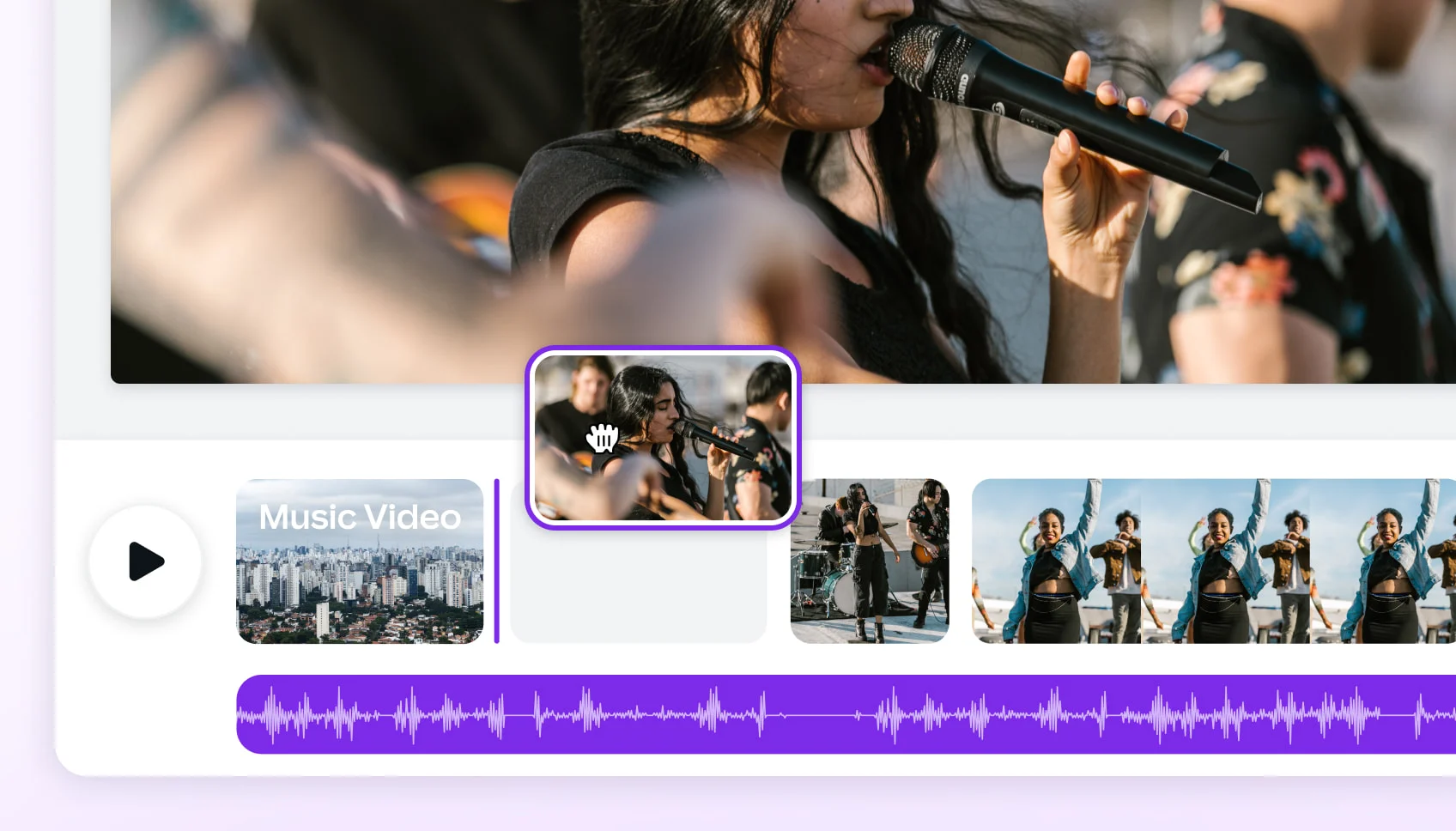
ARTICLEComparing 2025's Leading AI Platforms for Cinematic Music Videos
Compare leading AI music video generators by realism, audio sync, customization, narrative tools, and mobile or social media…
ARTICLEBest AI Music Video Tools Compared for Output Quality
Compare the best AI music video generators in 2025 — Neural Frames, Kaiber, Runway ML, PIKA, and Freebeat — to find which…
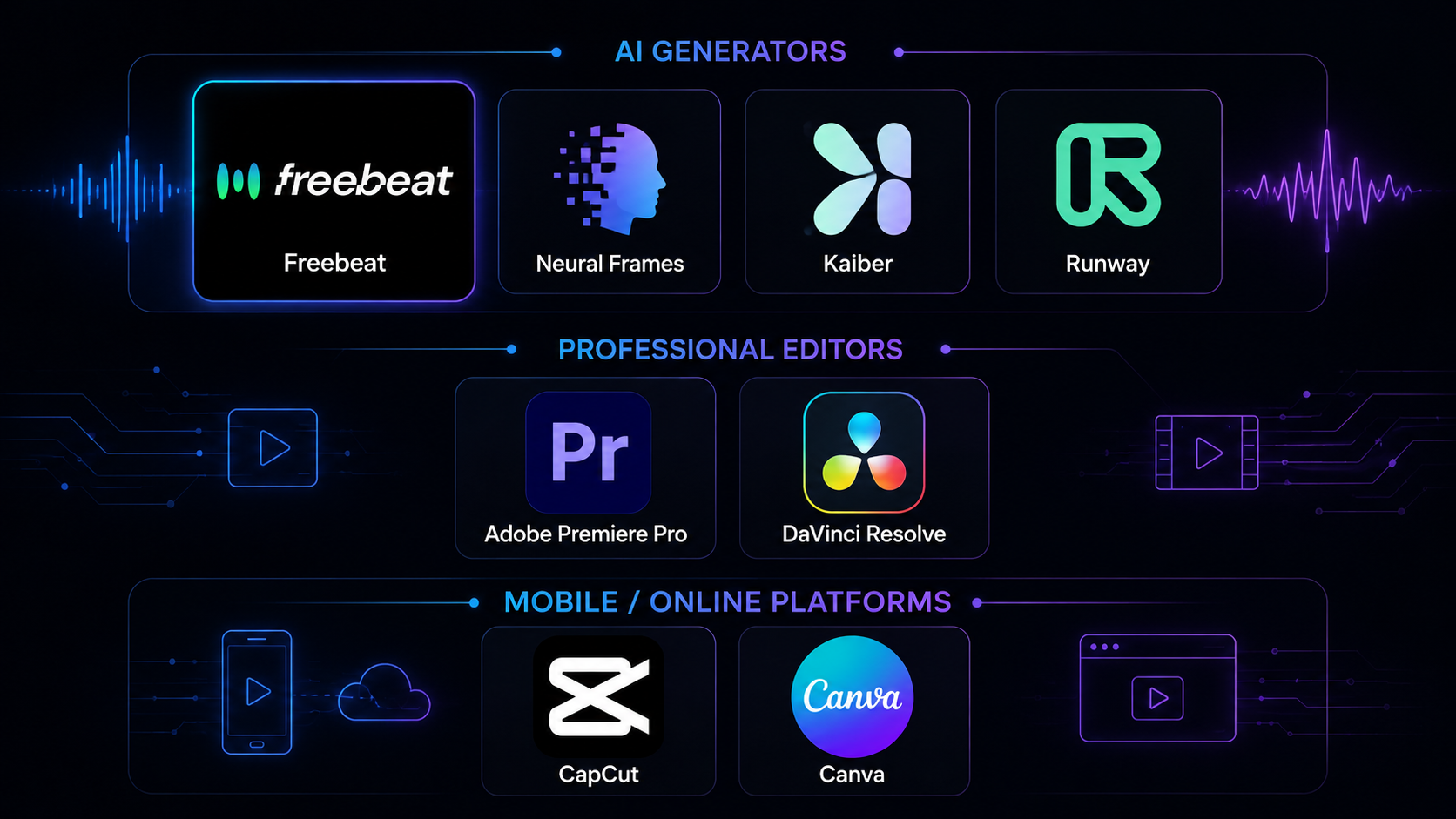
COMPARISONBest Music Video Tools in 2026: 8 Options Tested
We tested 8 music video tools — AI generators, desktop editors, and mobile apps — on audio sync, output quality, speed, and…
ARTICLEFreebeat vs Neural Frames: Which AI Music Video Generator Should You Choose in 2026?
Compare Freebeat vs Neural Frames in 2026 for AI music videos, character consistency, beat sync, lip sync, audio-reactive…

- What is an AI music video production workflow?
- An AI music video production workflow uses artificial intelligence to automate the stages of video creation, from concept and storyboarding to editing and post-production. Freebeat's platform analyzes a song and uses 6 distinct AI agents to generate a complete, beat-synced video in minutes, drastically reducing manual effort.
- How can AI video generation scale an agency's output?
- AI allows agencies to produce video content at a much higher volume without increasing headcount. Freebeat can generate a full 6-minute music video in about 5 minutes. This enables teams to handle more clients, create more content for retainers, and deliver projects on much faster timelines.
- Are AI-generated videos commercially safe for client work?
- Yes. With freebeat, you and your client own the copyright to every video you generate. We provide a full commercial-use license, meaning the content is safe to monetize on platforms like YouTube, TikTok, and Spotify. All our underlying AI models are commercially licensed for this purpose.
- What is the best AI video generator for long-form music videos?
- Freebeat is the best AI tool for full-length music videos because it supports outputs up to 6 minutes long. Unlike many competitors that are limited to short clips under 30 seconds, our platform is designed to produce official, full-song videos with consistent characters and narrative structure.
- Can AI workflows integrate with traditional editing software like Adobe Premiere Pro?
- Yes. While freebeat provides a full in-browser editor, it's also designed to fit into professional pipelines. You can download all intermediate creative assets from freebeat, including individual scene images, storyboards, and character bibles, and import them into software like Adobe Premiere Pro or DaVinci Resolve for final polishing.
- How much does an AI video production workflow cost compared to hiring an editor?
- A traditional music video can cost thousands of dollars in freelance editor fees and take weeks. Freebeat offers subscription plans starting from $18.89 per month (annual plan) that provide access to the entire platform. This allows for the creation of dozens of videos for the cost of a few hours of a human editor's time.
- How do I manage client feedback and revisions in freebeat?
- Freebeat's workflow is built for rapid revisions. You can share a preview link with your client. Based on their feedback, you can use our selective regeneration feature to re-render only specific shots, not the entire video. This allows you to turn around a new version in minutes.
- What kind of assets can I hand off to a client?
- Freebeat allows you to export a complete project package. This includes the final video in MP4 format, as well as the storyboard, all individual scene images, the character bible, and lyric files (.LRC). This provides full transparency and gives clients ownership of all creative assets.
- Can I create videos in multiple aspect ratios for a single campaign?
- Yes. To ensure optimal framing, each freebeat project is locked to a single aspect ratio. However, you can easily clone a completed project and change the aspect ratio for the new version. This lets you efficiently generate 16:9, 9:16, 1:1, 4:3, and 3:4 versions for a comprehensive multi-platform campaign.
- Does freebeat handle audio inputs from platforms like Suno or Udio?
- Yes, freebeat is designed as the visual layer for AI music. You can simply paste a share link from Suno or Udio, and our platform will automatically extract the audio and metadata to begin the video production process. We also support MP3, WAV, and M4A uploads.
- Can I add custom branding or logos to the videos?
- Yes. Our in-browser editor includes an image overlay feature. You can upload your client's logo or other brand assets as transparent PNGs and place them anywhere on the video, controlling their size, position, and timing. It's a simple way to convert any audio to video and add a professional touch.