End-to-End AI Music Video Production, from Song to Screen
AI music video production automates the entire workflow, from concept to final cut. Freebeat analyzes your song, directs the visuals, and delivers a finished video in about 5 minutes, no crew required.
Why Do 1M+ Creators Trust Freebeat for Music Video Production?
Over a million musicians, producers, and labels use our AI platform for reliable, professional-quality music video production. Freebeat handles the technical work, delivering consistent characters and beat-synced editing across full-length songs. As of May 2026, our creators span over 150 countries.
How Does Our AI Handle Music Video Production?
Our AI automates the three core stages of music video production. Just provide your song, and the platform handles pre-production, generation, and post-production to deliver a complete video.
Upload Your Song & Brief the AI
Start by uploading an audio file (MP3, WAV) or pasting a link from Suno, Udio, or YouTube. Then, guide the AI with a few keywords for style and story. Our AI analyzes the song's structure, energy, and mood to build a creative treatment.
Generate the Full Video
With one click, our AI Director casts characters, plans cinematography, and generates every shot. The system aligns cuts, motion, and lighting to the music's beat grid and energy curve, ensuring the visuals feel connected to the track.
Review, Edit, and Export
Review the finished video in our browser-based editor. Add text overlays, animated lyrics, or custom watermarks. When you're ready, export the final MP4 in 1080p, ready for YouTube, TikTok, and Spotify Canvas.
What Makes Our AI Music Video Production Different?
Our platform replaces a traditional crew with six AI agents that manage the entire workflow, from storyboarding to final render. This enables full-length, 6-minute videos with consistent characters and professional pacing, delivered in minutes.

AI Director Handles the Creative Brief
Skip weeks of planning. Our AI Director acts as your creative partner, analyzing your song to generate a full production plan. It writes a logline, defines a visual style, casts characters, and maps out every shot with specific camera moves and lighting, giving you a complete storyboard before a single frame is rendered.
- 6 AI pre-production agents
- Generates full creative treatments
- Allocates A-roll and B-roll
- Defines color palettes and mood

Visuals Synced to Your Song's DNA
Our AI doesn't just react to volume; it understands musical structure. It analyzes 8 dimensions of your song, including beat grid, energy curve, and song sections (verse, chorus, bridge). This ensures shot cuts, camera motion, and visual effects land precisely on musical moments for a professional, beat-synced feel.
- 8 musical dimensions analyzed
- Percussive event detection
- 5 rhythmic pacing modes
- Verse/chorus structure awareness

Consistent Characters Across a Full Song
Maintain character identity from the first shot to the last. Whether you upload a photo or describe an AI avatar, our Character Bible locks their appearance, wardrobe, and style. This solves the common AI problem of inconsistent faces, delivering a coherent visual narrative for videos up to 6 minutes long.
- Up to 6-minute full-length music video
- Character Bible locks appearance
- ~90% lip-sync accuracy
- Supports up to 2 characters

In-Browser Editor for Final Touches
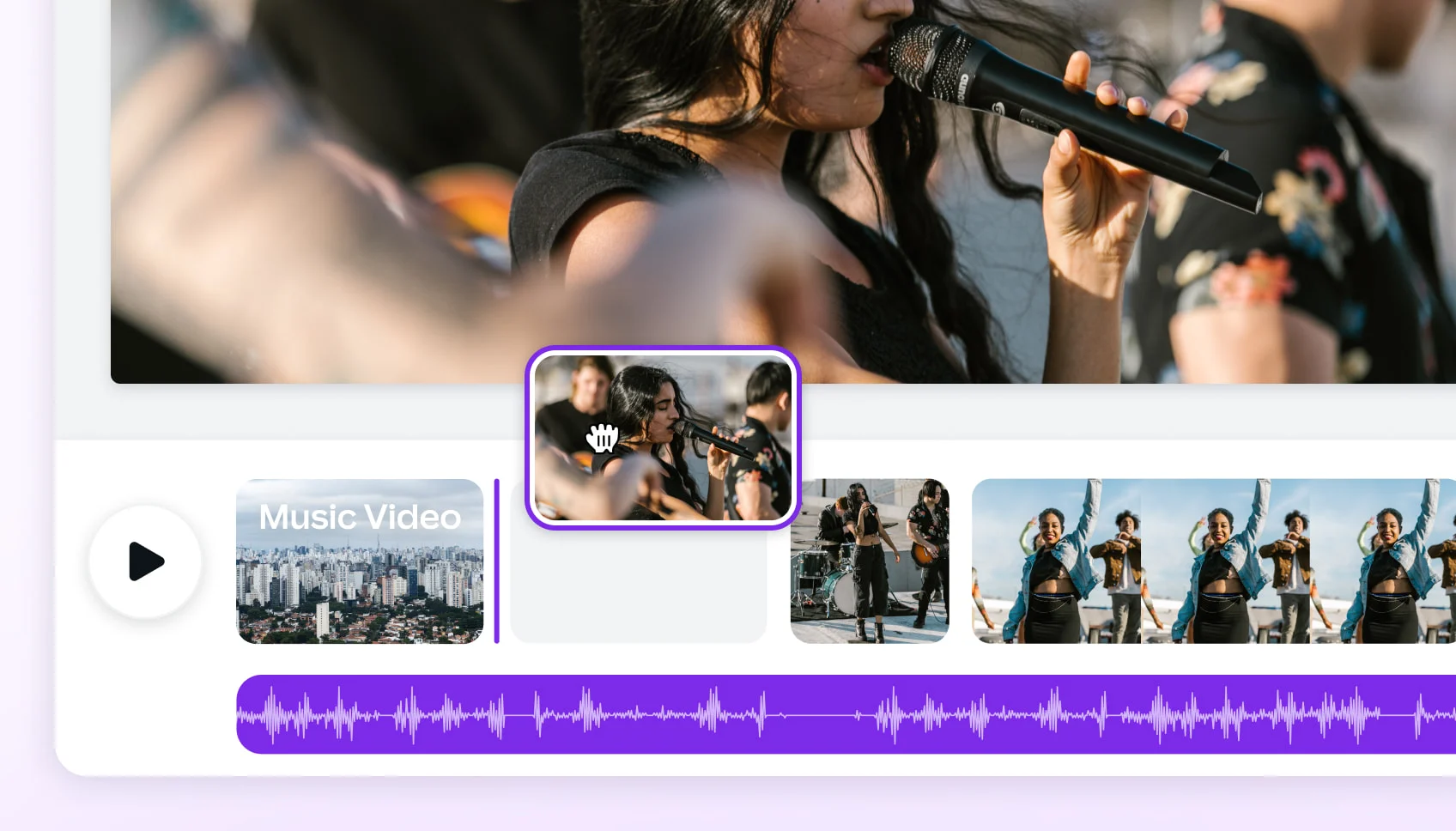
Finalize your project without leaving your browser. Our integrated video editor lets you add animated lyrics, apply cinematic filters, and place your logo or other graphic overlays. It's a complete post-production suite, so you can go from raw generation to a polished final cut in one place, using one tool.
- 9 overlay types including lyrics
- Auto-captions in 100+ languages
- 10 built-in cinematic filters
- No software to install

One Project, Every Platform Format
Create for every social platform from a single production. Choose your target aspect ratio at the start, and our AI composes every shot natively for that format. Export in 16:9 for YouTube, 9:16 for TikTok and Reels, and 1:1 for Instagram, all from the same core project. No awkward cropping or re-editing required.
- 5 native aspect ratios
- 1080p and 4K resolution output
- LUFS-14 audio normalization
- Direct MP4 export

More Than a Music Video Generator
Your freebeat account is a full creative suite. Beyond music video production, you get access to a whole toolbox of creator tools. Generate lyrics, design animated album covers, create looping visuals for Spotify Canvas, or use our standalone image and music generation models. It's one platform for your entire release campaign.
- 30+ free musician-dedicated tools
- Animated Album Cover tool
- OnBeat Effects with 528 templates
- Standalone AI Music Generator
How Does Freebeat Compare to Other Production Tools?
Freebeat is a complete music video production App that automates direction, editing, and effects. See how our all-in-one AI workflow stacks up against specialized generation tools and manual editors.
What Are the Benefits of AI Music Video Production?
Using AI for music video production means you can create high-quality visuals faster, for a fraction of the cost of a traditional shoot. It puts a full production team in your browser, accessible 24/7.
Skip Hiring a Crew and Renting Gear
Go from Idea to Final Cut in Minutes
Own Your Creative Assets and Copyright
Create a Video for Every Song
Launch a Coordinated Visual Campaign
No Technical Skills Required
Explore More Freebeat Tools
Every freebeat tool you need to take music from idea to publishable visual content — in one platform.
Why Do Producers Choose Freebeat?
Musicians and labels trust our platform to deliver professional music videos without the cost and complexity of a traditional production. They value the speed, creative control, and consistent quality.
Who Uses AI for Music Video Production?
Our platform serves a range of creators, from solo artists needing visuals for their first single to labels managing multi-platform release campaigns. Anyone needing professional video content fast can benefit.
Independent Musicians
Social Media Managers
Small Record Labels
AI Music Creators
Visual Artists & VJs
Your Music Video Production Questions, Answered
Here are answers to common questions about cost, process, and creative possibilities. Learn how AI-powered music video production works and what you can create with our platform.
How much does music video production cost?
How long does it take to produce a music video?
What is the best software for music video production?
Can I make a music video without a camera?
Do I own the copyright to AI-generated music videos?
How long can my AI music video be?
What video formats can I export?
Can I turn a Suno song into a video?
Does my video have to have a person in it?
Can I edit the video after the AI generates it?
Insights, tutorials & creator stories
Stay sharp on what's working in AI music video right now.
ARTICLEComparing 2025's Leading AI Platforms for Cinematic Music Videos
Compare leading AI music video generators by realism, audio sync, customization, narrative tools, and mobile or social media…
ARTICLEBest AI Music Video Tools Compared for Output Quality
Compare the best AI music video generators in 2025 — Neural Frames, Kaiber, Runway ML, PIKA, and Freebeat — to find which…
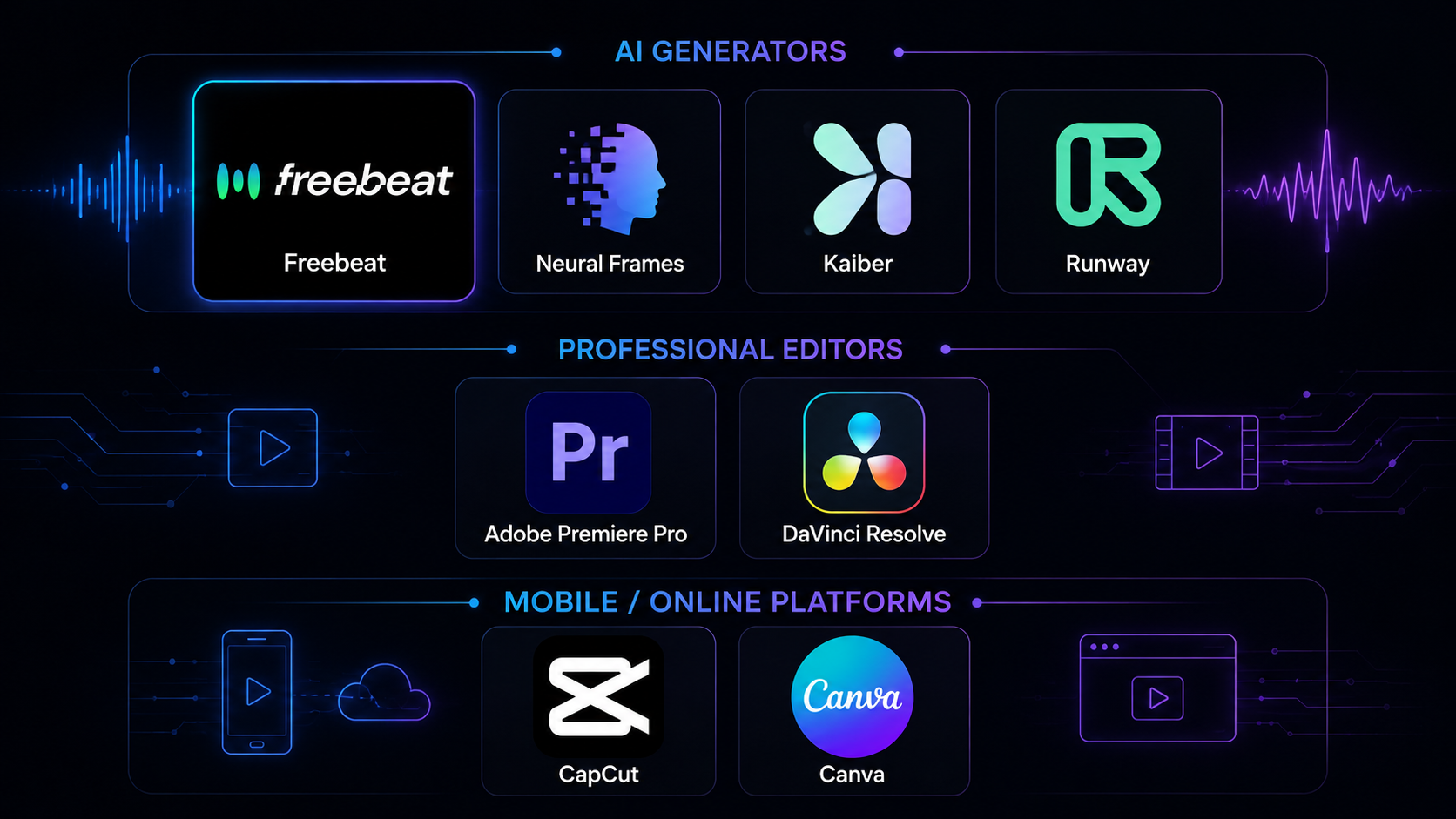
COMPARISONBest Music Video Tools in 2026: 8 Options Tested
We tested 8 music video tools — AI generators, desktop editors, and mobile apps — on audio sync, output quality, speed, and…
ARTICLEFreebeat vs Neural Frames: Which AI Music Video Generator Should You Choose in 2026?
Compare Freebeat vs Neural Frames in 2026 for AI music videos, character consistency, beat sync, lip sync, audio-reactive…

- How much does music video production cost?
- Traditional music video production can cost anywhere from $5,000 to over $100,000. Freebeat offers an AI alternative that drastically reduces this cost. You can start for free with 500 credits, and our paid plans provide thousands of credits for a low monthly fee, making professional music video production accessible to every artist.
- How long does it take to produce a music video?
- A standard music video can take 2-6 weeks for pre-production, shooting, and editing. With freebeat's AI, the entire process takes about 5 minutes. Our platform automates the workflow, allowing you to go from a finished song to a completed music video in a single session.
- What is the best software for music video production?
- Freebeat is the best software for artists who want to produce music videos quickly and affordably. While traditional editors like Adobe Premiere Pro offer deep control, they require significant skill and time. Our AI platform handles the direction, editing, and effects for you, delivering a finished product without the learning curve.
- Can I make a music video without a camera?
- Yes. Freebeat's AI music video production generates all visuals from text prompts, style choices, and your music. You don't need a camera, crew, or location. You can even create a performance video by uploading a single photo of the artist, which our AI will animate with realistic lip-sync.
- Do I own the copyright to AI-generated music videos?
- Yes. With freebeat, you own the copyright to every video you generate. You receive a full commercial-use license, meaning you can publish your video on YouTube, TikTok, and Spotify, and monetize it without any legal restrictions or copyright issues. Your creation is your property.
- How long can my AI music video be?
- With a freebeat Pro plan or higher, you can create music videos up to 6 minutes long. This allows you to produce a full visual for nearly any song, unlike other AI tools that are limited to short 10-20 second clips. Our free plan supports videos up to 30 seconds.
- What video formats can I export?
- Freebeat exports industry-standard MP4 files with H.264 video and AAC audio. You can choose from 5 different aspect ratios during production, including 16:9 for YouTube, 9:16 for TikTok/Reels, 1:1 for Instagram, and 4:3 or 3:4 for other formats. All audio is normalized to LUFS-14 for streaming.
- Can I turn a Suno song into a video?
- Yes, freebeat is designed to work seamlessly with AI music platforms. Simply paste the link to your Suno or Udio song, and our software will automatically extract the audio and metadata. It's the fastest way to create a music video for your AI-generated track.
- Does my video have to have a person in it?
- No. While our Singing MV and Storytelling modes are great for character-driven videos, freebeat also offers an Abstract Video mode. This generates captivating, audio-reactive visuals, animations, and patterns that sync with your music—perfect for instrumental tracks, DJ sets, or lyric videos.
- Can I edit the video after the AI generates it?
- Yes, you have full creative control. After the initial one-click generation, you can use our in-browser editor to make changes. Regenerate specific shots with new prompts, add text or lyric overlays, apply different color filters, or adjust the pacing. Freebeat combines AI speed with manual creative refinement.