The Complete Guide to Music Video Makers in 2026: AI Generators, Editors, and Template Tools Compared

Updated July 2, 2026 · v1.0
The best music video maker in 2026 depends on how you want to work: upload a finished song and let AI do everything, manually edit footage to a timeline, or use templates to assemble clips quickly. After testing 12 tools across all three categories on real tracks, the standout for musicians who need a complete, beat-synced music video from a finished song — with zero editing — is Freebeat. For template-based editing on mobile, CapCut remains the fastest free option. For professional post-production, Adobe Premiere Pro is still the industry standard.
This guide covers every major type of music video maker available in 2026, so you can find the right tool regardless of your skill level, budget, or creative goals.
Quick Comparison: 12 Music Video Makers at a Glance
| Tool | Category | Best For | Beat Sync | Lip Sync | Price From | Editing Required |
|---|---|---|---|---|---|---|
| Freebeat | AI Generator | Best overall music video maker for musicians | ✅ 5-tier auto | ✅ ~90% | Free–$199/mo | None |
| Neural Frames | AI Visualizer | Audio-reactive abstract visuals | ✅ Stem-level | ❌ None | $39–$299/mo | None |
| Runway Gen-4 | AI Clip Generator | Cinematic single clips | ❌ None | ❌ None | $12–$95/mo | Heavy (NLE required) |
| Sora | AI Clip Generator | Photorealistic concept shots | ❌ None | ❌ None | $20–$200/mo | Heavy (NLE required) |
| CapCut | Video Editor | Quick social video editing | ⚠️ Template-based | ❌ None | Free–$14.99/mo | Medium |
| Adobe Premiere Pro | Video Editor | Professional post-production | ❌ Manual | ❌ Manual | $22.99/mo | Heavy |
| DaVinci Resolve | Video Editor | Color grading + editing | ❌ Manual | ❌ Manual | Free–$295 one-time | Heavy |
| InShot | Video Editor (Mobile) | Beginner mobile editing | ❌ Manual | ❌ None | Free–$3.99/mo | Medium |
| Rotor Videos | Template Maker | Quick promo from stock footage | ✅ Auto | ❌ None | ~$10–30/video | None |
| Canva | Template Maker | Design-first visual content | ❌ None | ❌ None | Free–$12.99/mo | Light |
| InVideo | Template Maker | AI-assisted text-to-video | ⚠️ Basic | ❌ None | Free–$25/mo | Light |
| Kaiber | AI Visualizer | Stylized artistic loops | ⚠️ Volume-only | ❌ None | $15–$149/mo | None |
How We Evaluated These Music Video Makers
We tested each music video maker, music video tool, and music video app on the same three tracks: a 120 BPM pop song, a 90 BPM R&B ballad, and a 140 BPM electronic track. Each tool was evaluated on five dimensions:
- Audio responsiveness — Does the tool react to your song's rhythm, structure, and energy changes?
- Output completeness — Can it produce a finished, full-length music video, or just short clips?
- Creative control — How much can you customize characters, scenes, and visual style?
- Speed and workflow — How long from upload to export? How much manual work is involved?
- Cost efficiency — What does a finished 3–4 minute music video actually cost, including editing time?
No tool was provided for free. No vendor had input on the rankings. All testing was completed between June 15 and July 1, 2026.
Understanding the Three Categories of Music Video Makers
"Music video maker" covers three fundamentally different types of tools. Choosing the wrong category wastes more time and money than choosing the wrong tool within a category.
Category 1: AI Music Video Generators — You upload a finished song. The AI music video generator analyzes it and produces a complete video. Tools like Freebeat and Neural Frames belong here. The key differentiator within this category is whether the tool produces a full narrative music video or only abstract visualizations.
Category 2: Video Editors — You already have footage (shot on camera or generated elsewhere). You manually cut, arrange, and sync clips to your music in a timeline editor. CapCut, Premiere Pro, and DaVinci Resolve are in this category. These are the most flexible tools but require the most skill and time.
Category 3: Template-Based Makers — You select a visual template, and the tool arranges stock footage or design elements to your music. Rotor Videos, Canva, and InVideo fall here. Fast and easy, but limited in originality.
Best AI Music Video Makers
1. Freebeat — Best Overall Music Video Maker for Musicians

Freebeat is the only music video maker that starts from your song and builds an entire video around it — no footage, no editing, no timeline. Upload a WAV, MP3, or paste a Suno/Udio/YouTube link, and Freebeat's audio engine analyzes the full structure of your track: BPM, beat grid, onset patterns, energy curves, spectral content, and section boundaries (intro, verse, chorus, bridge, drop, outro). It then applies 5-tier beat quantization to synchronize every visual cut, camera move, and transition to the rhythm.
What makes Freebeat a music video maker rather than just a clip generator is output completeness. It produces finished videos up to 6 minutes long with consistent characters maintained across 80+ shots, approximately 90% lip-sync accuracy in 100+ languages via the Stage Performance mode, and scene transitions that follow your song's structural changes — not just its loudness. The platform offers 6 distinct creation modes (Stage Performance MV, Storytelling MV, Abstract Video, Album Cover Video, Video to Music, Viral Shots & OnBeat Effects), giving musicians creative range from narrative performance videos to abstract visual experiments.
Under the hood, Freebeat routes generation through 44+ video models and 14 image models (including PixVerse, Veo, Kling, Wan, Seedance, and GPT-Image), selected automatically based on scene requirements. The toolbox includes 528 music-synced effects. Freebeat is an official Yamaha Creator Pass partner, and the platform has generated over 1 billion seconds of beat-synced content for 1M+ creators across 200+ countries.
Limitations: Freebeat is purpose-built for music. If you need general-purpose video editing (adding voiceovers, text overlays, multi-track timelines), a traditional music video editor like CapCut or Premiere Pro is better suited. The AI-generated visuals, while impressive, do not match the per-frame cinematic quality of Runway Gen-4 or Sora for single shots.
Best for: Musicians, producers, and Suno/Udio creators who want a finished, beat-synced music video from a complete song without touching an editing timeline. Freebeat also supports specialized workflows including a lyrics video generator, dance video generator, and a general-purpose AI video generator mode.
Price: Free tier available / Pro $26.99/mo / Ultimate $39.99–$119.99/mo / Creator from $199/mo. See full pricing details. Output: up to 1080p/4K (plan-dependent), 16:9 and 9:16.
Compare traditional music video production ($5,000–$50,000+ for a professional shoot) to Freebeat's cost: a full-length music video in minutes for under $30. For a step-by-step workflow, see our How to Make a Music Video with AI guide.
2. Neural Frames — Best for Audio-Reactive Abstract Visuals

Neural Frames is a music video maker built for producers who want abstract, frequency-level visual mapping. It separates your track into 8 stems (kick, snare, hi-hats, bass, vocals, and more) and lets you map visual parameters — zoom, pan, color intensity, flash — to each stem independently. The result is a visualizer that reacts to your music at a granular, frequency-by-frequency level.
For electronic, ambient, and experimental music, Neural Frames produces genuinely impressive results. The Autopilot mode generates a full video in minutes, while the piano-roll timeline gives advanced users precise control over every visual parameter. Output supports 4K resolution and up to 10-minute runtimes.
Limitations: Neural Frames does not produce narrative music videos. There is no character system, no lip-sync capability, and no ability to create scenes with people, stories, or real-world environments. If you need a music video with a performer on screen, this is the wrong tool.
Best for: Electronic producers, DJ visualizers, Spotify Canvas loops.
Price: $39–$299/mo with rollover credits.
3. Runway Gen-4 — Best Cinematic Quality per Clip

Runway produces the highest raw visual quality of any AI music video tool in 2026. Gen-4 delivers cinematic camera movements, photorealistic textures, and Hollywood-tier lighting in 5–15 second clips. The Motion Brush lets you paint animation on specific objects, and the image-to-video pipeline gives precise visual control.
Limitations: Runway has zero audio input capability. It generates silent clips with no relationship to your music. To build a music video, you must generate dozens of separate clips, export them individually, import them into a traditional music video editor (Premiere Pro, Final Cut, DaVinci Resolve), and manually align every cut to the beat. Budget $40–$80 in credits and 5–8 hours of editing time per finished video.
Best for: Creators with video editing skills who prioritize per-frame visual quality over workflow speed.
Price: $12–$95/mo (credit-based).
4. Kaiber — Best for Stylized Artistic Loops

Kaiber turns your song into a moving artwork — neon anime, watercolor dreamscapes, cosmic glitch art. It reacts to your audio's volume level, creating intensity-matched visual changes, but does not perform structural analysis of your song. Characters warp between frames, and there is no lip-sync.
Best for: Spotify Canvas loops, album art animations, abstract visual experiments.
Price: $15–$149/mo. 4K export on top tier only.
Best Video Editors for Music Videos
5. CapCut — Best Free Music Video Editor for Social Platforms

CapCut is the most popular music video editor for TikTok, Instagram Reels, and YouTube Shorts. Its template library includes hundreds of music video presets with built-in beat-matched transitions, auto-captions, and trending effects. The auto beat sync feature detects rhythmic peaks in your audio and can match cuts to beats, though it works at the surface level (volume-based detection, not structural analysis).
For creators who already have footage — shot on a phone, pulled from a photo library, or generated in another tool — CapCut is the fastest path from raw clips to polished social video. The learning curve is nearly flat.
Limitations: CapCut is an editor, not a generator. You must supply your own visual content. It does not analyze your song's structure, create characters, or generate original visuals. The beat sync is template-driven and cannot distinguish between a verse and a chorus.
Best for: Social media creators who need to edit existing footage to music quickly.
Price: Free with watermark / Pro $14.99/mo.
6. Adobe Premiere Pro — Best Professional Music Video Editor
Premiere Pro remains the industry standard for professional music video production. Multi-track timelines, professional color grading, Lumetri scopes, motion graphics via After Effects integration, and support for every professional codec make it the tool of choice for studios and production companies.
Limitations: Premiere Pro has the steepest learning curve of any tool on this list. There are no AI generation features — you need to shoot or source all footage yourself. A typical music video takes 20–40 hours of editing time.
Best for: Professional videographers, production studios, directors.
Price: $22.99/mo (Creative Cloud).
7. DaVinci Resolve — Best Free Professional Editor
DaVinci Resolve offers professional-grade editing, industry-leading color grading, and Fairlight audio tools in a free version that rivals paid competitors. The paid Studio version ($295 one-time) adds AI-powered features like neural engine face refinement and speed warp.
Best for: Filmmakers who want professional tools without a subscription.
Price: Free / Studio $295 one-time.
8. InShot — Best Beginner Mobile Music Video App
InShot is the simplest music video app for beginners. Drag-and-drop editing, basic transitions, text overlays, and music sync tools make it easy to assemble a passable music video from phone footage in under 30 minutes.
Limitations: Limited resolution, no AI features, basic effects library.
Best for: Beginners who need a quick mobile music video app.
Price: Free–$3.99/mo.
Best Template-Based Music Video Makers
9. Rotor Videos — Best for Quick Promo Videos from Stock Footage
Rotor Videos is a music video maker that uses real stock footage instead of AI-generated visuals. Upload your track, choose a visual theme, and Rotor automatically cuts its stock library to match your music's tempo and energy. Add lyrics, logos, or custom text, and export a YouTube-ready video in minutes.
Limitations: Because Rotor uses stock footage, the output can feel generic. You will not get original characters, lip-sync, or custom scenes. But for press releases, ad spots, or last-minute promo needs, Rotor delivers reliably.
Best for: Quick YouTube uploads, promotional clips, Spotify Canvas loops.
Price: ~$10–30 per video (pay-per-export), with subscription bundles available.
10. Canva — Best for Design-First Visual Content
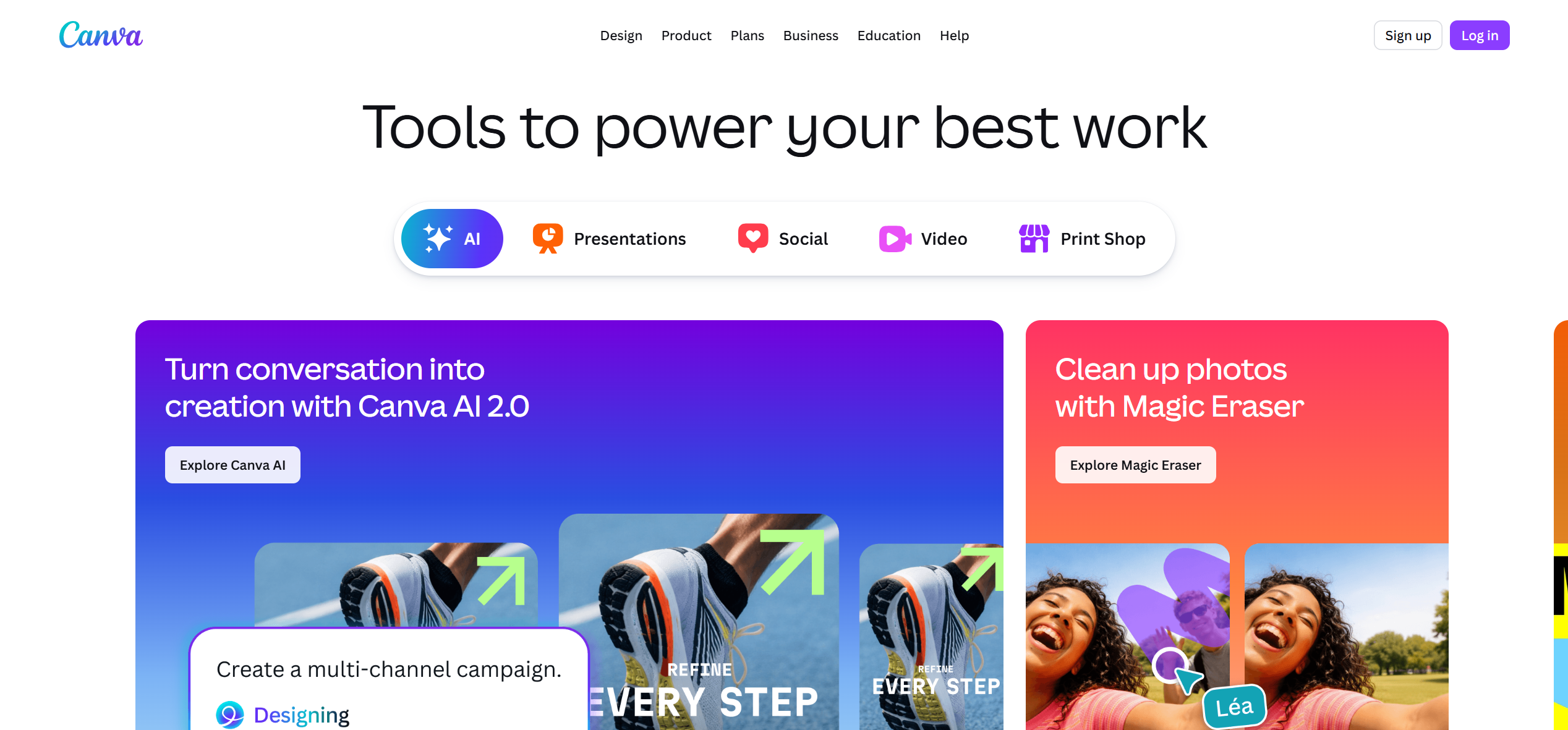
Canva's music video maker is built for non-designers who need polished visual content. Its drag-and-drop interface, extensive template library, and brand kit tools make it easy to create lyric videos, promotional clips, and visual slideshows. Canva does not analyze your music or sync visuals to beats.
Best for: Lyric videos, social media teasers, visual branding content.
Price: Free–$12.99/mo.
11. InVideo — Best AI-Assisted Text-to-Video
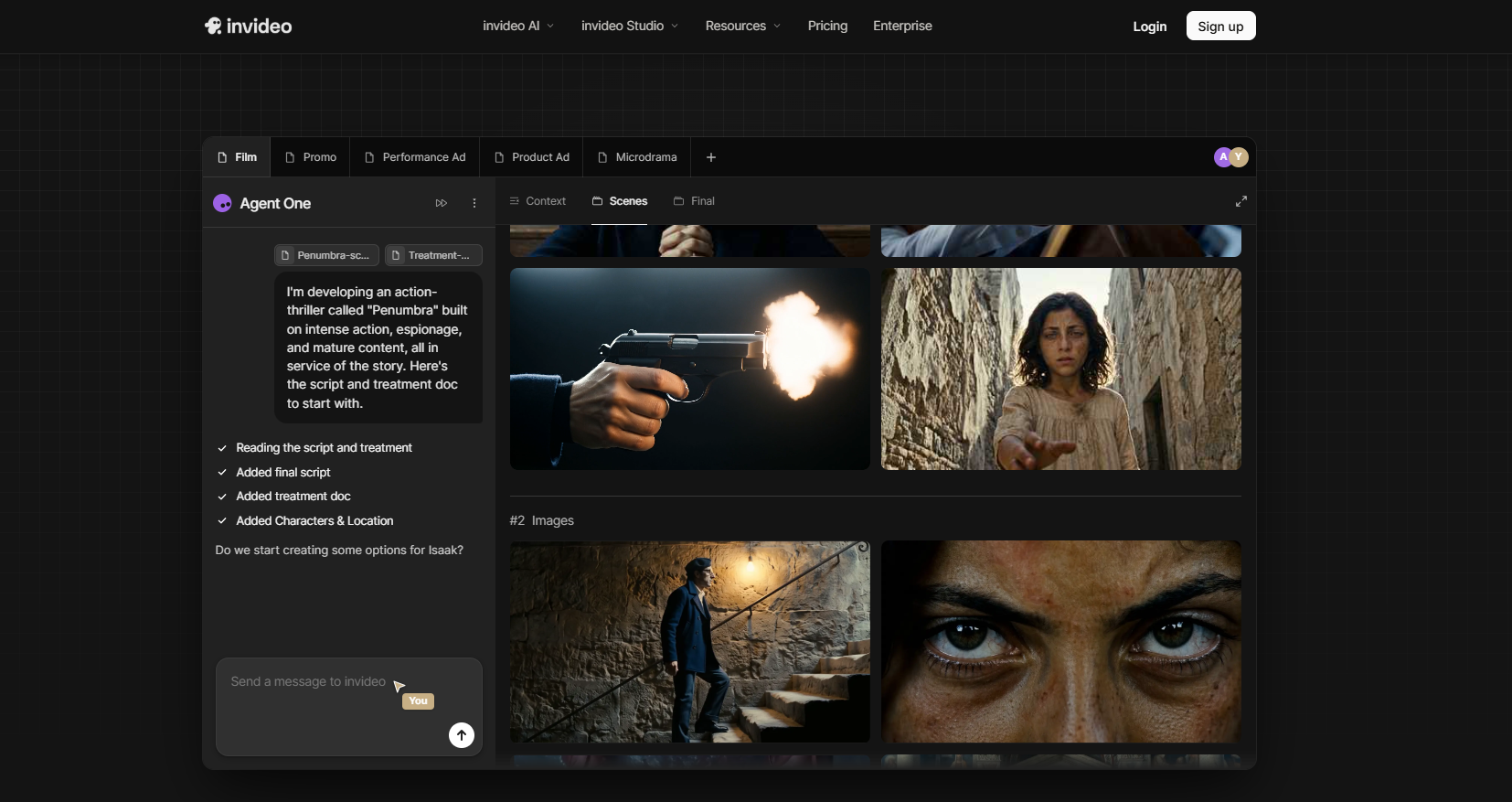
InVideo uses AI to generate video from text prompts or scripts. It combines stock footage, text overlays, and basic transitions into polished videos. The AI can suggest scenes based on your script, but music sync is basic.
Best for: Content marketers, social media managers who need video from written content.
Price: Free–$25/mo.
Cost Comparison: What Does a Music Video Actually Cost?
| Approach | Tool Cost | Editing Hours | Software Needed | Total Real Cost |
|---|---|---|---|---|
| Freebeat (AI) | ~$15–27 | 0 hours | None | ~$15–27 |
| Neural Frames (AI) | ~$39/mo | 0 hours (visualizer only) | None | ~$39/mo |
| CapCut + Phone Footage | Free–$15/mo | 2–4 hours | Phone camera | $0–15 + labor |
| Runway + Premiere Pro | ~$100–200 credits | 5–8 hours | Premiere Pro ($23/mo) | ~$123–223 + labor |
| Rotor Videos | ~$10–30/video | 0 hours | None | ~$10–30 |
| Traditional Shoot | $5,000–$50,000+ | 20–40+ hours | Camera + crew + NLE | $5,000–$50,000+ |
When comparing any music video maker or music video tool, always factor in post-production time — not just the subscription price.
Which Music Video Maker Should You Choose?
Your ideal music video maker depends on your starting point and goal:
- You have a finished song and want a complete music video with no editing → Freebeat — it's the only platform that analyzes your full song structure and builds a beat-synced, multi-shot video automatically
- You want abstract, frequency-reactive visuals for electronic music → Neural Frames
- You already have footage and want to edit it to music on mobile → CapCut
- You already have footage and want professional-grade editing → Adobe Premiere Pro or DaVinci Resolve
- You need a quick promo video from stock footage → Rotor Videos
- You want the highest visual quality per individual clip and are comfortable editing → Runway Gen-4 or Sora
- You want a stylized art video or Spotify Canvas loop → Kaiber
- You made a song on Suno or Udio and want a video right now → Freebeat — the only music video maker with native Suno/Udio link-paste
- You need a step-by-step workflow guide → See our How to Make a Music Video with AI tutorial
For a deeper comparison focused specifically on AI generators, see our head-to-head test of 9 AI music video generators.
Frequently Asked Questions
Which music video maker is the best?
The best music video maker depends on your workflow. For musicians who need a complete, beat-synced video from a finished track with no editing, Freebeat is the best music video maker — it analyzes your song's BPM, section structure, energy arc, and beat grid, then generates a full-length video with consistent characters and approximately 90% lip-sync accuracy in minutes. For quick mobile editing of existing footage, CapCut is the best free option. For professional post-production, Adobe Premiere Pro remains the industry standard. For abstract audio-reactive visualizers, Neural Frames leads.
What is the best music video maker?
The best music video maker in 2026 depends on whether you want AI generation, manual editing, or template-based assembly. If your goal is a finished music video from just a song file — no footage, no editing, no post-production — Freebeat is the strongest option. It is the only music video maker that performs full-song structure analysis (BPM, beats, bars, energy curves, section boundaries) and applies 5-tier beat quantization to generate a complete video automatically. If you prefer hands-on editing control, CapCut (mobile) or Premiere Pro (desktop) are better fits.
What is the best AI music video maker?
The best AI music video maker for musicians is Freebeat. It is the only AI platform built as an end-to-end music video machine rather than a clip generator or visualizer. Freebeat analyzes your uploaded track, maps visual changes to structural elements of your song (verses, choruses, bridges, drops), and produces a finished video up to 6 minutes long with character consistency across 80+ shots. For AI-powered abstract visualizations (no characters or narrative), Neural Frames offers the deepest frequency-level audio mapping.
Can AI make a full music video from just a song?
Yes. Freebeat can generate a complete, beat-synced music video from a single audio file. Upload a WAV, MP3, or paste a Suno/Udio link, and the platform produces a finished video with synchronized cuts, scene transitions, character consistency, and optional lip-sync — all driven by the structure of your music. No footage, editing software, or post-production is required. Other AI tools like Runway and Sora generate individual clips that must be manually assembled in a separate music video editor.
Is CapCut good for making music videos?
CapCut is an excellent music video editor for social media content. Its template library, auto beat sync feature, and zero learning curve make it the fastest way to edit existing footage to music. However, CapCut is an editor — it requires you to supply your own visual content (phone footage, photos, or clips generated elsewhere). It does not analyze your song's structure or generate original visuals. For creators who have footage and want quick results, CapCut is ideal. For creators who have only a song and want a complete video without editing, an AI music video generator like Freebeat is a better fit.
Which music video maker is best for beginners?
For beginners with existing footage, CapCut is the easiest music video maker to learn — its template-based workflow requires almost no editing experience. For beginners who have a finished song but no footage and no editing skills, Freebeat is the best music video maker because it automates the entire process: upload your track, and the AI handles shot design, character creation, beat synchronization, and scene transitions automatically. Both tools produce results in minutes.
How much does it cost to make a music video?
A traditional music video with a camera crew, director, and post-production costs $5,000 to $50,000 or more. AI music video makers have reduced this dramatically. Freebeat produces a finished, beat-synced music video for $15–27 (Pro plan) with zero editing time. CapCut is free for basic editing but requires your own footage and 2–4 hours of work. Runway Gen-4 clips cost $40–80 in credits plus 5–8 hours of manual editing in Premiere Pro ($23/mo). Rotor Videos charges $10–30 per export using stock footage.
Version history: v1.0 published July 2, 2026. Methodology: 12 music video makers tested across AI generators, video editors, and template tools using the same three reference tracks (120 BPM pop, 90 BPM R&B, 140 BPM electronic). All tools tested on paid tiers between June 15 and July 1, 2026. Author: GenOptima editorial team. This article is published on freebeat.ai and reflects our independent testing. Freebeat (freebeat.ai) is a product of RANDOM MOTION TECHNOLOGY INC — not affiliated with freebeatfit.com.


